log in with username

Welcome/login landing screen for a health insurance and health management app, featuring branding, a brief value proposition about managing health and coverage, and a primary call-to-action button to log in with a username.
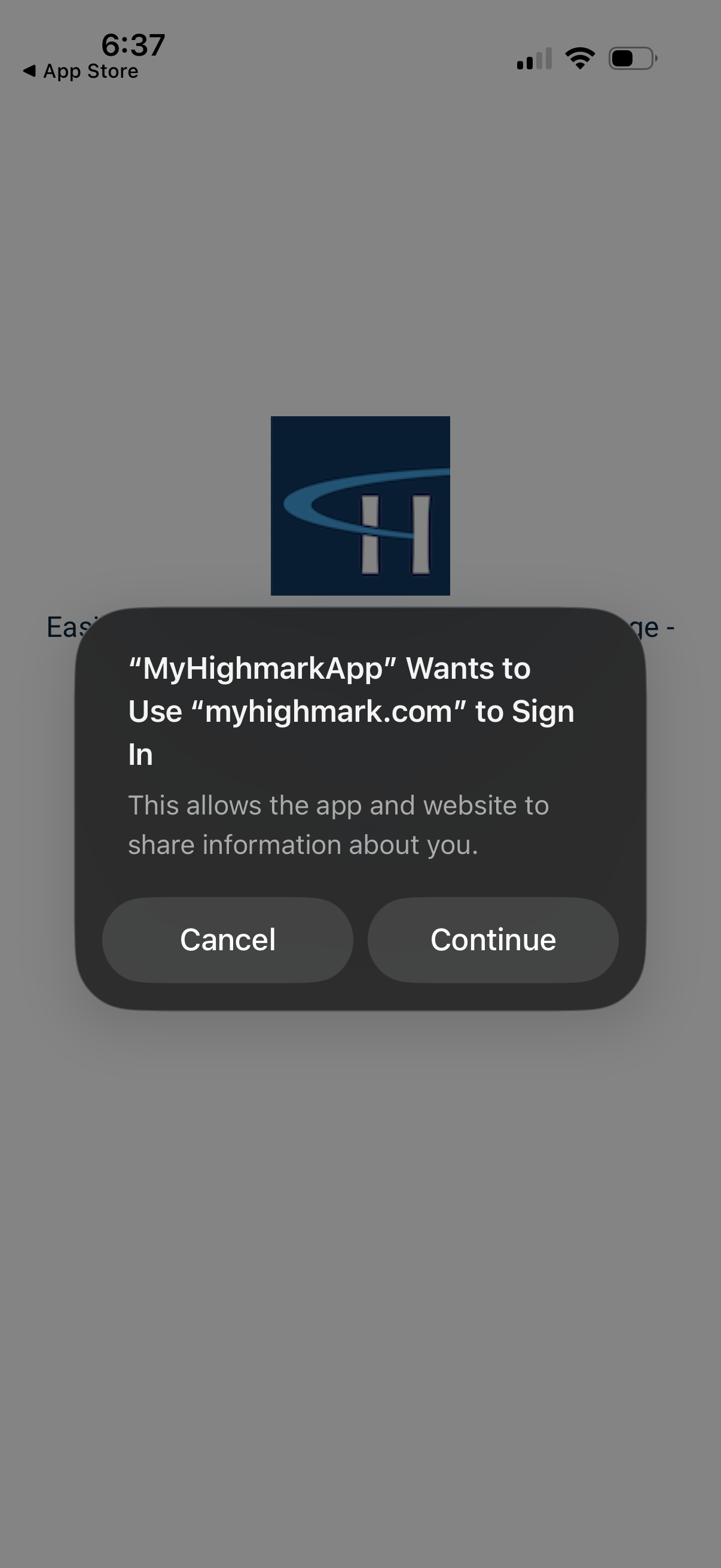
iOS system modal prompting the user to allow an app to use an external website domain for sign-in and data sharing, with primary actions to Cancel or Continue the authentication flow.
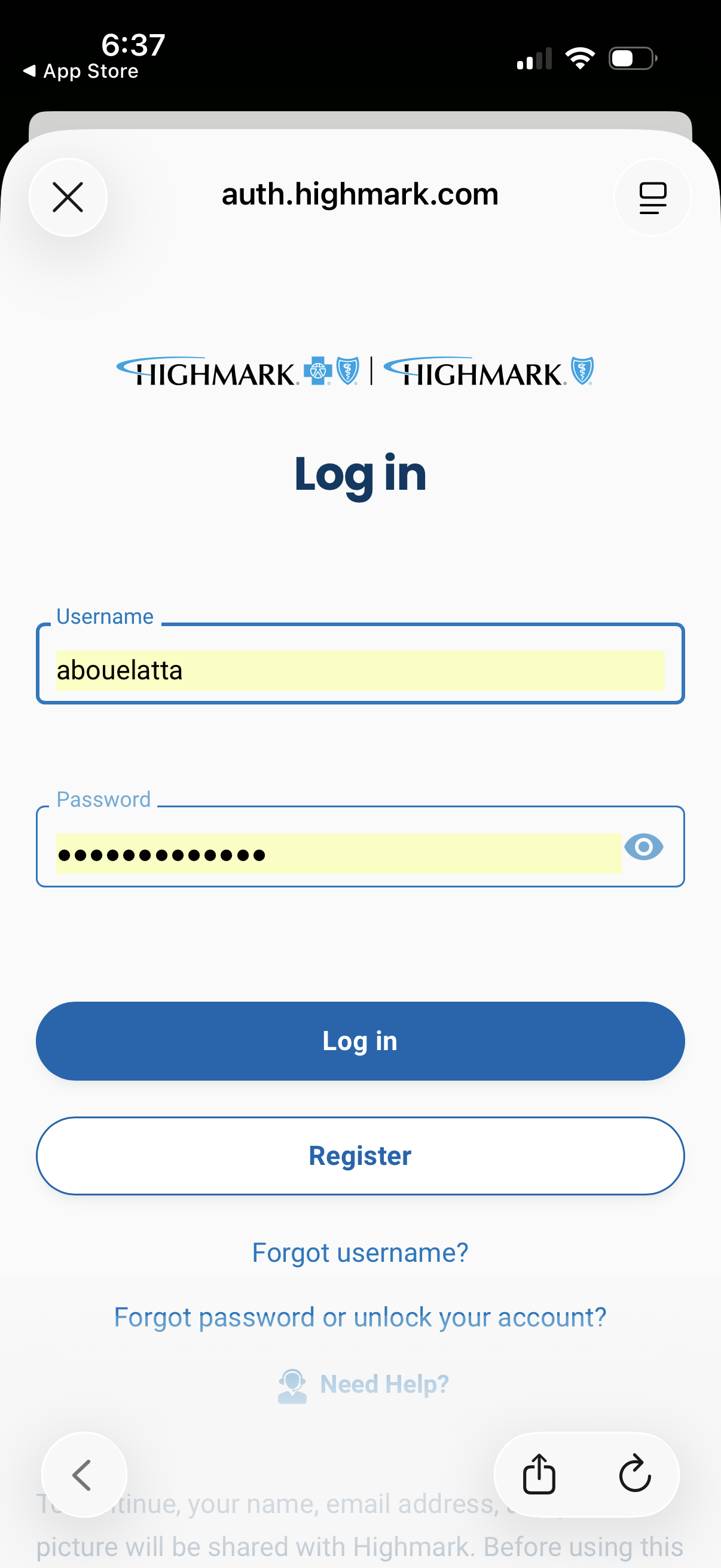
Mobile web login screen for an insurance member portal with username and password fields, including a password visibility toggle. Primary actions are Log in and Register, with links for forgot username, forgot password/unlock account, and help.
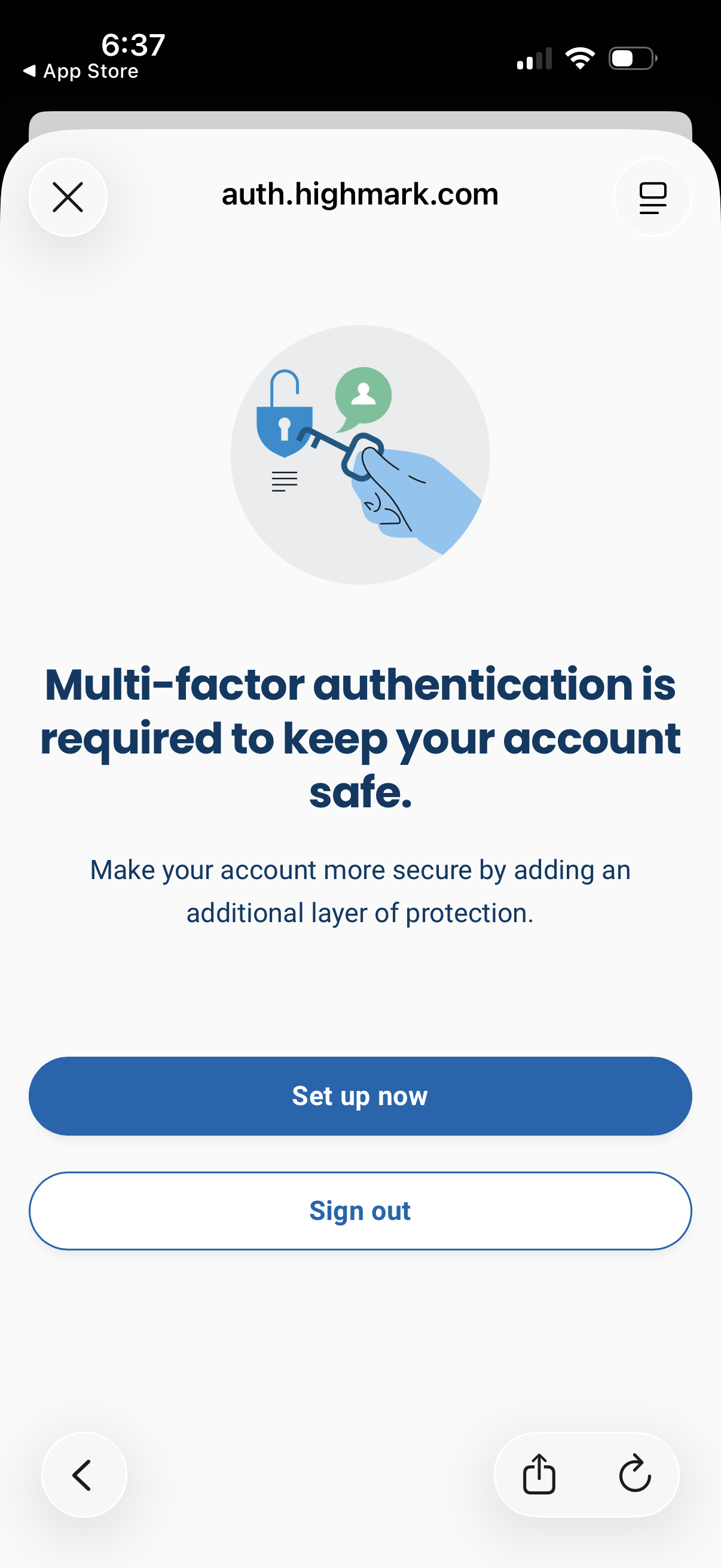
Security prompt screen informing the user that multi-factor authentication is required to keep their account safe, explaining the added protection. Primary actions include a “Set up now” CTA to begin MFA enrollment and a secondary option to sign out, with a close/dismiss control.