Onboarding

Motivational onboarding intro screen highlighting a message about successful people with a grid of inspirational celebrity profile photos. A primary “Continue” button at the bottom advances to the next step.
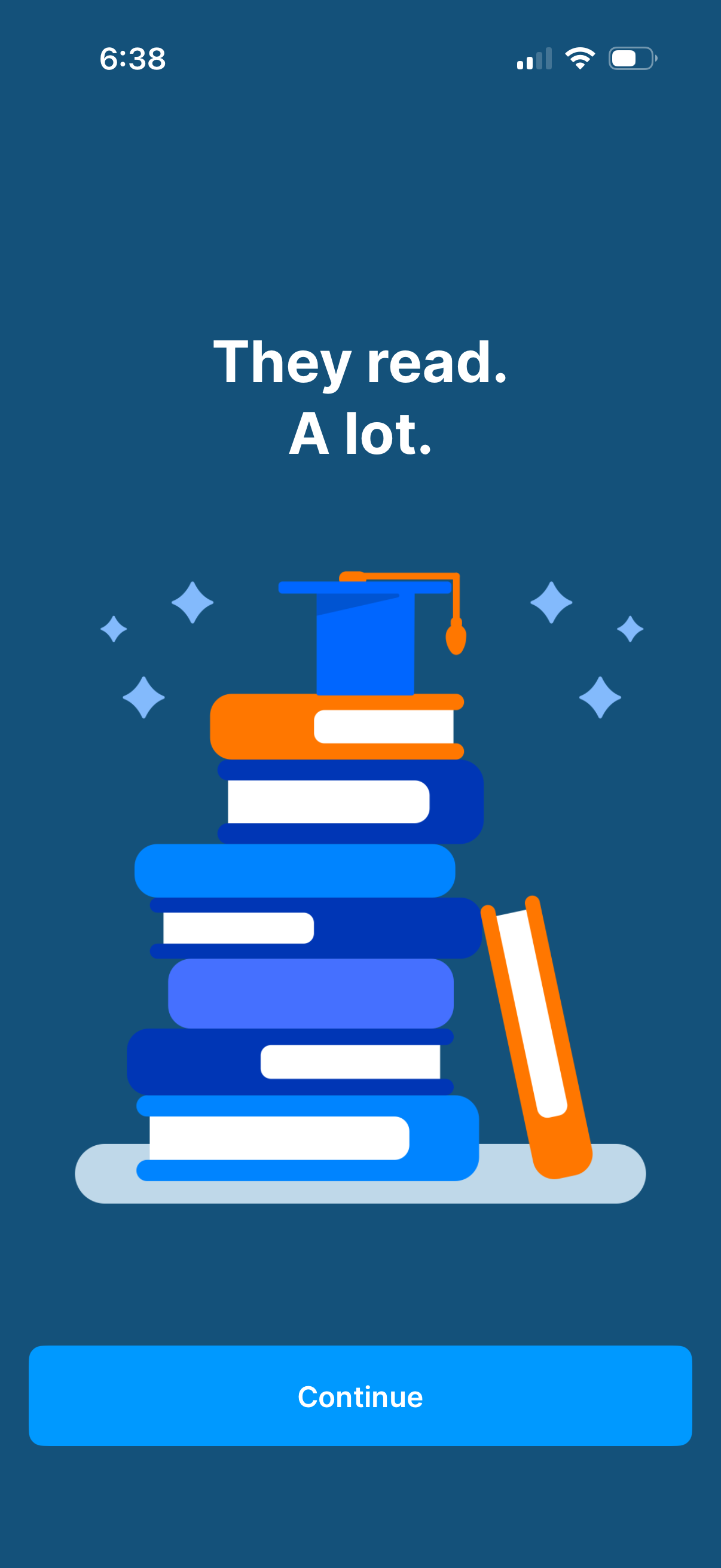
Onboarding or intro splash screen for a reading/education app, featuring a motivational headline (“They read. A lot.
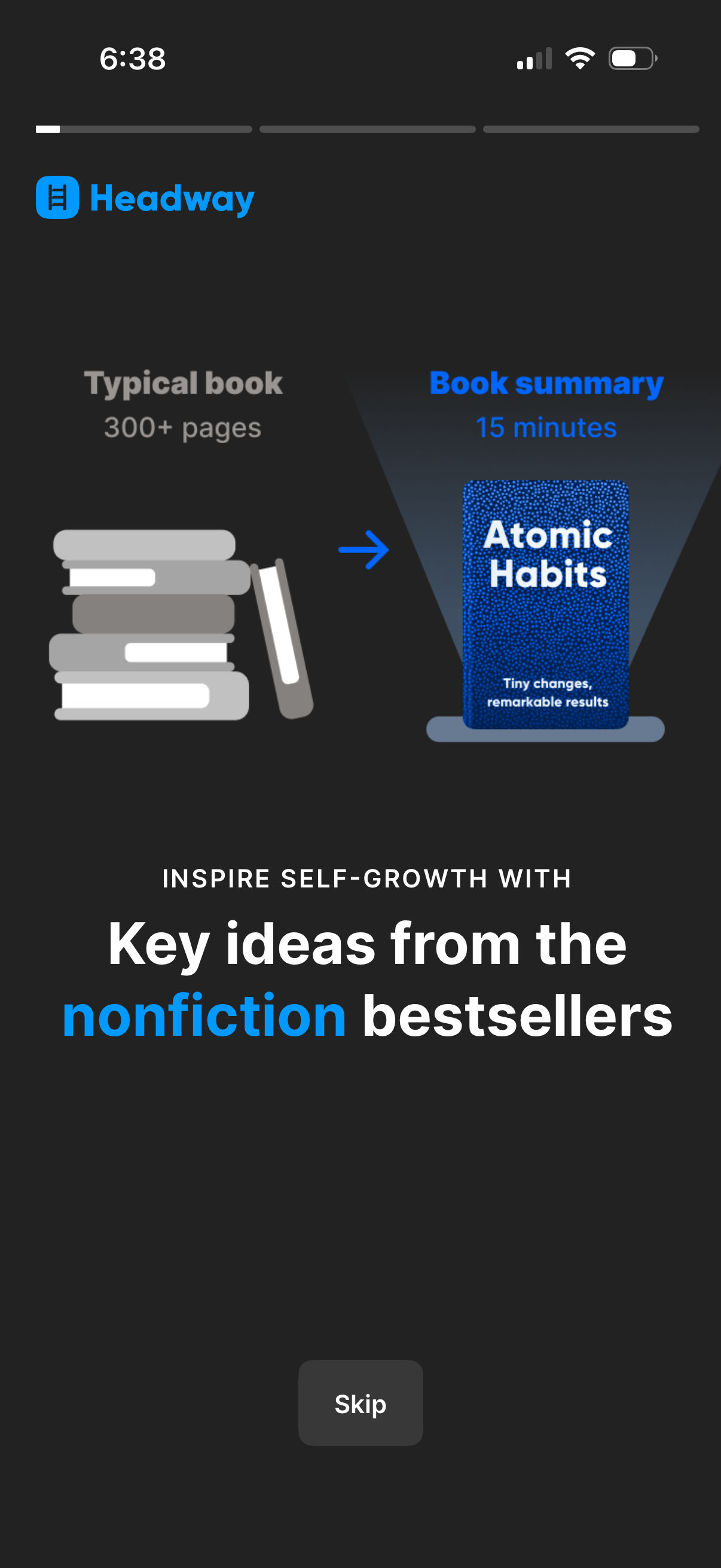
Onboarding intro screen for a book-summary/self-growth app explaining it condenses typical 300+ page nonfiction books into 15‑minute summaries, illustrated with a book cover example. Includes a progress indicator and a “Skip” button to bypass the onboarding.
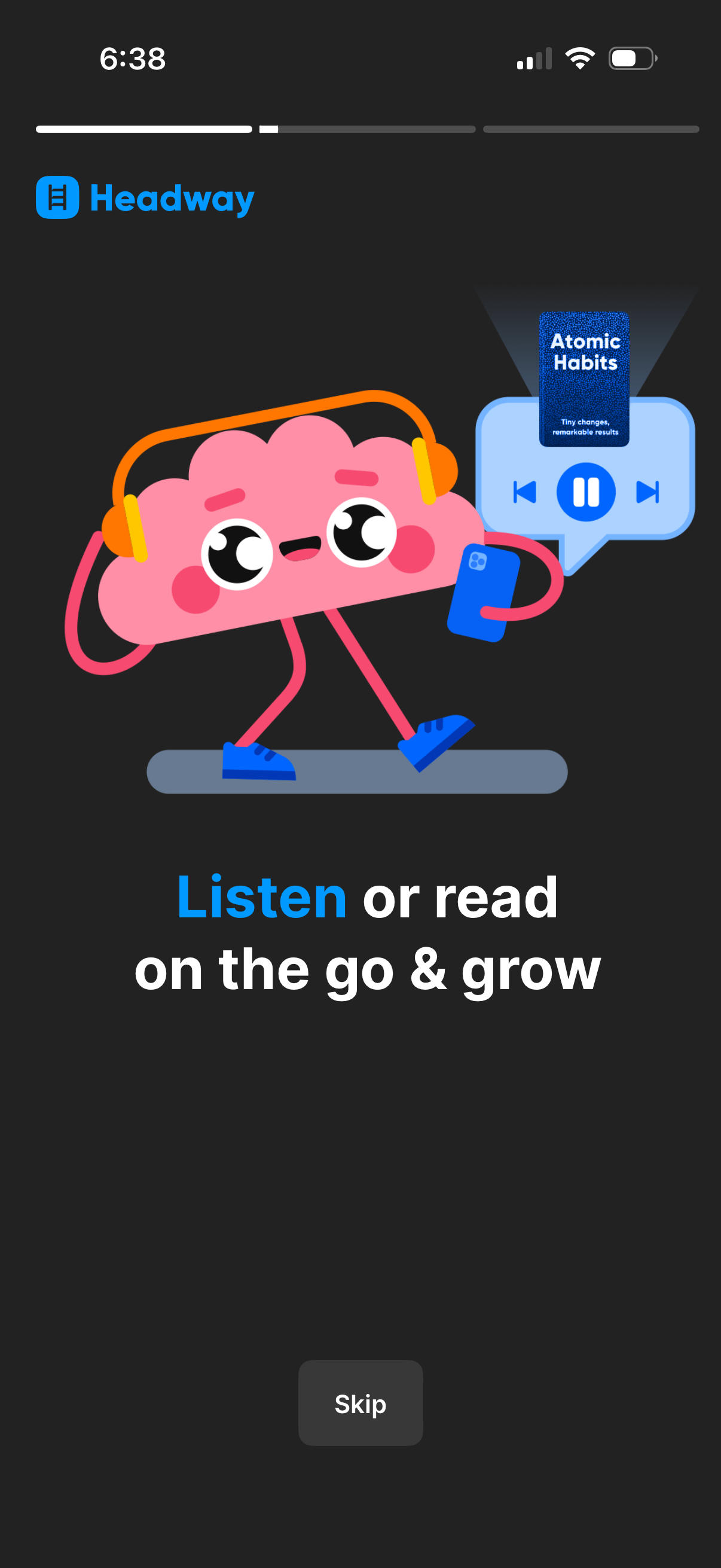
Onboarding/intro screen for a book summary or learning app highlighting the ability to listen or read content on the go, shown with an audio player illustration. Includes a progress indicator at the top and a “Skip” button to bypass the onboarding step.
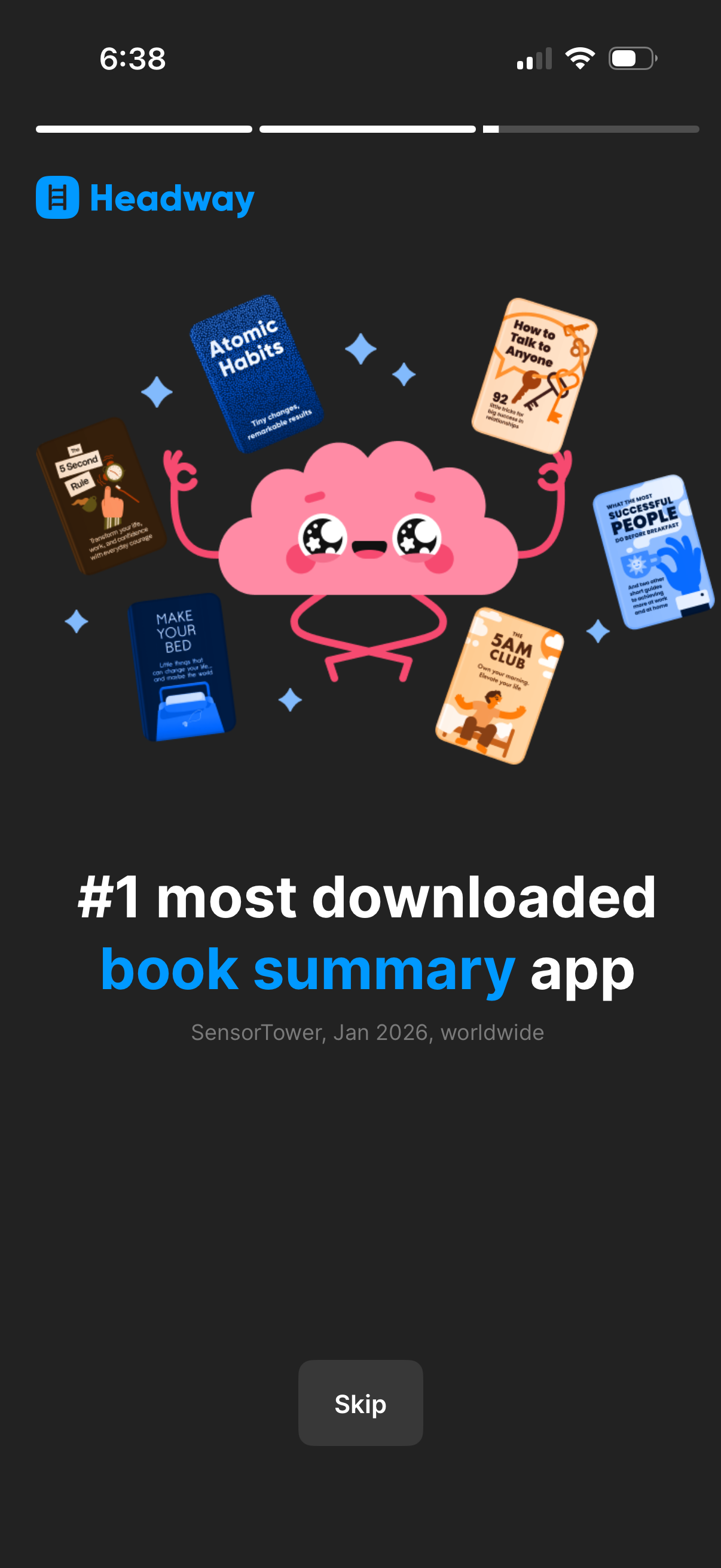
Onboarding marketing slide for a book summary app highlighting credibility (“#1 most downloaded book summary app”) with playful illustrations of popular book covers. Includes a progress indicator at the top and a “Skip” button to bypass the intro and continue setup.
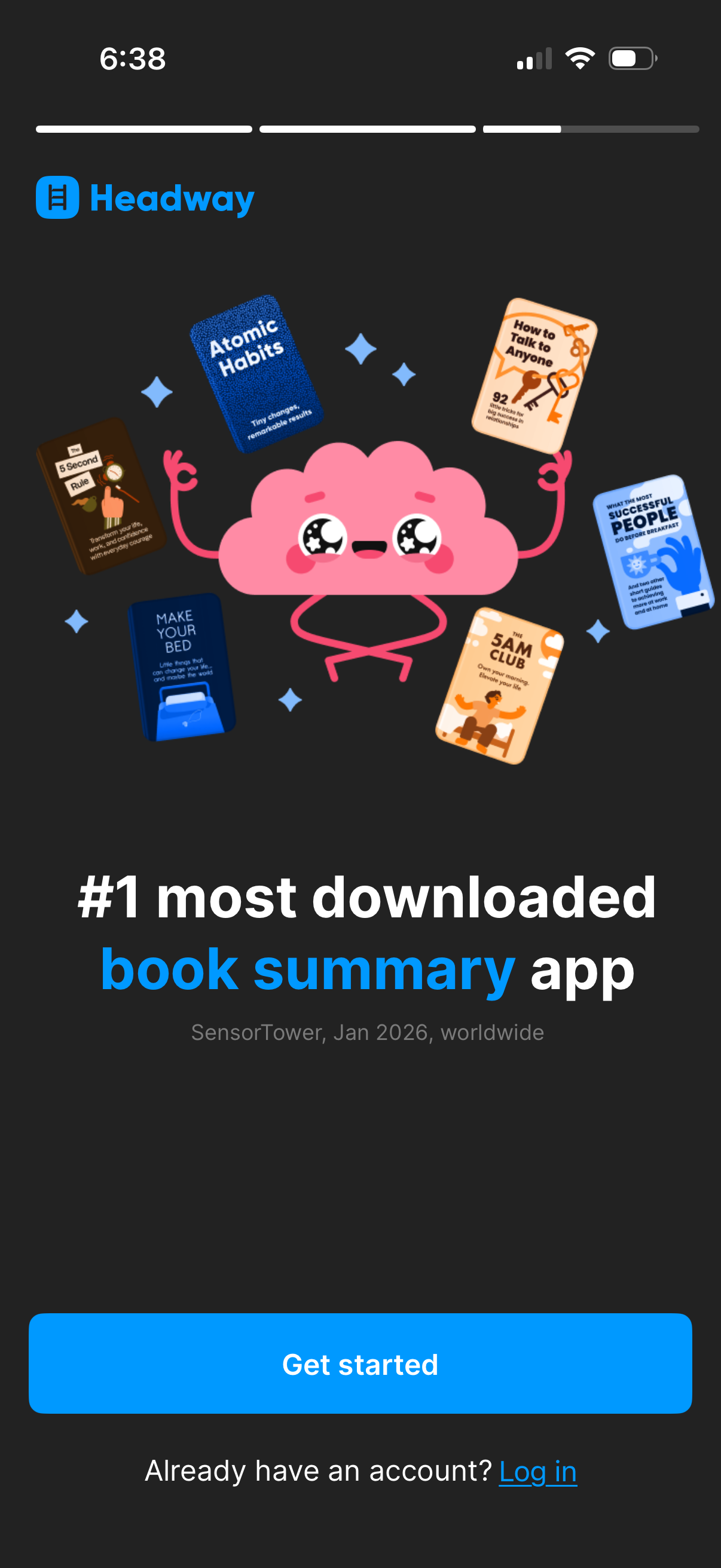
Onboarding welcome screen for a book summary app highlighting its popularity with an illustration and tagline. Primary CTA is a large “Get started” button with a secondary “Log in” link for existing users.
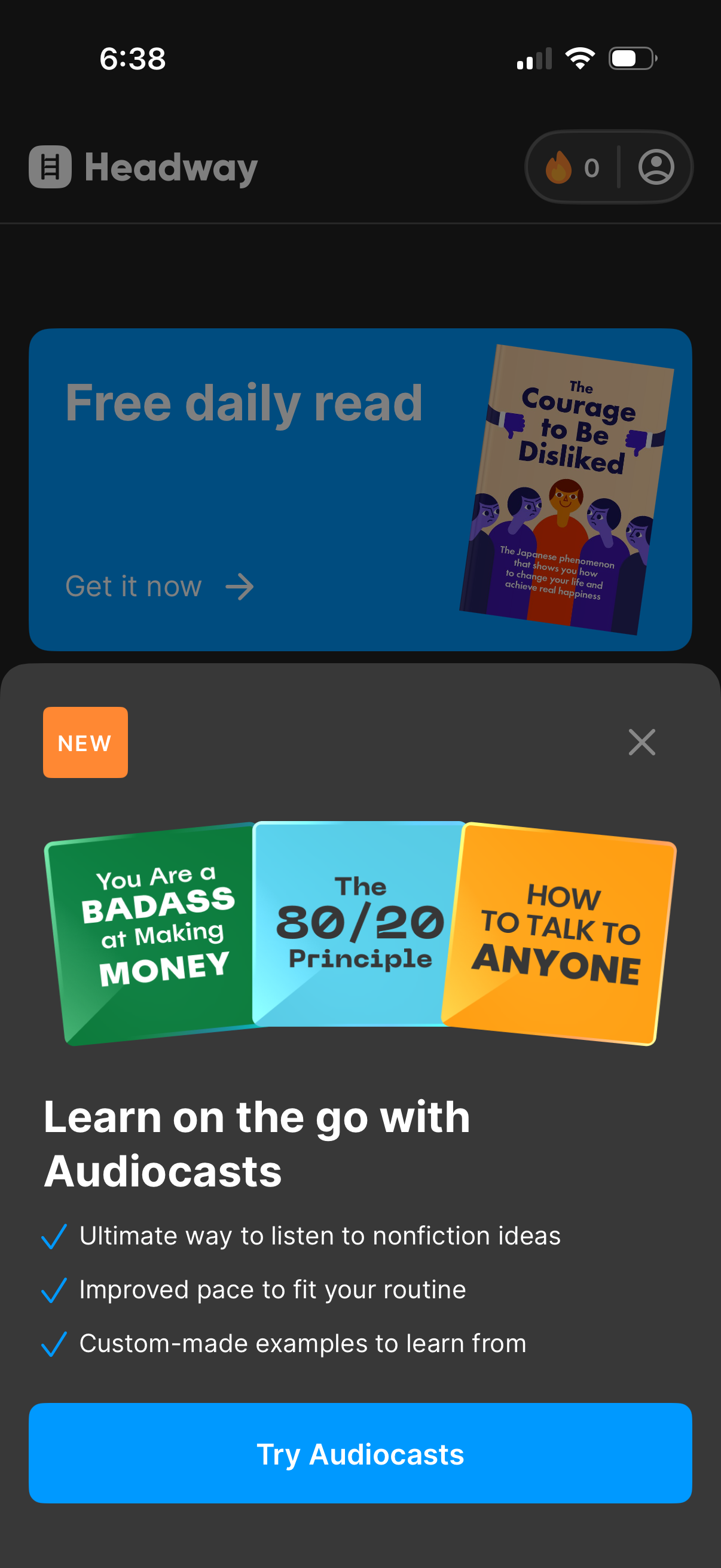
Home screen of a book summary/learning app featuring a promotional banner for a free daily read and a dismissible upsell modal introducing “Audiocasts” with benefits and a primary CTA button to try the audio feature. The header includes navigation plus user/account and streak/points status.
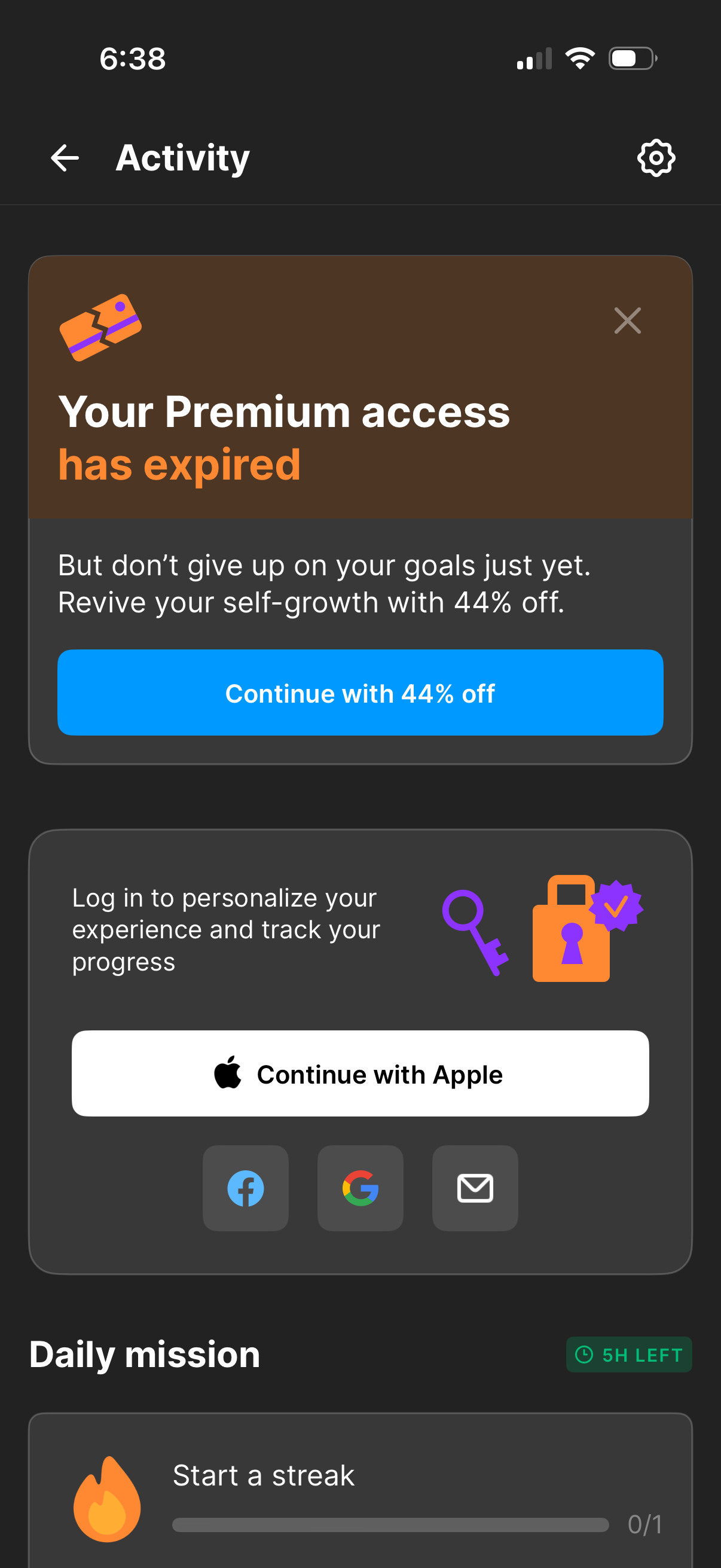
Activity dashboard screen showing a premium subscription expired banner with an upsell CTA to renew at 44% off and a dismiss option. Below, it prompts users to log in to personalize and track progress with Apple, Facebook, Google, or email sign-in, and includes a “Daily mission” section for starting a streak with time remaining.
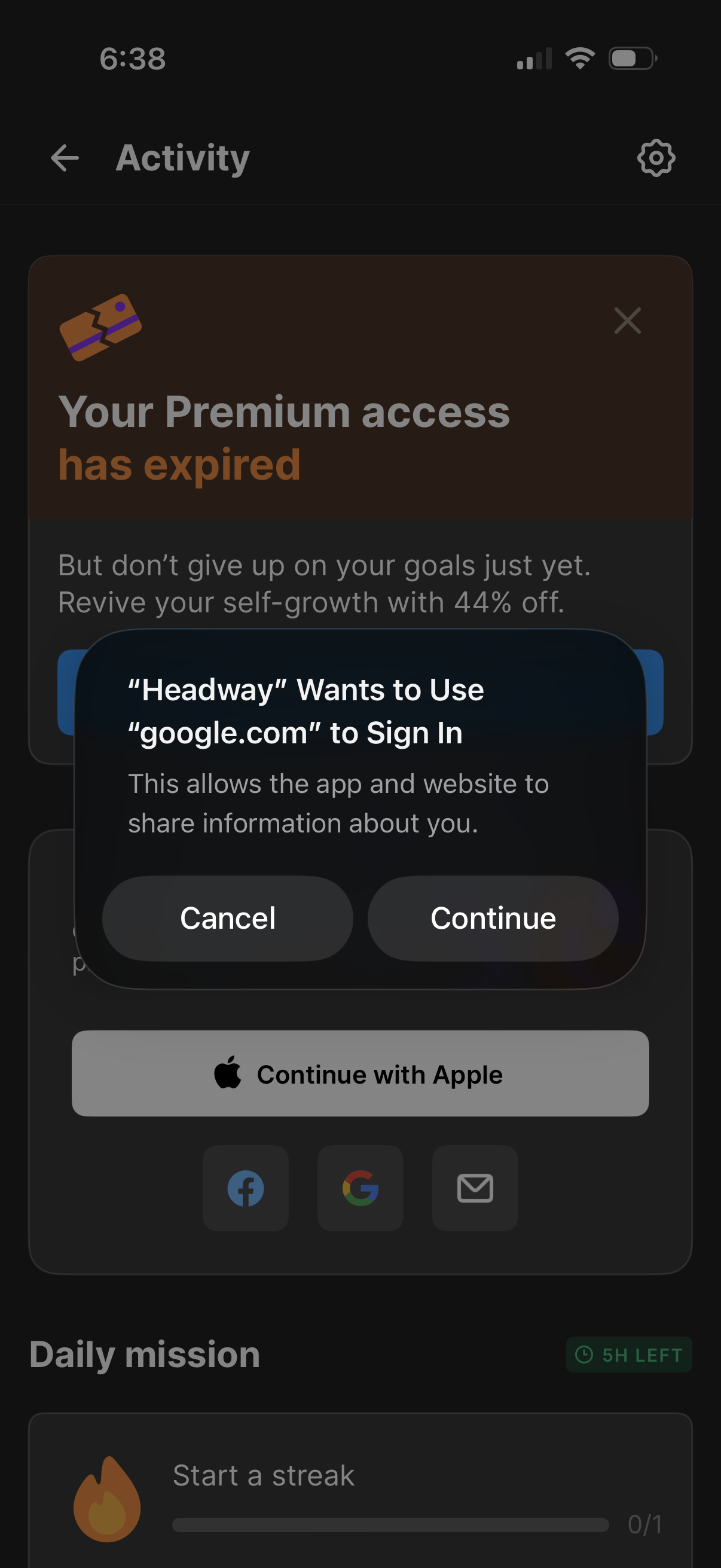
An activity dashboard in a self-improvement app shows a paywall banner indicating premium access has expired with a discount offer, while a system modal prompts the user to sign in using a Google account with Cancel and Continue actions. The underlying screen includes social and Apple sign-in buttons and a daily mission/streak progress section.