Onboarding
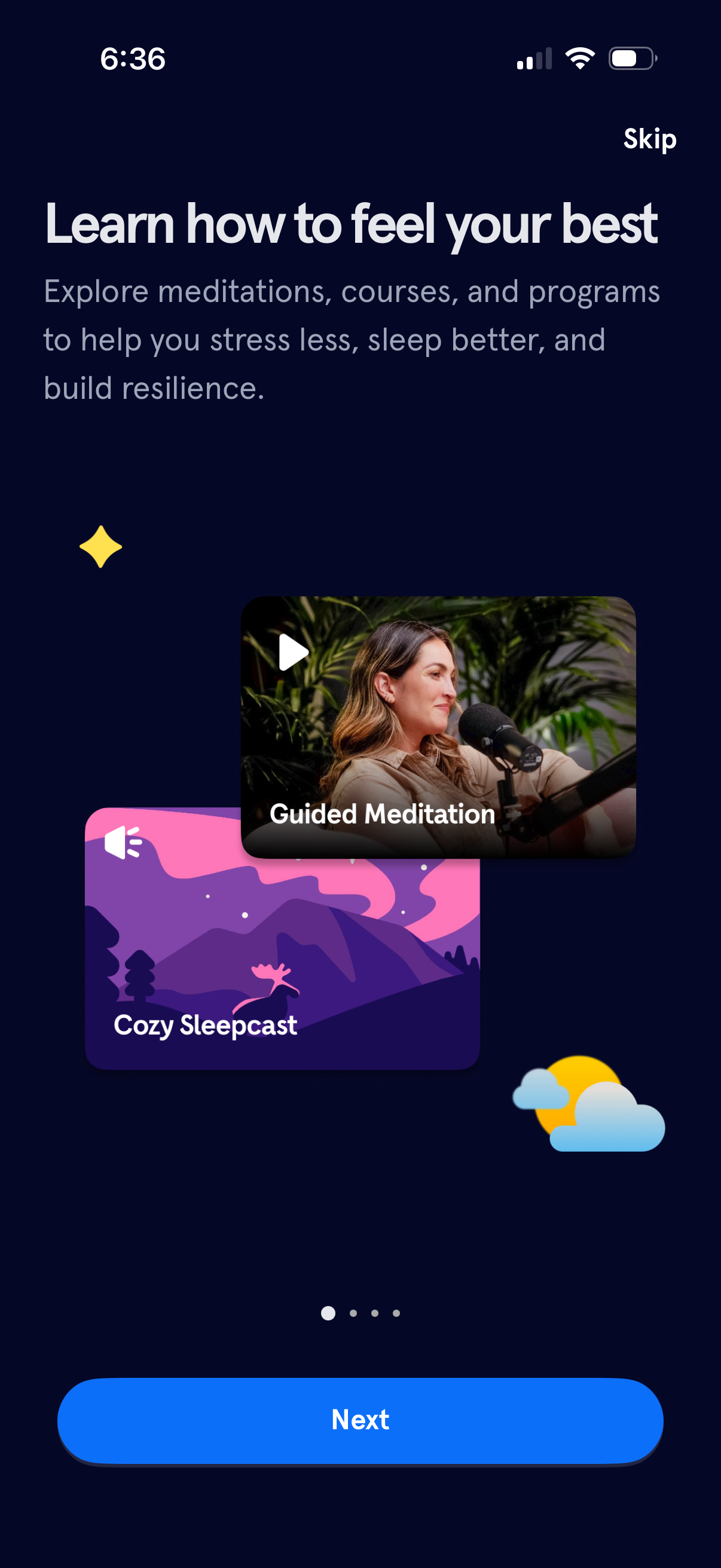
Onboarding screen for a meditation and sleep wellness app introducing benefits like stress reduction, better sleep, and resilience, with preview cards for Guided Meditation and a Cozy Sleepcast. Users can skip the intro or tap Next to continue through the onboarding flow.
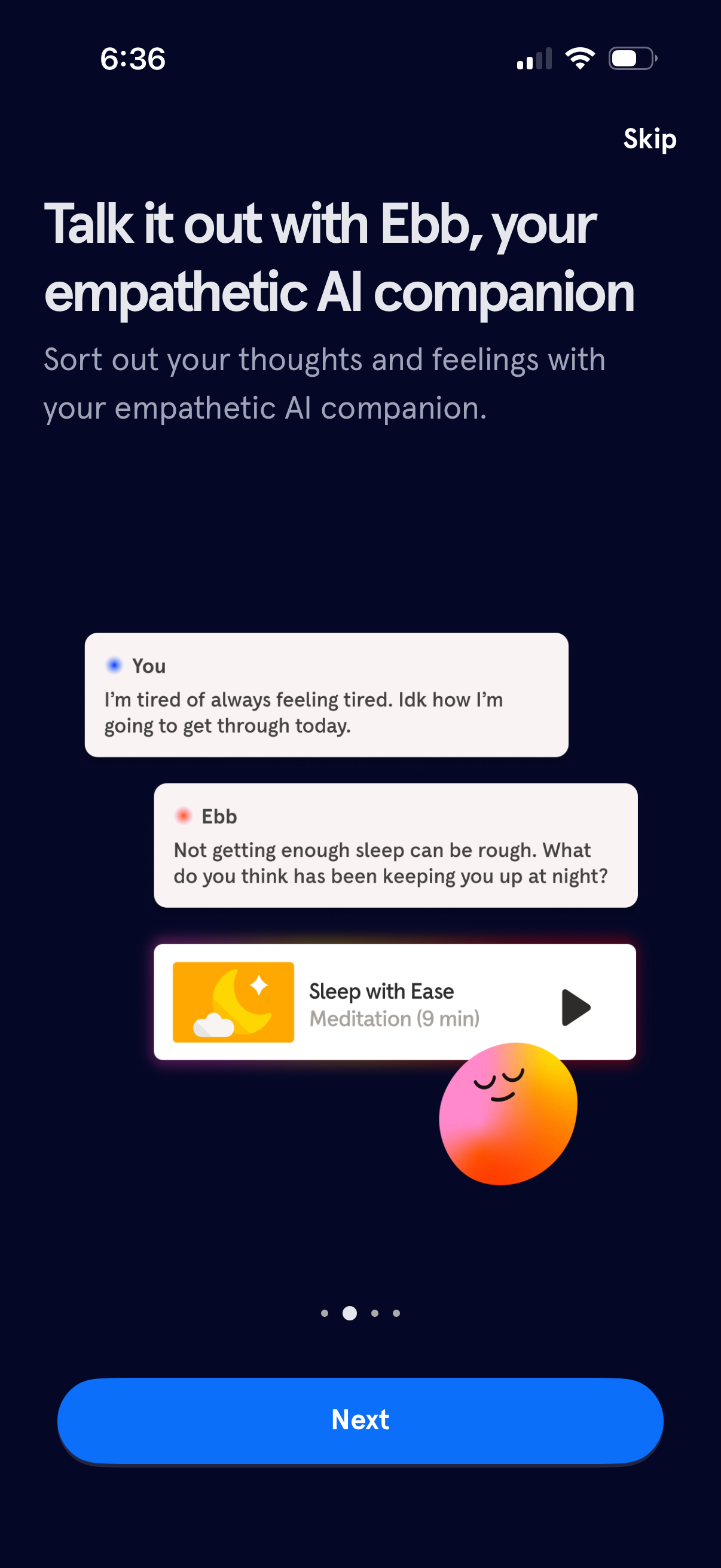
Onboarding screen introducing an empathetic AI companion for mental wellness, showing a sample chat conversation and a recommended “Sleep with Ease” meditation audio card with play button. Includes a Skip option and a primary Next button to continue setup.
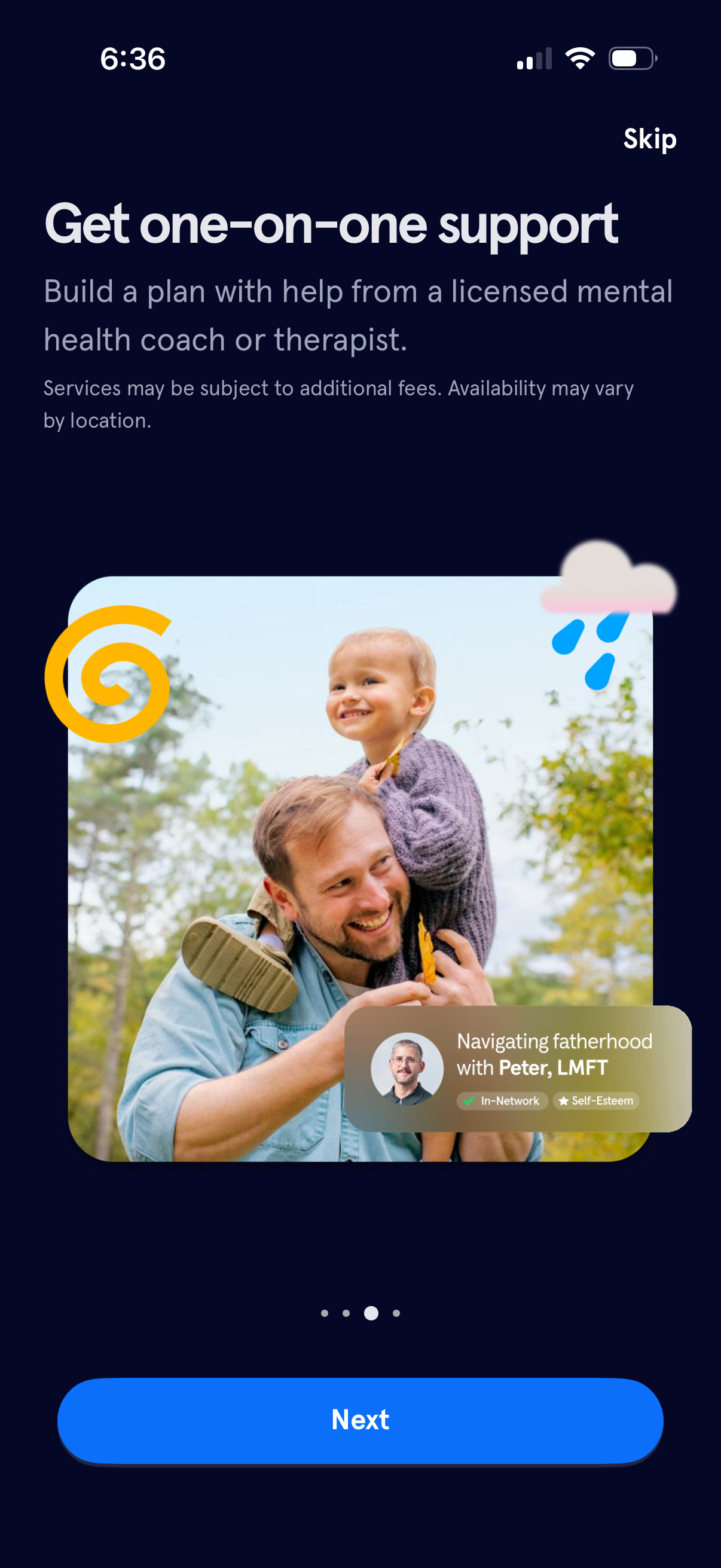
Onboarding upsell screen promoting one-on-one mental health support, explaining that users can build a plan with a licensed coach or therapist and noting potential fees and availability. Includes a therapist preview card with specialty tags, a Skip link, progress indicator, and primary Next button to continue setup.
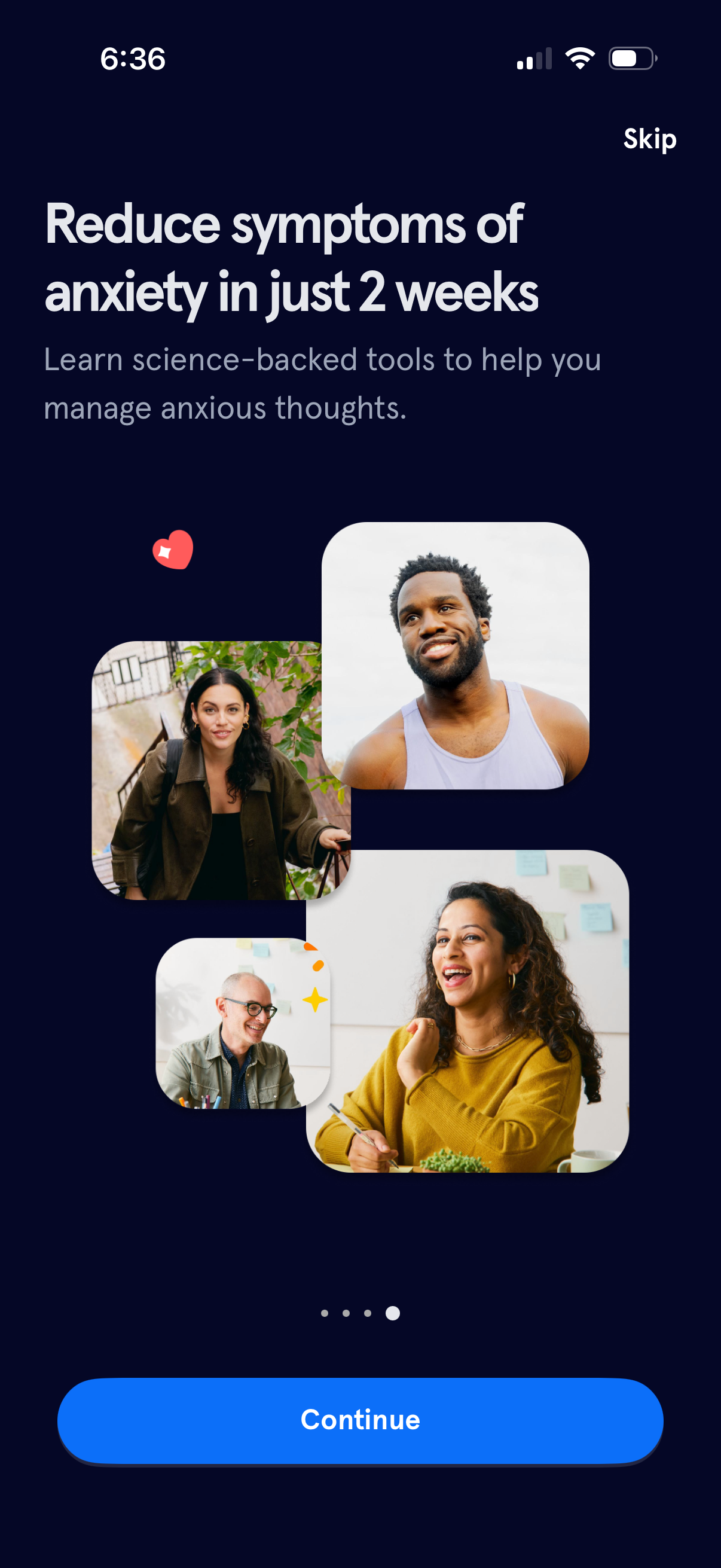
Onboarding/intro screen for a mental health or anxiety management app promoting a 2‑week program with science-backed tools to reduce anxiety symptoms. Includes a Skip link, page indicator, and a primary Continue button to proceed through onboarding.
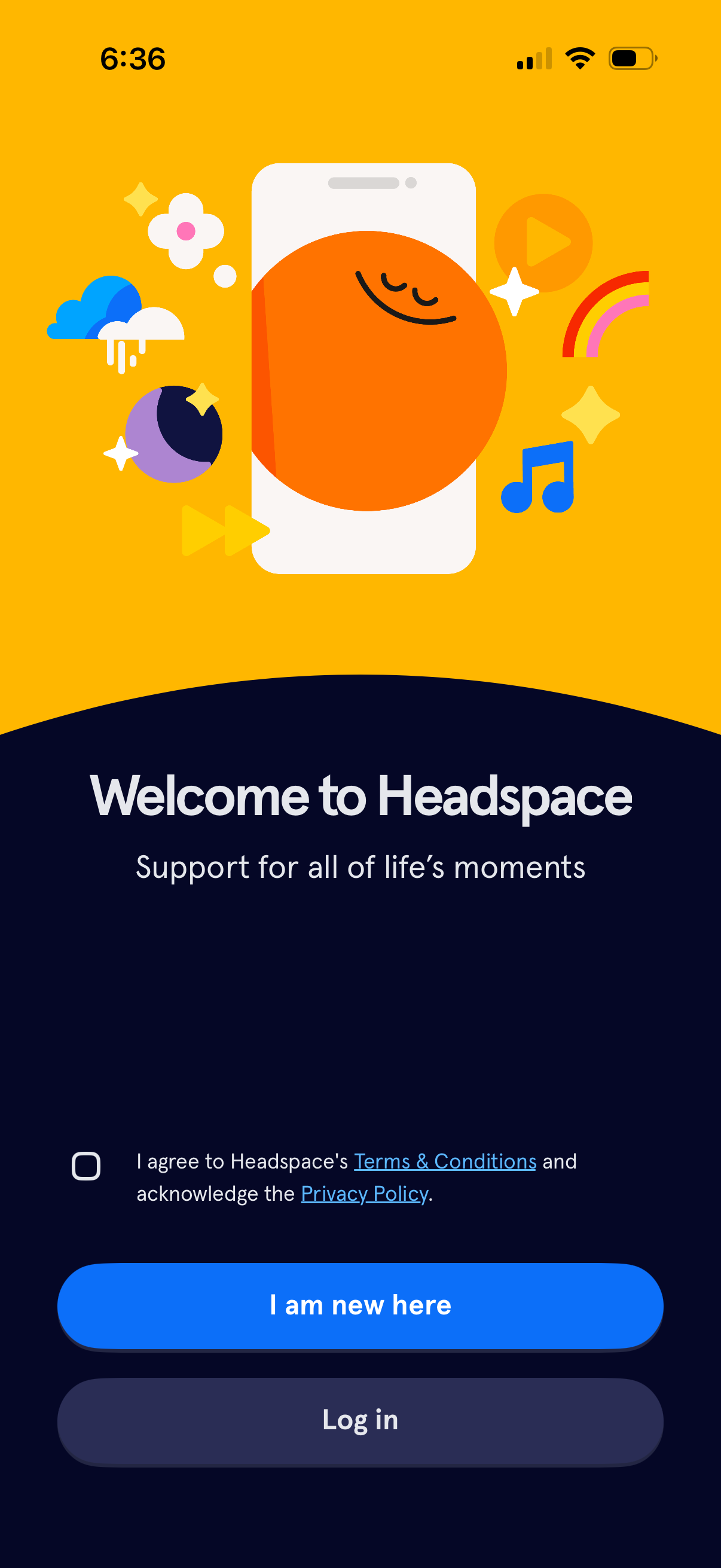
Welcome/onboarding screen for a meditation and mental wellness app prompting users to accept Terms & Conditions and Privacy Policy via a checkbox, with primary actions to create a new account (“I am new here”) or log in. The page uses friendly branding illustration and a tagline about support for life’s moments to introduce the app before authentication.
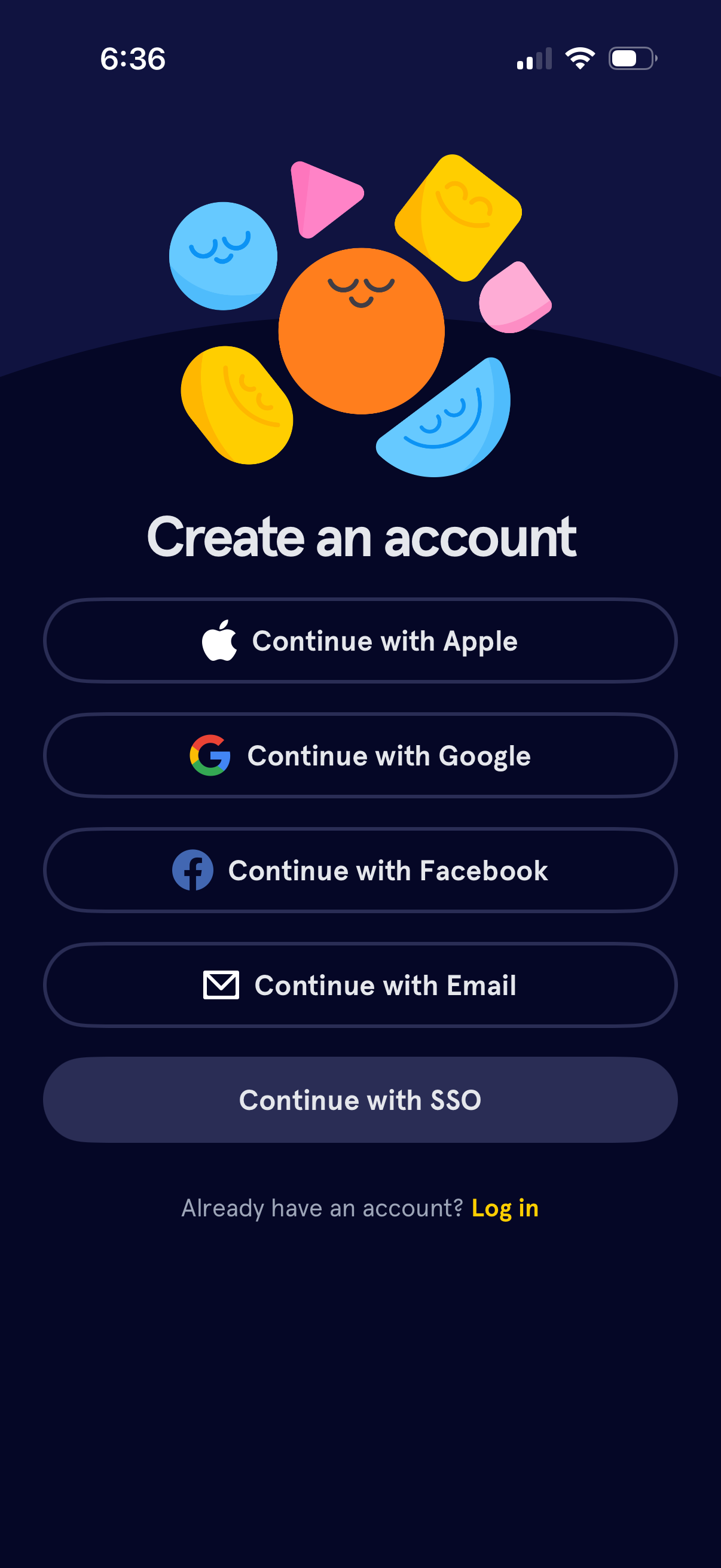
Account creation sign-up screen offering multiple authentication options, including Continue with Apple, Google, Facebook, Email, and a separate Continue with SSO button. Includes a secondary link for existing users to log in.
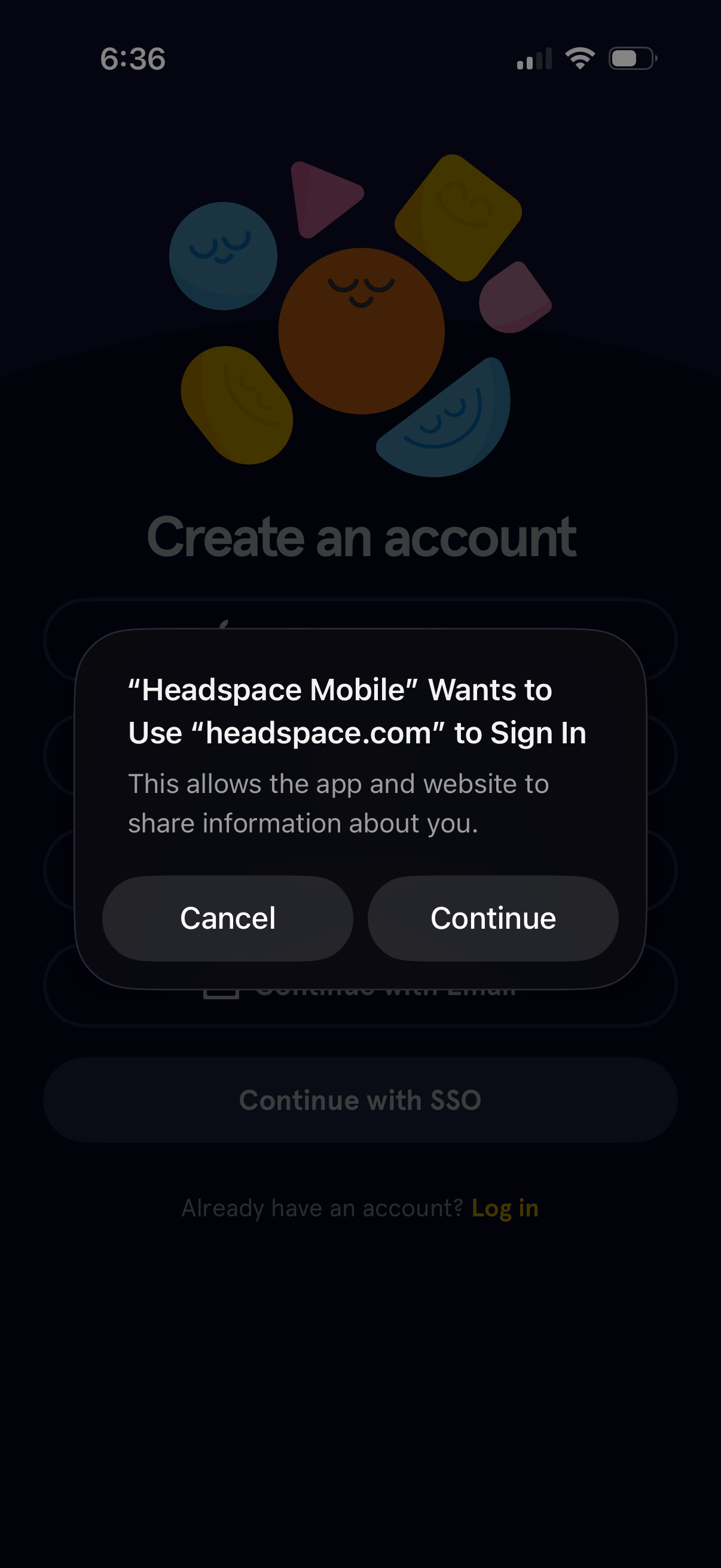
Account creation/sign-in screen with an iOS system permission dialog requesting to use a website (headspace. com) for single sign-on authentication, offering Cancel and Continue actions.
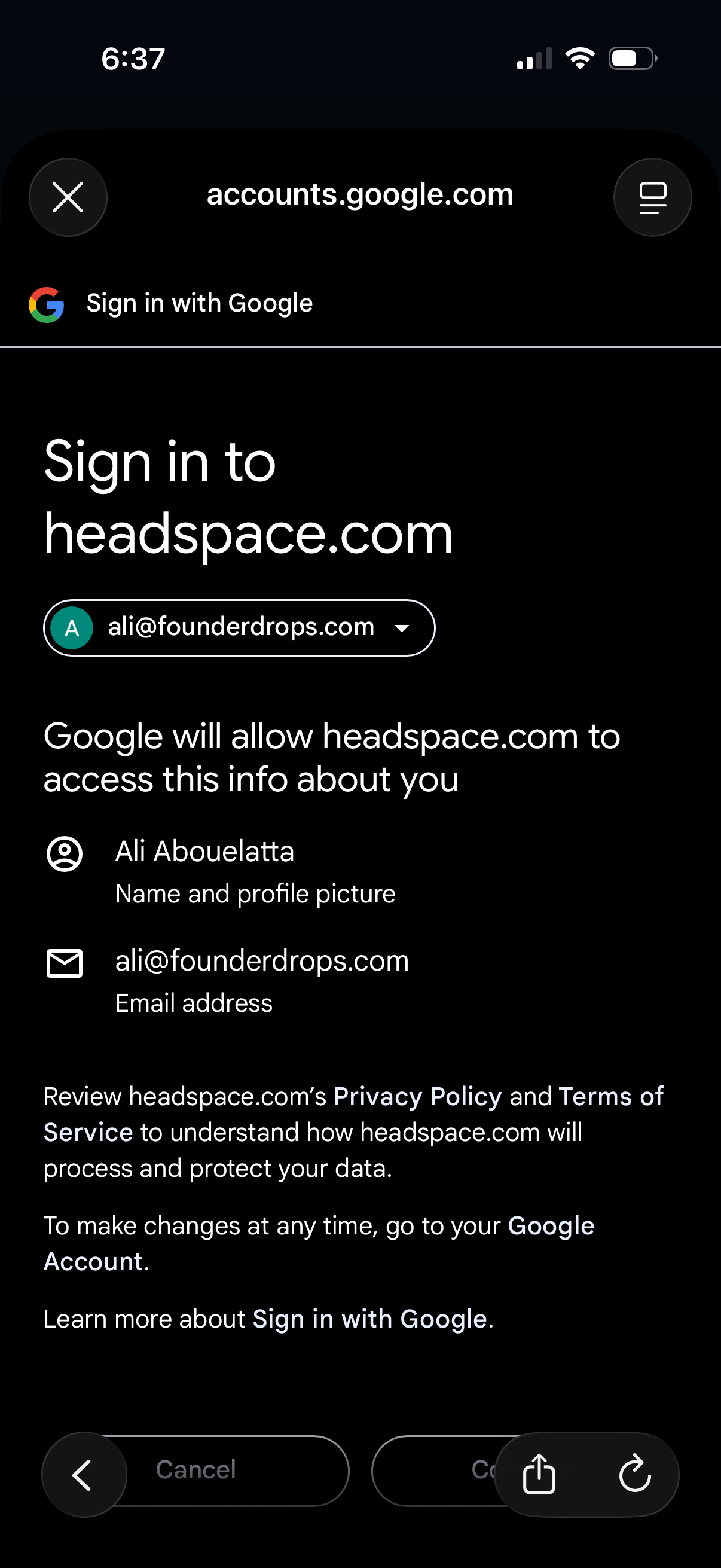
Google OAuth “Sign in with Google” consent screen for logging into a third-party app, showing the selected Google account and the permissions/data the app will access (name/profile and email). Provides primary actions to continue or cancel the sign-in and links to privacy policy and terms.
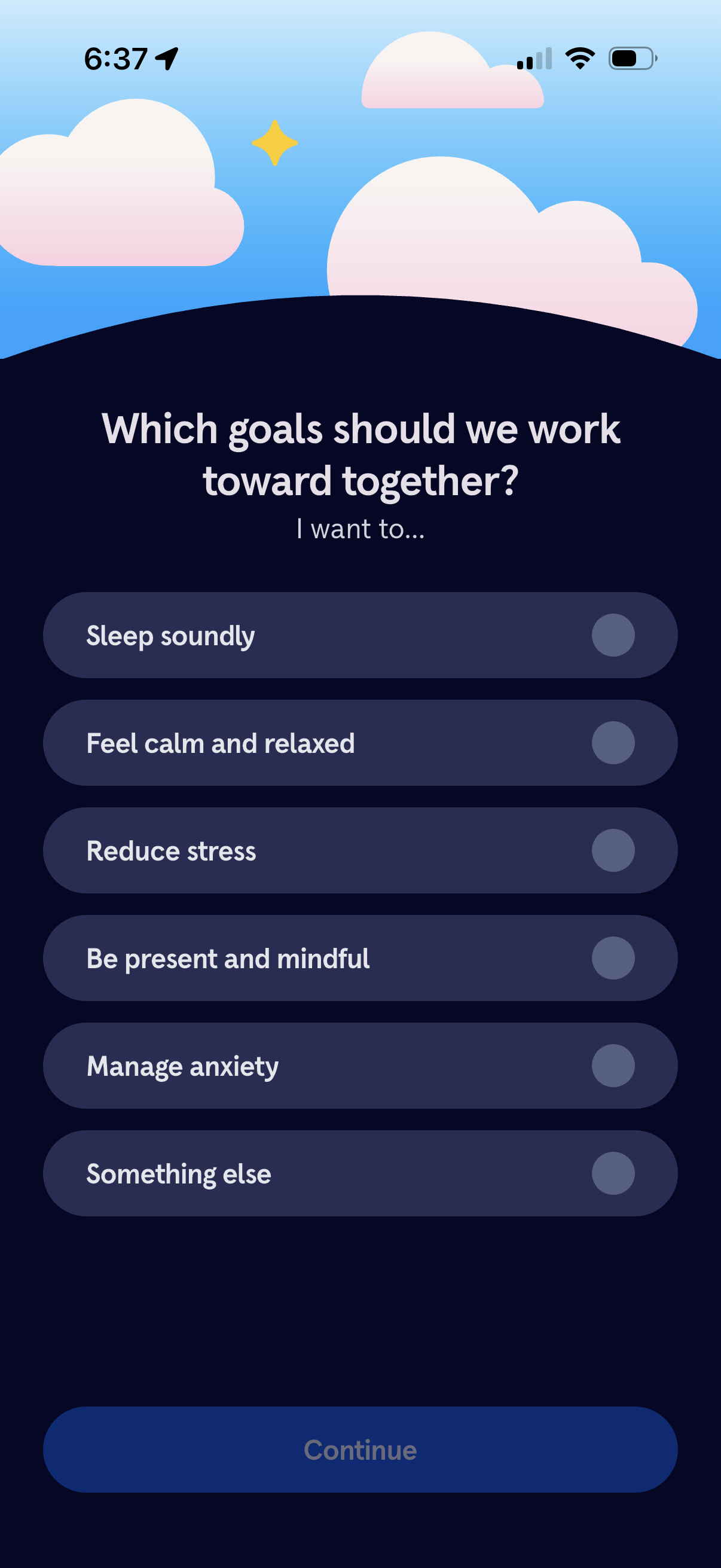
Onboarding goal selection screen for a wellness or meditation app asking what the user wants to work toward together. Users choose one or more goals such as sleeping better, feeling calm, reducing stress, being mindful, managing anxiety, or something else, then tap Continue.
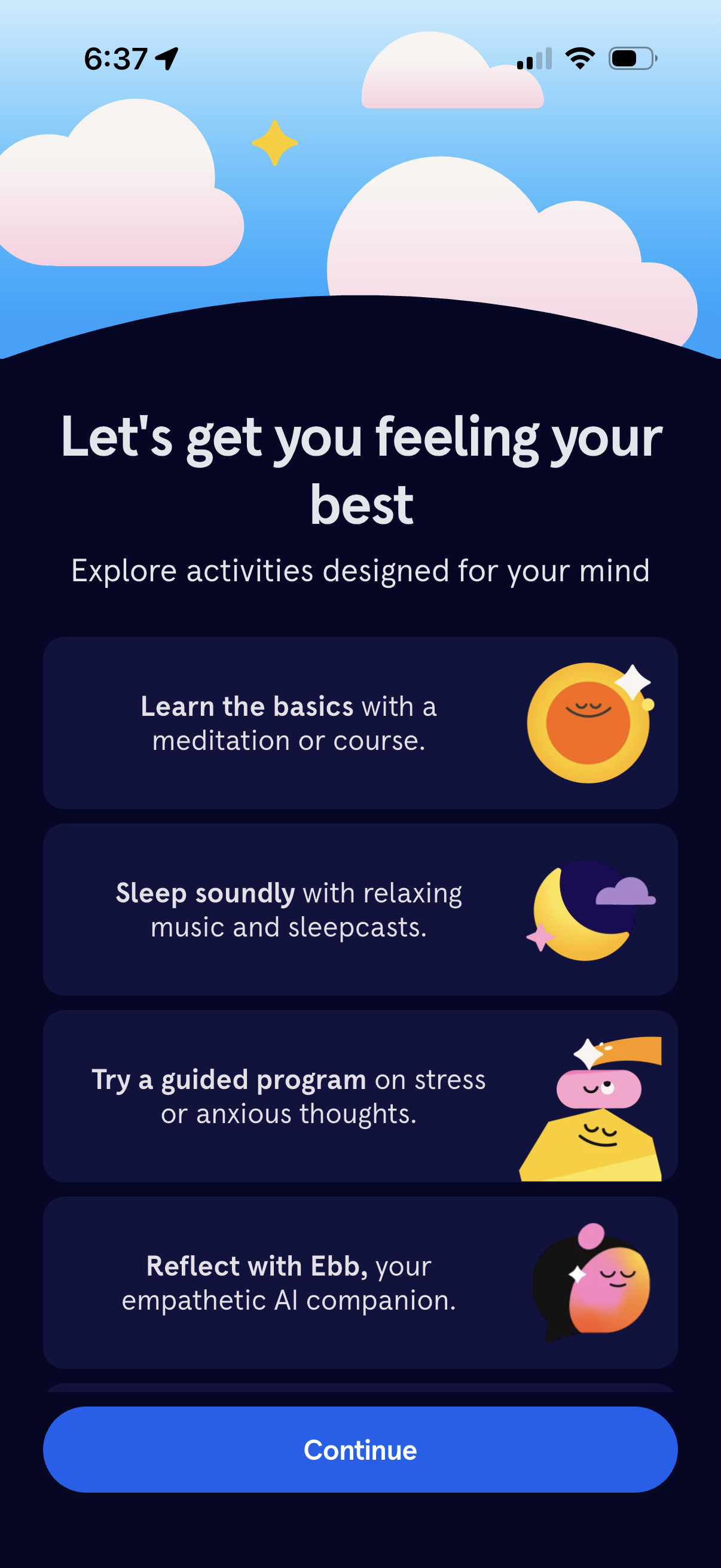
Onboarding introduction screen for a mindfulness and mental wellness app prompting users to explore mind activities, with selectable cards for learning meditation basics, sleep sounds/sleepcasts, guided programs for stress or anxiety, and an AI reflection companion. A prominent Continue button advances to the next setup step.
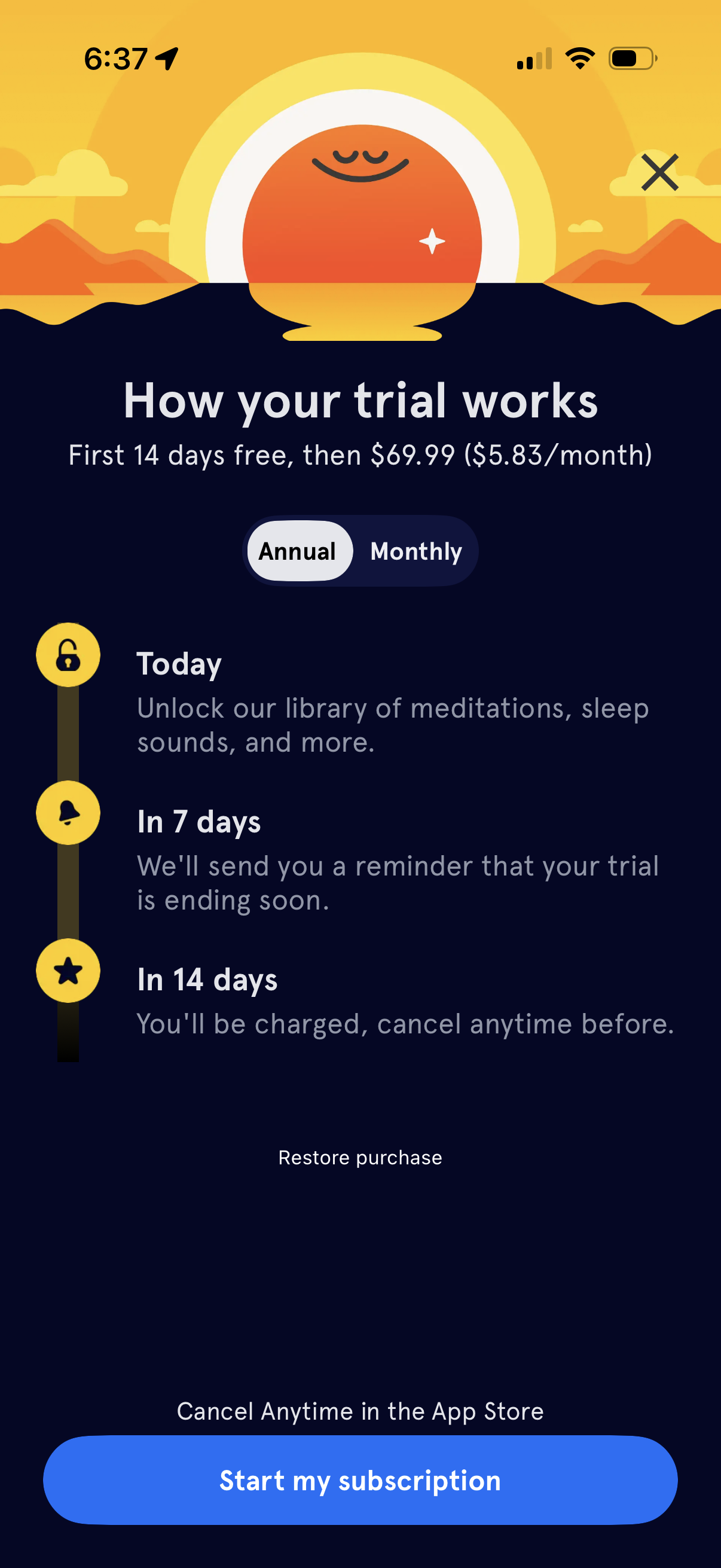
Subscription paywall explaining how a 14-day free trial works, including pricing details and a timeline of what happens today, in 7 days (reminder), and in 14 days (billing with cancel anytime). Users can toggle between annual and monthly plans, restore a purchase, close the modal, or tap a primary button to start the subscription.
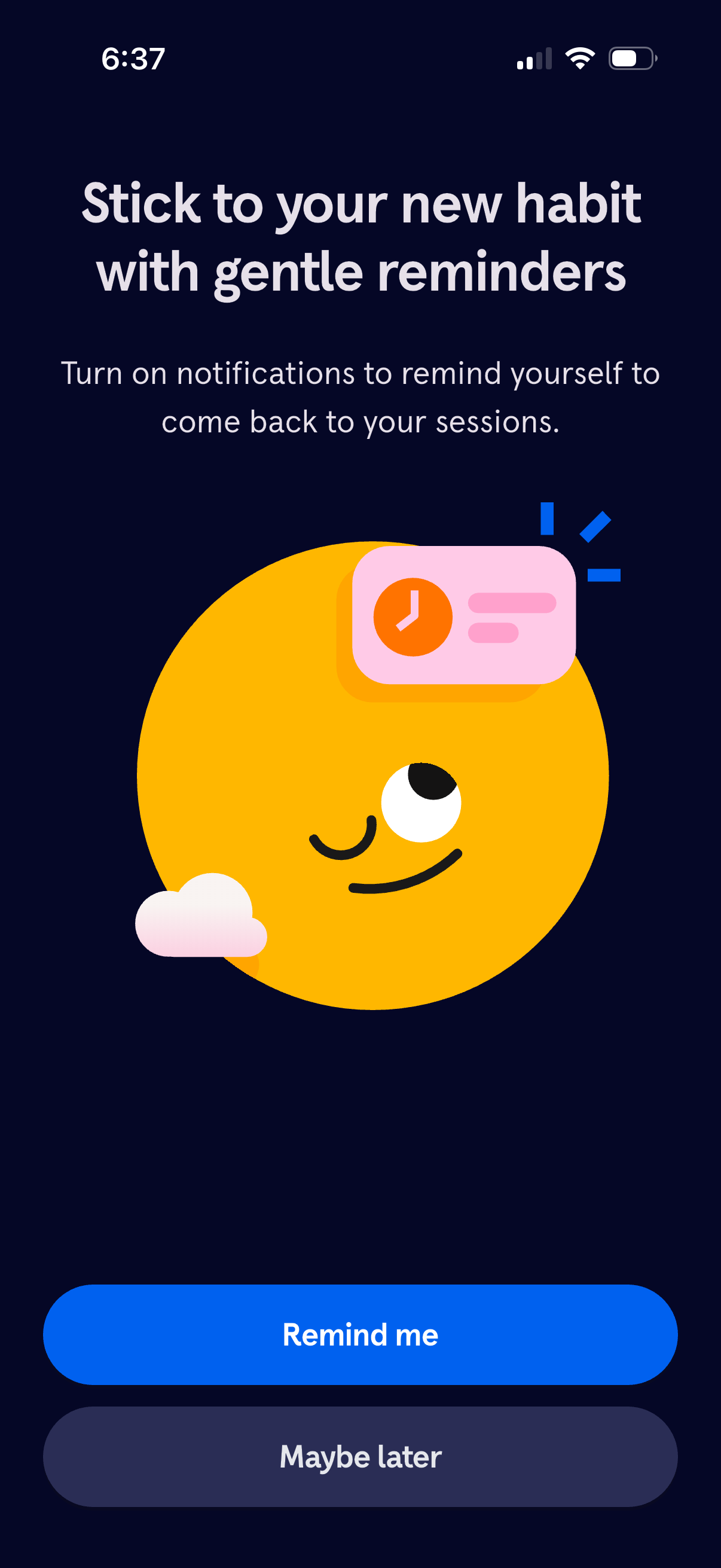
Onboarding prompt encouraging users to enable push notifications for gentle habit reminders and returning to sessions. Provides primary CTA to turn on reminders (“Remind me”) and a secondary option to skip for now (“Maybe later”).
Onboarding welcome screen for a meditation/wellness app inviting the user to start a short settling exercise, with a primary “Begin” call-to-action and a close (X) button to dismiss the flow.

Full-screen onboarding or guided meditation lesson slide with a solid blue background and centered instructional text, presenting a calming metaphor about the mind. Includes a close (X) button in the top-right to dismiss or exit the flow.

Full-screen inspirational quote or affirmation slide with centered text on a solid color background, used as a mindfulness/onboarding message. Includes a prominent close (X) button in the top-right to dismiss the modal.

Guided breathing exercise intro screen prompting the user to “take three breaths together” in a calming full-screen gradient. Includes a prominent close (X) button to exit the breathing session.
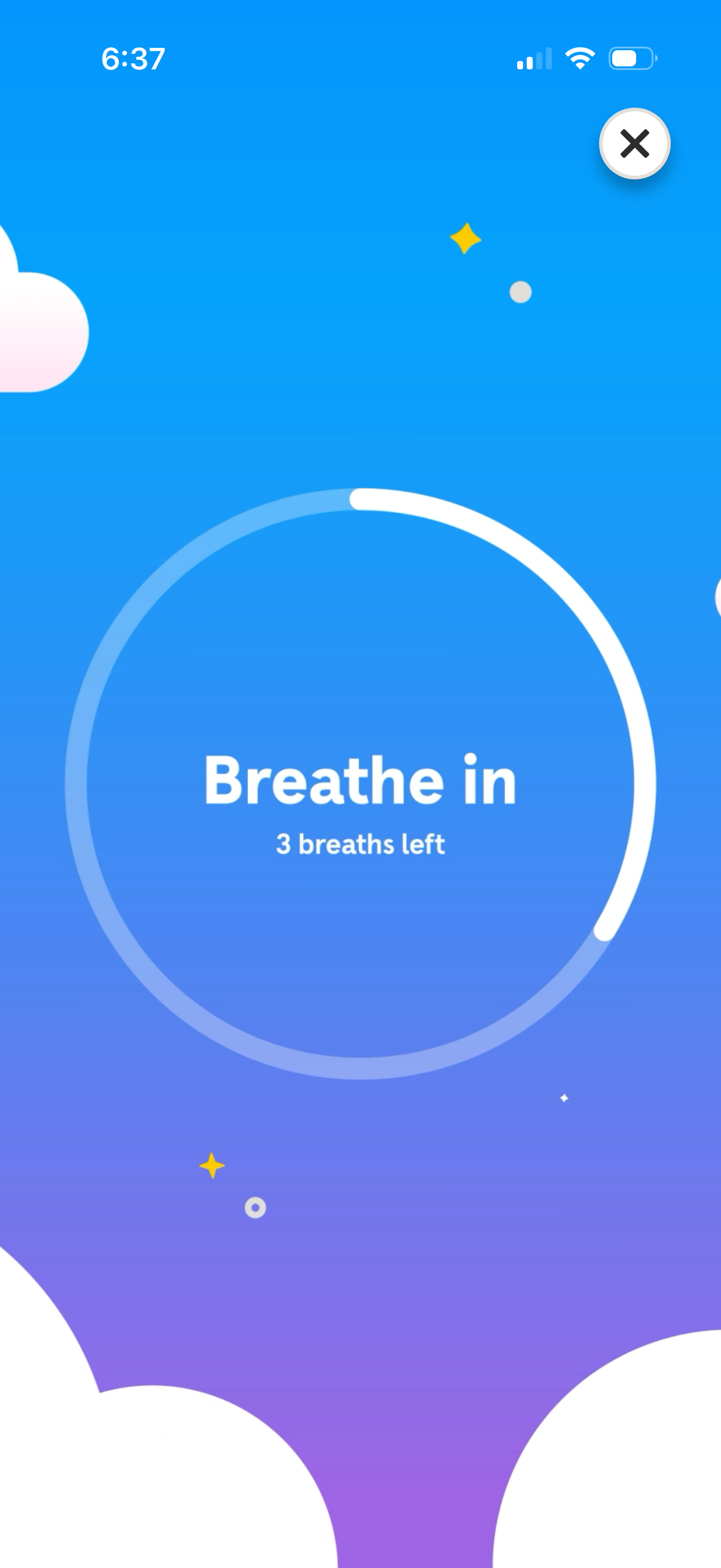
Guided breathing exercise screen showing a circular progress ring with the prompt “Breathe in” and a remaining breath count indicator. Includes a close (X) button to exit the breathing session.