Sign in
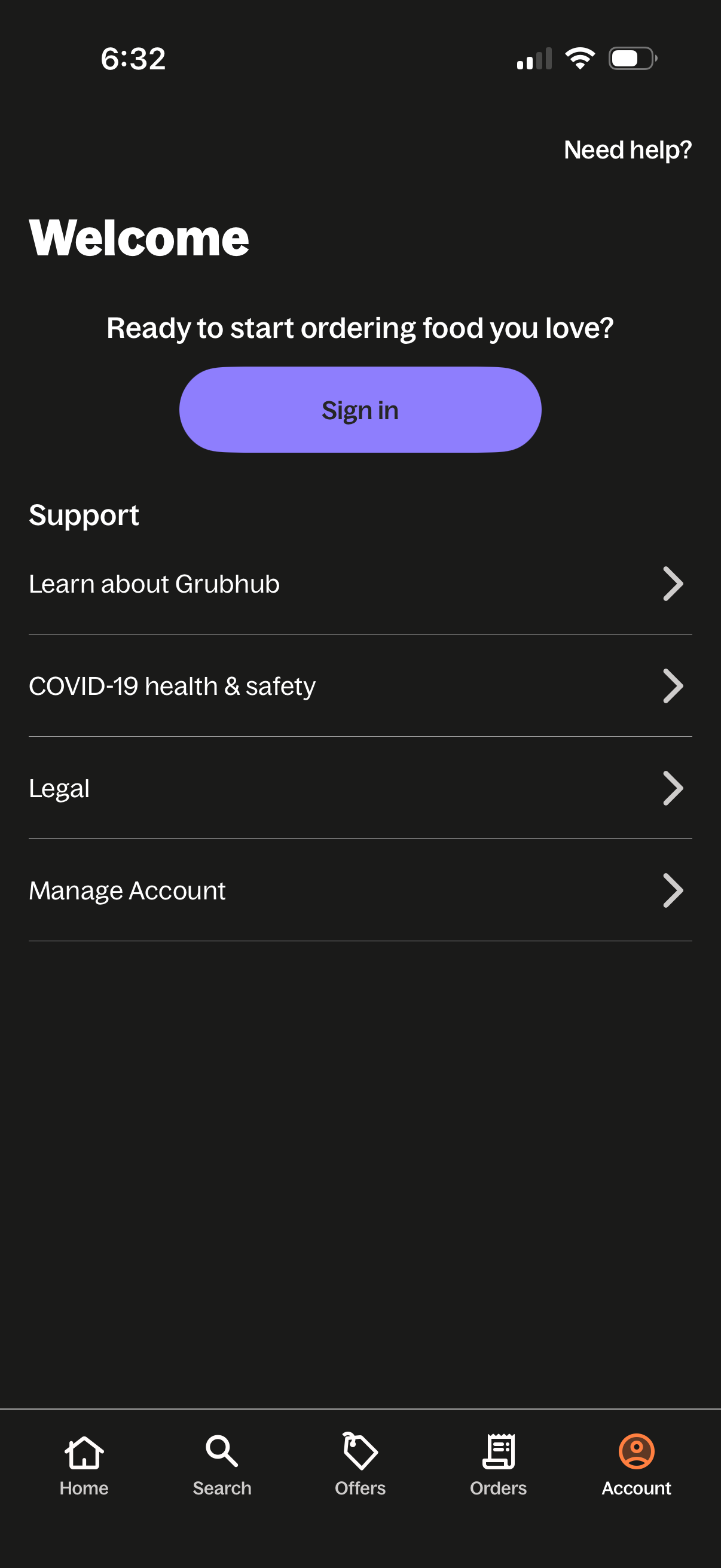
Food delivery app account welcome screen prompting users to sign in to start ordering, with a “Need help? ” link and support menu items like learn about the service, COVID-19 health & safety, legal, and manage account.
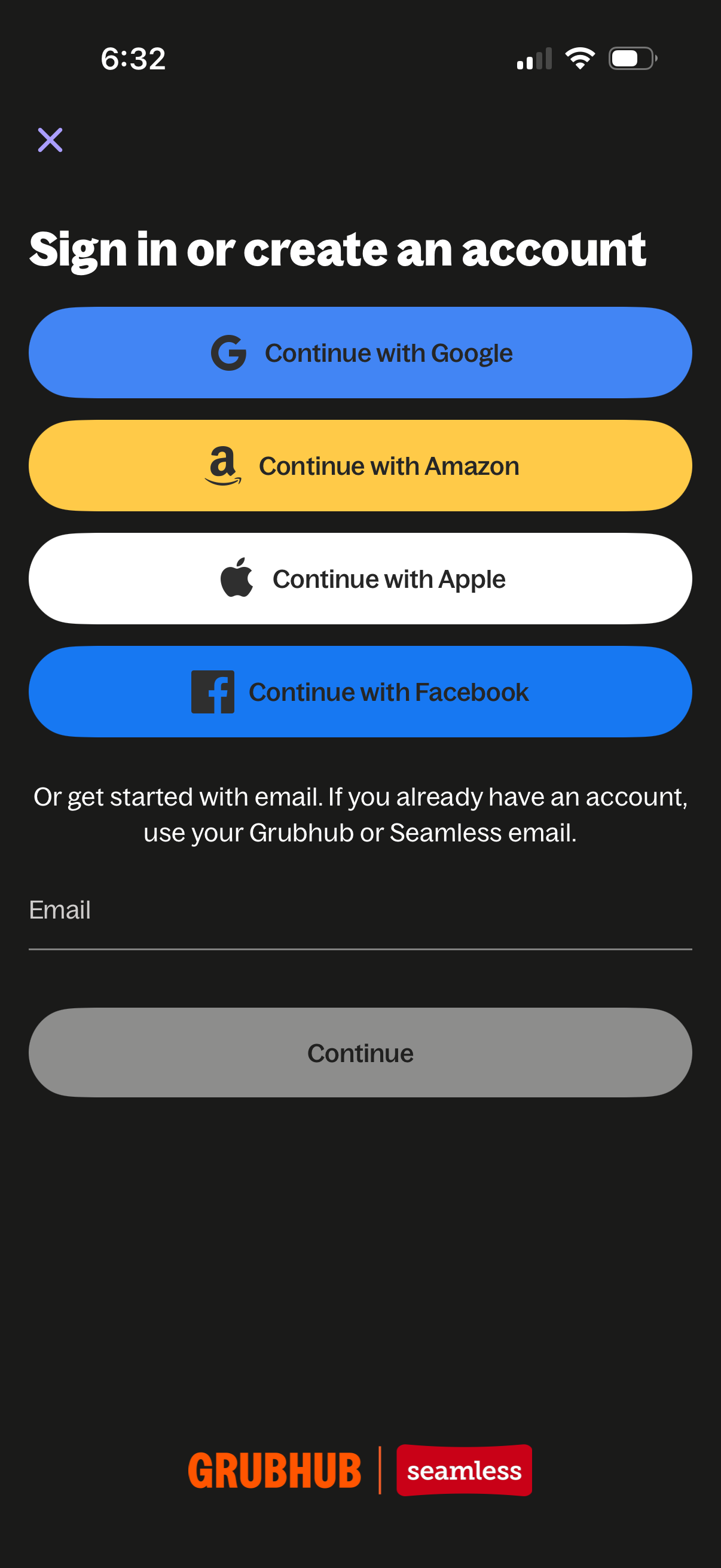
Authentication screen prompting users to sign in or create an account with social login options (Google, Amazon, Apple, Facebook). Includes an email field for signing in with email and a disabled Continue button until an email is entered, plus a close icon to dismiss the flow.
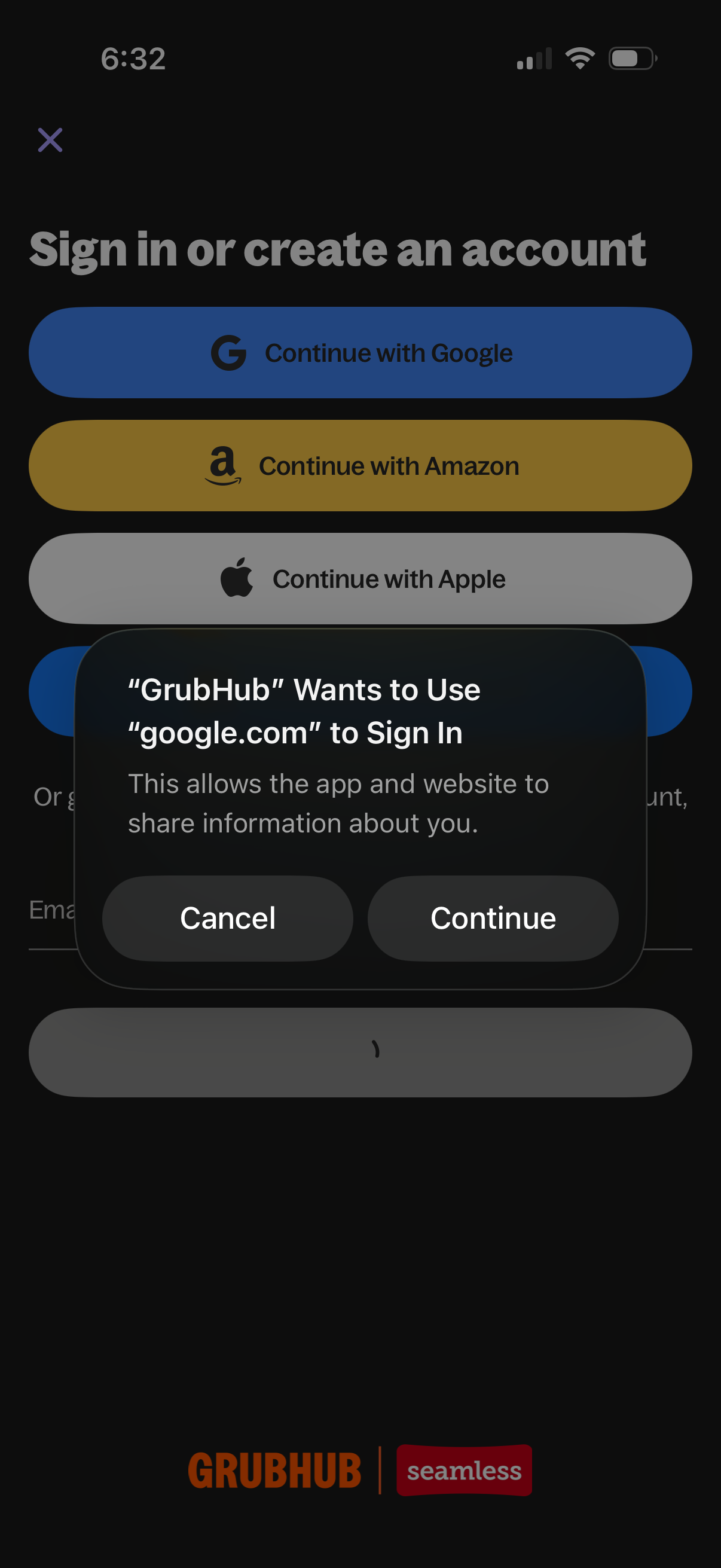
Authentication screen prompting users to sign in or create an account with social login options (Continue with Google, Amazon, or Apple) and an email sign-in alternative. An iOS system permission dialog overlays the page asking to allow using google.
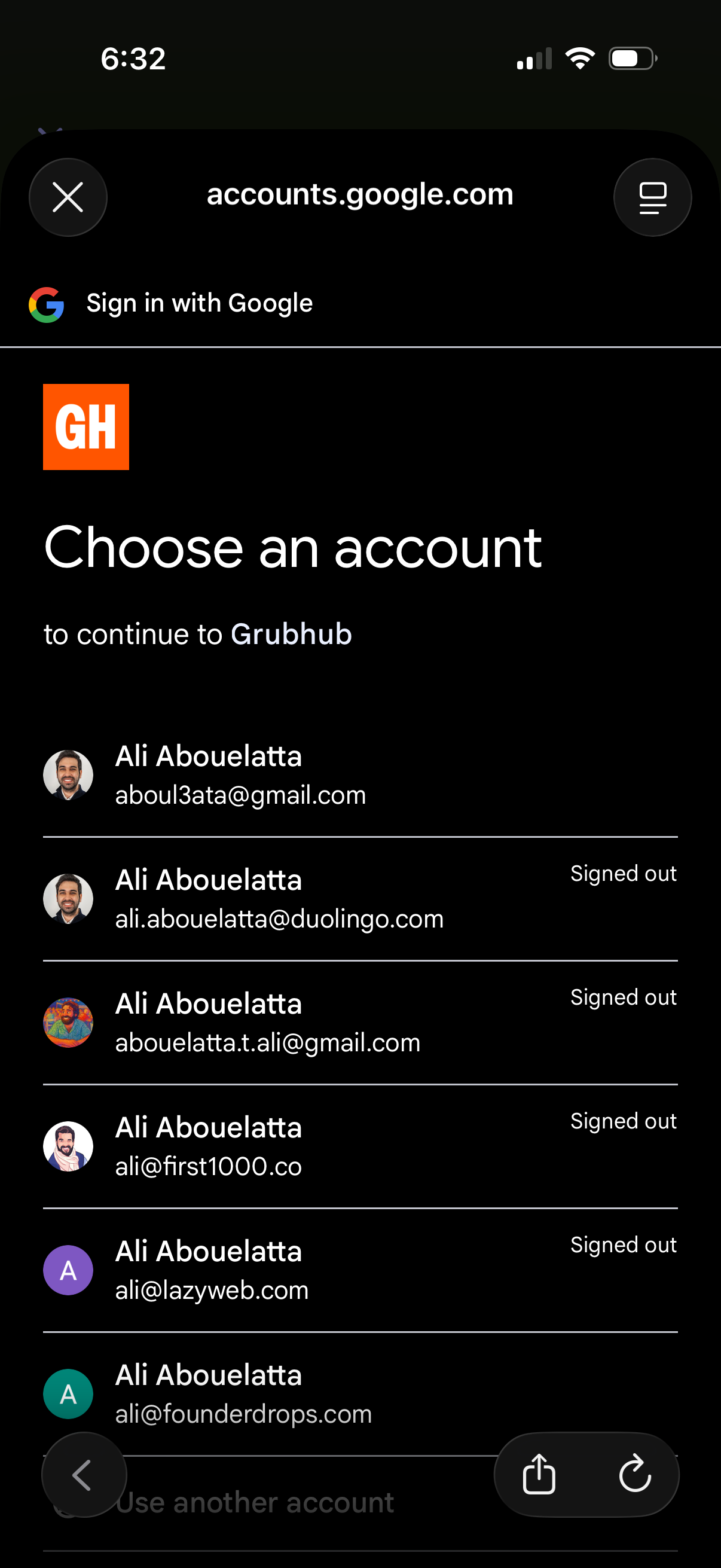
Google OAuth sign-in screen prompting the user to choose an existing Google account to continue to a third-party app, showing a list of saved accounts with avatars, email addresses, and signed-out status. Users can select an account, use another account, or close the authentication flow.
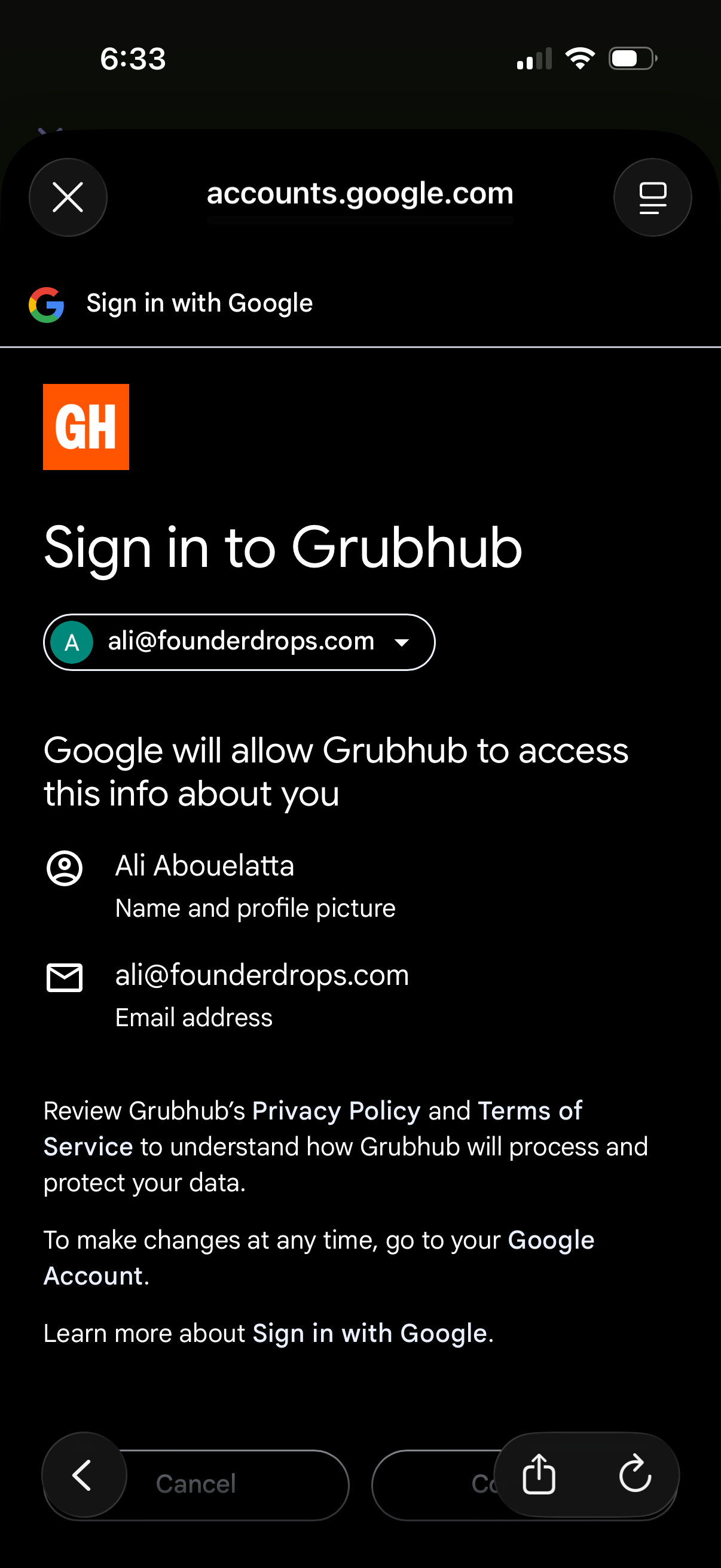
Google OAuth “Sign in with Google” consent screen for signing into a third‑party app, showing the selected Google account and the permissions/data the app will access (profile name/photo and email). Includes links to privacy policy/terms and actions to cancel or continue the sign-in.