
Home screen of a GRE vocabulary flashcards study app showing multiple decks (e. g.
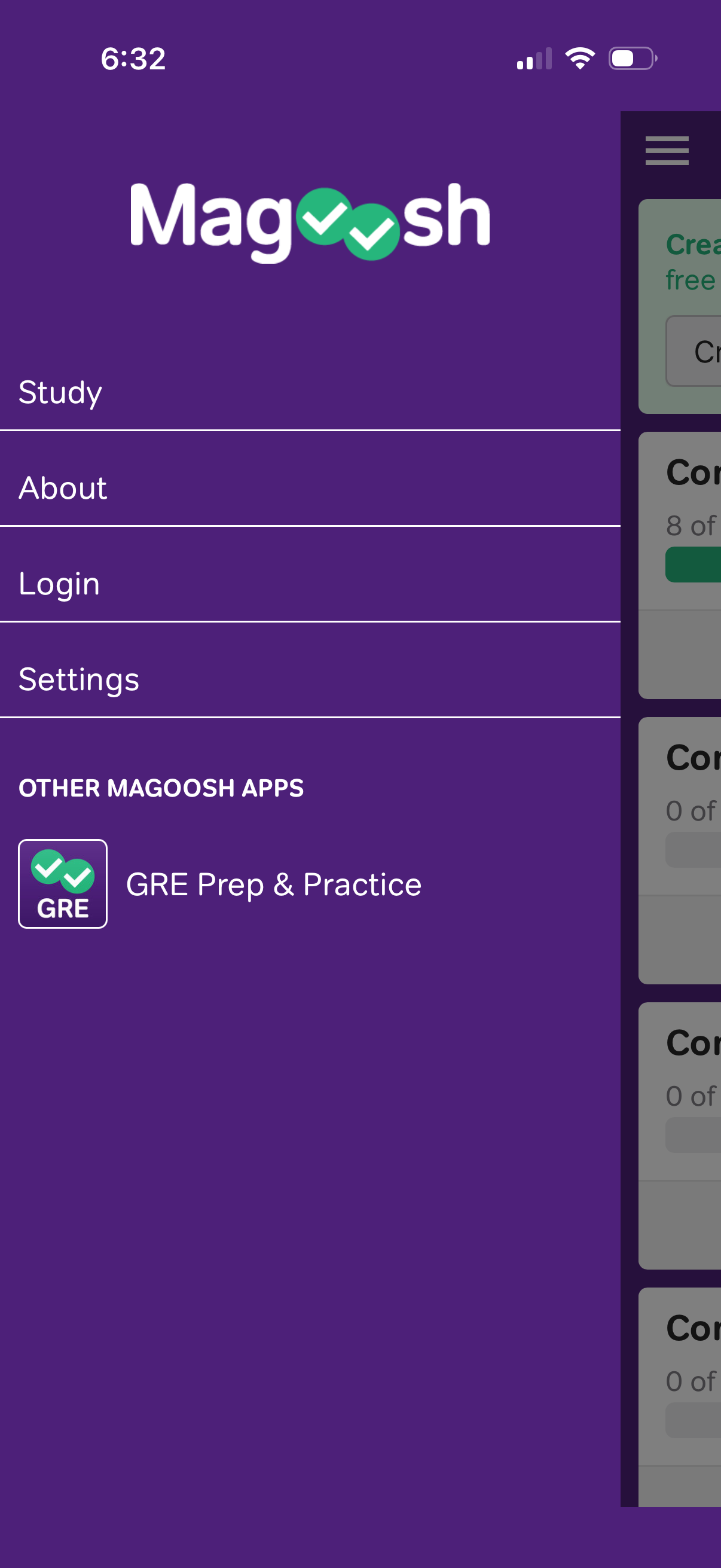
Side navigation drawer menu for a study/test prep app with quick links to Study, About, Login, and Settings. Includes a promotional section for other apps (e.

About/help screen for a GRE study app showing informational cards about why to create an account for syncing study progress, company overview, and web version access. Primary actions include creating an account, contacting support, and opening the web version link.

Account creation screen with email address and password input fields, a primary Create Account button, and a Terms & Conditions agreement notice. Provides alternate authentication options via Sign in link and social login buttons for Apple, Google, and Facebook.

Settings screen for a flashcard learning app with actions to reset flashcard progress (showing mastered count and progress bar with undo note), sync flashcards to download web answers/new cards, and manage account including delete account and sign out. Includes a hamburger menu for navigation.