browse inspiration tabs
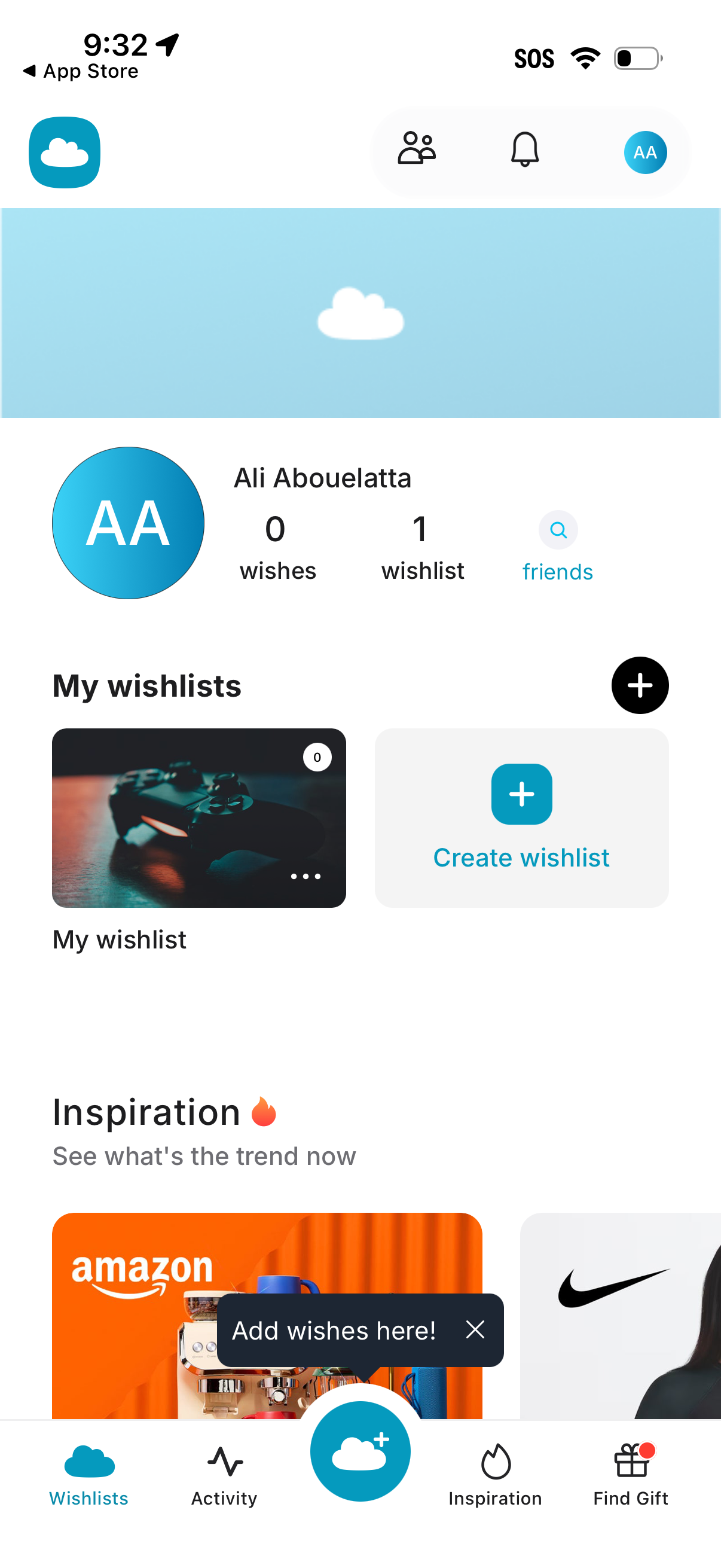
Profile and wishlists dashboard for a gift/wishlist app showing user stats (wishes, wishlists) with a friends search link and quick access to notifications. Main actions include creating a new wishlist via a plus button, viewing existing wishlists, and browsing inspiration/trending items from the bottom navigation (Wishlists, Activity, add wish, Inspiration, Find Gift).
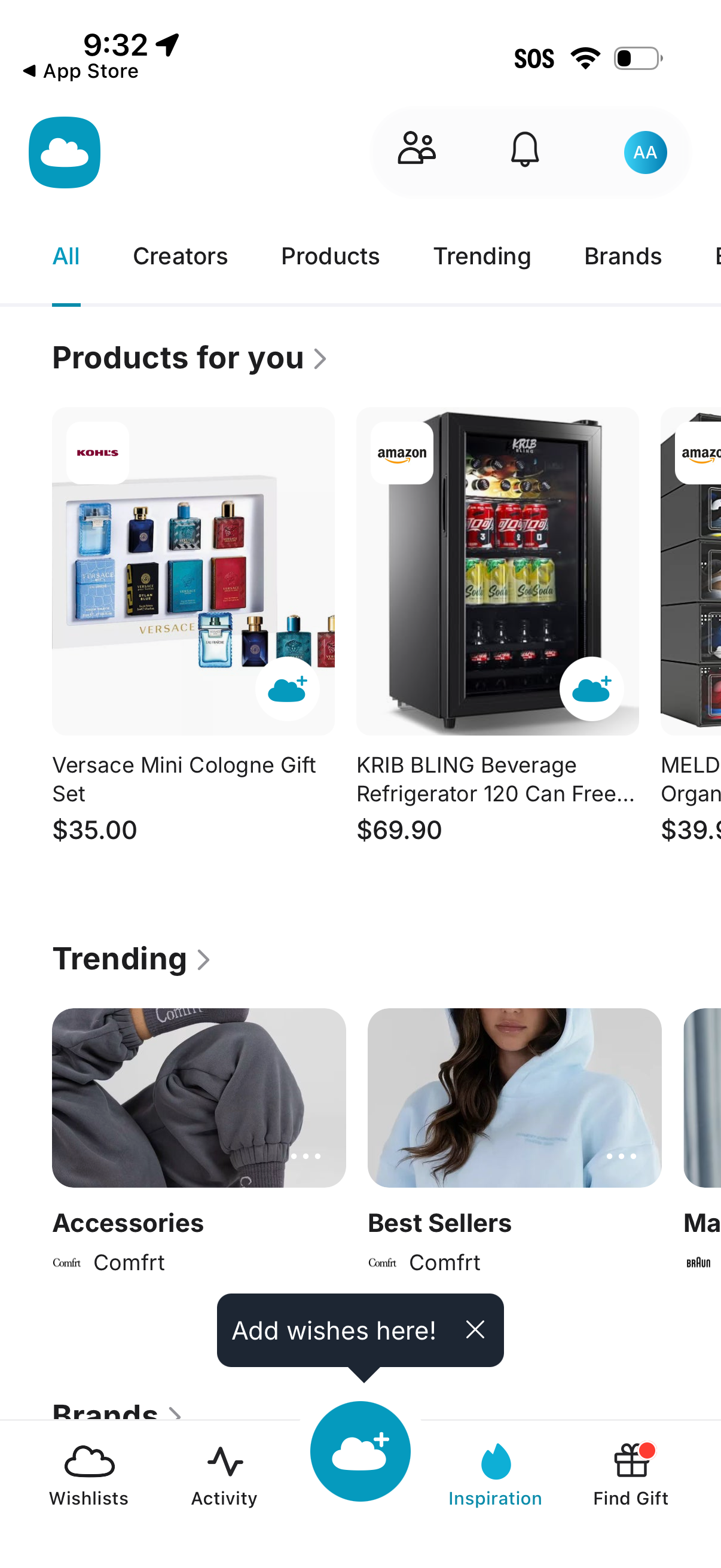
Personalized shopping inspiration home screen with category tabs (All, Creators, Products, Trending, Brands) and sections like “Products for you” and “Trending” showing product cards with images, retailer badges, and prices. Top actions include friends/community, notifications, and profile, while the bottom navigation lets users switch between Wishlists, Activity, Inspiration, and Find Gift with a central add-to-wishlist button for saving items.
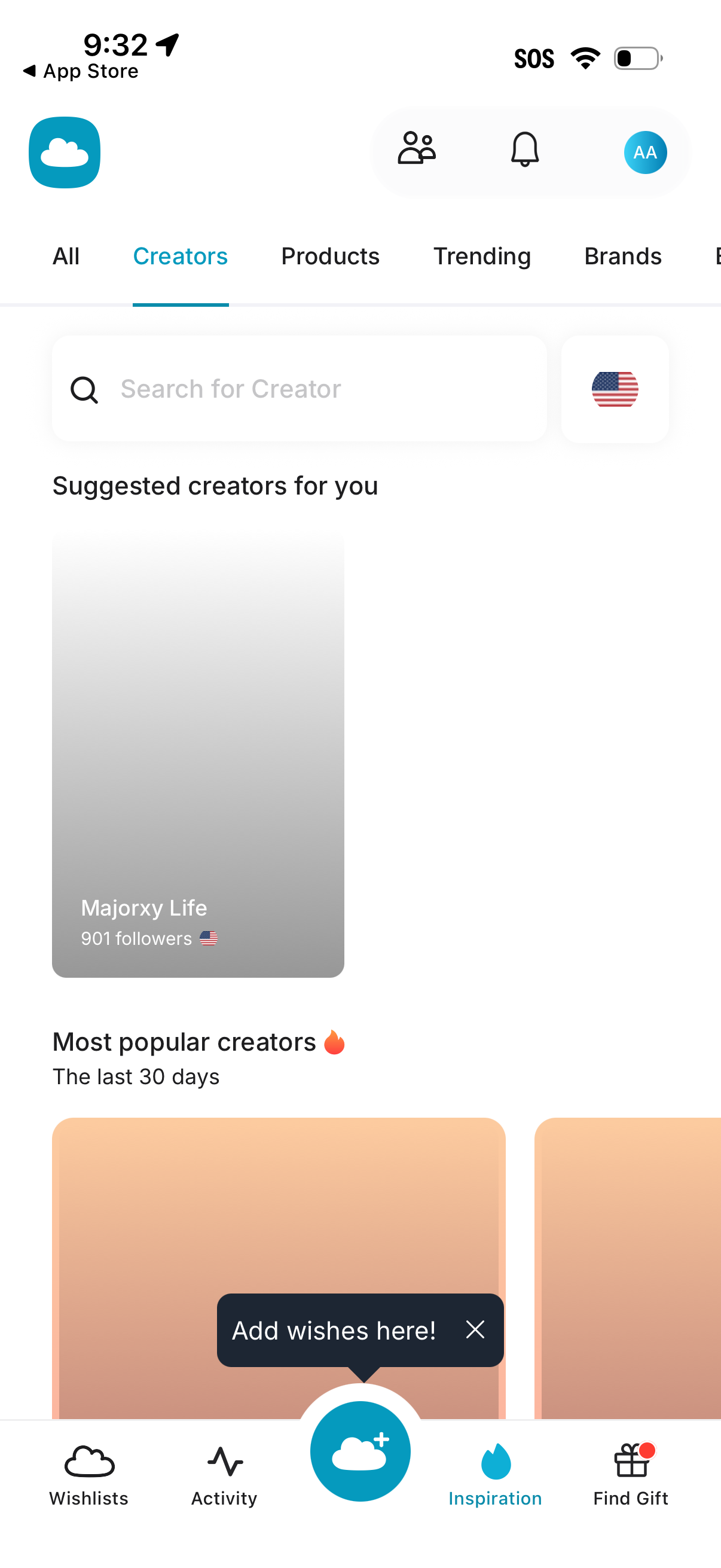
Inspiration browse screen for a gifting/wishlist app focused on discovering creators, with tabs to switch between All, Creators, Products, Trending, and Brands plus a search bar and country/region filter. Shows suggested and most popular creators lists and includes quick access to friends/notifications/profile and a bottom navigation for Wishlists, Activity, Inspiration, and Find Gift.
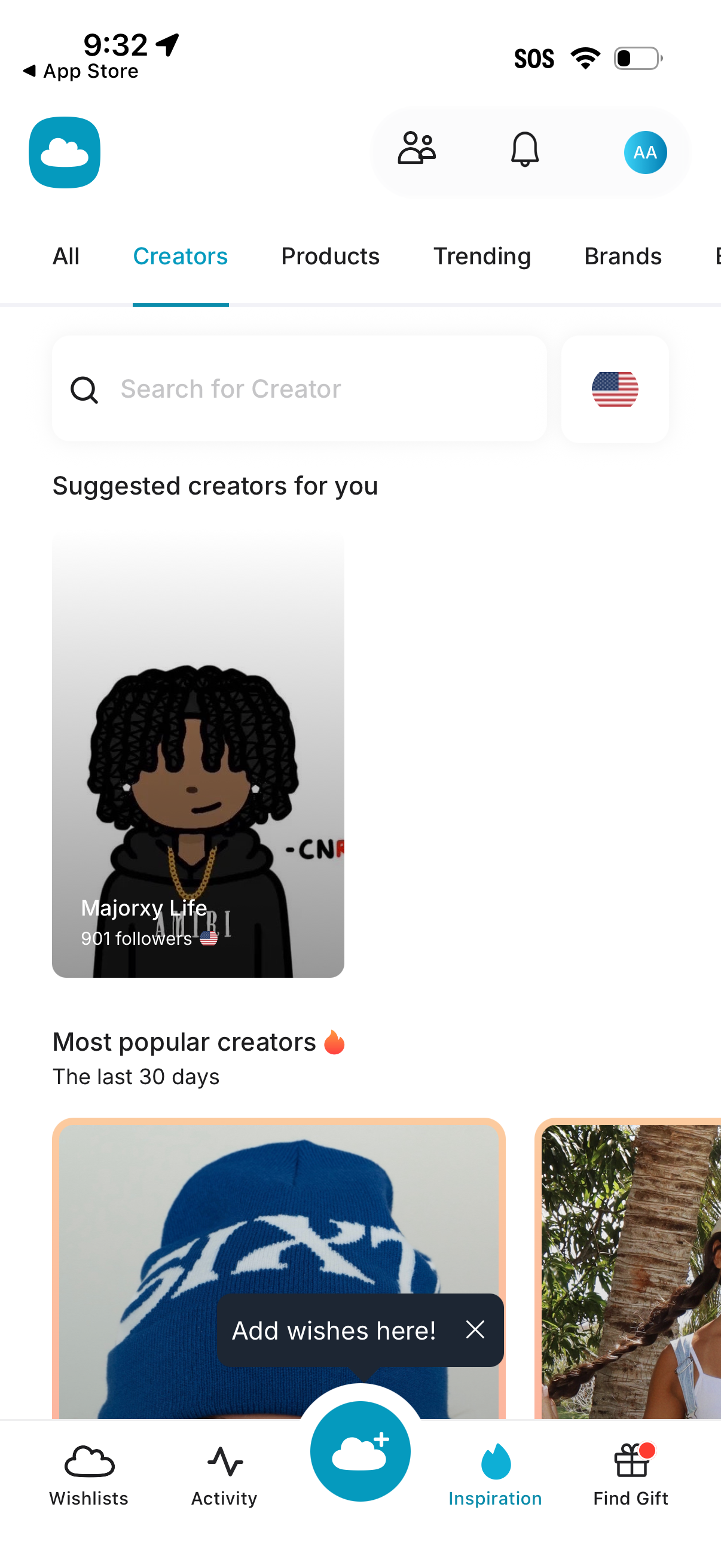
Inspiration discovery screen focused on Creators, with tabbed browsing (All, Creators, Products, Trending, Brands), a search bar to find creators, and sections for suggested creators and most popular creators in the last 30 days. Includes navigation to wishlists, activity, adding wishes, and a find gift feature, plus icons for friends/community, notifications, and profile.
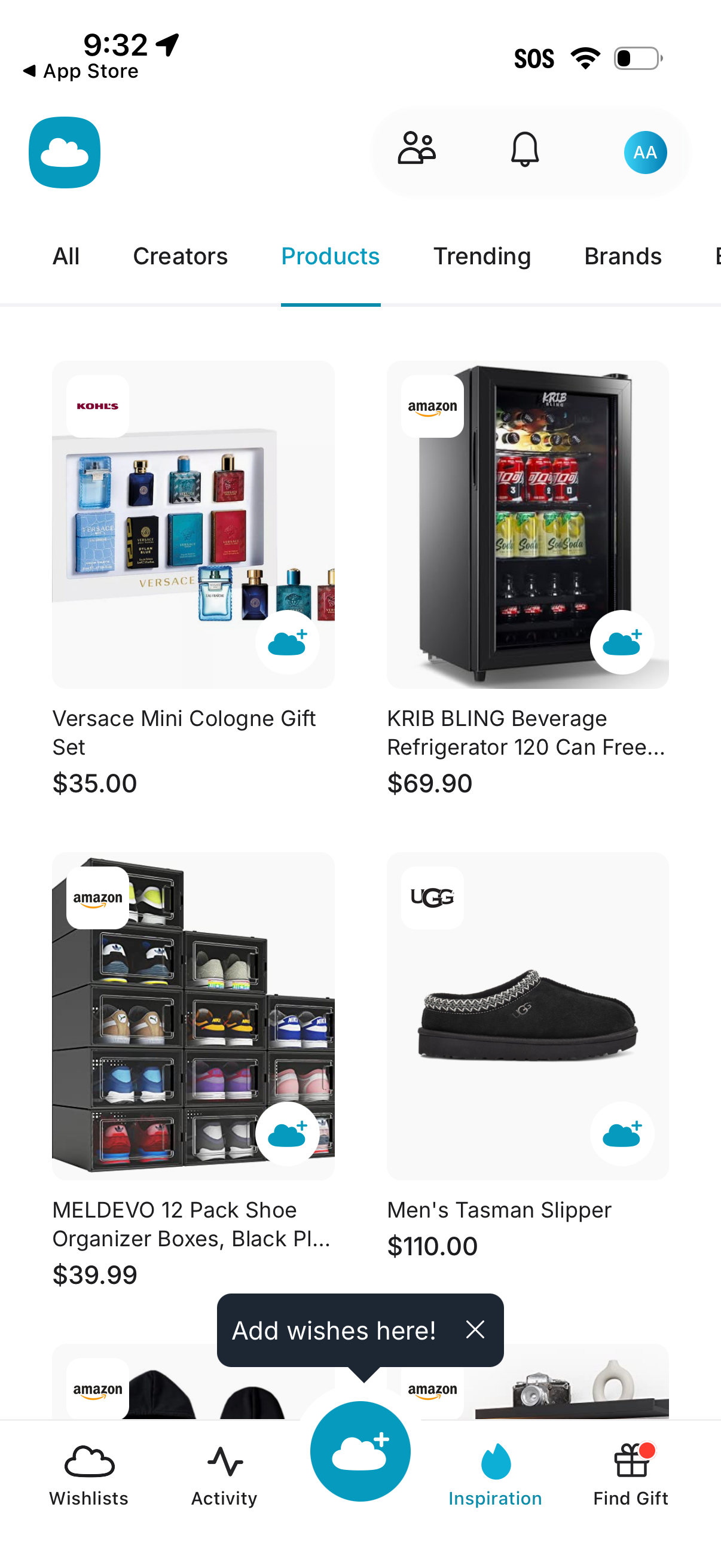
Shopping inspiration feed showing a grid of products with images, retailer/brand badges, names, and prices, with category tabs (All, Creators, Products, Trending, Brands) to filter browsing. Users can tap a cloud-plus button to add items to wishlists, access notifications and profile, and navigate via a bottom bar for Wishlists, Activity, Inspiration, and Find Gift.
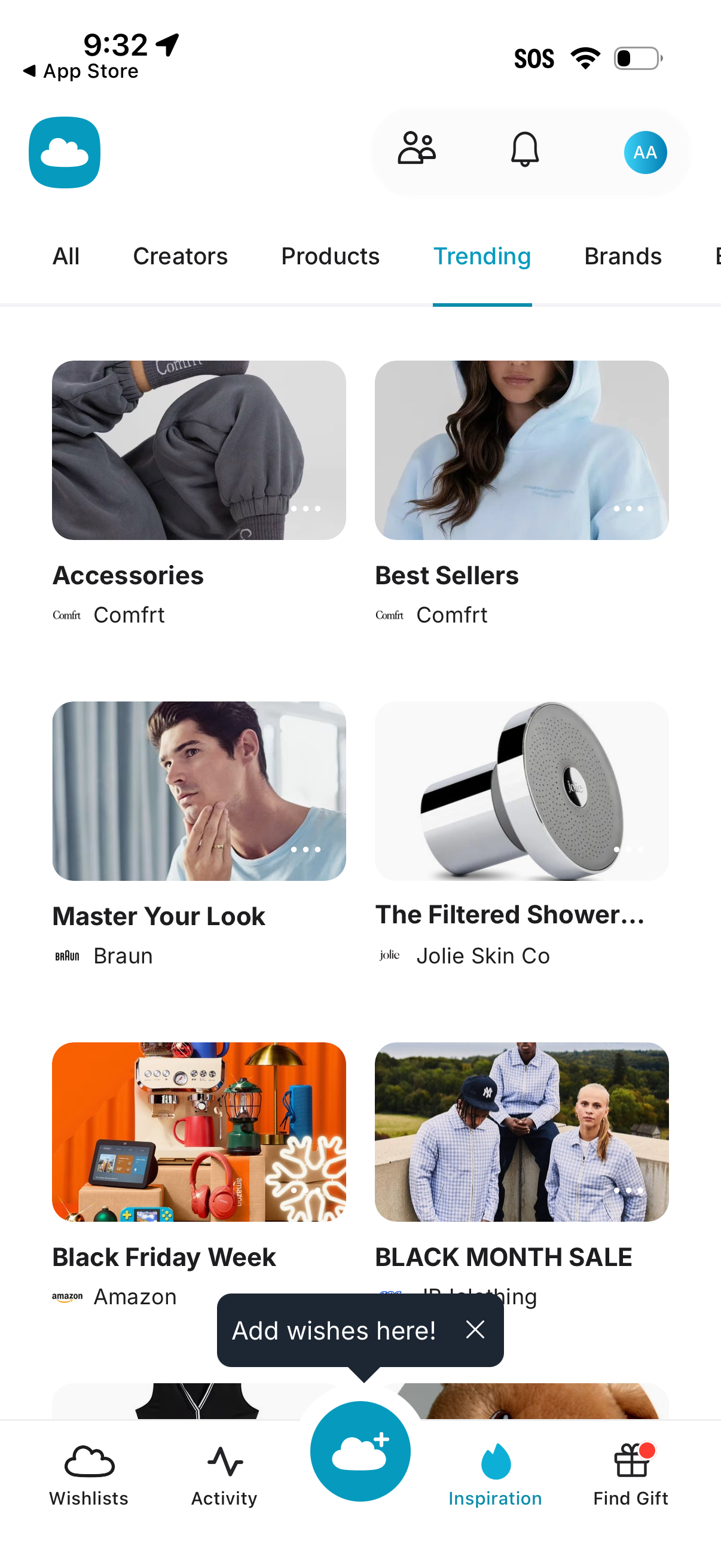
Shopping inspiration browse screen showing a Trending tab with category filters (All, Creators, Products, Trending, Brands) and a grid of curated brand/product collections like accessories, best sellers, and seasonal sales. Top bar includes community/following and notifications icons, while the bottom navigation offers Wishlists, Activity, Inspiration, and Find Gift with a prominent add-to-wishlist floating action button.
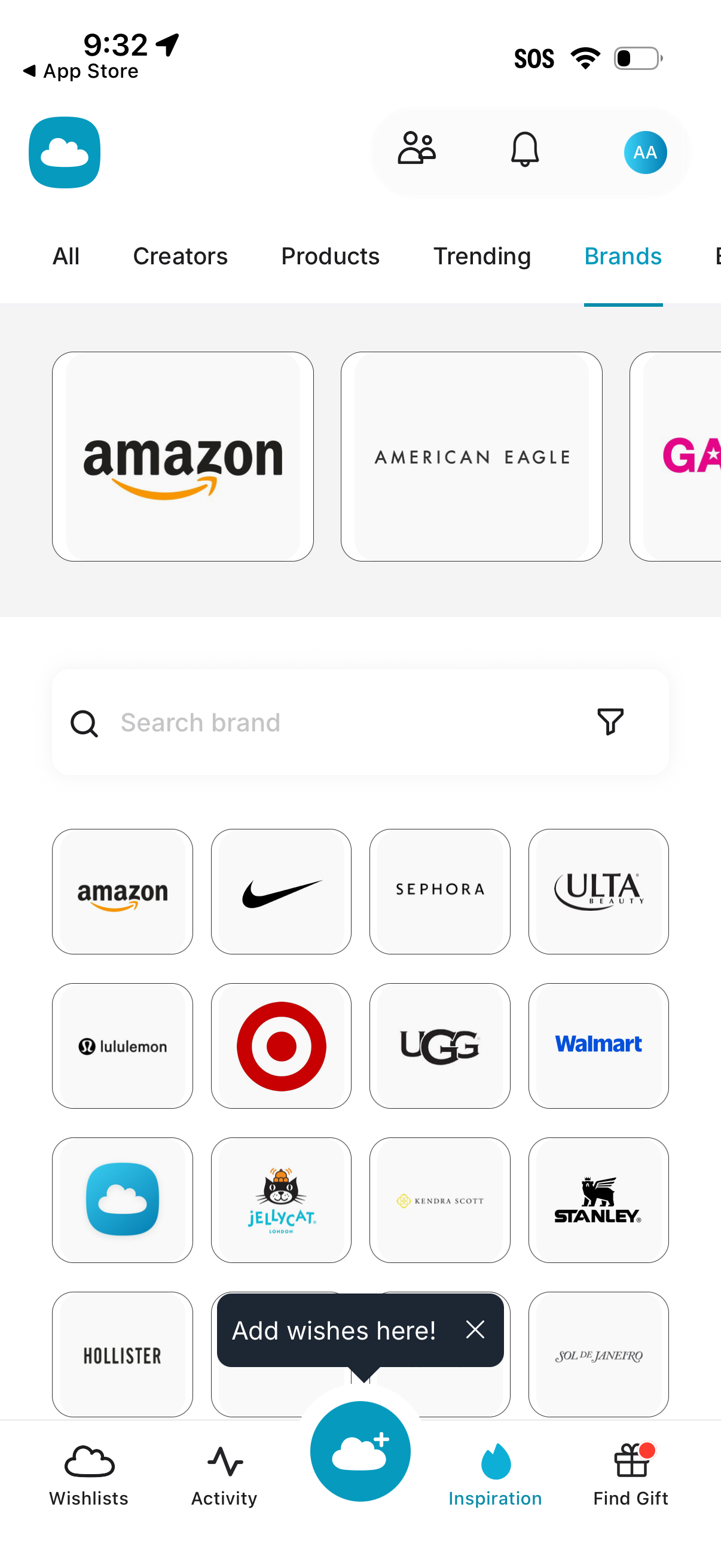
Brand discovery screen in a shopping/wishlist app with tabs for All, Creators, Products, Trending, and Brands, showing a grid of popular brand logos users can tap to browse. Includes a search bar to search brands with a filter option, plus bottom navigation for Wishlists, Activity, Inspiration, and Find Gift.