enable location access
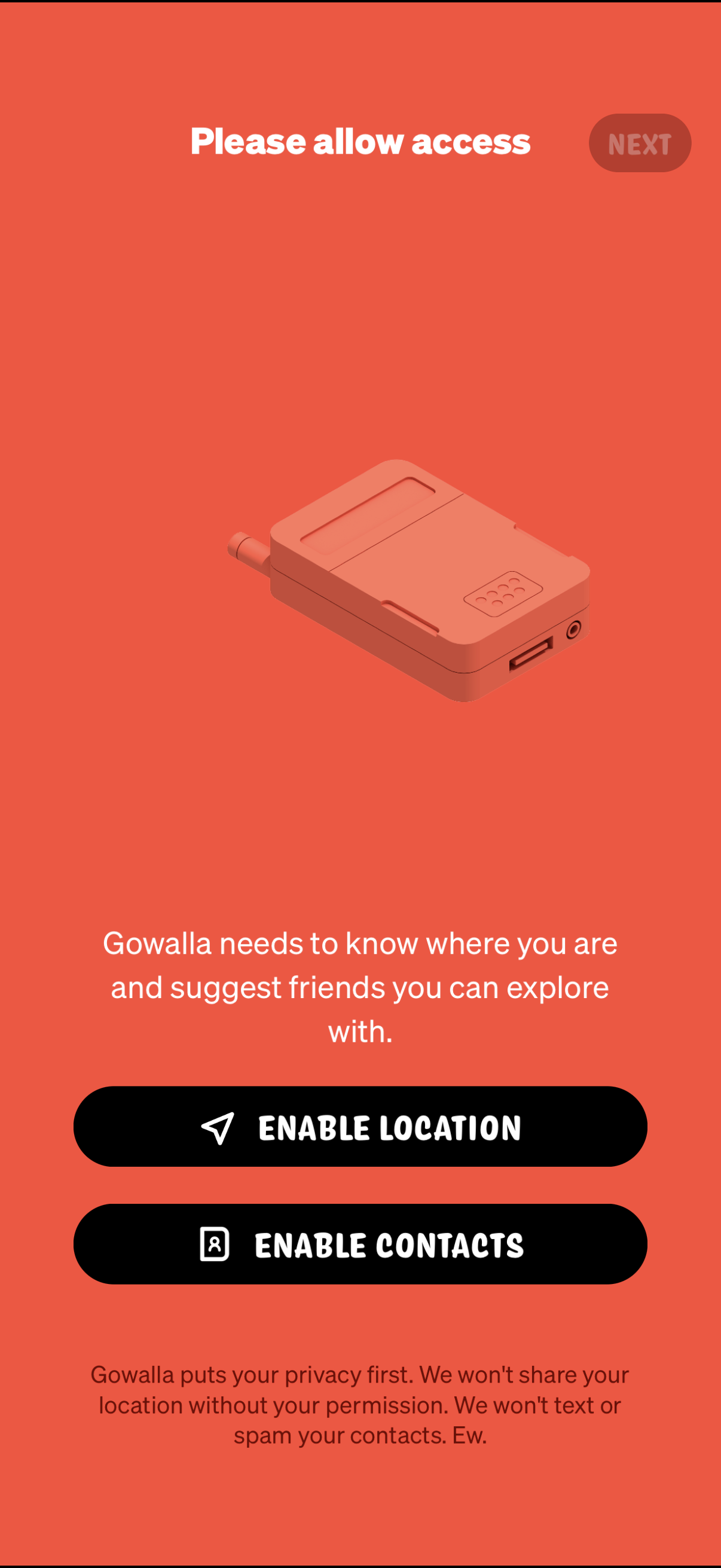
Onboarding permissions screen prompting the user to allow access so the app can find their location and suggest friends, with primary actions to enable Location and enable Contacts plus a Next button. Includes brief privacy reassurance explaining data won’t be shared or contacts spammed without permission.
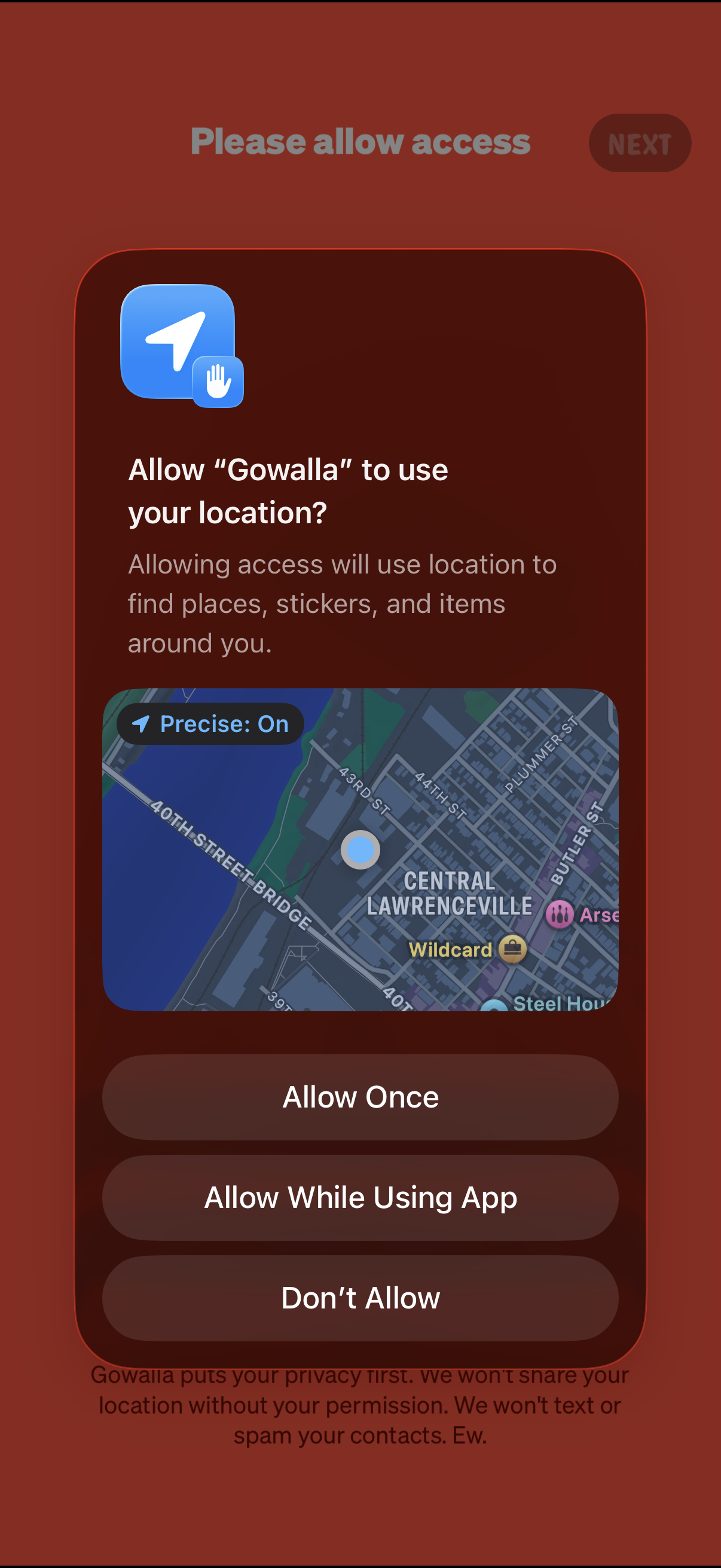
Location permission request screen prompting the user to allow the app to access their precise location to find nearby places and items, with a map preview. Primary actions include Allow Once, Allow While Using App, or Don’t Allow, with a Next button to continue onboarding.
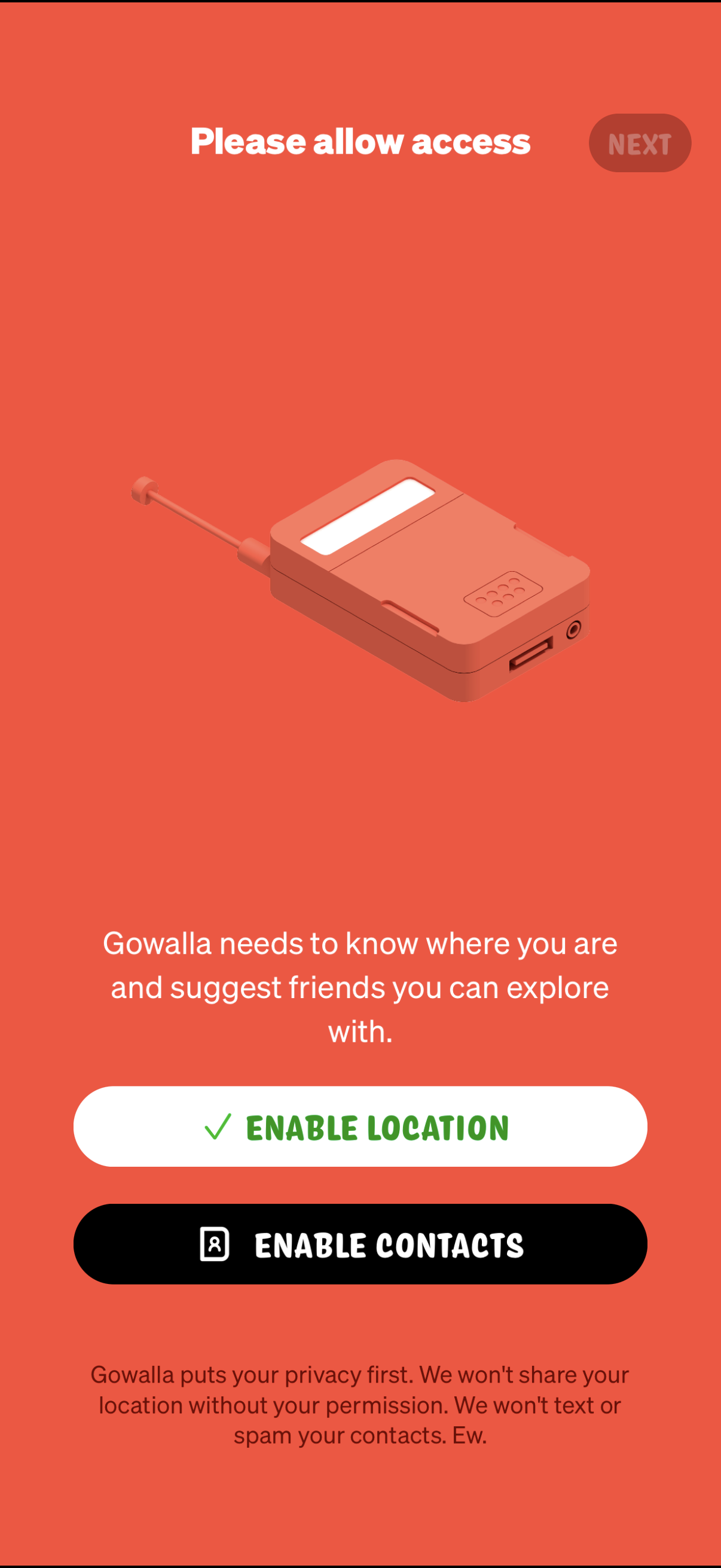
Onboarding permissions screen asking the user to allow access so the app can find their location and suggest friends. Primary actions are to enable location and enable contacts, with a Next button and privacy reassurance text about not sharing or spamming.