View Settings
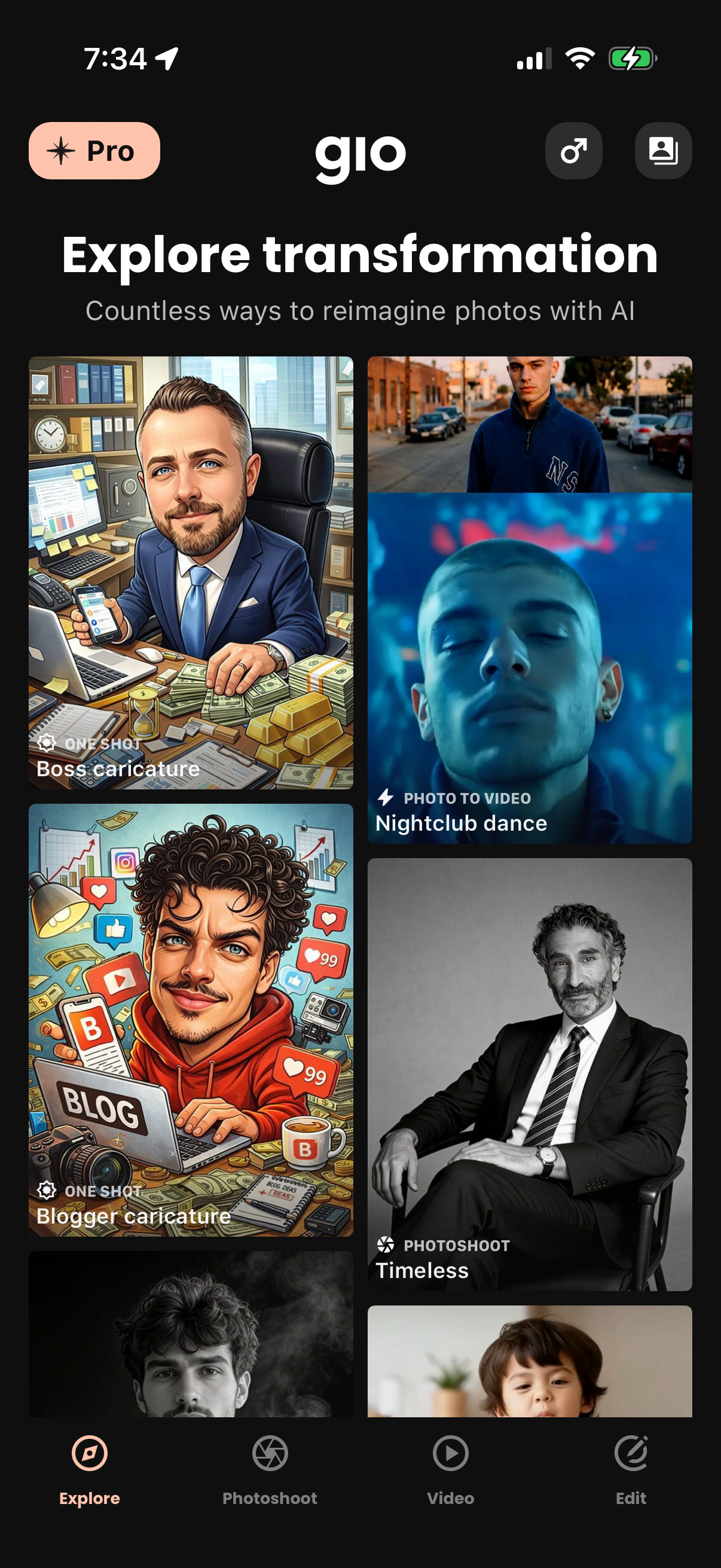
Explore gallery screen for an AI photo transformation app, showcasing a grid of preset styles and templates like caricatures, photoshoots, and photo-to-video effects to reimagine images. Users can browse categories via bottom navigation (Explore, Photoshoot, Video, Edit) and access pro upgrade and account/settings shortcuts.
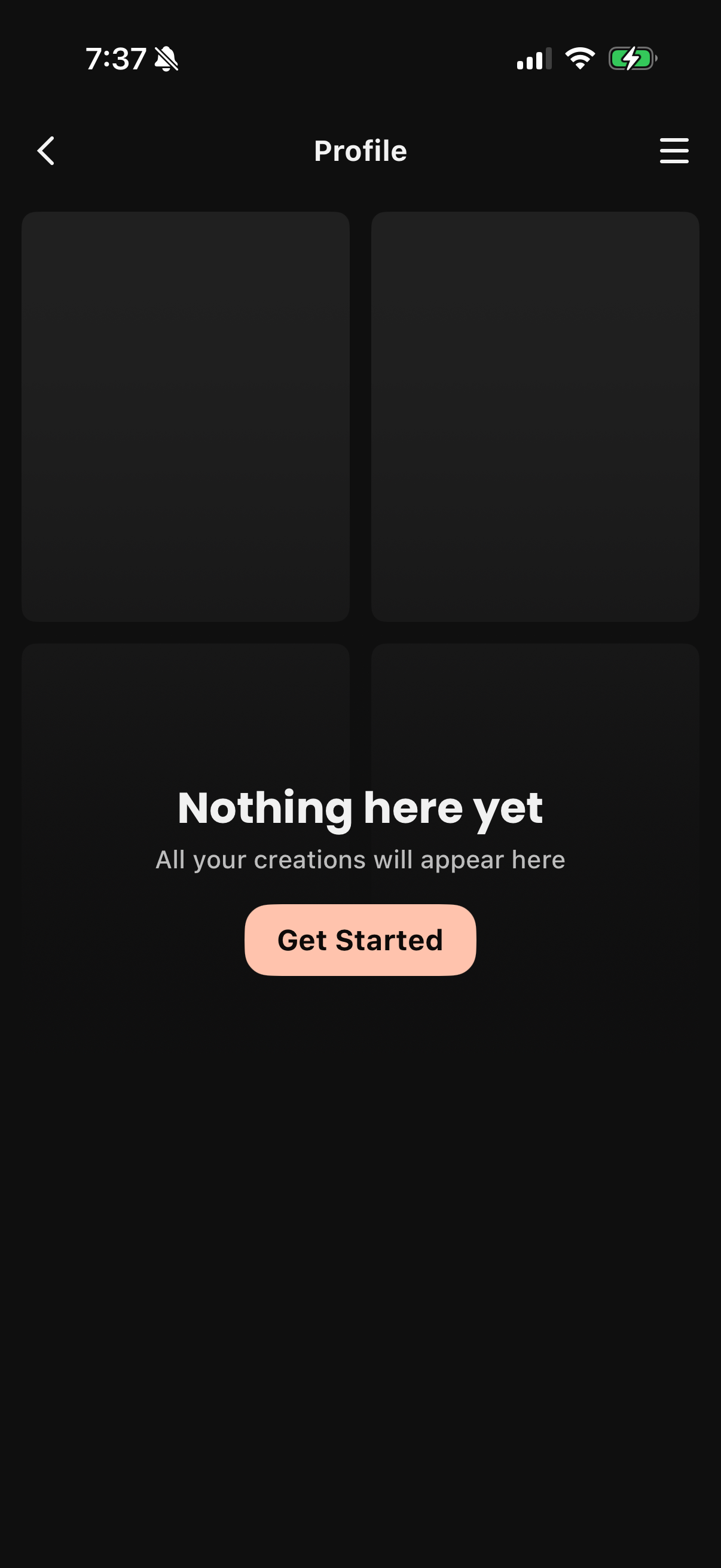
Profile screen showing an empty state for a user’s creations in a grid layout, with messaging that no content exists yet. Includes a primary “Get Started” call-to-action to create the first item, plus back navigation and a menu icon for settings/options.
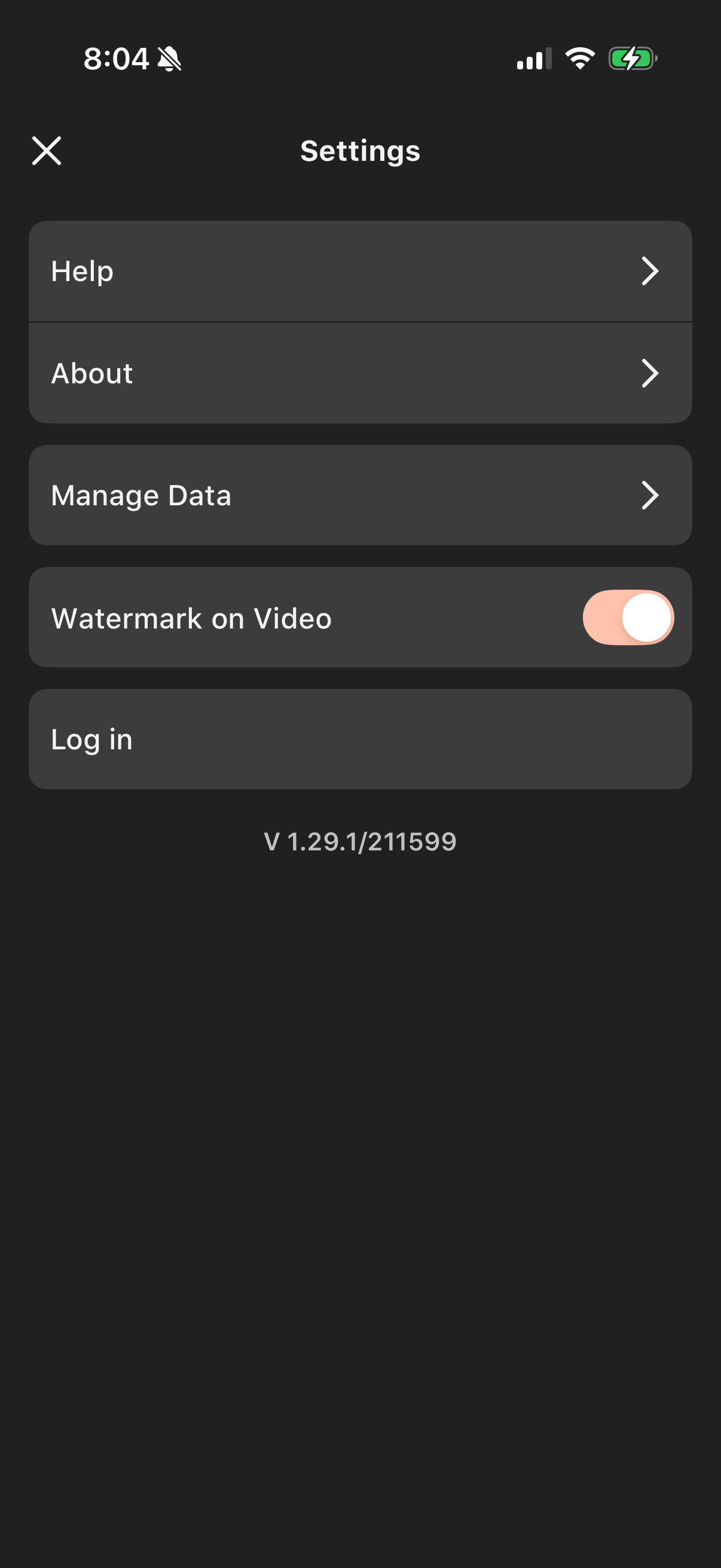
Mobile app settings screen with navigation links to Help, About, and Manage Data, plus a toggle to enable or disable a watermark on exported videos. Includes a Log in option and displays the app version at the bottom.