App splash/loading screen for an AI portrait studio, showing a centered logo on a dark background with the product name at the bottom and no interactive actions.
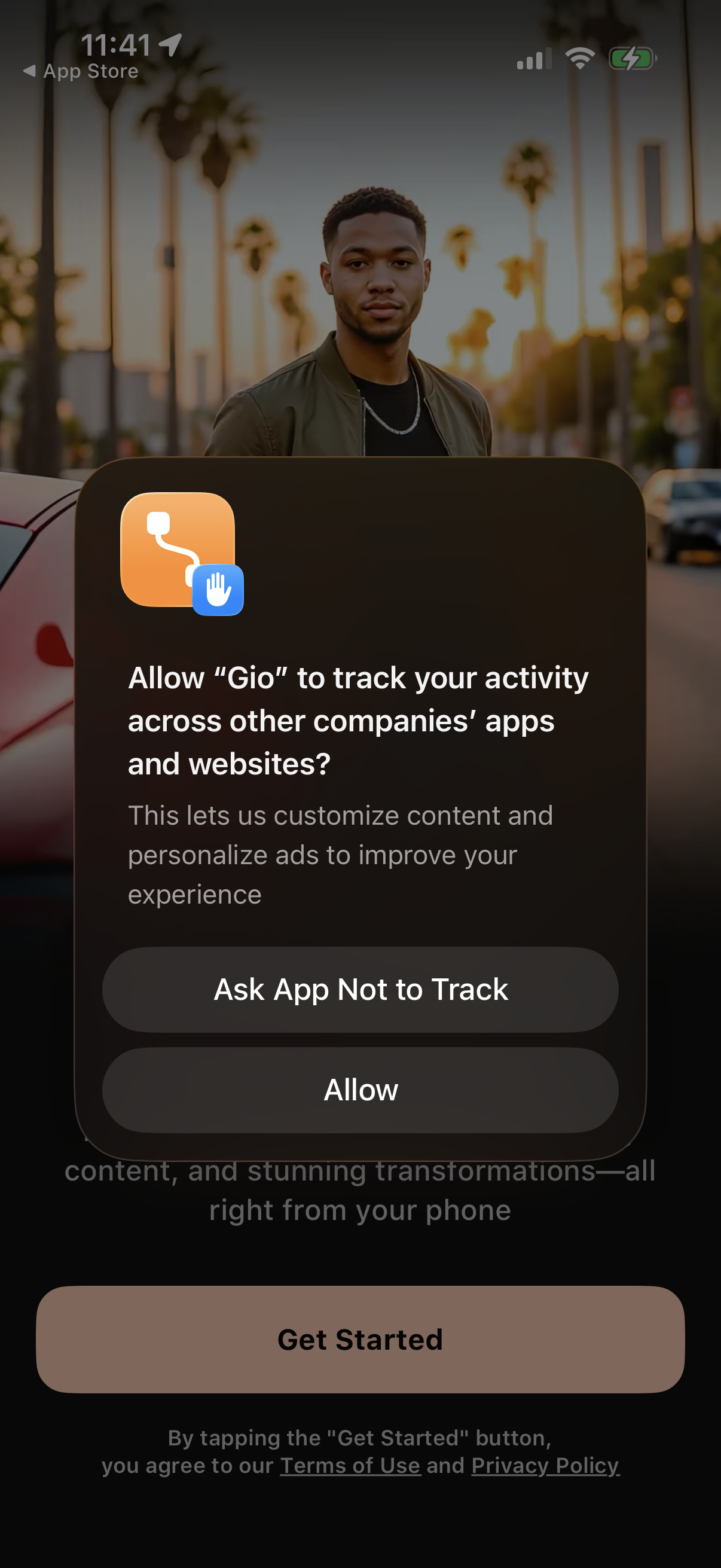
iOS App Tracking Transparency permission pop-up asking whether to allow the app to track user activity across other companies’ apps and websites for personalized content and ads. Provides two primary actions: “Ask App Not to Track” or “Allow,” displayed over an onboarding/get started screen.
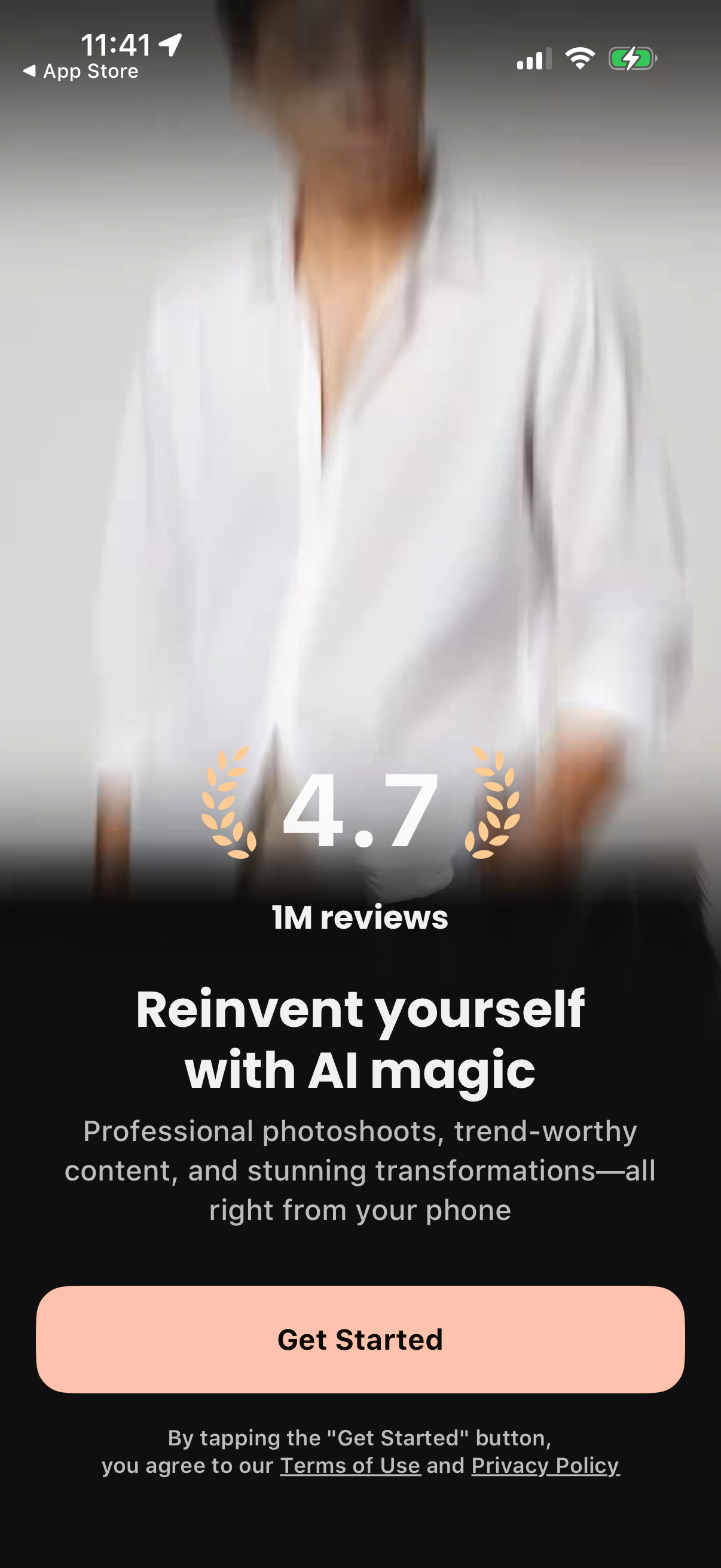
Onboarding marketing splash screen for an AI photo transformation app highlighting its 4. 7 rating and 1M reviews, with messaging about professional photoshoots and trend-worthy content.
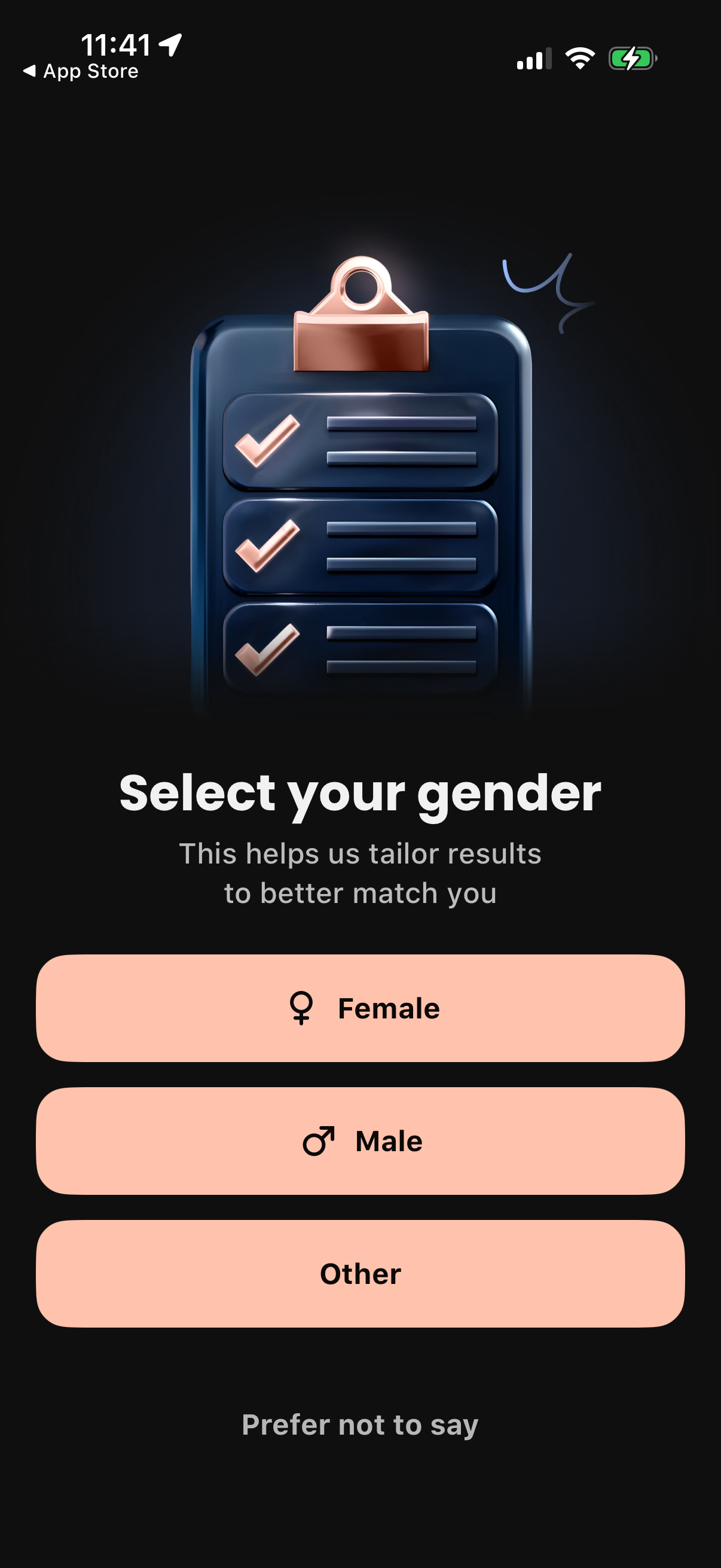
Onboarding profile setup screen asking the user to select their gender to personalize results. Provides large selectable options for Female, Male, and Other, plus a “Prefer not to say” choice.
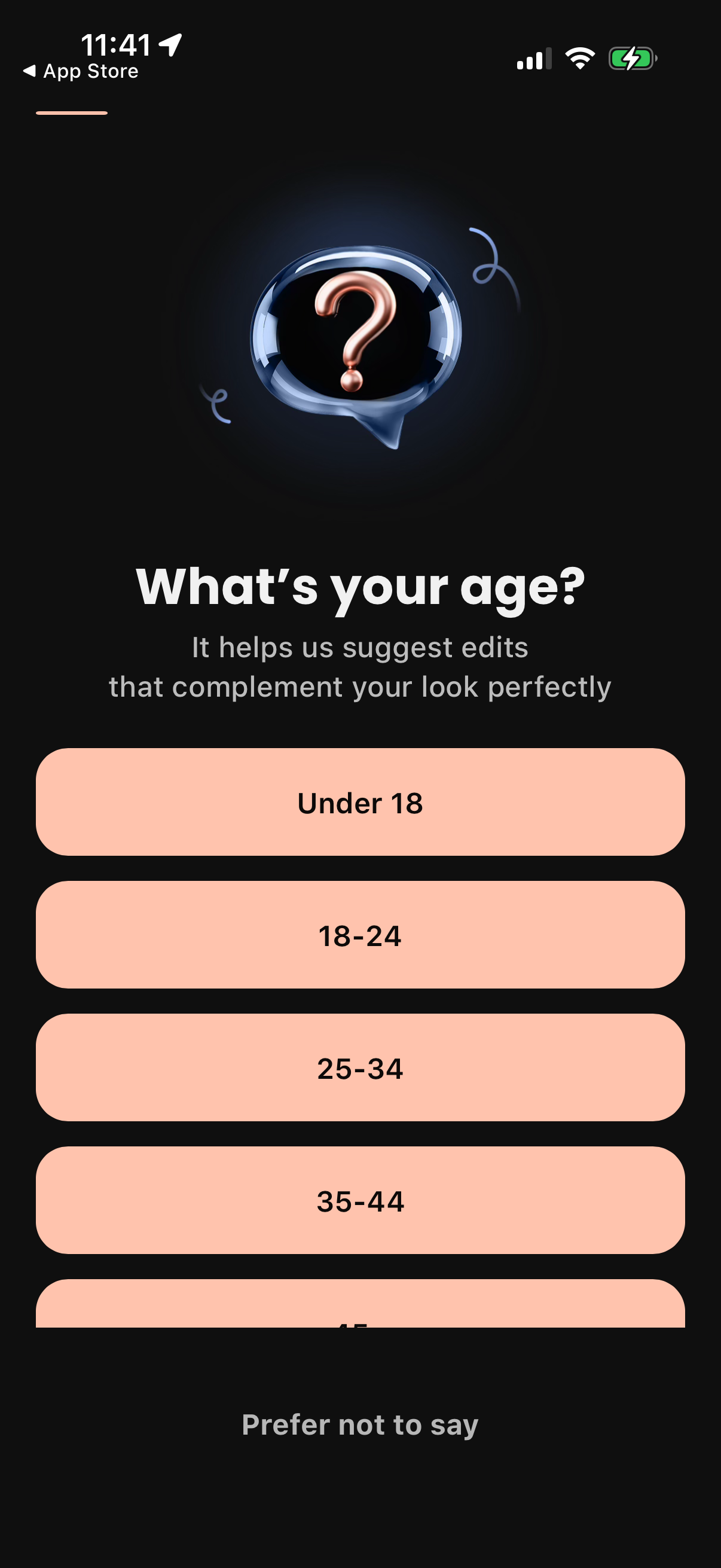
Onboarding profile question screen asking “What’s your age? ” to personalize recommendations, with large selectable age-range buttons (Under 18, 18–24, 25–34, 35–44, etc.
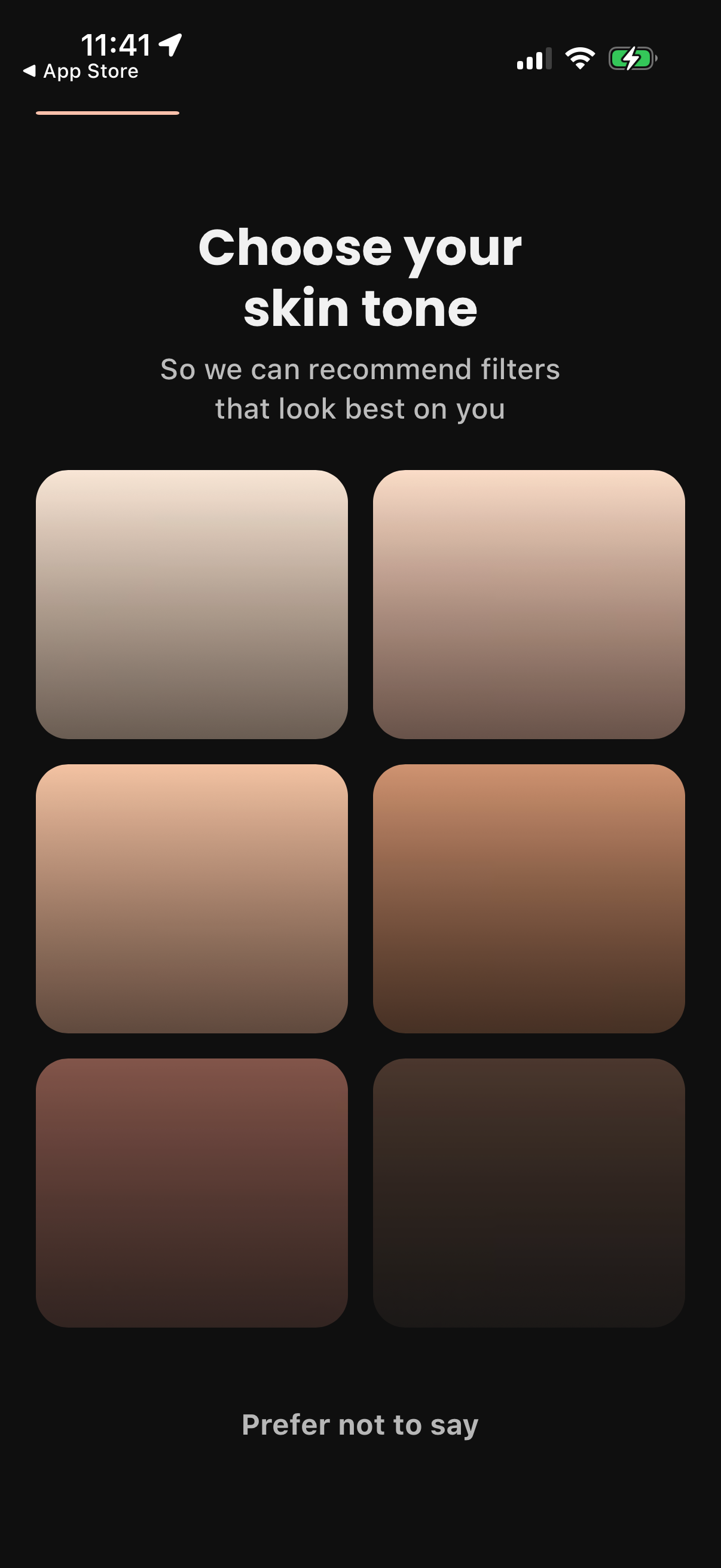
Onboarding personalization screen asking the user to choose their skin tone to recommend filters that look best on them. Shows a grid of selectable skin tone swatches and an optional “Prefer not to say” choice.
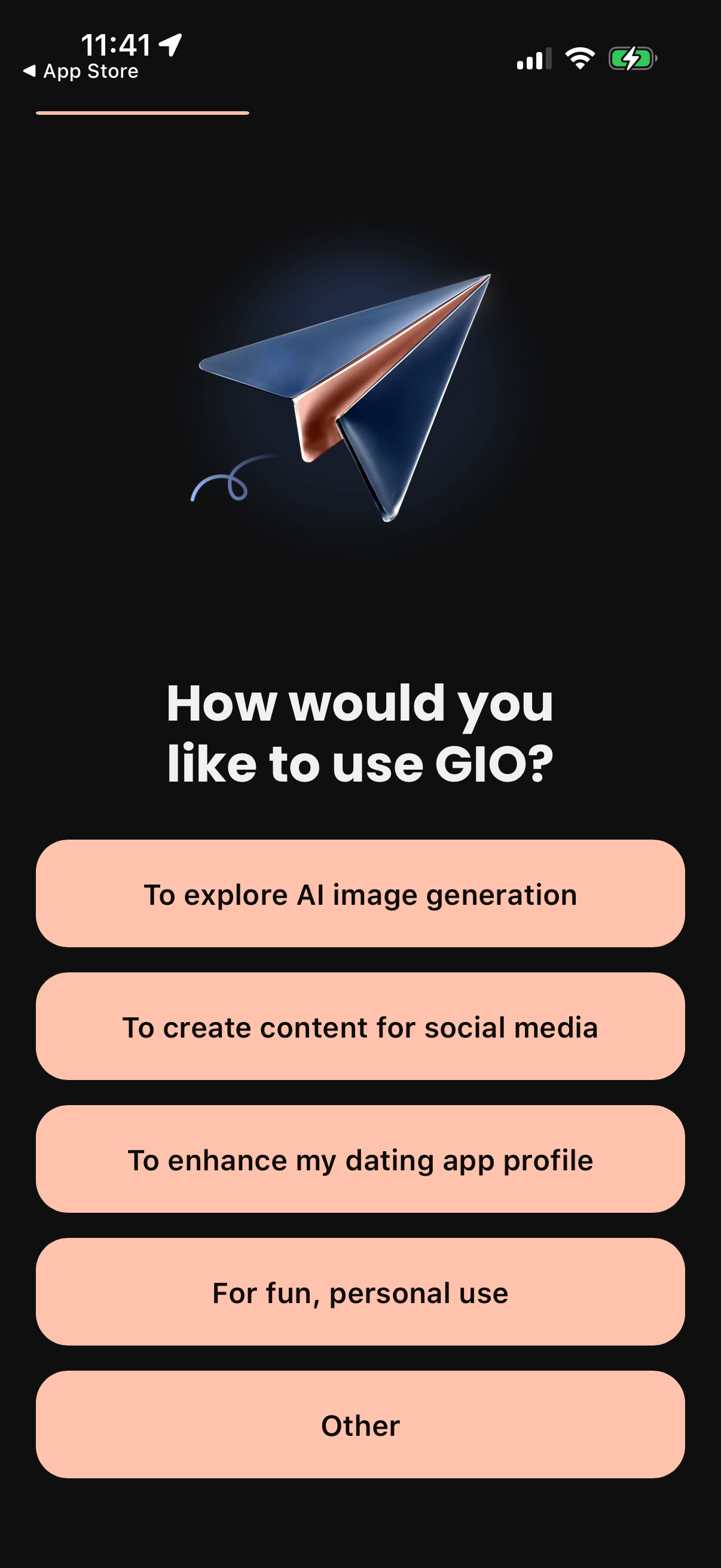
Onboarding preference screen asking “How would you like to use” the app, used to personalize setup. Users choose a use case from large buttons such as exploring AI image generation, creating social media content, enhancing a dating profile, personal/fun use, or Other.
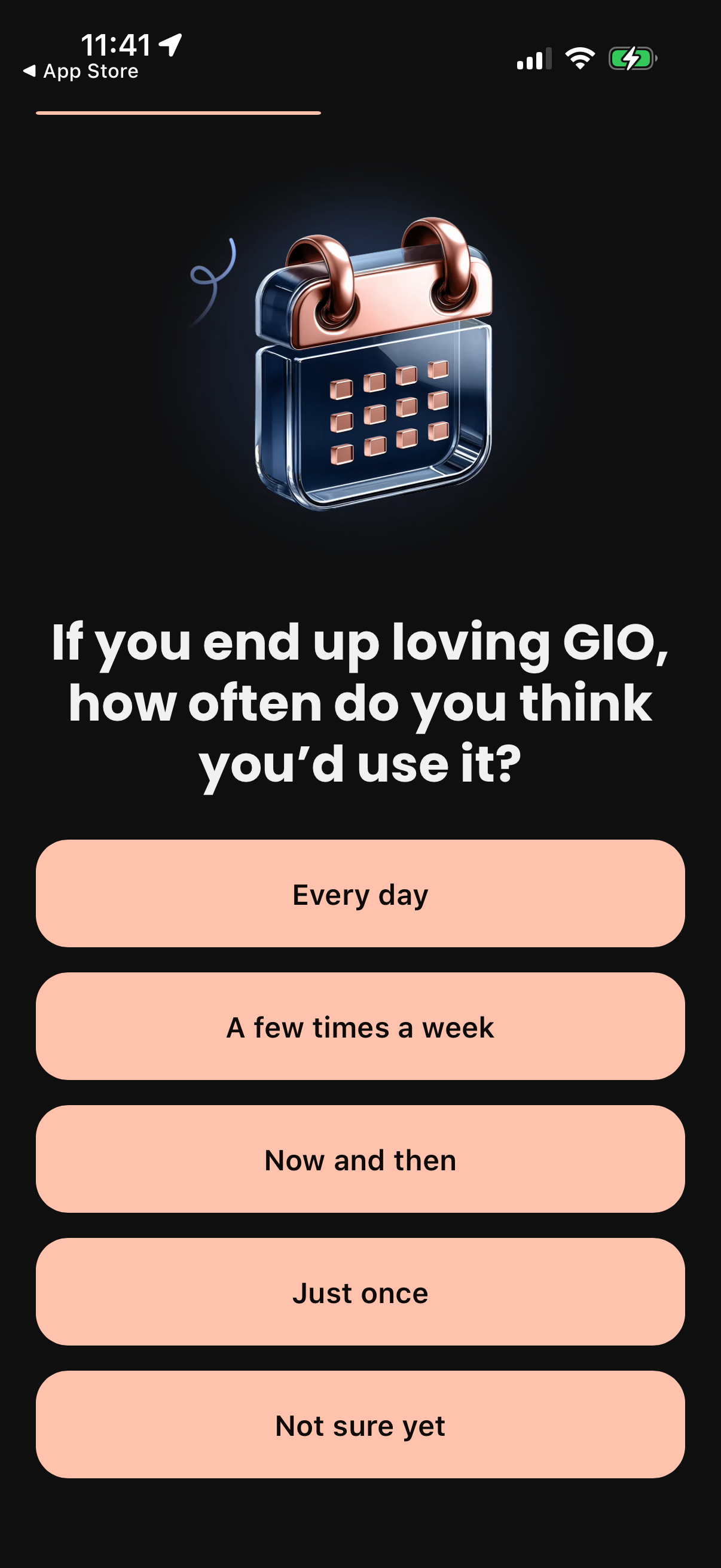
Onboarding survey screen asking users how often they would use the app, with a large prompt and multiple choice frequency buttons (every day, a few times a week, now and then, just once, not sure yet) to personalize the experience. Includes a back navigation to the previous step.
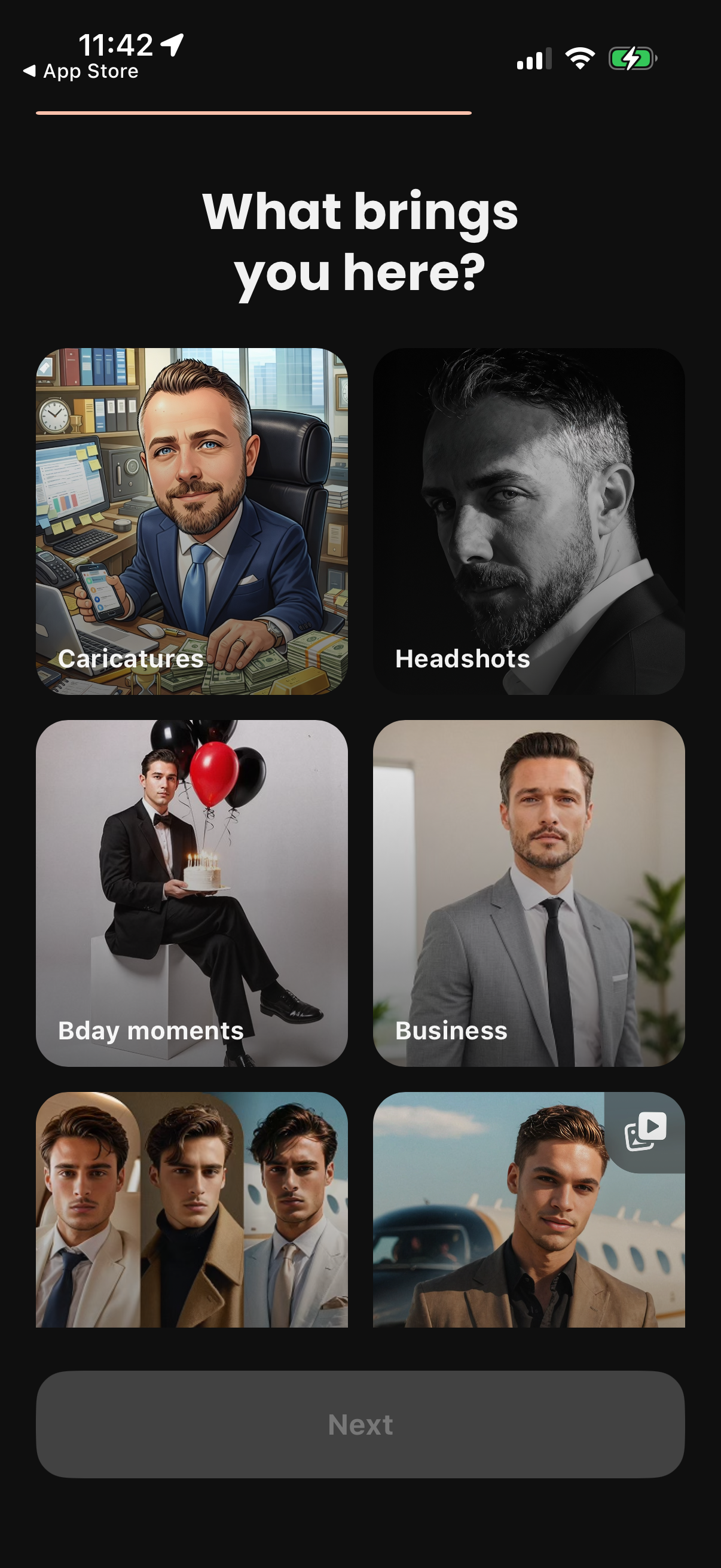
Onboarding preference selection screen asking “What brings you here? ” with a grid of image-based categories (e.
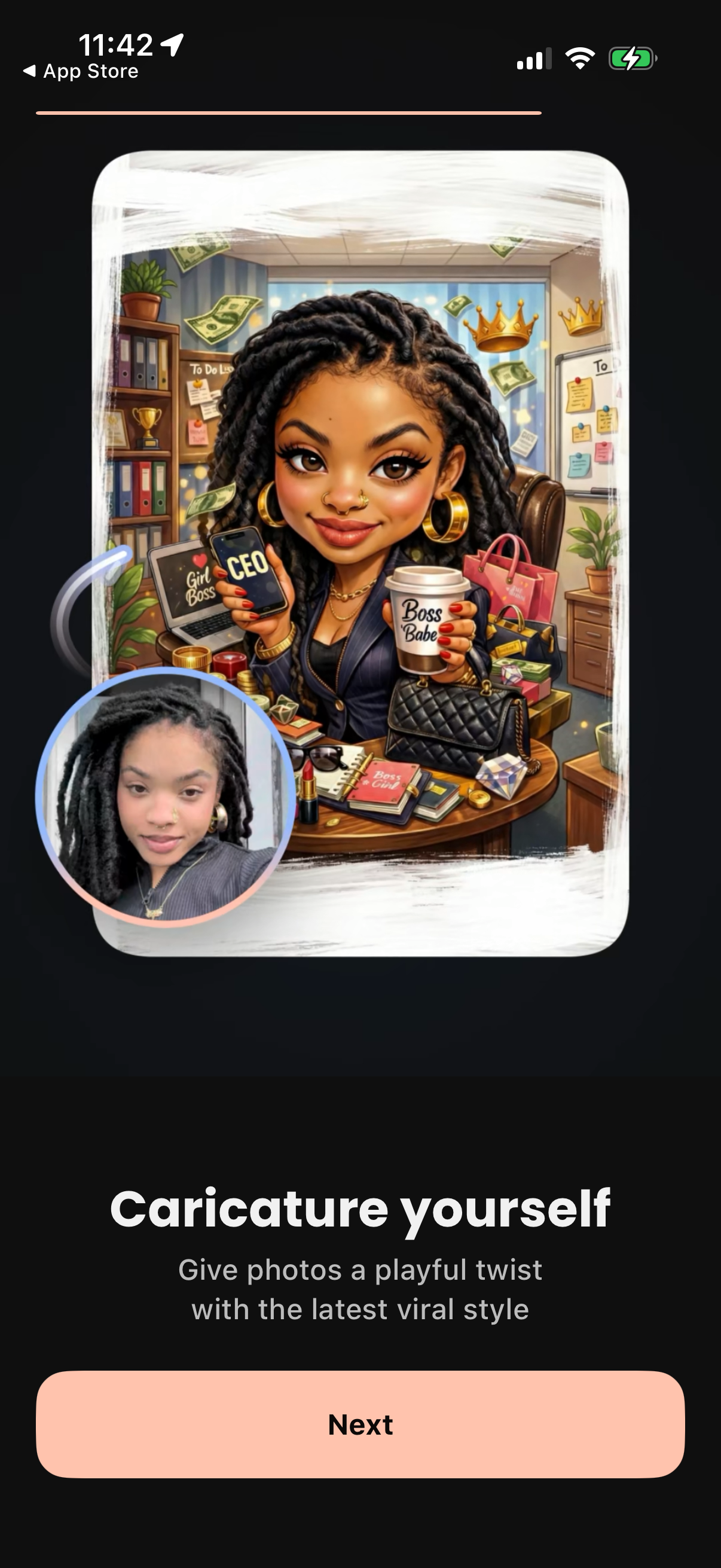
Onboarding intro screen for an AI photo editor that turns user selfies into viral caricature/cartoon-style portraits, showing an example transformation preview. Includes a short value proposition and a primary “Next” button to continue setup.

App onboarding setup/loading screen showing a circular progress indicator and “Setting up” status while the app explores styles, analyzes user preferences, refines personalized looks, and populates the user’s feed. This is a personalization initialization screen communicating background processing steps during first-time setup.
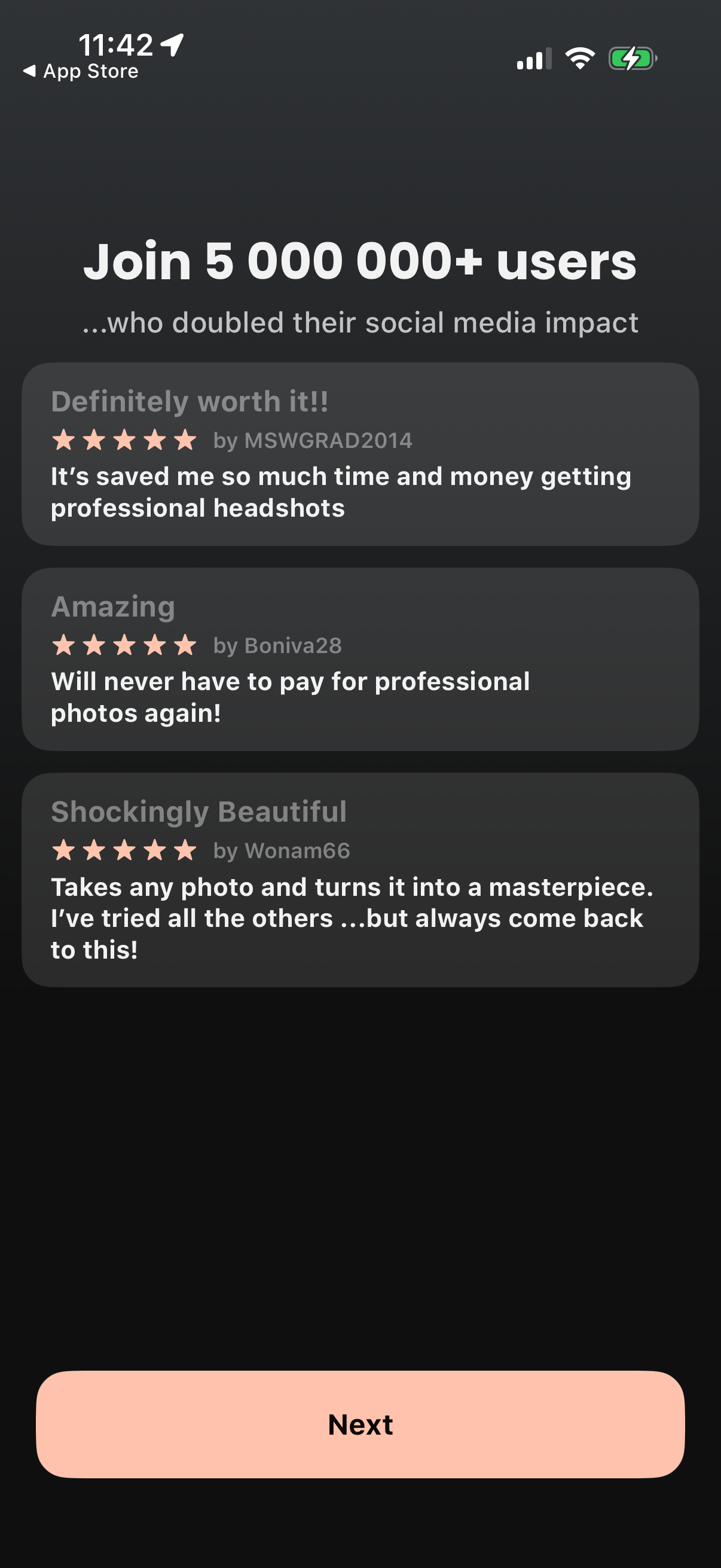
Onboarding marketing screen highlighting social proof, with a headline promoting “5,000,000+ users” and stacked 5‑star user testimonials about saving time and getting professional headshots/photos. A large “Next” button at the bottom advances to the next step in the signup/onboarding flow.
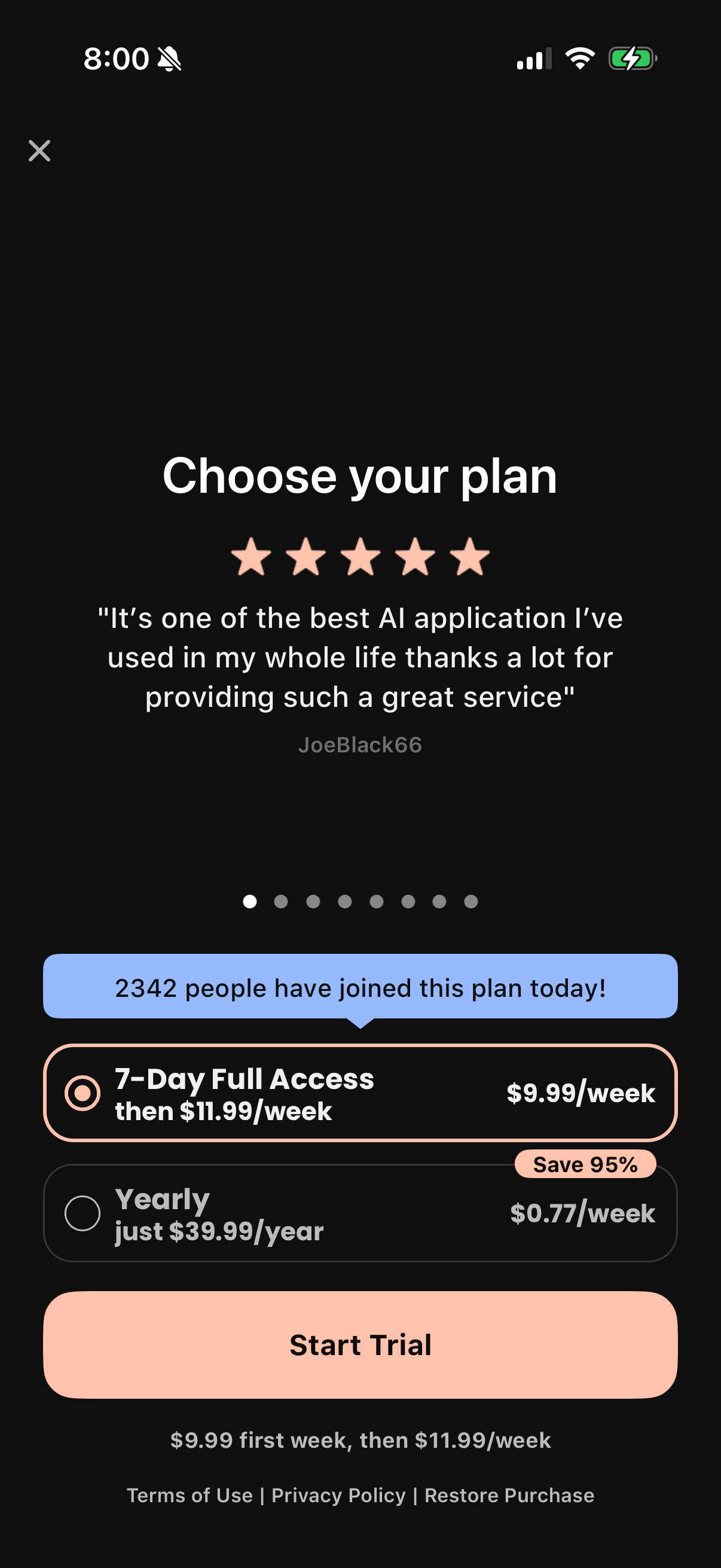
Subscription paywall screen prompting users to choose a plan, featuring social proof (5-star review and “people joined today” banner) and pricing options for a 7-day trial weekly subscription versus a discounted yearly plan. Users can select a plan, view per-week costs and savings, restore purchases, and tap a primary “Start Trial” CTA.
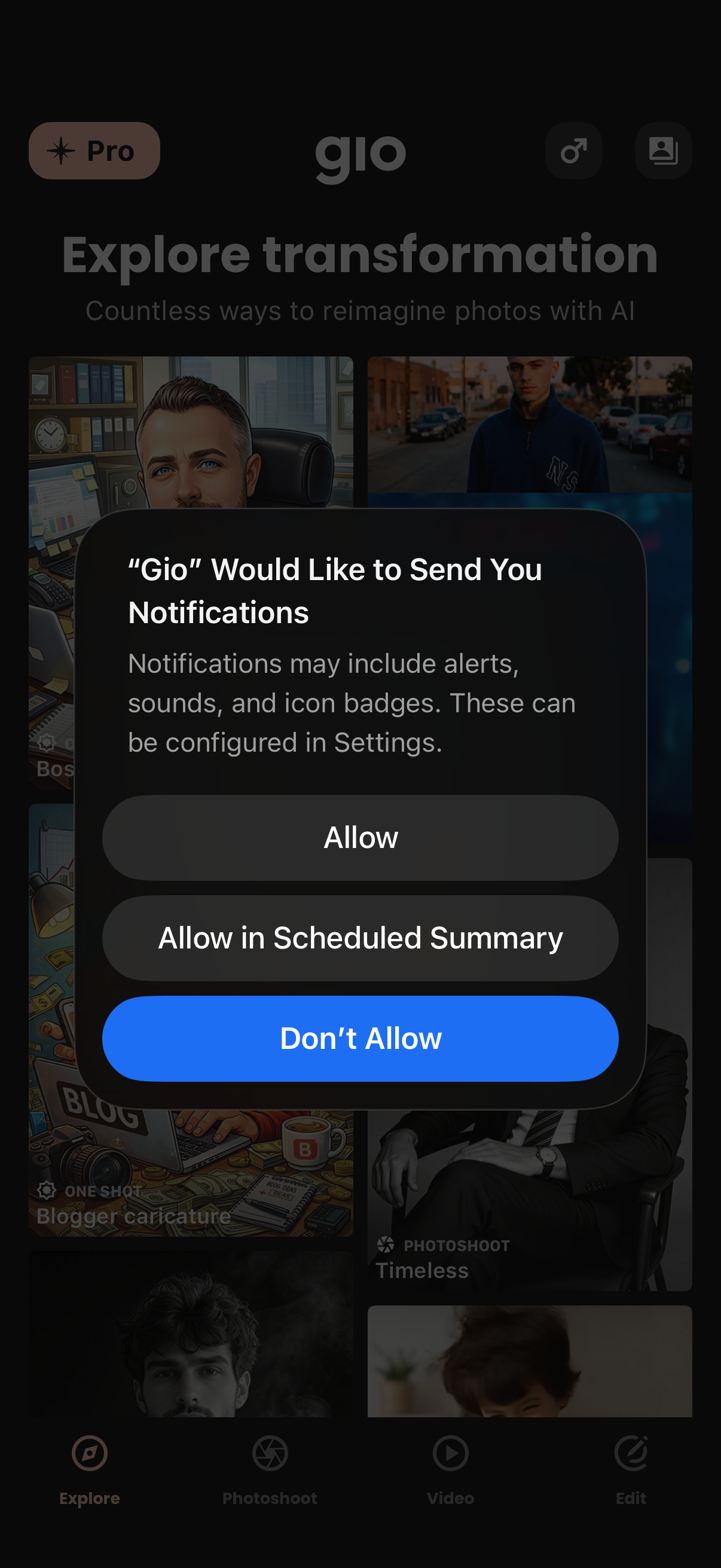
iOS push notification permission prompt overlay asking to allow the app “Gio” to send notifications, with options to Allow, Allow in Scheduled Summary, or Don’t Allow. The modal appears on top of the app’s explore/discover home screen for AI photo transformation features with bottom tab navigation.
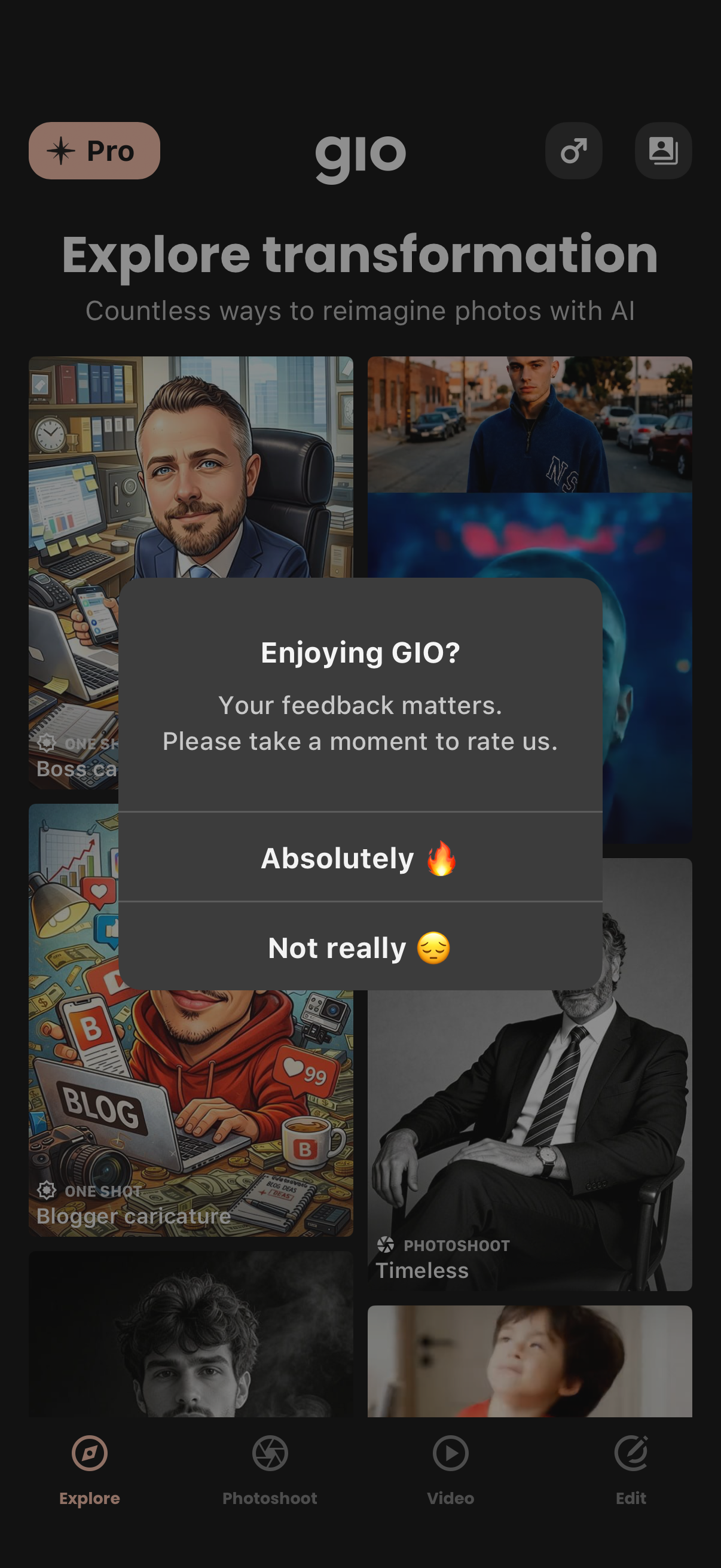
AI photo transformation app explore feed showing a grid of transformation presets and categories, with bottom tab navigation for Explore, Photoshoot, Video, and Edit. A modal in-app rating prompt asks “Enjoying GIO?
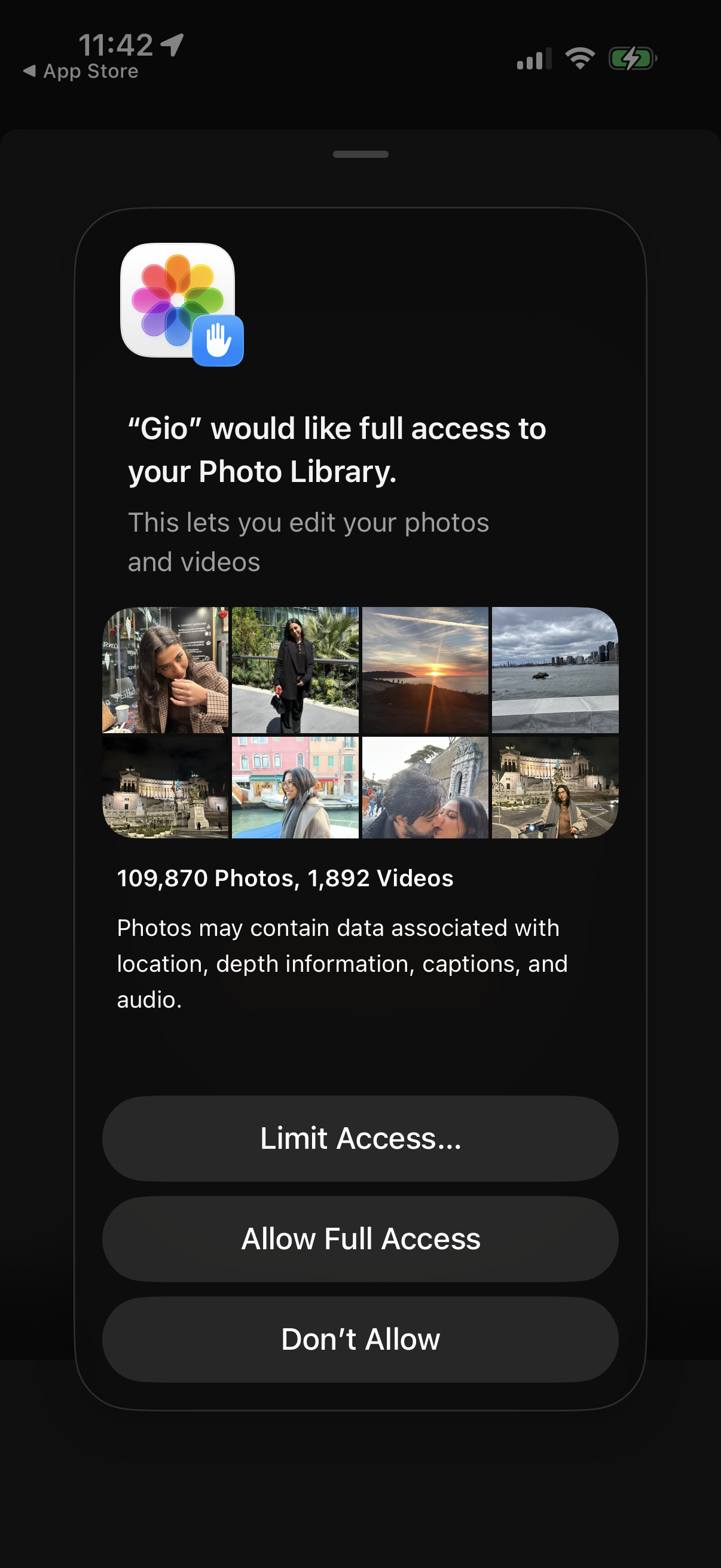
iOS system permission prompt requesting an app to access the user’s Photo Library so it can edit photos and videos, showing a thumbnail grid preview and photo/video counts. Provides actions to Limit Access (select photos), Allow Full Access, or Don’t Allow.
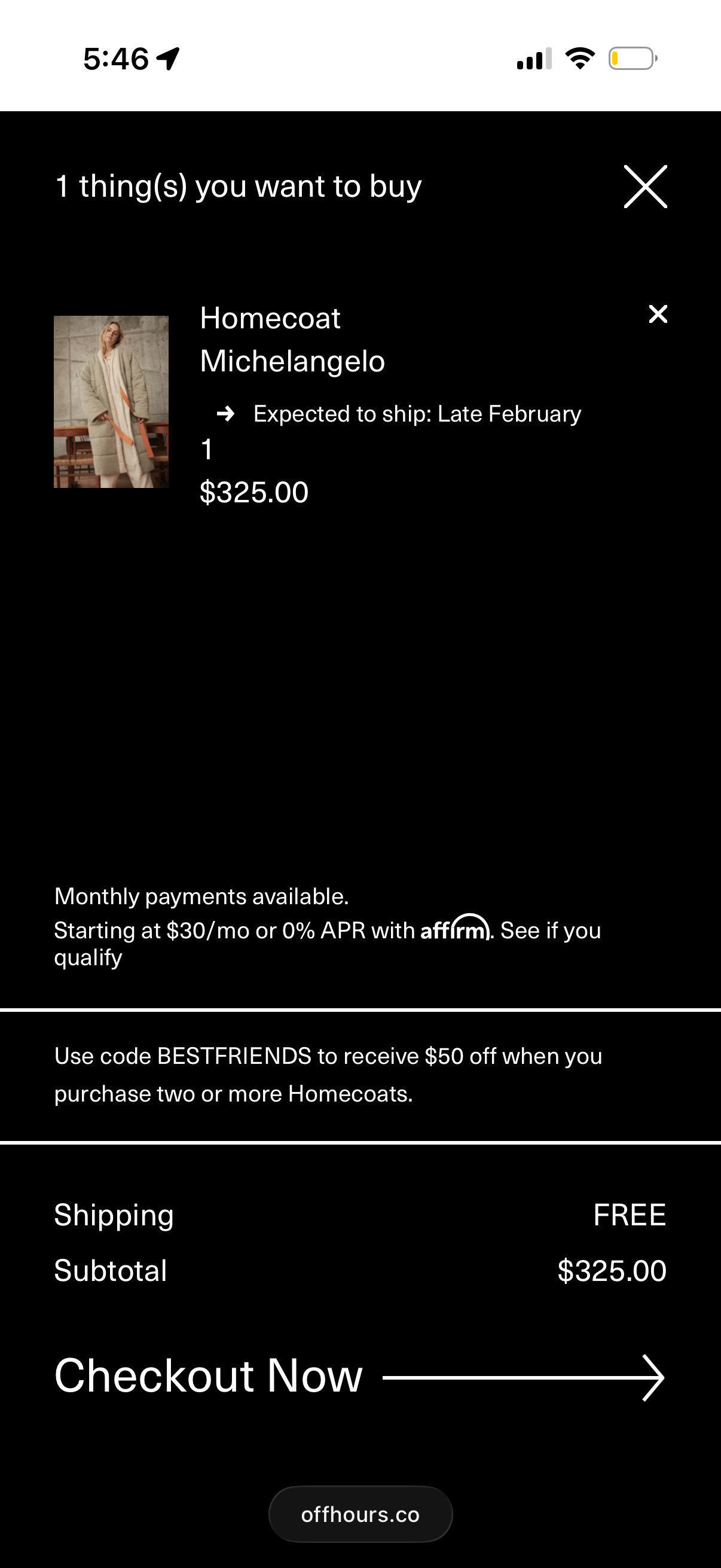
Shopping cart/checkout summary screen showing one item with product thumbnail, name, quantity, price, and expected shipping date, with options to remove the item or close the modal. It highlights payment installment financing, promo code offer, shipping cost and subtotal, and a primary “Checkout Now” call to action.