Sign up and notification opt in
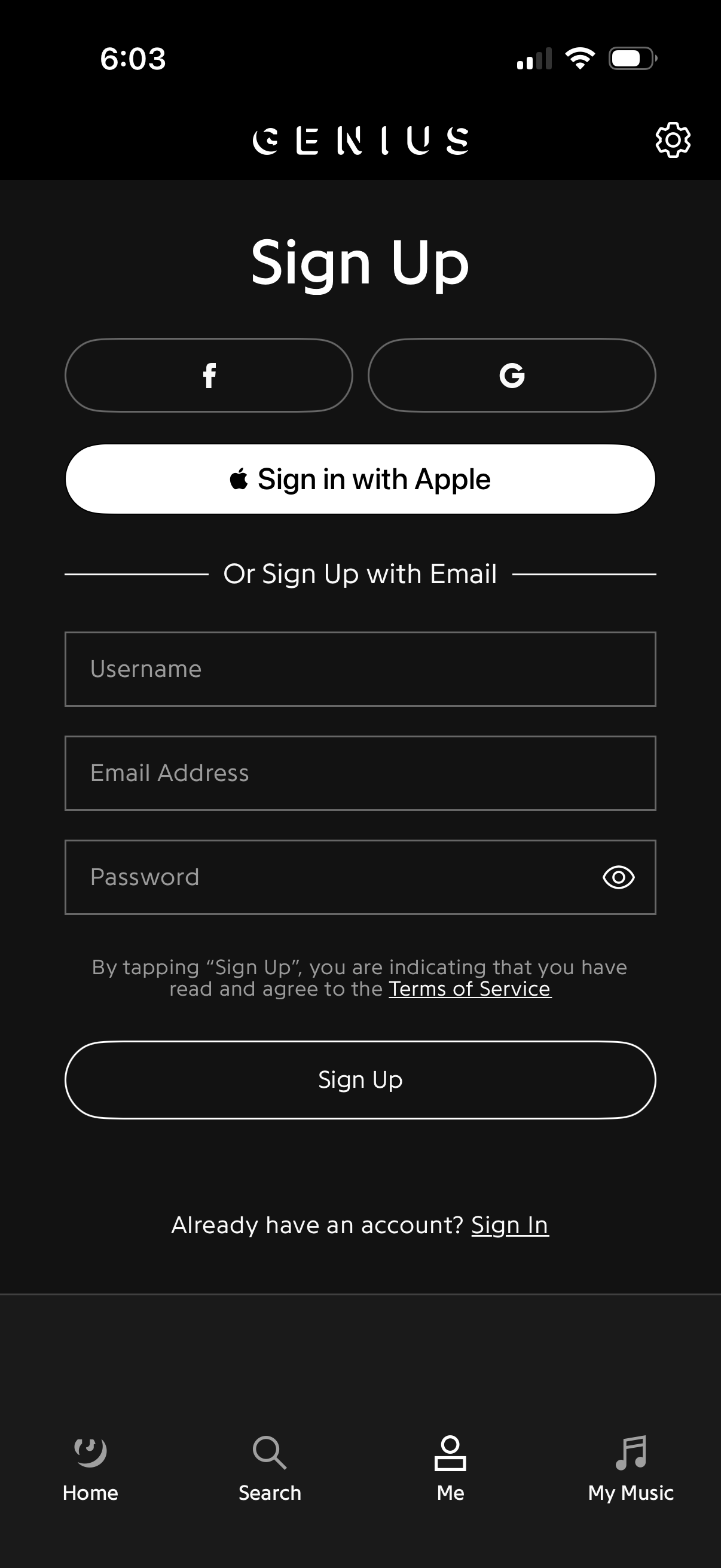
User account sign up screen offering social authentication with Facebook, Google, and Sign in with Apple, plus an email registration form with username, email address, and password fields with a show/hide toggle. Includes terms of service acknowledgment, a primary “Sign Up” button, and a link to sign in for existing users.
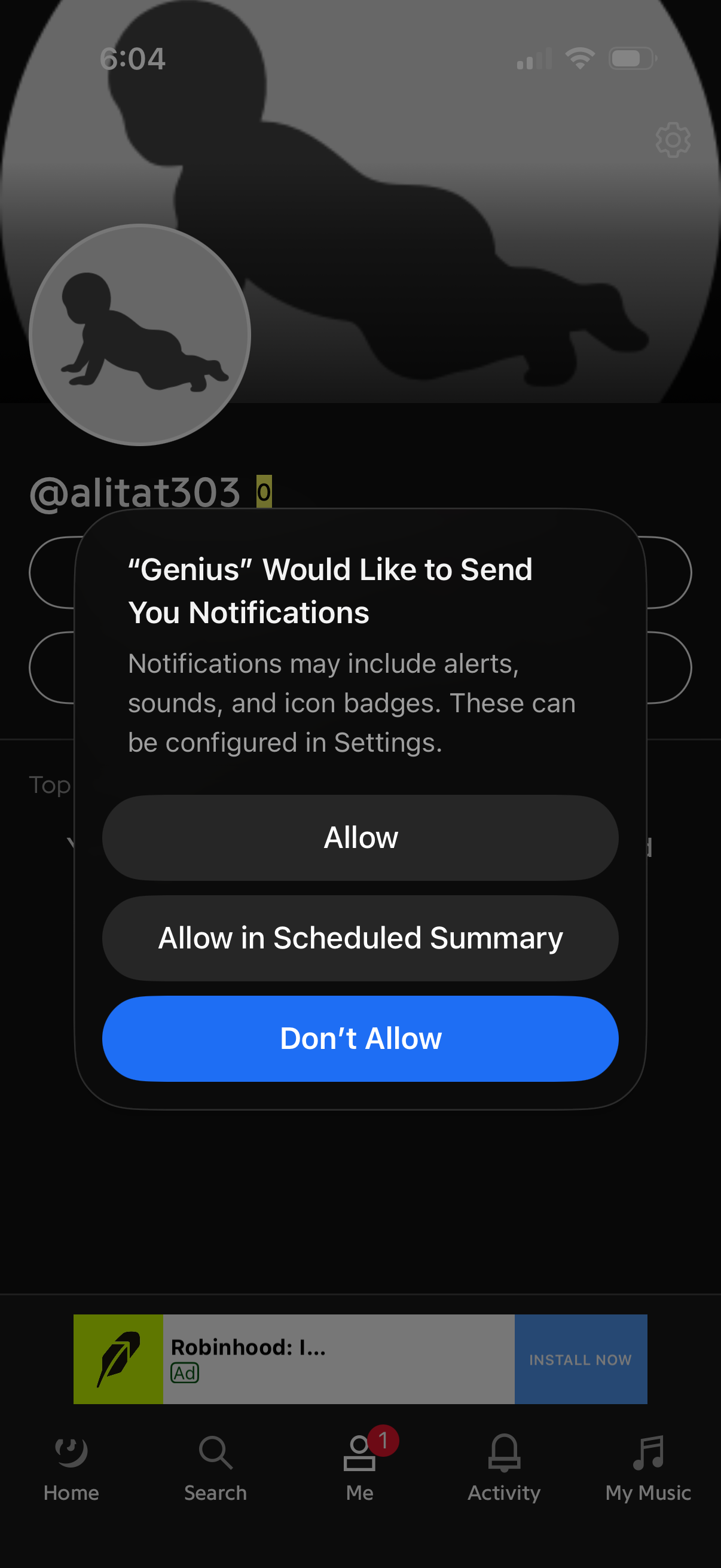
iOS system permission prompt asking the user to enable push notifications for an app, explaining alerts, sounds, and badge icons. The modal offers actions to Allow, Allow in Scheduled Summary, or Don’t Allow over a profile screen background.
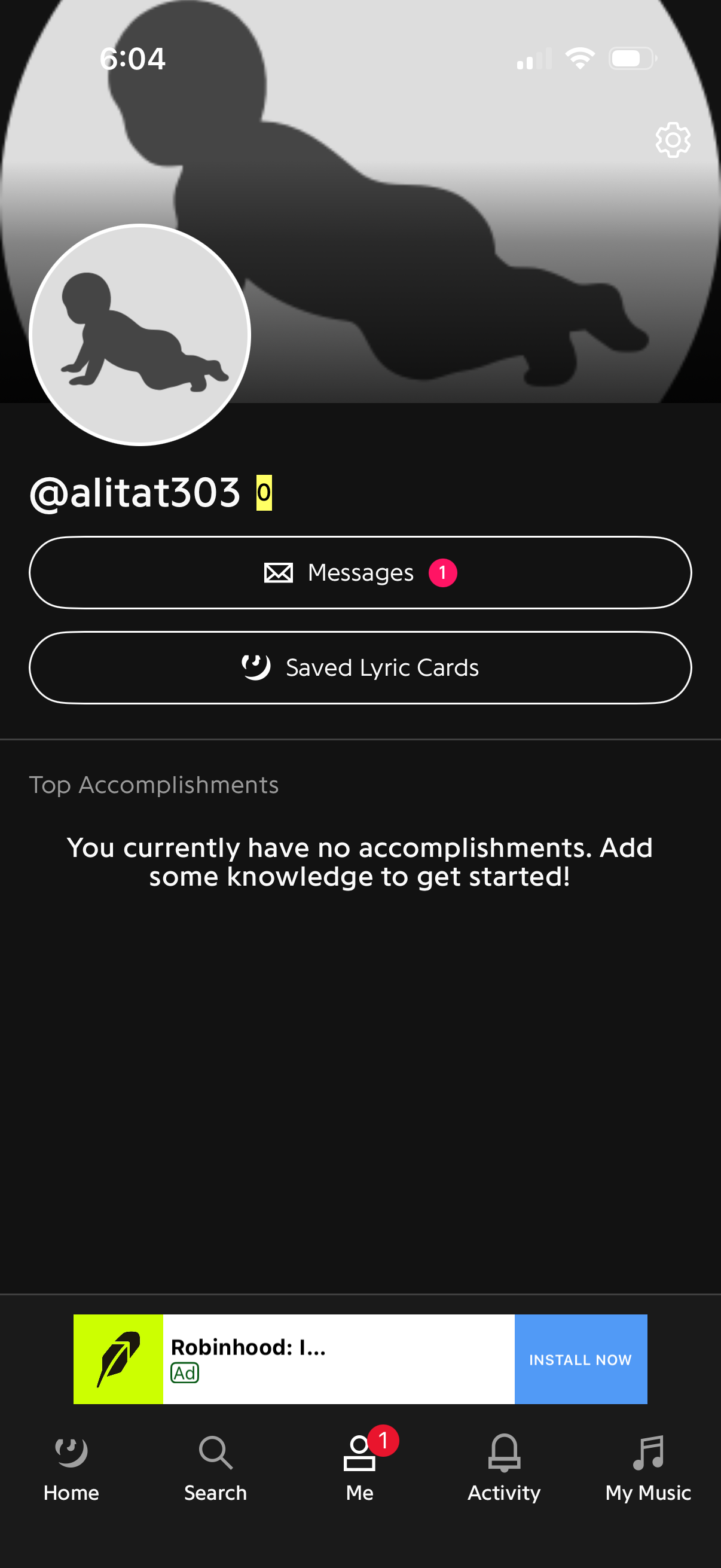
User profile “Me” screen showing avatar and username with a settings button, plus quick actions to view direct messages (with unread badge) and access saved lyric cards. It also displays a Top Accomplishments section with an empty-state prompt and includes bottom tab navigation for Home, Search, Profile, Activity, and My Music.