Signup
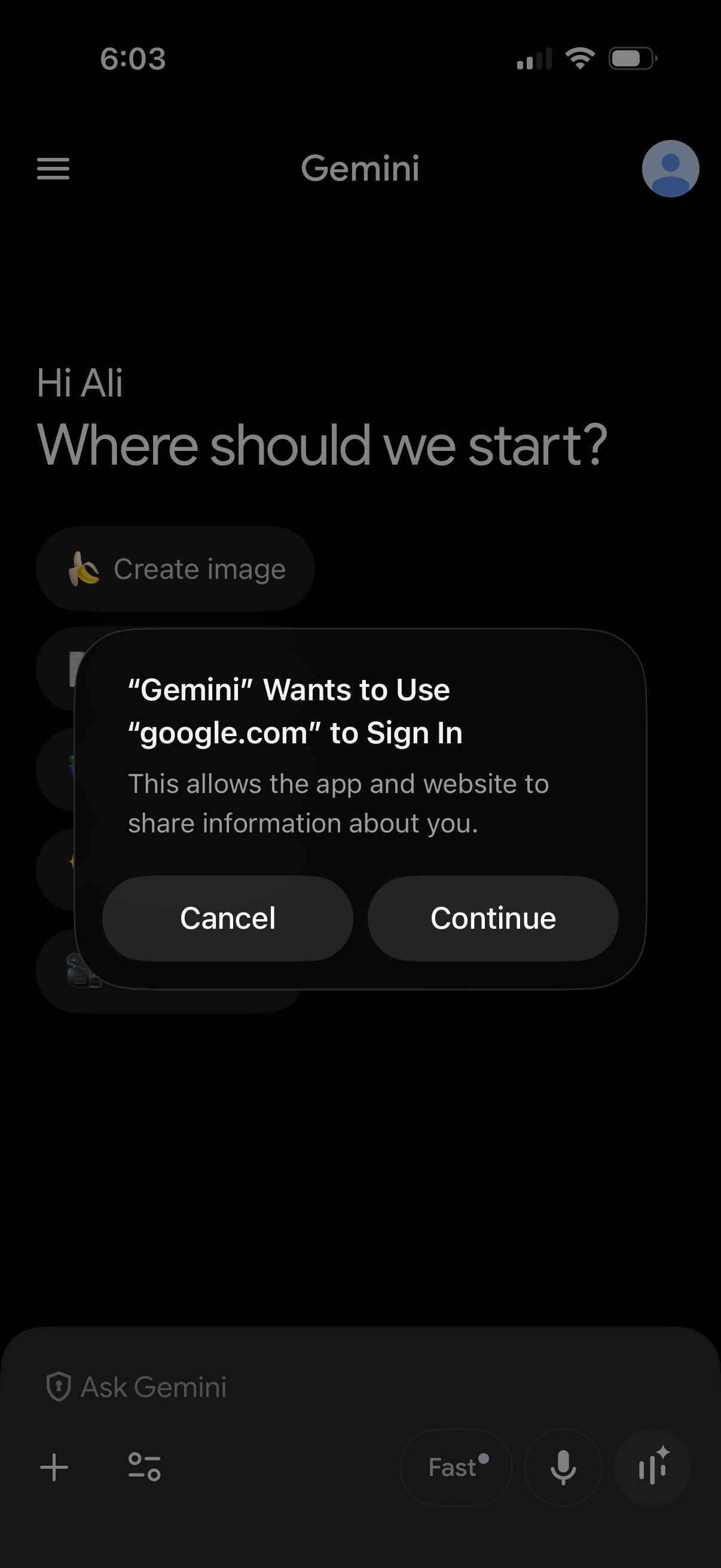
AI assistant home screen with a greeting and prompt to start a new conversation, showing quick actions like creating an image and a message input bar. An iOS sign-in authorization modal is displayed asking to use google.
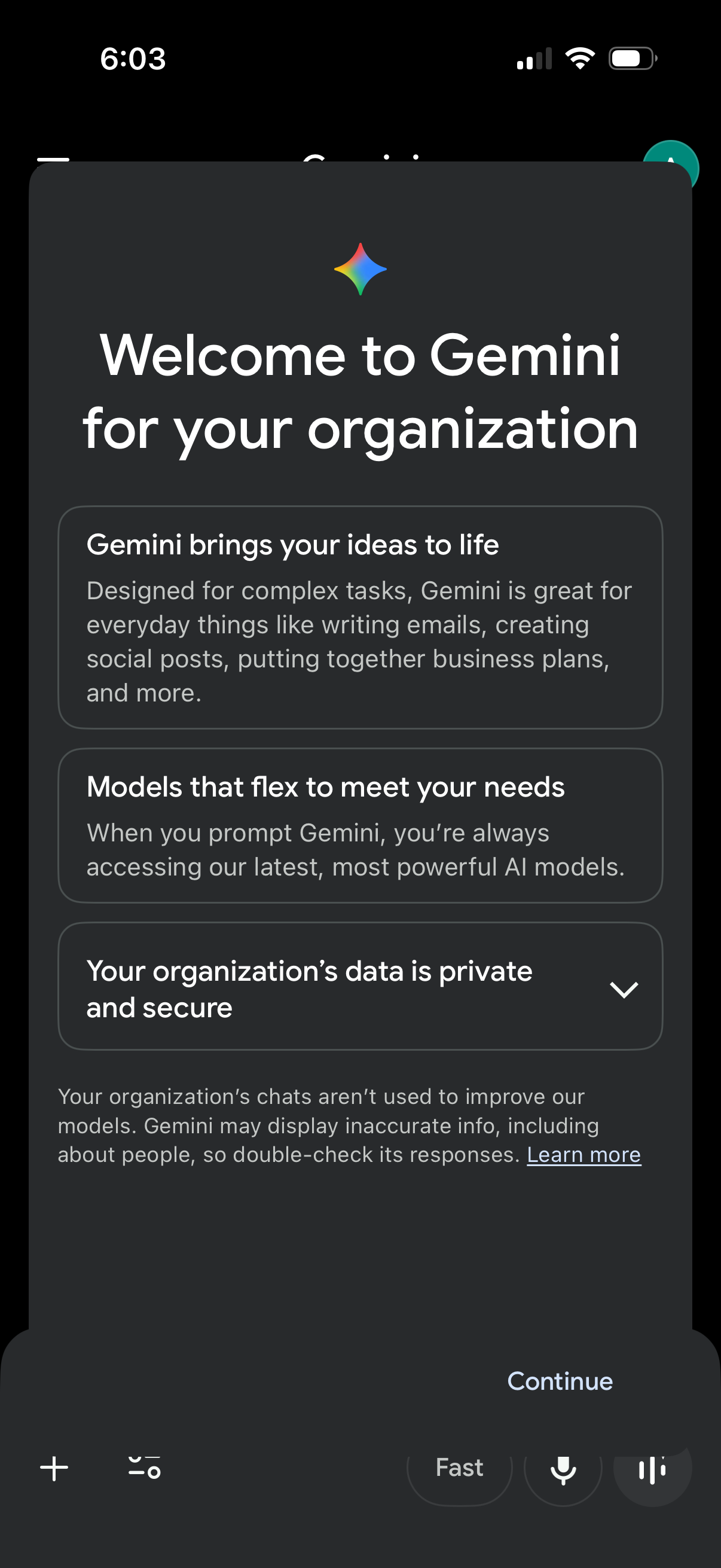
Onboarding welcome modal for Gemini in an organization account, explaining AI capabilities, model access, and a privacy/security assurance for organizational data with expandable details and a “Learn more” link. Primary action is a “Continue” button to proceed into the app.
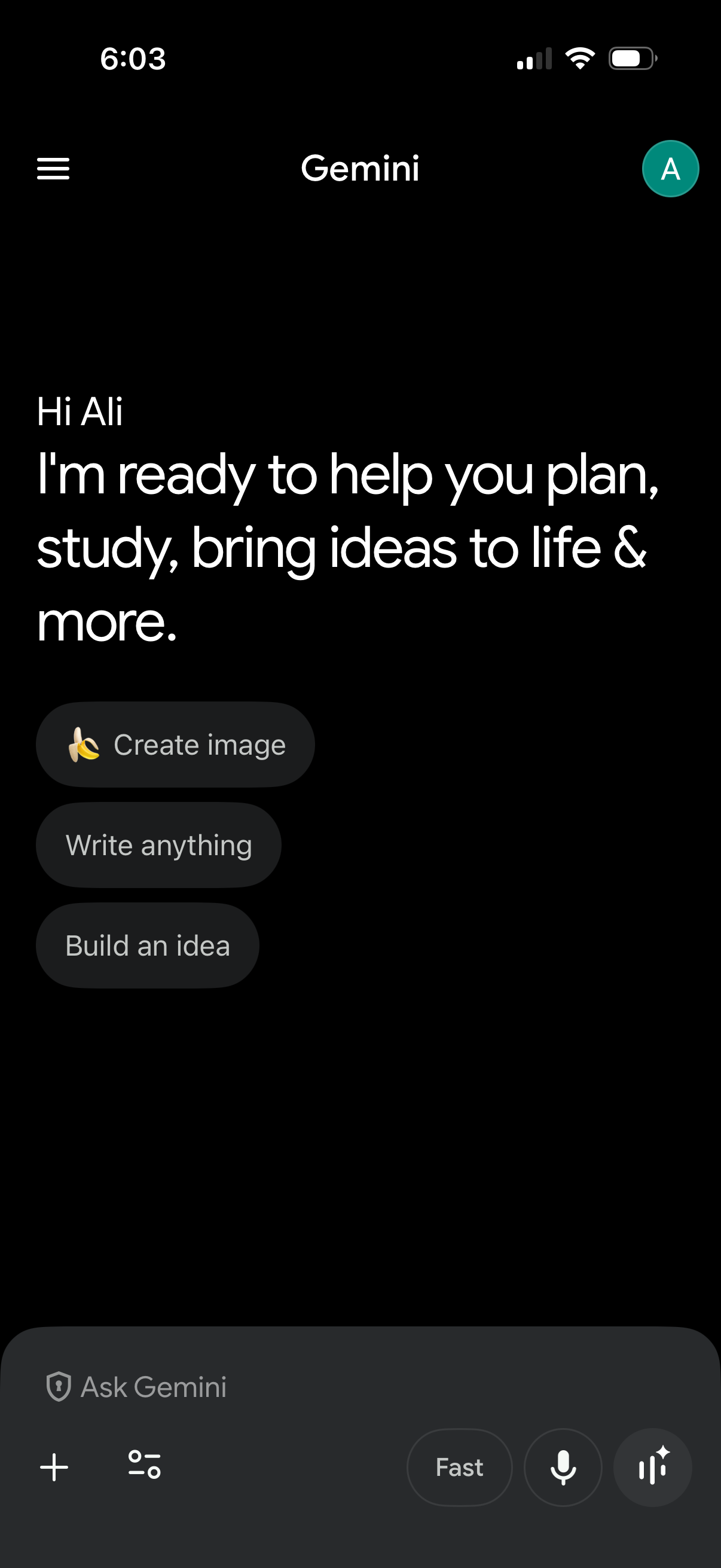
AI assistant home screen showing a welcome message and quick-start prompts to Create image, Write anything, or Build an idea. Includes an “Ask Gemini” message composer with attachment/add button, settings/sliders, mode selector, and voice input/microphone controls, plus a hamburger menu and profile avatar for navigation.