start onboarding
Onboarding welcome screen with a large app logo, page indicator dots for a multi-step intro carousel, and a primary “Start now” call-to-action to begin sign up. Includes a consent disclaimer linking to Terms of Use and Privacy Policy.
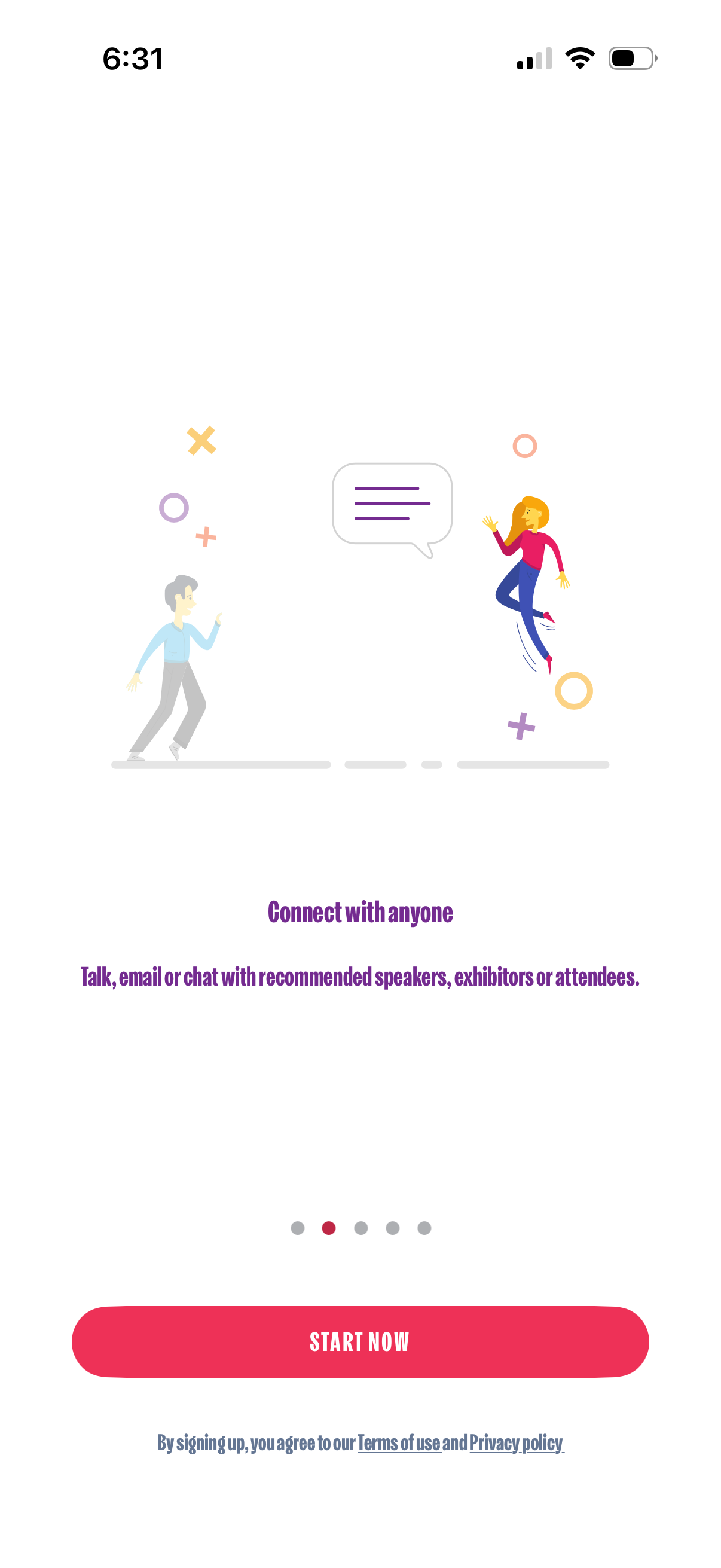
Onboarding carousel screen introducing a networking feature, highlighting “Connect with anyone” to talk, email, or chat with recommended speakers, exhibitors, or attendees. Includes pagination dots, a prominent “Start Now” call-to-action button, and terms/privacy agreement text.
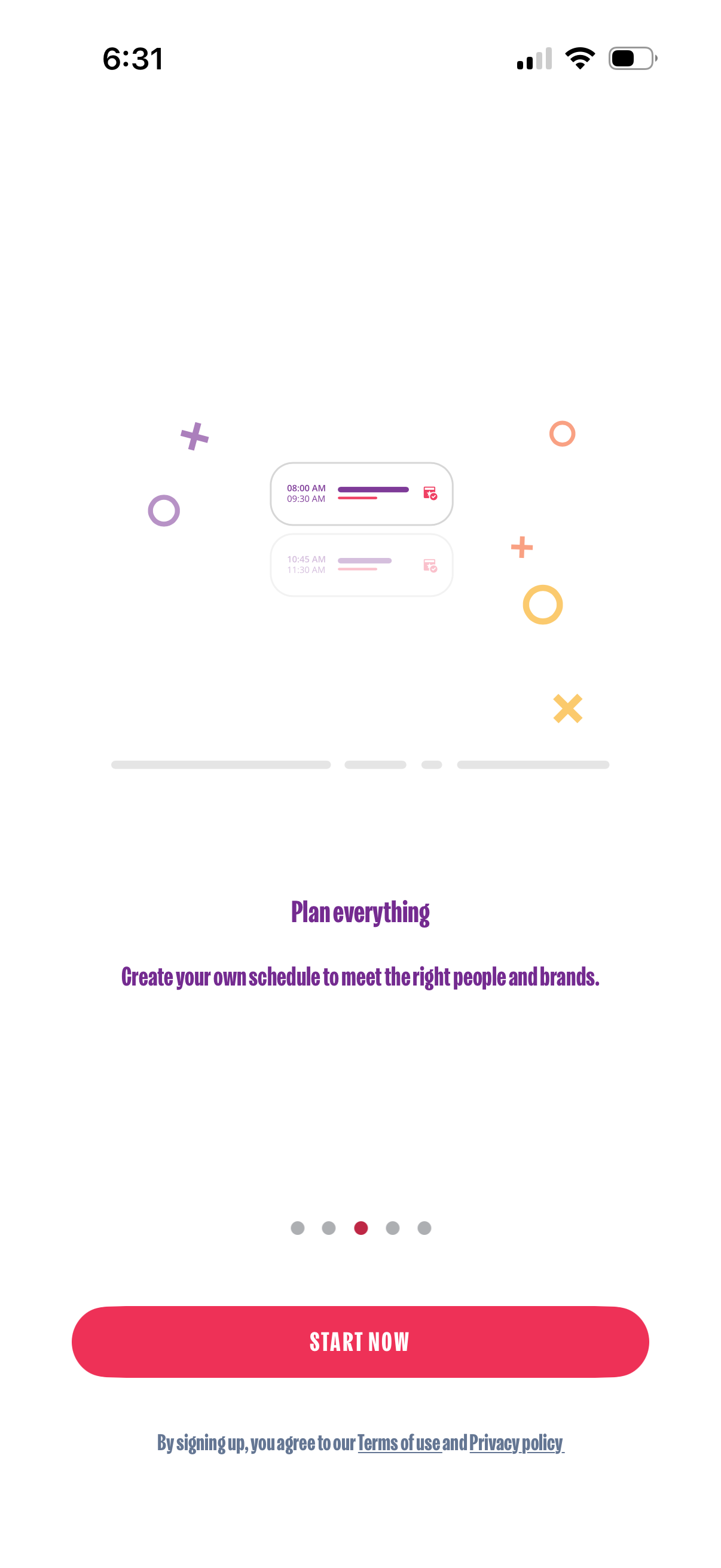
Onboarding slide introducing a scheduling feature that lets users plan their own agenda and book time slots to meet people and brands. Includes a primary “Start now” call-to-action, pagination dots for the onboarding carousel, and links to Terms of Use and Privacy Policy.
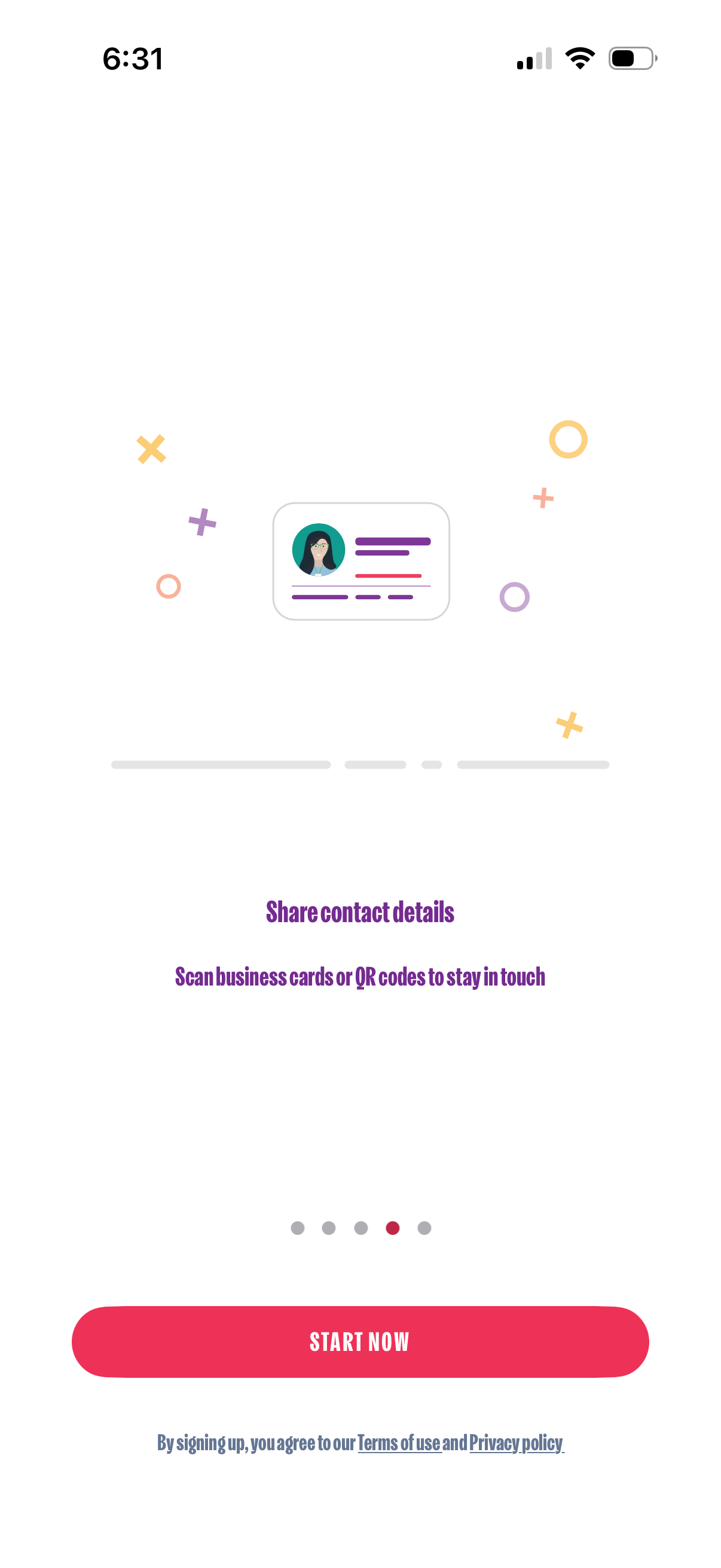
Onboarding carousel screen promoting sharing contact details by scanning business cards or QR codes, with pagination dots and a prominent “Start now” call-to-action to begin sign-up. Includes legal links to Terms of use and Privacy policy at the bottom.
Onboarding carousel slide promoting exporting newly added contacts, with messaging about saving to an Excel file or syncing with a CRM to build a network. Includes a prominent “Start now” CTA button, pagination dots, and a terms and privacy agreement note.
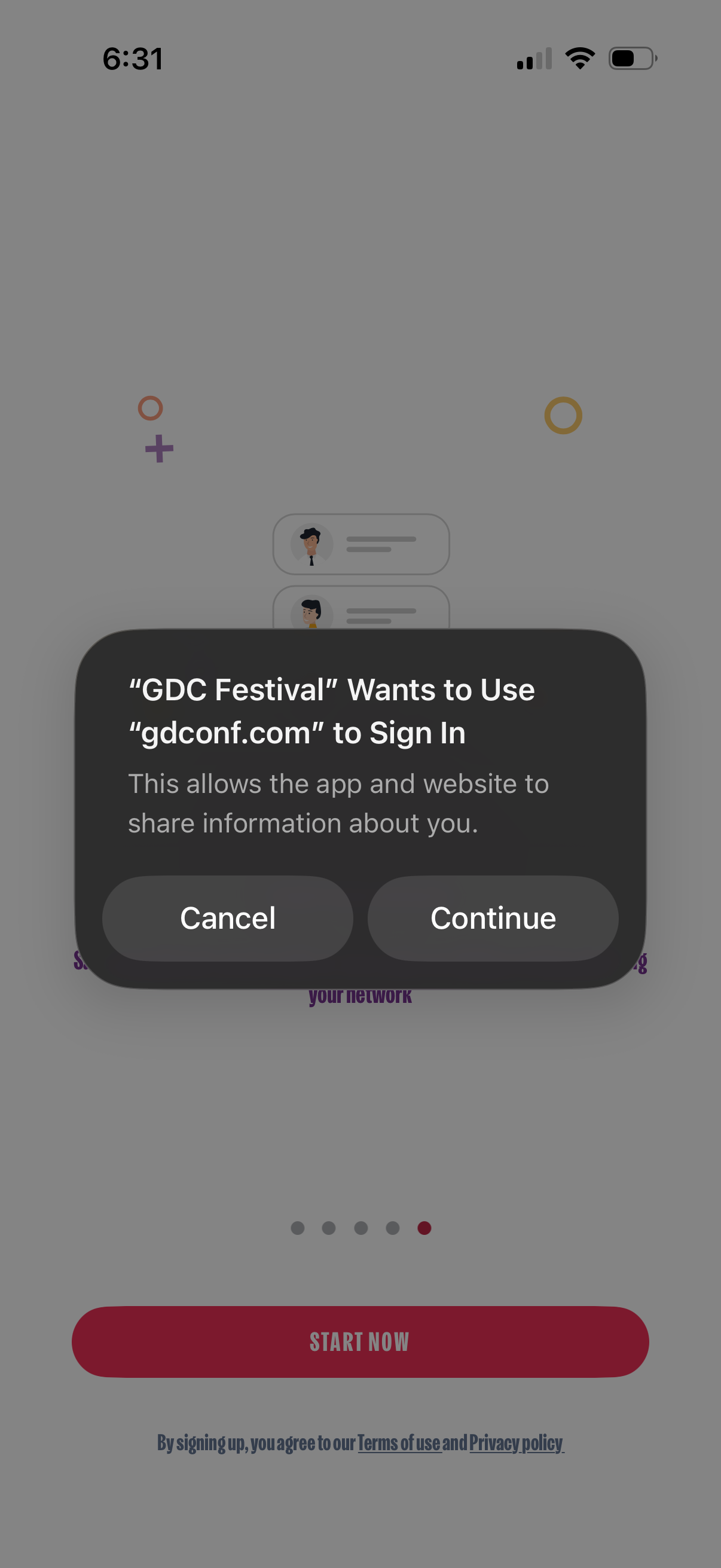
System modal asking to allow a third-party website domain to be used for sign-in, warning that the app and website may share user information. Provides primary actions to Cancel or Continue the authentication flow.