1
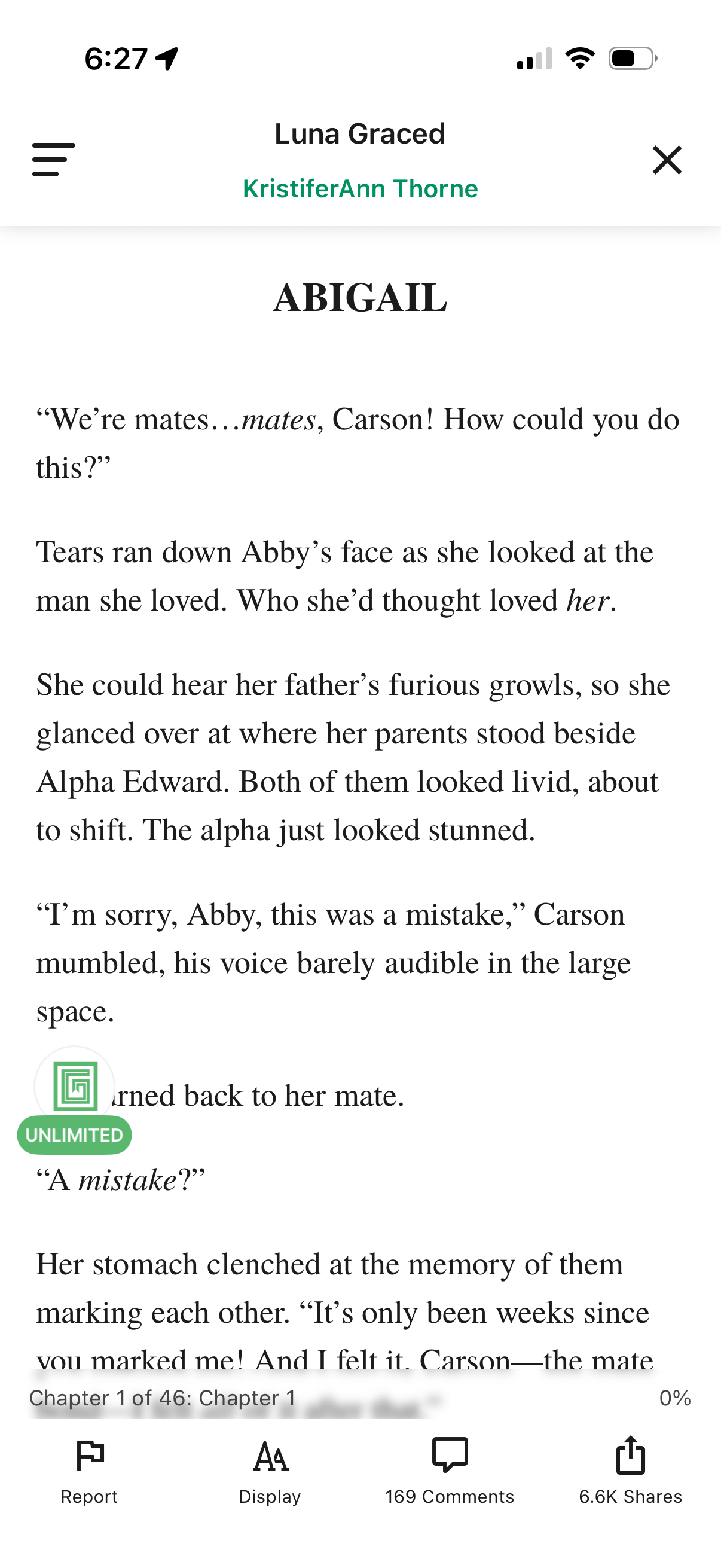
In-app ebook/story reader screen showing a chapter text page with a header for the story and author plus menu and close controls. Bottom toolbar provides actions to report content, adjust reading display/typography settings, view comments, and share, along with chapter progress indicator.
2
iOS share sheet for a text selection, showing suggested AirDrop and contact targets plus quick actions like Copy, New Quick Note, Save to Files, and Open in browser. Includes app share options such as AirDrop, Messages, Mail, printing, saving to another app, and opening/editing a PDF in Acrobat, with a close button to dismiss.