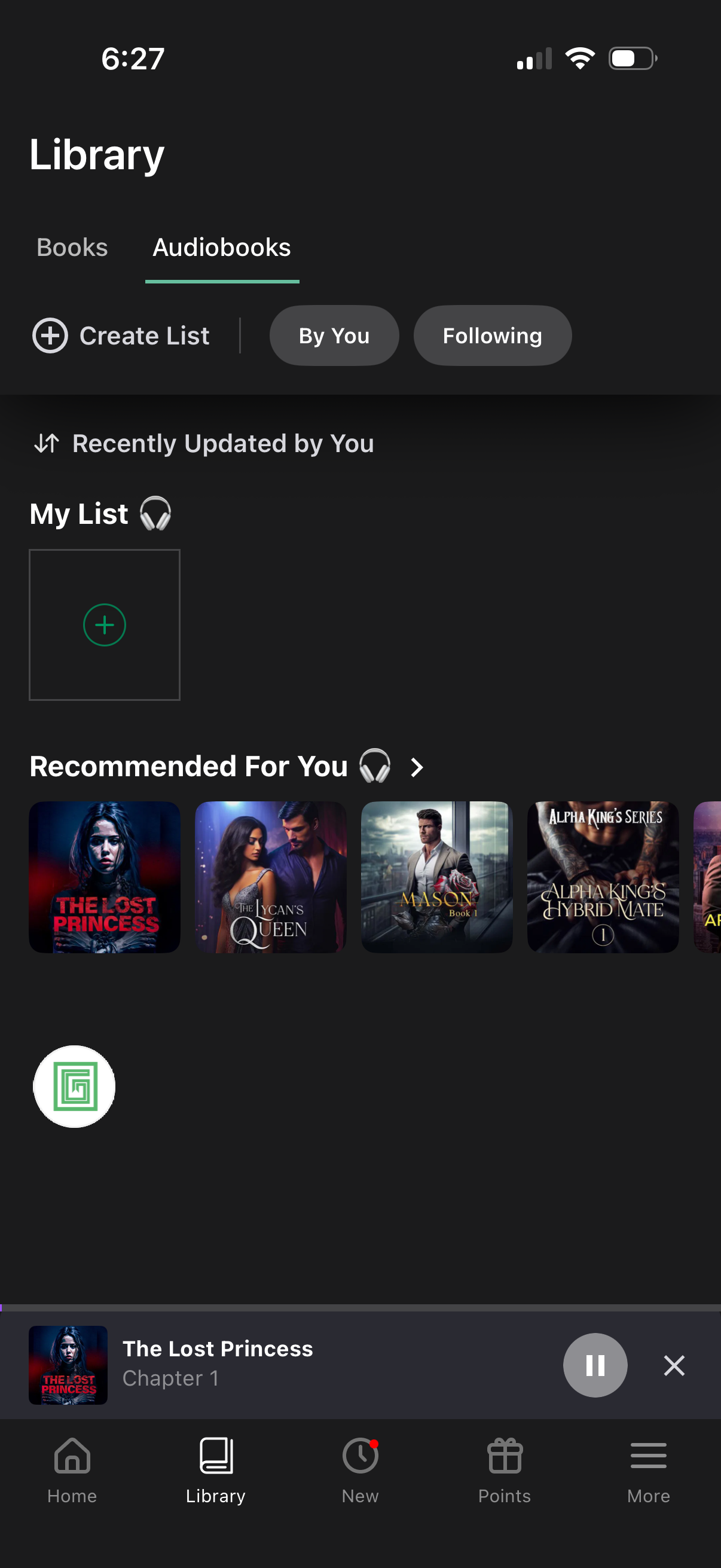
Audiobook library screen with tabs for Books and Audiobooks, featuring filters for “By You” and “Following” and a “Create List” action to build personal collections. Shows a “Recently Updated by You” section with a list tile to add items and a “Recommended For You” carousel of audiobook covers, plus a persistent mini player and bottom navigation.
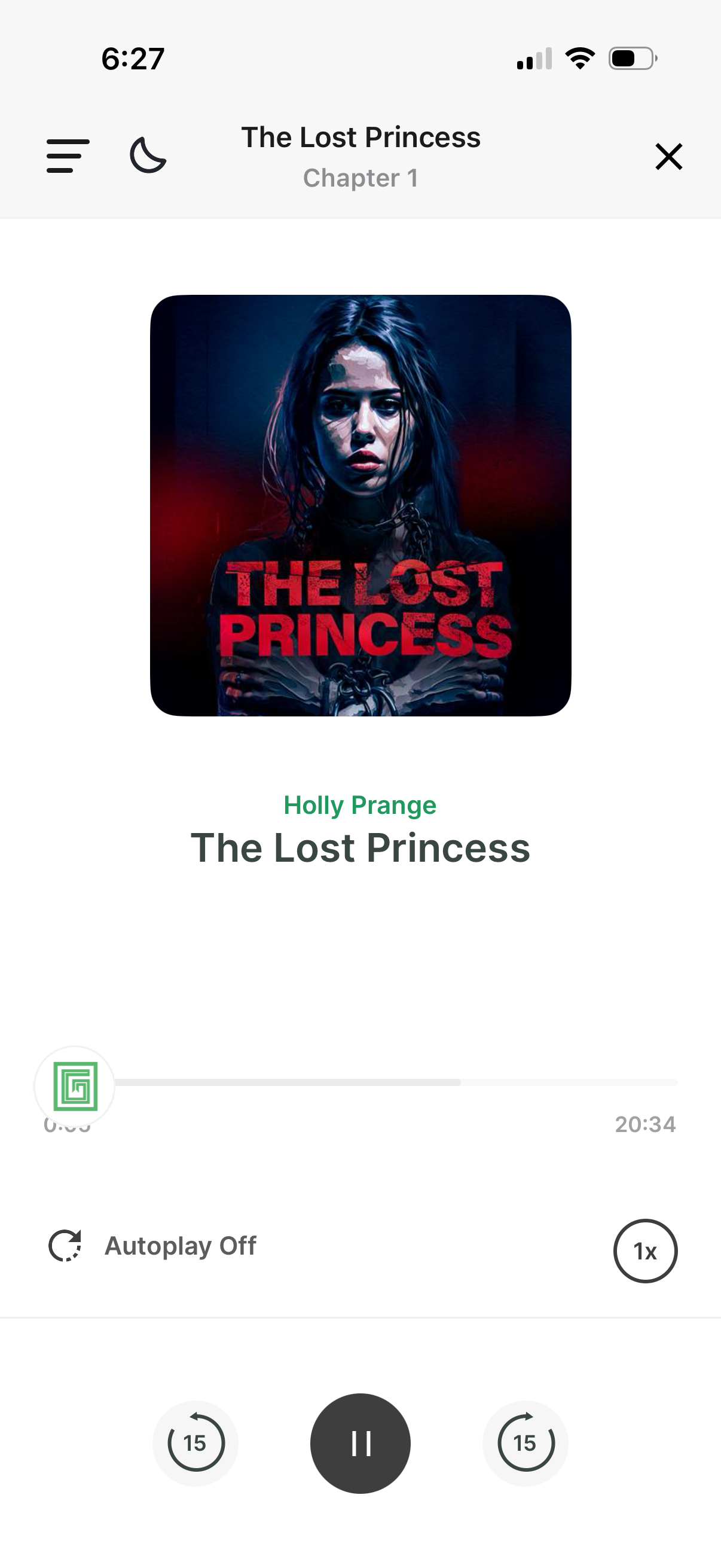
Audiobook playback screen showing the current title and chapter with cover art, author name, and a progress timeline with elapsed and remaining time. Includes controls for play/pause, 15-second skip forward/back, playback speed selector, autoplay toggle, and top navigation for menu, sleep/night mode, and close player.
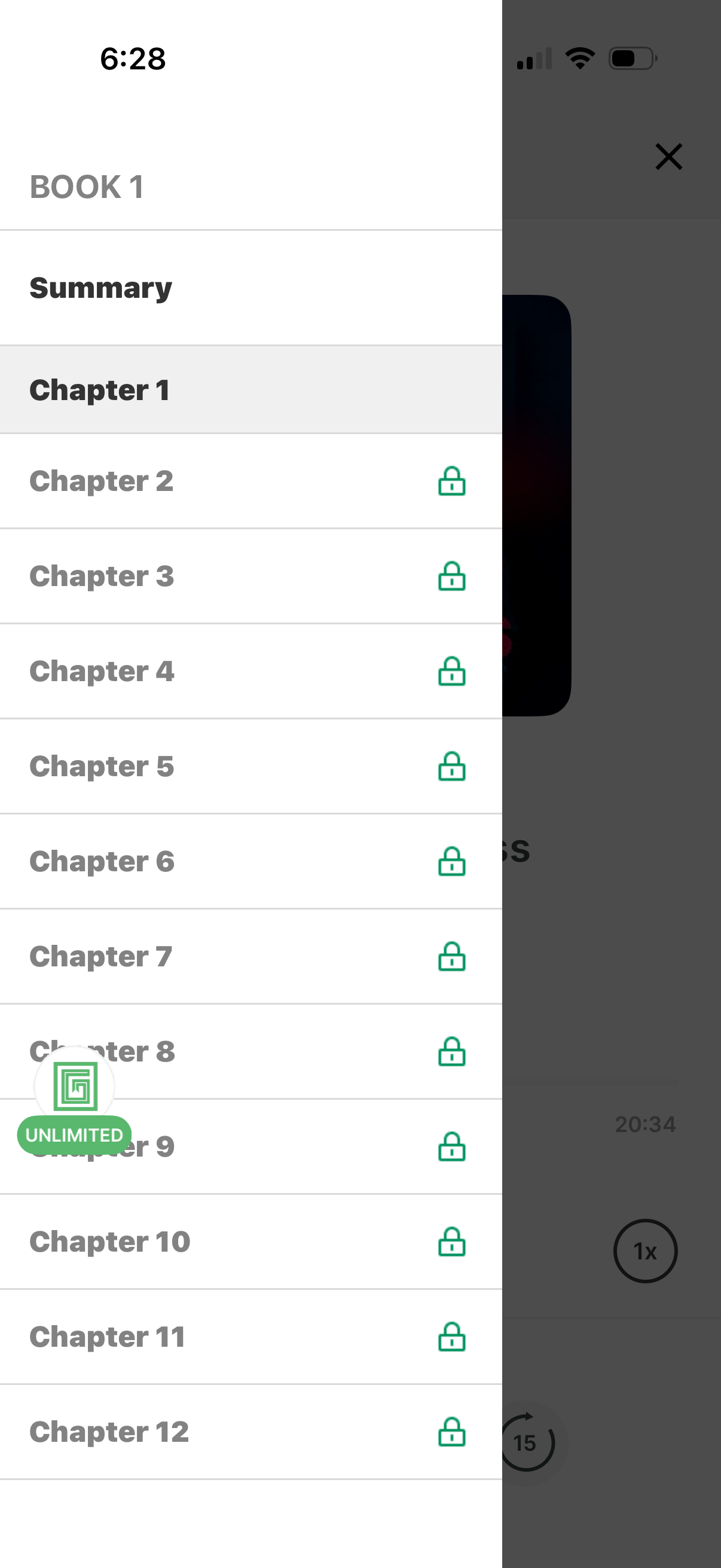
Table of contents side panel for an audiobook/ebook showing a “Summary” and a list of chapters that users can tap to navigate, with lock icons indicating premium/locked chapters. Includes a close button and an “Unlimited” subscription badge prompting upgrade for access.