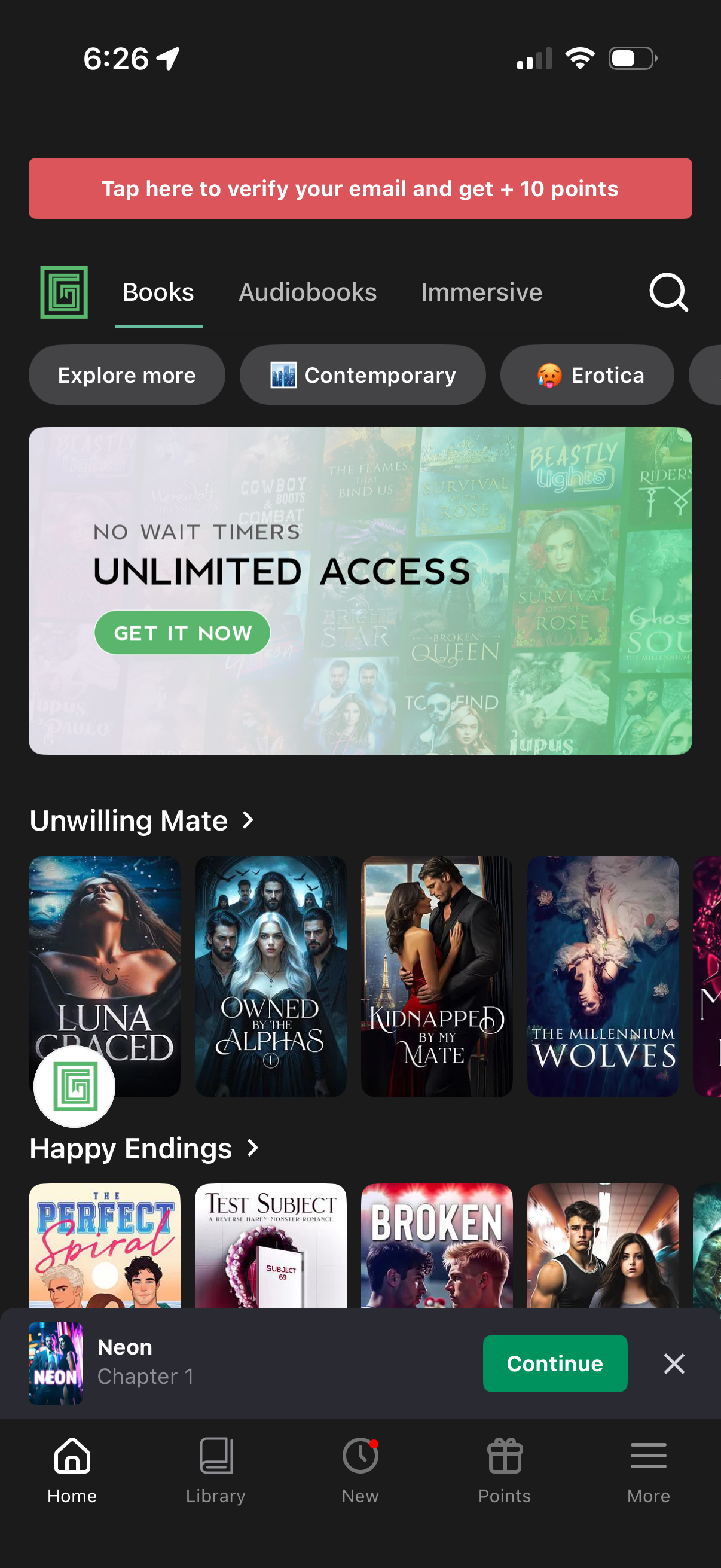
Home screen of a reading app showing tabs for Books, Audiobooks, and Immersive with genre filter chips, a search icon, and a promotional banner offering unlimited access with a “Get it now” CTA. Below are curated horizontal carousels of book covers (e.
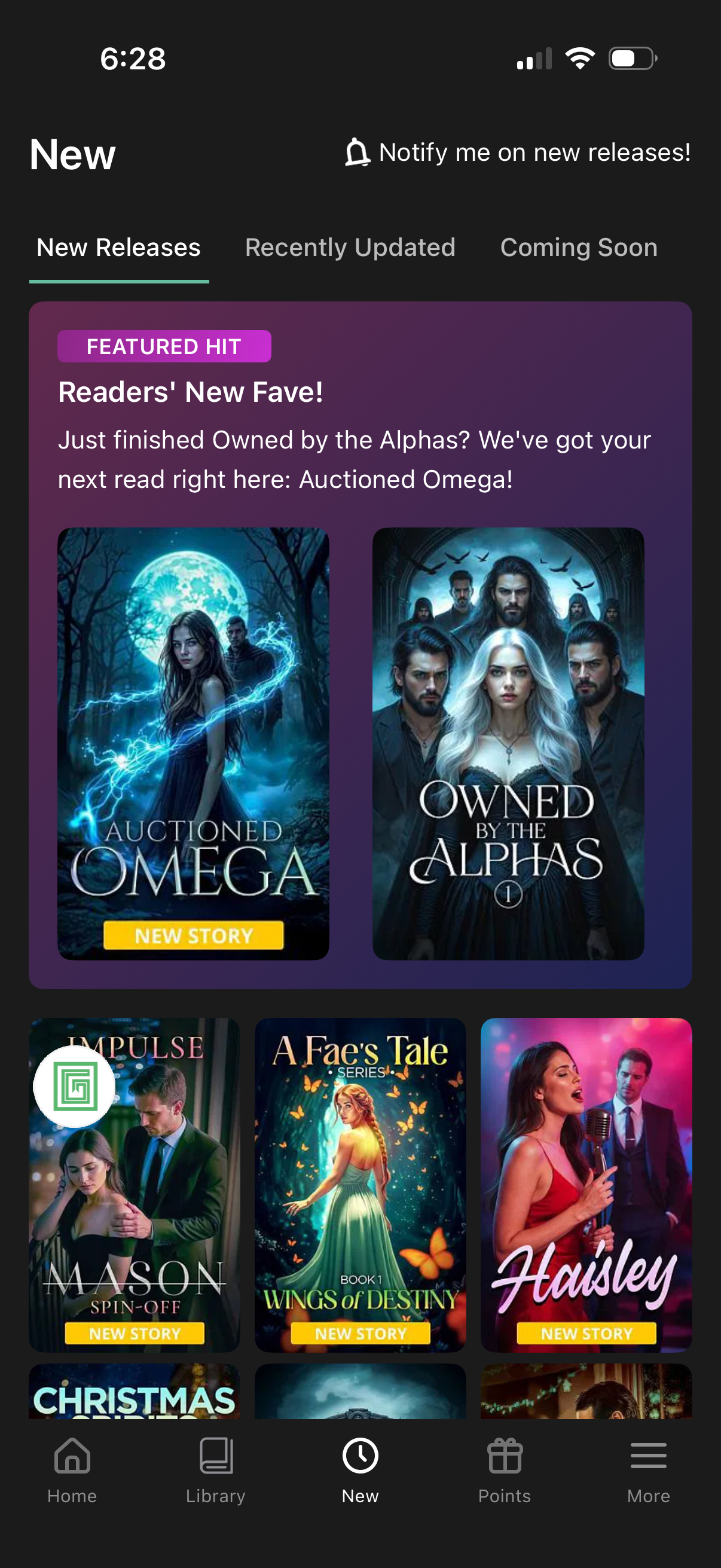
New releases browse screen for a reading/ebook app with tabs for New Releases, Recently Updated, and Coming Soon, plus a “notify me on new releases” alert toggle. Features a highlighted promotional carousel and a grid of story cover cards labeled “New story,” with bottom navigation to Home, Library, New, Points, and More.
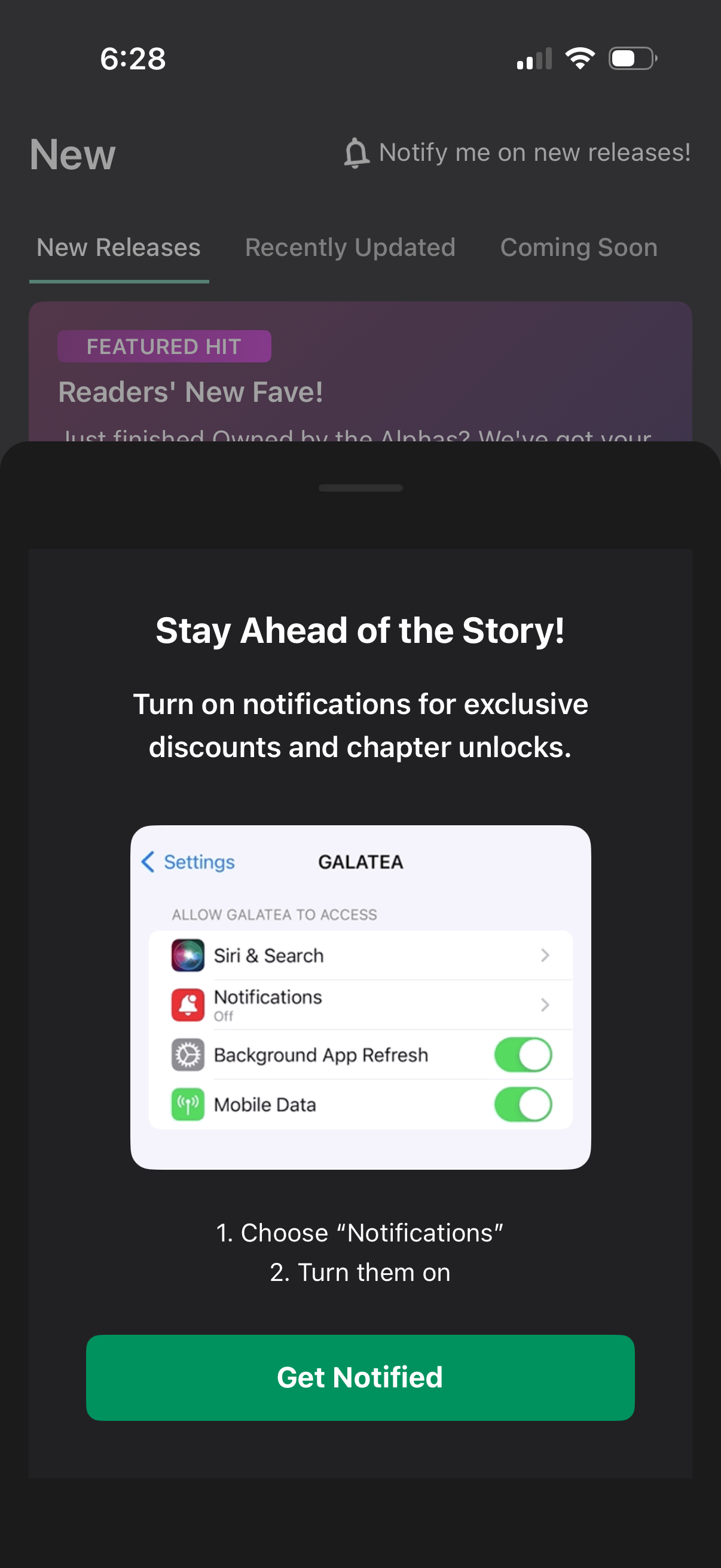
A “turn on notifications” upsell modal overlays the app’s New Releases feed, encouraging users to enable push notifications for exclusive discounts and chapter unlocks. The sheet shows brief steps to enable notifications in iOS Settings and a primary “Get Notified” call-to-action.
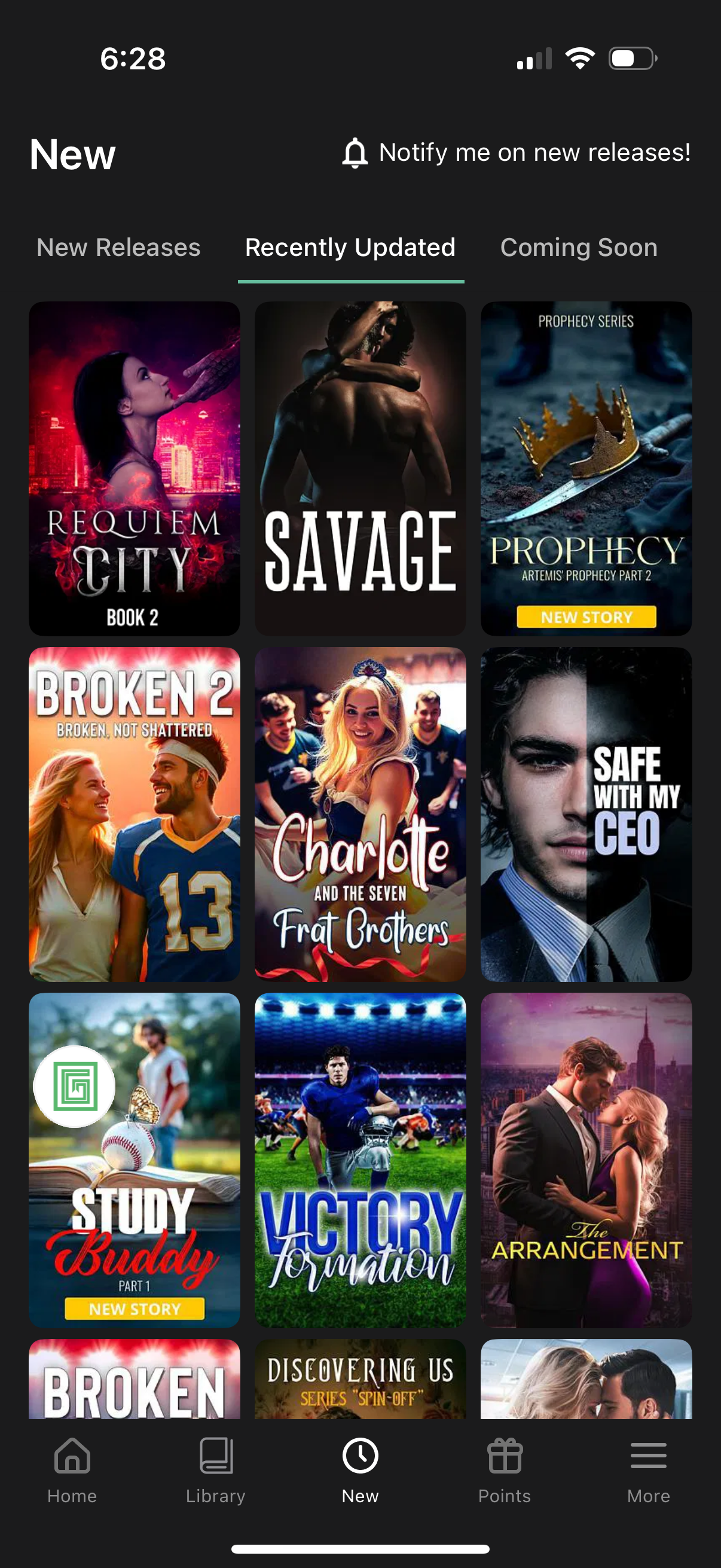
Discovery “New” tab for a story/ebook app showing a grid of cover cards with category filters for New Releases, Recently Updated (selected), and Coming Soon. Includes a “Notify me on new releases” alert action and a bottom navigation bar (Home, Library, New, Points, More) for browsing content.
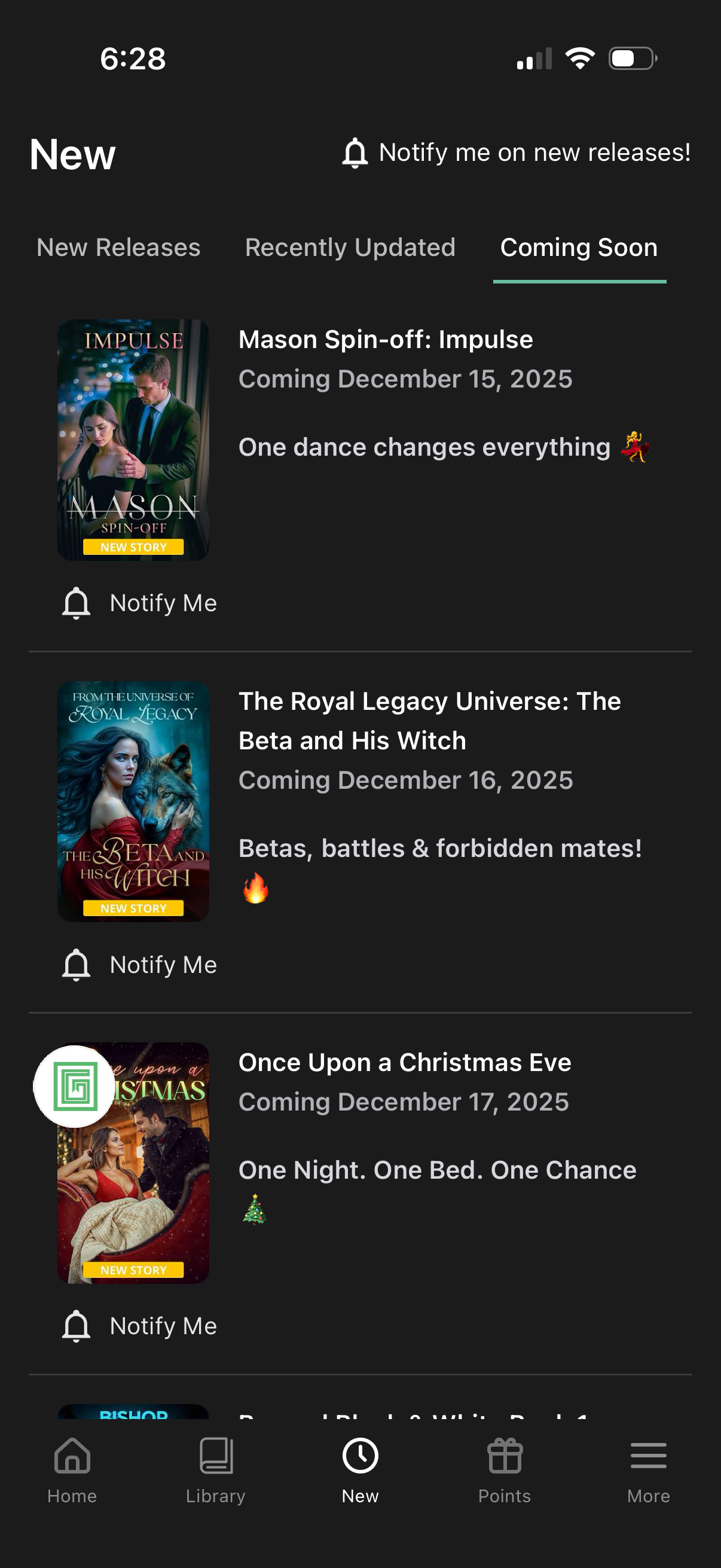
A “New” content discovery screen showing a tabbed list for New Releases, Recently Updated, and Coming Soon, with each upcoming title displayed as a card with cover art, tagline, and release date. Users can opt in to notifications via a “Notify me on new releases” prompt and individual “Notify Me” buttons for each item.