add transaction
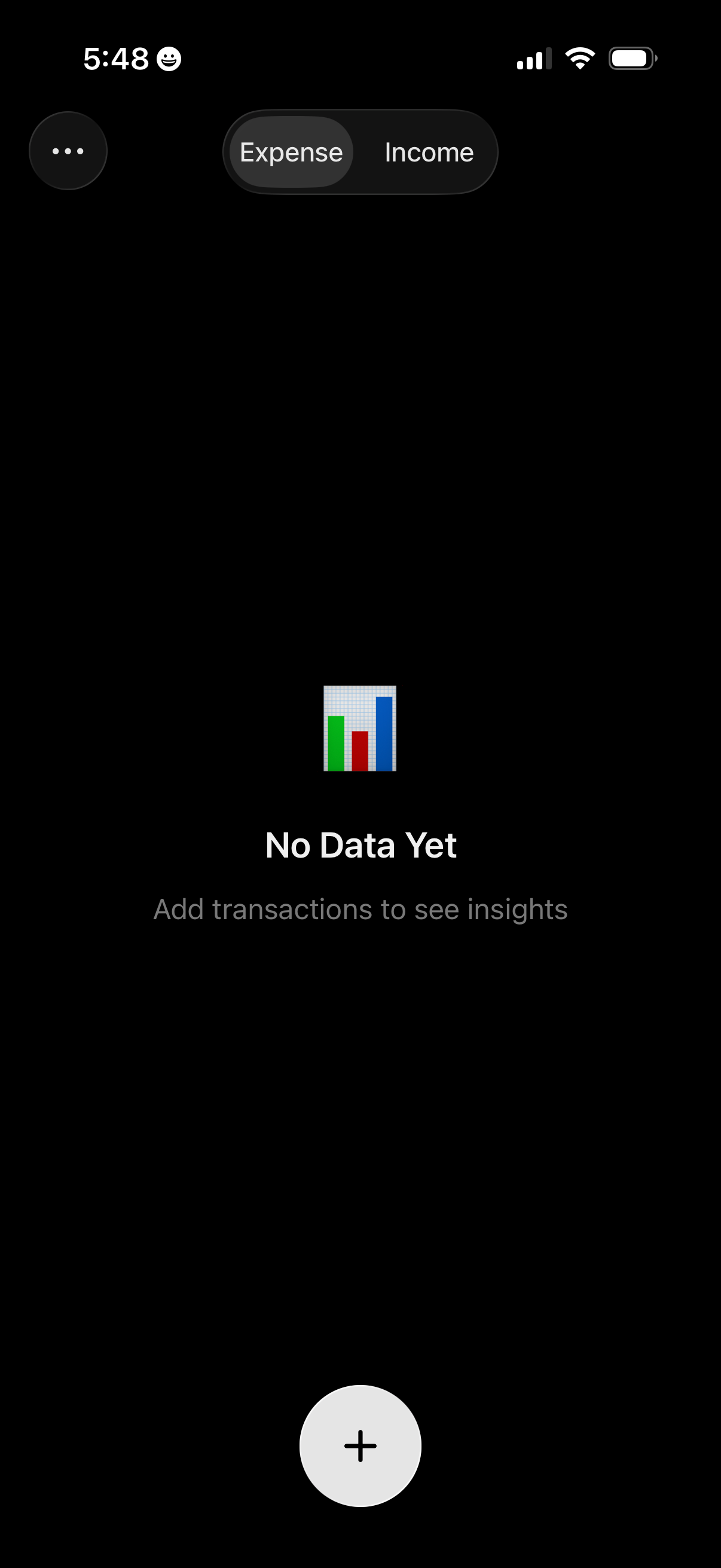
Personal finance insights dashboard with a segmented control to switch between Expense and Income views, currently showing an empty state message “No Data Yet” prompting the user to add transactions. A large floating plus button enables creating a new transaction, with an overflow menu for additional options.
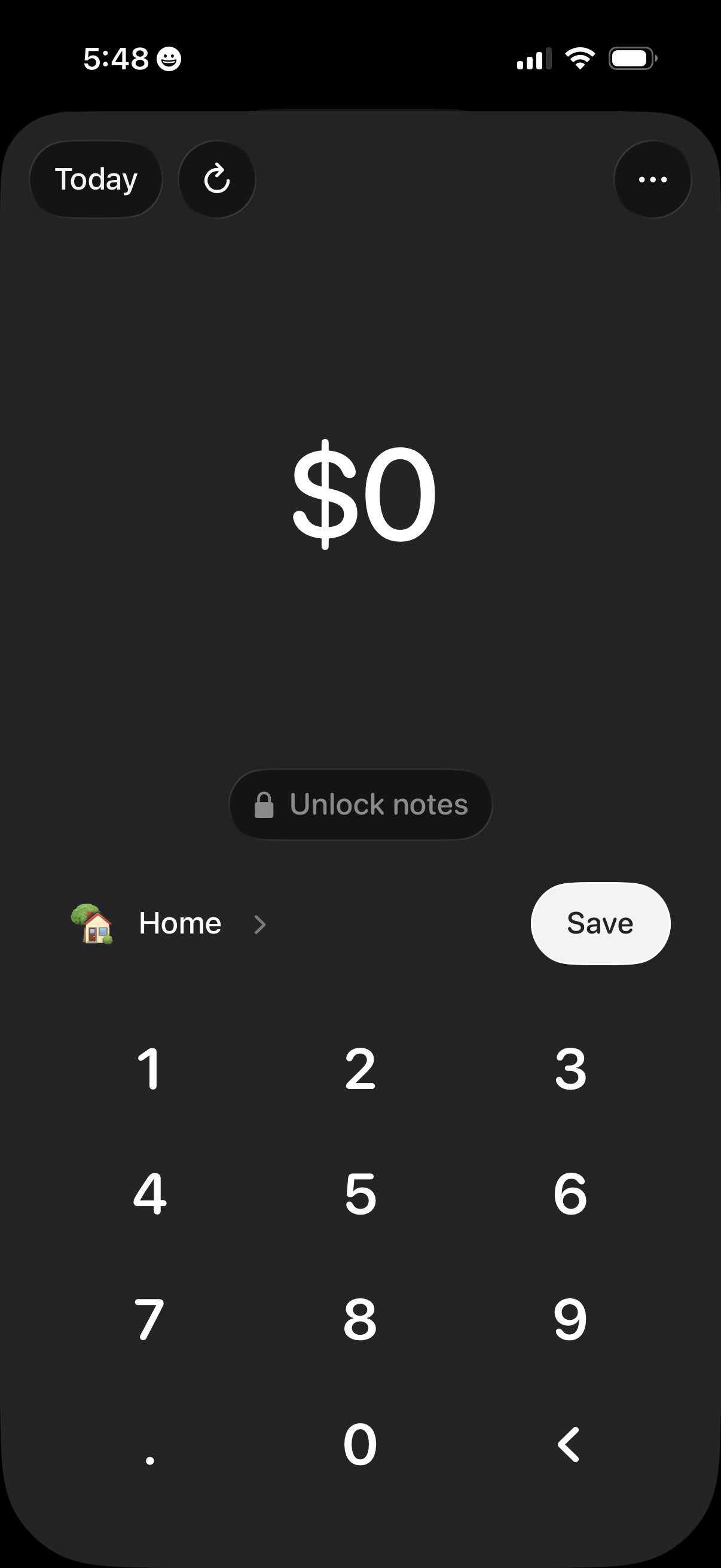
Cash expense entry screen for logging a payment amount with a numeric keypad, showing a date selector (Today) and options to refresh or open more actions. Includes category selection (e.
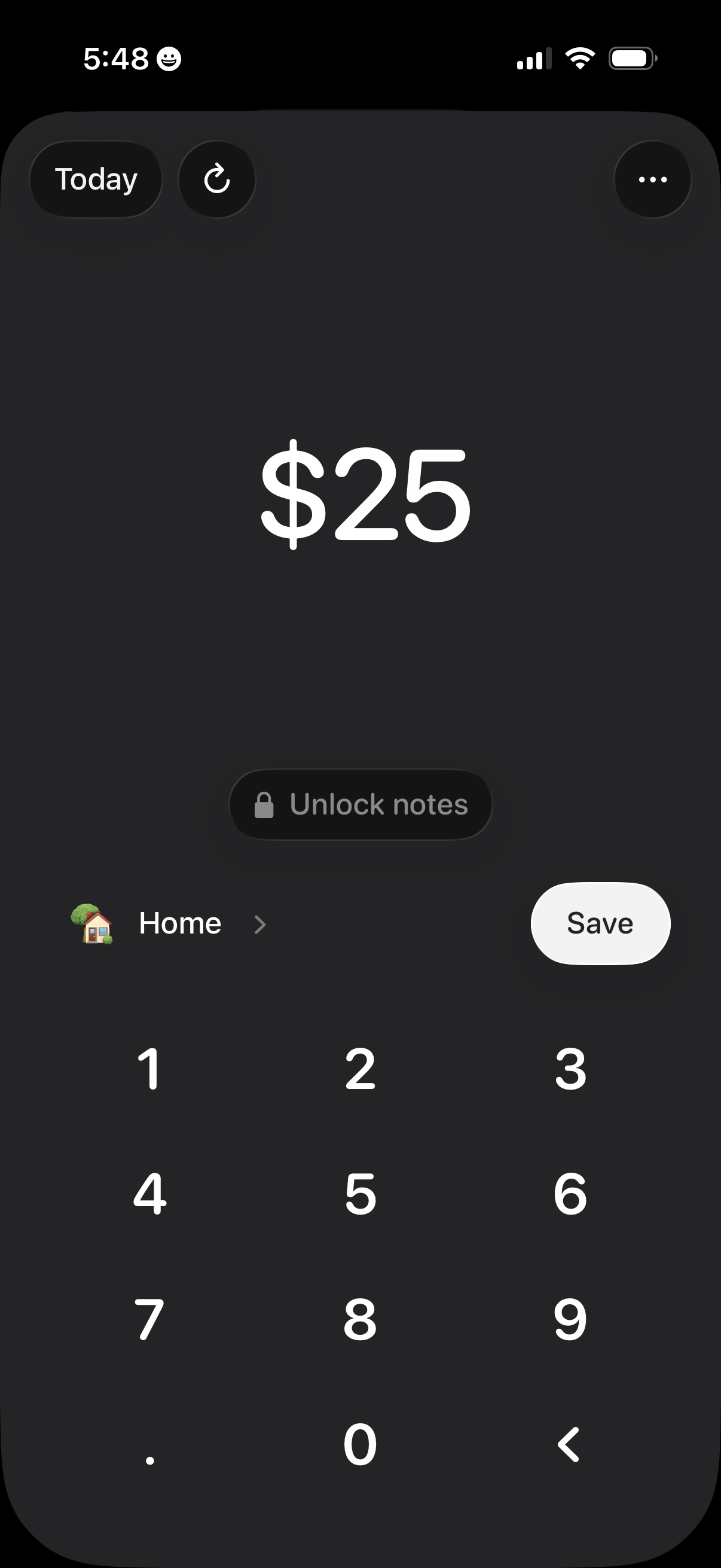
Expense tracking entry screen showing a numeric keypad to input an amount (e. g.
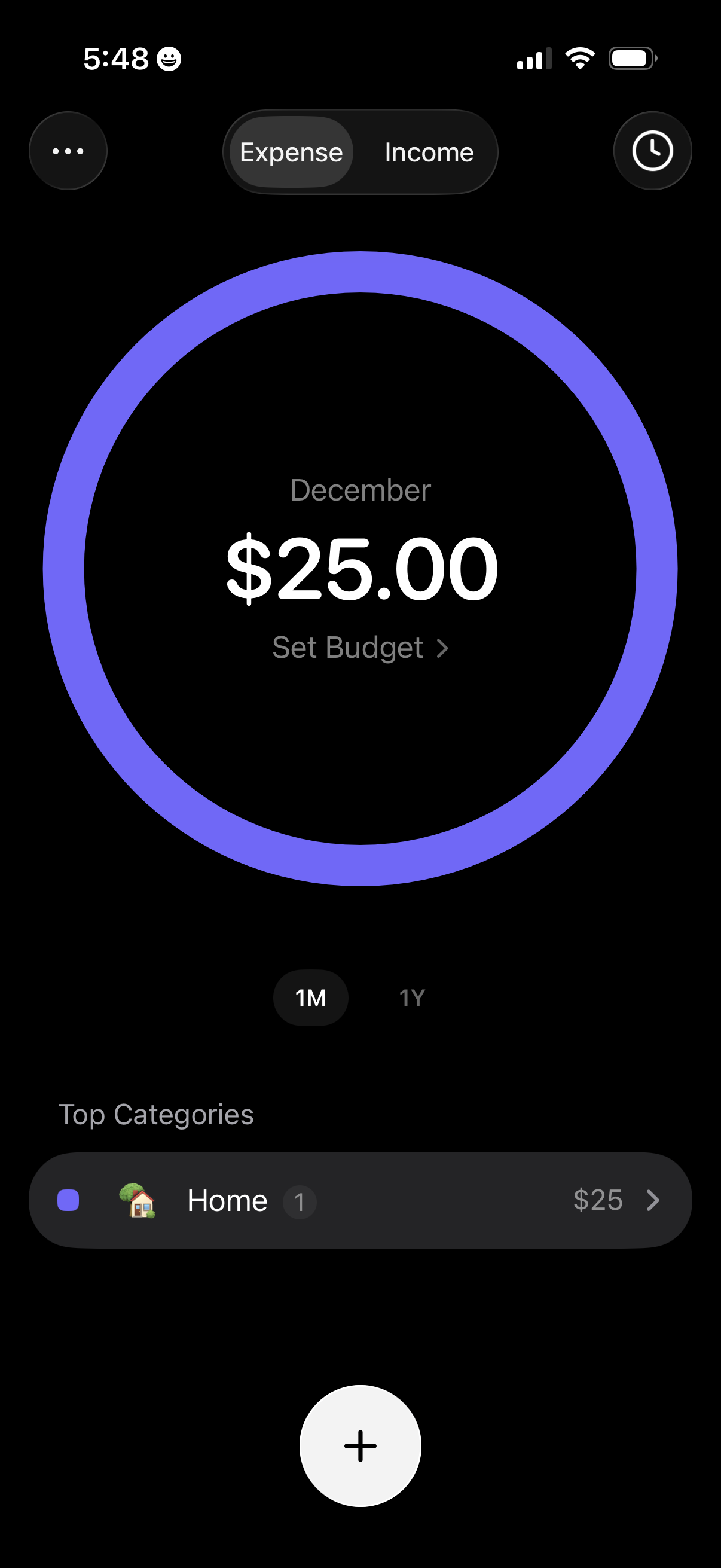
Personal finance overview screen showing a monthly spending summary with a large circular progress chart for December, total amount spent, and a “Set Budget” action. Users can toggle between Expense and Income, switch time ranges (1M vs 1Y), view top spending categories, and add a new transaction via a floating plus button.