Sign in

Minimal splash/loading screen for a financial news app showing a centered logo on a solid background with no navigation or actions available.

Minimal splash/loading screen with a branded typographic logo on a solid background and no visible navigation or actions. Used as an app launch/intro screen before entering the main experience.

News app onboarding/paywall screen promoting a subscription offer with brand messaging and a “New offer” badge. Primary CTA encourages saving on a subscription, with secondary actions to sign in or dismiss for now.
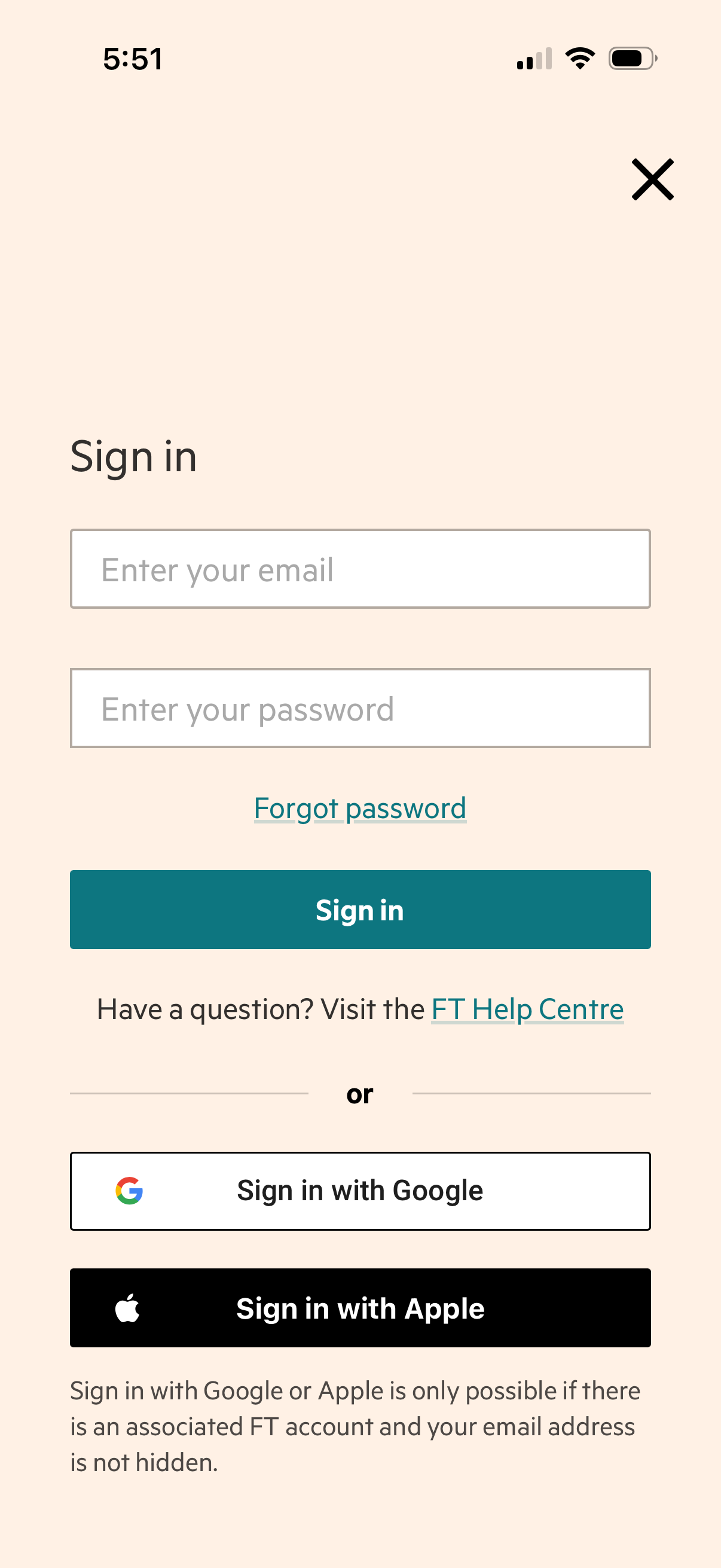
Email and password sign-in screen with input fields, a “Forgot password” link, and a primary “Sign in” button, plus links to a help center. Offers alternative authentication options via “Sign in with Google” and “Sign in with Apple,” with a close (X) to dismiss the modal.
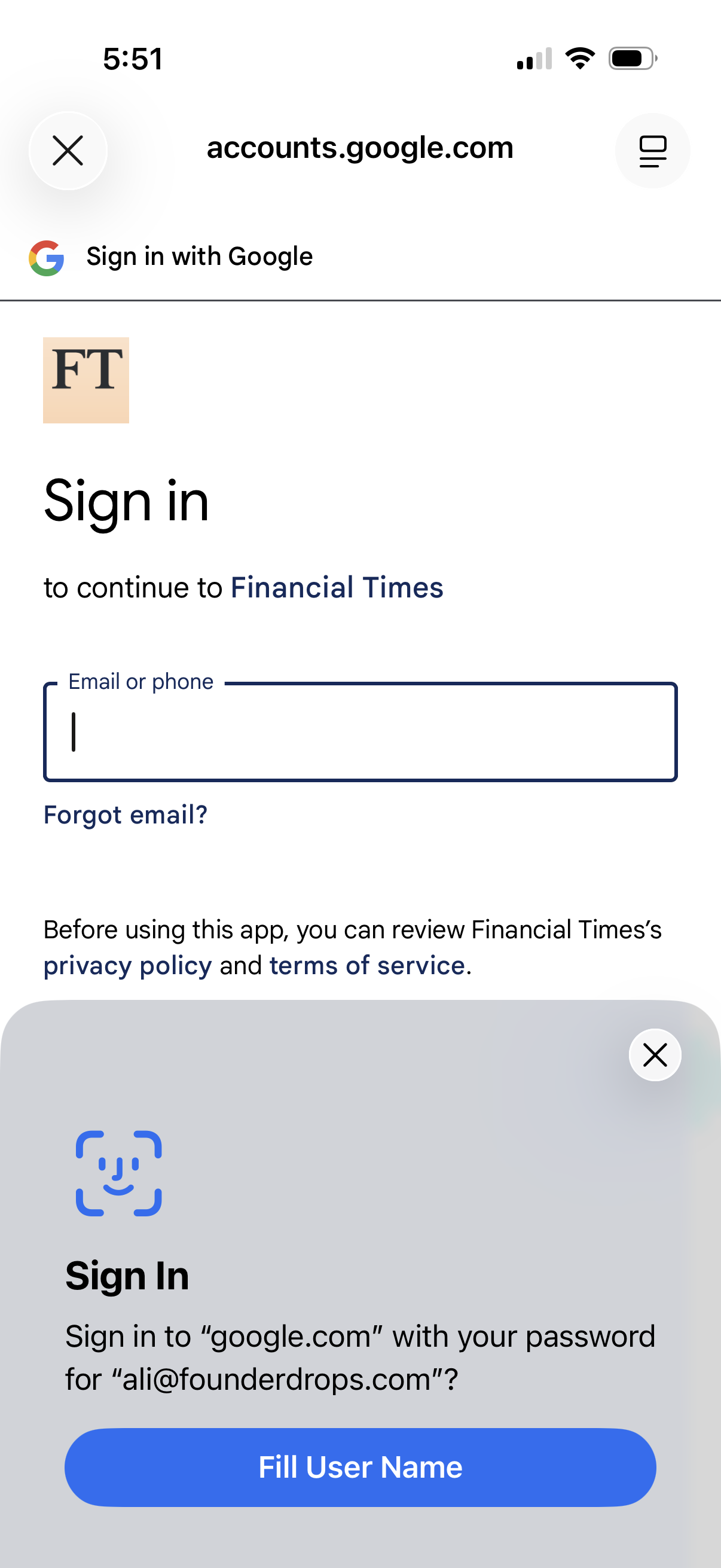
Google OAuth sign-in screen to continue to a third-party app (Financial Times), prompting the user to enter an email or phone number with a “Forgot email? ” link and links to privacy policy and terms of service.
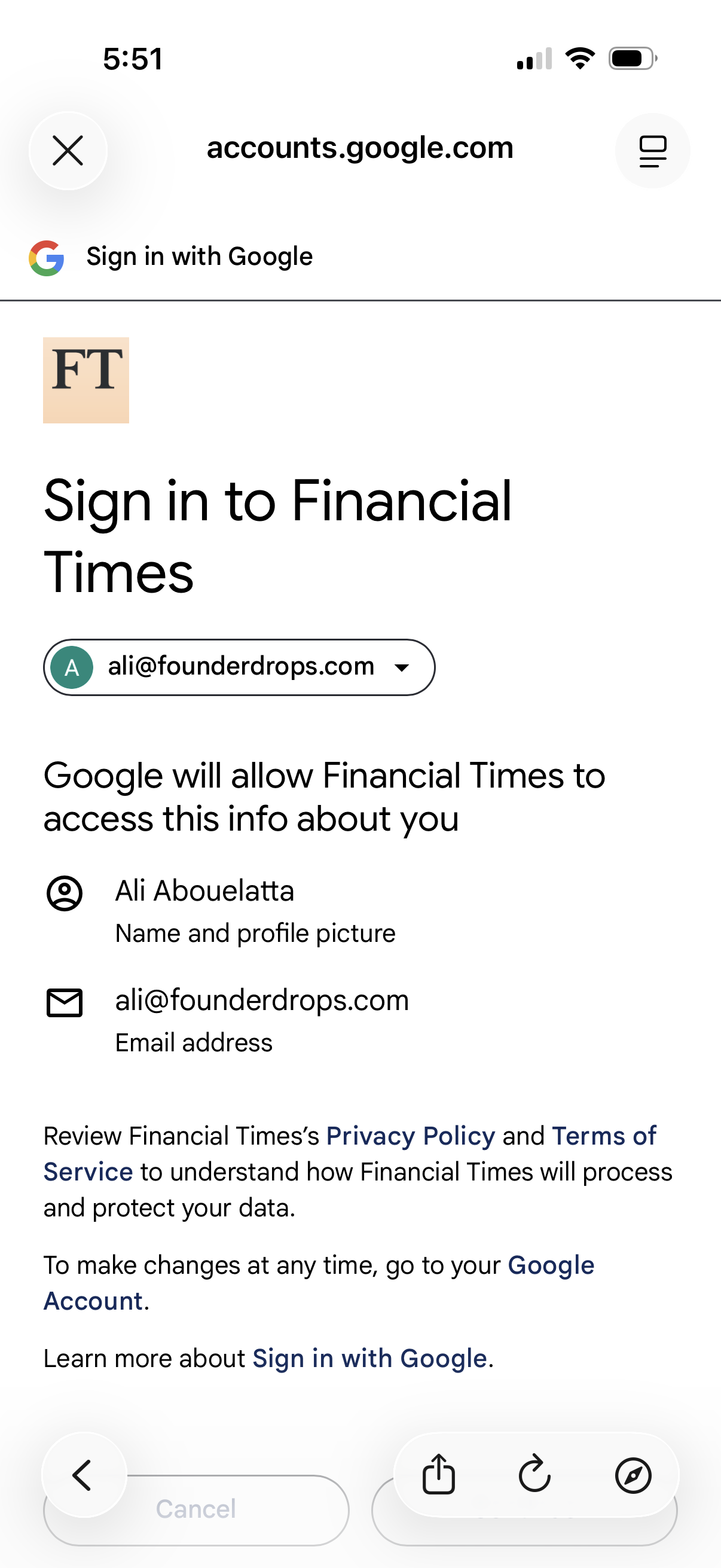
Google OAuth “Sign in with Google” consent screen for signing into a third-party app (Financial Times), showing the selected Google account and the list of data permissions to share (name/profile photo and email). Includes links to the app’s privacy policy and terms, with options to cancel or proceed with authentication.