update tracking notifications
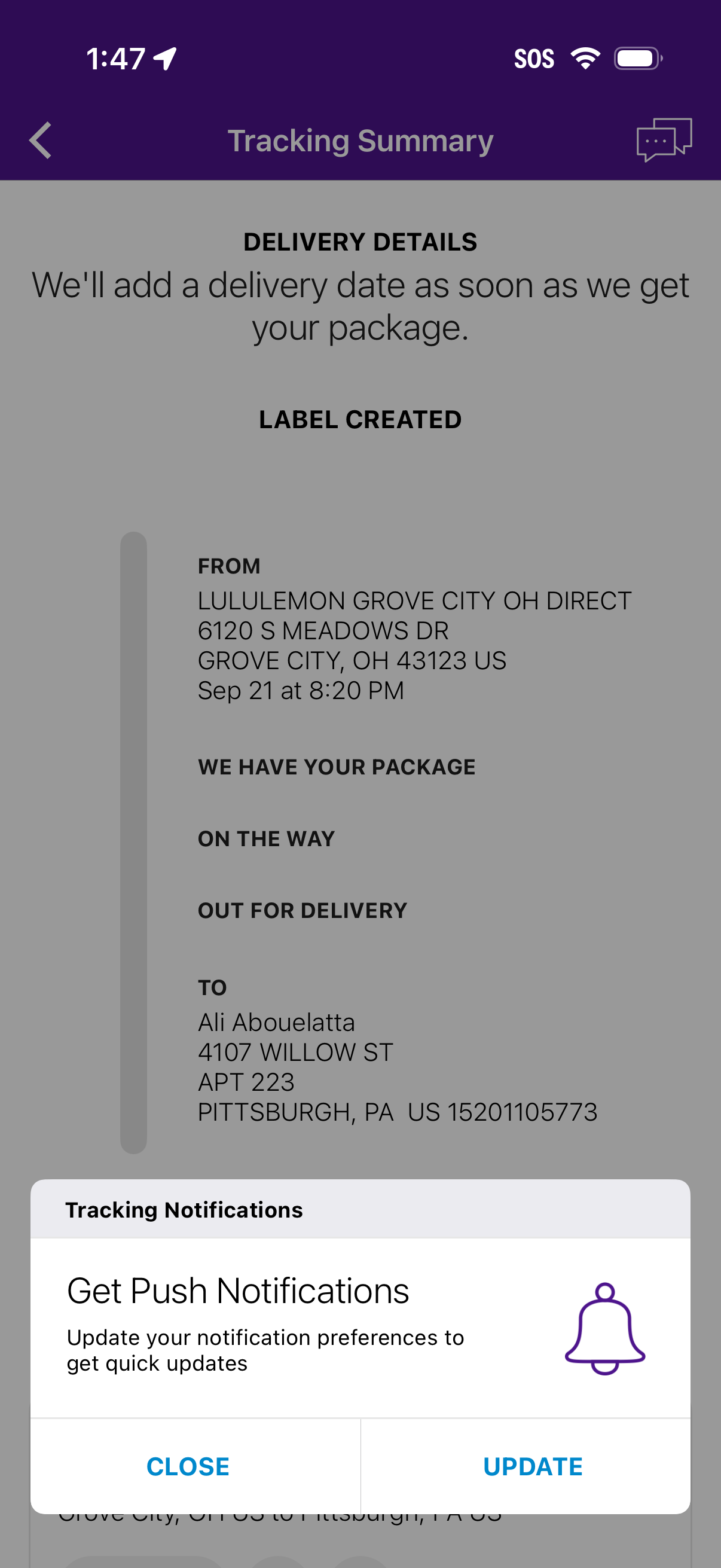
Package tracking summary screen showing delivery details and shipment status timeline (label created, we have your package, on the way, out for delivery) with origin and destination addresses and a note that an estimated delivery date will appear later. A bottom modal prompts the user to enable tracking push notifications with Close and Update actions.
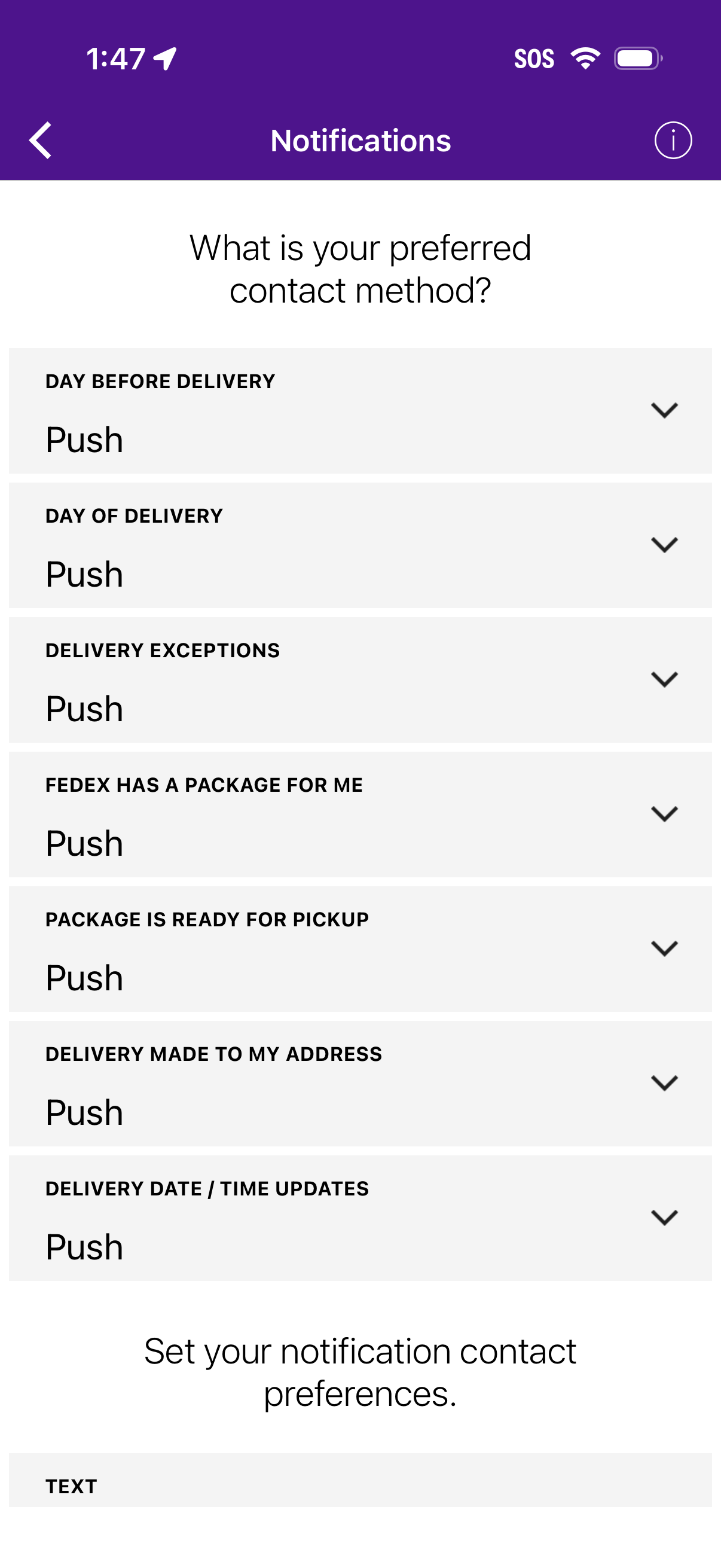
Notification settings screen for package delivery tracking where users choose their preferred contact method per event type (day before delivery, day of delivery, delivery exceptions, pickup ready, delivered, date/time updates) via expandable dropdown rows defaulting to push notifications. Includes an info icon, back navigation, and a section to set notification contact preferences such as text.