Sign up
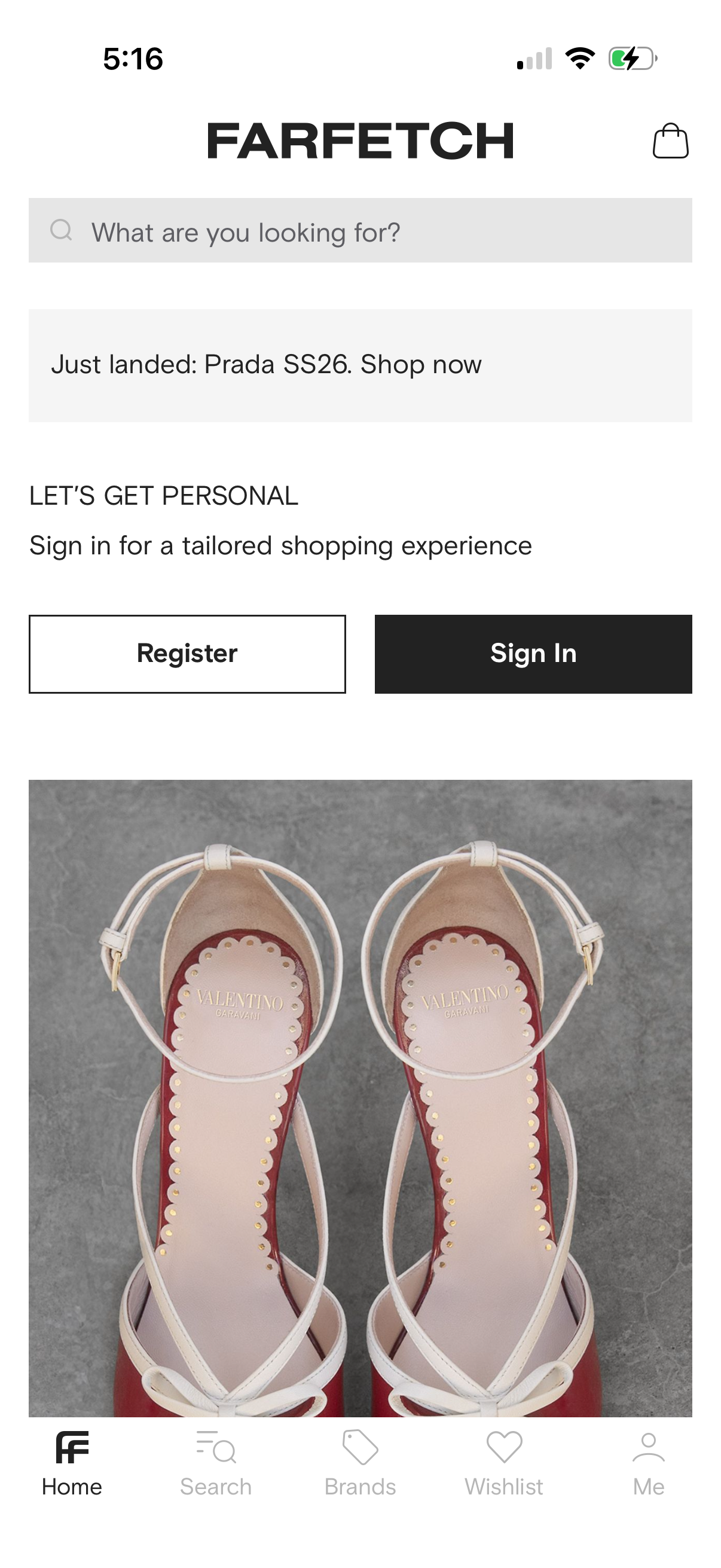
Luxury fashion shopping app home screen with a prominent product search bar, a promotional banner for new arrivals, and a callout encouraging users to personalize their experience with Register and Sign In buttons. Includes shopping bag/cart icon in the header, a featured product image, and bottom navigation tabs for Home, Search, Brands, Wishlist, and Profile.
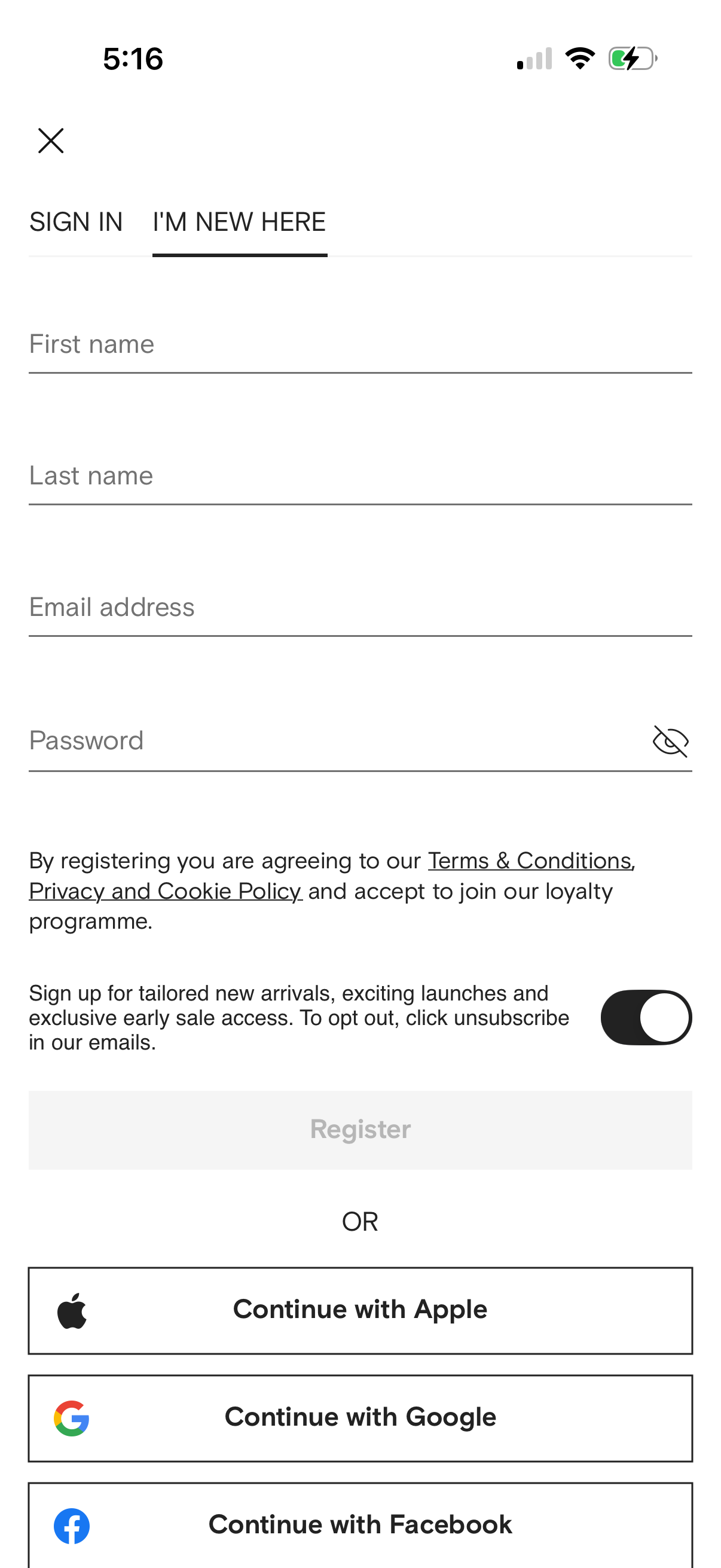
User registration screen with tabs for Sign In vs I’m New Here, allowing account creation via first name, last name, email, and password with a show/hide password toggle. Includes terms/privacy consent text, a marketing email opt-in switch, a Register button, and social sign-up options to continue with Apple, Google, or Facebook.
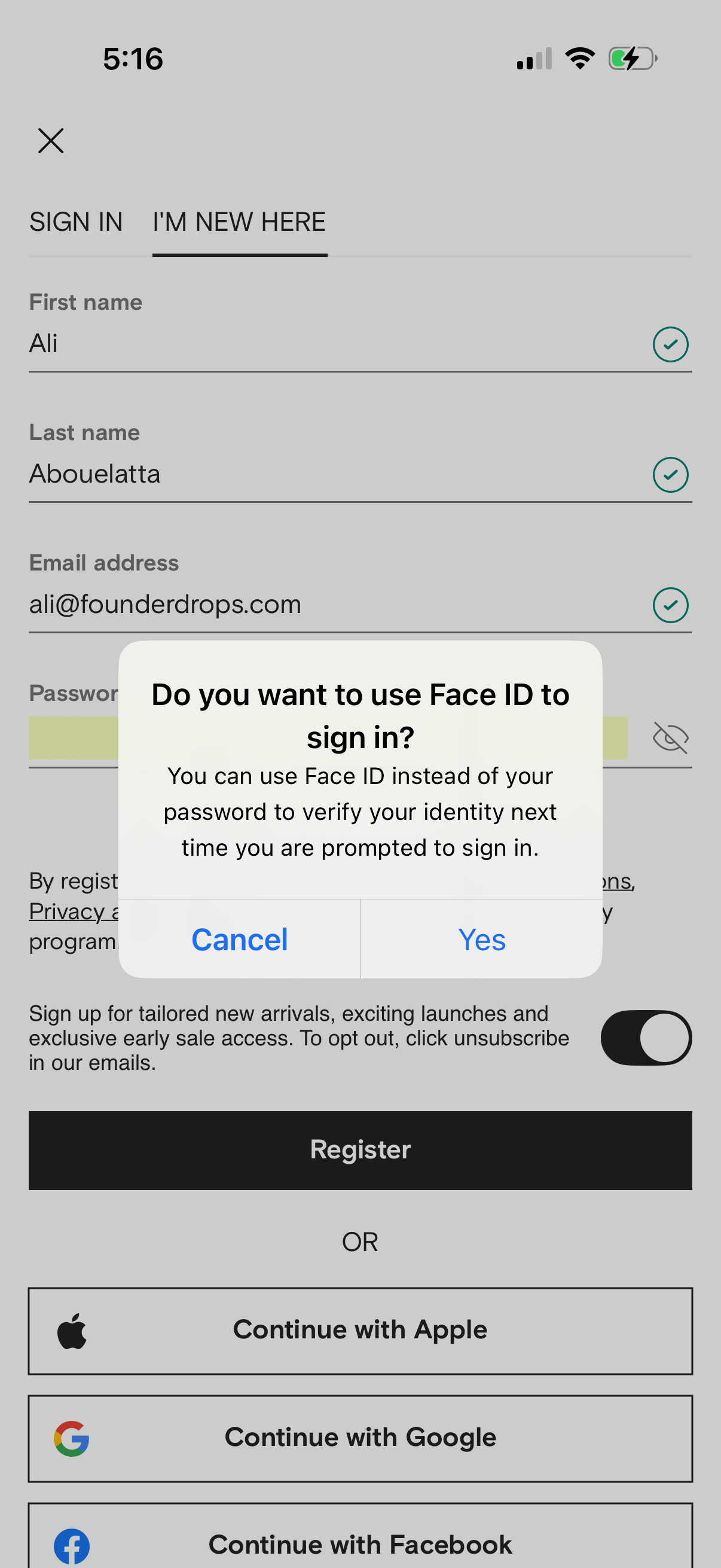
User registration screen with tabs for Sign In vs I’m New Here, form fields for first name, last name, email, and password with validation and password visibility toggle, plus a newsletter opt-in switch and primary Register button. A system modal prompts to enable Face ID for future sign-ins with Cancel/Yes, and social login options to continue with Apple, Google, or Facebook.
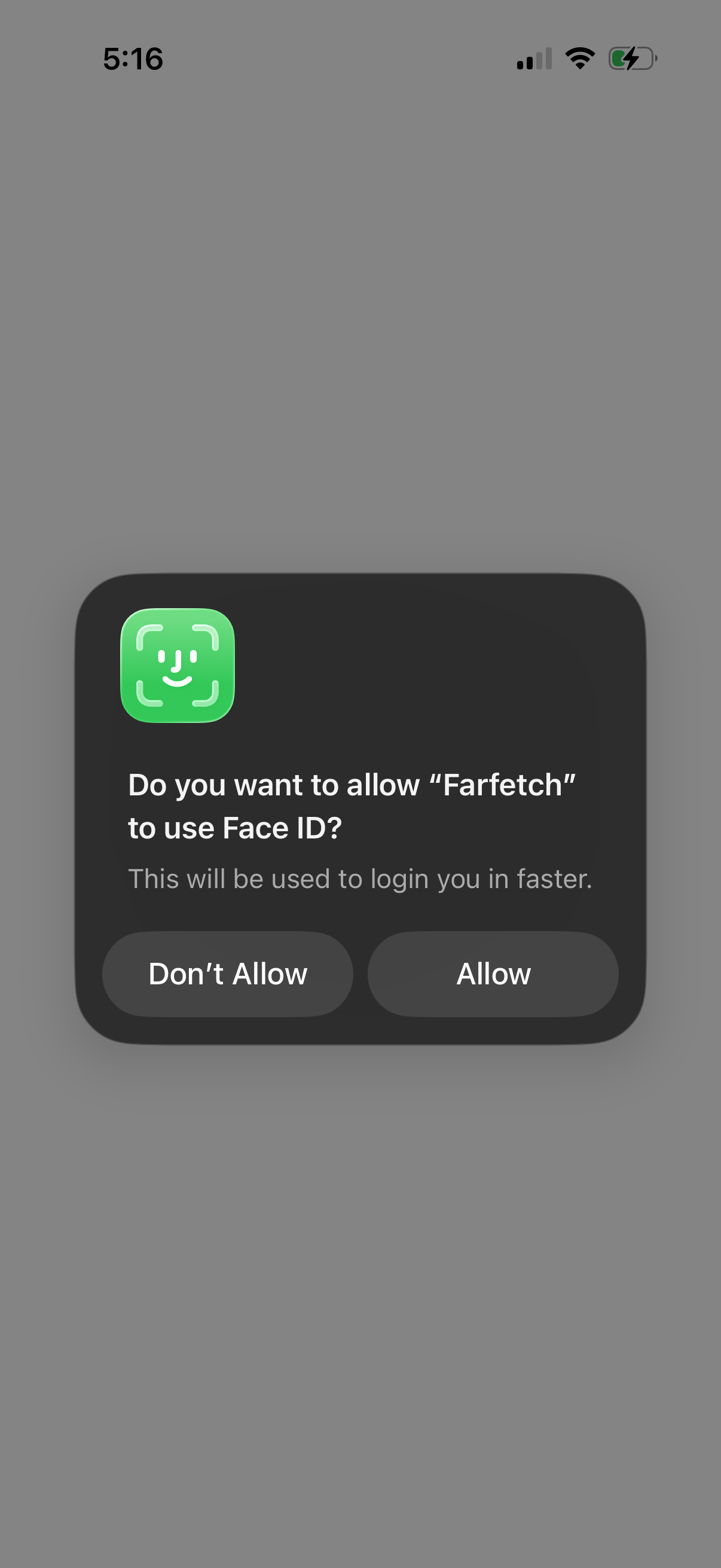
iOS system permission modal asking the user to allow the app to use Face ID for faster login. Provides two actions: “Don’t Allow” or “Allow” to enable biometric authentication.
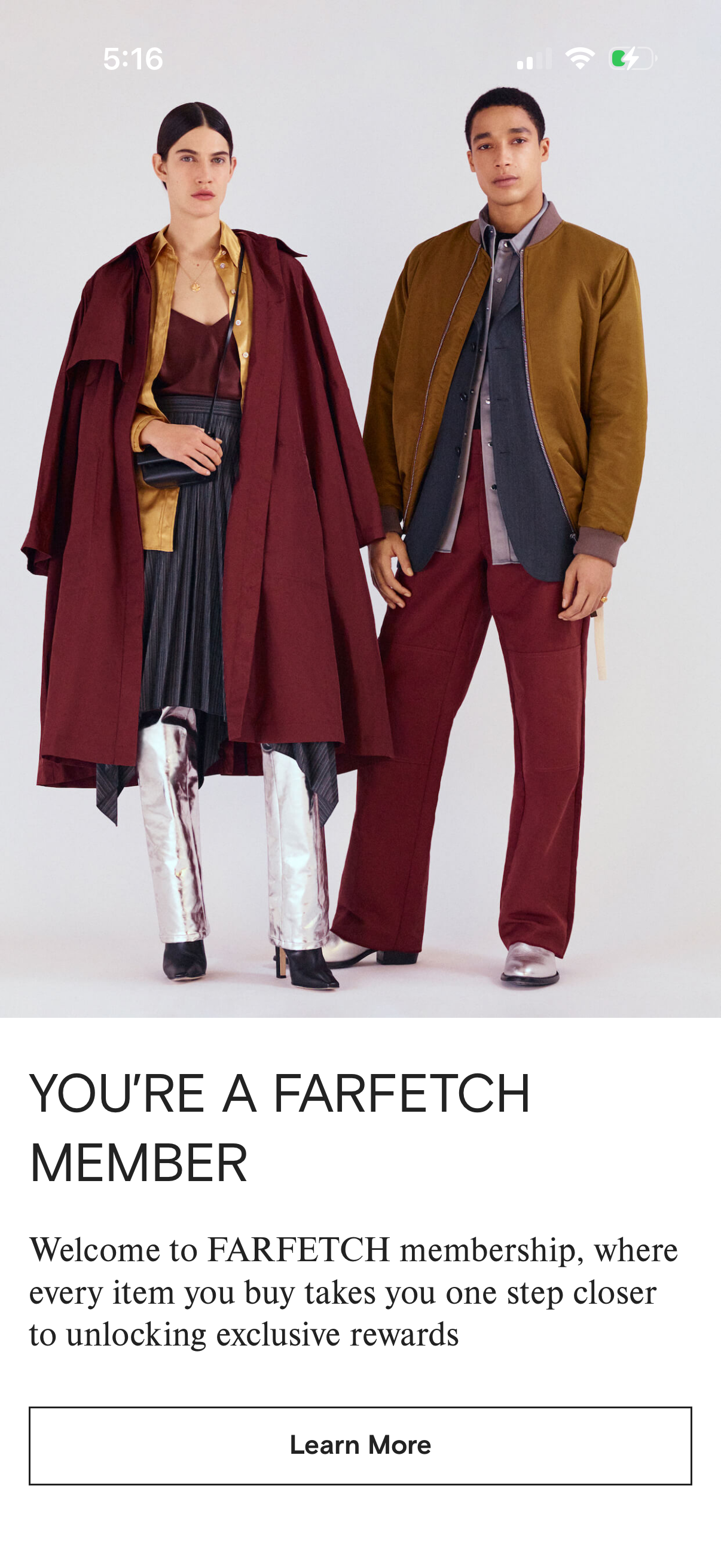
Membership promotional landing screen in a fashion shopping app featuring a hero image and copy explaining that purchases earn progress toward exclusive rewards. Includes a primary “Learn More” call-to-action to view membership benefits and details.
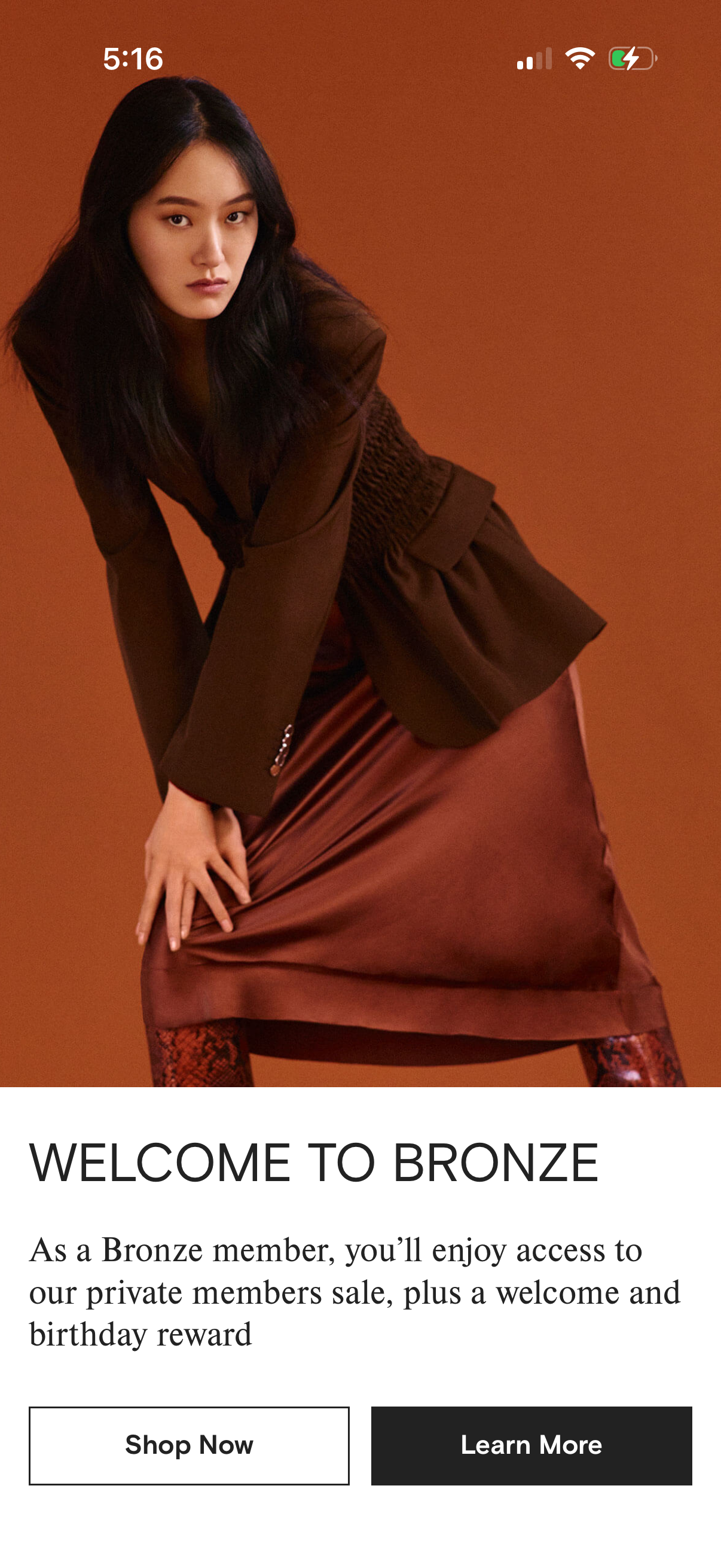
Retail loyalty or rewards tier welcome screen announcing membership status (Bronze) with a brief summary of benefits like member-only sale access and rewards. Includes primary CTAs to Shop Now or Learn More beneath a large promotional hero image.
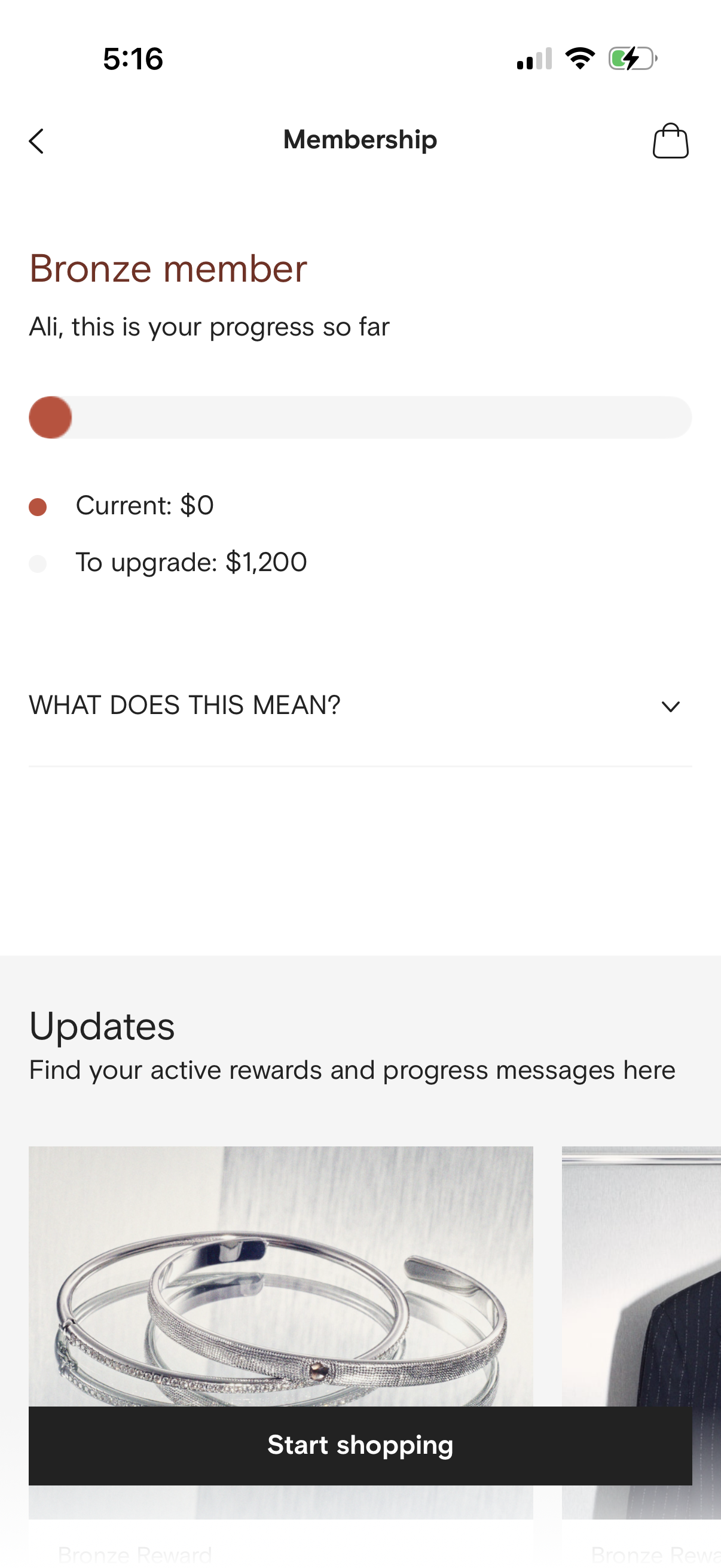
Membership status and rewards progress screen showing the user’s tier (Bronze), a progress bar with current spend and amount needed to upgrade, plus an expandable “What does this mean? ” help section.
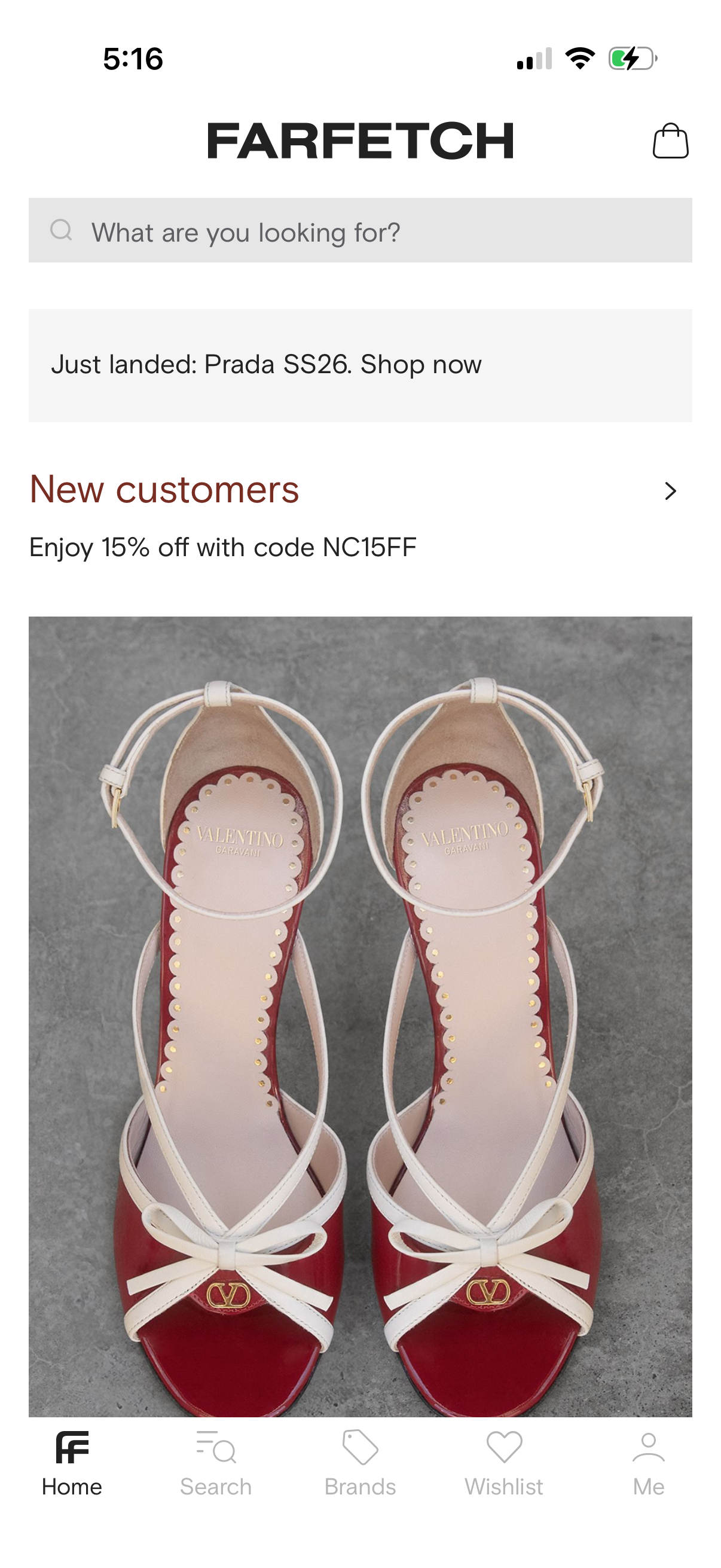
Luxury fashion ecommerce home screen featuring a prominent search bar, a “just landed” new arrivals promo banner, and a new customer discount offer alongside a large hero product image. Top navigation includes a shopping bag/cart icon, with a bottom tab bar for Home, Search, Brands, Wishlist, and Profile.