filter unknown callers
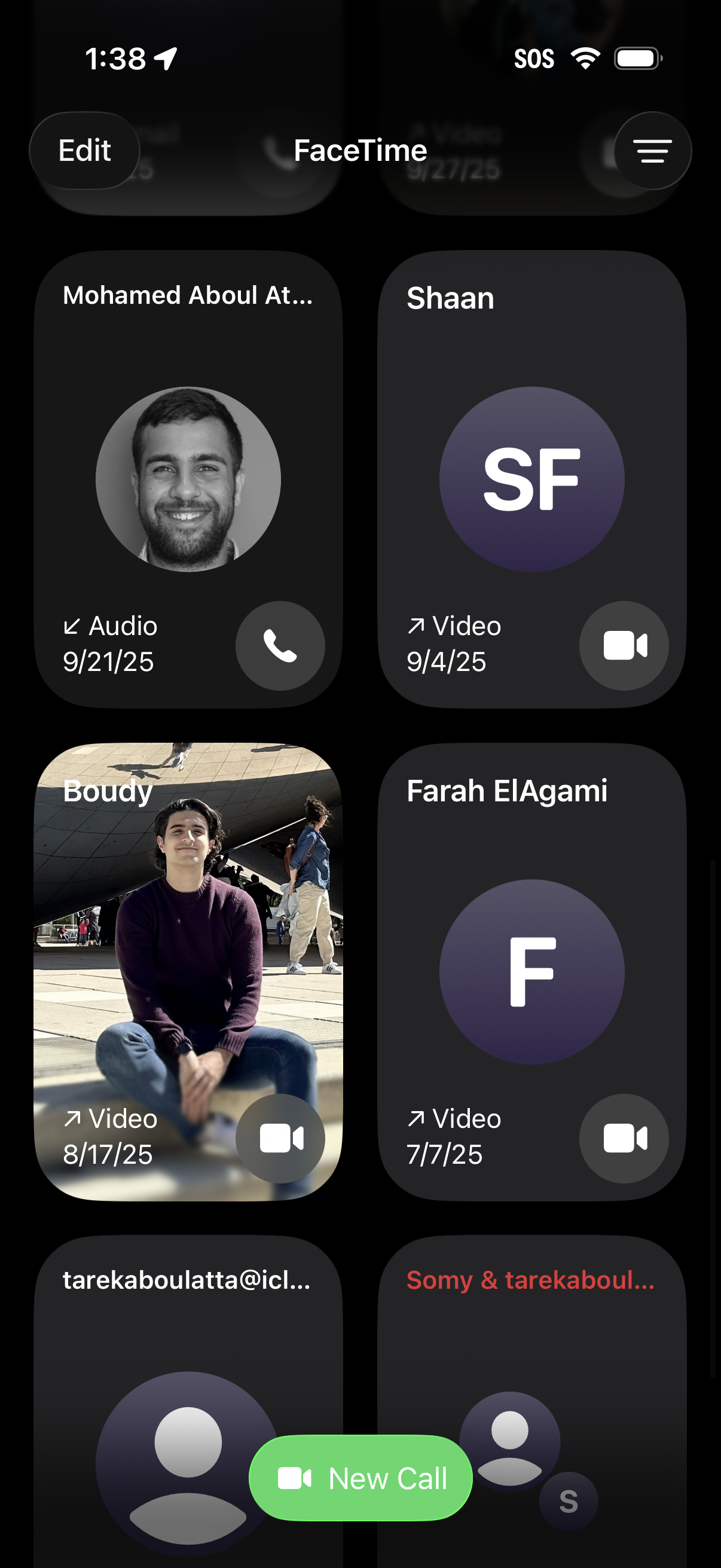
FaceTime call history screen showing a grid of recent contacts with avatar thumbnails, call type (audio or video), date, and one-tap buttons to start a phone or video call. Includes an Edit option, a filter/menu control, and a prominent “New Call” button for initiating a new FaceTime call.
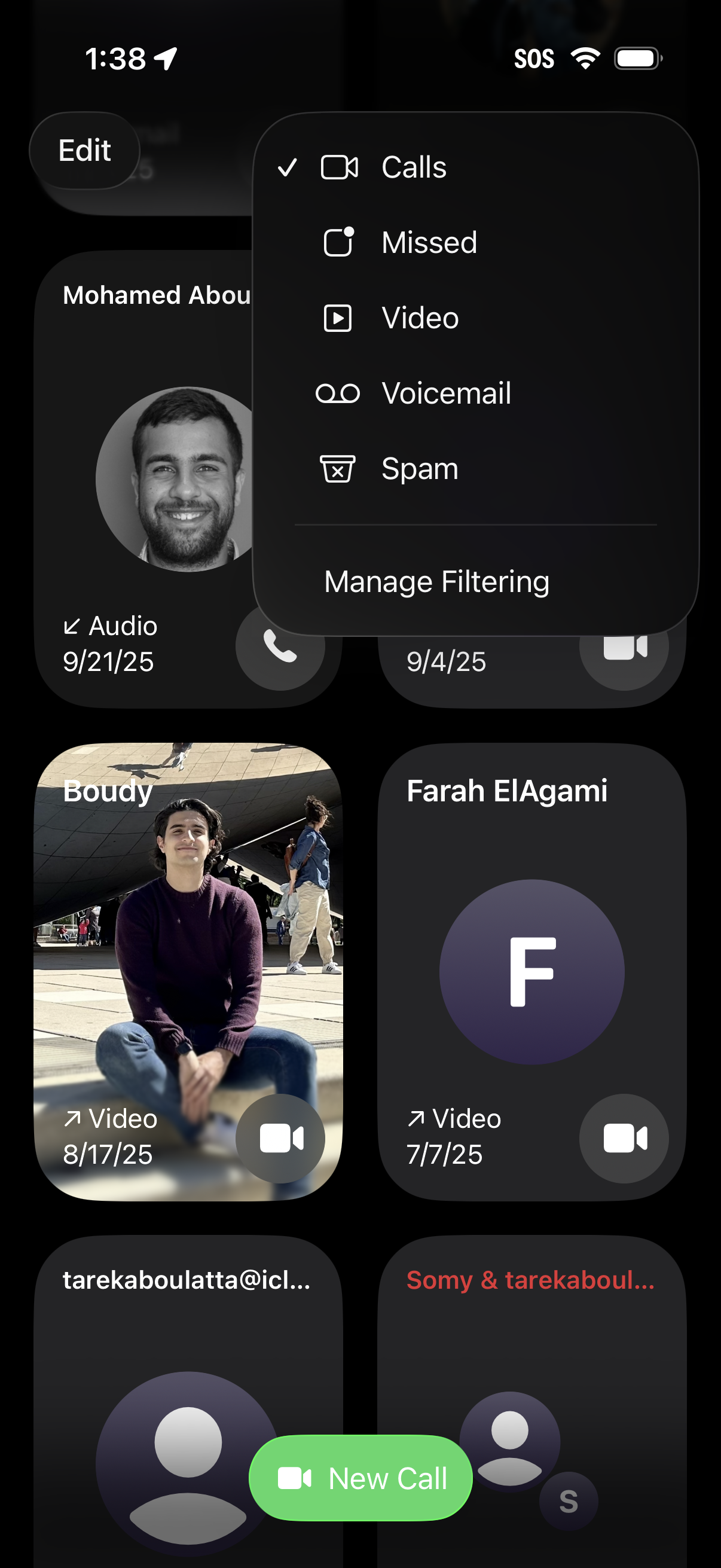
Recent calls screen showing call history cards with contact avatars and quick actions to start a call or video call, plus a prominent “New Call” button. An overlay filter menu lets users switch between Calls, Missed, Video, Voicemail, and Spam, with an option to manage call filtering.
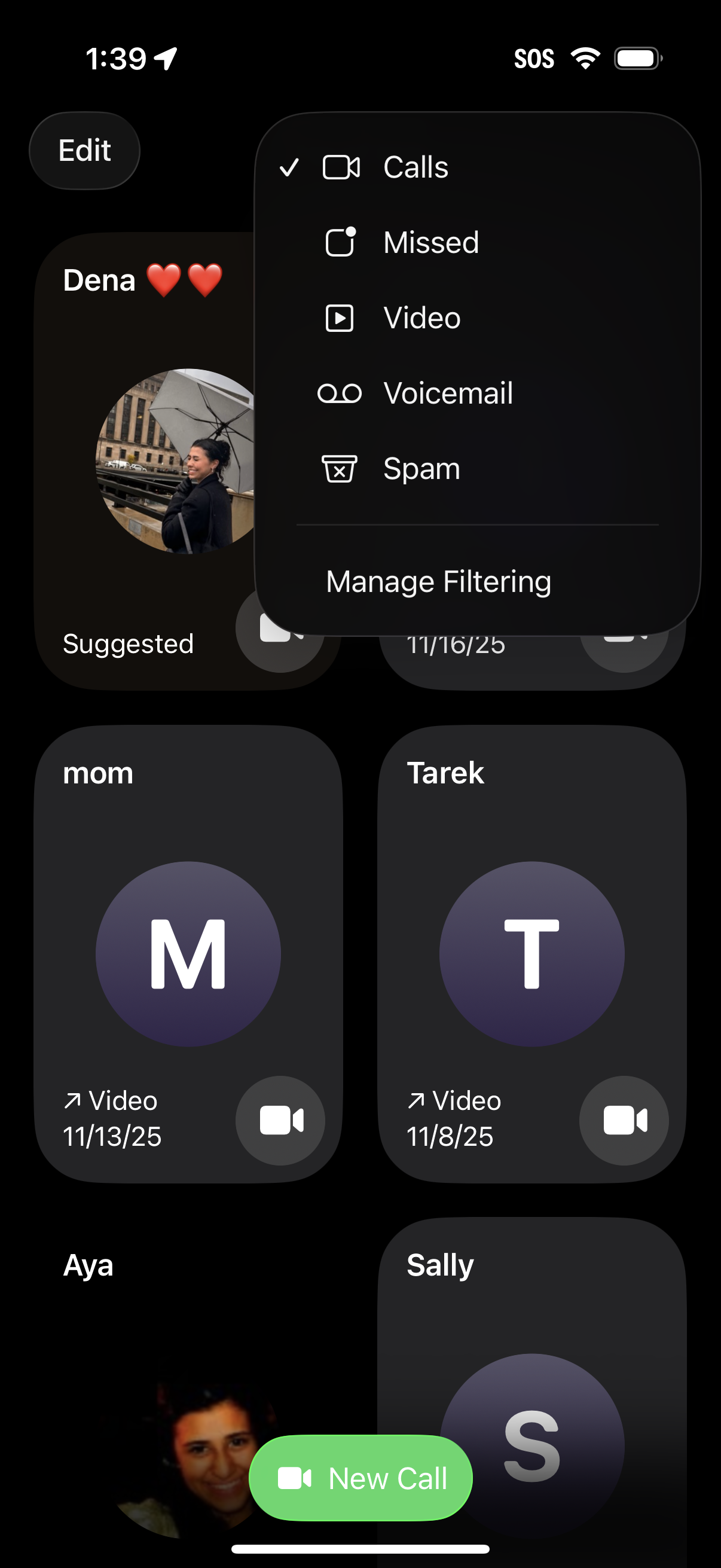
Recent calls screen in a phone app showing contact tiles and a prominent “New Call” button, with an overflow filter menu to switch between Calls, Missed, Video, Voicemail, and Spam and access “Manage Filtering.
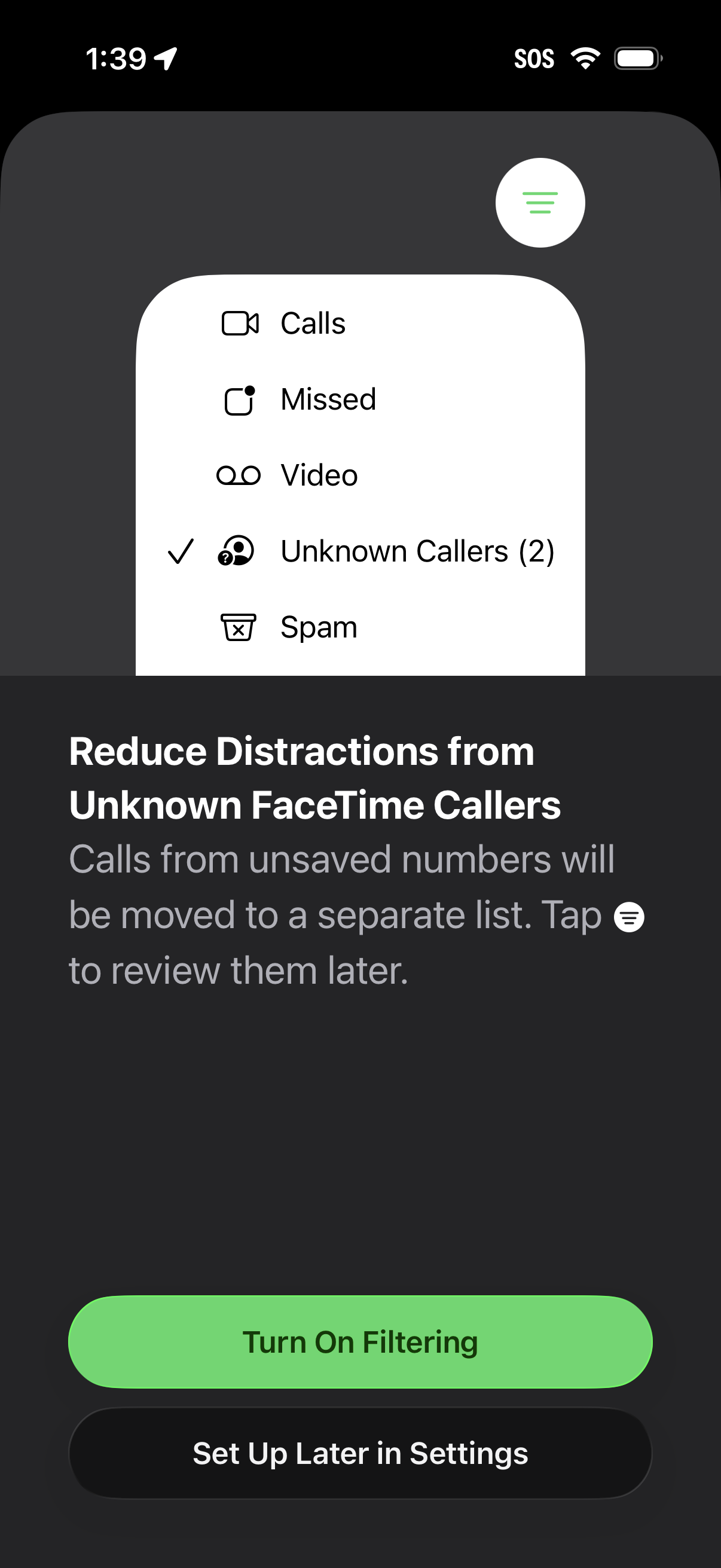
Onboarding prompt to enable filtering for unknown FaceTime callers, explaining that calls from unsaved numbers will be moved to a separate list to reduce distractions. Provides primary CTA to “Turn On Filtering” and secondary option to “Set Up Later in Settings,” with a preview of filtered call categories like Calls, Missed, Video, Unknown Callers, and Spam.