Sign up

Expedia app splash/loading screen showing the Expedia logo centered on a dark background while the travel booking app launches.
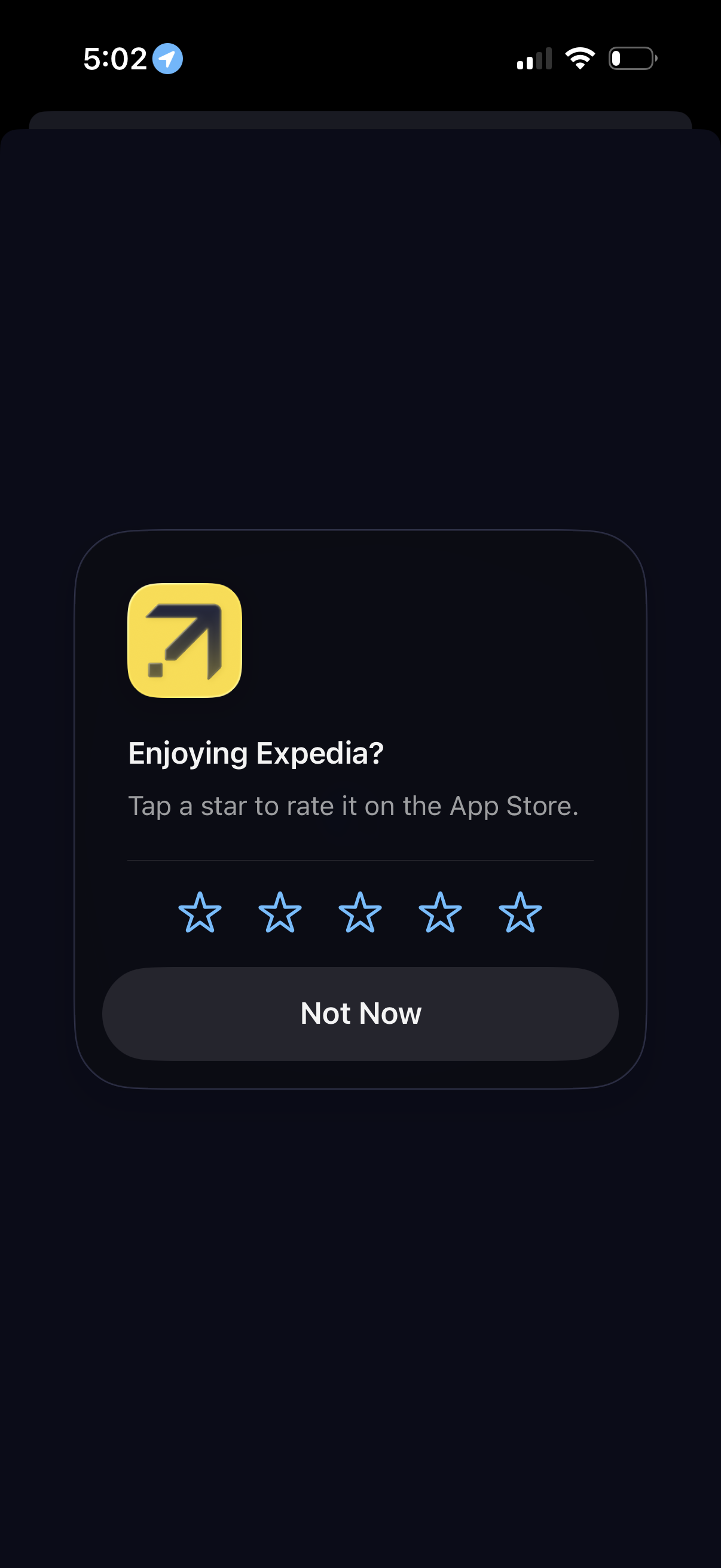
In-app rating prompt modal asking users to rate the app on the App Store with a 5-star selection row. Includes a primary dismiss option labeled “Not Now” over a dimmed background.
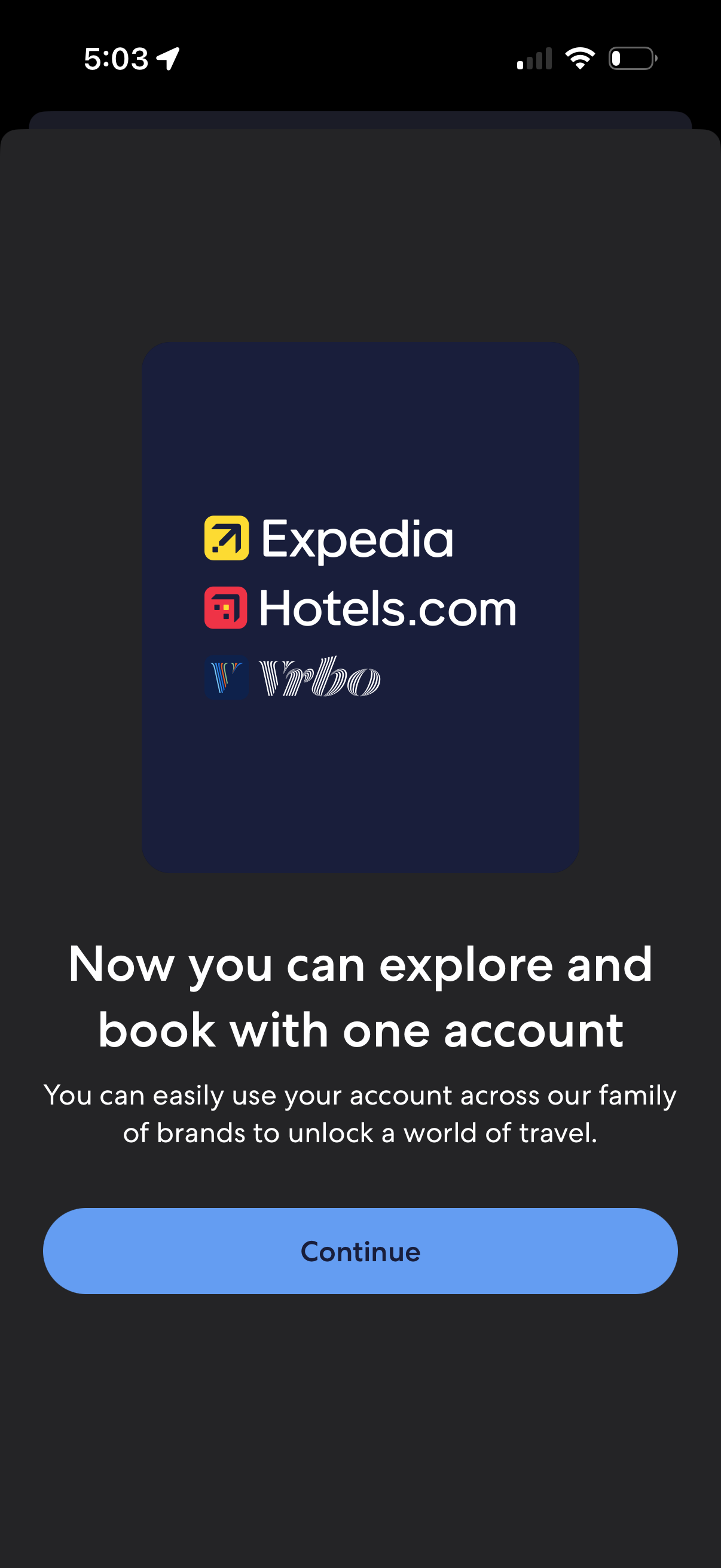
Onboarding announcement screen explaining single sign-on across multiple travel brands, letting users explore and book with one shared account. Includes brand logos and a primary “Continue” button to proceed.
Onboarding announcement screen explaining single sign-on across multiple travel brands, letting users explore and book with one shared account. Includes brand logos and a primary “Continue” button to proceed.
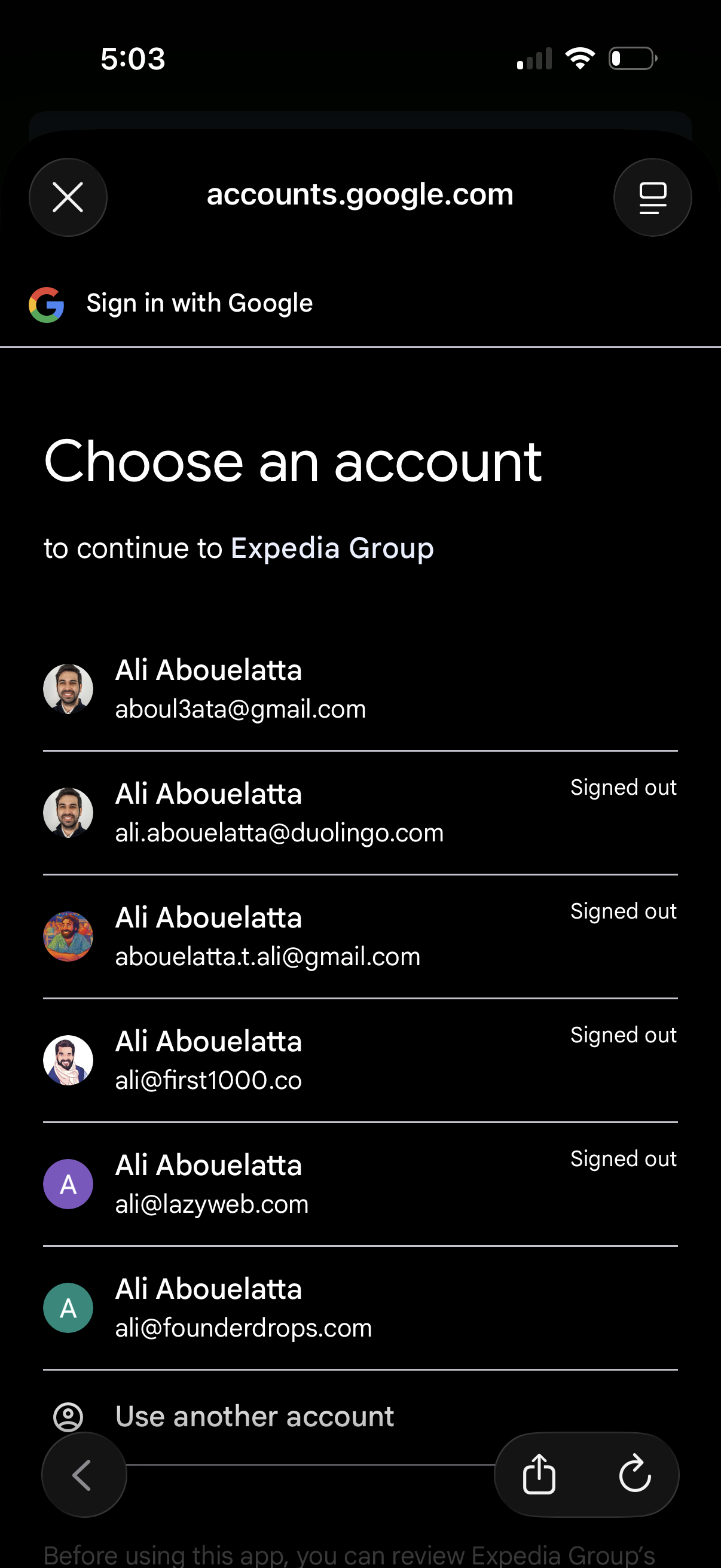
Google sign-in account chooser screen prompting the user to select a Google account to continue to a third-party app, showing a list of saved accounts with avatars, email addresses, and signed-out status. Includes an option to use another account and controls to close or exit the authentication flow.
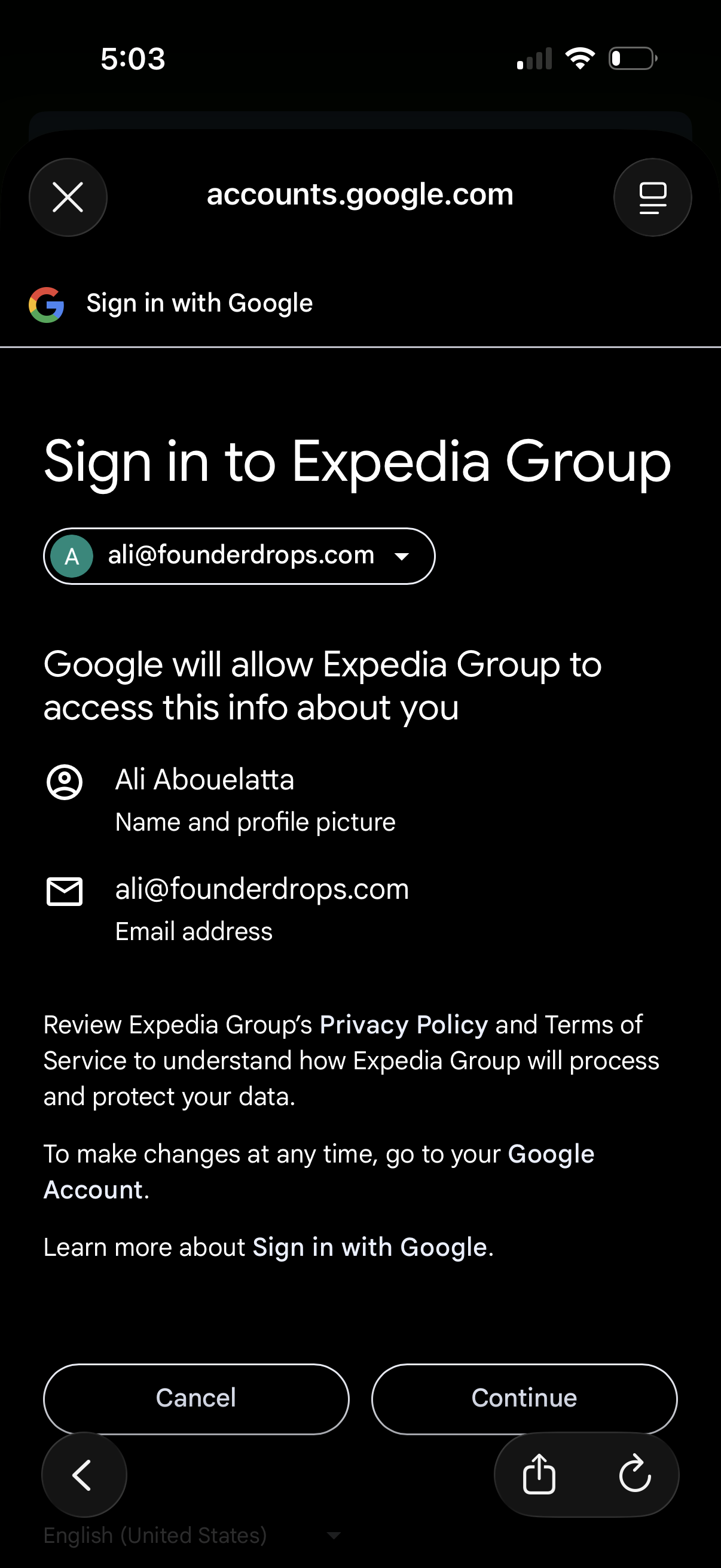
OAuth “Sign in with Google” consent screen for logging into a third-party app (Expedia Group), showing the selected Google account and the permissions/data that will be shared (name/profile photo and email). Primary actions are Cancel or Continue to proceed with Google SSO authentication.
Onboarding announcement screen explaining single sign-on across multiple travel brands, letting users explore and book with one shared account. Includes brand logos and a primary “Continue” button to proceed.
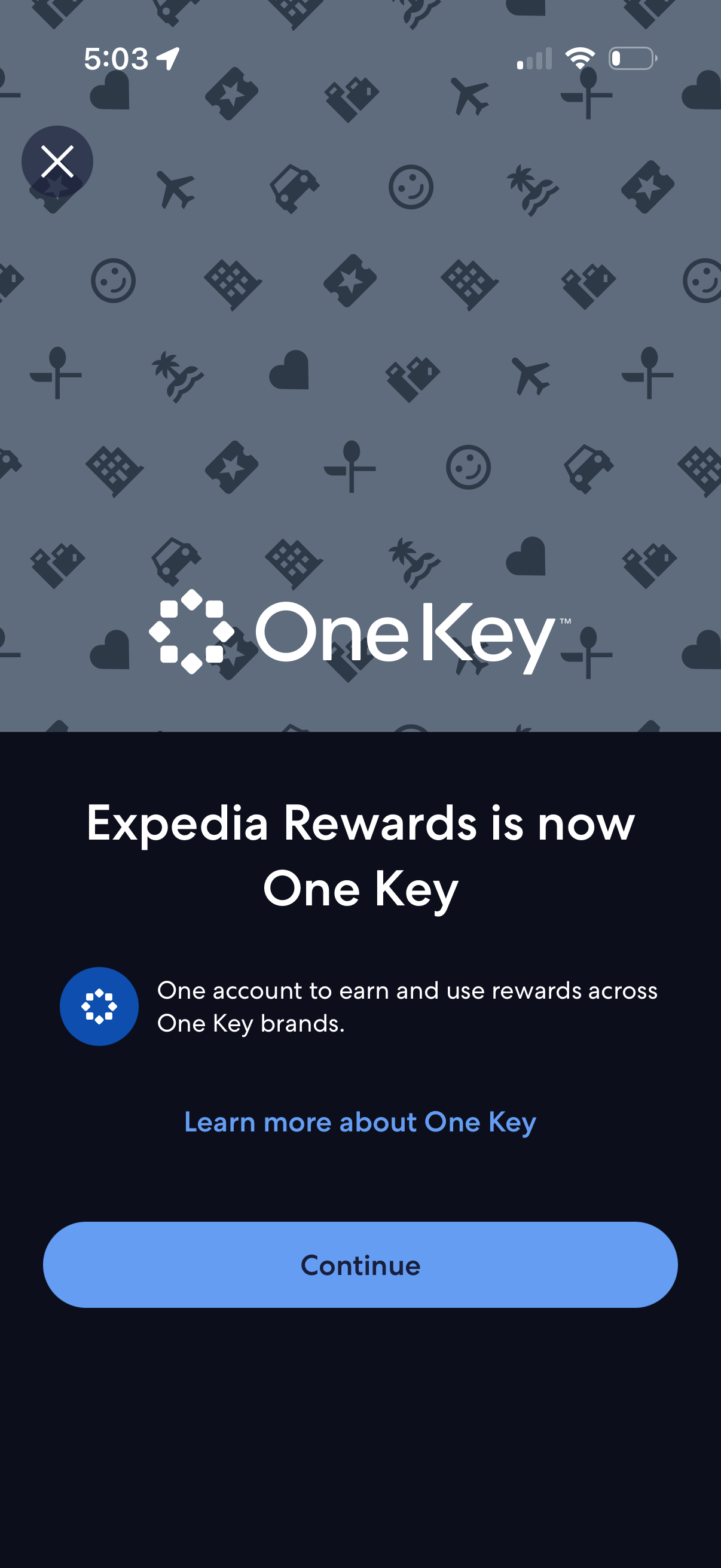
Rewards program update announcement modal explaining that the loyalty program has transitioned to a unified account (One Key) that lets users earn and redeem rewards across brands. Provides a “Learn more” link, a primary “Continue” button, and a close (X) to dismiss the message.
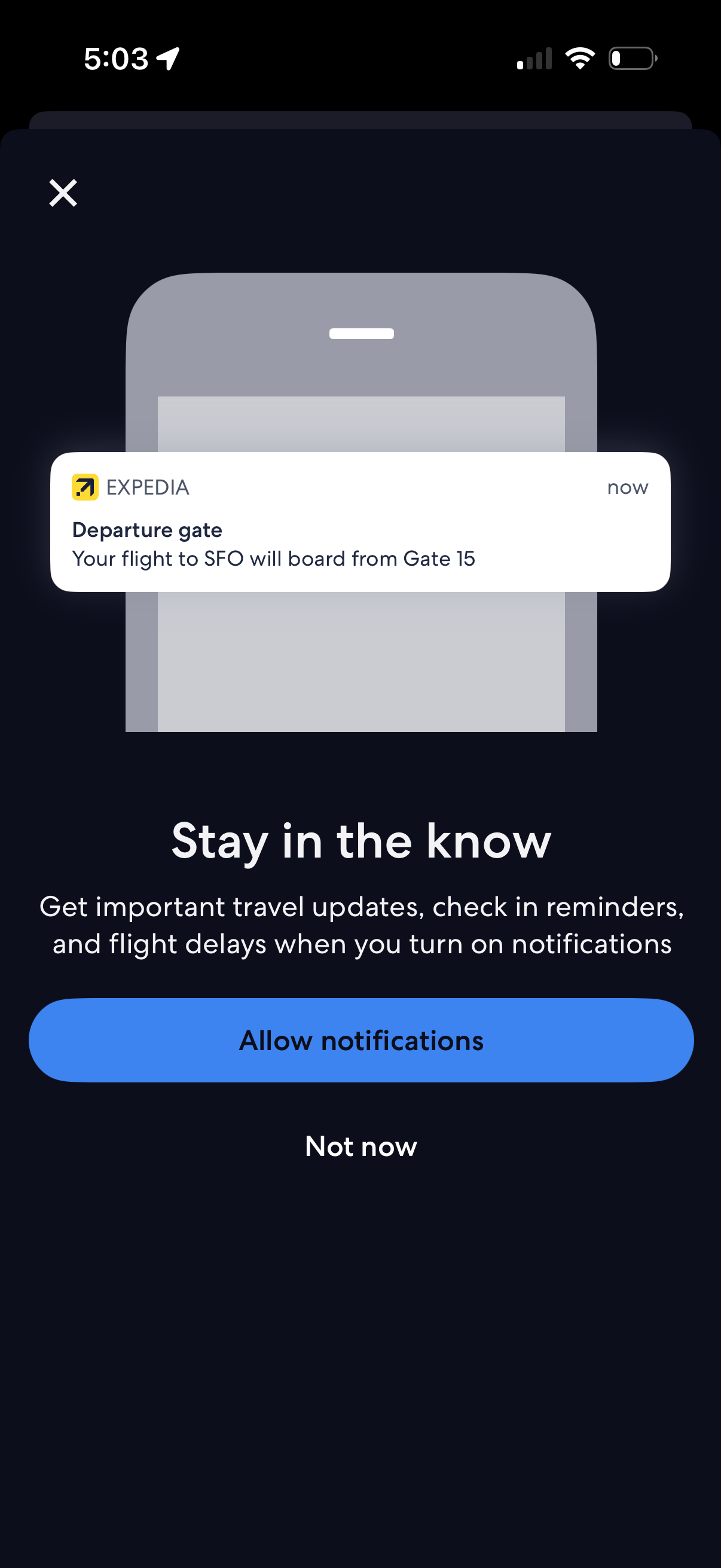
Permission prompt screen asking users to enable push notifications for travel updates such as departure gate changes, check-in reminders, and flight delays. Provides primary CTA to Allow notifications and a secondary Not now option, with a close icon.
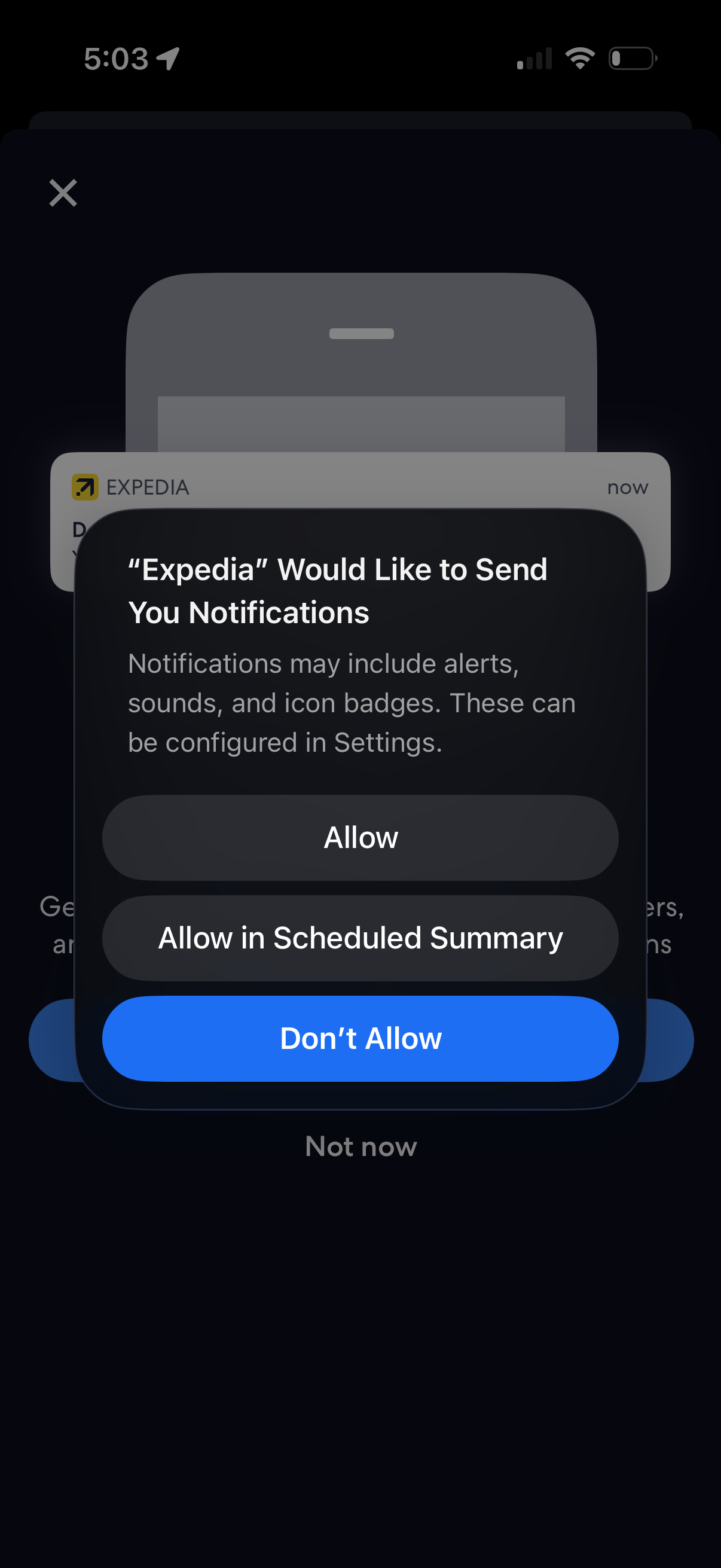
iOS system permission modal asking the user to enable push notifications for the app, explaining alerts/sounds/badges and offering actions to Allow, Allow in Scheduled Summary, or Don’t Allow. The prompt appears as an overlay on top of the app’s onboarding or main screen with a close/dismiss option in the background.
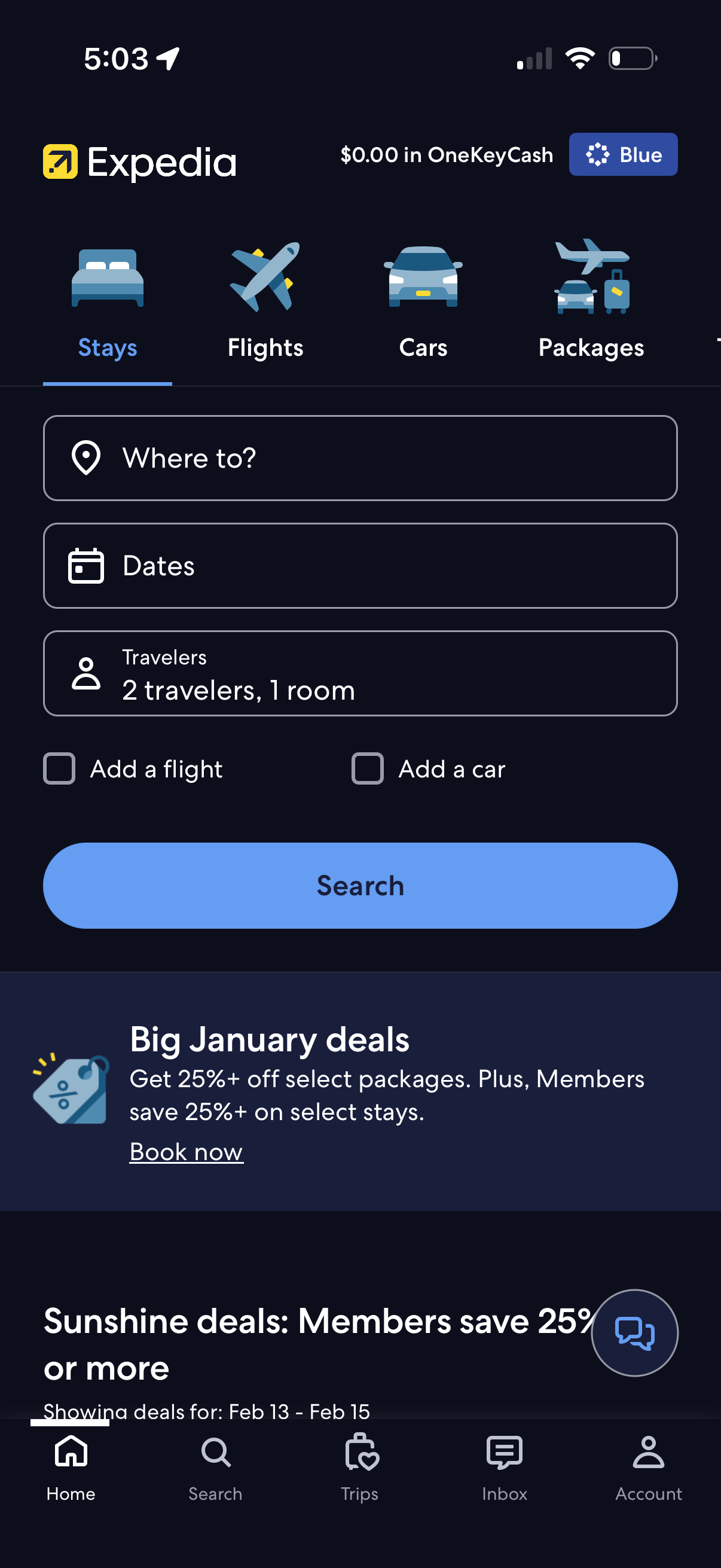
Travel booking home screen with top tabs to switch between stays, flights, cars, and packages, focused on a hotel search form with destination, dates, and travelers/rooms fields plus optional add-a-flight and add-a-car checkboxes and a primary Search button. Below the search module are promotional deal banners and persistent bottom navigation for Home, Search, Trips, Inbox, and Account.