read preview and hit
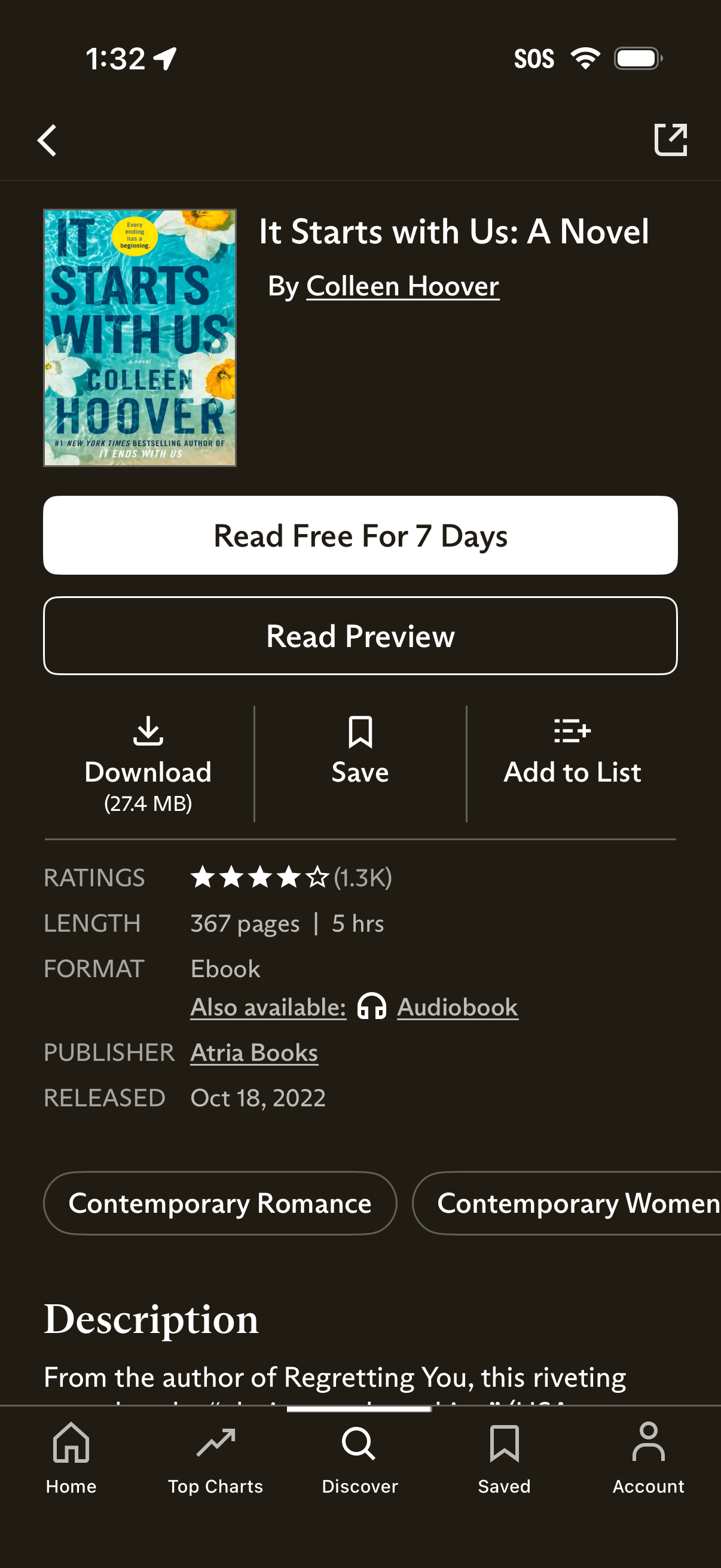
Book detail page in an ebook store showing cover, title, and author with primary CTAs to start a free 7‑day reading trial or read a preview. Secondary actions include download, save/bookmark, and add to list, plus ratings, length, format (ebook/audiobook), publisher/release info, genre tags, and a description section.
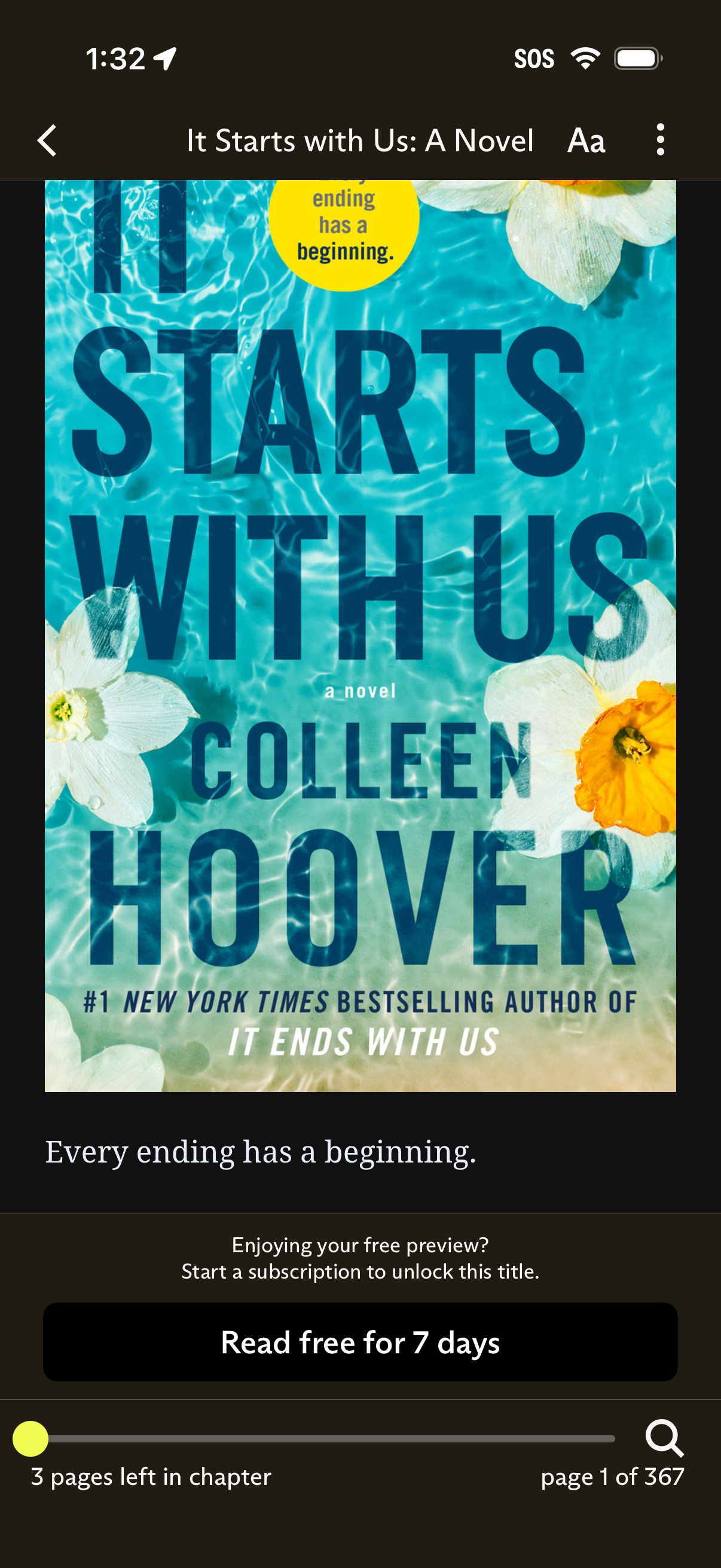
Ebook reader screen showing a book cover with title and author, plus reading controls like back, text size, and overflow menu. A free preview paywall prompts the user to start a subscription with a “Read free for 7 days” CTA, alongside a progress slider and page/chapter progress indicators.
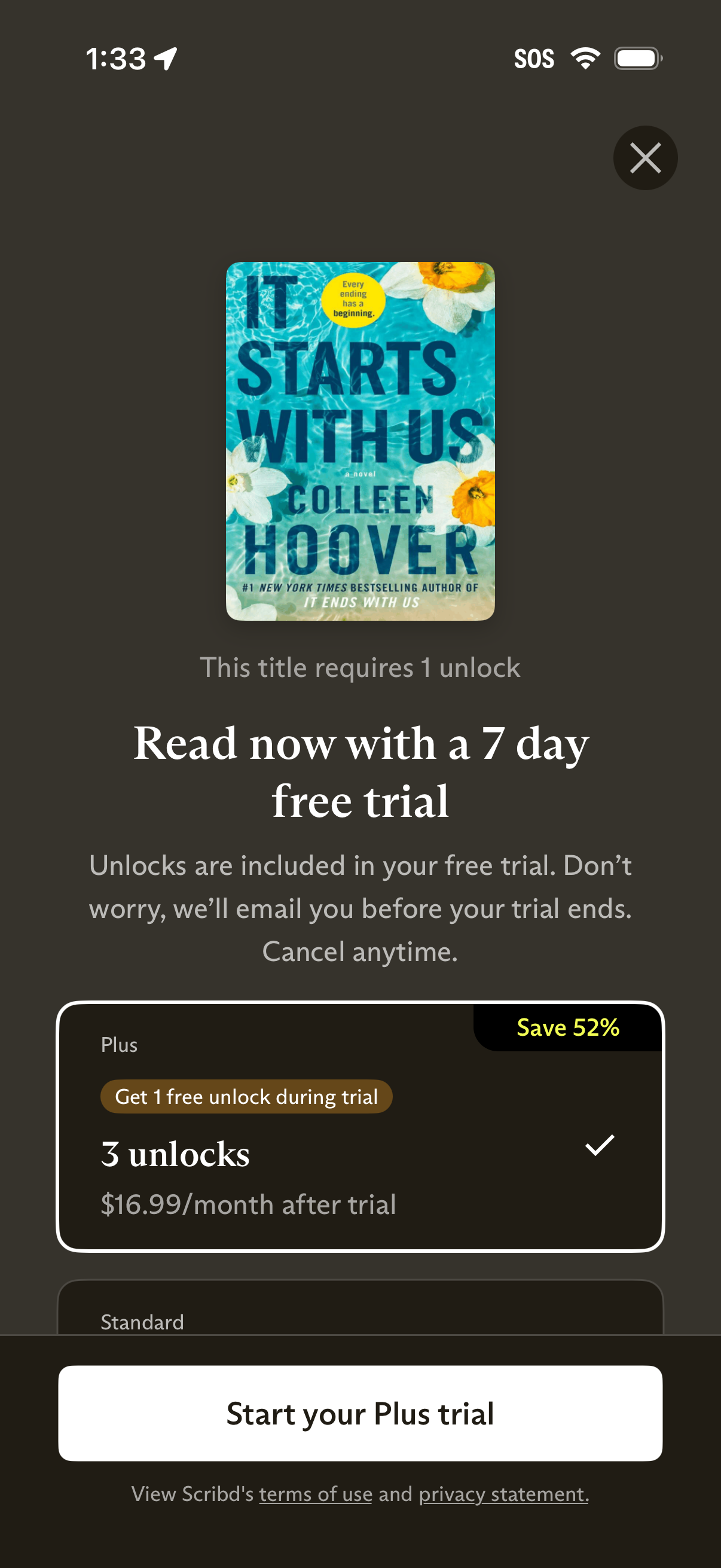
Subscription paywall screen for an ebook/audiobook app prompting the user to start a 7‑day free trial to unlock a title, showing plan options with pricing and savings, a selected “Plus” plan with included unlocks, and a primary CTA button to start the trial with terms/privacy links and a close icon.
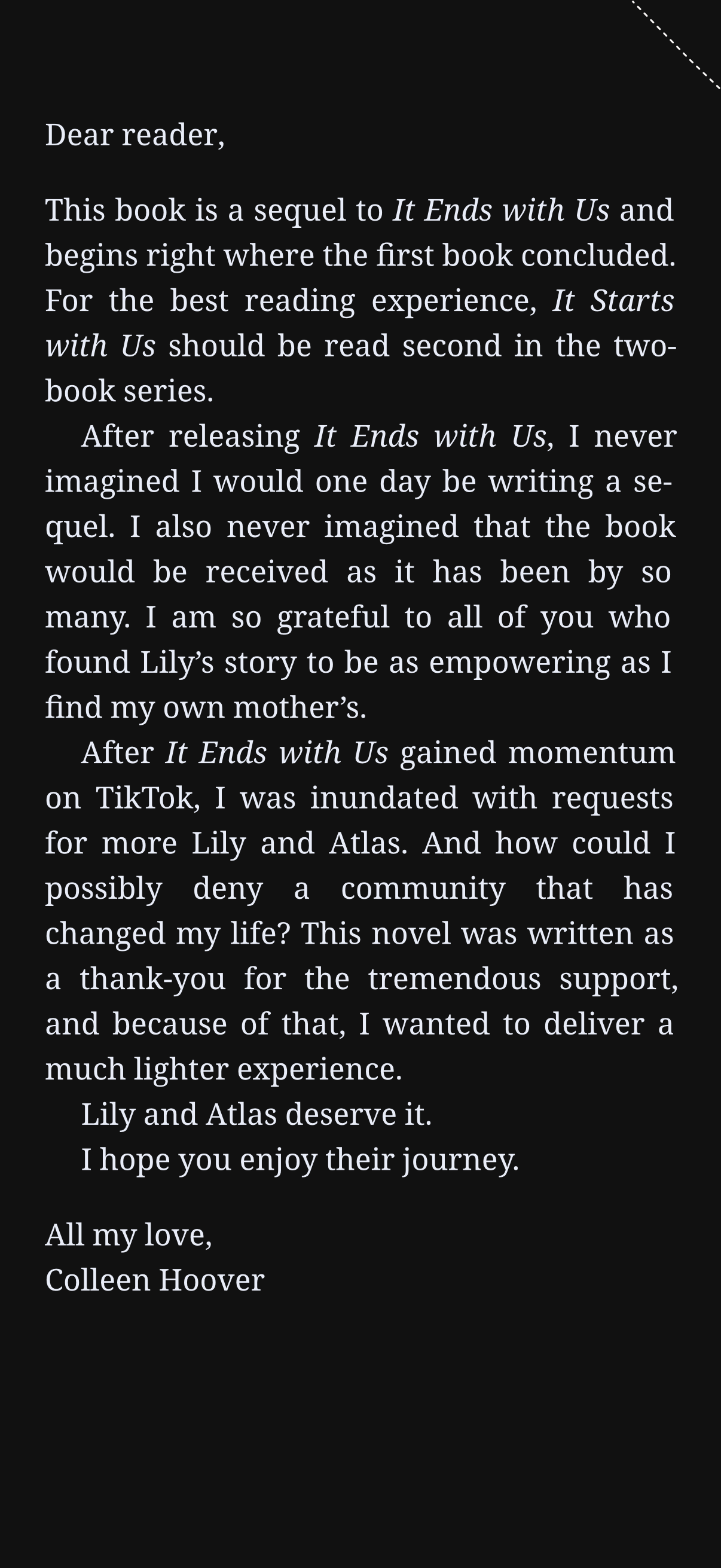
E-book reader page view showing the body text of a book on a dark background with serif typography for distraction-free reading. The screen presents long-form content with no visible controls, indicating a reading mode focused on immersive text consumption.
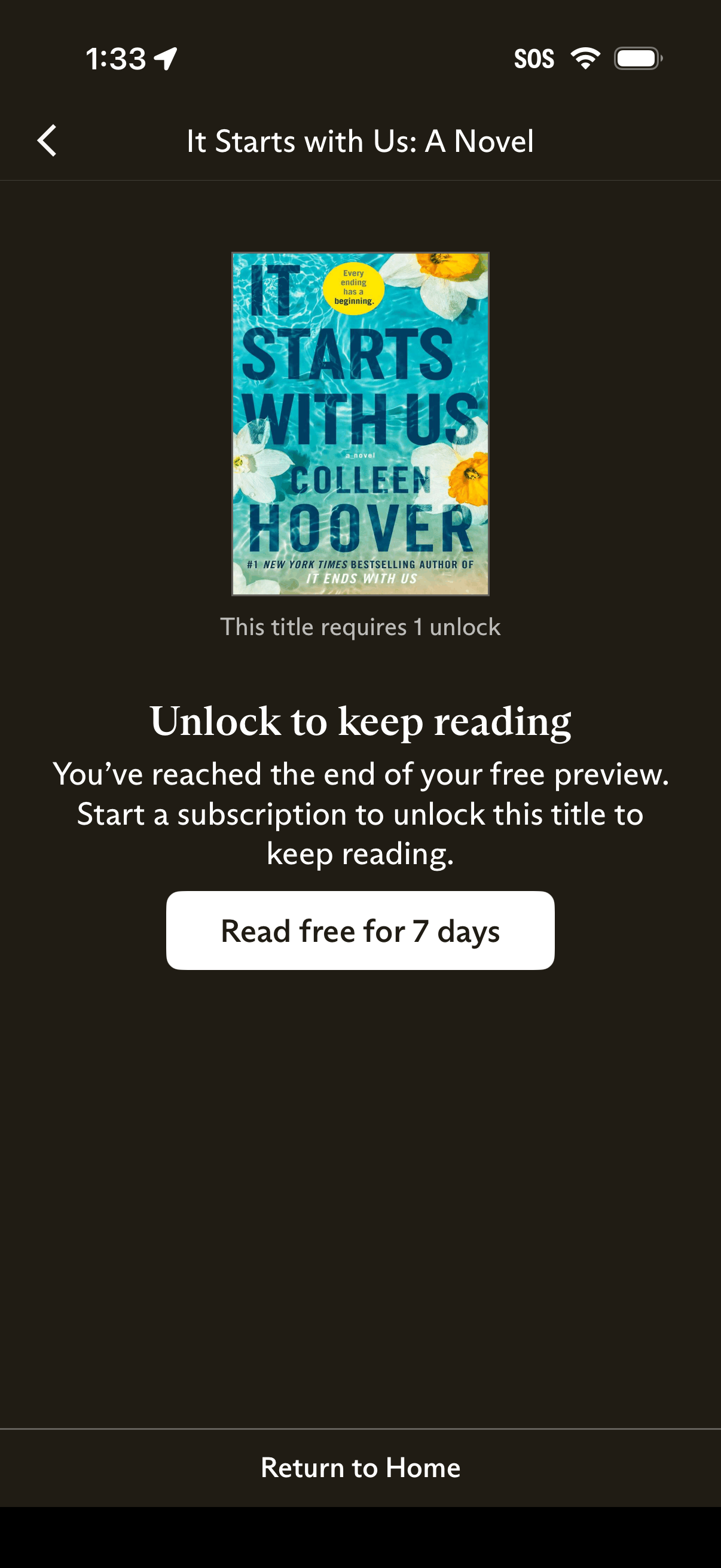
Paywall screen in an ebook reading app showing a book cover and message that the user has reached the end of the free preview and must unlock the title by starting a subscription. Primary CTA offers “Read free for 7 days,” with an option to return to home.