adjust notification settings
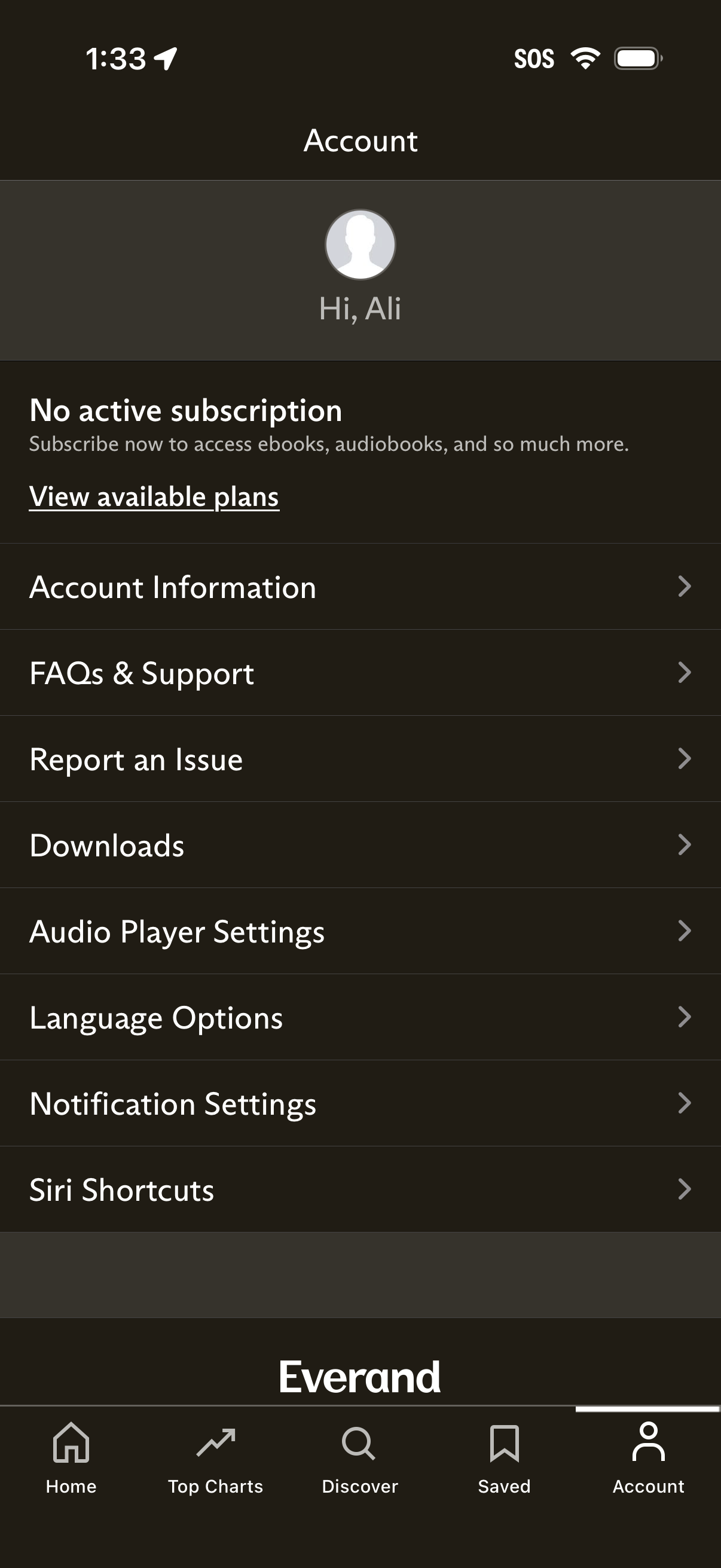
Account settings screen for a reading/audiobook subscription app showing subscription status (no active subscription) with a call to view available plans. Provides navigation links to account information, FAQs/support, report an issue, downloads, audio player settings, language options, notification settings, and Siri shortcuts.
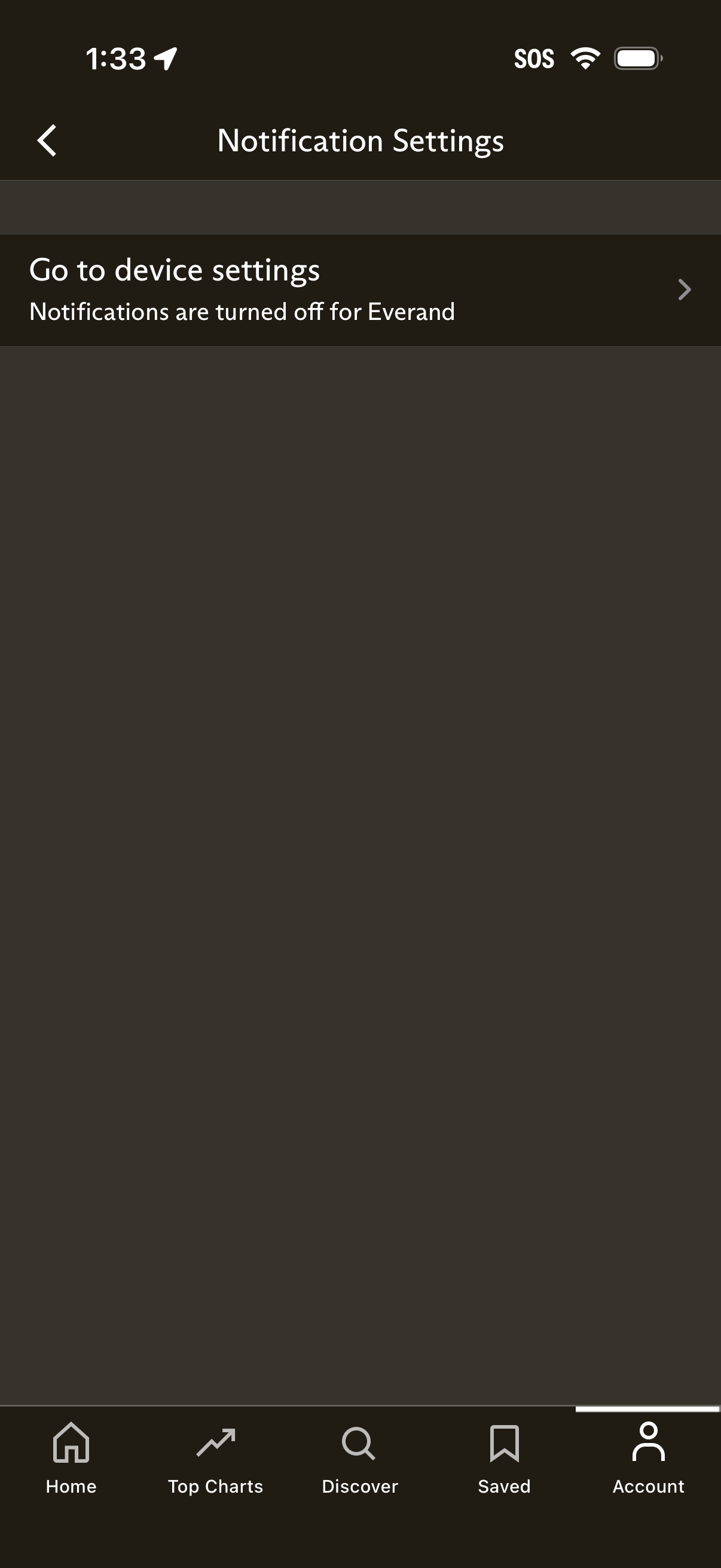
Notification settings screen showing that app notifications are currently turned off and prompting the user to go to the device settings to enable notifications, with a back navigation control and a single tappable row linking to system settings.
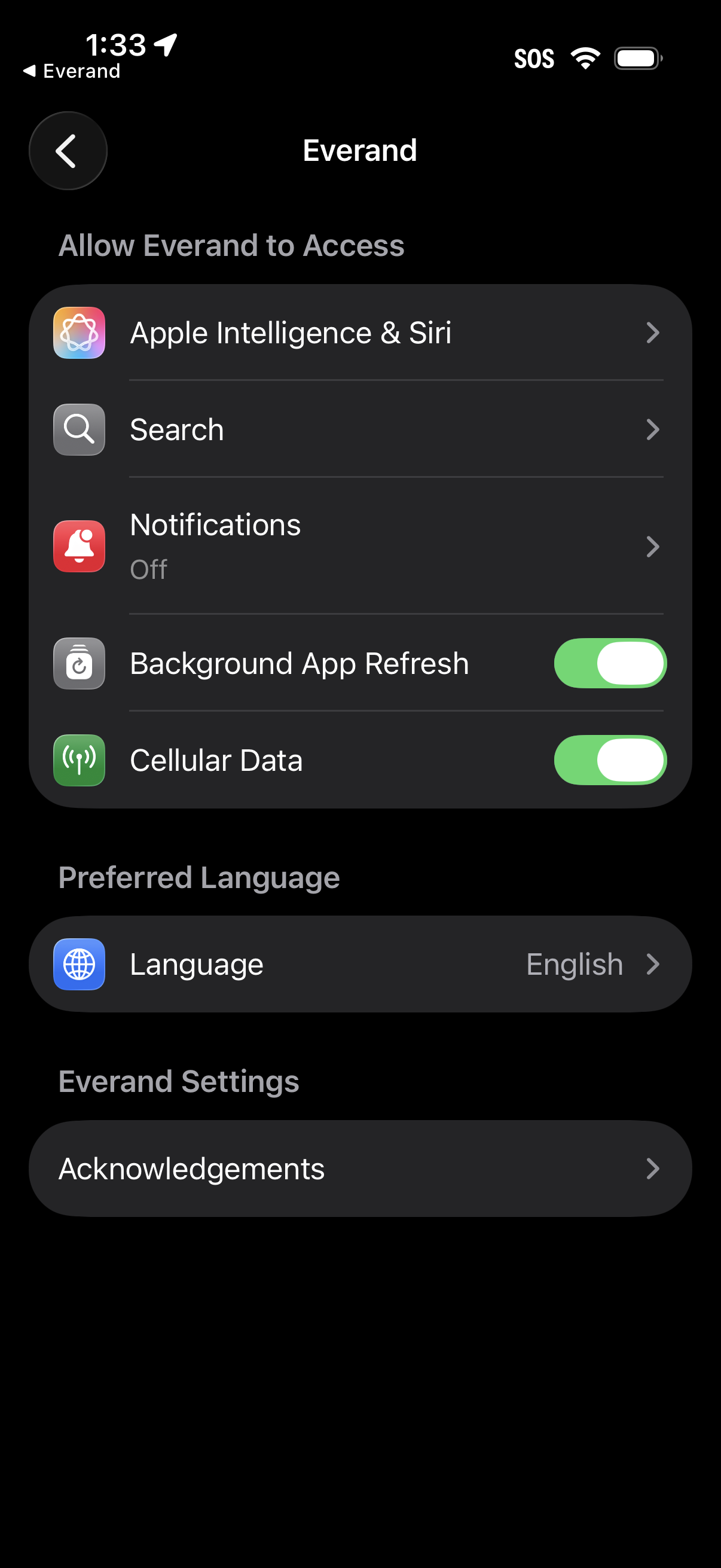
iOS Settings app page for a specific app, showing permission and access controls such as Apple Intelligence & Siri, Search, Notifications, Background App Refresh, and Cellular Data toggles. The screen also includes preferred language selection and an acknowledgements link under app settings.