Sign In
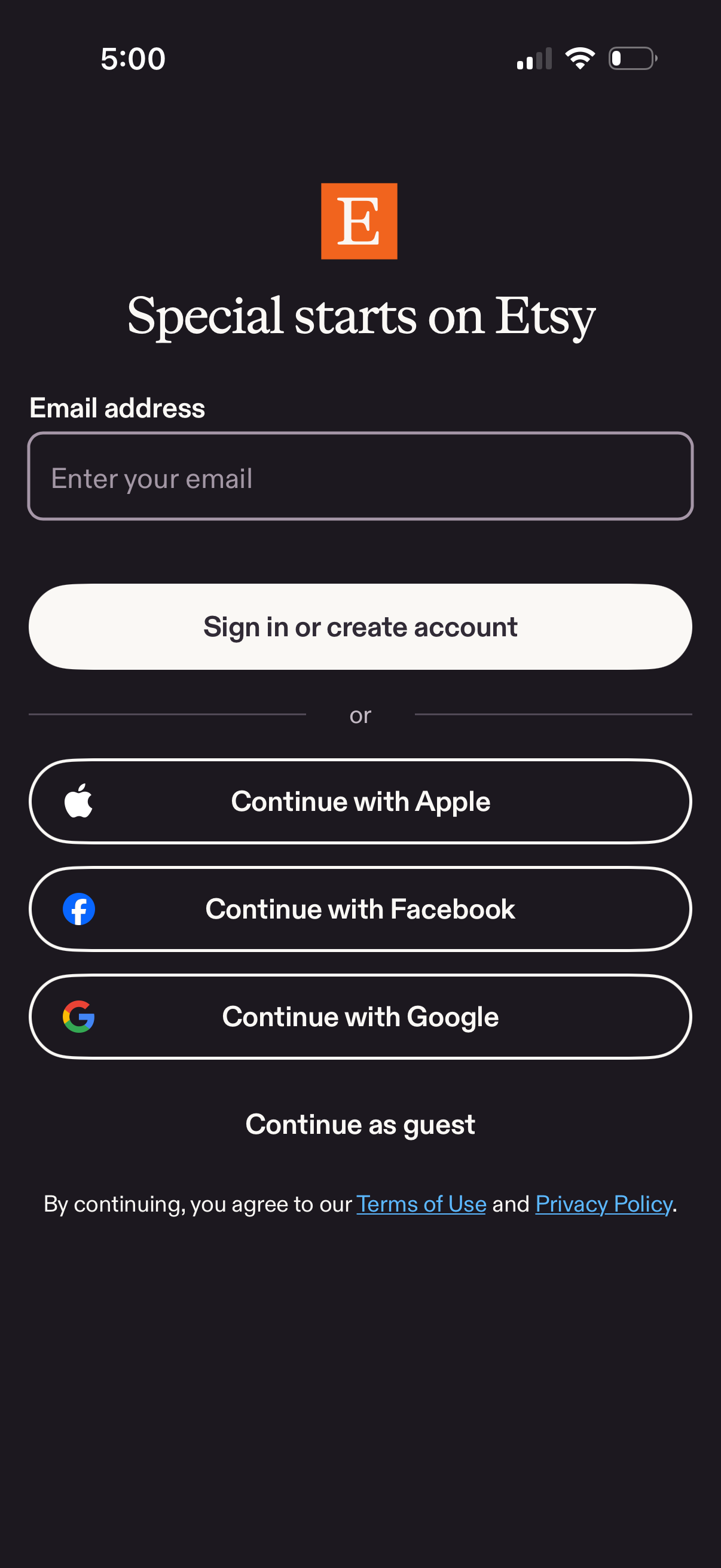
Authentication screen prompting users to sign in or create an account by entering an email address, with alternative social sign-in options for Apple, Facebook, and Google. Also includes a “continue as guest” option and links to terms of use and privacy policy.
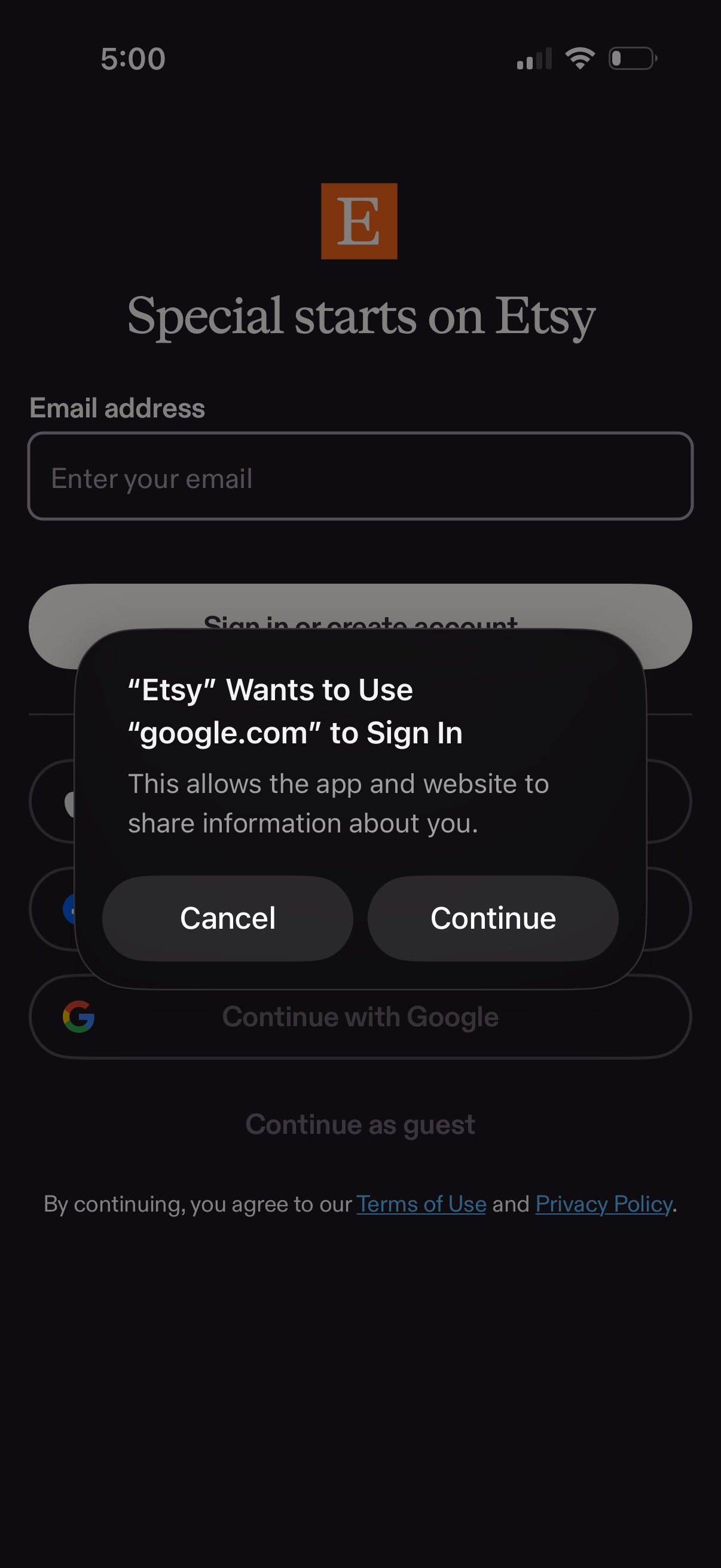
Login/sign-up screen with an email address field and options to sign in or create an account, including social login buttons (e. g.
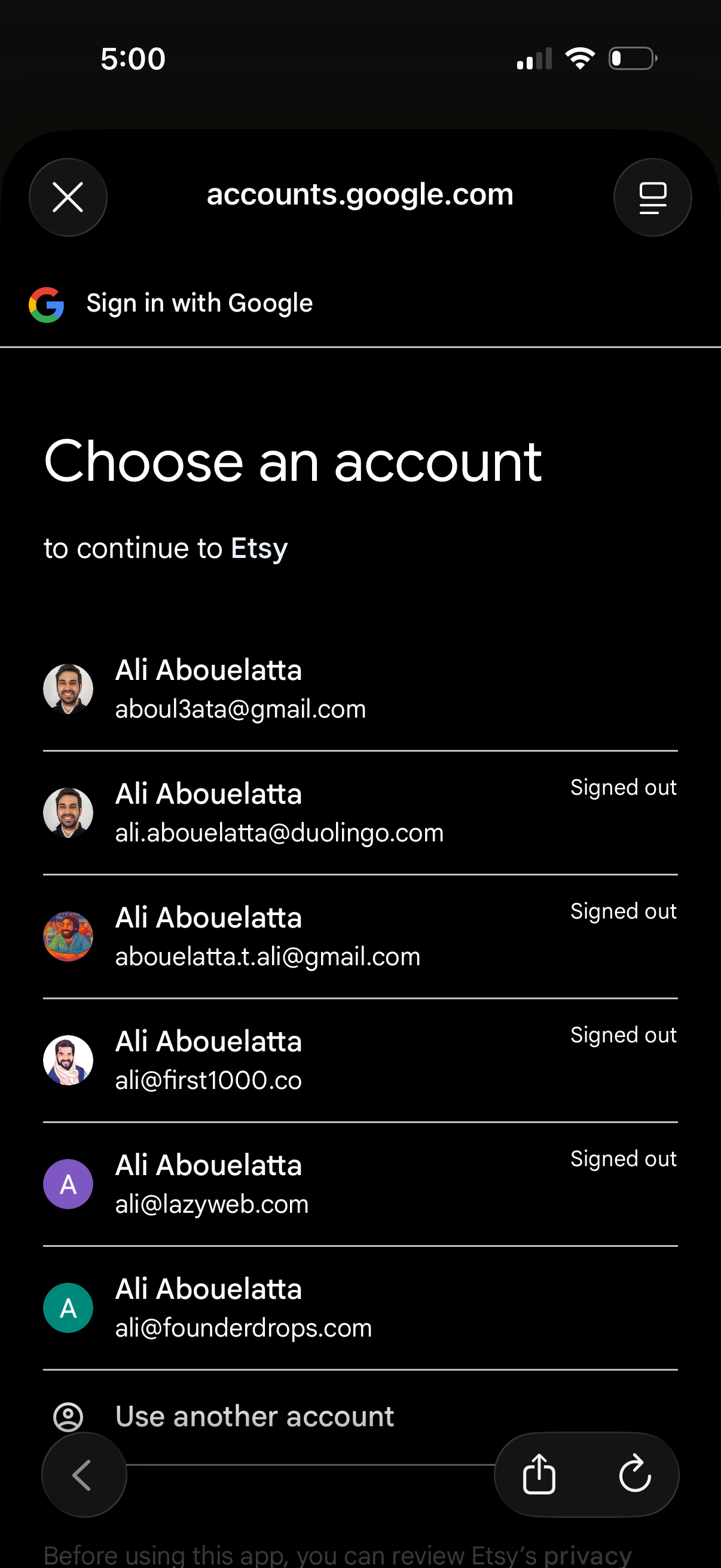
Google Sign-In account picker screen prompting the user to choose a Google account to continue to a third-party app, showing a list of saved accounts with avatars, emails, signed-out status, and an option to use another account. Includes close/navigation controls and is optimized for mobile authentication flow.
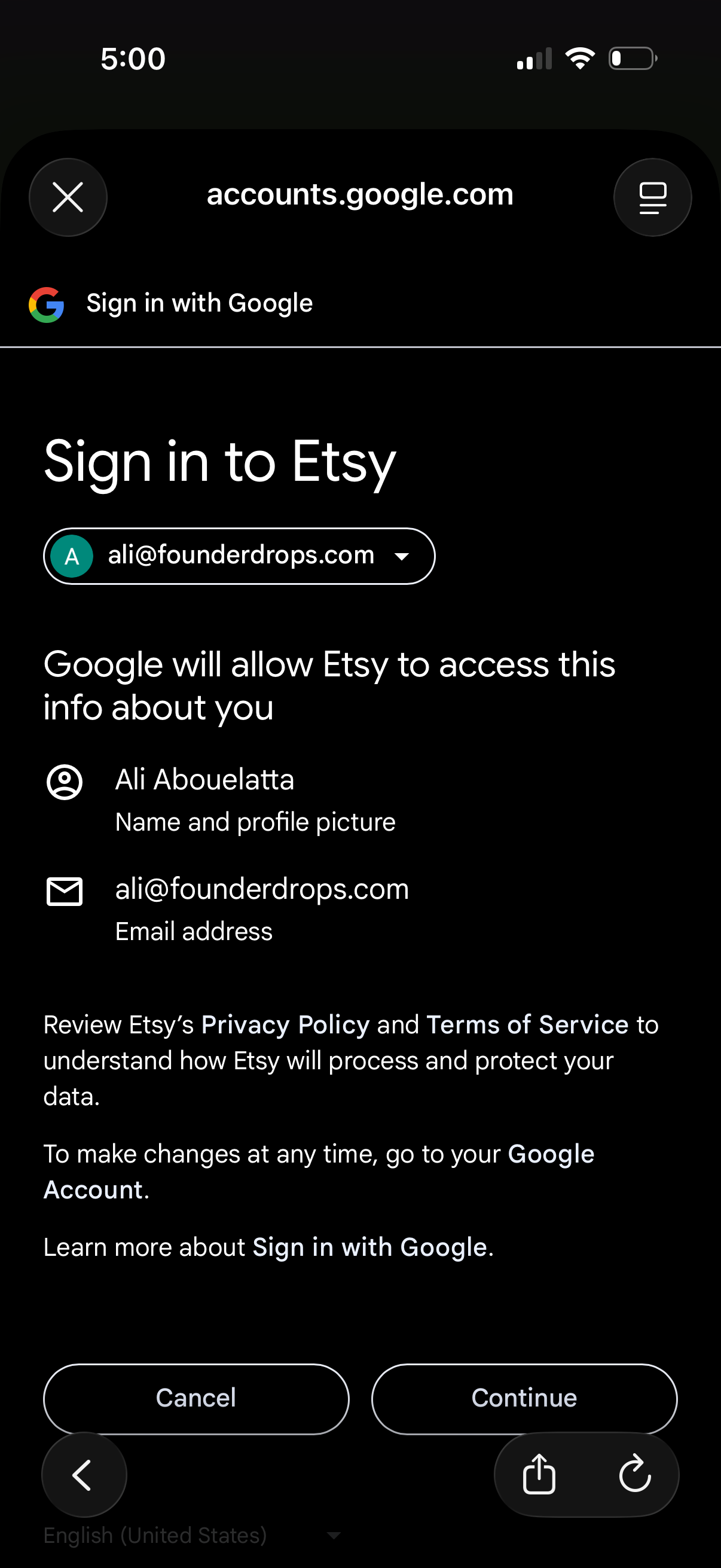
Google OAuth “Sign in with Google” consent screen for signing into Etsy, showing the selected Google account dropdown and the permissions Etsy will access (name/profile photo and email). Primary actions are Cancel or Continue to authorize and proceed with login.
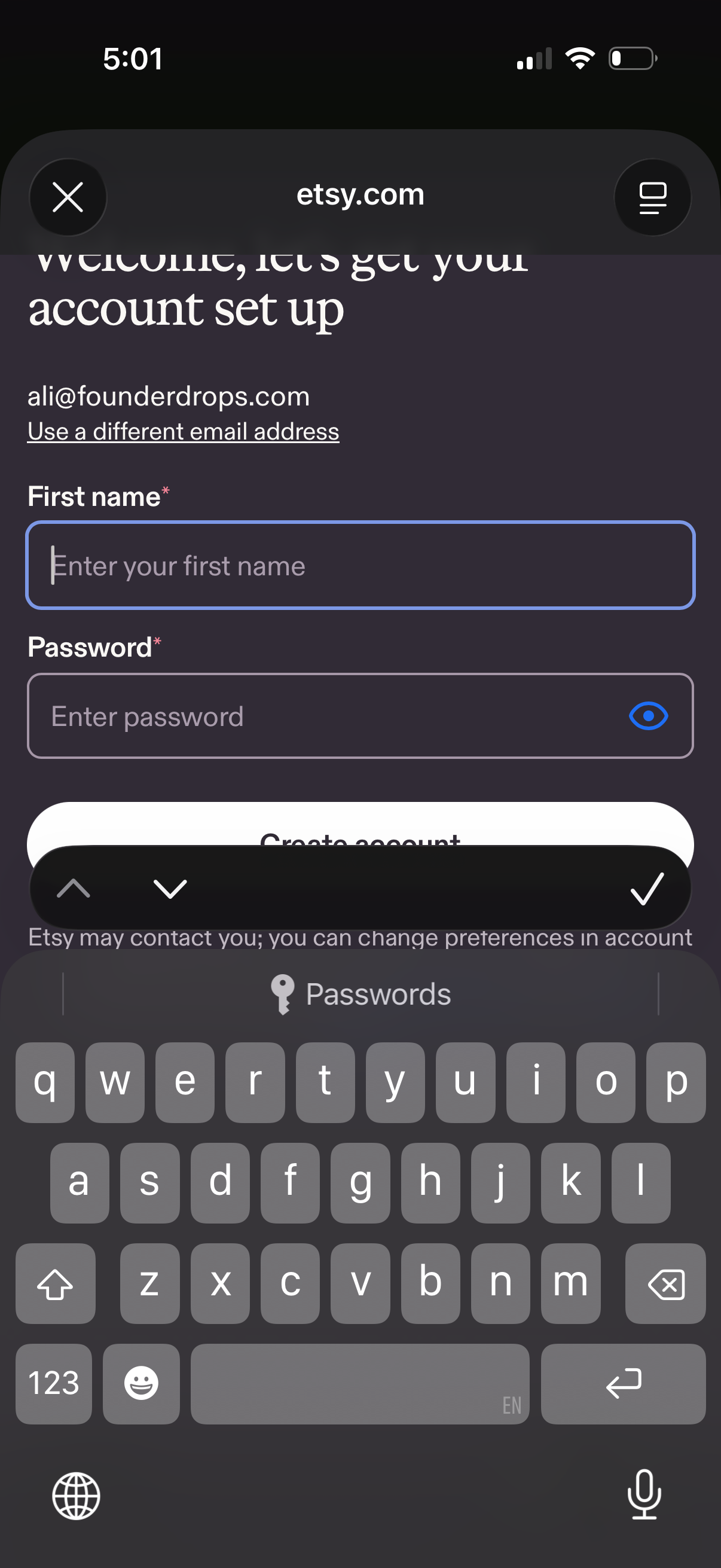
Account sign-up setup screen for an ecommerce marketplace, showing a prefilled email with an option to use a different address, required fields for first name and password with a show/hide toggle, and a primary “Create account” action.