Sign up

Minimal black splash screen showing the app logo centered, used as a loading/launch screen when opening the mobile app.
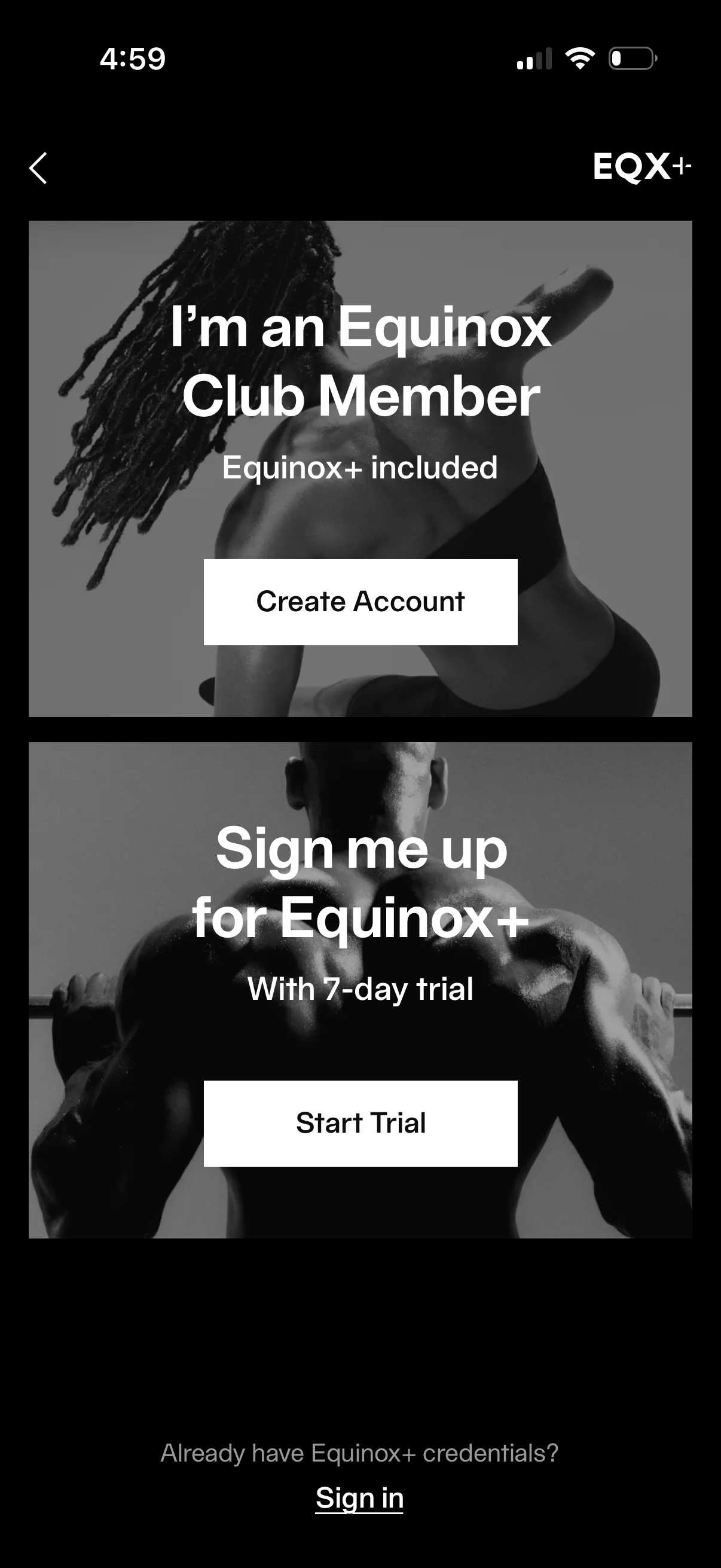
Membership onboarding screen for a fitness subscription offering two paths: confirm you’re an existing club member to create an account with Equinox+ included, or start an Equinox+ subscription with a 7‑day trial. Includes primary CTA buttons for Create Account and Start Trial plus a Sign in link for users with existing credentials.
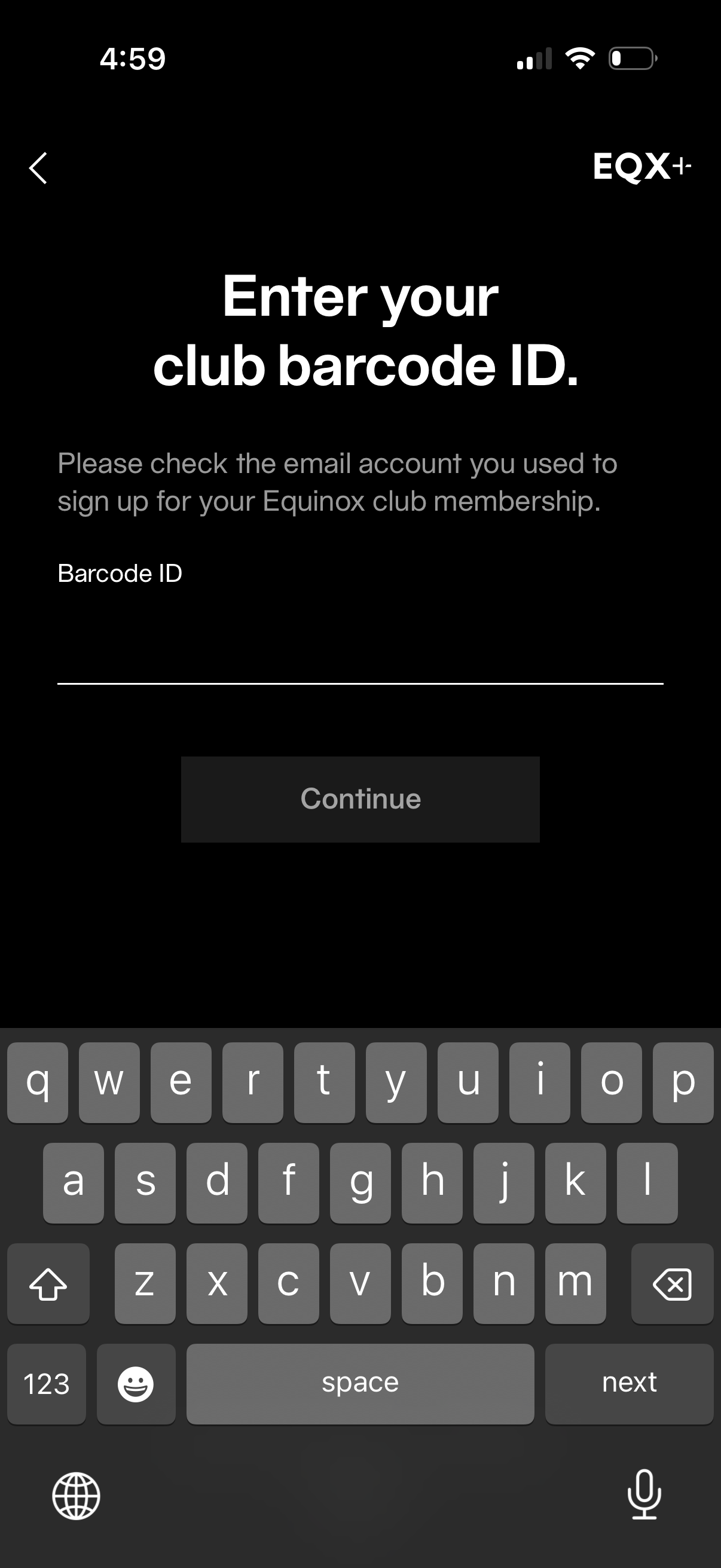
Membership verification screen prompting the user to enter a club barcode ID found via their signup email, with a single text input field and a disabled Continue button until the code is entered. Includes a back navigation option for returning to the previous step.
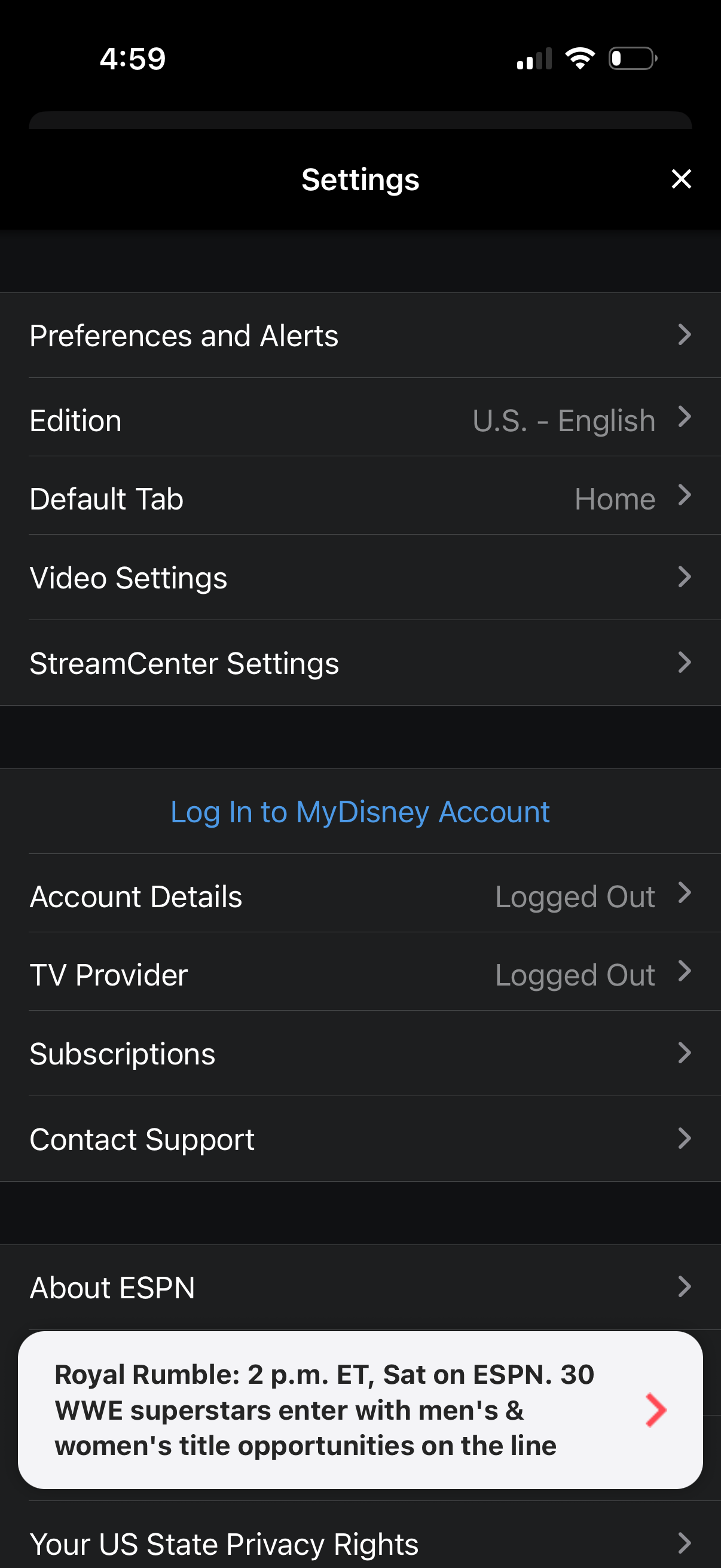
Settings menu for a sports streaming app with a list of configuration and account options, including preferences and alerts, edition/language selection, default tab, video and streaming settings. Provides actions to log in, view account details, connect a TV provider, manage subscriptions, contact support, and view about/privacy links.