Onboarding

Splash screen for a news/media app showing the brand logo and tagline on a solid background during app launch/loading, with no interactive actions or navigation options.

News app welcome/paywall screen showing a featured article preview card with cover image, headline, and author, plus a Skip option. Primary actions are to Sign up free or Log in to access content.

Account creation / sign-in screen offering social login with Google or Apple or email and password fields with a primary Continue button. Includes links to terms and privacy policy, an option to log in if you already have an account, a “continue without an account” guest flow, plus back and skip navigation.

Account creation/sign-in screen prompting users to continue with a free account using social login options like Continue with Google or Continue with Apple, with links to terms/privacy and an option to log in or continue without an account. An iOS permission modal overlays the page asking to allow google.

Google OAuth “Sign in with Google” account chooser screen prompting the user to select an existing Google account (with avatar, email, and signed-out status) to continue to a third-party site. Includes an option to use another account plus close and skip controls.
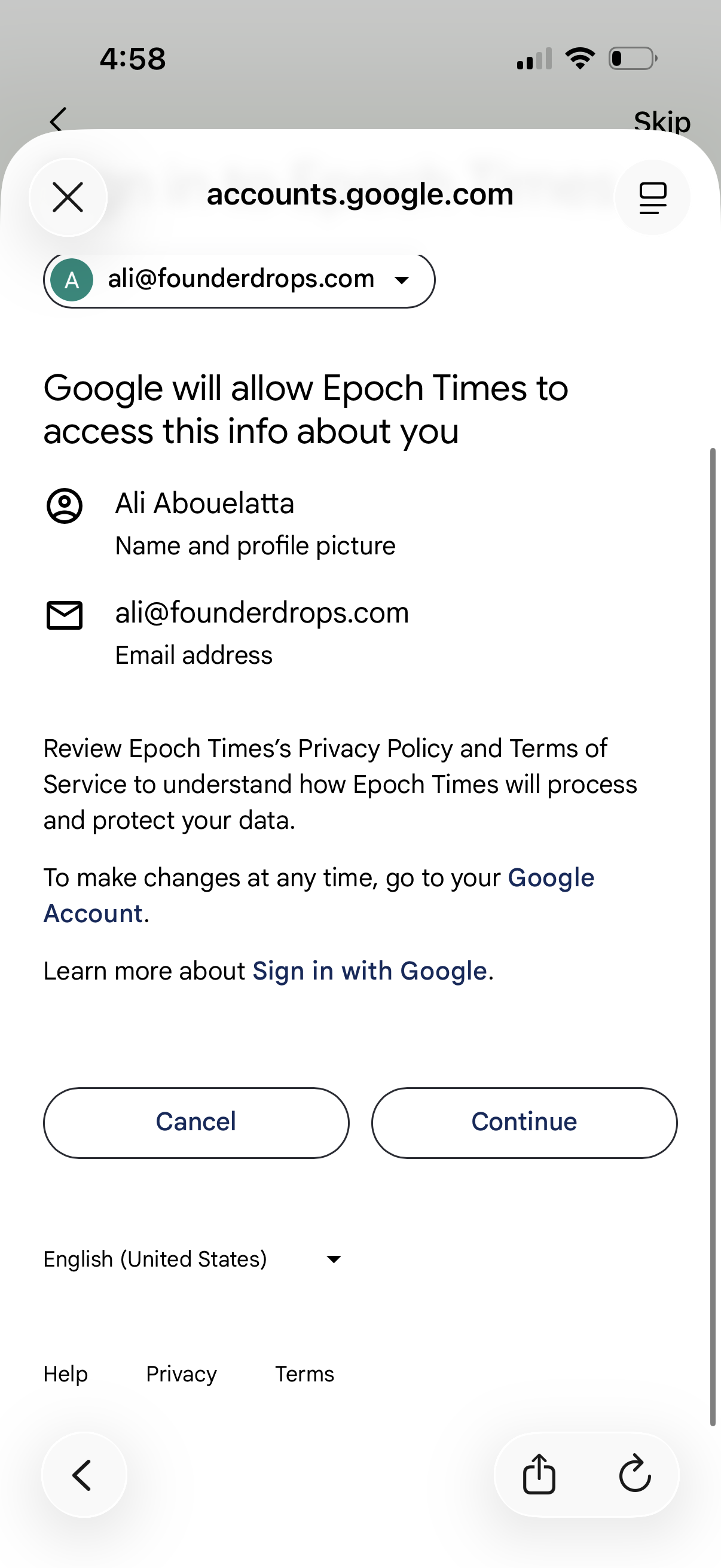
Google OAuth consent screen for “Sign in with Google” showing what profile information (name/profile photo and email address) a third‑party app will access, with links to privacy policy/terms and primary actions to Cancel or Continue.

Subscription paywall screen for a news app promoting “Premium News” with unlimited access to premium content, reports, and analysis. Users can skip or go back, choose between annual or discounted monthly plans with pricing details, view auto-renew and cancellation terms, and restore an existing subscription.

Onboarding interests selection screen for a news app where users toggle categories (e. g.
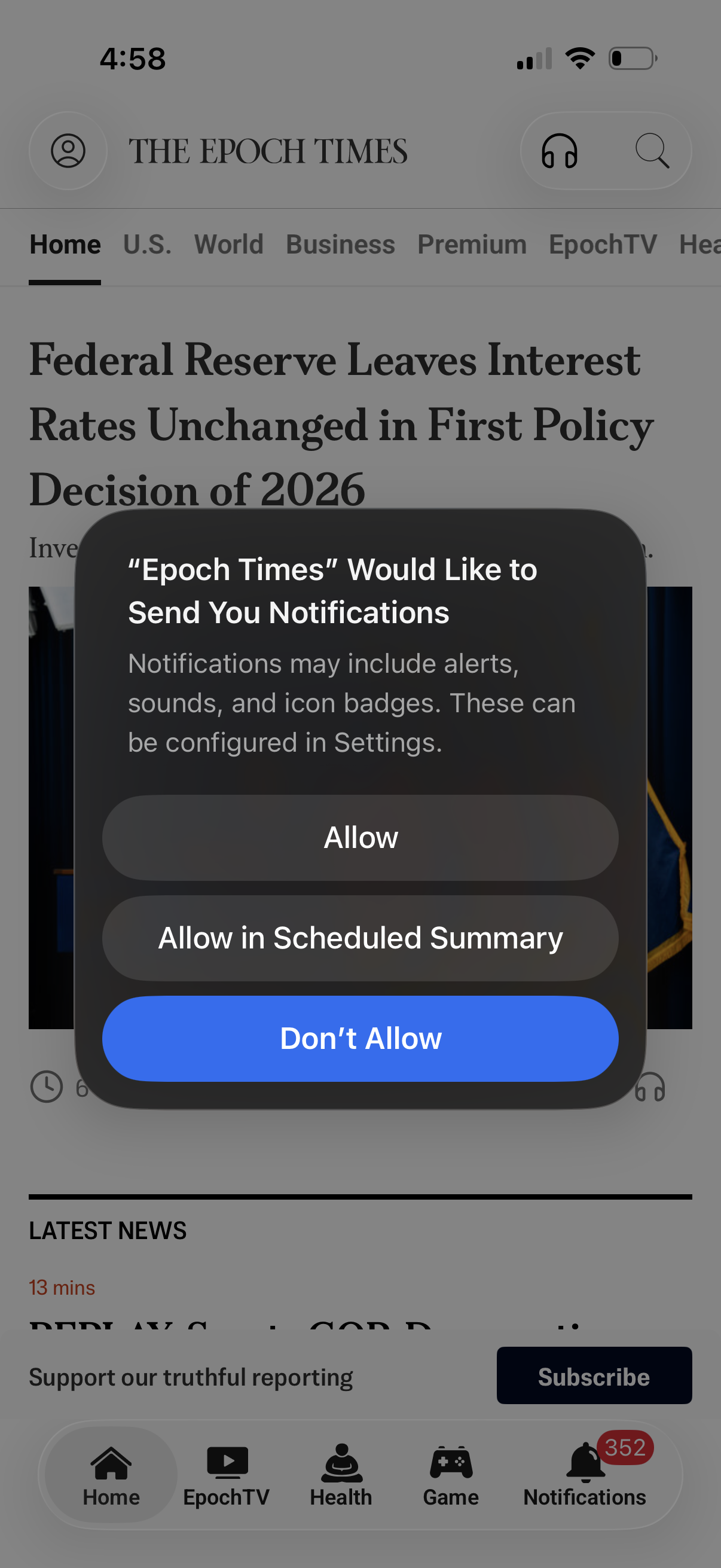
Mobile news app article page with top navigation tabs and bottom tab bar, showing an iOS system prompt requesting permission to send push notifications. The modal offers actions to Allow, Allow in Scheduled Summary, or Don’t Allow for alerts, sounds, and badge notifications.

iOS app tracking transparency permission modal asking whether to allow the app to track activity across other apps and websites for personalized ads and content. Provides two actions: “Ask App Not to Track” or “Allow” over a news article screen.

News article reading screen with a modal paywall prompting users to upgrade to a premium subscription, highlighting benefits like top stories and expert reporting. The popup features a primary “Subscribe for unlimited access” CTA and a close (X) button over the dimmed content and site navigation.

iOS system permission modal asking the user to allow an app to use Face ID for verifying in-app purchases, with primary actions to Allow or Don’t Allow. The alert overlays the app content in the background.