start video call practice

Video call screen for a contact showing their avatar and online status, with a primary CTA button to start a video call that rewards XP. Below, a recents list displays previous conversation topics with dates and chevrons for reopening, alongside a bottom tab bar for navigating the app.
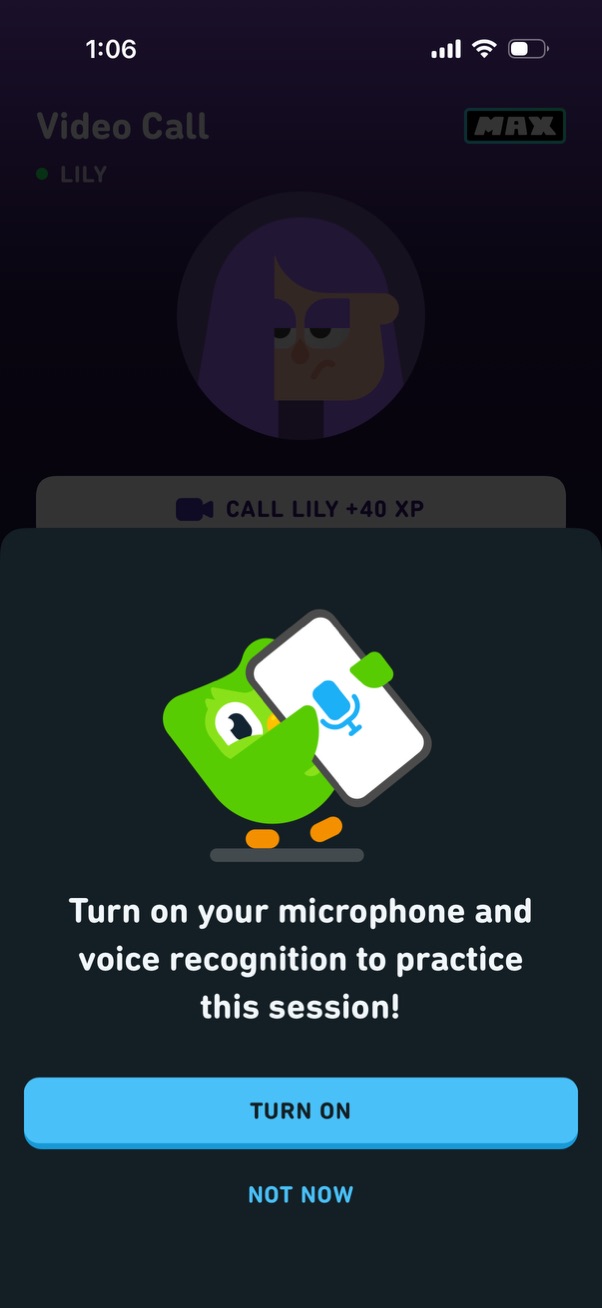
Permission prompt modal asking the user to enable microphone and voice recognition to practice a session for a video call feature. Offers primary action “Turn on” to grant access and secondary “Not now” to skip.
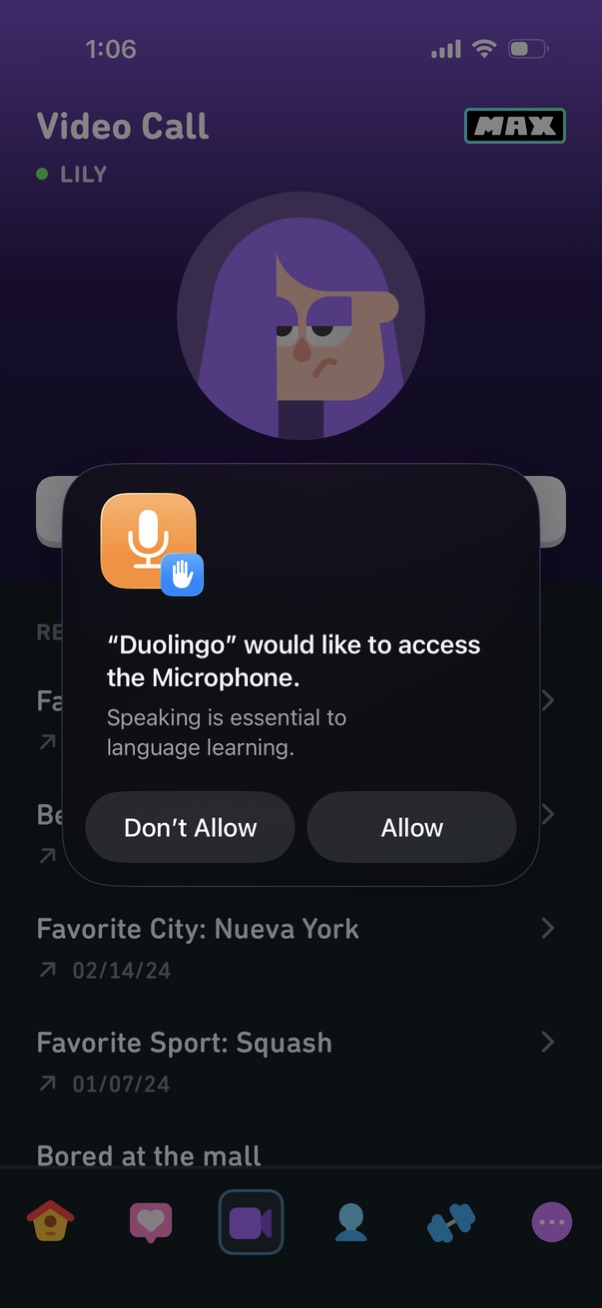
A video call screen in a language learning app is overlaid with an iOS system permission dialog requesting access to the microphone for speaking practice. The modal explains why mic access is needed and offers primary actions to Allow or Don’t Allow.
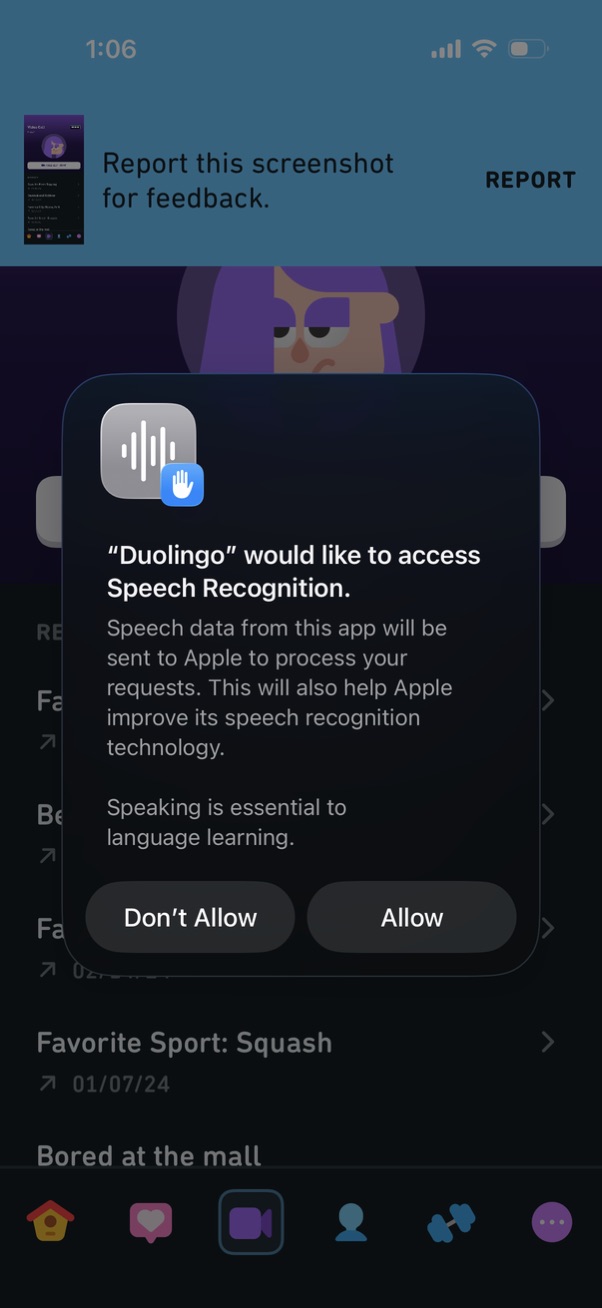
iOS system permission modal asking to allow an app to access Speech Recognition, explaining that speech data may be sent to Apple for processing and improvement. The dialog presents primary actions to Allow or Don’t Allow.
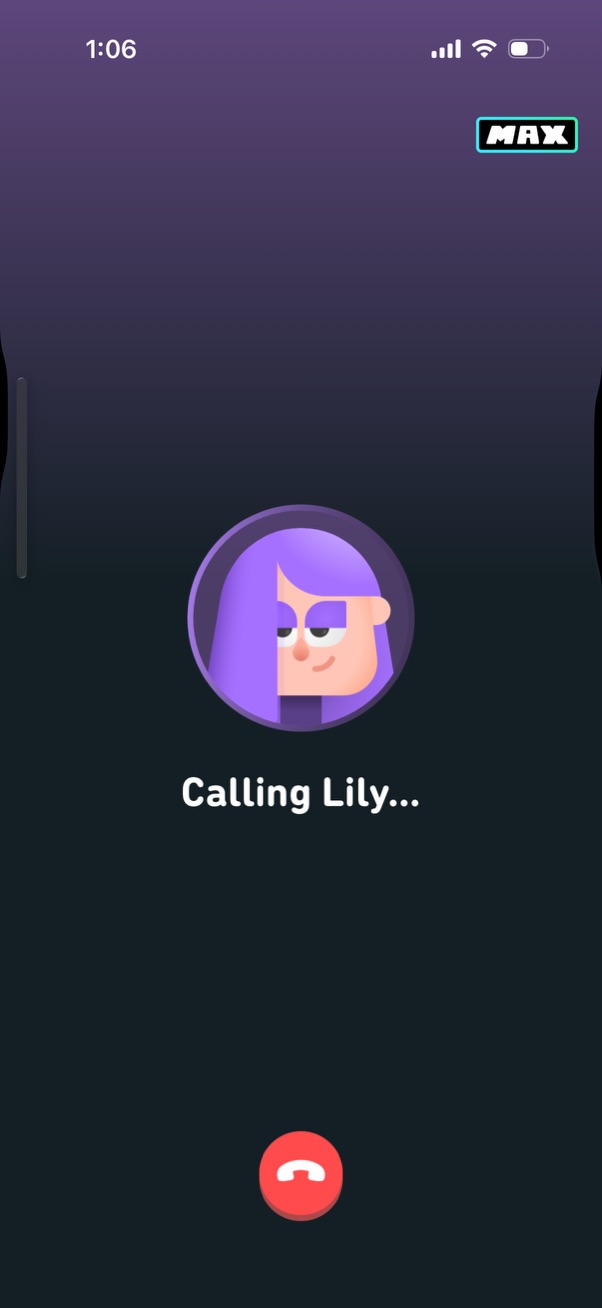
Outgoing voice call screen showing an avatar and the status text “Calling…” while connecting to a contact. Provides a prominent red hang-up button to cancel/end the call.
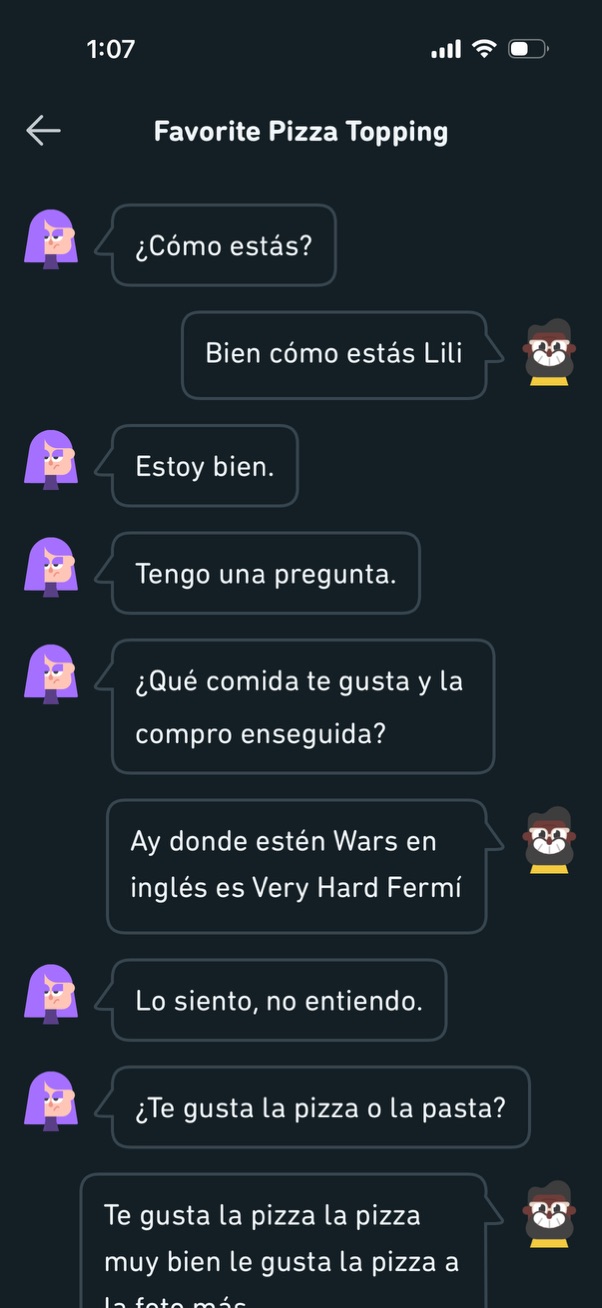
A dark-mode chat conversation screen for a language-learning or messaging app showing a Spanish dialogue between two cartoon avatars, focused on asking and answering questions about food preferences (pizza vs pasta). The interface includes a back arrow, a conversation title (“Favorite Pizza Topping”), and alternating speech bubbles for each participant.