open troubleshoot
1
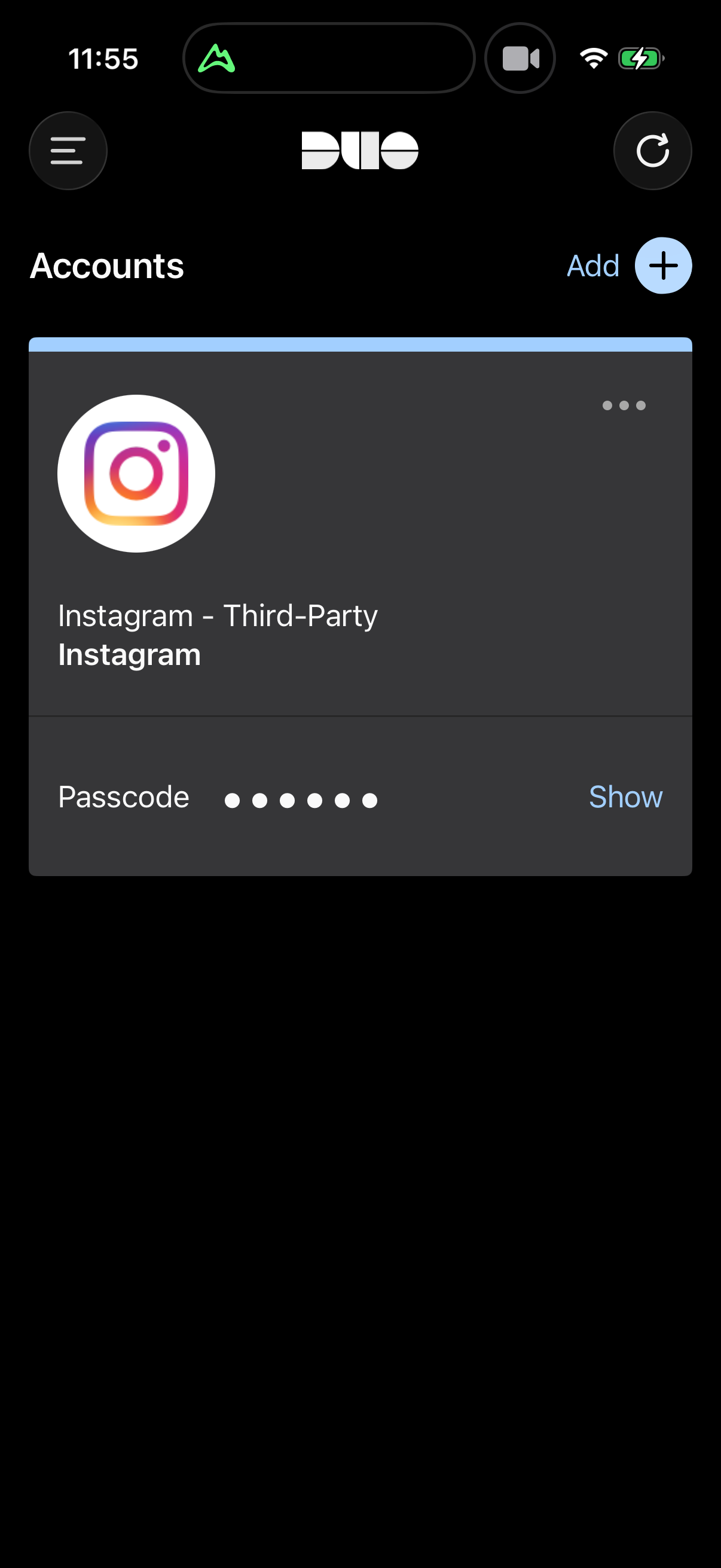
2
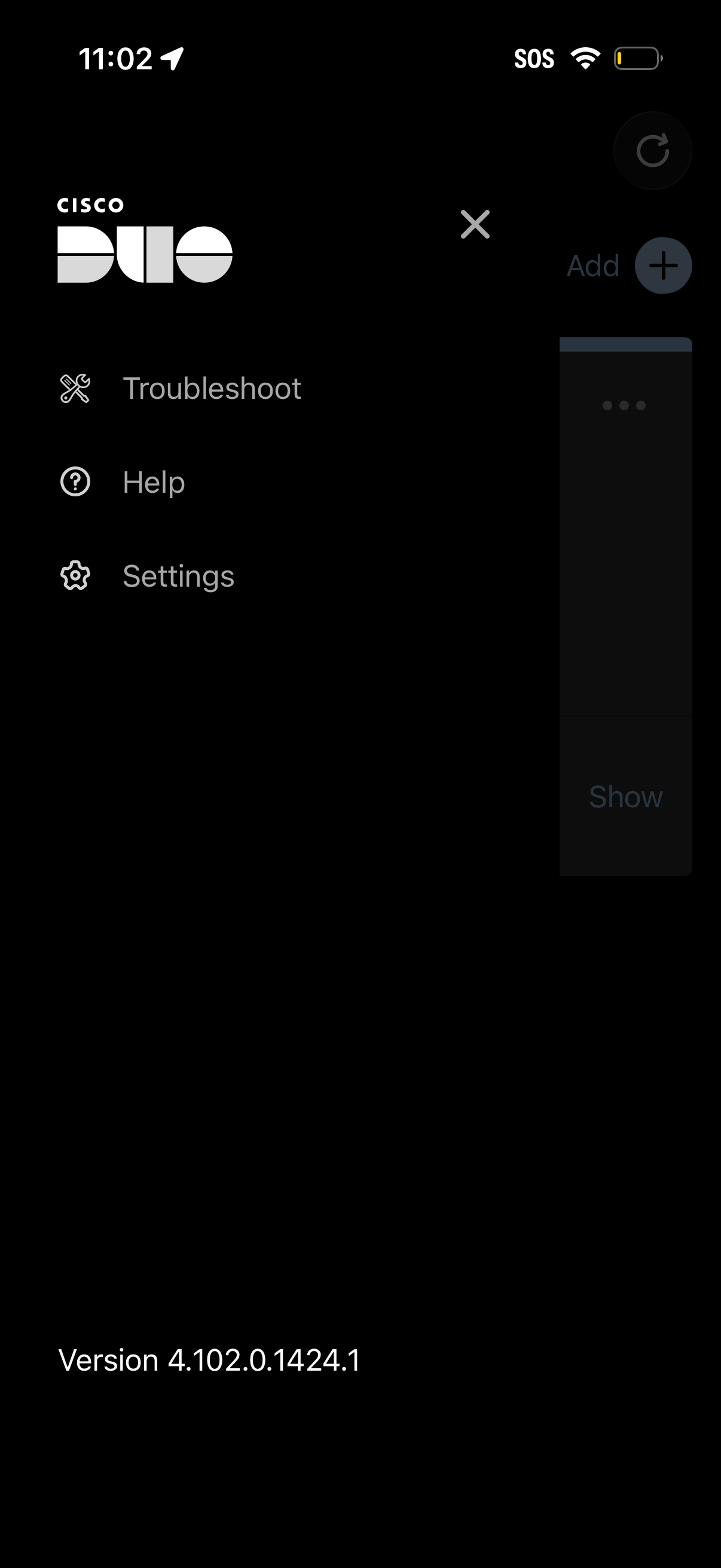
Side navigation menu for a network security app showing links to Troubleshoot, Help, and Settings, with a close button to dismiss the drawer. The menu also displays the app version information at the bottom.
3
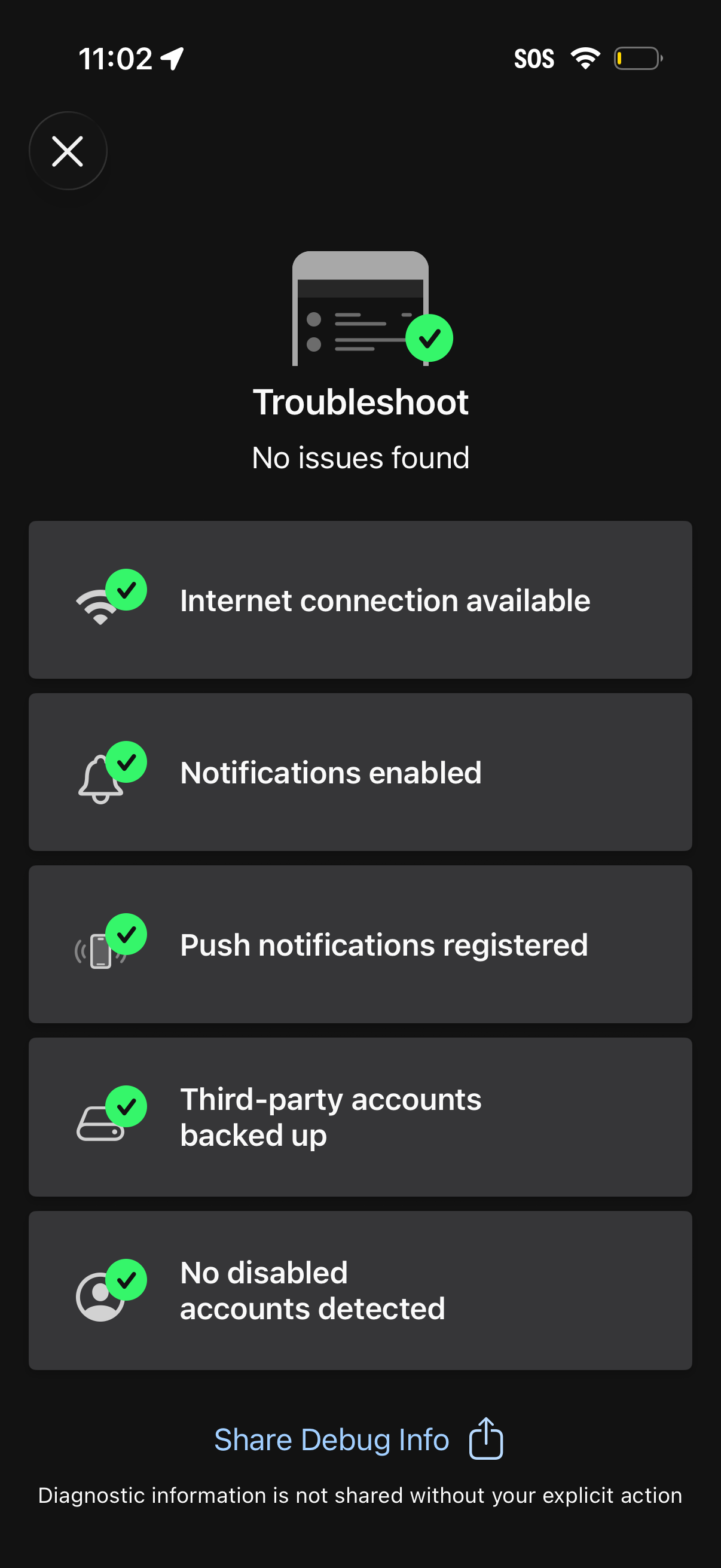
Troubleshooting status screen showing “No issues found” with a checklist of system diagnostics such as internet connection, notifications enabled, push notifications registered, third-party accounts backed up, and no disabled accounts detected. Includes an option to share debug info for support.