pick photo from library
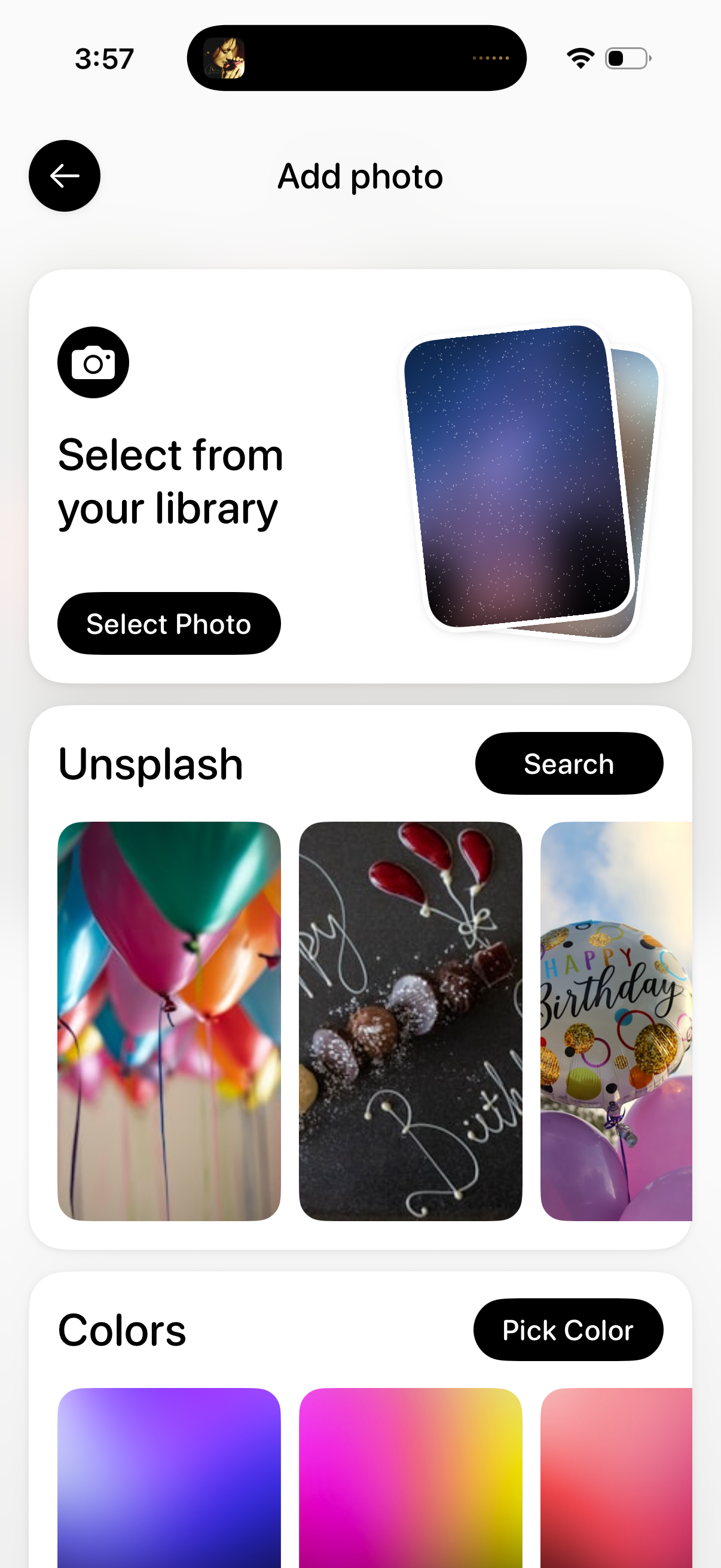
Add photo screen that lets users choose an image source, including selecting a photo from the device library, searching and picking stock images from Unsplash, or choosing a solid/gradient color background. Primary actions include “Select Photo,” “Search,” and “Pick Color,” with a back button to exit.
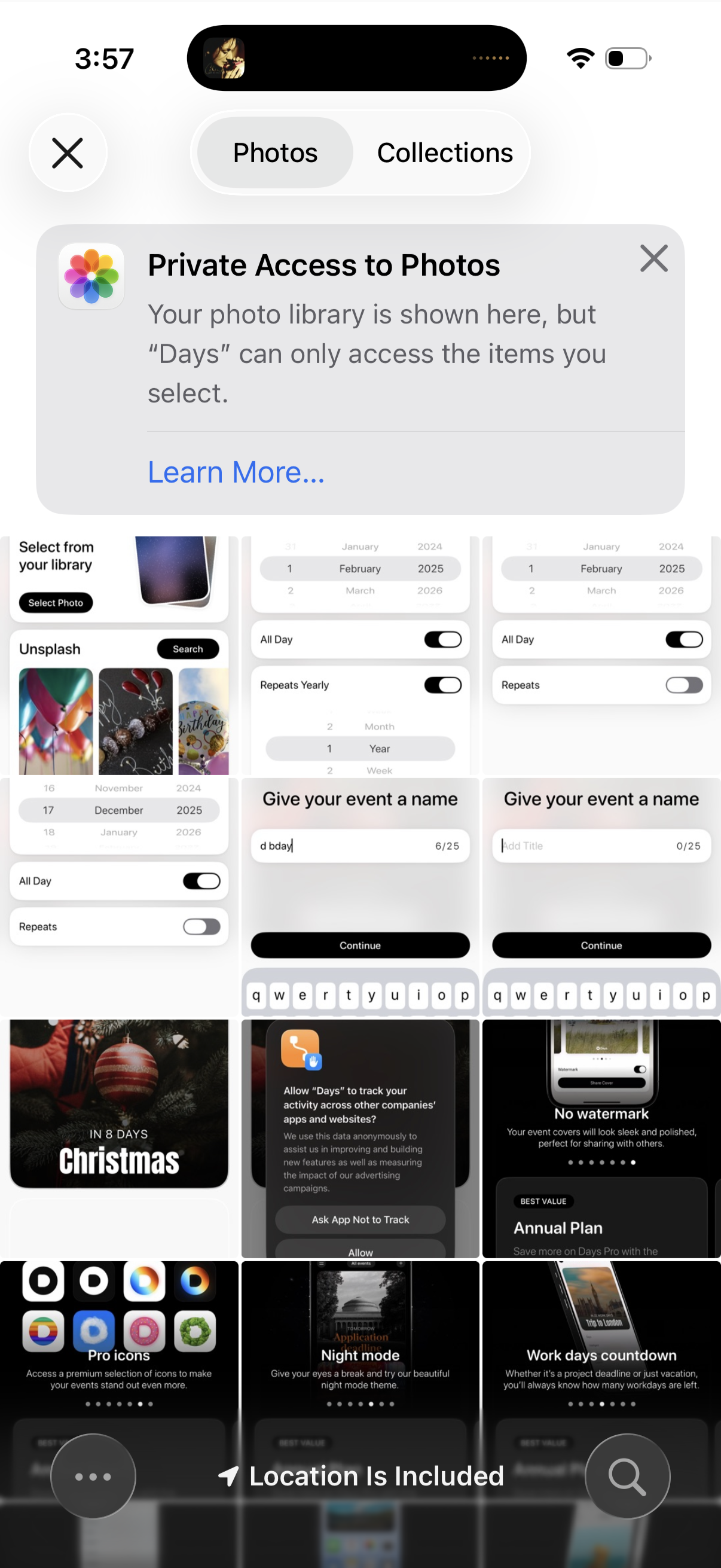
iOS photo picker modal showing Photos and Collections tabs with a “Private Access to Photos” permission notice, prompting the user to choose specific images from their library. Includes grid thumbnails, search/collection browsing, and a close/dismiss action.
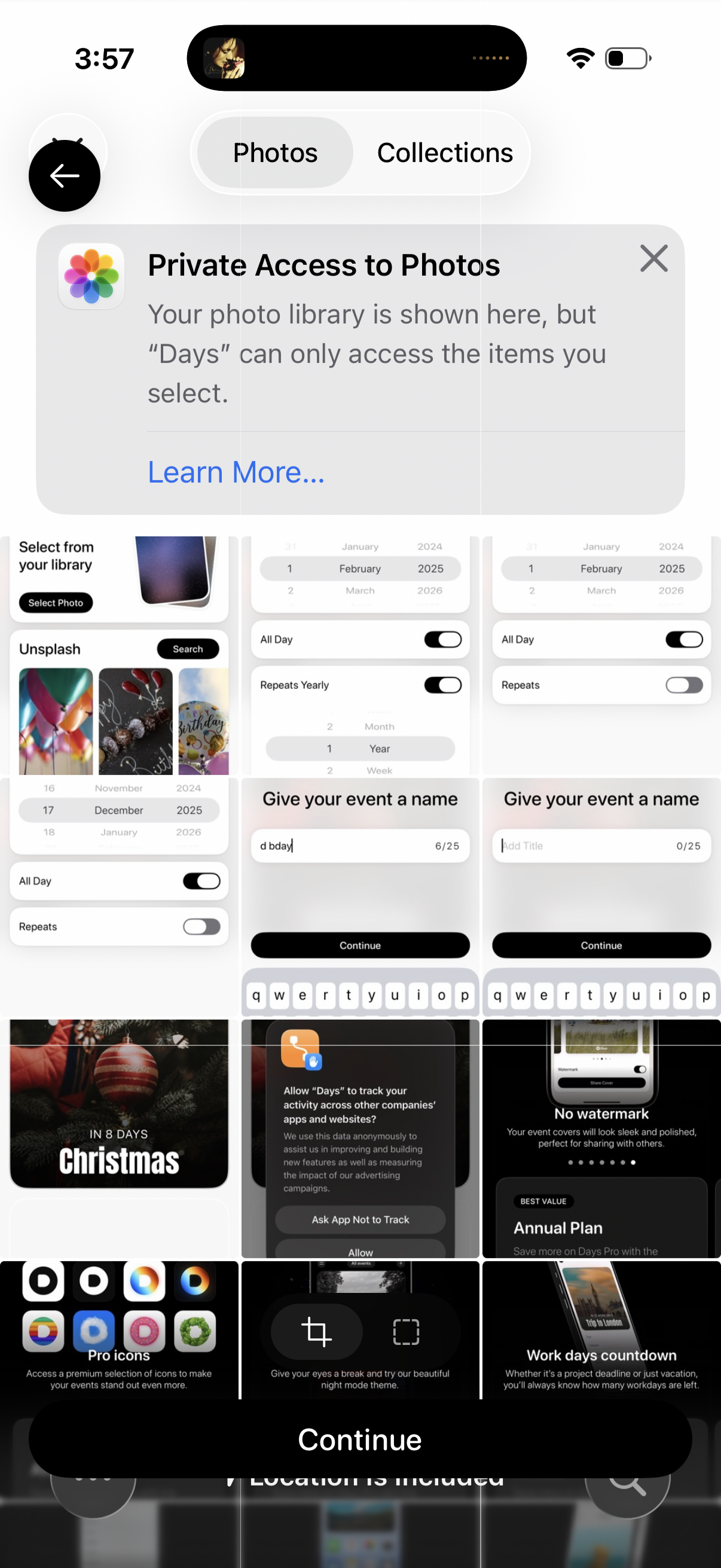
Photo picker permission screen showing a “Private Access to Photos” notice explaining the app can only access selected items, with tabs to switch between Photos and Collections. The user can browse thumbnails and proceed via a large Continue button, with options to learn more or dismiss the message.