1
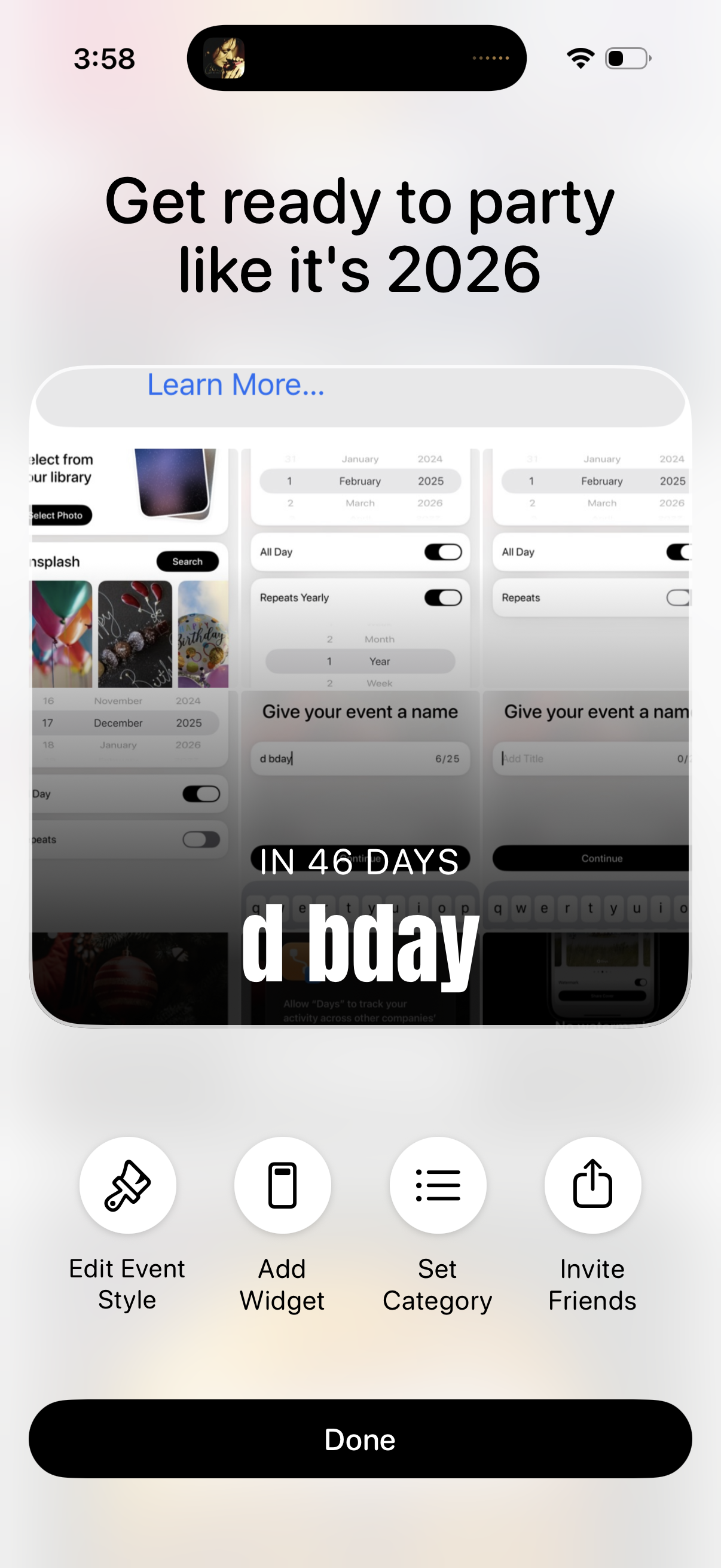
Event countdown customization screen showing a preview card with the event name and days remaining, plus a “Learn more” promo header. Primary actions let users edit event style, add a widget, set a category, invite friends, and finish with a Done button.
2
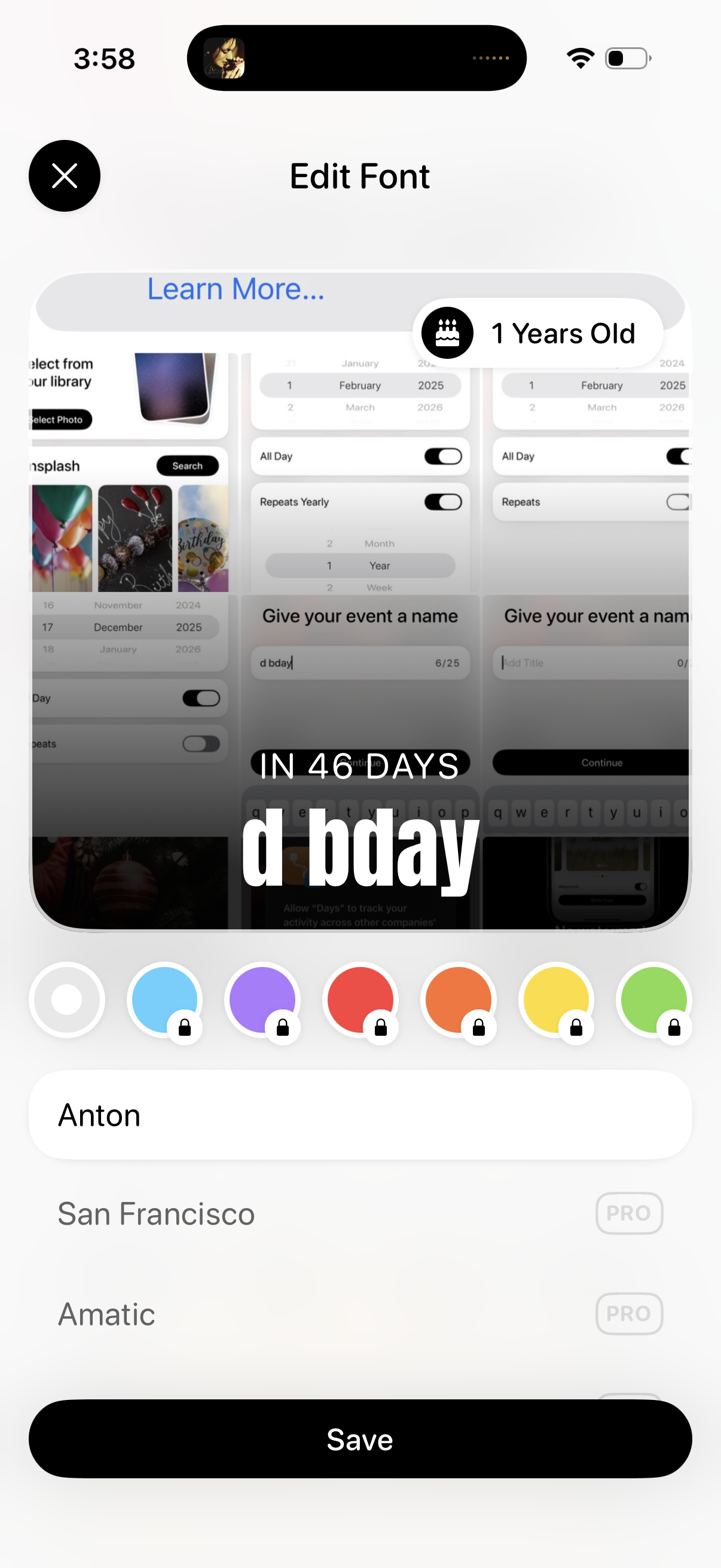
Font editing screen for customizing text on a story/post preview, showing the overlay on the image with controls to pick text color swatches and select a font style from a list (some locked as premium). Users can close the editor or tap Save to apply the font changes.