create event from home
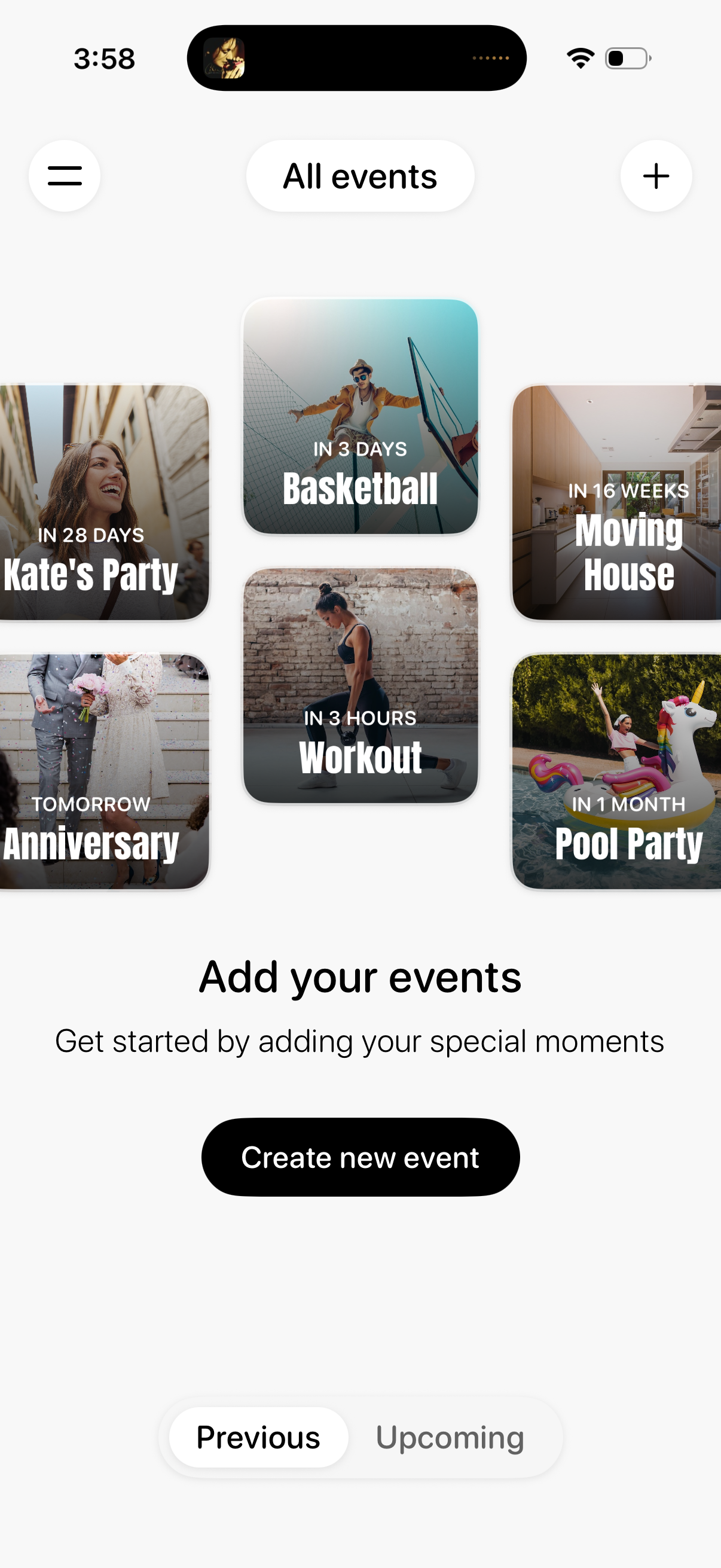
Event management home screen showing a gallery of upcoming events as image cards with time-to-event countdown labels. Includes navigation menu and add (+) action, a “Create new event” CTA, and a segmented control to switch between Previous and Upcoming event lists.
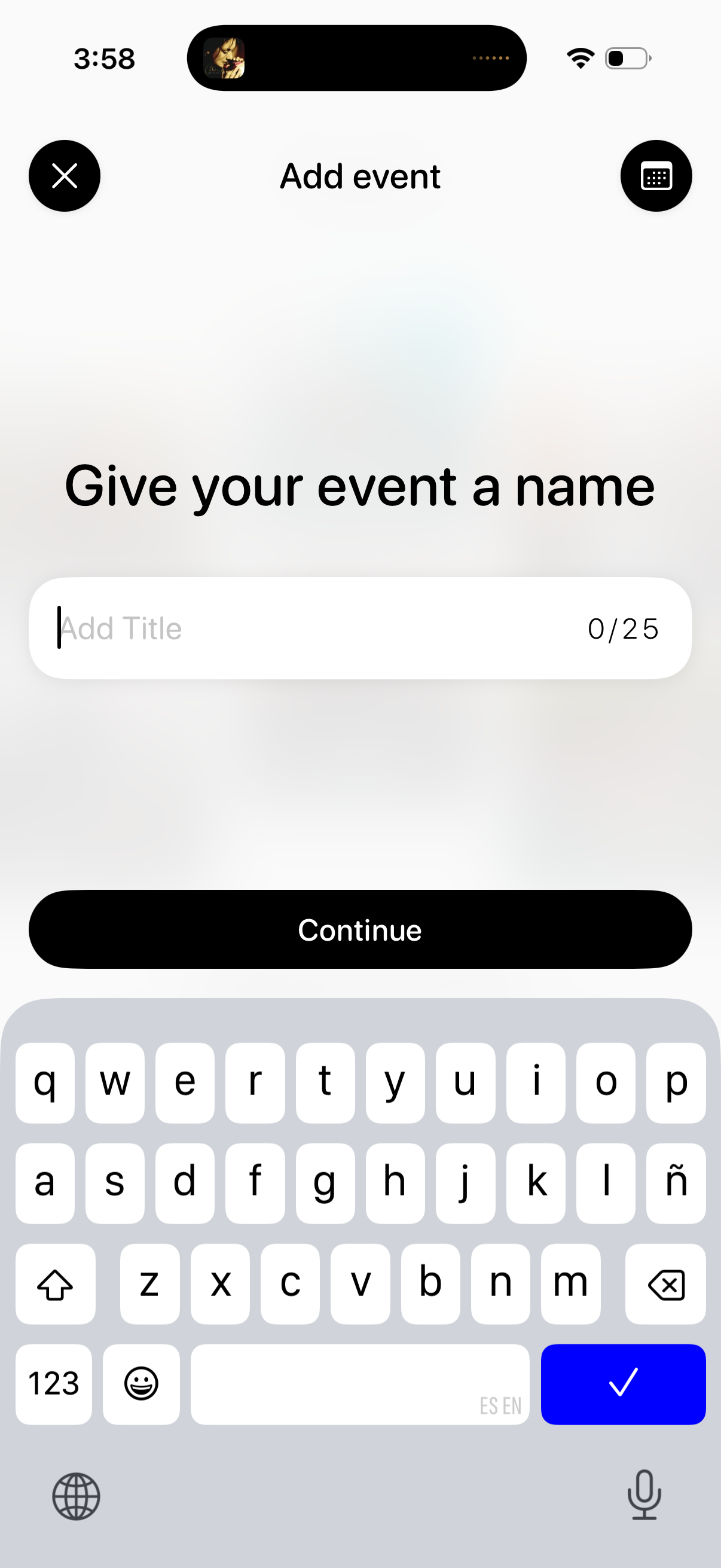
Event creation screen prompting the user to name an event by entering a title in a text field with a 25-character counter. Includes a close/cancel icon, an alternate input/keyboard button, and a primary Continue button to proceed to the next step.
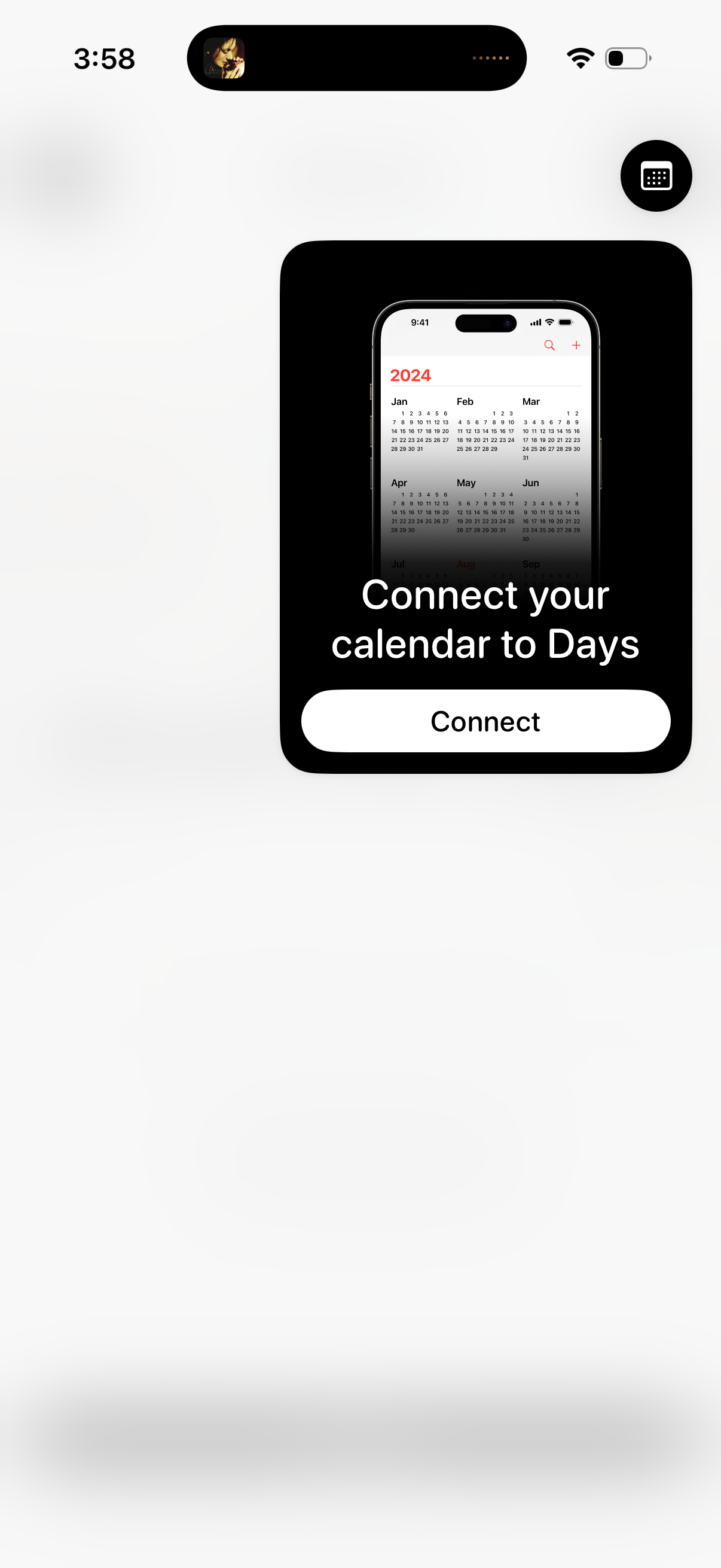
A centered onboarding modal prompts the user to connect and sync their calendar to the Days app, showing a calendar preview and a primary “Connect” call-to-action. The rest of the screen is dimmed behind the pop-up, indicating a blocking permission/connection step.