add calendar event
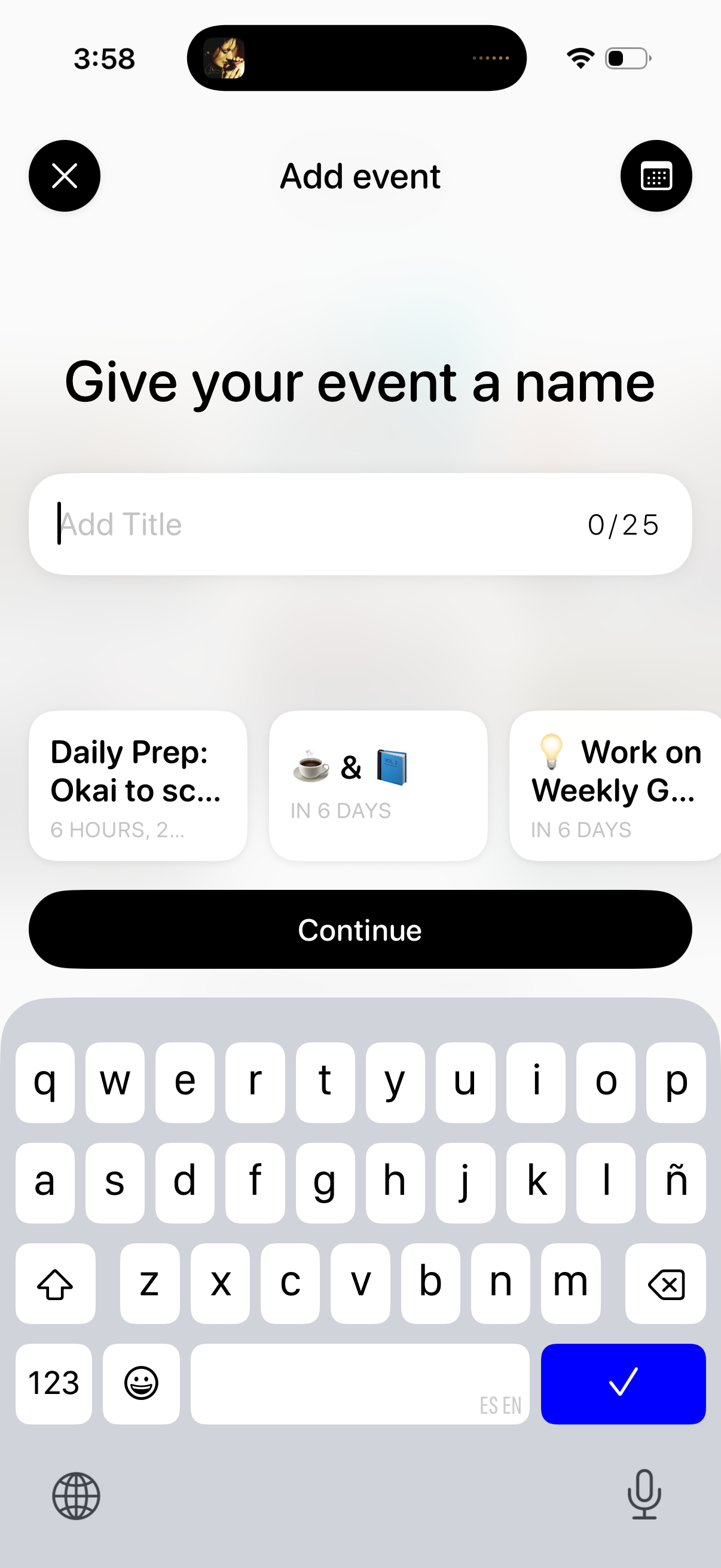
Event creation screen prompting the user to name an event, with a title text field showing a 25-character limit and suggested event templates to choose from. Primary action is a “Continue” button, with options to close or open the keyboard/emoji input.
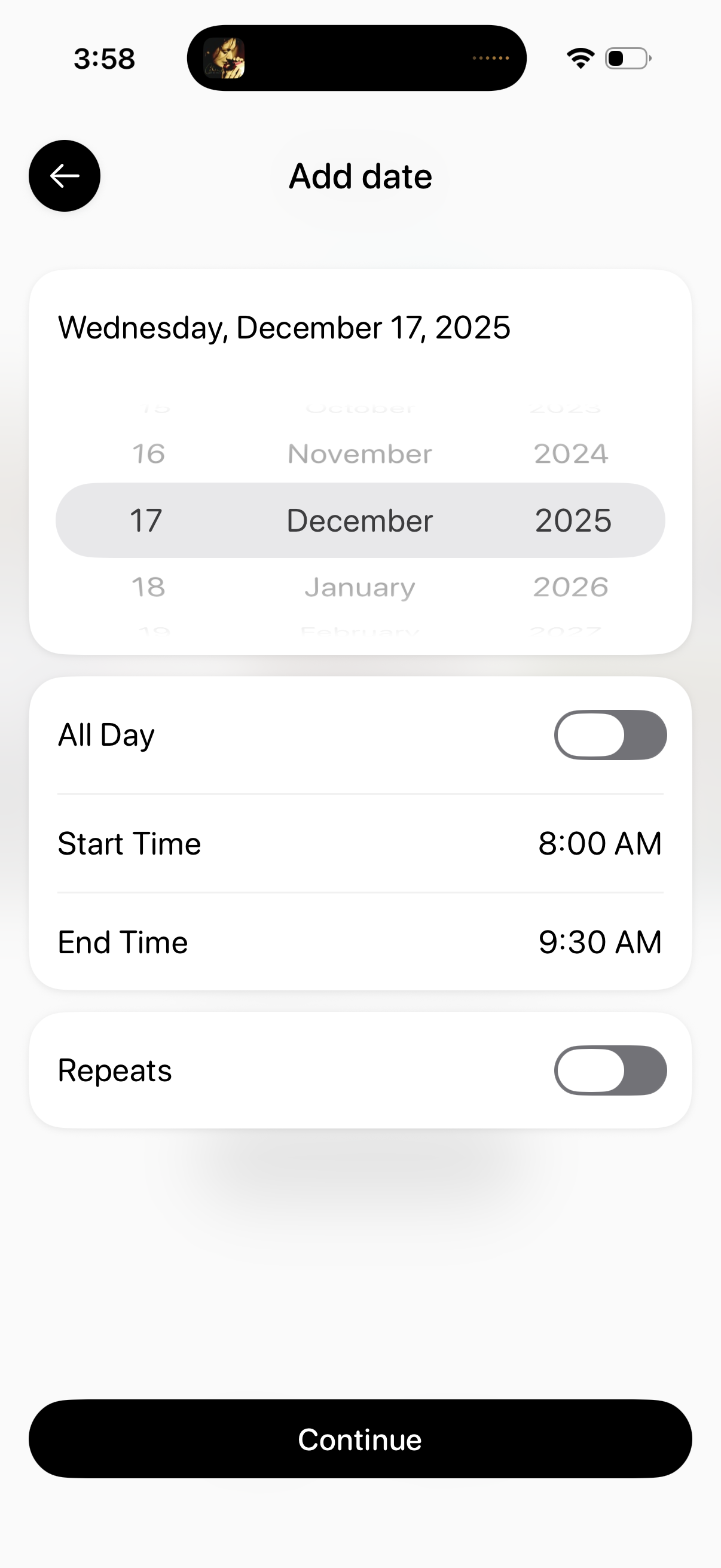
Event scheduling screen for adding a date and time, featuring a wheel-style date picker plus options to toggle All Day, set start and end times, and enable repeats. A large Continue button confirms the selections and proceeds to the next step.
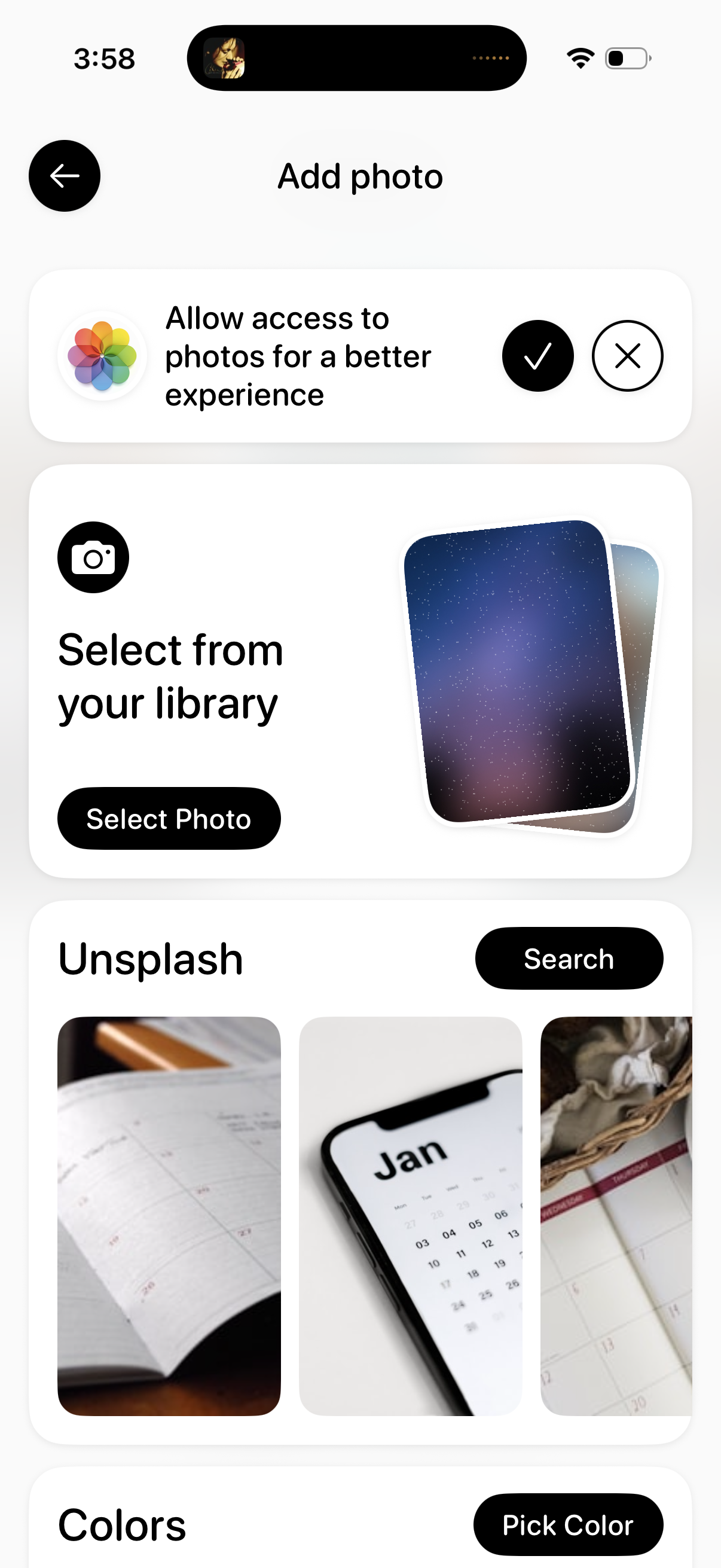
Add photo screen for choosing an image source, prompting the user to allow photo library access and offering actions to select a photo from the device library or browse/search Unsplash stock images. Includes navigation back and options to pick a solid color background.