manage payments
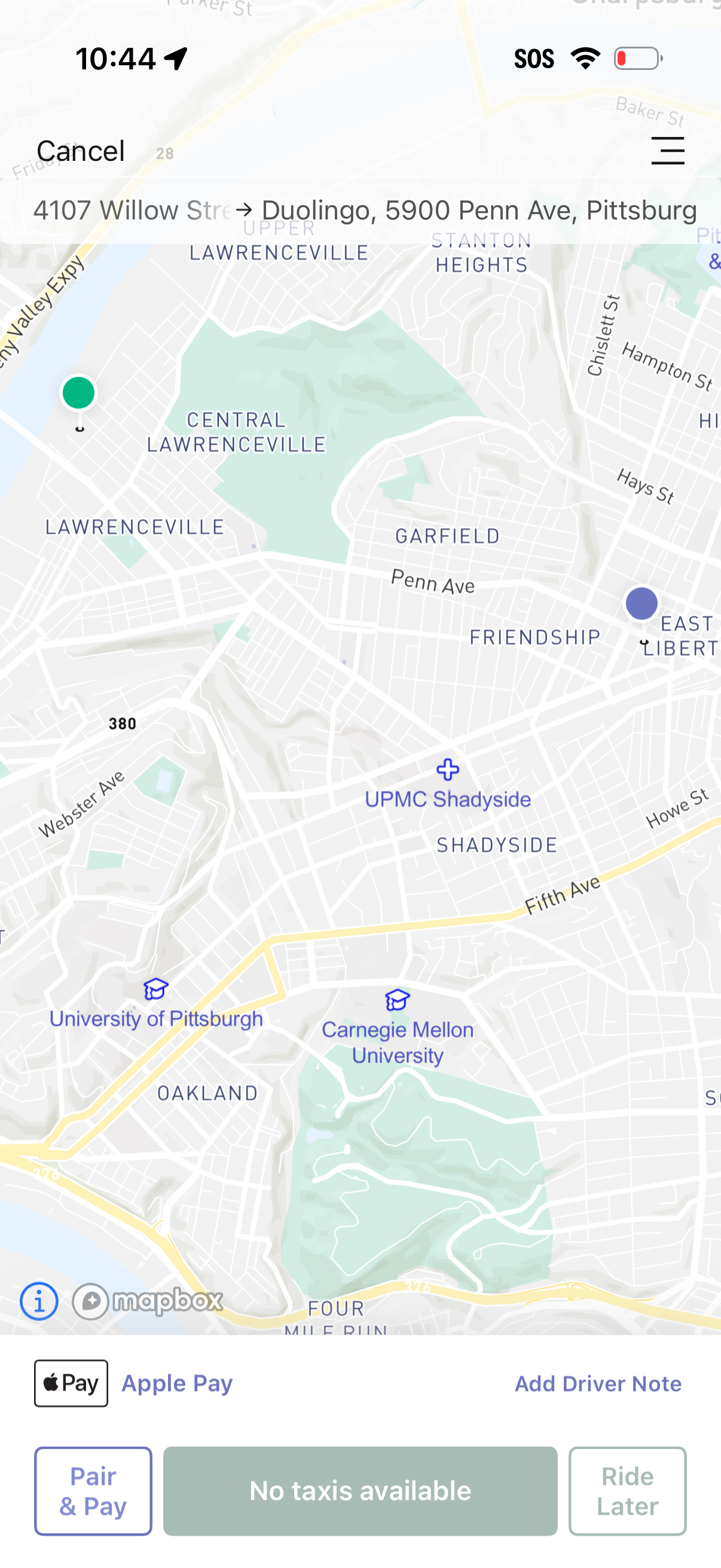
Ride-hailing pickup screen showing a map with current location and a selected destination route, with options to cancel or open a menu. A bottom panel displays payment method (Apple Pay), add driver note, Pair & Pay, Ride Later, and a status message indicating no taxis available.
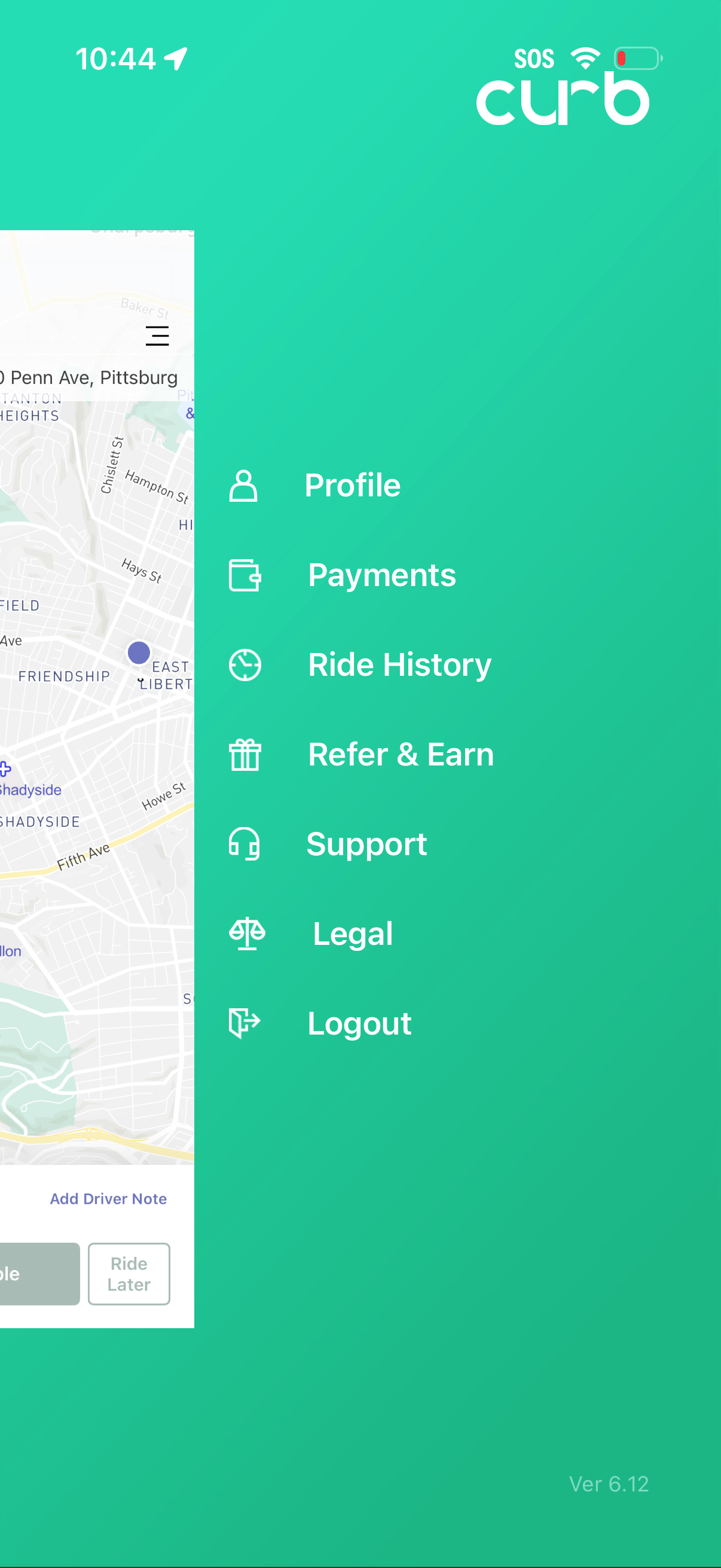
Slide-out navigation drawer for a ride-hailing app showing account and settings options including Profile, Payments, Ride History, Refer & Earn, Support, Legal, and Logout, overlaid on the main map/home screen. Includes an SOS indicator in the header for safety access.

Payments settings screen showing saved payment methods (credit card and Apple Pay) with options to manage them and add a new payment method. Also includes controls to set a default tip percentage and enter a promo code.