1
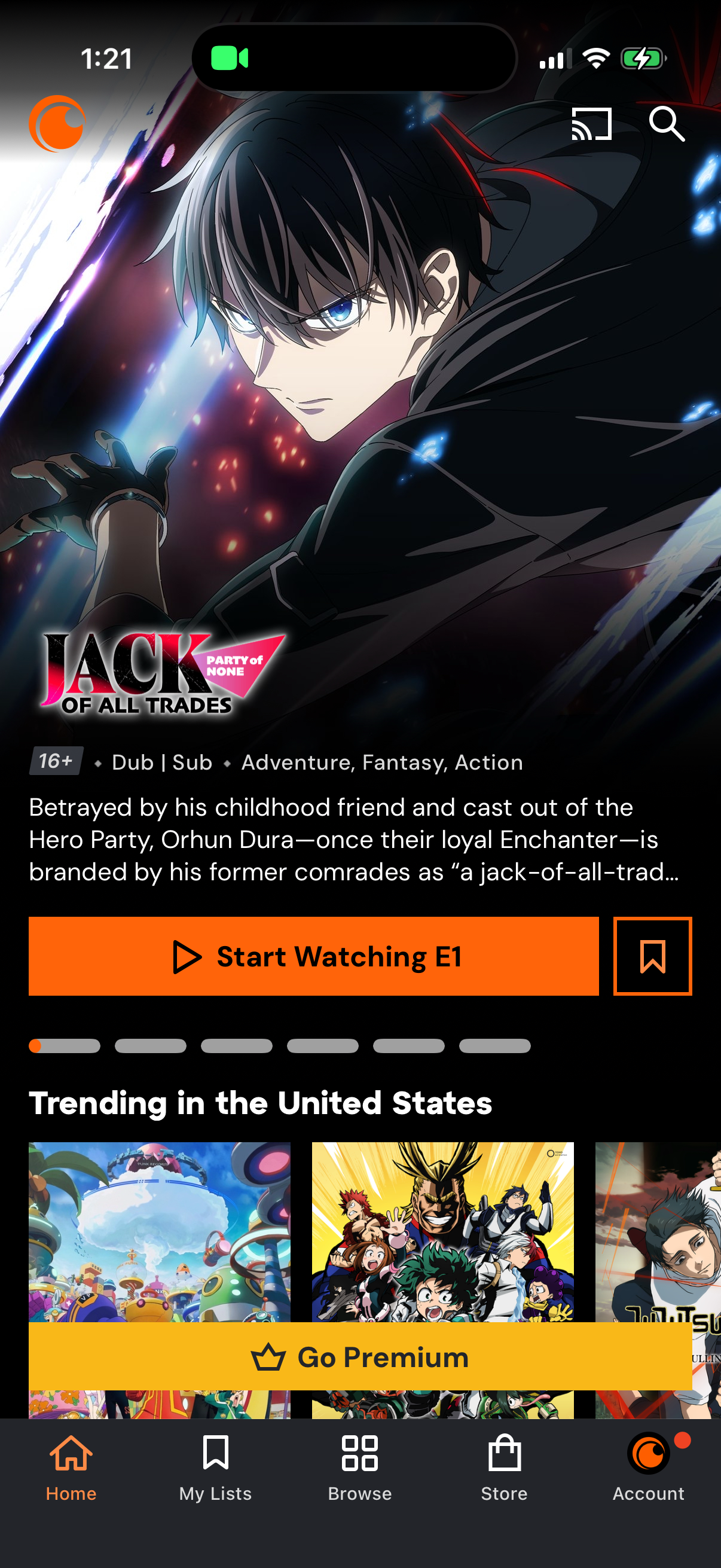
Anime streaming app home screen featuring a highlighted series detail panel with age rating, dub/sub tags, genre, synopsis, and primary CTA to start watching the first episode plus a save/bookmark action. Below are trending title carousels and a prominent “Go Premium” upsell banner, with bottom navigation for Home, My Lists, Browse, Store, and Account and top icons for casting and search.
2

Empty-state “My Lists” screen in an anime streaming app showing tabs for Watchlist, custom lists, history, and downloads, with cast and search icons in the header. The watchlist is empty and prompts the user to add titles with a prominent “Browse All” call-to-action button and bottom navigation.