Sign in
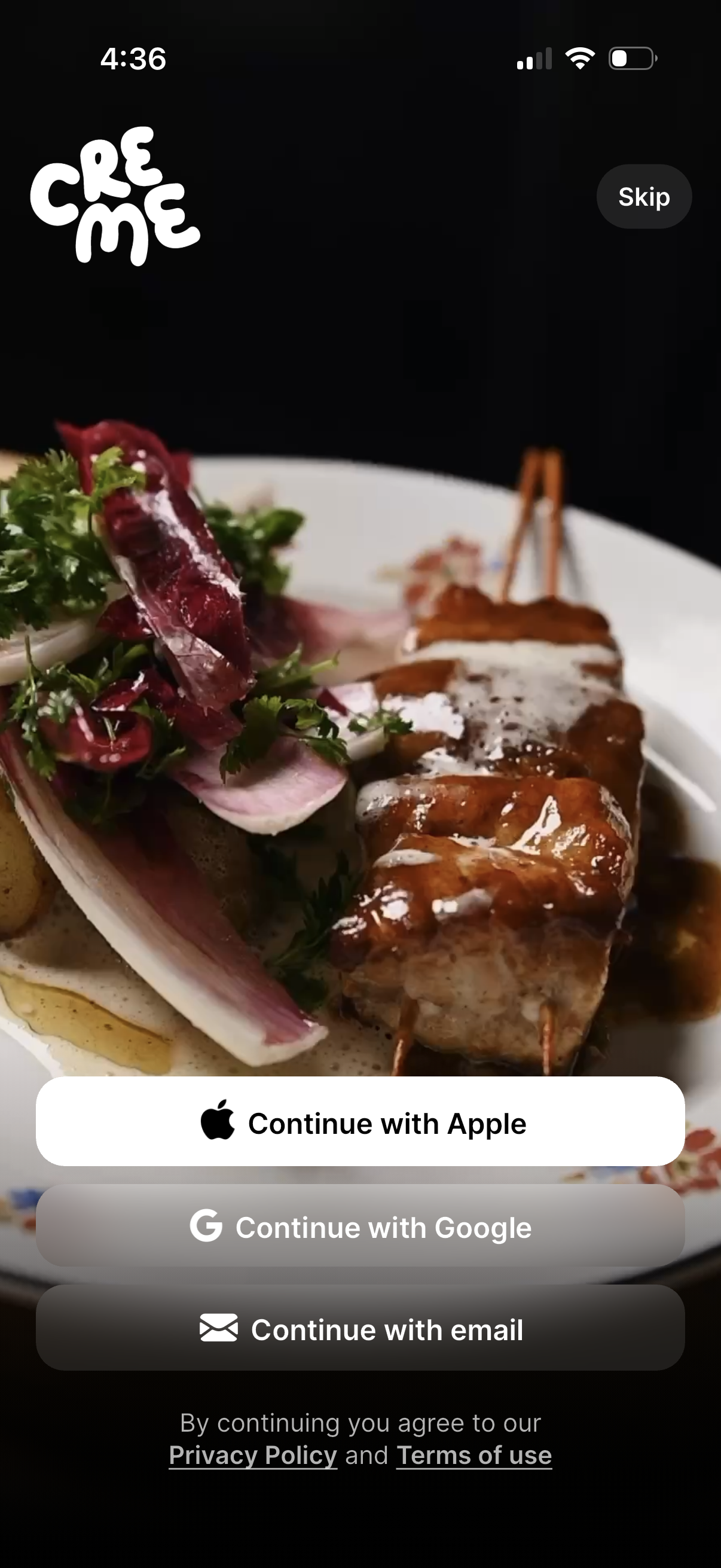
Full-screen onboarding sign-in screen for a food or restaurant app with a hero dish photo, offering authentication options to continue with Apple, Google, or email. Includes a Skip link and footer text linking to Privacy Policy and Terms of use.
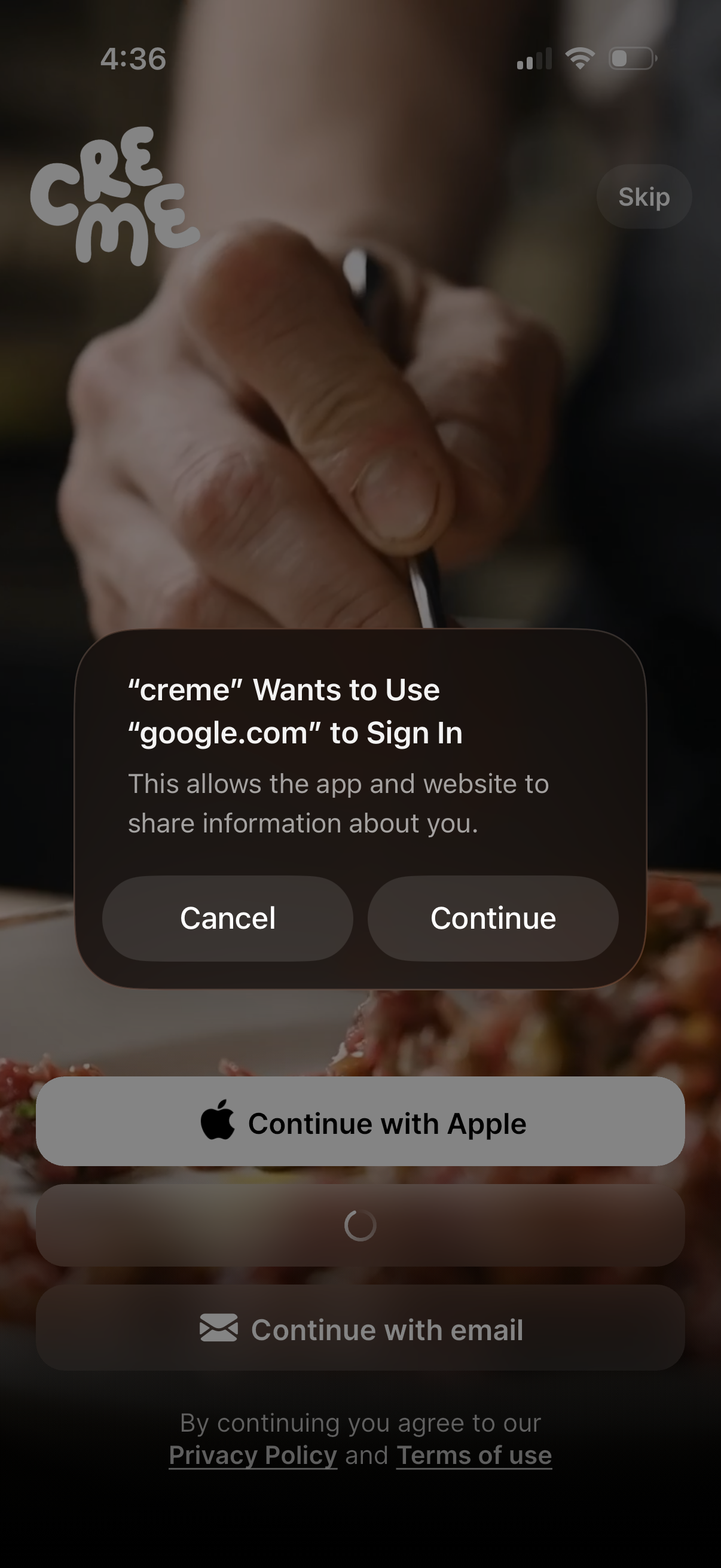
Authentication/login screen with a “Continue with Apple” button and an email sign-in option, plus a skip link and privacy policy/terms acknowledgement. An iOS system dialog prompts the user to confirm using an external domain (Google) for sign-in with Cancel and Continue actions.
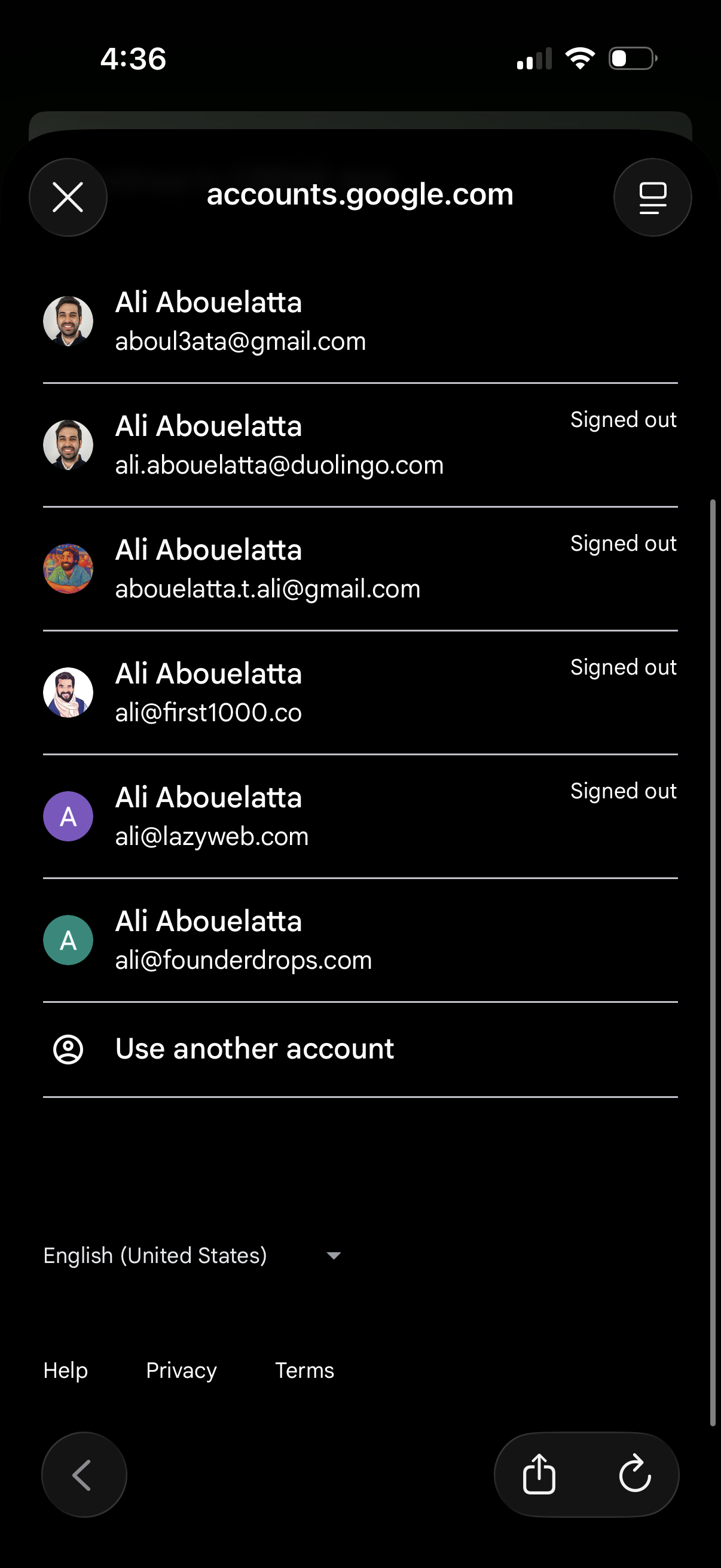
Google account selector screen in a mobile browser showing a list of saved accounts with avatars, email addresses, and signed-out status to choose which account to sign in with. Includes a “Use another account” option plus links for language, help, privacy, and terms.
.png)
Food discovery home screen showing a feed of recipe cards with large photo preview (e. g.