Location Opt-In
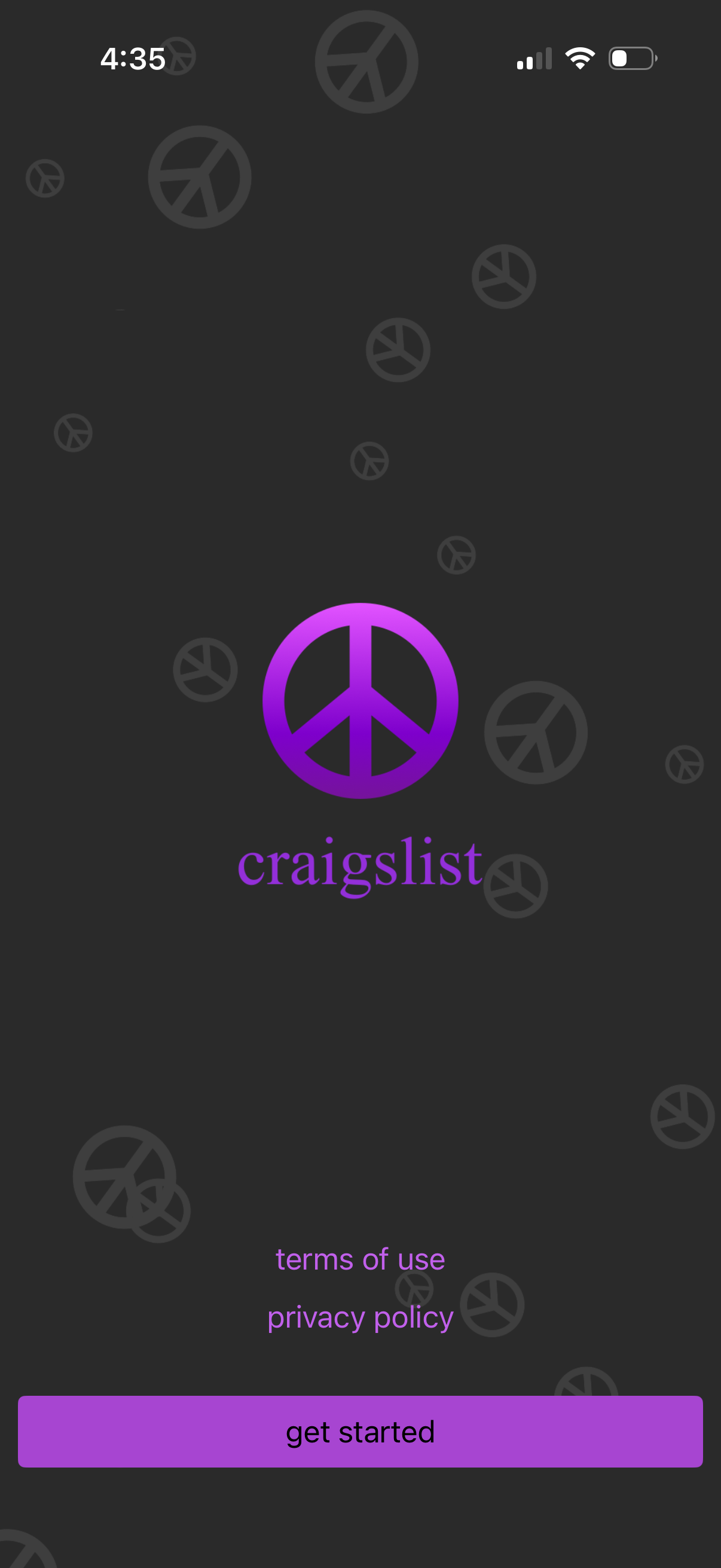
App welcome/onboarding start screen with a branded logo and “Get started” primary CTA, plus links to Terms of Use and Privacy Policy. Minimal splash-style layout focused on beginning setup or sign-up.
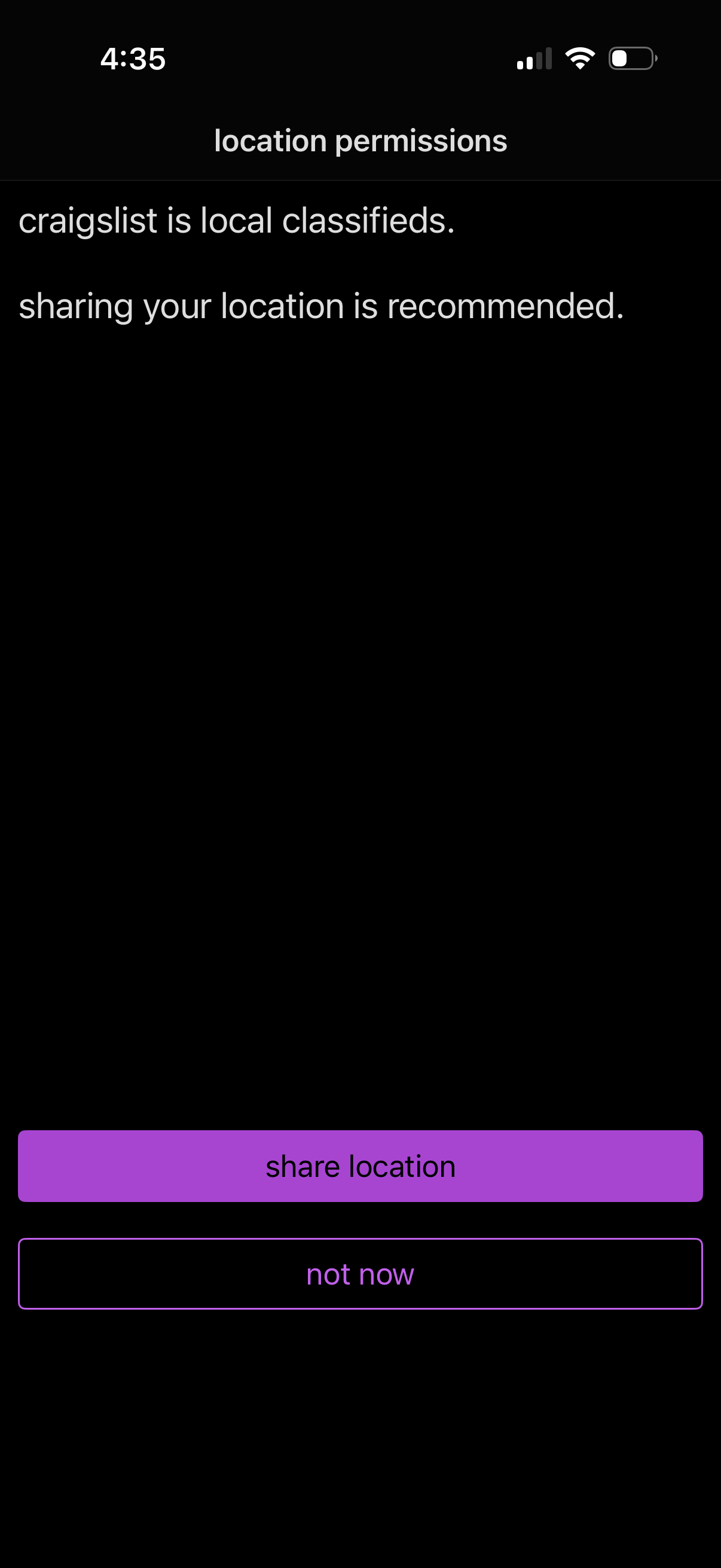
Location permissions prompt explaining that sharing location is recommended for local classifieds, with primary action to “share location” and a secondary “not now” option to skip.
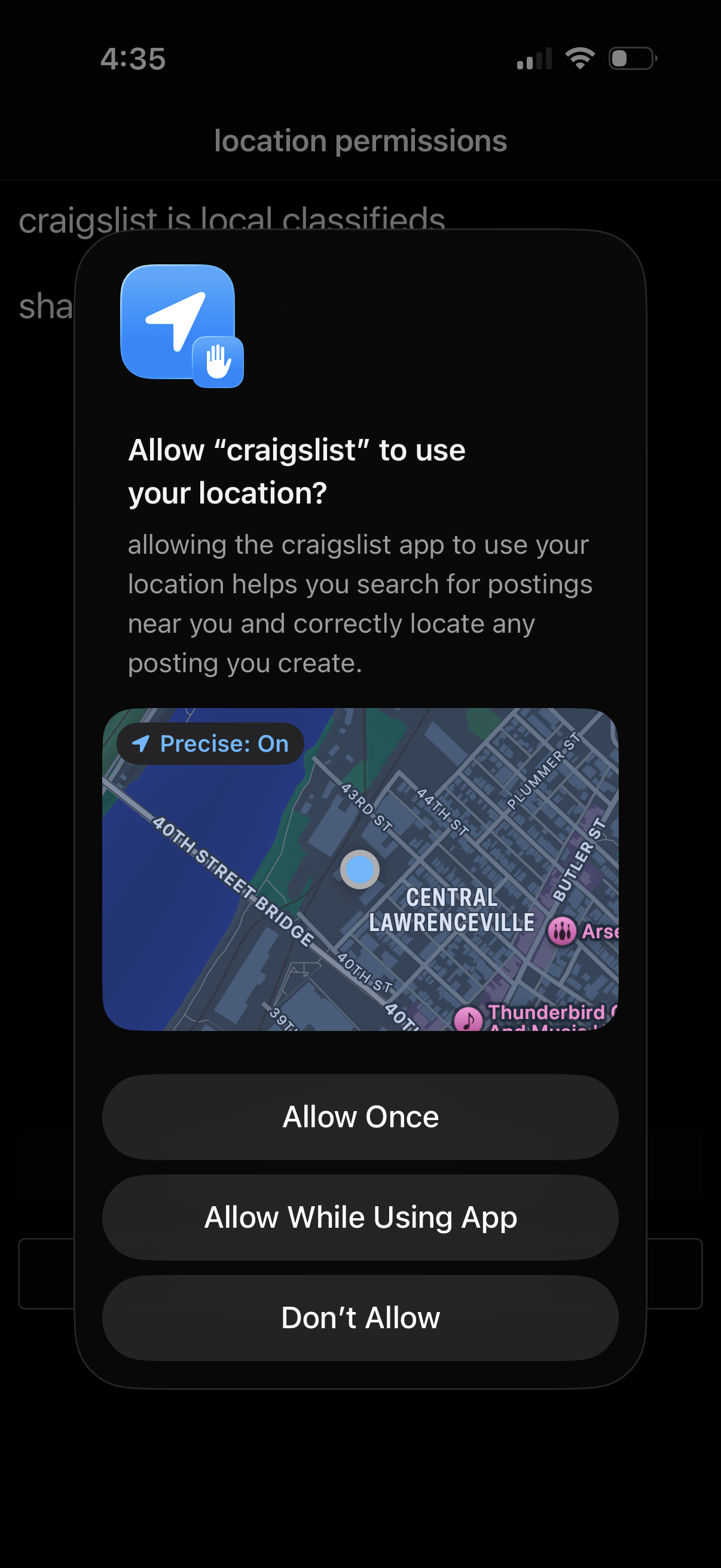
iOS system location permission prompt asking to allow the app to use your precise location to find nearby postings and correctly locate created posts. Offers actions to Allow Once, Allow While Using App, or Don’t Allow, with a small map preview showing current location.
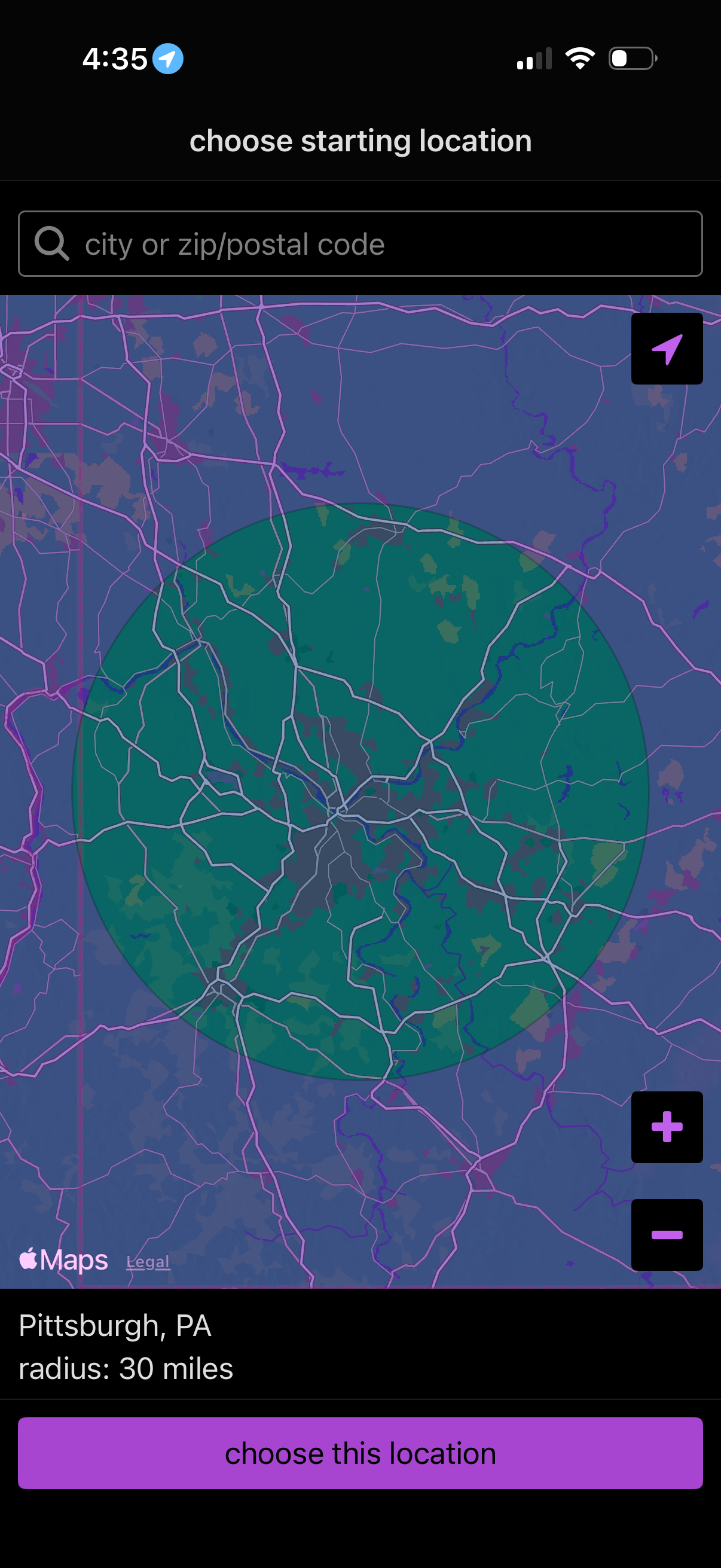
Location picker screen for choosing a starting location on a map, with a search field for city or ZIP/postal code and a highlighted radius circle around the selected area. Users can recenter using a navigation button, zoom in/out, and confirm the selection with a “choose this location” CTA showing the city and radius distance.
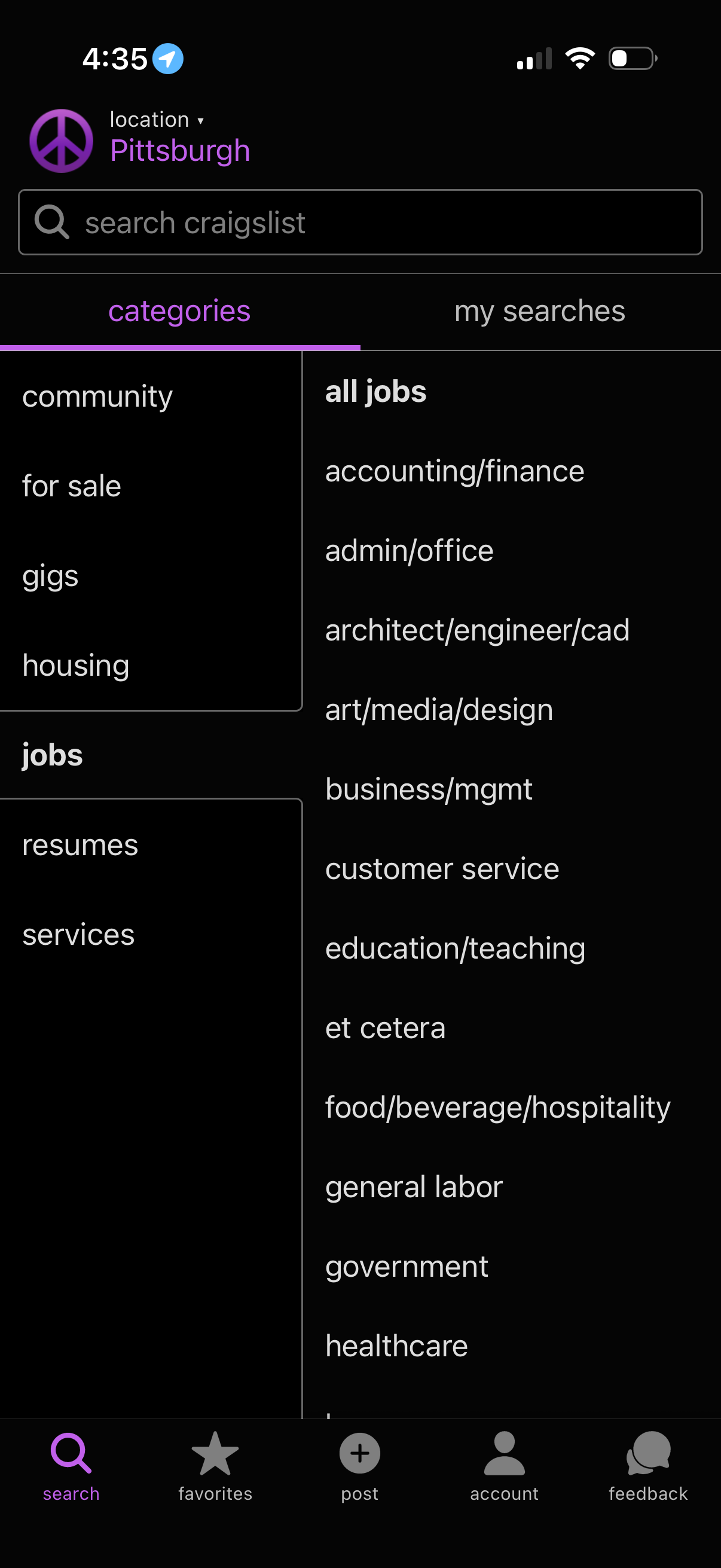
Marketplace app search home screen with a location selector, a global search bar, and tabs for browsing by Categories or viewing saved “My searches. ” Displays a category directory (community, for sale, gigs, housing, jobs, services) with job subcategories listed, plus bottom navigation for Search, Favorites, Post, Account, and Feedback.