start account setup
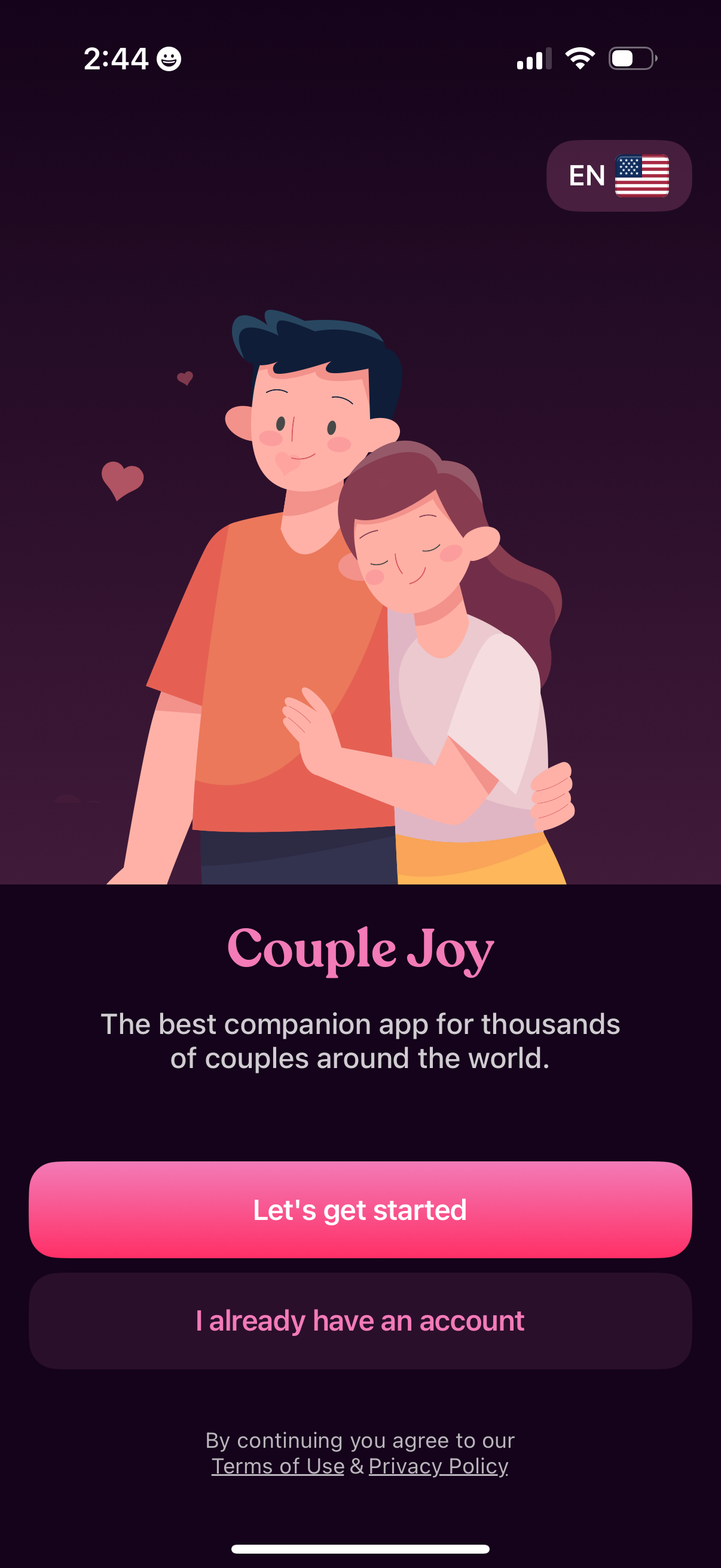
Onboarding welcome screen for a couples companion app with an illustration, app tagline, and language selector. Primary CTA to “Let’s get started” for sign-up plus a secondary “I already have an account” login option and links to Terms of Use and Privacy Policy.
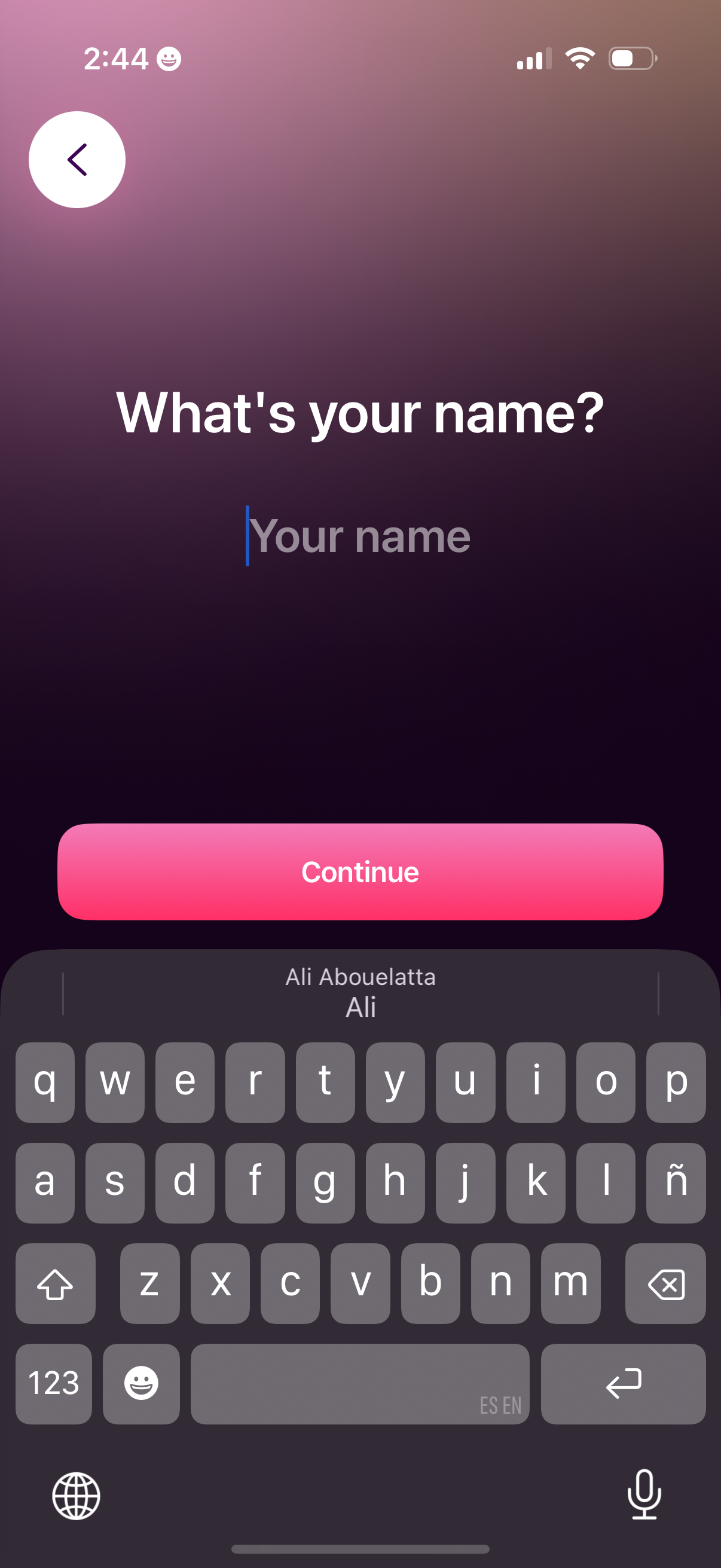
Onboarding sign-up screen asking the user to enter their name with a single text input field and a prominent Continue button, including a back arrow to return to the previous step.
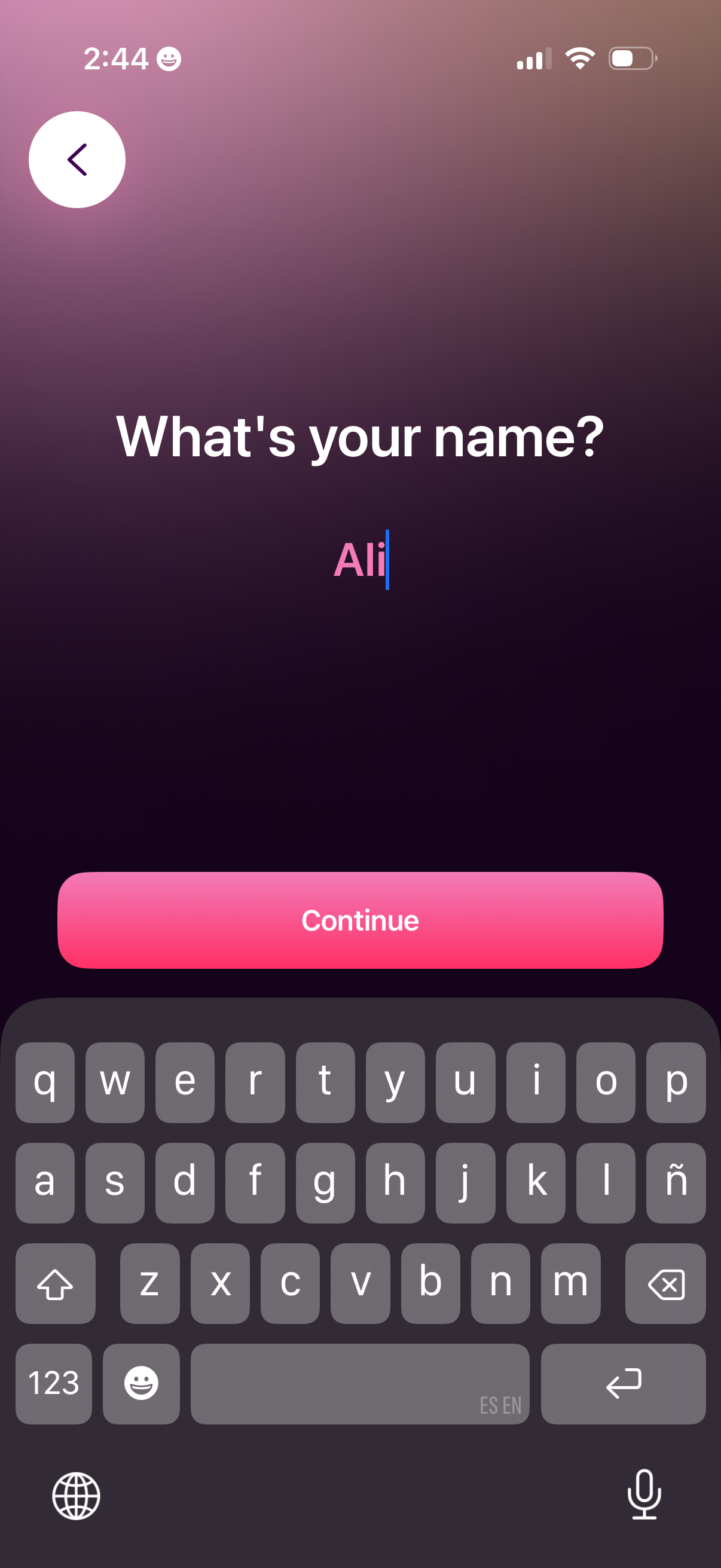
Onboarding profile setup screen asking the user to enter their name in a single text field, with a back button and a prominent Continue call-to-action to proceed to the next step.
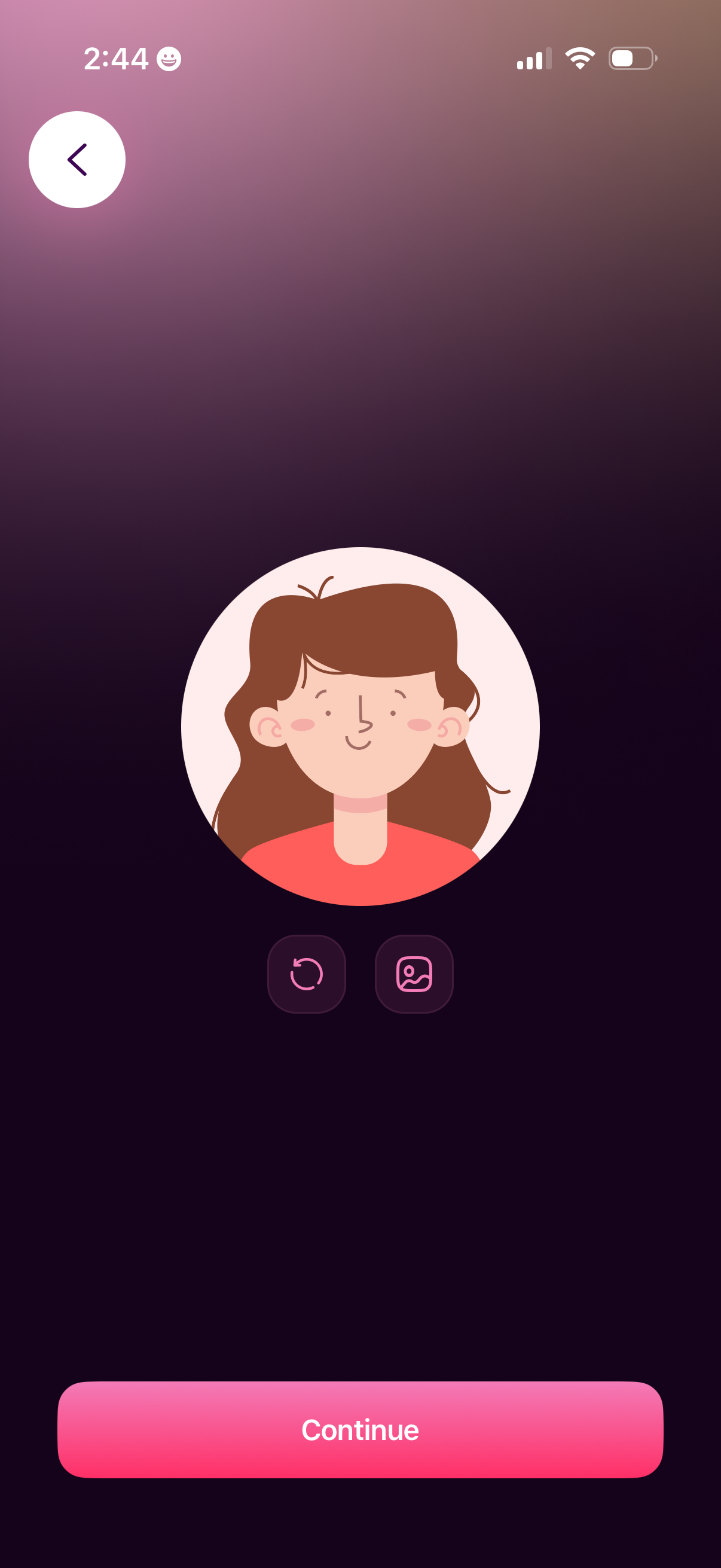
Profile avatar setup screen showing a large circular avatar preview with controls to refresh/regenerate the avatar or pick an image, plus a back button. A prominent “Continue” button advances to the next step after selecting the profile picture.
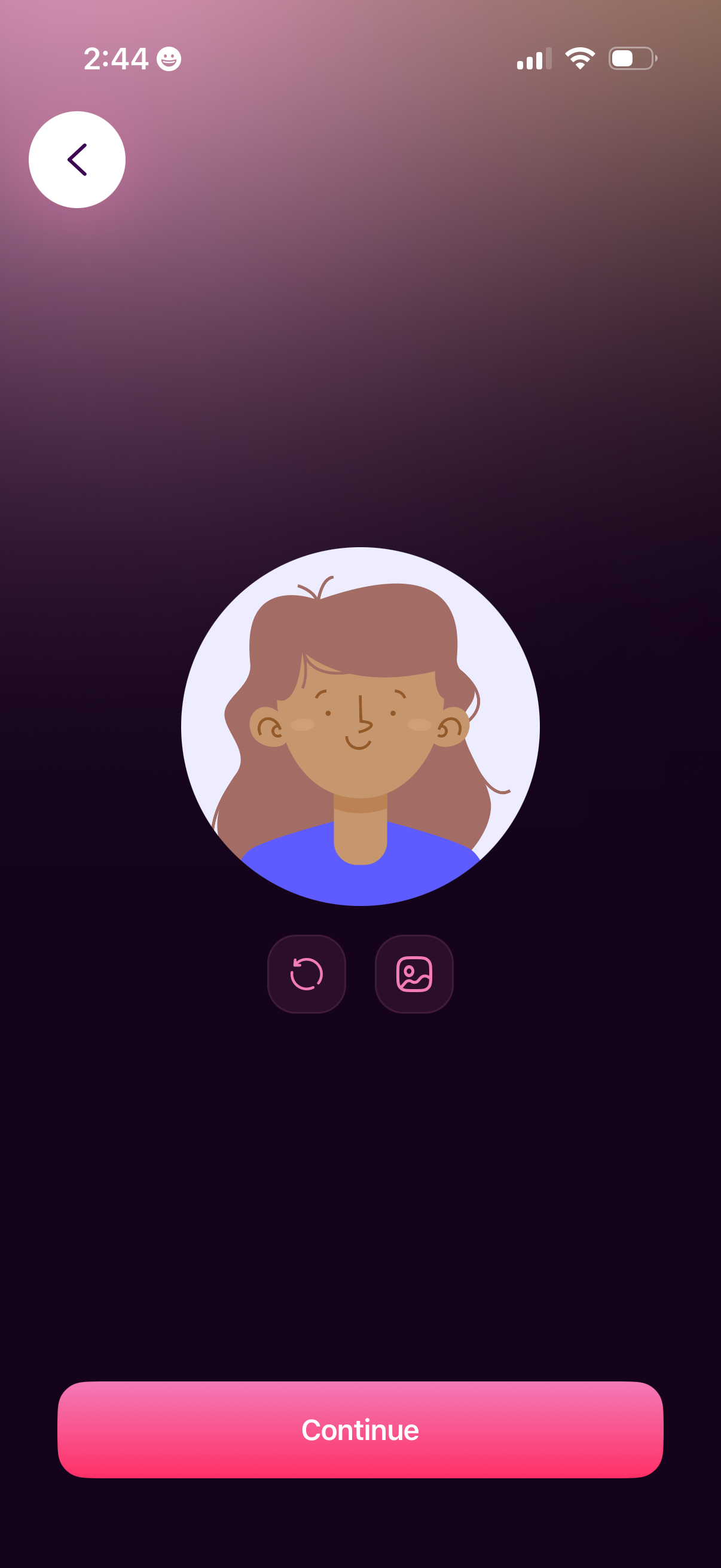
Profile avatar selection screen in an onboarding flow, showing a large illustrated avatar preview with buttons to regenerate/refresh or choose an image. Includes a back button and a primary “Continue” CTA to confirm the avatar and proceed.
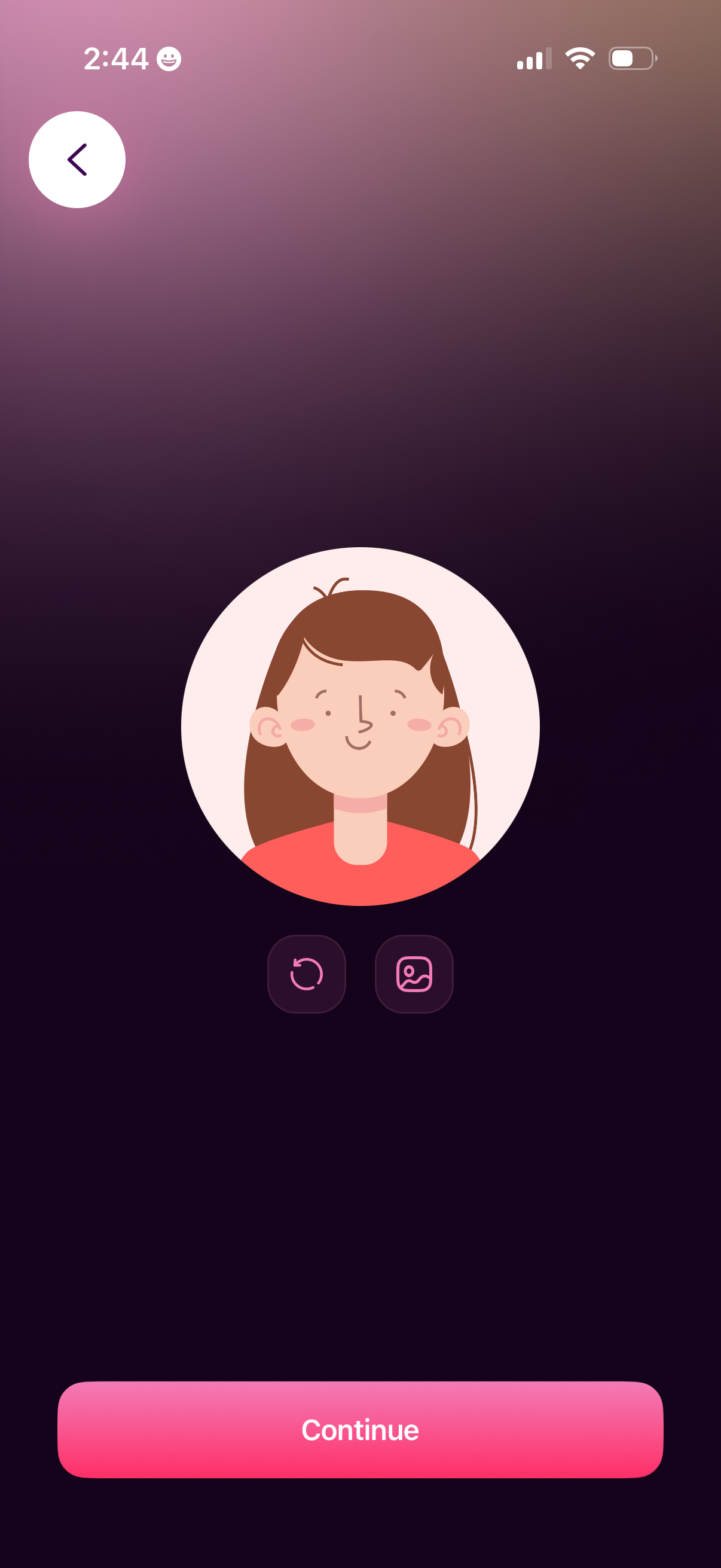
Avatar selection screen showing a large profile illustration preview with controls to refresh/regenerate the avatar and upload or choose an image, plus a back button. A prominent “Continue” CTA at the bottom confirms the chosen profile picture for onboarding or account setup.

Onboarding welcome screen styled like a chat conversation with avatar bubbles introducing the app creators and a back button for navigation. A prominent primary call-to-action button at the bottom lets the user respond and continue (“Nice to meet you!
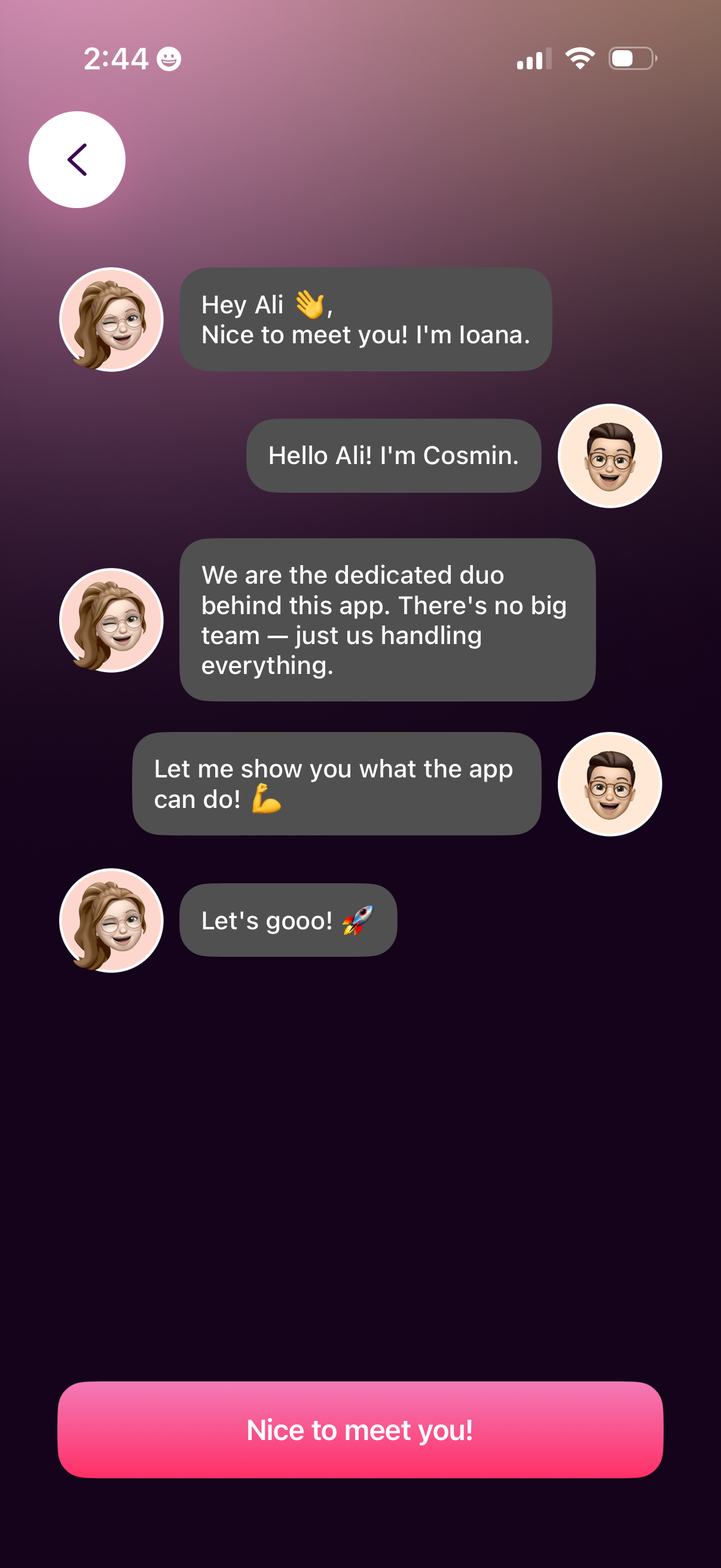
Onboarding welcome screen presented as a chat conversation with avatar characters introducing the app creators and guiding the user into a product tour. A single primary call-to-action button at the bottom (“Nice to meet you!