pick profile photo from
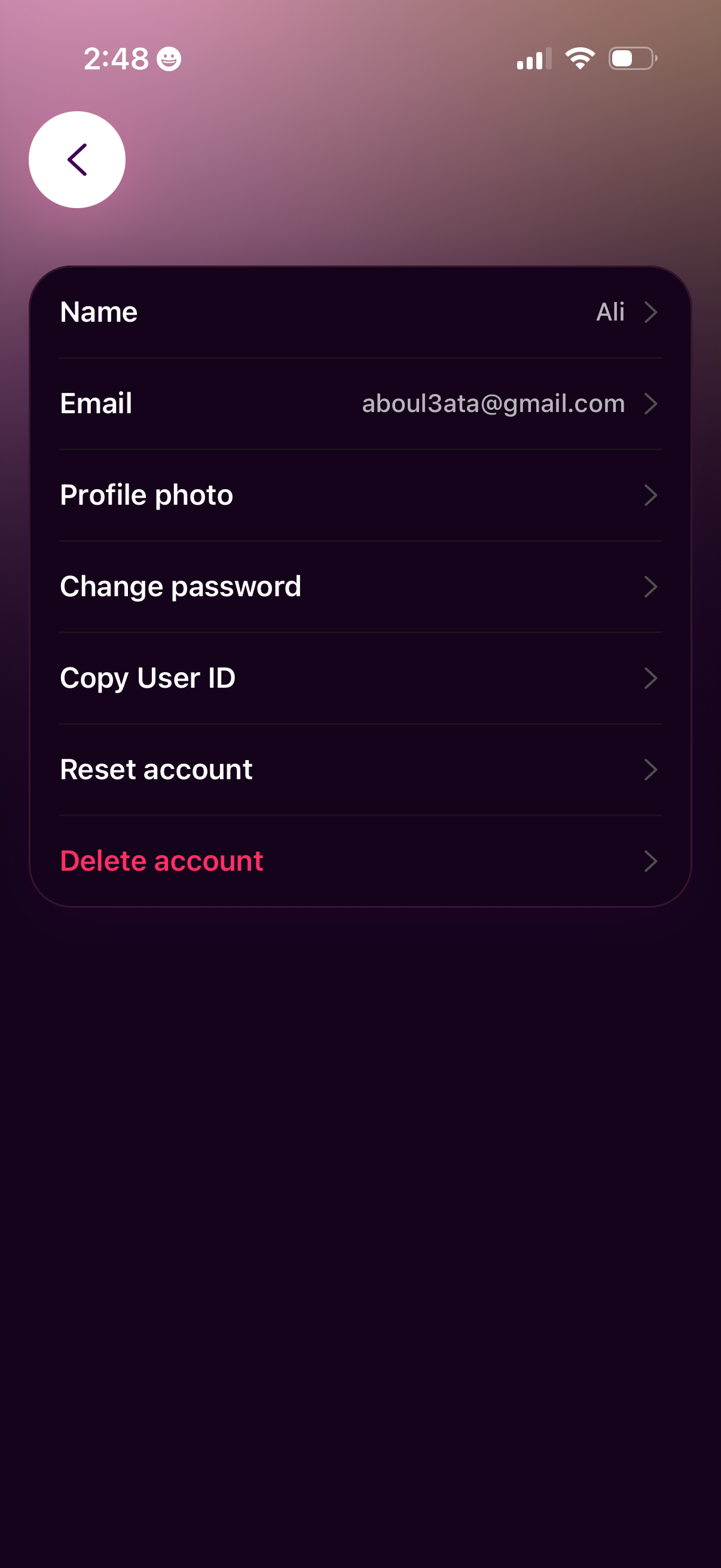
Account settings screen showing profile and security management options, including editing name and email, updating profile photo, and changing password. Includes utility and destructive actions to copy user ID, reset the account, and delete the account, with a back navigation button.

Profile avatar editing screen with a large circular user photo preview and quick actions to refresh/regenerate the avatar or choose a new image from the gallery. Includes a back navigation button and minimal UI focused on updating the profile picture.
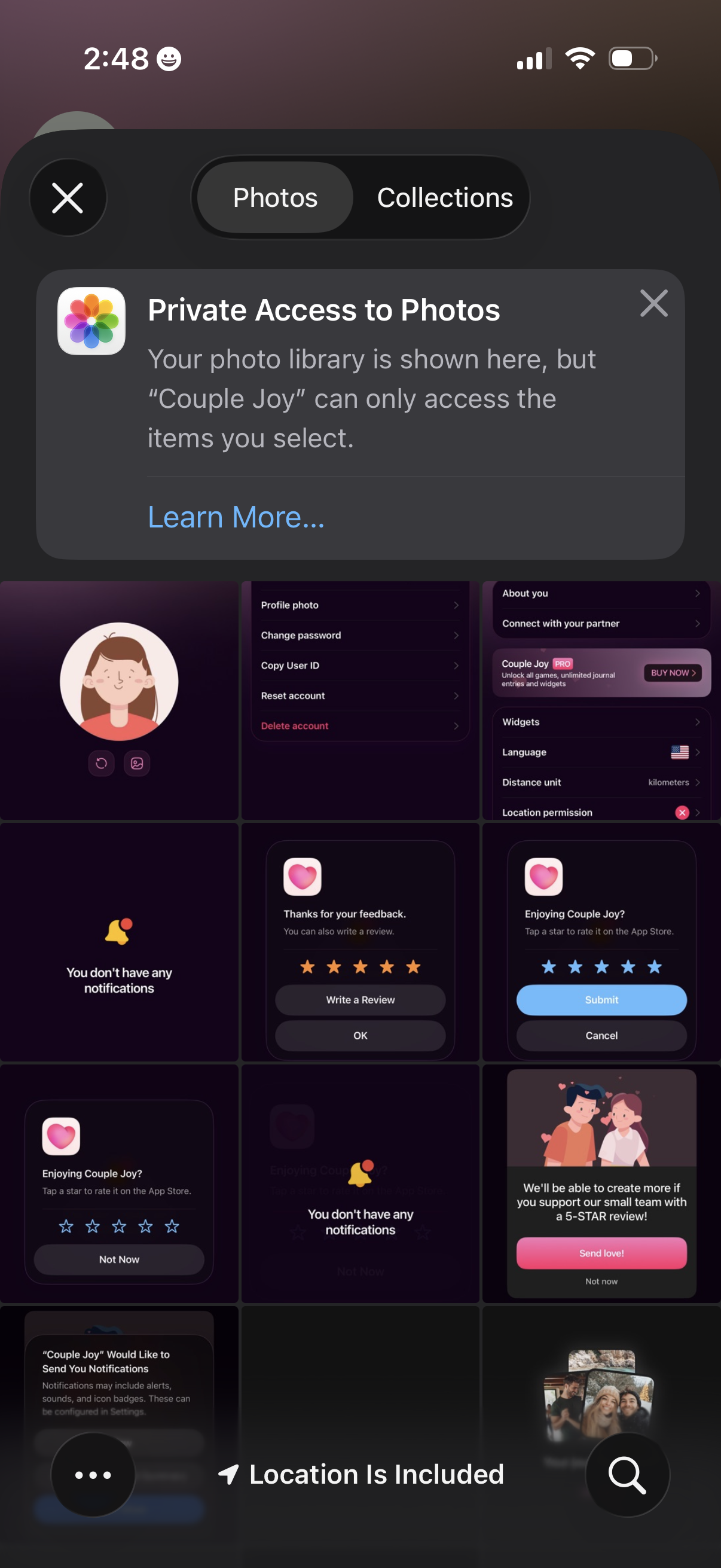
iOS photo picker modal showing Photos and Collections tabs with a privacy notice explaining the app has limited access to only selected photos, including close/dismiss controls and a Learn More link. The background displays a grid of recent app screenshots while choosing images to upload or share.