grant location permission
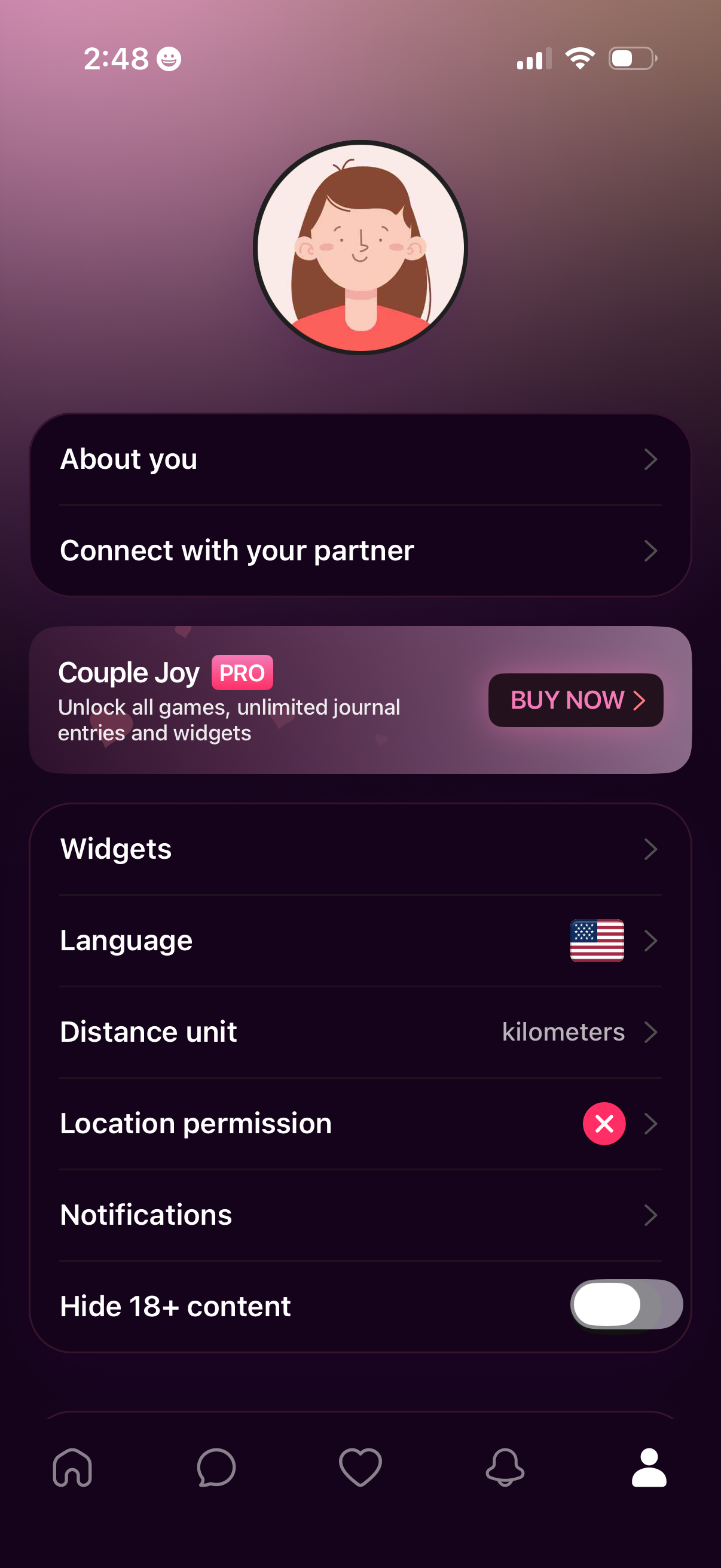
Profile/settings screen for a couples relationship app with options to edit “About you,” connect with a partner, and manage app preferences like widgets, language, distance units, location permissions, and notifications, plus a toggle to hide 18+ content. Includes an upsell banner for a Pro subscription with a “Buy now” call to action.
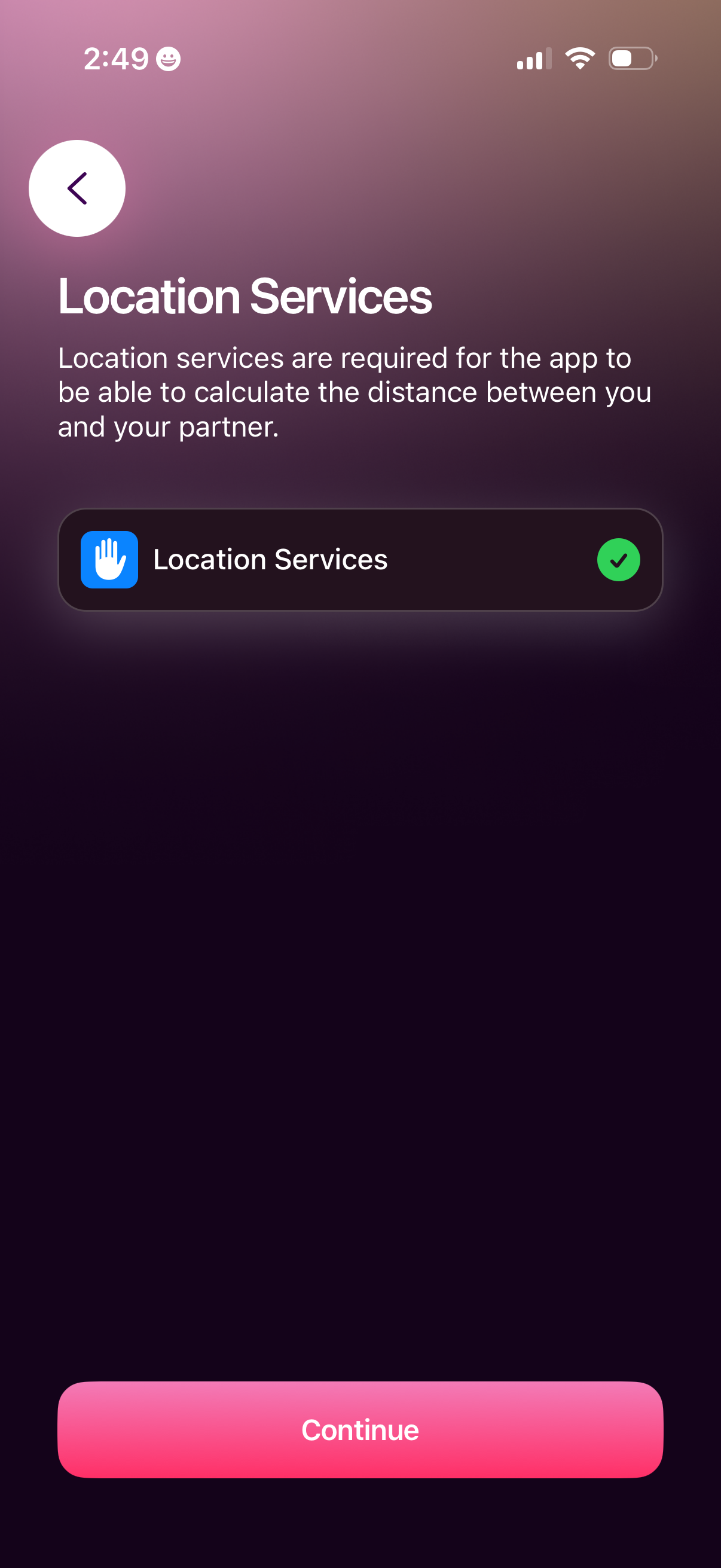
Permission onboarding screen prompting the user to enable Location Services so the app can calculate distance between the user and a partner. Shows a checked location permission row and a primary “Continue” button with a back navigation control.
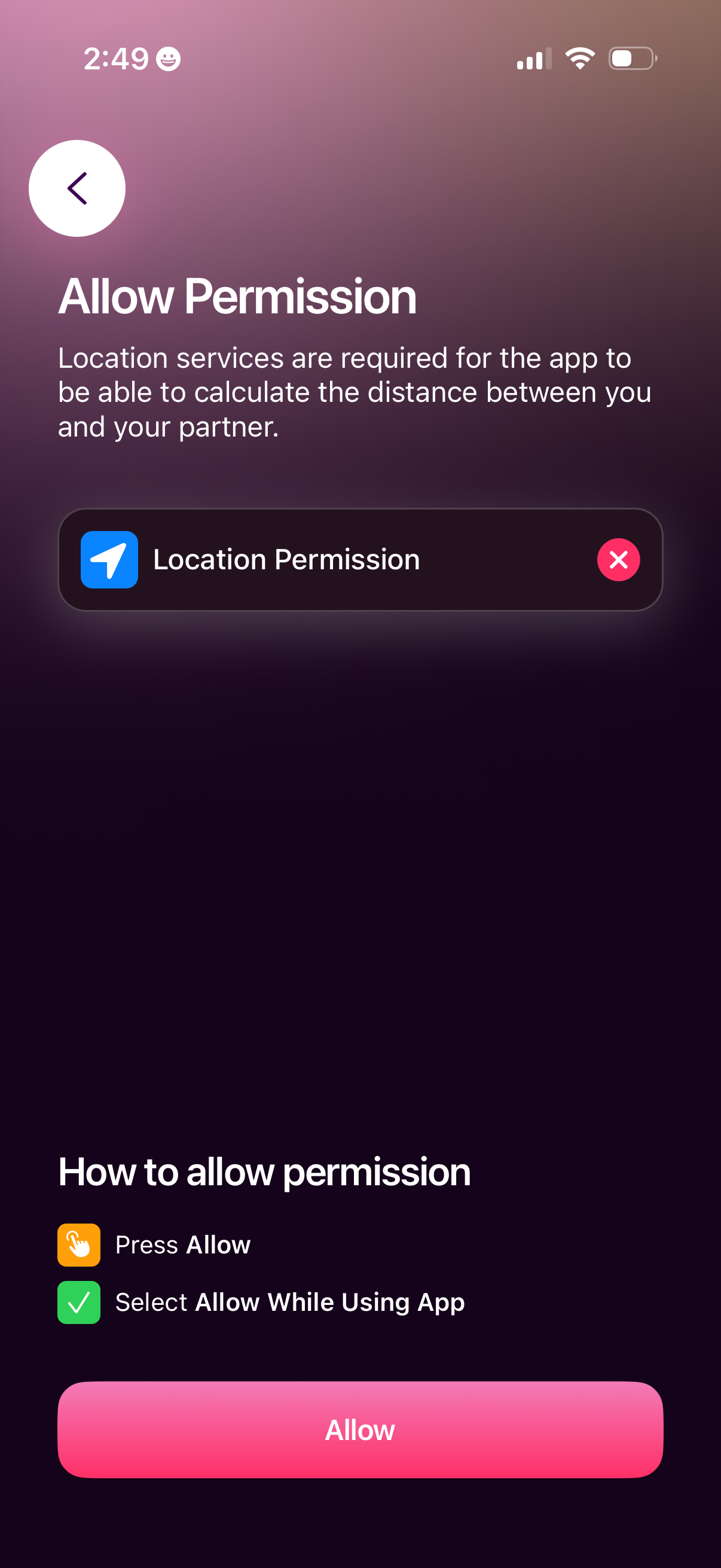
Onboarding permission request screen prompting the user to enable location services so the app can calculate distance between you and a partner. Includes instructions on how to grant permission and a primary “Allow” button, with a back navigation icon.

iOS system permission modal asking the user to allow an app to access their location, showing a map preview with a “Precise: On” indicator. Primary actions let the user choose Allow Once, Allow While Using App, or Don’t Allow.

Permission request screen prompting the user to enable location services so the app can calculate distance between the user and their partner. Includes a location permission status row with a checkmark and a primary “Finish” button to complete setup, plus a back navigation control.