browse widget preview
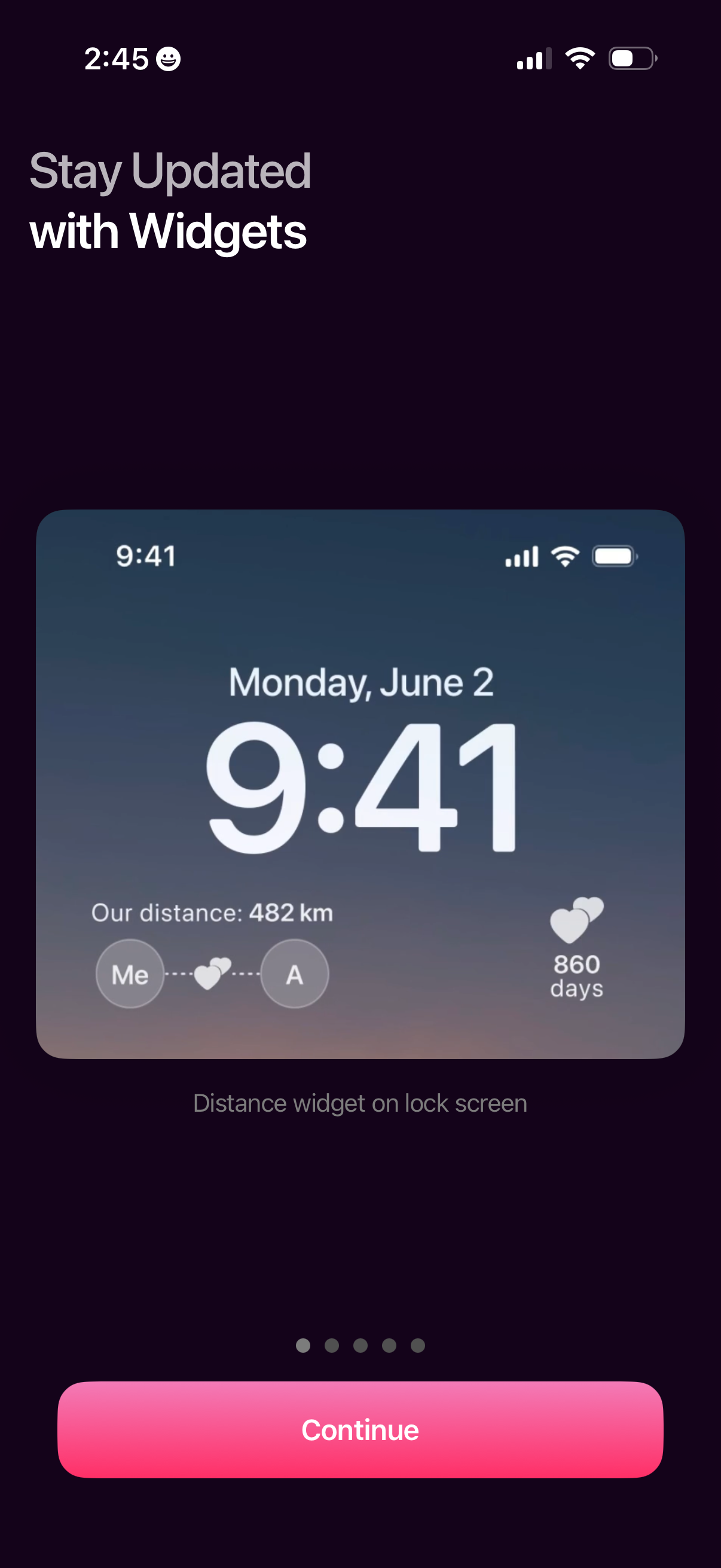
Onboarding carousel screen introducing lock screen widgets, showing a preview of a distance/status widget and a brief caption about staying updated. Includes pagination dots and a primary “Continue” button to proceed through setup.

Onboarding carousel screen promoting home screen widgets, showing a preview of a days-counter widget with couple avatars and a photo tile. Includes pagination dots and a primary “Continue” button to proceed.
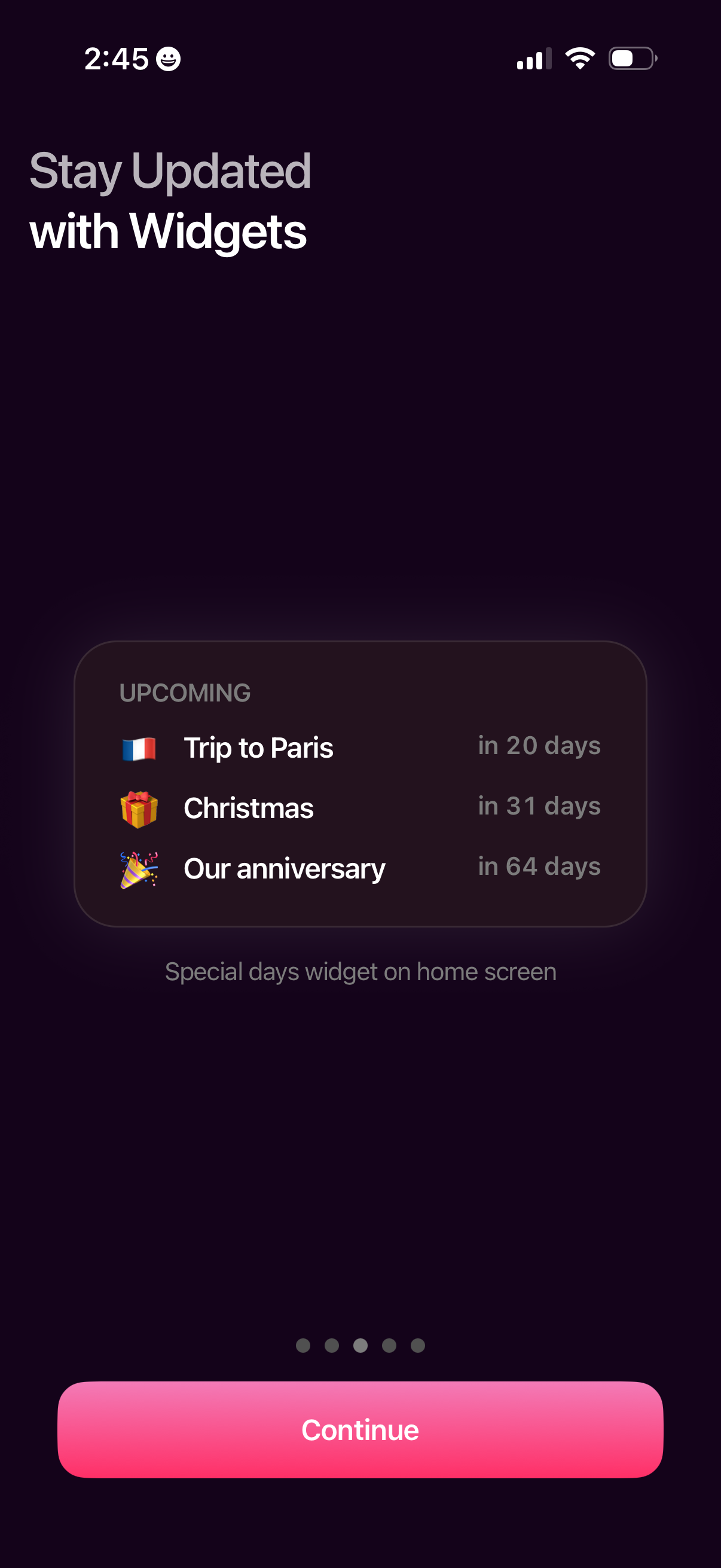
Onboarding screen promoting home screen widgets to stay updated, previewing an “Upcoming” special days widget that lists countdowns to events. Provides a primary Continue button to proceed through the onboarding carousel.

Onboarding carousel screen introducing home screen widgets to stay updated, showcasing a distance/location widget preview with two people on a map and message bubbles. Includes page indicators and a primary “Continue” button to proceed.
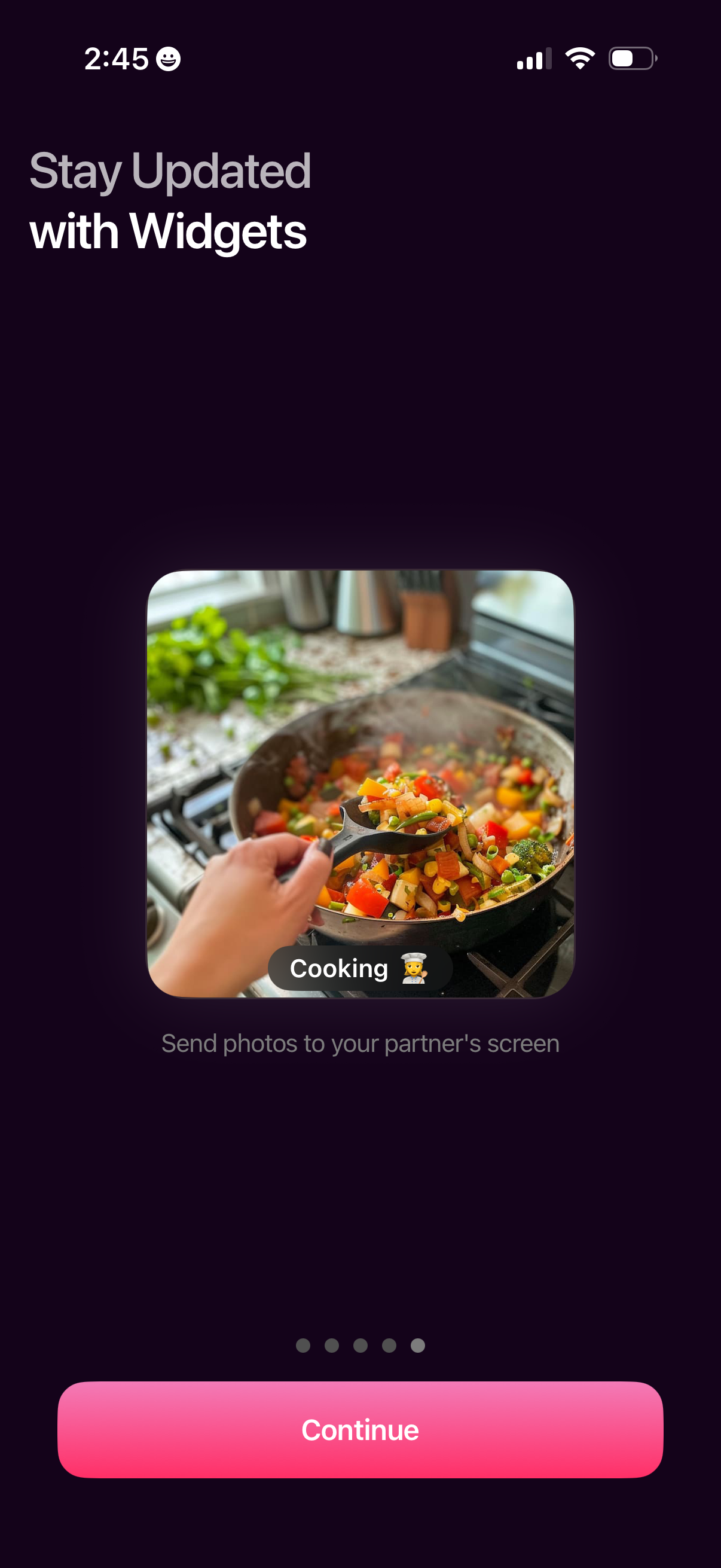
Onboarding carousel screen promoting home screen widgets to stay updated, showing an example photo widget and short caption about sharing updates to a partner’s screen. Includes pagination dots and a primary “Continue” button to proceed to the next onboarding step.