answer never have i
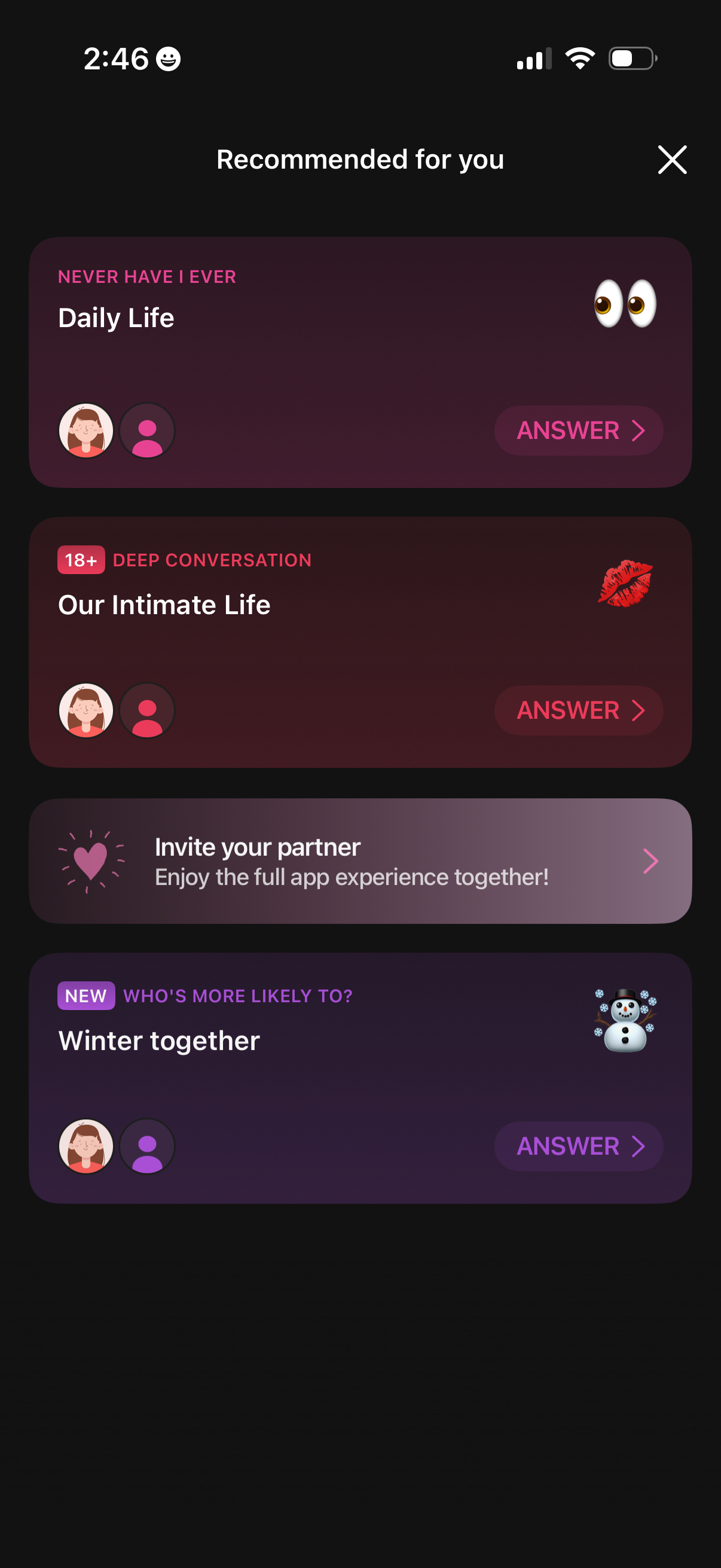
A “Recommended for you” discovery screen for a couples/relationship game app showing a list of question pack categories (e. g.

A quiz-style onboarding screen presenting a “Never have I ever” statement with progress (1/12) and actions to respond “I have” or “I have never,” plus a skip option and back navigation. This screen captures a swipe/choice questionnaire flow for profiling user preferences.
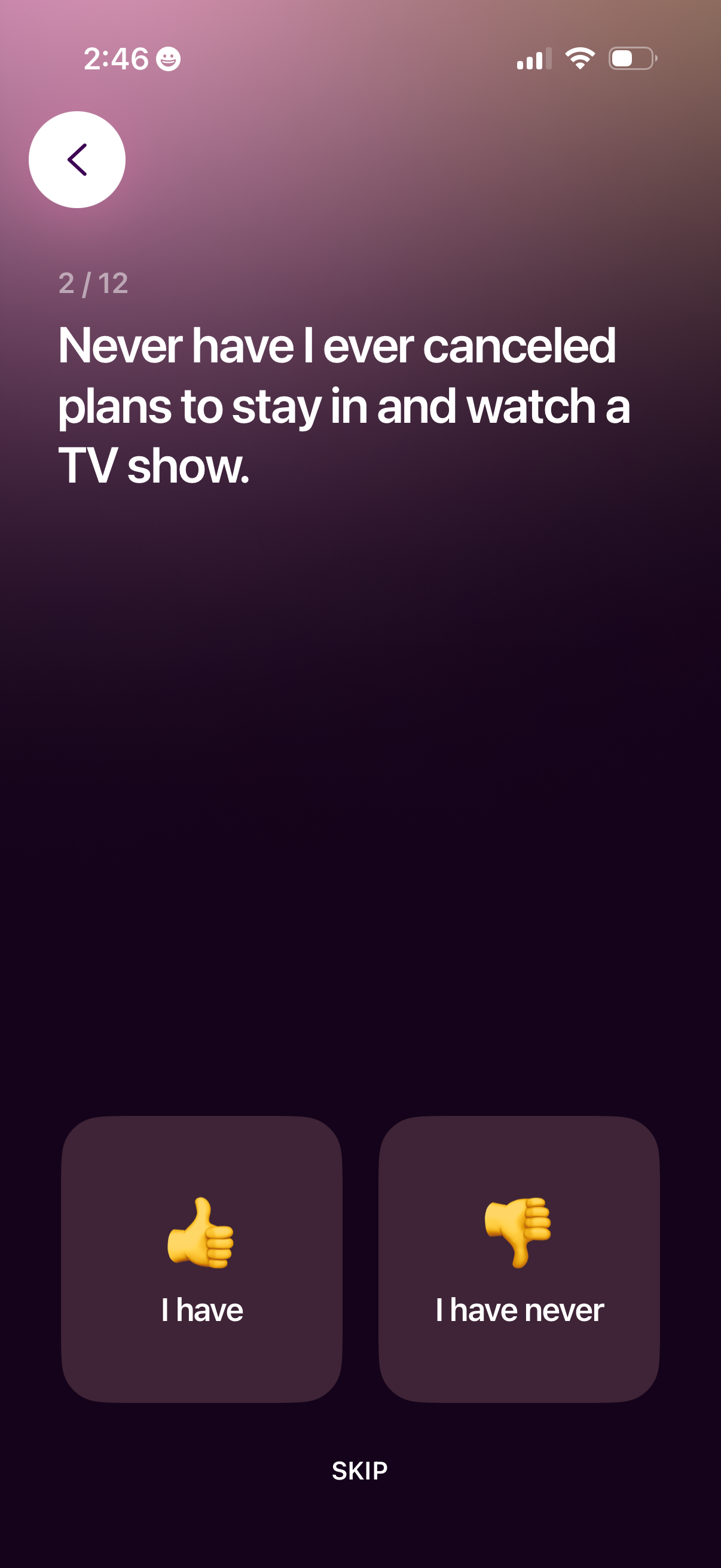
Interactive onboarding questionnaire screen asking a “Never have I ever” prompt, showing progress (2/12) and offering two response buttons (“I have” or “I have never”) plus a skip option and back navigation. This is part of a multi-step personality/icebreaker setup flow for capturing user preferences or traits.
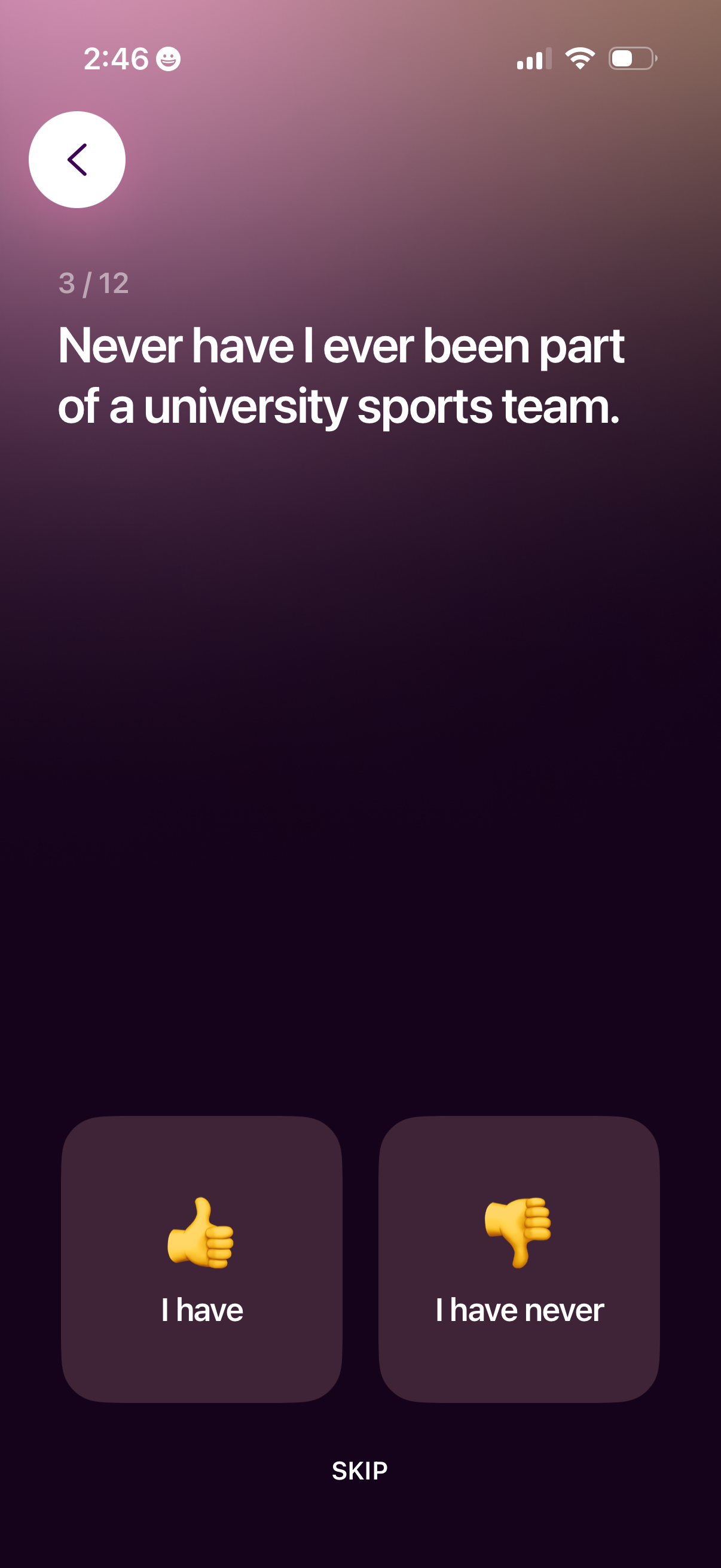
A step-based onboarding quiz screen (3/12) asking a “Never have I ever” statement and prompting the user to answer with two large choices: “I have” or “I have never,” with options to go back or skip the question.

An onboarding-style questionnaire screen presenting a “Never have I ever” statement with progress indicator and a back button, asking the user to respond. Users can choose between “I have” and “I have never” reaction buttons or skip the question.
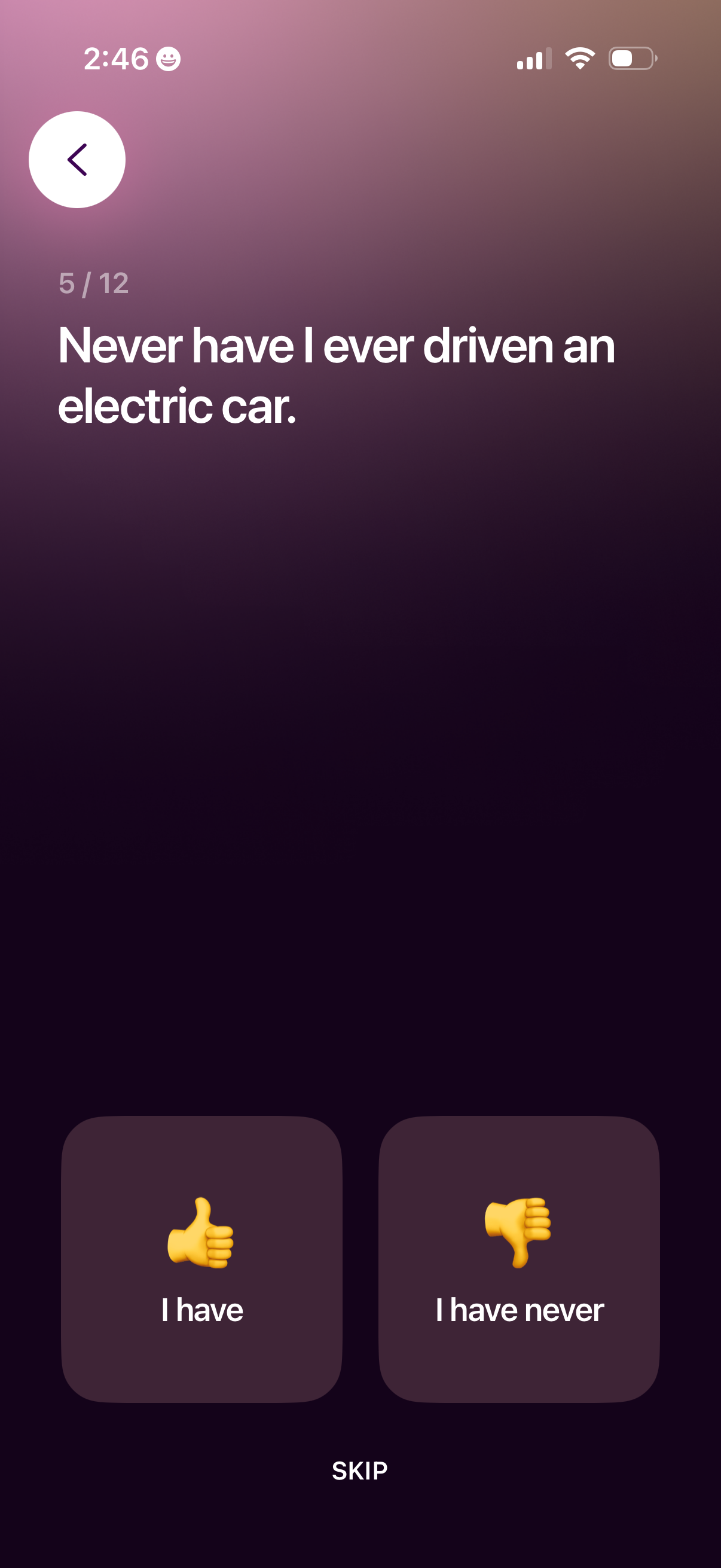
Multi-step onboarding survey question screen (step 5 of 12) asking about electric car experience, with two large response buttons (“I have” vs “I have never”), a back arrow to return, and a “Skip” option to bypass the question.
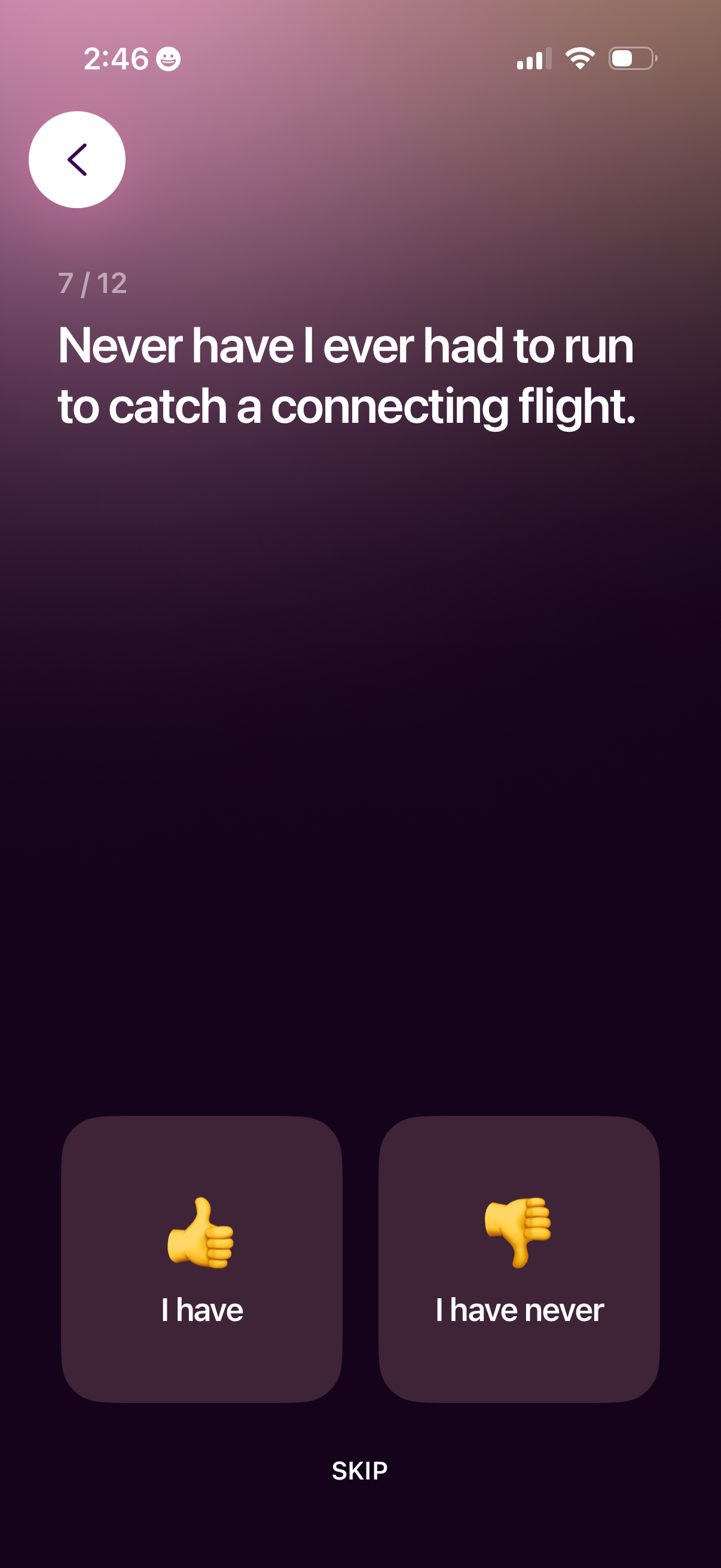
Multi-step onboarding question screen (7/12) asking a “Never have I ever” travel prompt, with two large choice buttons to answer “I have” or “I have never. ” Includes back navigation and a skip option to move past the question in the profile/preferences setup flow.
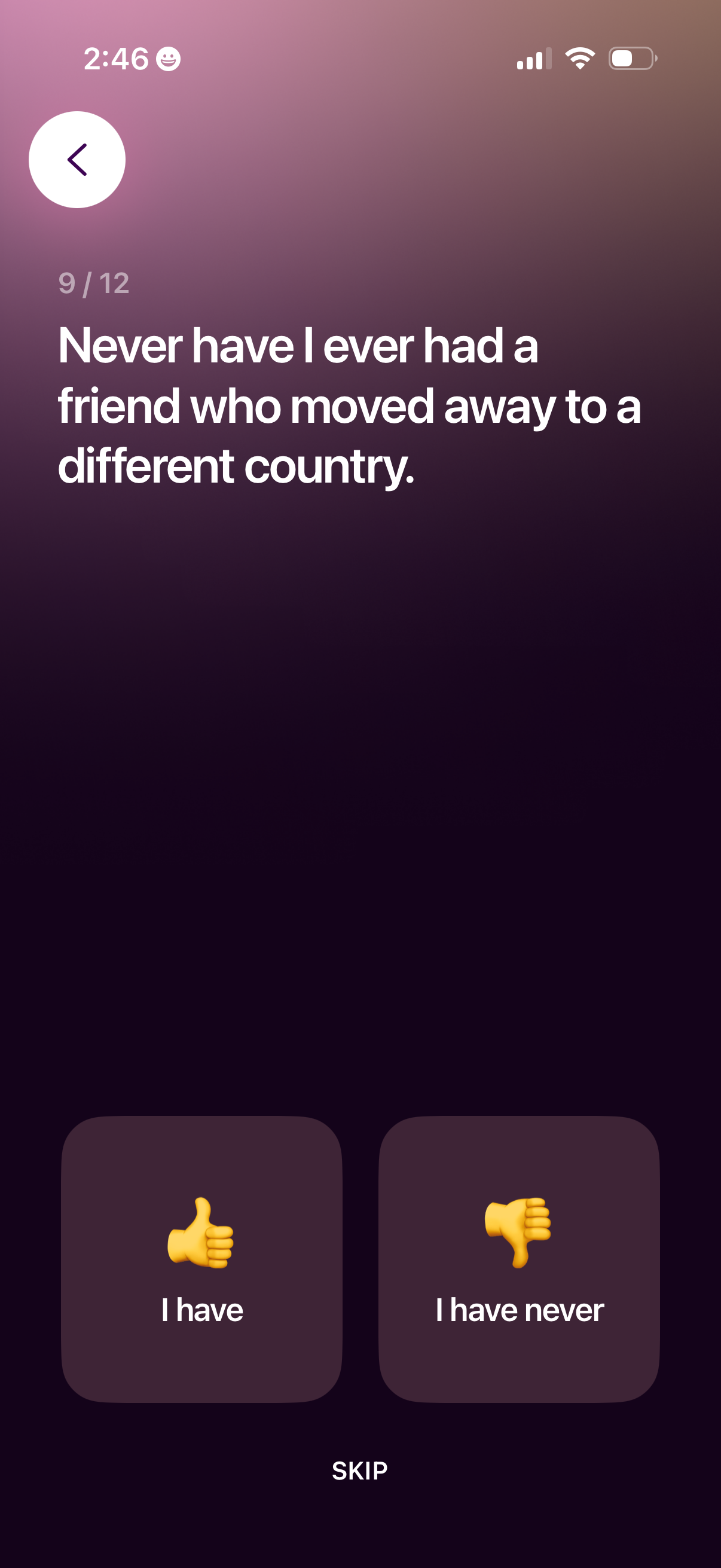
A “Never have I ever” party game question screen showing the current prompt with progress (9/12) and a back button. Users can respond by tapping “I have” or “I have never,” or choose to skip the question.
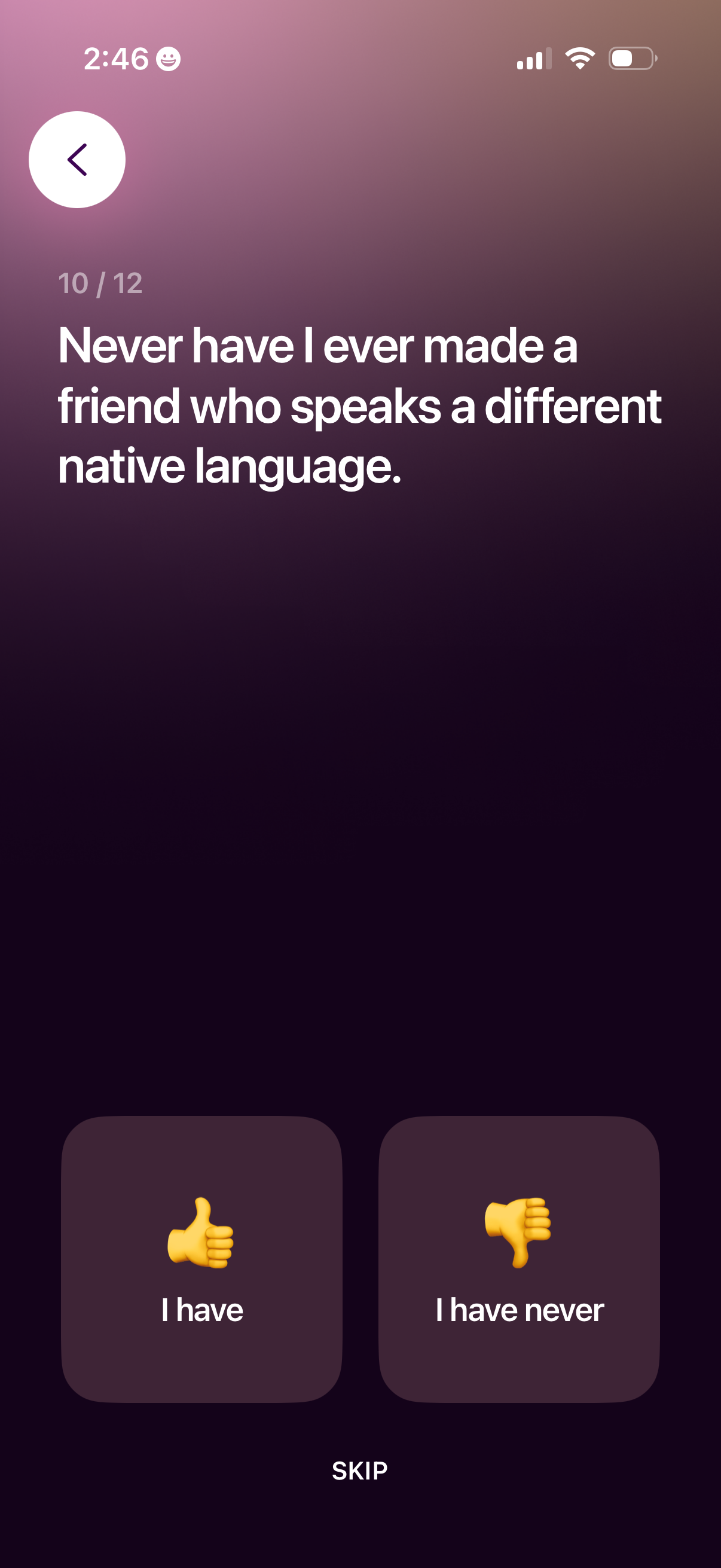
Interactive onboarding survey screen showing a “Never have I ever” statement with progress indicator, offering two response buttons (“I have” and “I have never”) plus a Skip option and back navigation to move through the questionnaire.
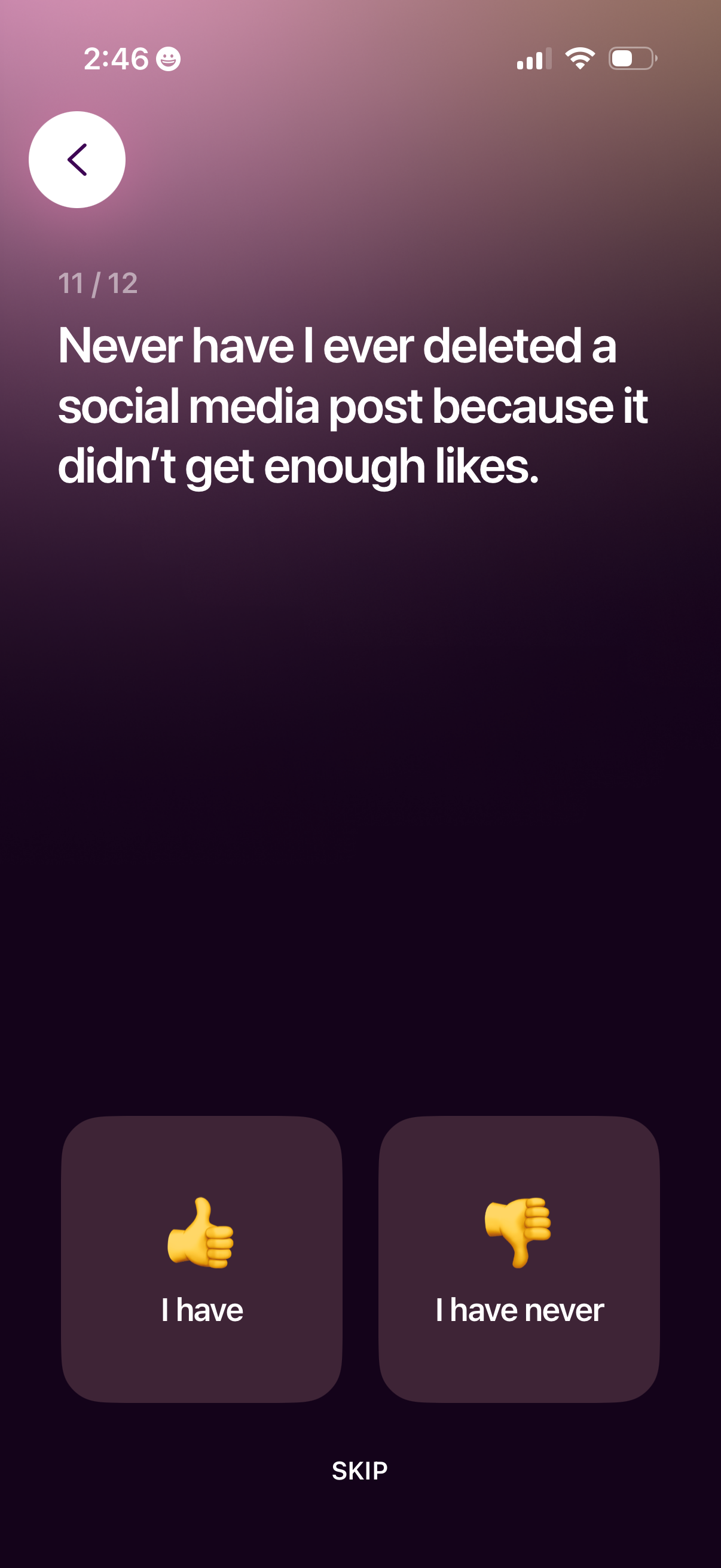
Questionnaire or onboarding prompt screen showing a statement with progress indicator (step 11/12) and response choices to answer “I have” or “I have never,” plus a skip option and back navigation. Designed for quick binary self-assessment in a multi-step survey flow.
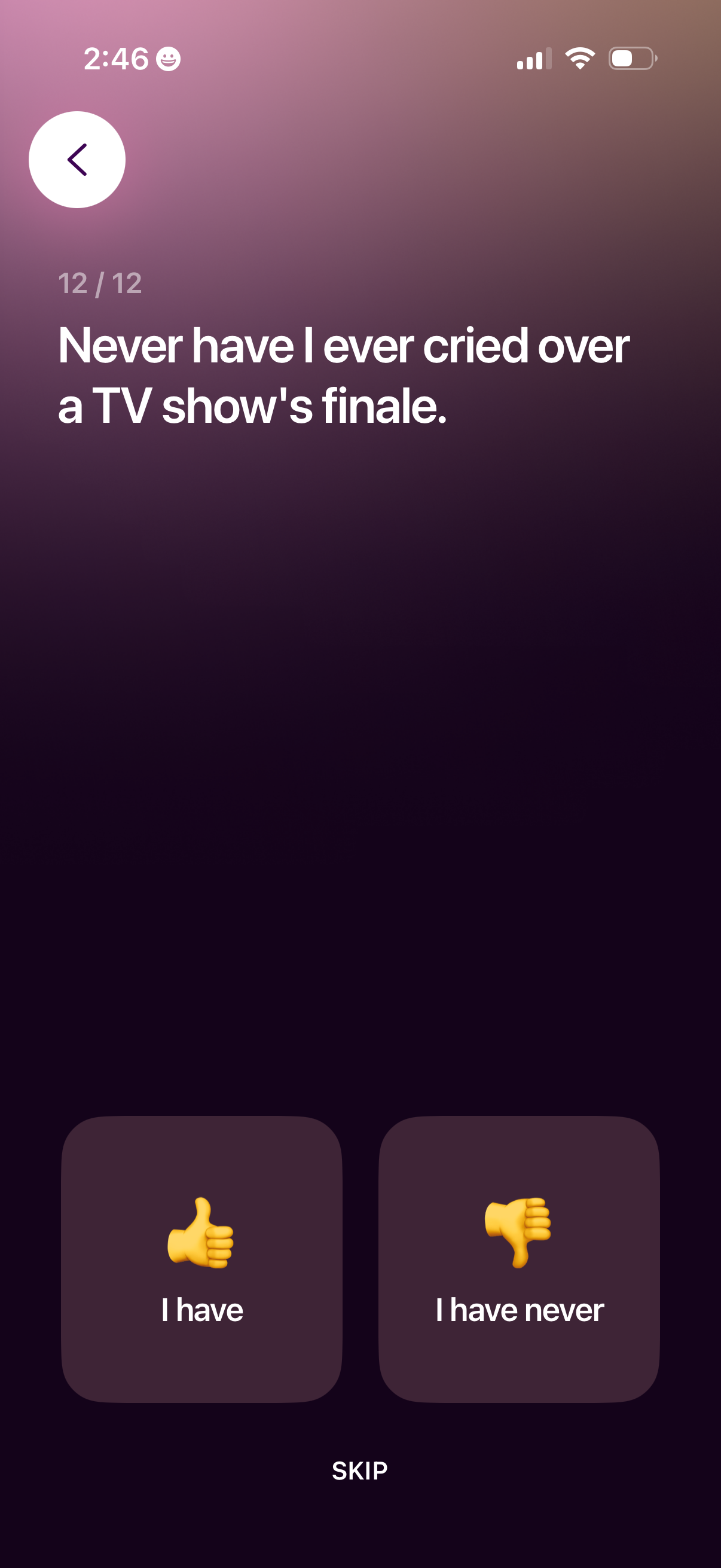
A swipe-style onboarding or quiz question screen showing statement number 12/12 with a prompt and two response buttons (“I have” thumbs up and “I have never” thumbs down), plus a back arrow and a skip action to move through the questionnaire.
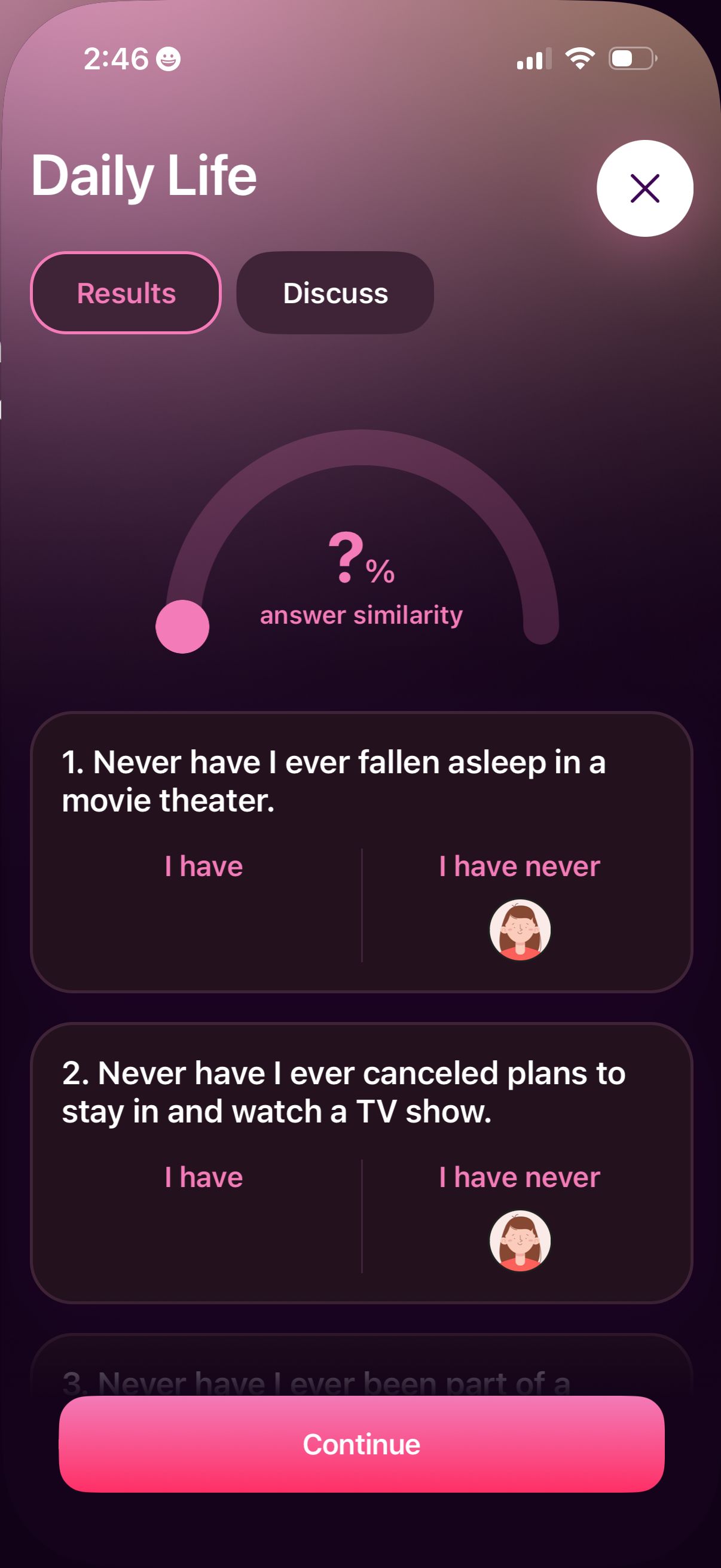
Interactive “Never have I ever” daily life quiz results screen showing answer similarity percentage and a list of statements with side-by-side choices (I have vs I have never) indicating selections. Includes tabs to switch between Results and Discuss, a close button, and a primary Continue CTA at the bottom.