answer intimate quiz

Recommendation feed showing personalized conversation prompts and couple games, with cards labeled by category (e. g.
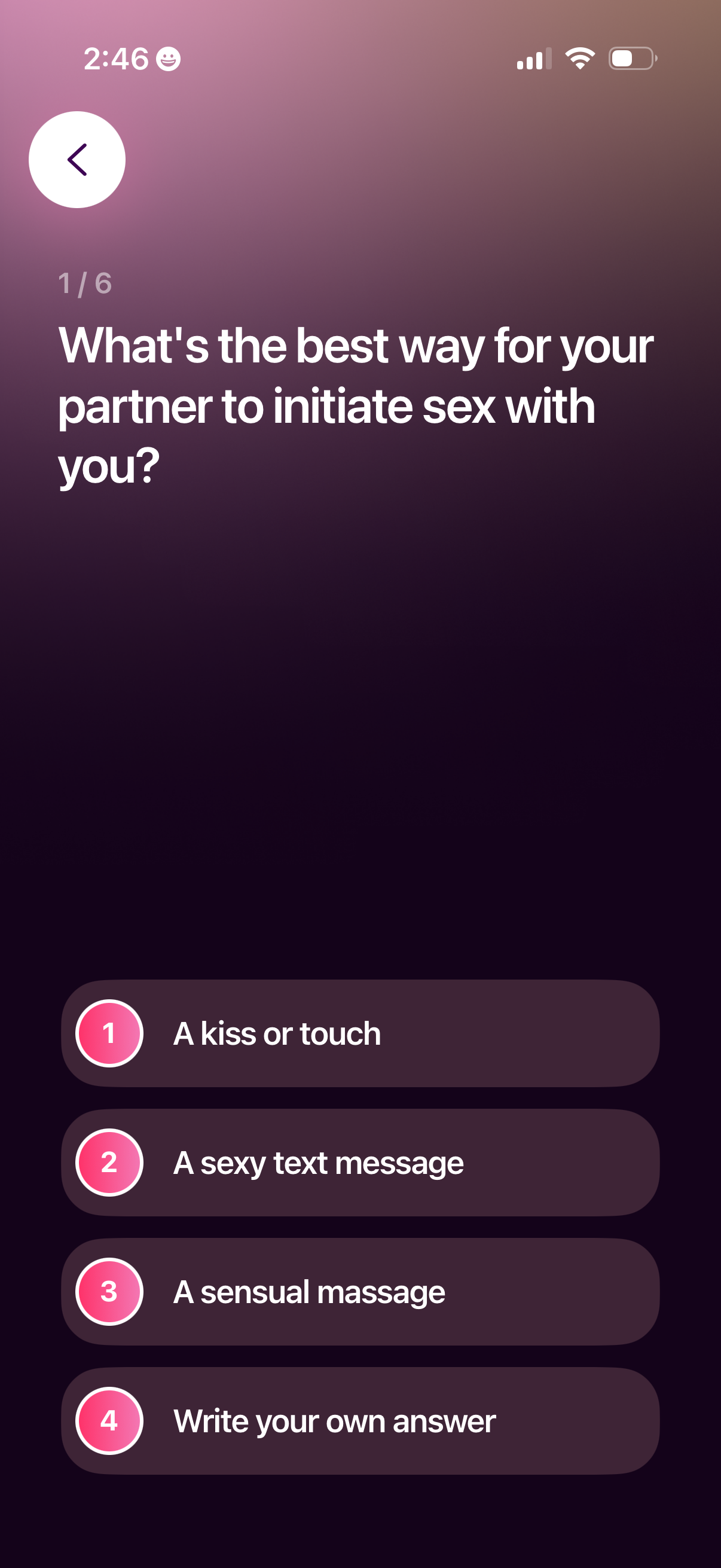
Multi-step onboarding survey screen in a relationship/sexual wellness app asking a preference question about how a partner should initiate sex, with a progress indicator (1/6), back navigation, and multiple-choice options plus a “write your own answer” free-text choice.

A multi-step onboarding questionnaire screen (2 of 6) in a dating/sexual wellness app asking how the user feels about dirty talk during sex. Users select one of several multiple-choice options or choose “write your own answer,” with a back button to navigate.
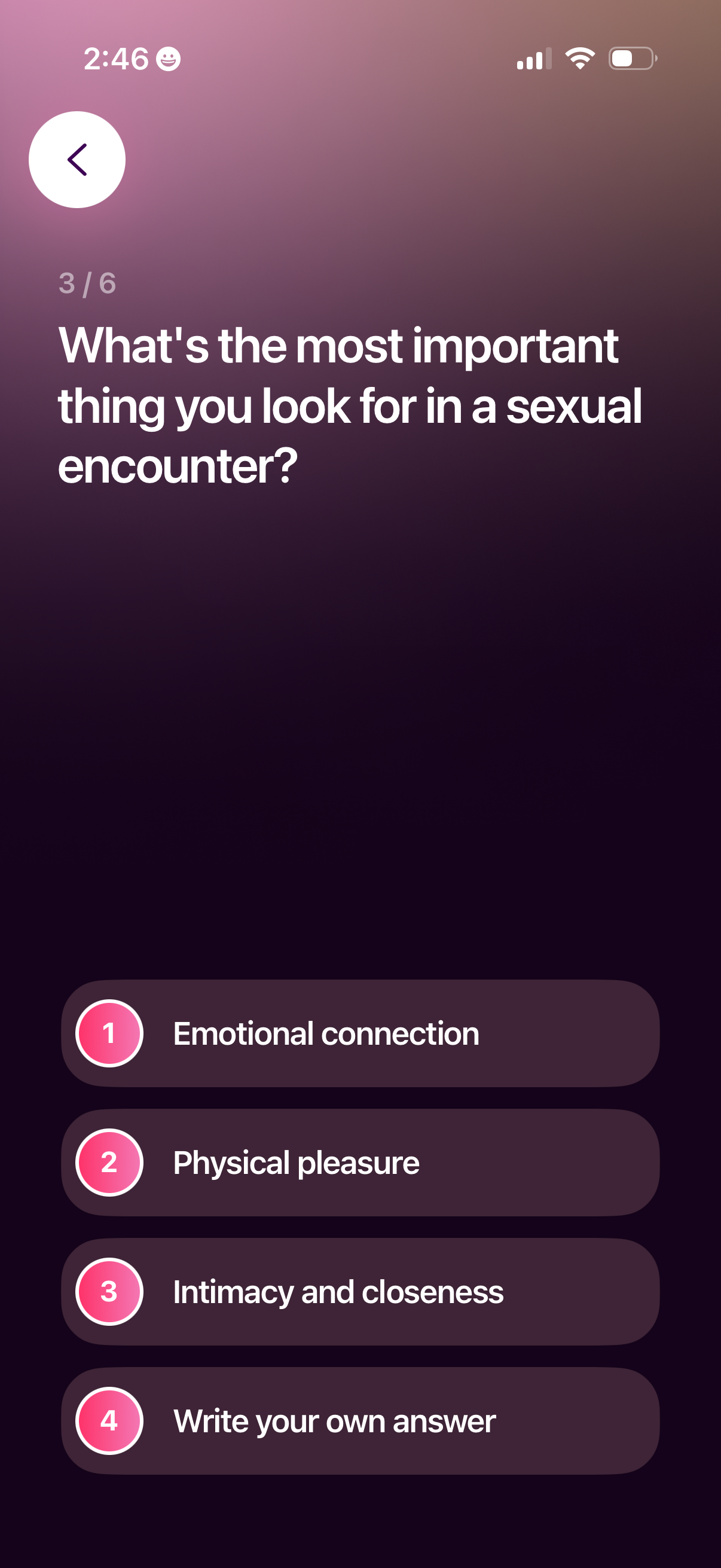
Multi-step onboarding survey screen asking a sexual preferences question and prompting the user to choose the most important aspect of a sexual encounter. Provides multiple-choice options (emotional connection, physical pleasure, intimacy/closeness) plus a “write your own answer” option, with a back button and progress indicator.
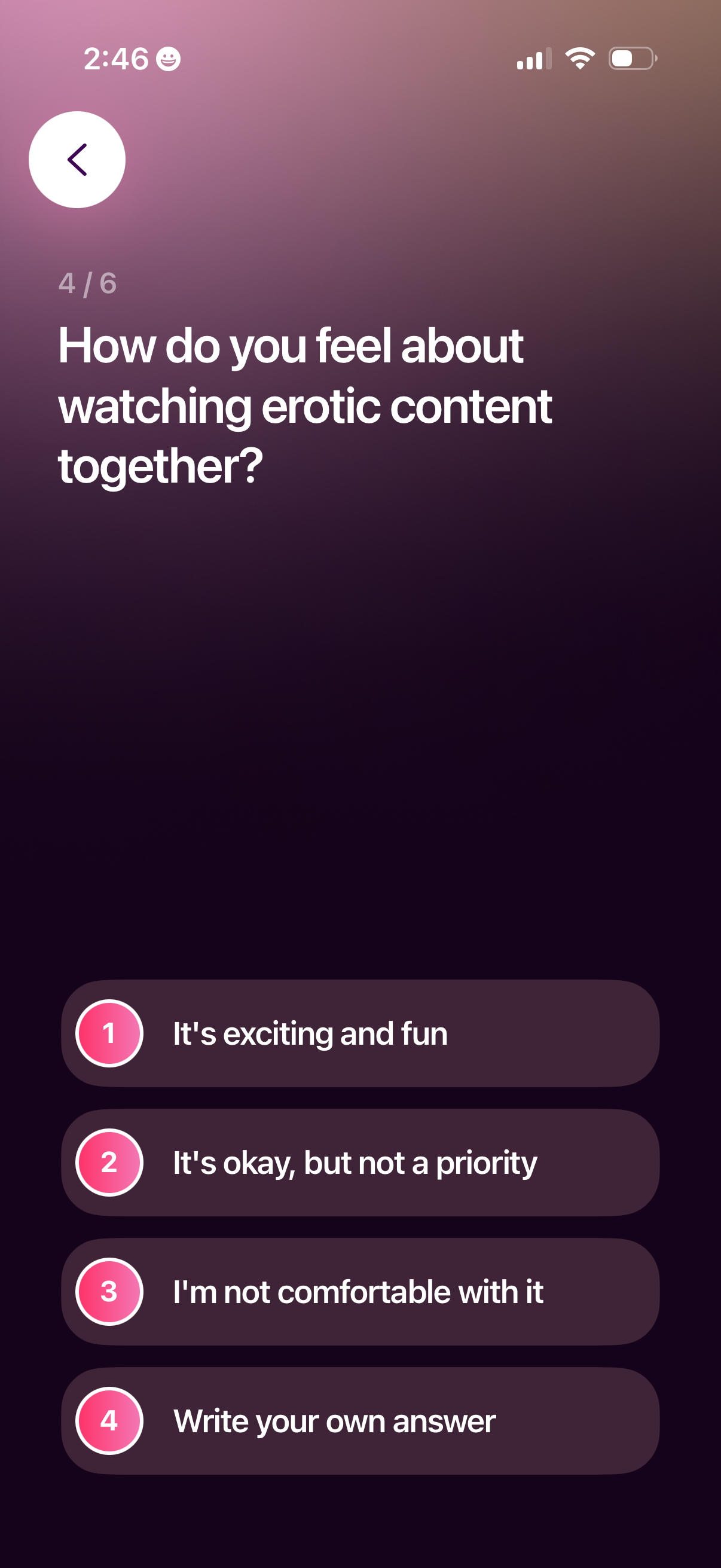
Multi-step onboarding questionnaire screen asking a relationship/sexual preference question about watching erotic content together. Users select one of several predefined choices or write a custom answer, with a back button and progress indicator (step 4 of 6).

Multi-step onboarding quiz screen asking the user a relationship/affection preference question, with a back button, progress indicator (step 5 of 6), and multiple-choice answer buttons plus an option to write a custom response.
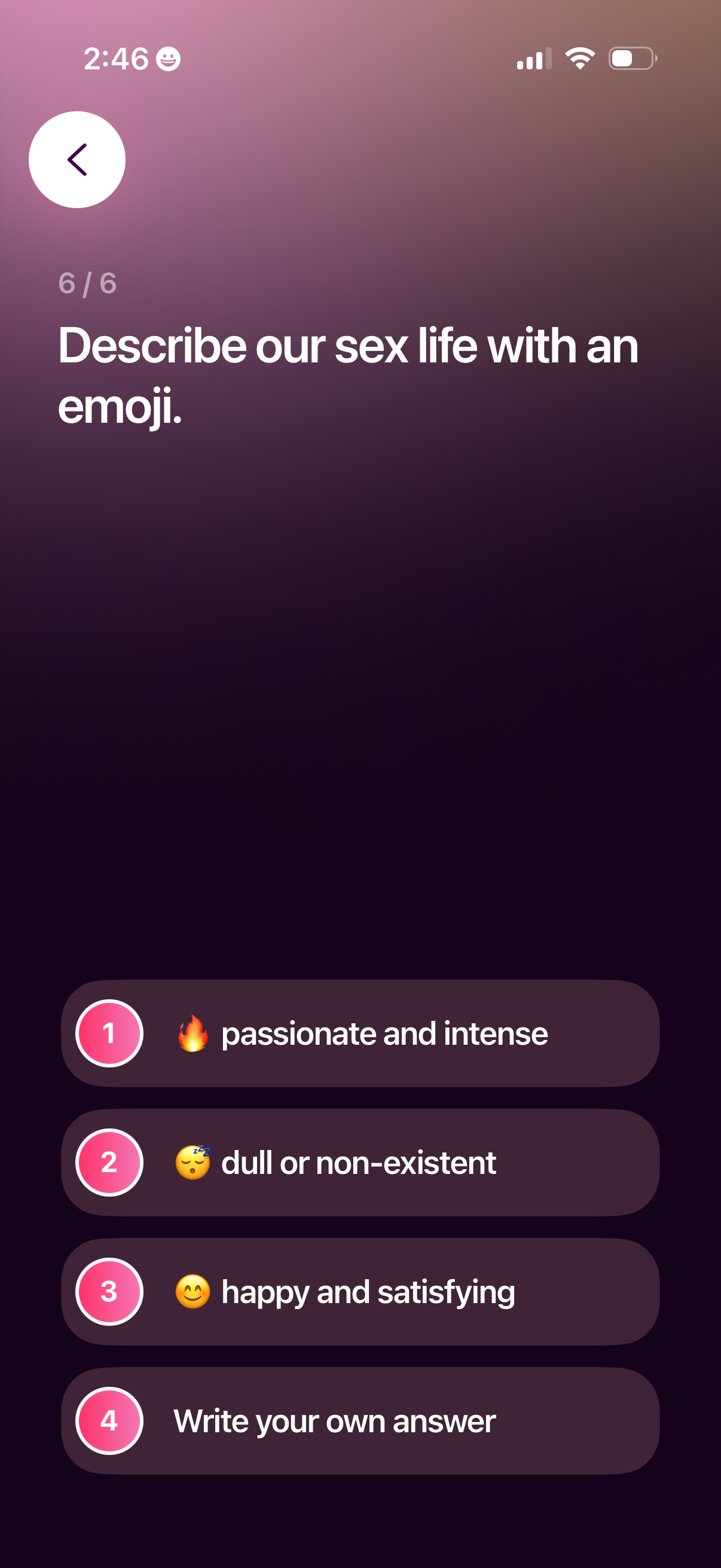
A multi-step questionnaire screen (step 6 of 6) asking users to describe their sex life with an emoji, offering multiple-choice options like passionate, dull/non-existent, or happy, plus an option to write a custom answer. Includes a back button and tappable answer rows for selection.
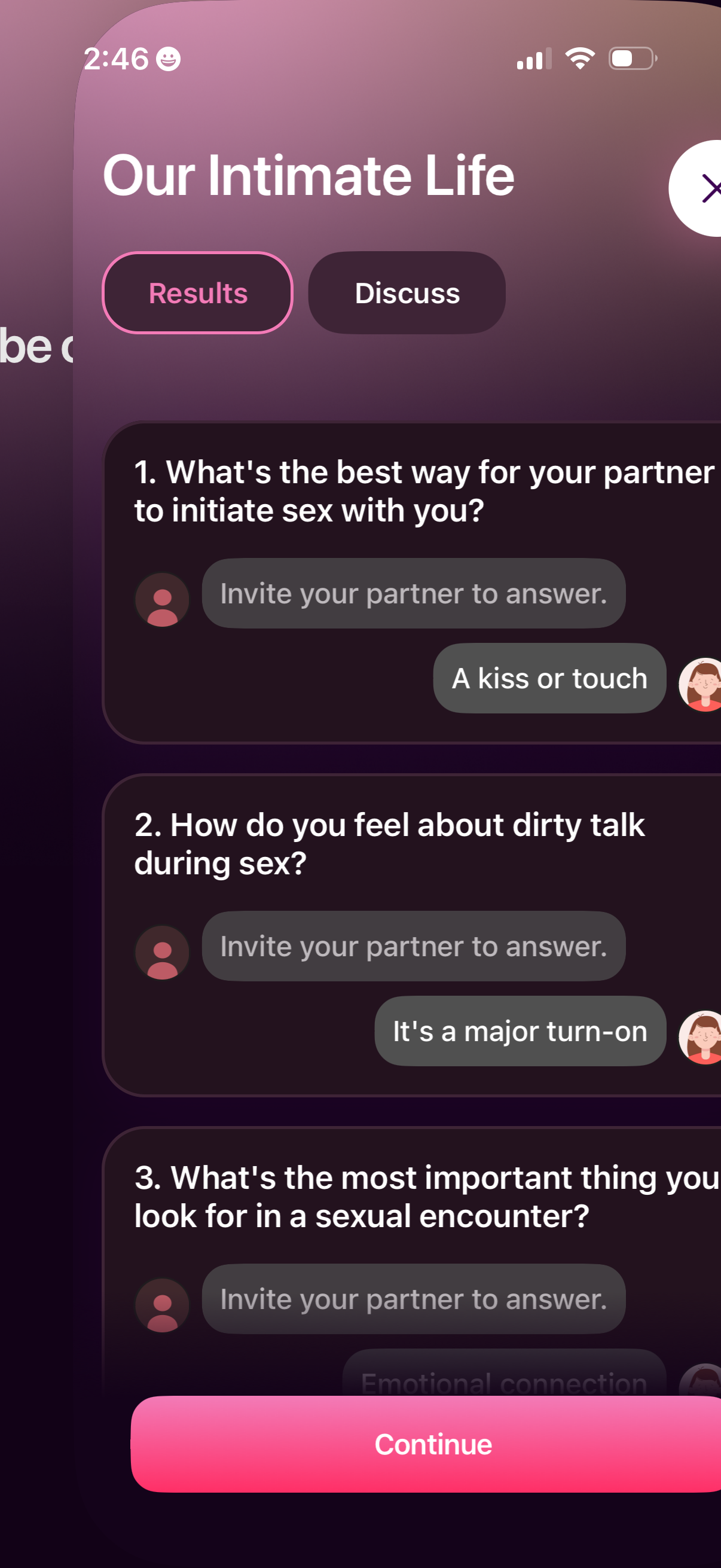
Intimacy and relationship quiz results screen showing a list of numbered sexual preference questions with chat-style answers and prompts to invite your partner to respond, with tabs to switch between “Results” and “Discuss. ” Users can review responses and proceed using a bottom “Continue” button.