Sign up
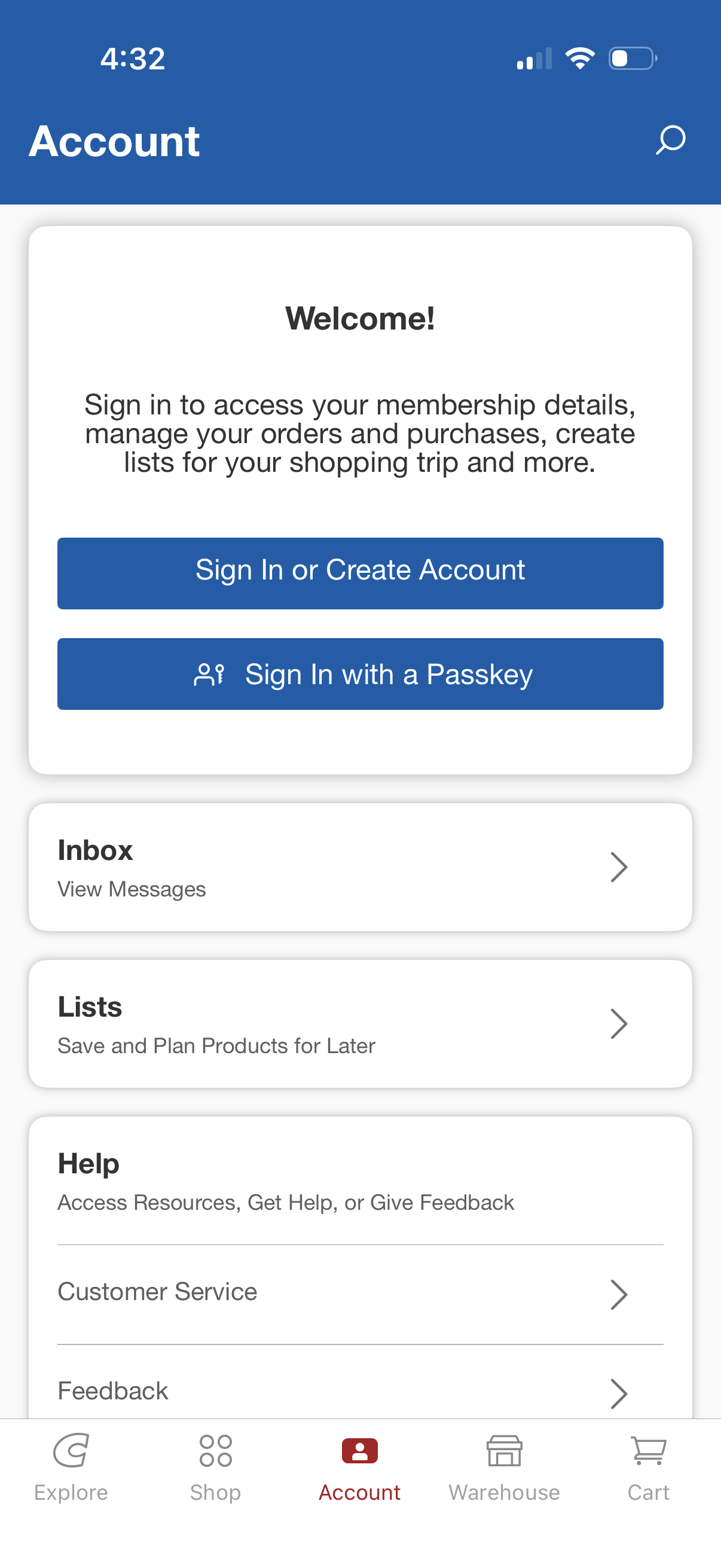
Account hub screen for a retail/membership app prompting users to sign in or create an account, with an alternative passwordless “sign in with a passkey” option. Below the login card are shortcuts to Inbox messages, saved shopping Lists, and Help resources including customer service and feedback, with a bottom tab bar for navigating the app.
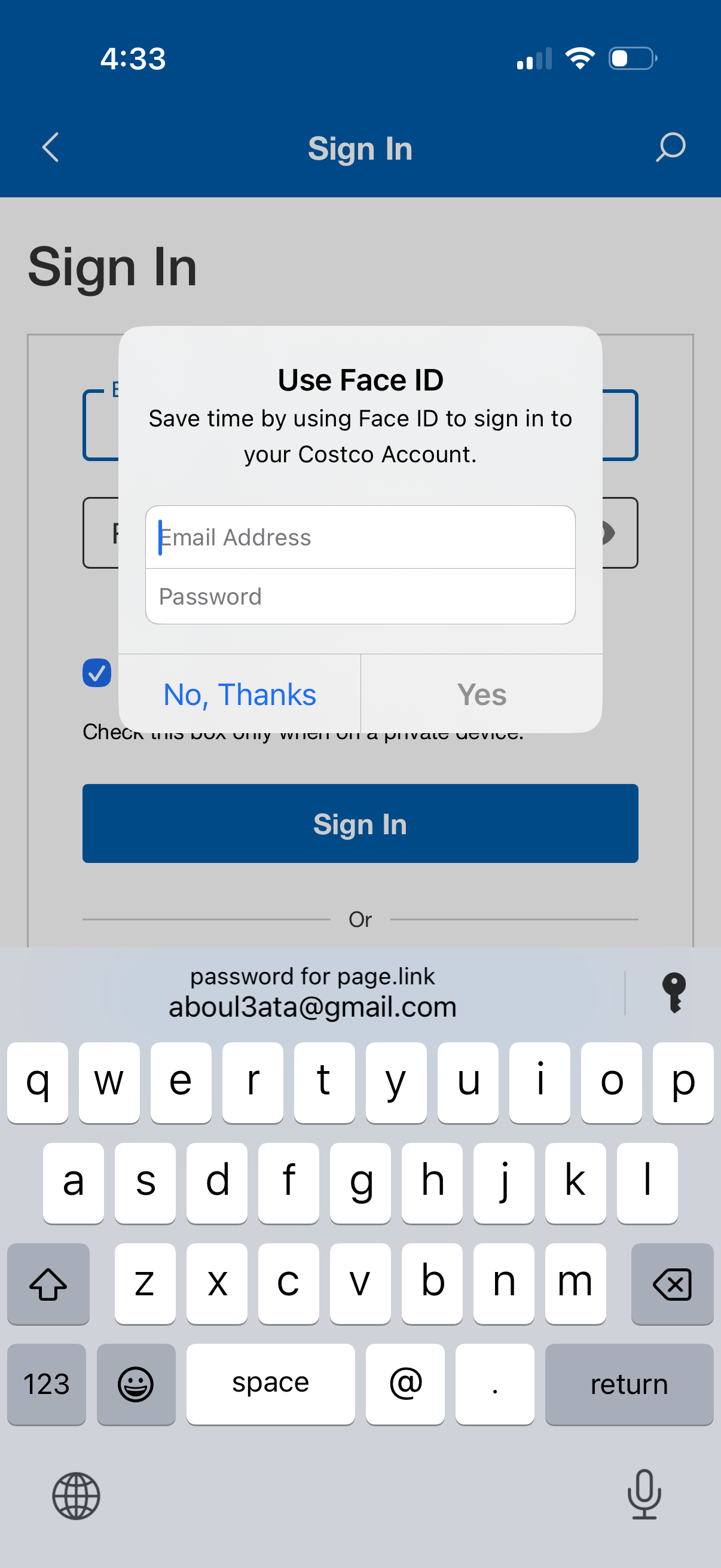
Sign-in screen with email and password fields and a primary “Sign In” button, plus options like staying signed in. A modal prompt asks the user to enable Face ID for faster login with “Yes” or “No, Thanks” actions.
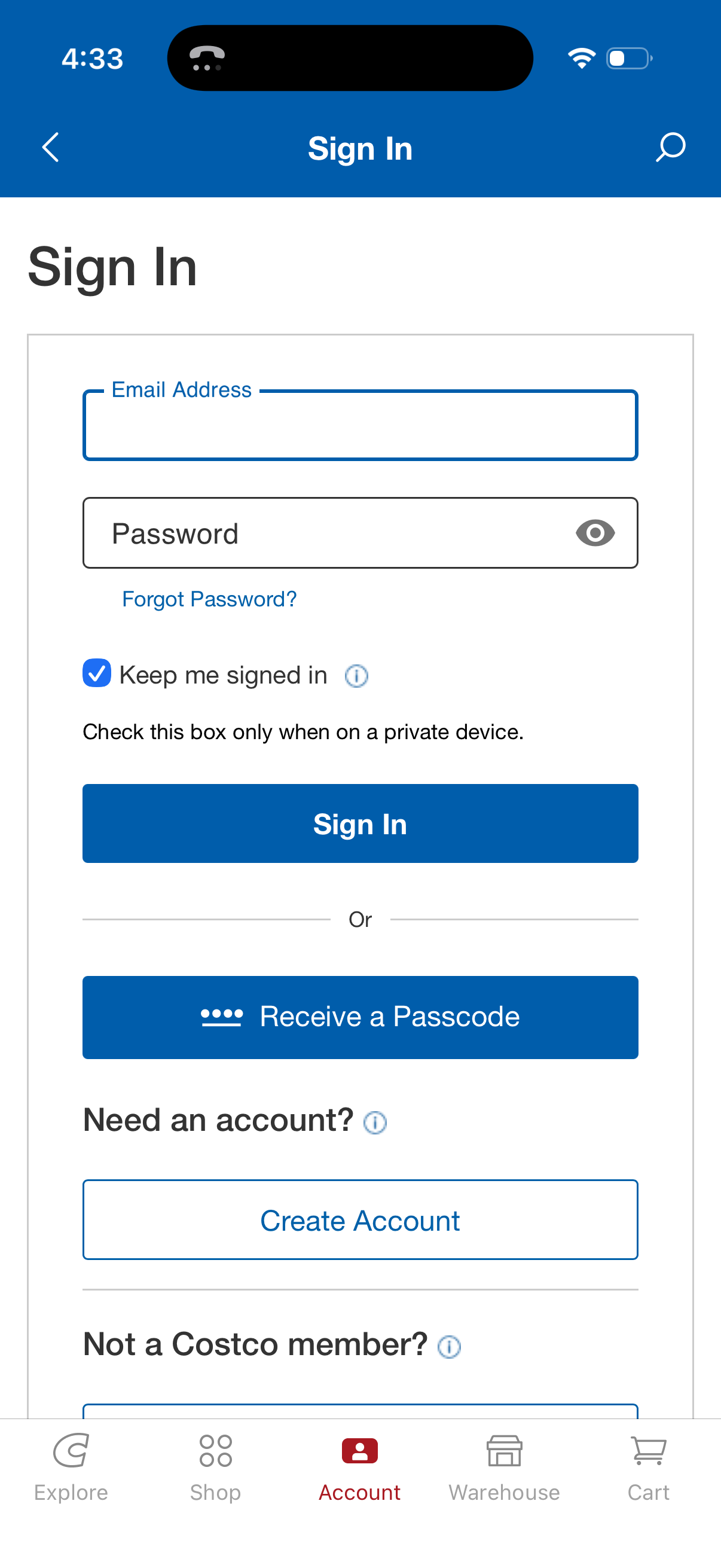
Email-and-password sign-in screen with password visibility toggle, “Forgot Password? ” recovery link, and a “Keep me signed in” checkbox for persistent login.
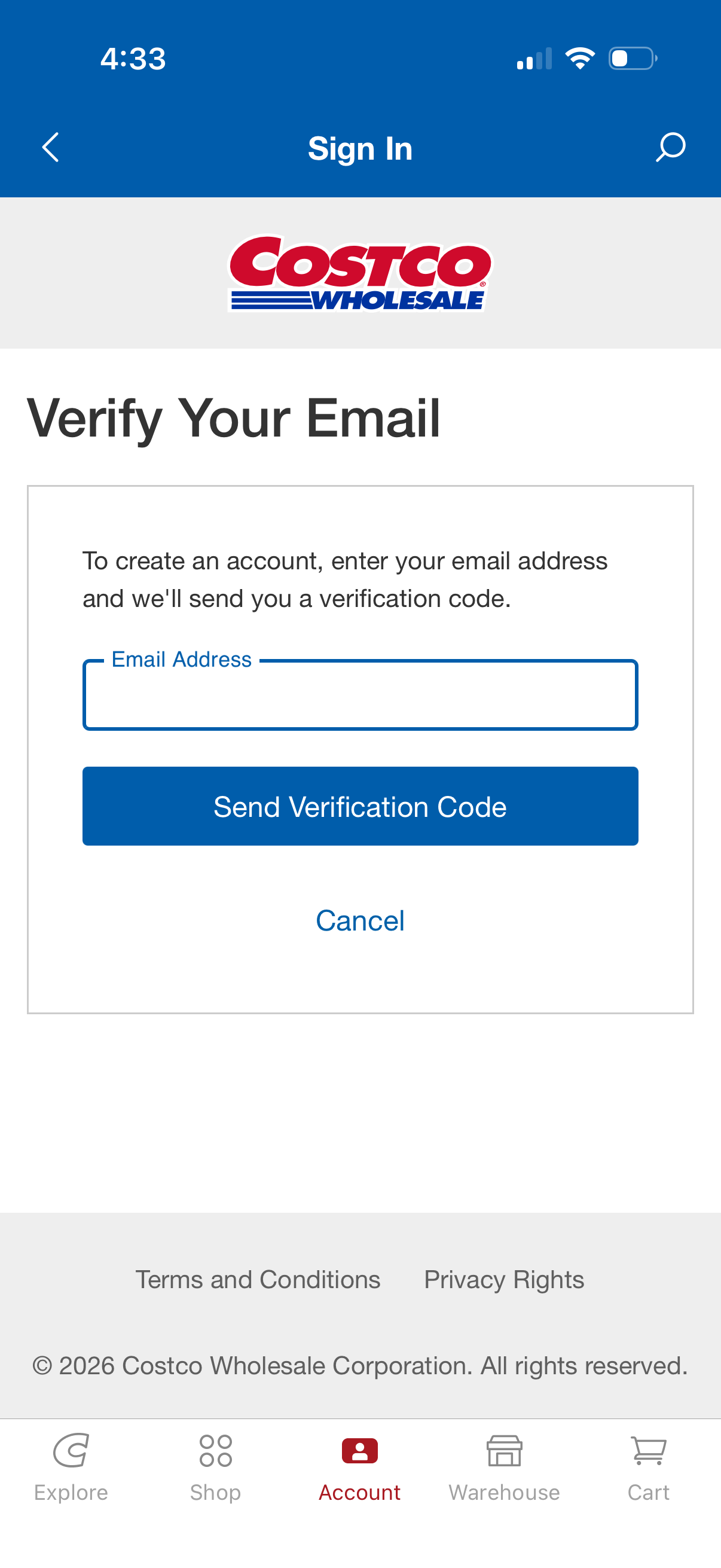
Email verification screen in the sign-in/account creation flow prompting the user to enter an email address to receive a verification code. Includes an email input field, primary “Send Verification Code” button, and a cancel action.
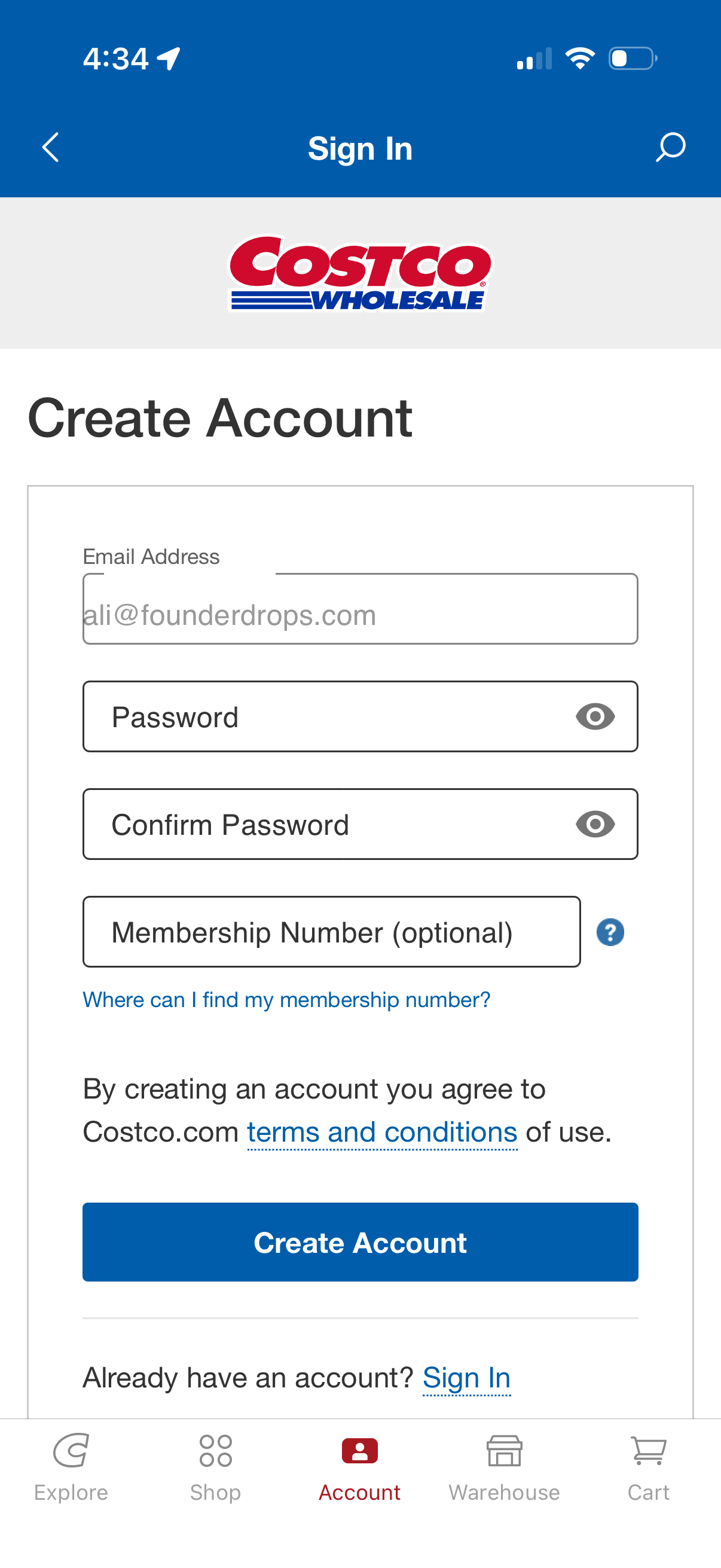
Account creation screen for a retail membership app where users sign up with email, password, and confirm password, with an optional membership number field and help link to find it. Includes password visibility toggles, a terms and conditions link, a primary “Create Account” button, and a secondary link to sign in if the user already has an account.