Onboarding
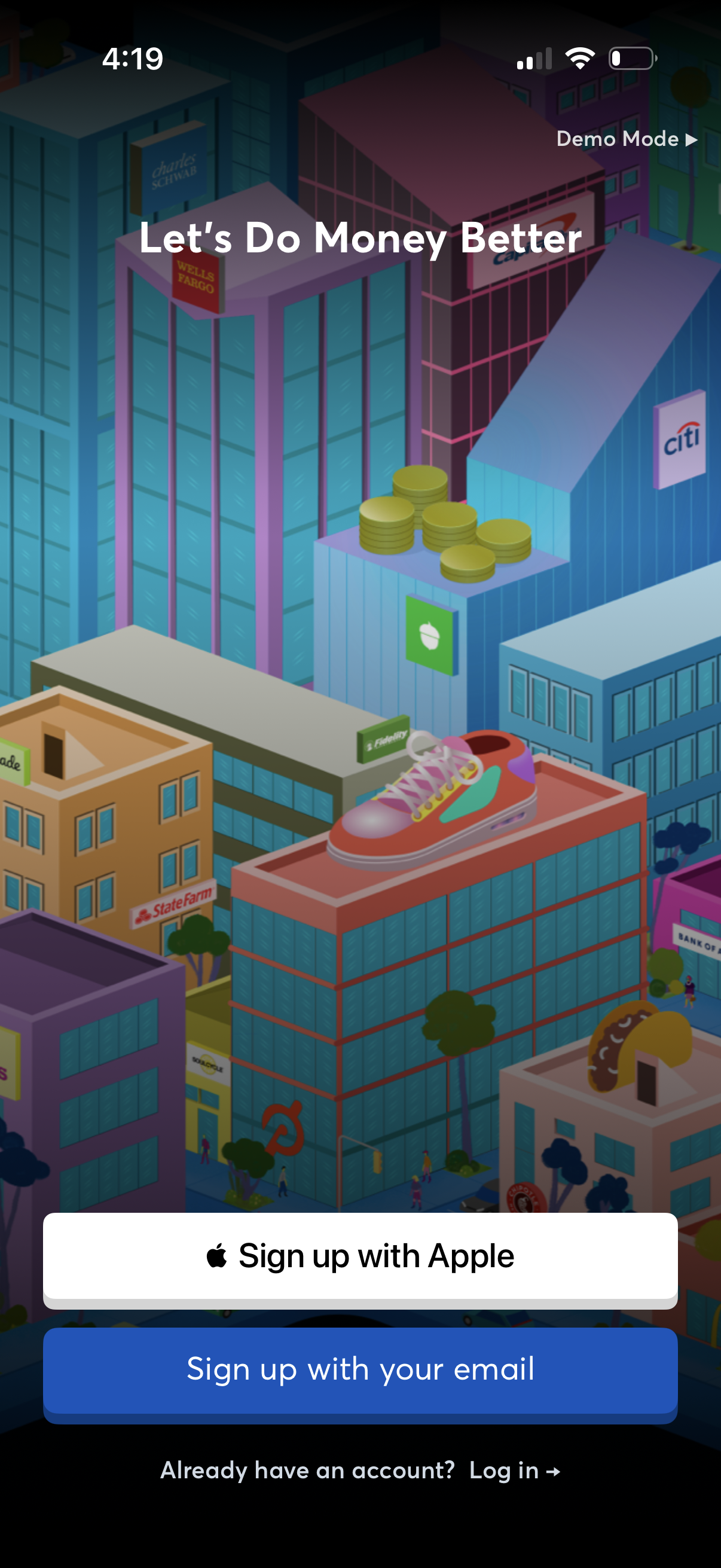
Onboarding welcome screen for a personal finance app with a “Let’s Do Money Better” headline and illustration background, prompting account creation. Primary actions include signing up with Apple or email, plus a link to log in for existing users.
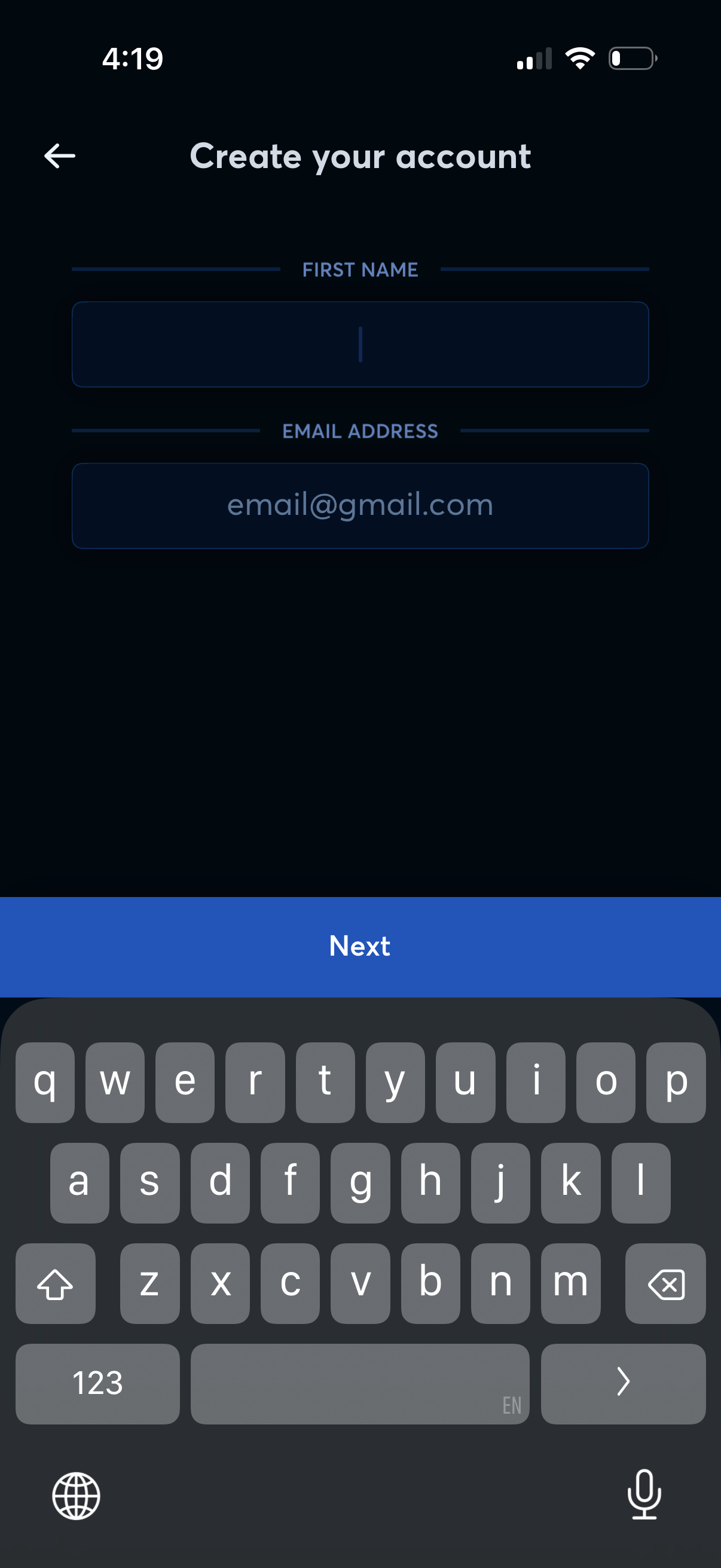
Account creation sign-up screen with form fields to enter first name and email address, plus a back navigation arrow. A primary “Next” button advances to the next step in onboarding/registration.
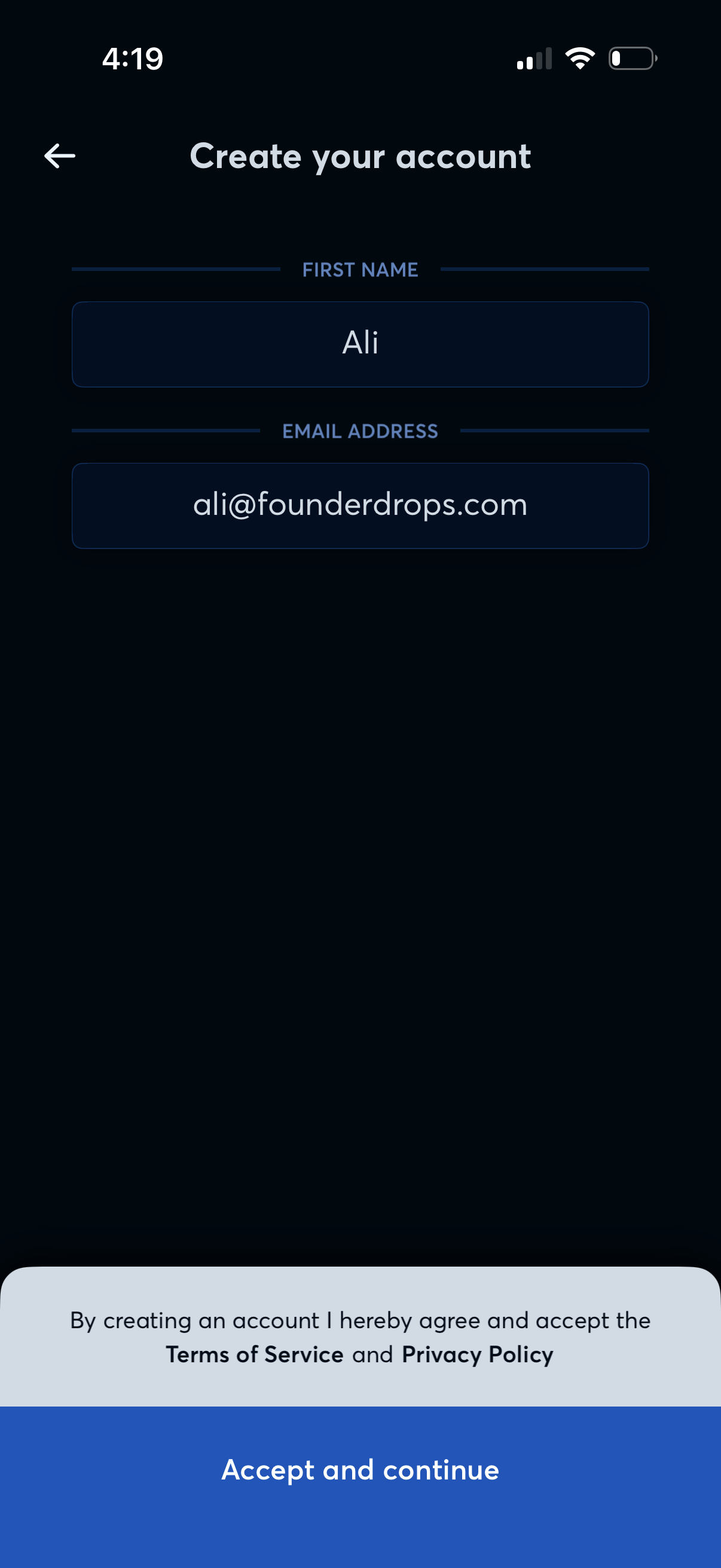
Account creation sign-up screen with form fields to enter first name and email address. Includes a terms of service and privacy policy consent message and a primary “Accept and continue” button to proceed, plus a back navigation arrow.
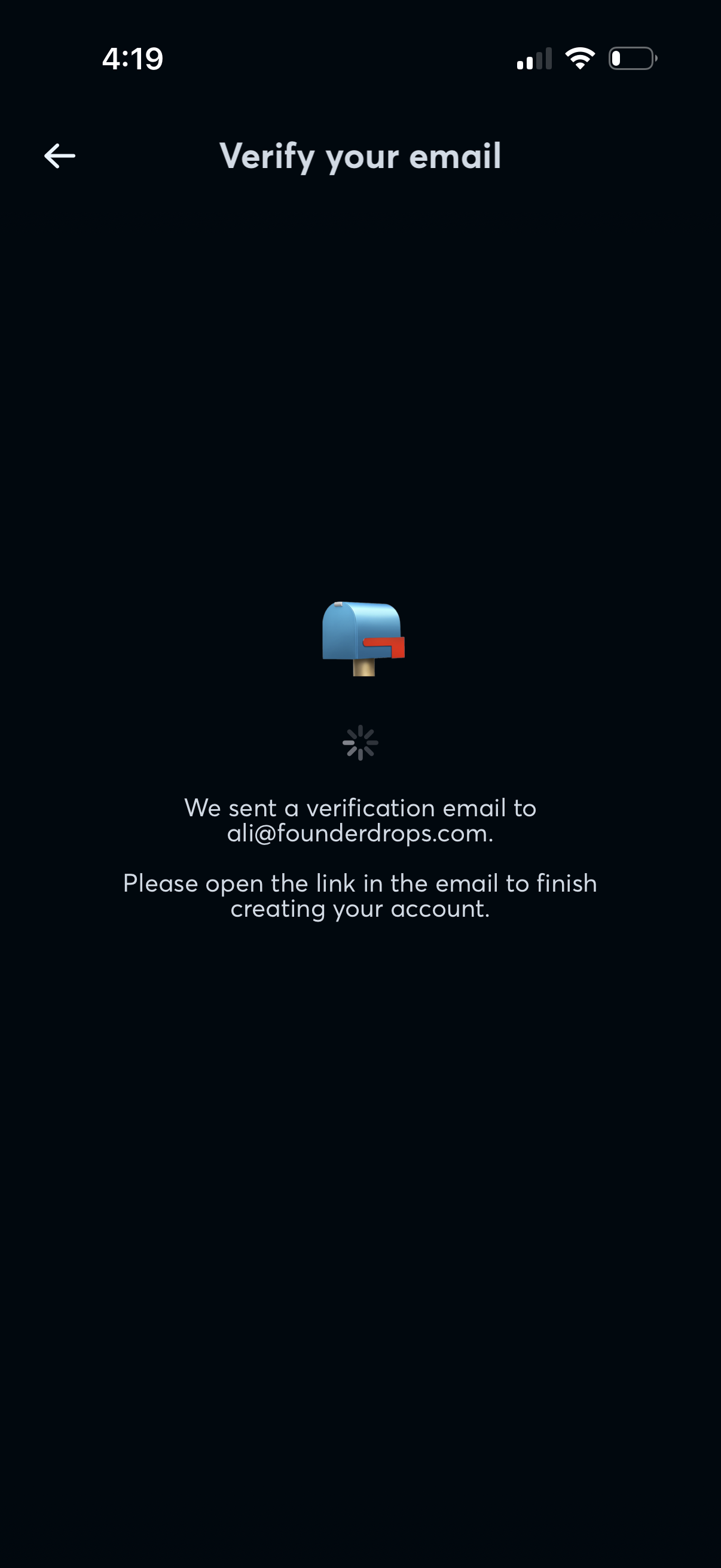
Email verification waiting screen during sign-up, confirming that a verification email was sent and instructing the user to open the link in their inbox to finish creating the account. Includes a back navigation arrow and a loading/processing indicator while awaiting confirmation.
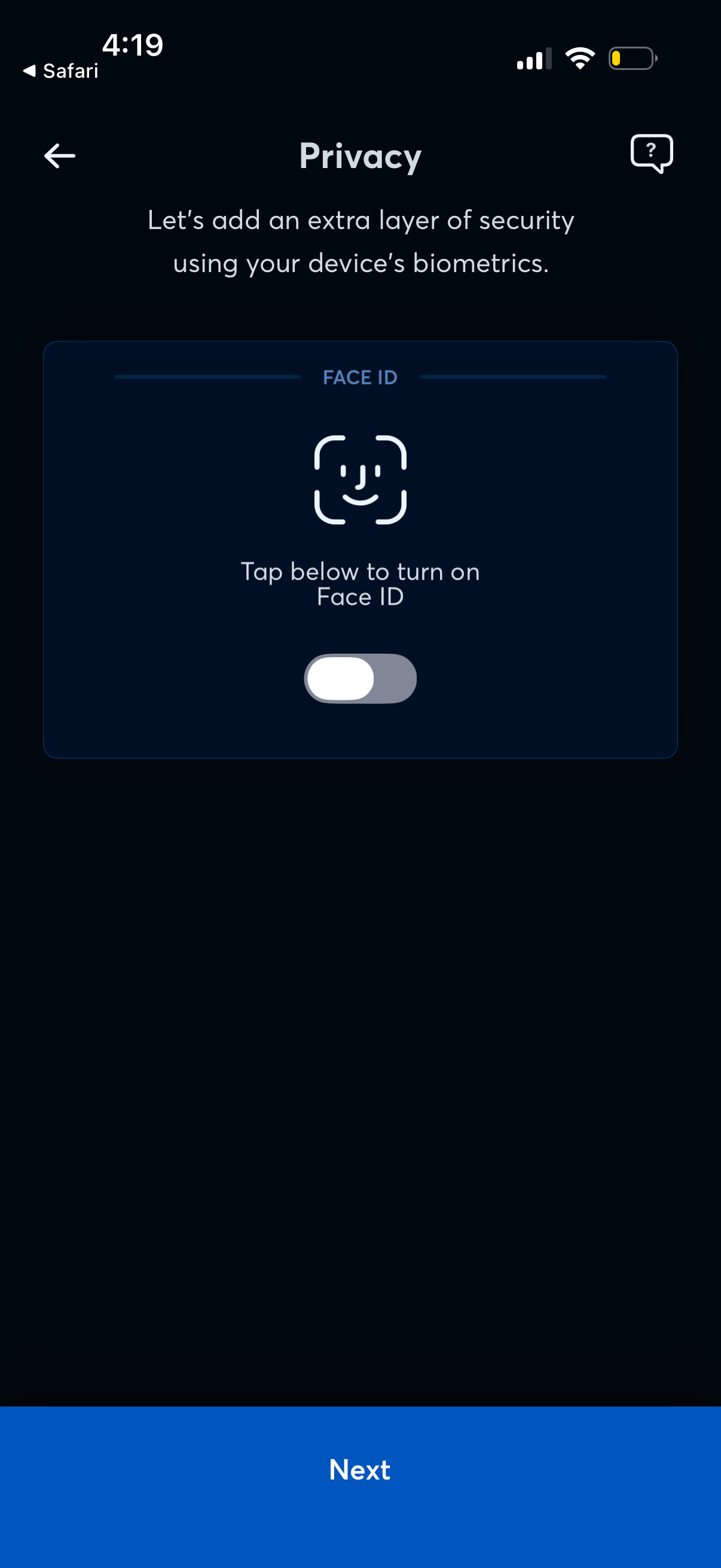
Privacy setup screen prompting the user to add an extra layer of security by enabling Face ID biometric authentication, with a toggle to turn it on. Includes navigation back, a help icon, and a primary Next button to continue the onboarding flow.
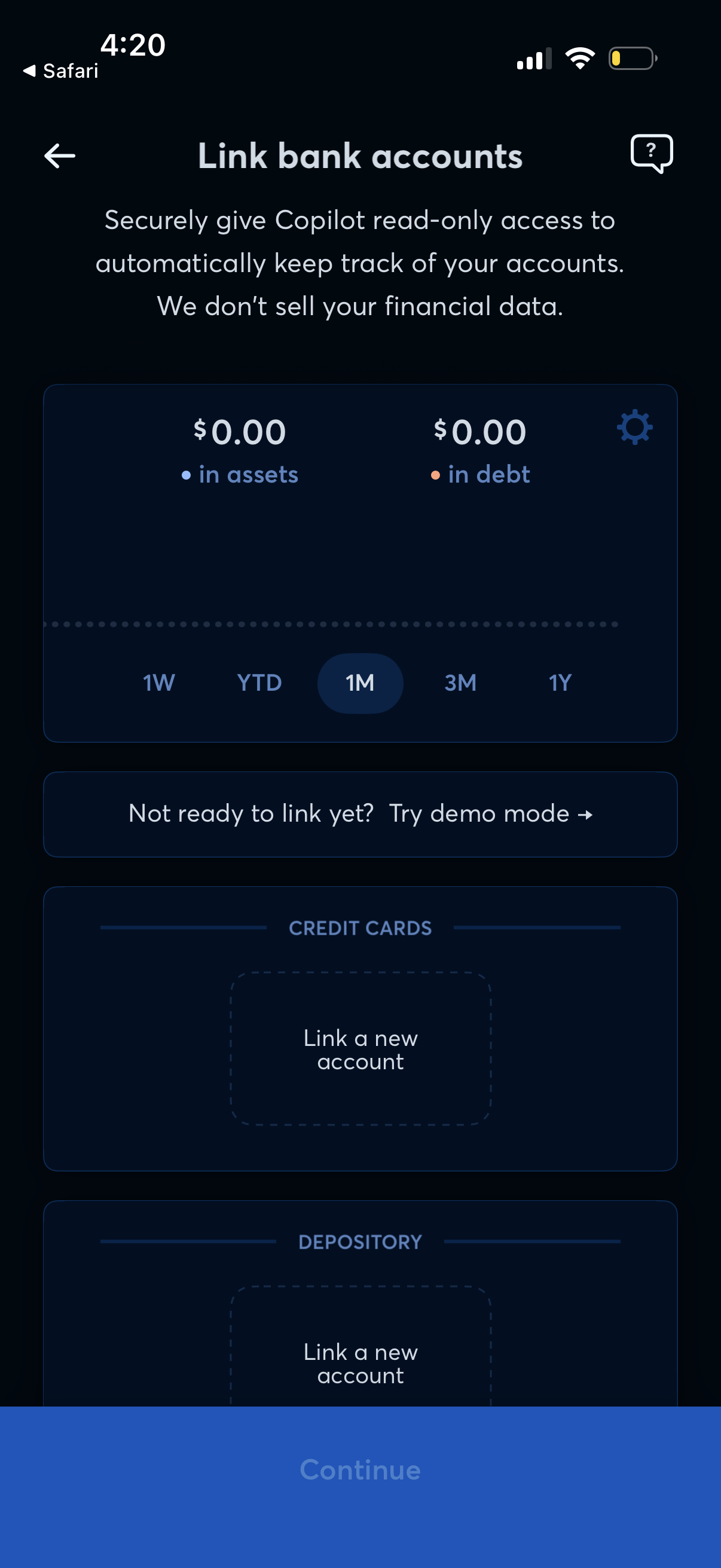
Bank account linking screen for a personal finance app that explains secure read-only access and data privacy, shows a summary of assets and debt with a time-range selector, and lets users link new accounts by category (e. g.