get course recommendations
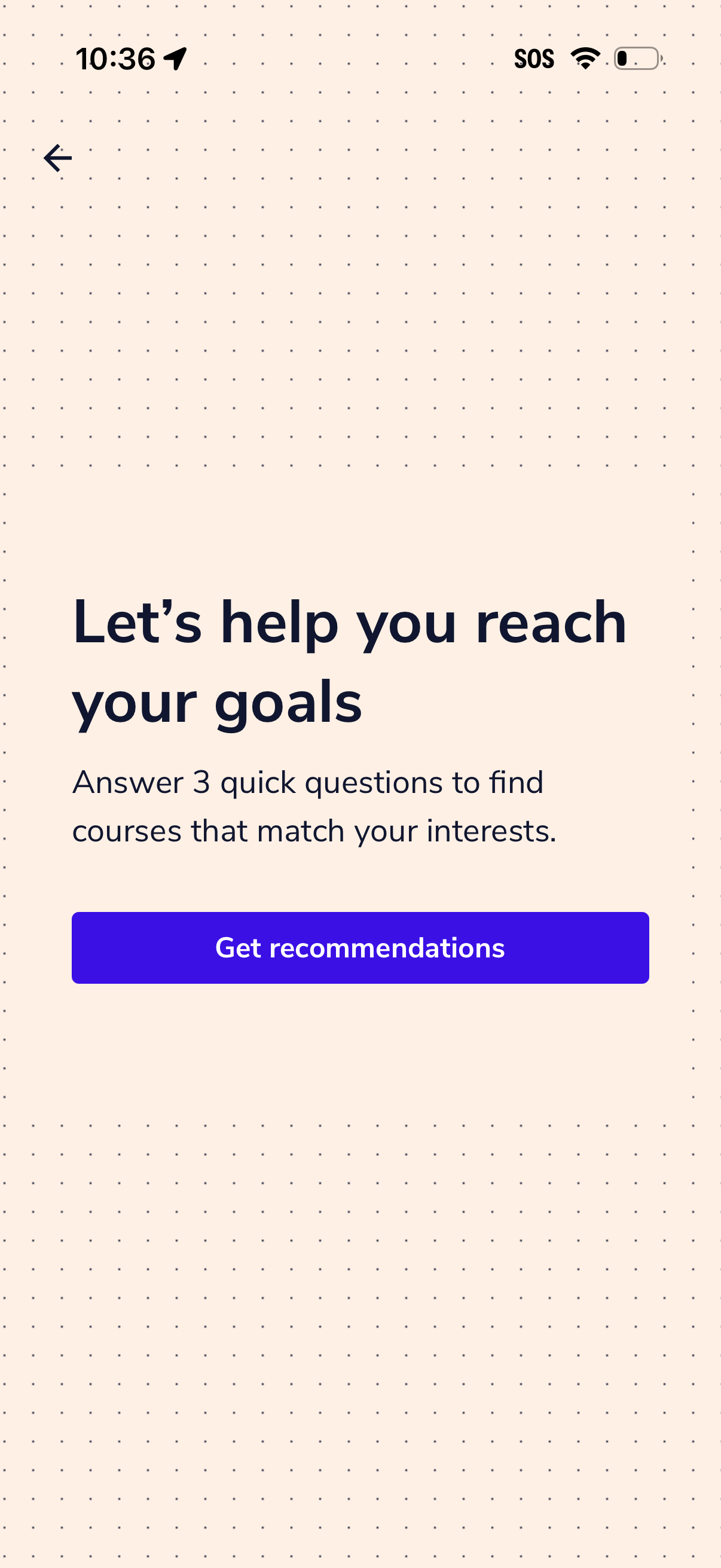
Course discovery onboarding screen prompting users to answer three quick questions to personalize learning and match courses to their interests and goals. Includes a primary “Get recommendations” call-to-action and a back navigation arrow.
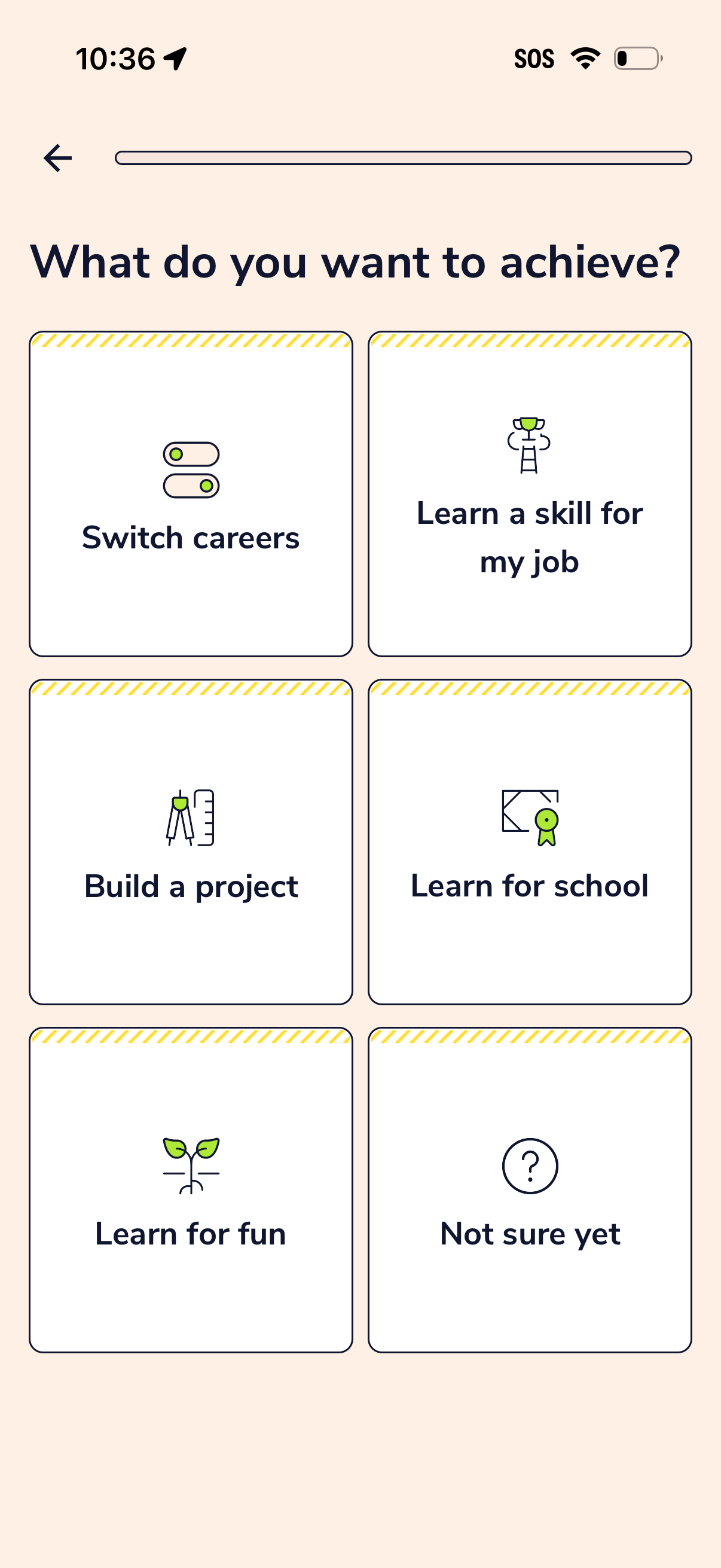
Onboarding goal selection screen asking “What do you want to achieve? ” with a grid of large option cards.
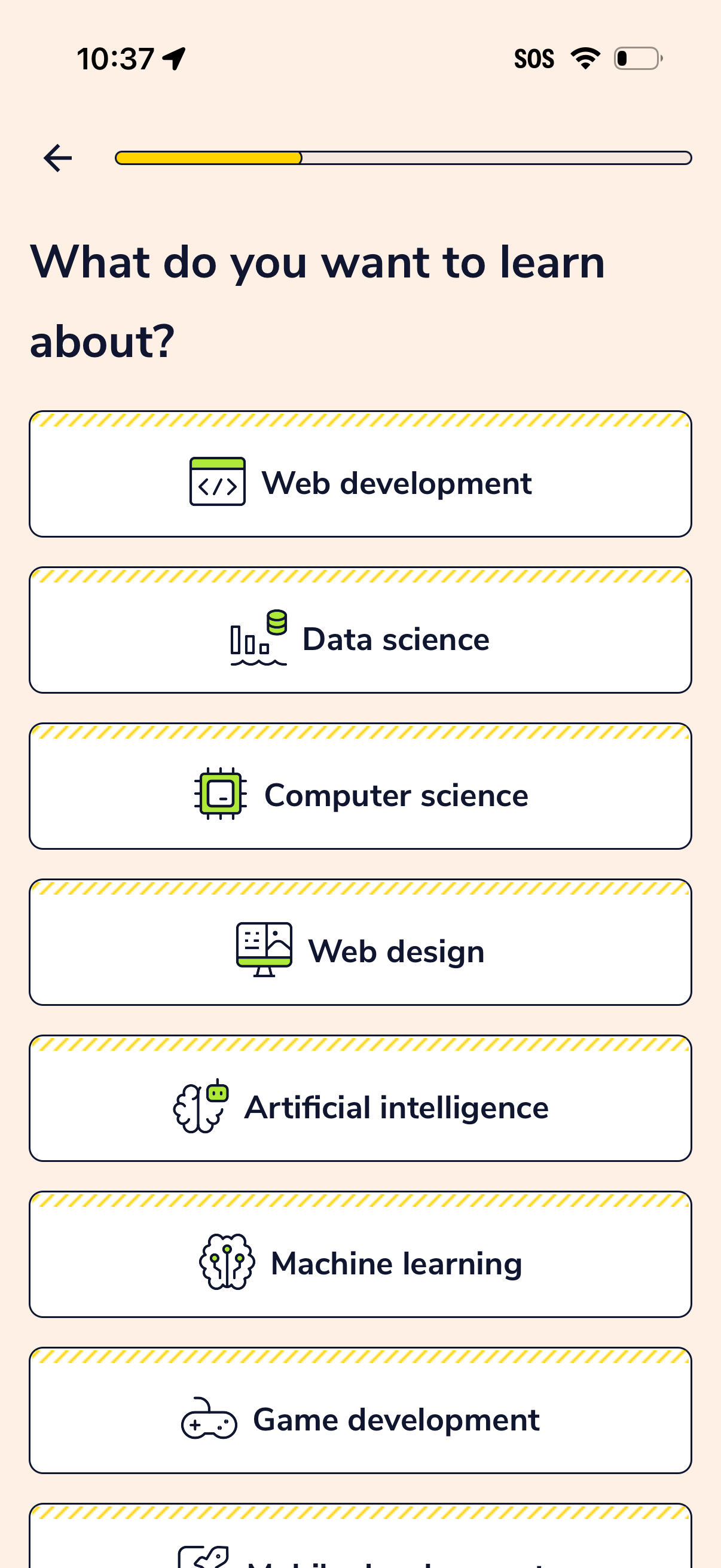
Onboarding interest selection screen for a learning app asking “What do you want to learn about? ” with a progress bar and back button.
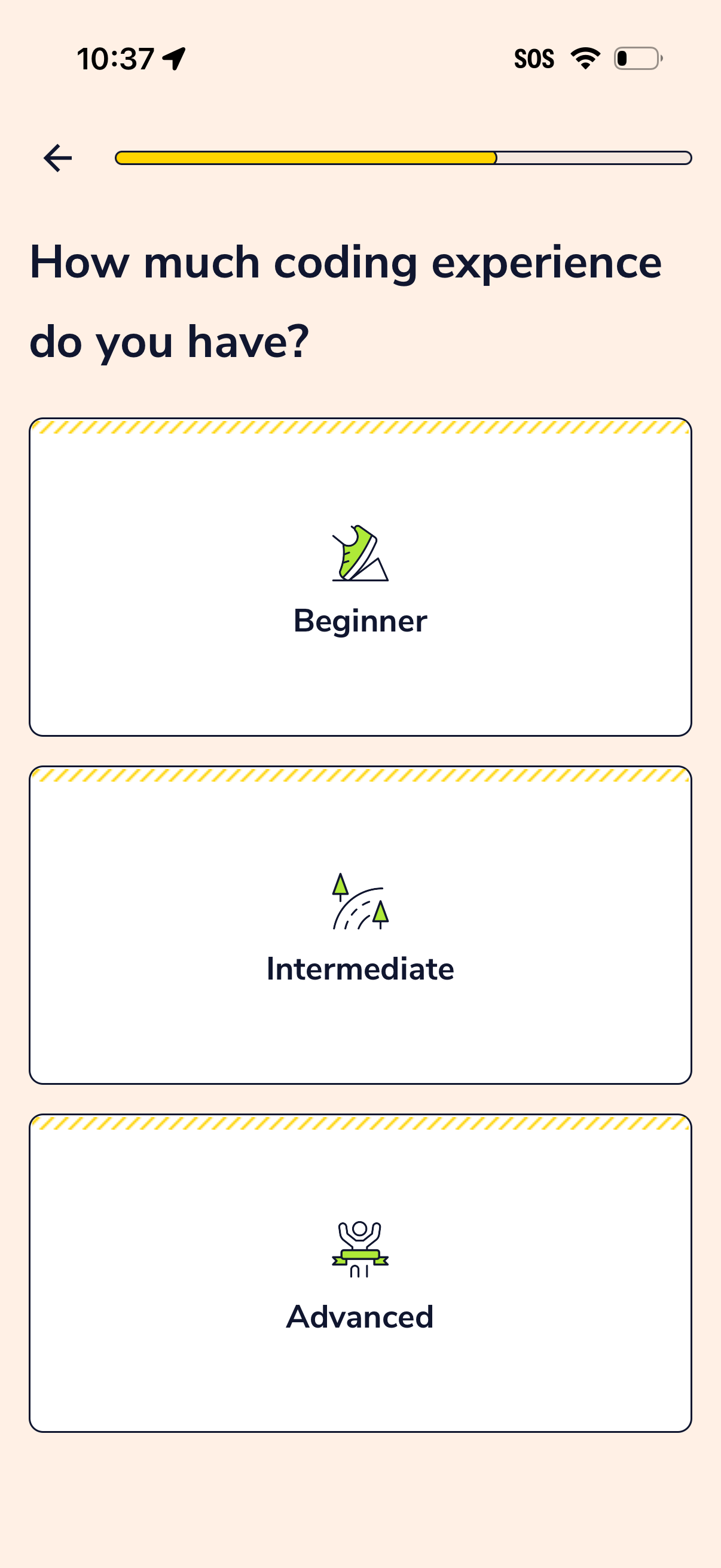
Onboarding questionnaire screen asking the user to select their coding experience level, with large selectable cards for Beginner, Intermediate, and Advanced. Includes a back button and a progress indicator showing the setup flow completion.
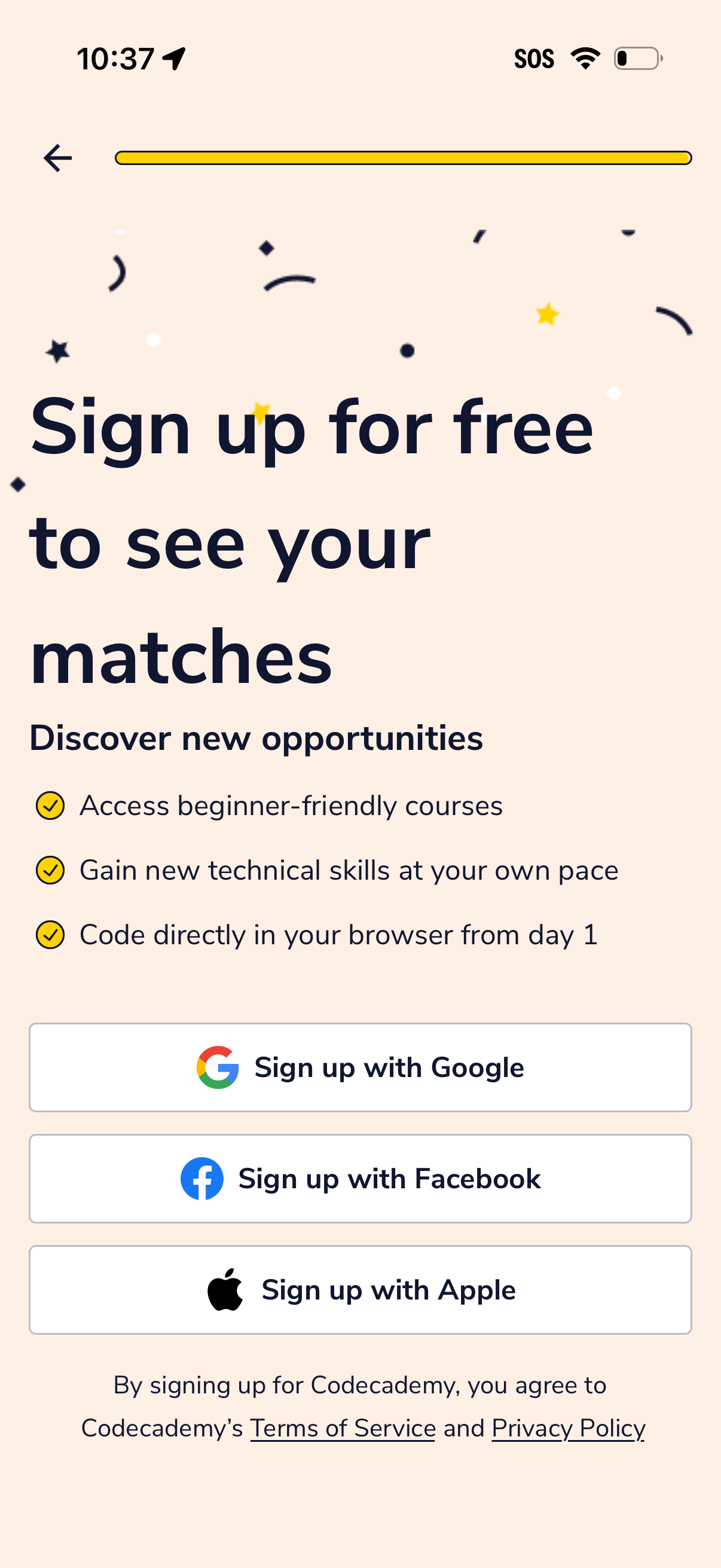
Account sign-up gate screen prompting users to create a free account to view their matches, highlighting benefits with a short checklist. Provides social sign-up options via Google, Facebook, or Apple and includes links to Terms of Service and Privacy Policy with a back navigation.