Sign up
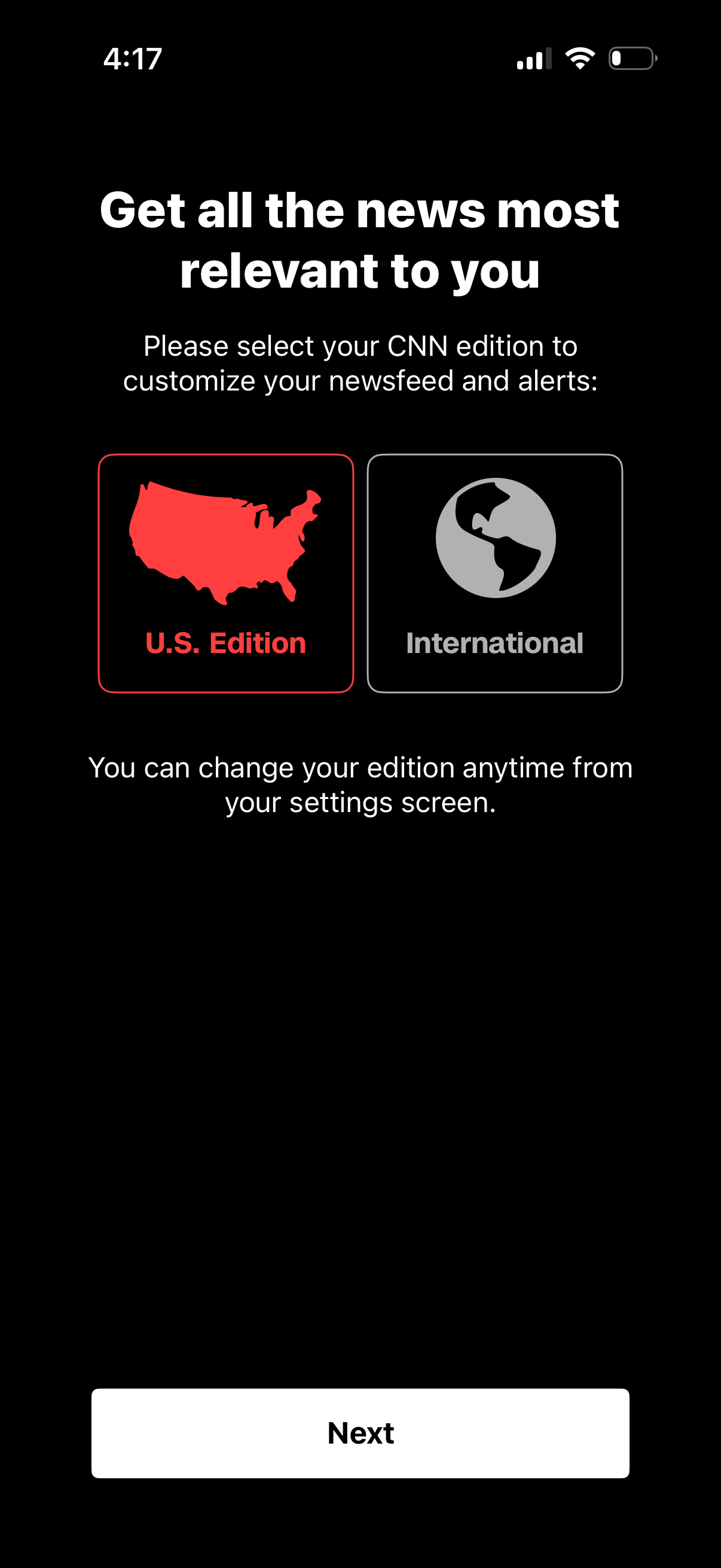
Onboarding preference screen for a news app prompting users to choose a regional edition to personalize their newsfeed and alerts, with selectable tiles for U. S.
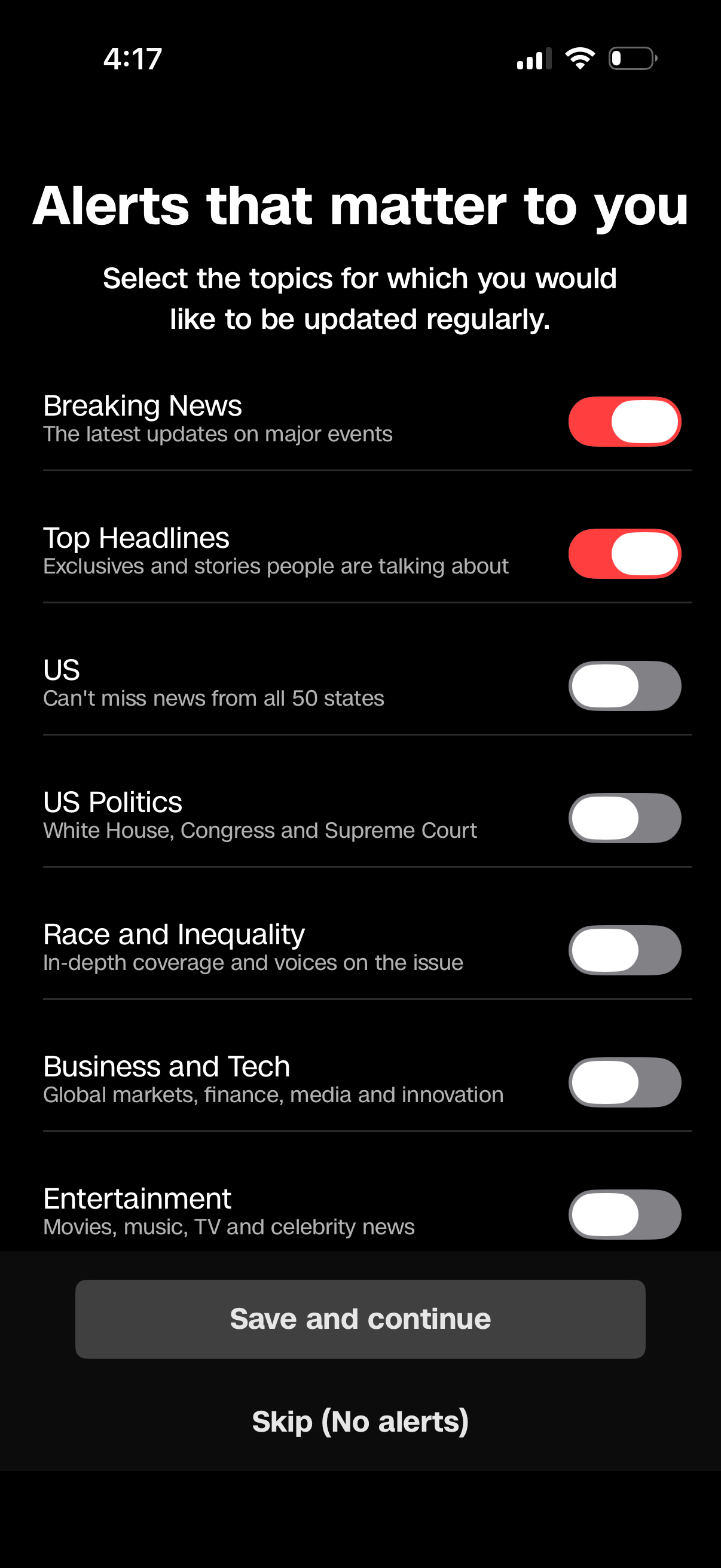
News alerts onboarding screen where users choose notification topics via toggle switches (e. g.
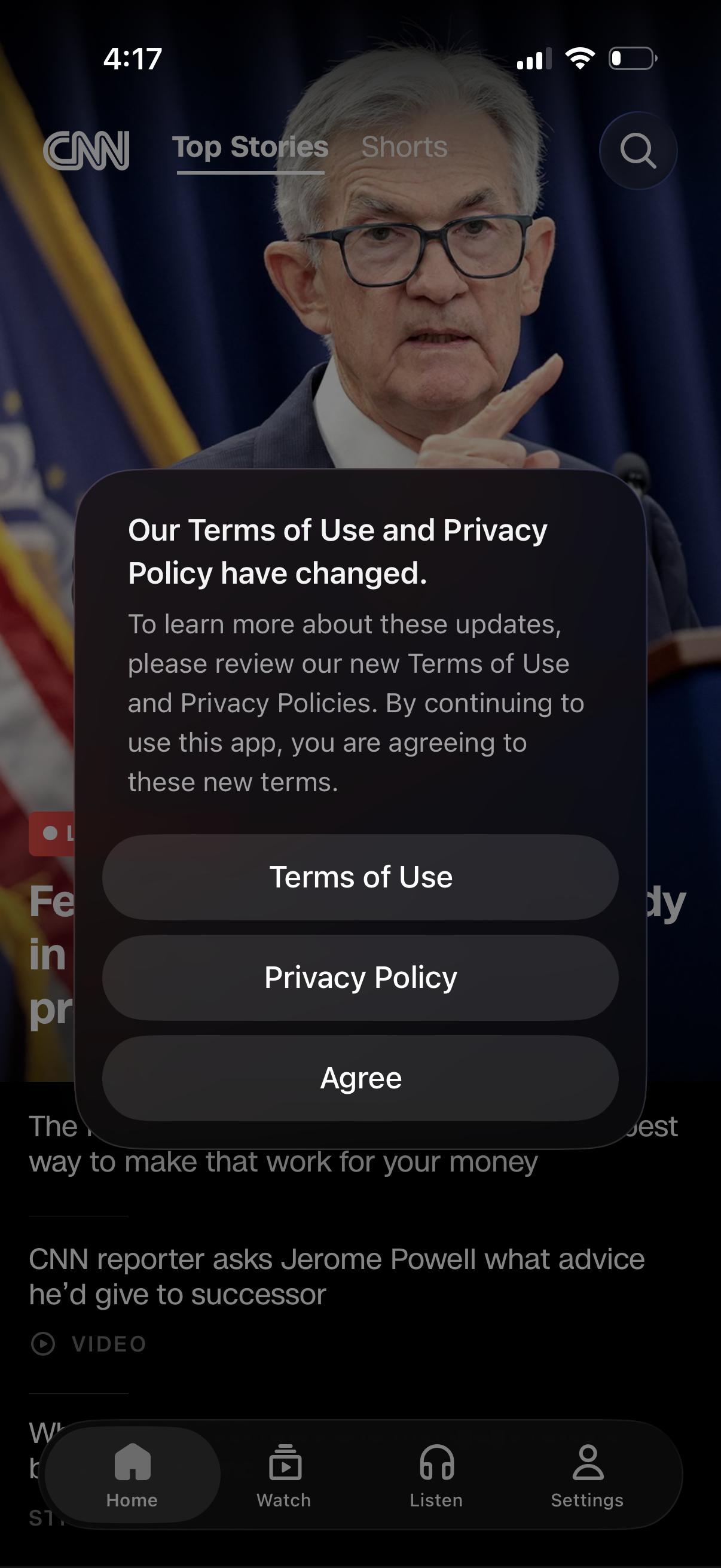
A news app home feed is blocked by a modal announcing updated Terms of Use and Privacy Policy, prompting the user to review legal documents. The dialog includes primary actions to open Terms of Use, open Privacy Policy, and tap Agree to continue using the app.
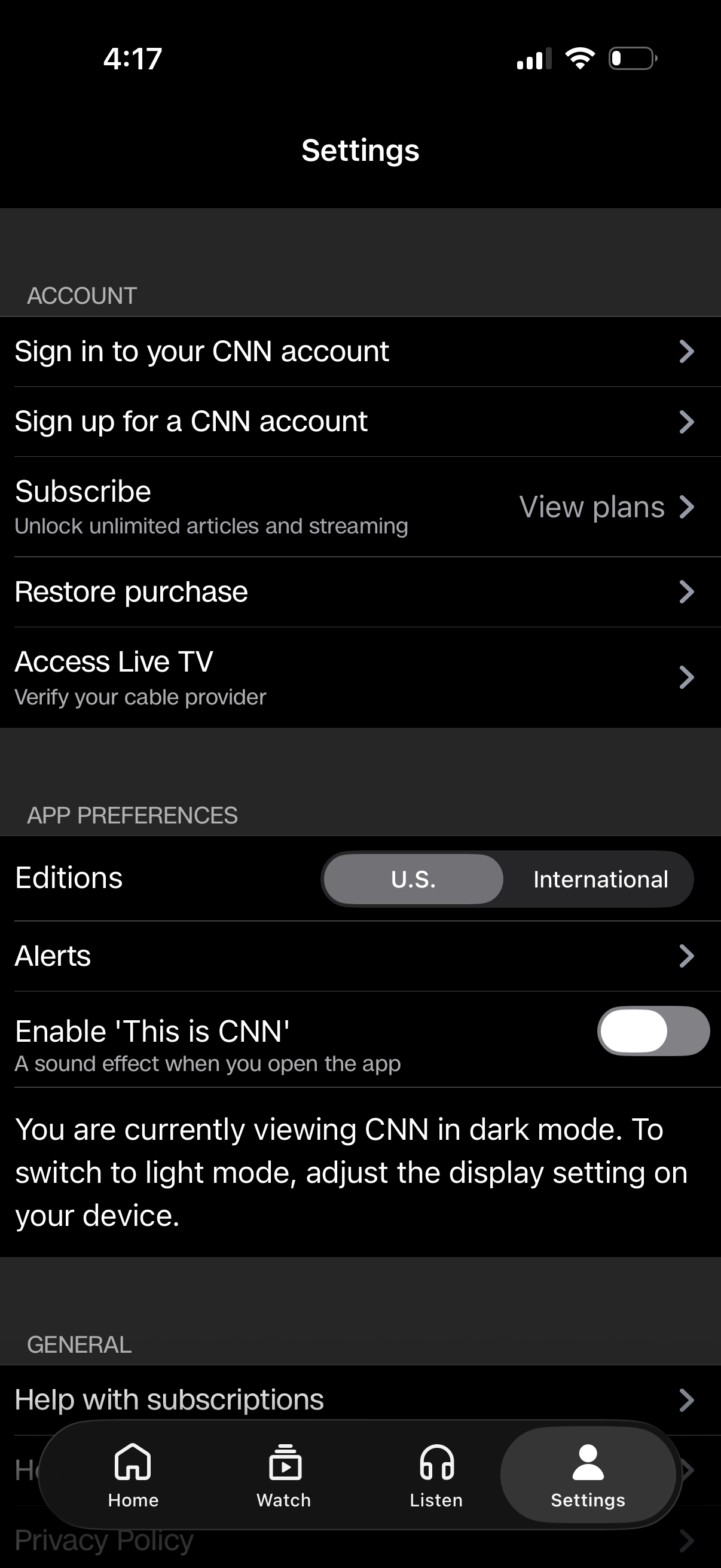
Settings screen for a news/media app with account and subscription management, including sign in/sign up, view subscription plans, restore purchases, and verify a cable provider for live TV access. App preferences allow choosing edition (U.
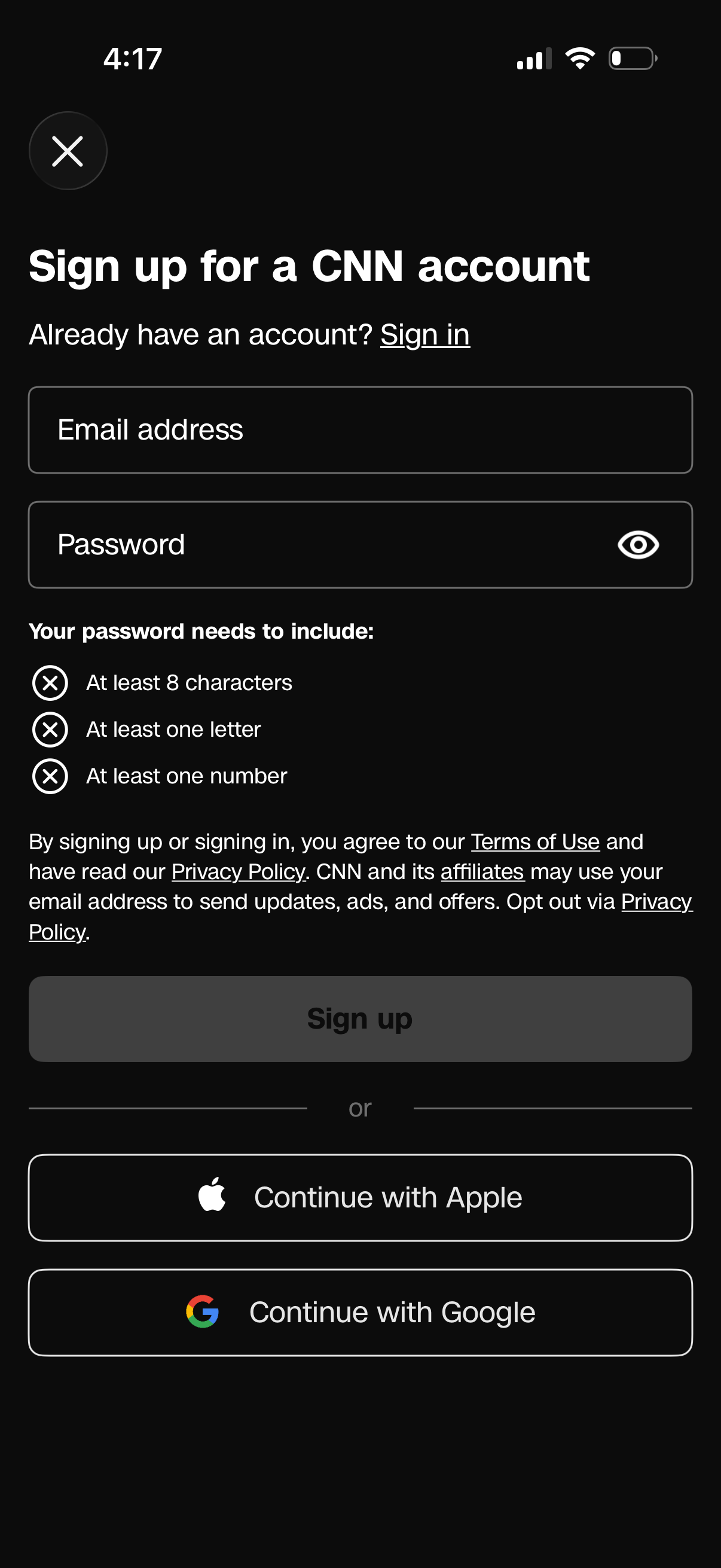
Account sign-up screen with email and password fields, a password visibility toggle, and inline password requirements validation. Includes links to sign in, terms of use and privacy policy consent text, a primary “Sign up” button, and alternative social login options to continue with Apple or Google.
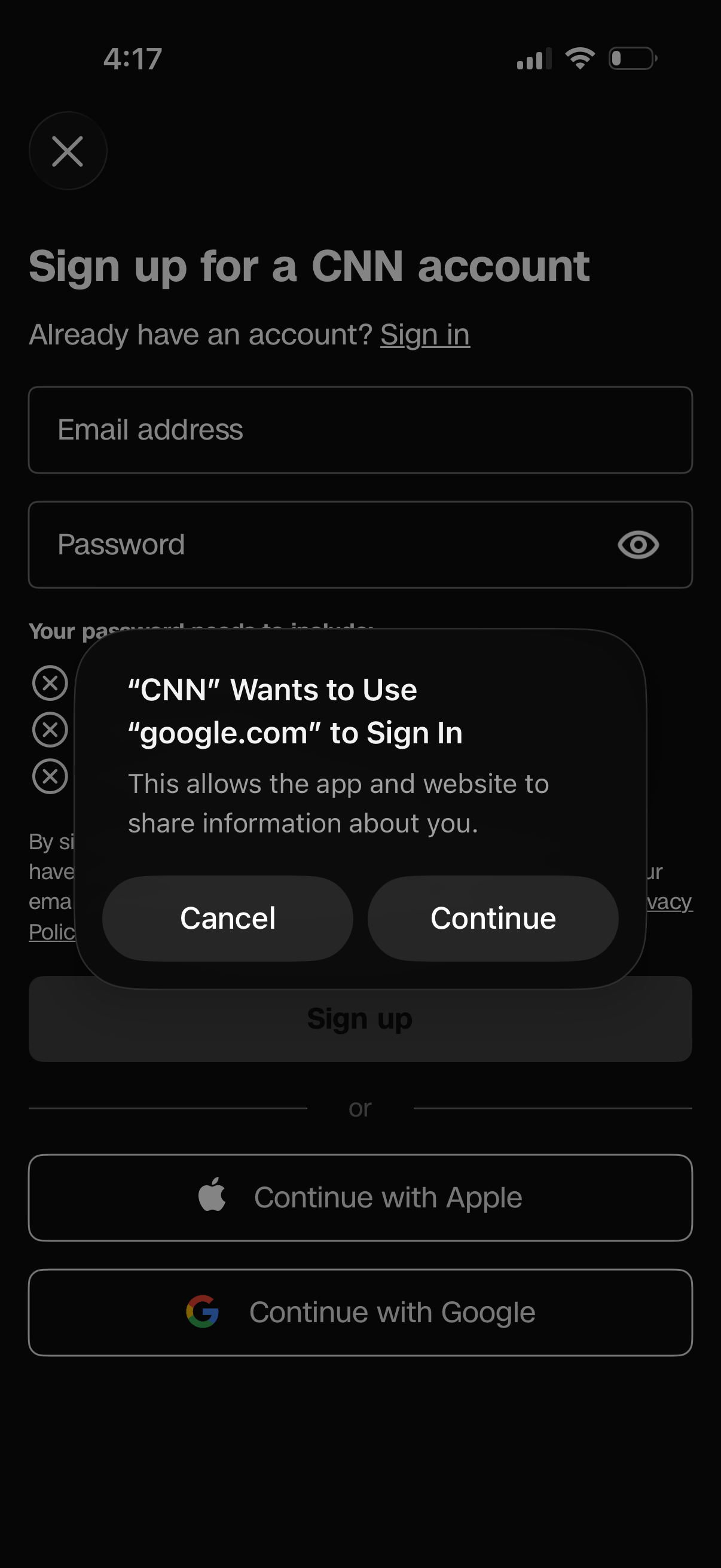
Account sign-up screen with email and password fields, a password visibility toggle, and a link to sign in if you already have an account. A system modal prompts permission to use google.
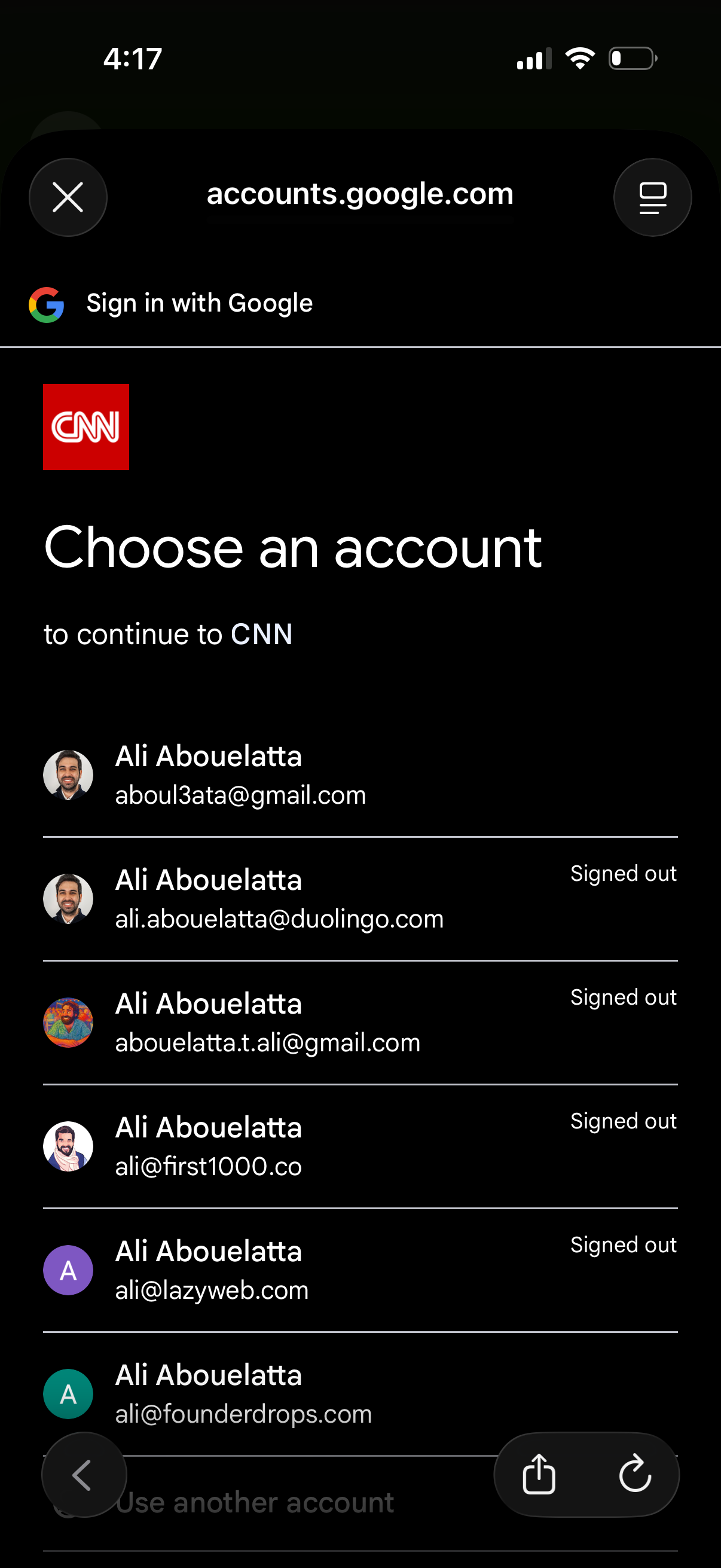
Google “Sign in with Google” account chooser screen for continuing to a third-party app, showing a list of saved Google accounts with avatars and email addresses, signed-out status indicators, and an option to use another account. Includes close and browser controls for dismissing the login flow.
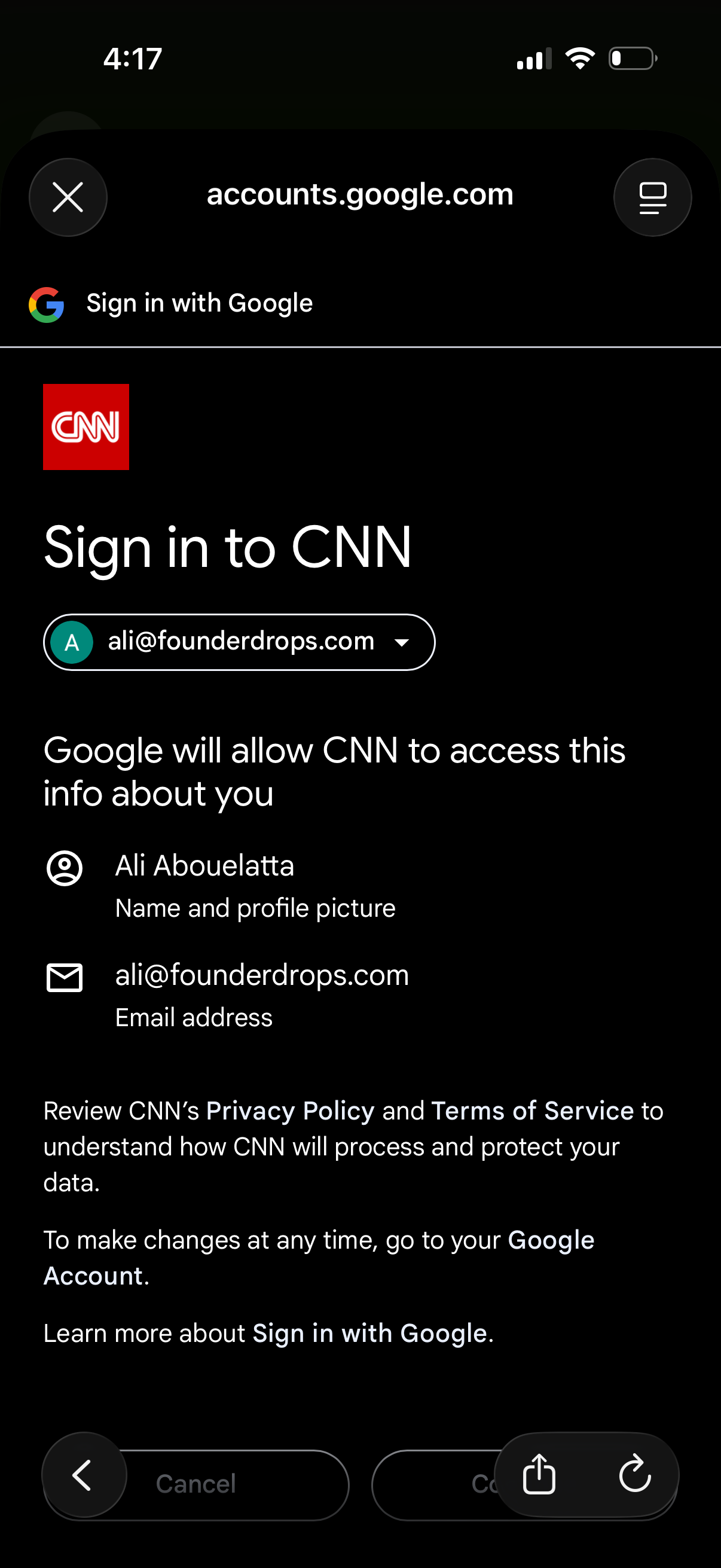
Google OAuth “Sign in with Google” consent screen for signing in to a third-party app, showing the selected Google account and the personal data permissions being shared (name/profile photo and email). Includes actions to continue or cancel and links to review privacy policy/terms and learn more.
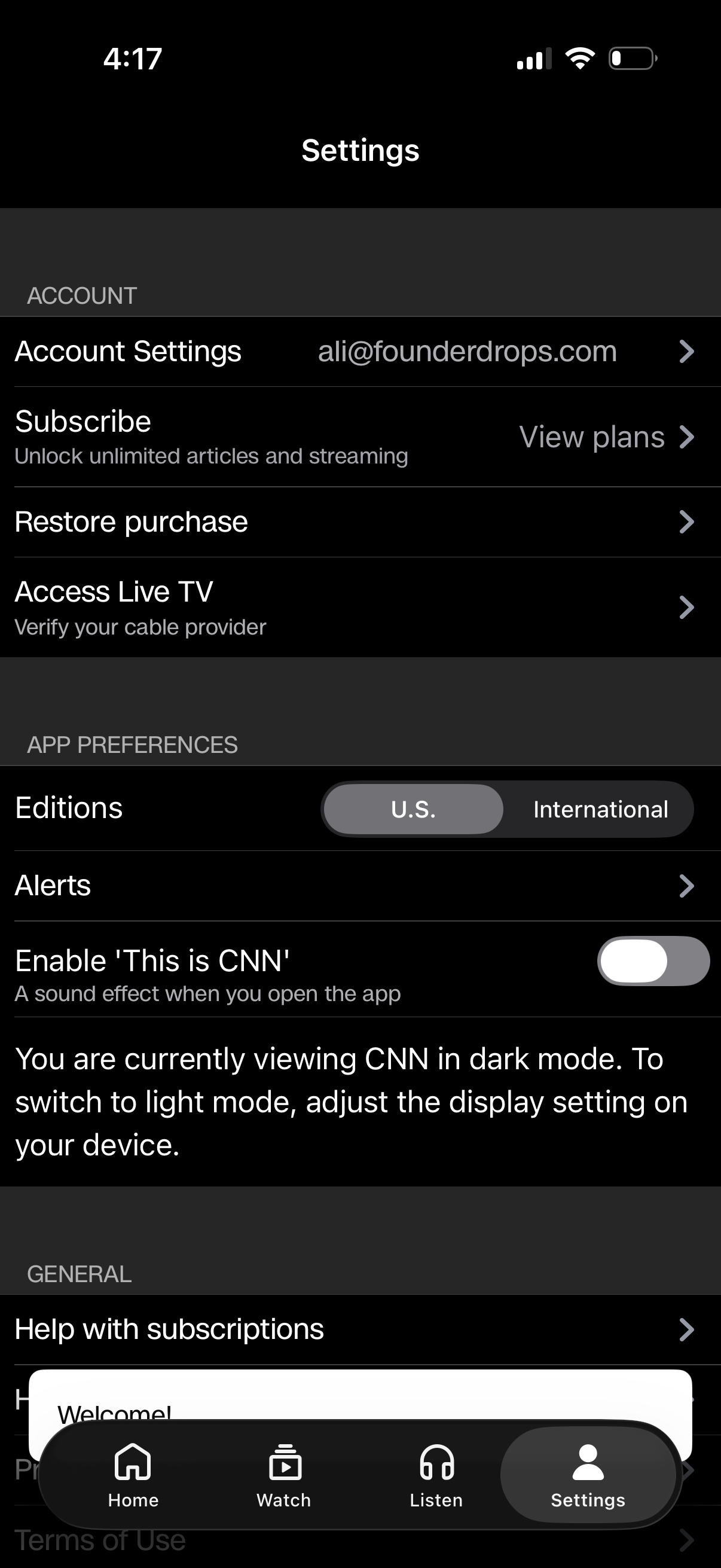
Settings screen for a news/streaming app showing account and subscription management options such as account settings, view plans/subscribe, restore purchase, and access live TV via cable provider verification. App preferences include choosing edition (U.