Onboarding
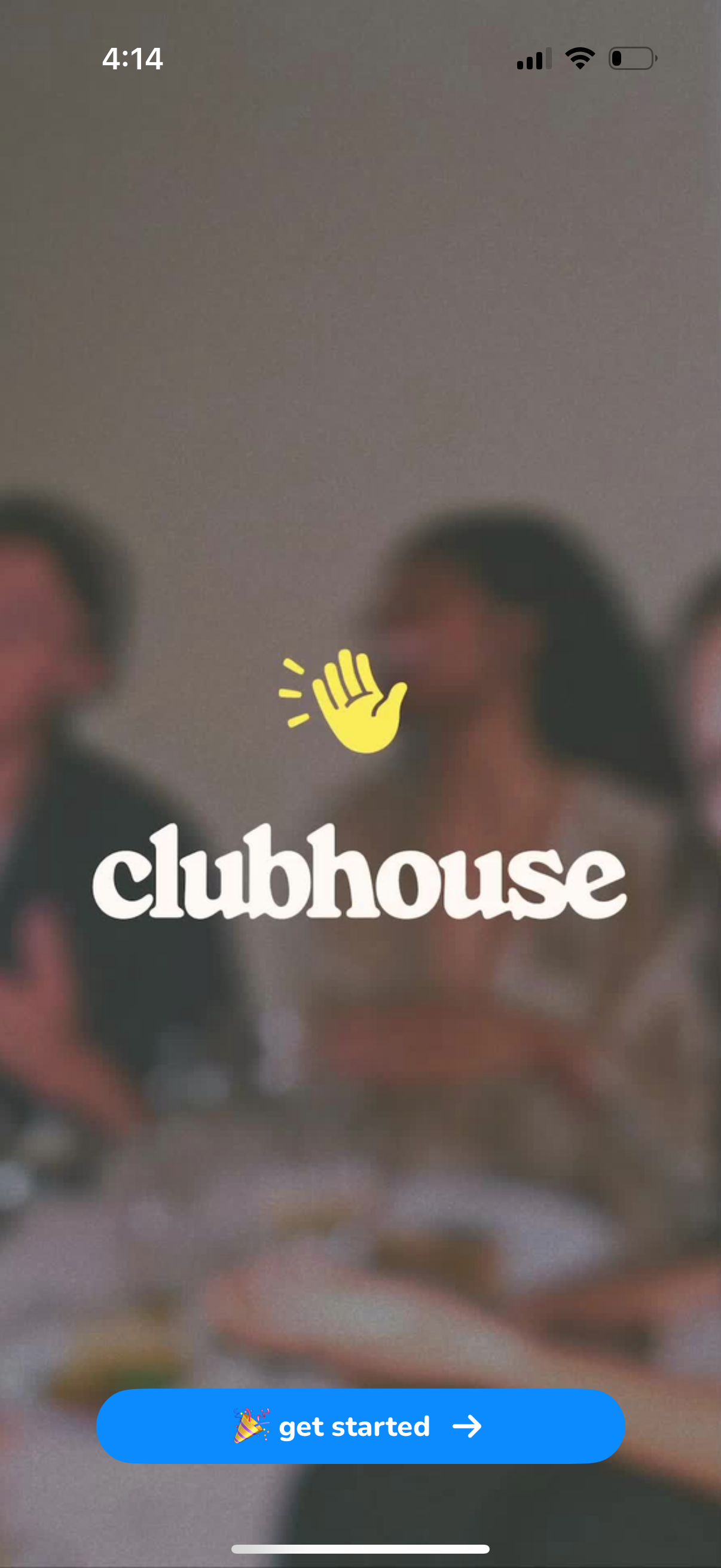
Clubhouse app welcome/splash screen with branding over a blurred background photo and a primary “Get started” call-to-action button to begin onboarding or sign up.
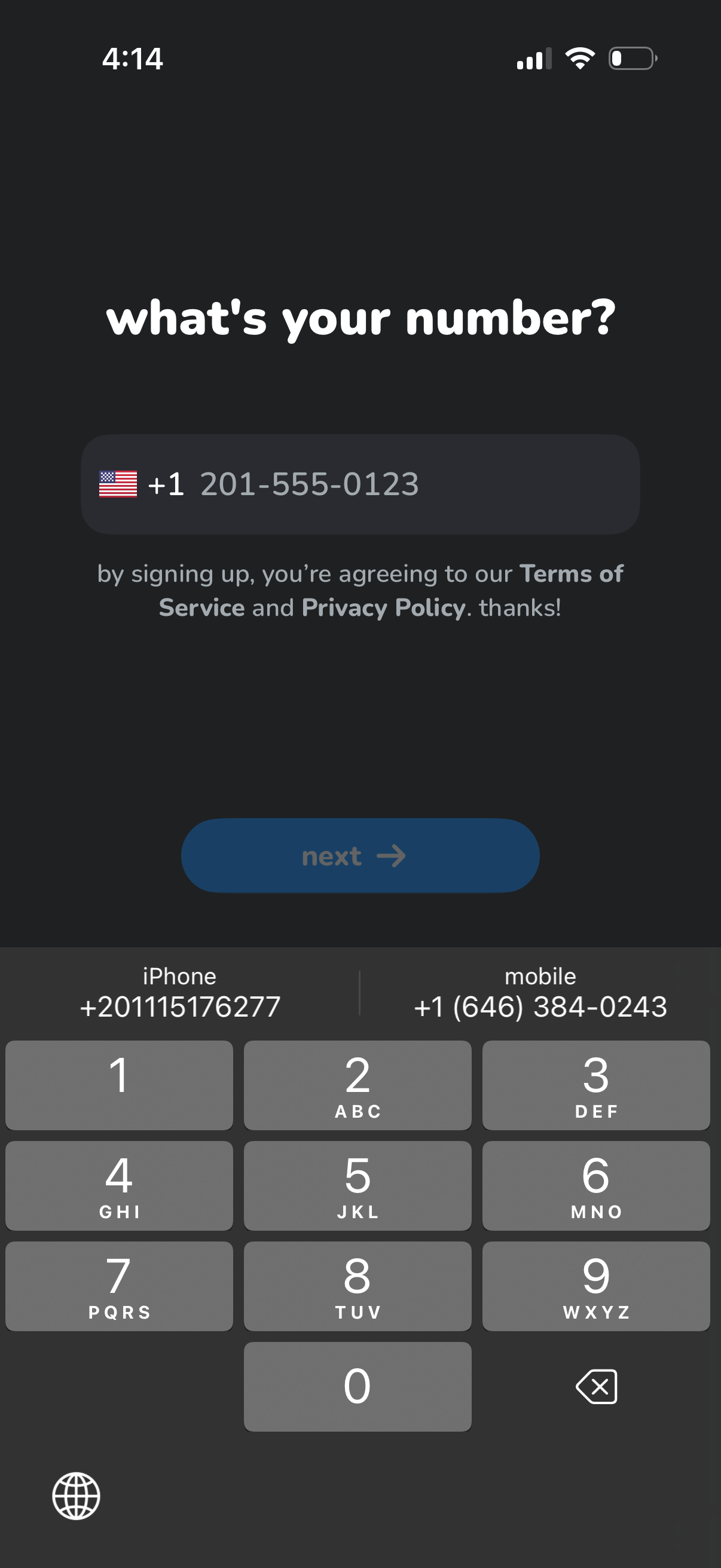
Phone number sign-up/login screen prompting the user to enter a mobile number with country code selector, showing consent text linking to Terms of Service and Privacy Policy. Includes a primary “Next” button to proceed to verification.
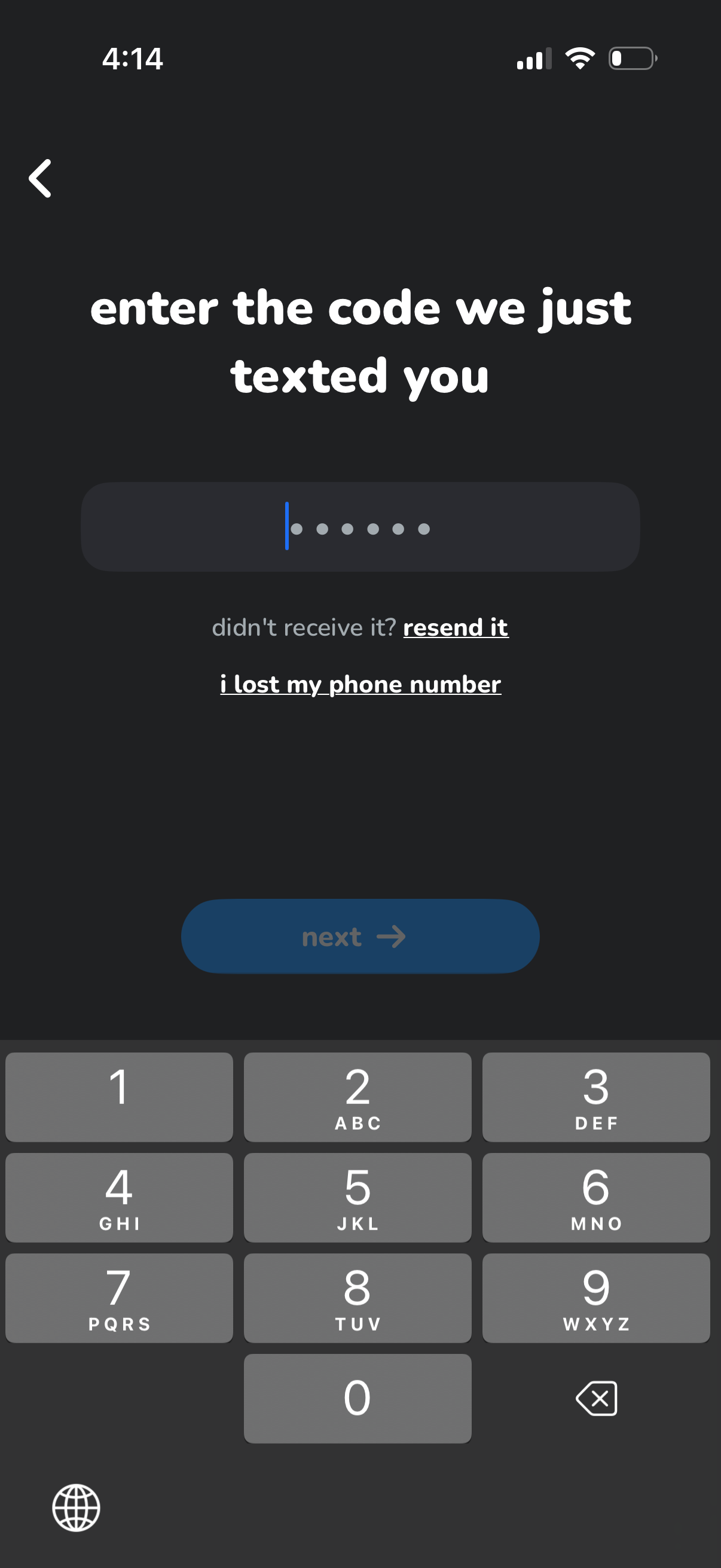
SMS verification code entry screen for phone number login/sign-up, showing a 6-digit OTP input field with a numeric keypad. Includes links to resend the code, report a lost phone number, and a Next button to continue.
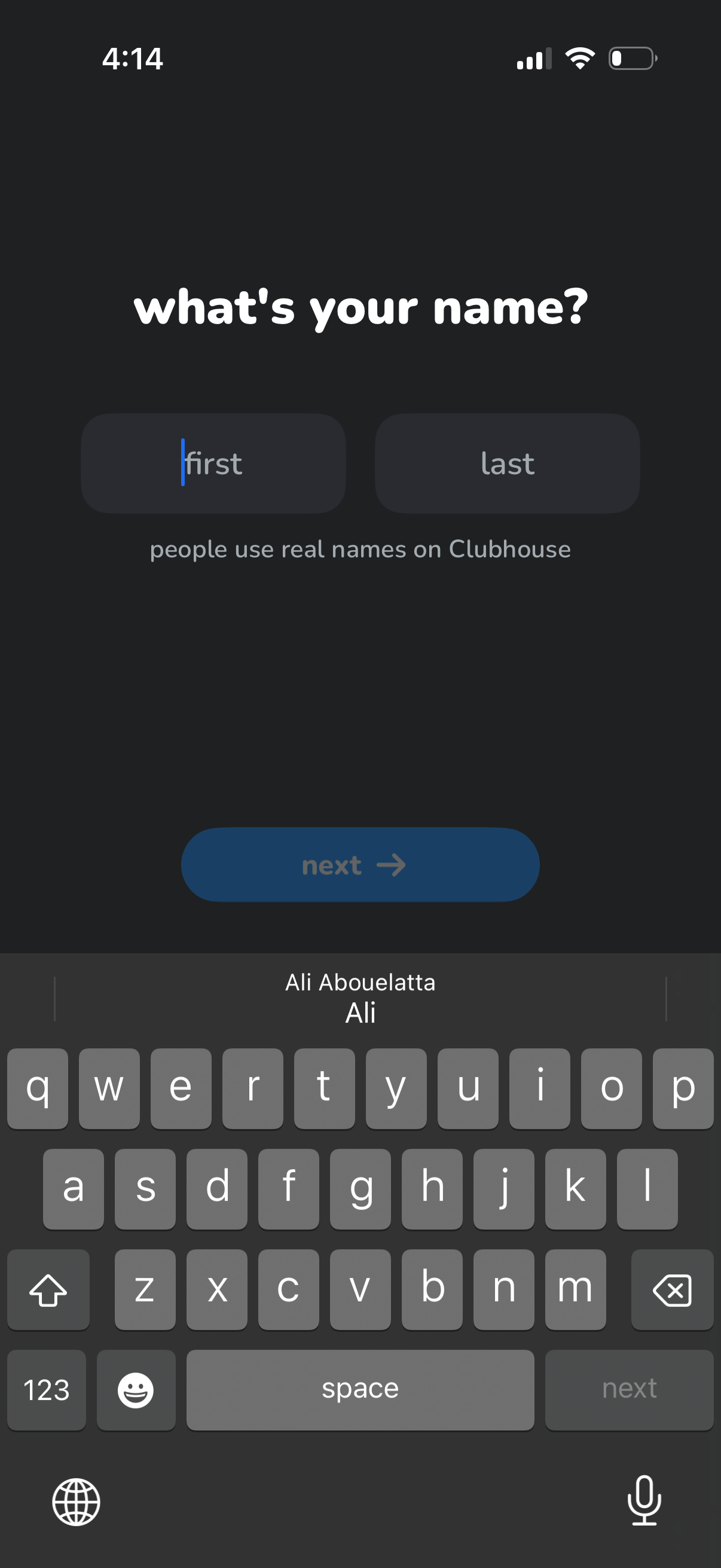
User onboarding sign-up screen asking “what’s your name? ” with two text fields for first and last name, a note encouraging real names, and a primary “Next” button to continue.
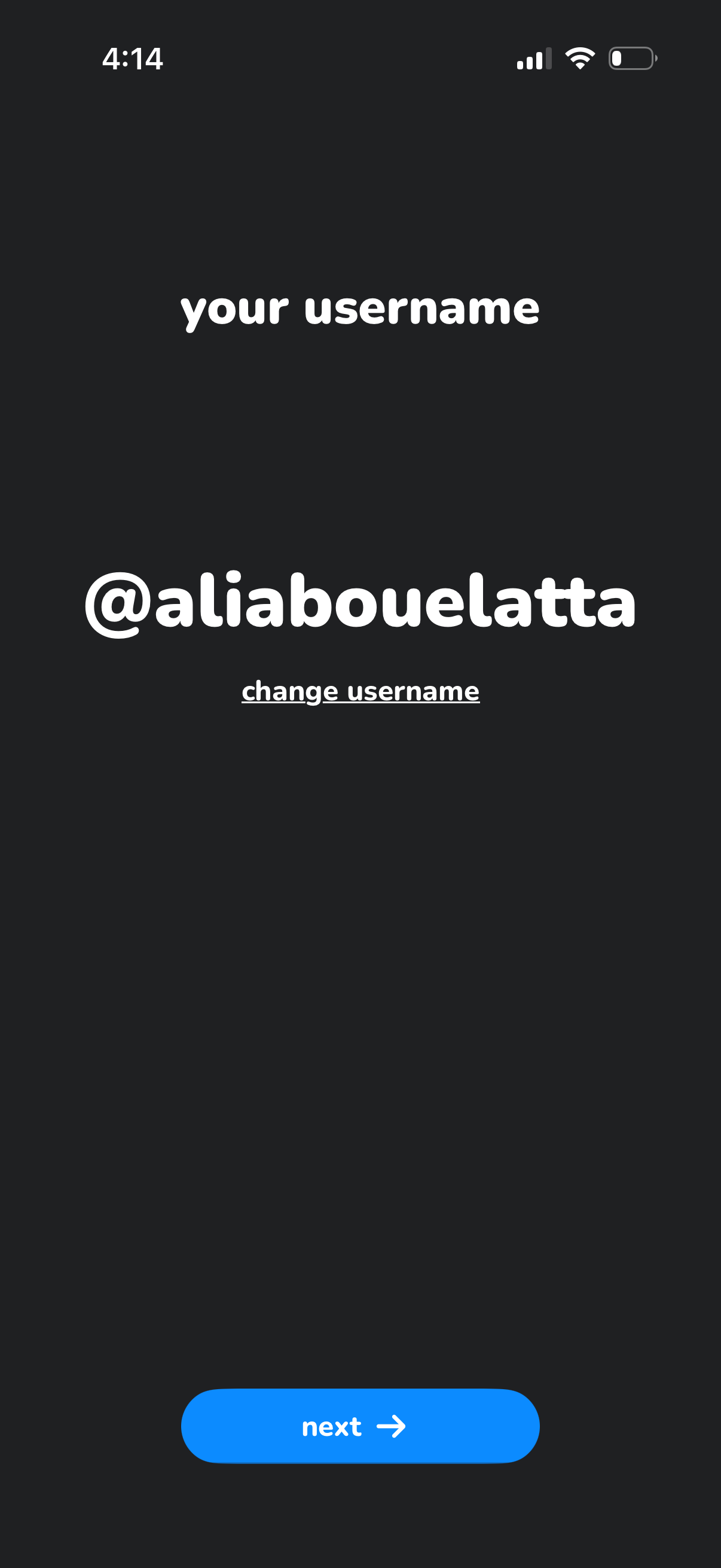
Username setup screen showing the user’s @handle with an option to change username and a primary “Next” button to continue onboarding or account creation. The interface focuses on confirming or editing the chosen username before proceeding.
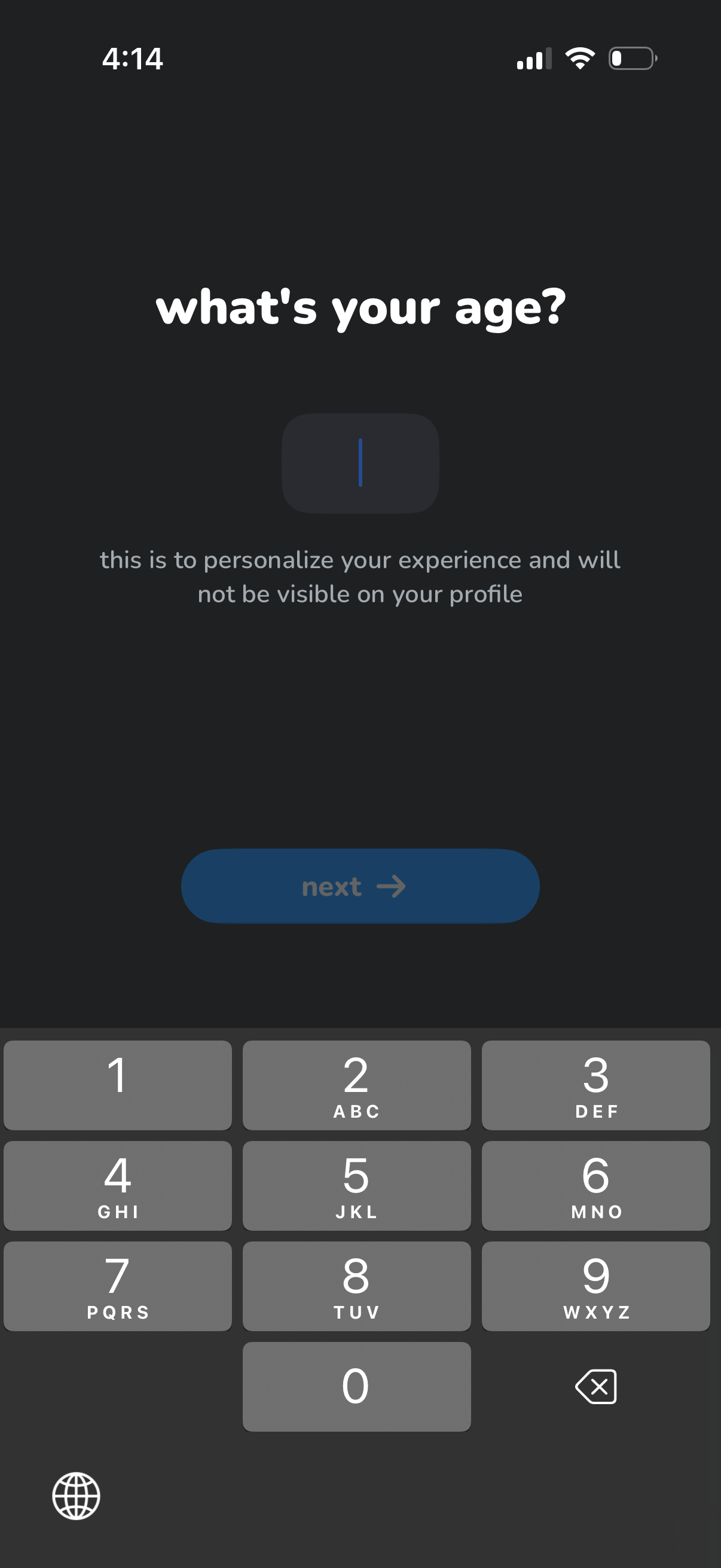
Onboarding profile setup screen asking the user to enter their age with a numeric input field and keypad, explaining it’s used to personalize the experience and won’t be shown on the profile. Includes a primary “Next” button to continue to the next step.
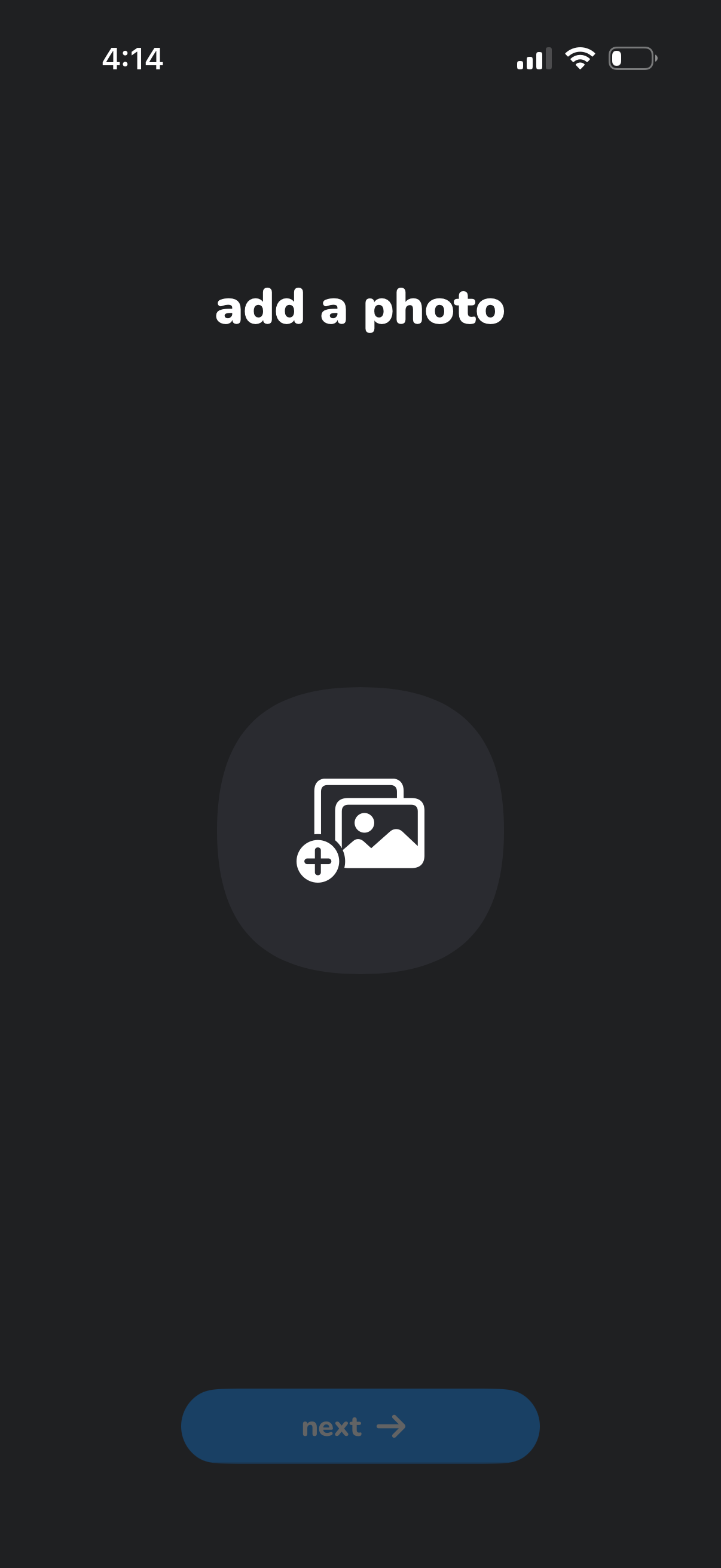
Photo upload step in an onboarding or profile setup flow prompting the user to add a photo, with a large add-image button in the center and a disabled “Next” button at the bottom that becomes available after selecting an image.
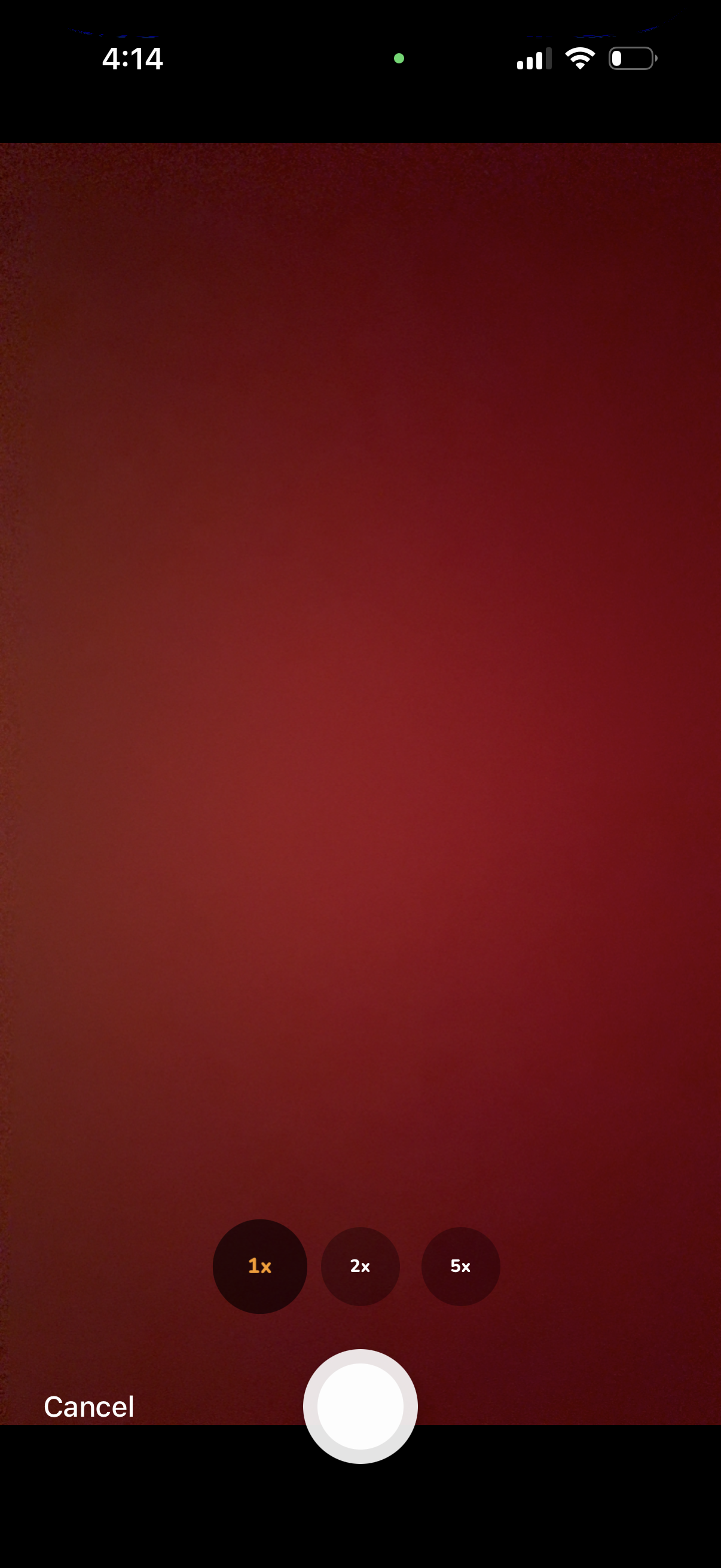
In-app camera capture screen showing a live viewfinder with a large shutter button, a Cancel action to exit, and quick zoom level toggles (1x, 2x, 5x) for switching lenses or magnification before taking a photo.
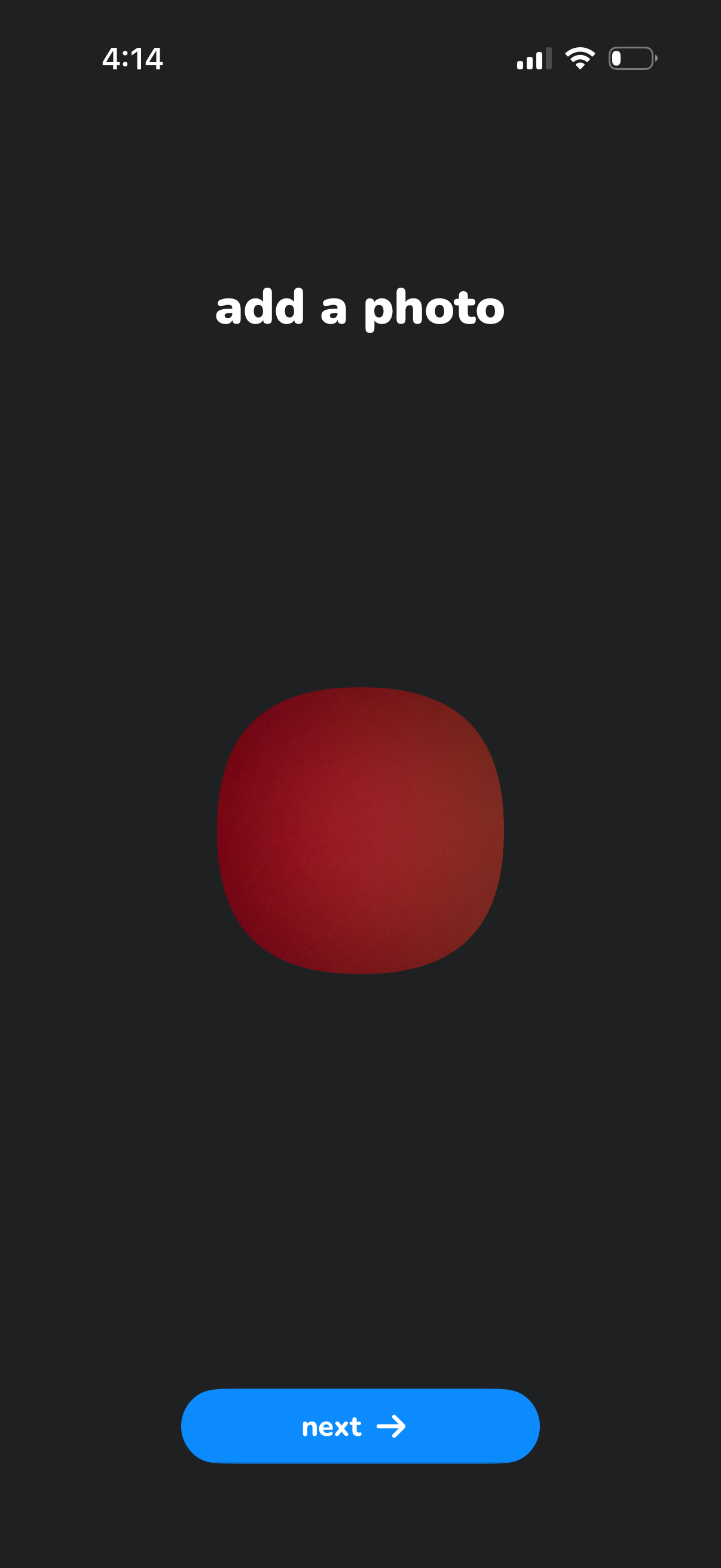
Minimal onboarding/profile setup screen prompting the user to add a photo, showing a placeholder avatar preview and a primary “Next” button to continue to the next step.
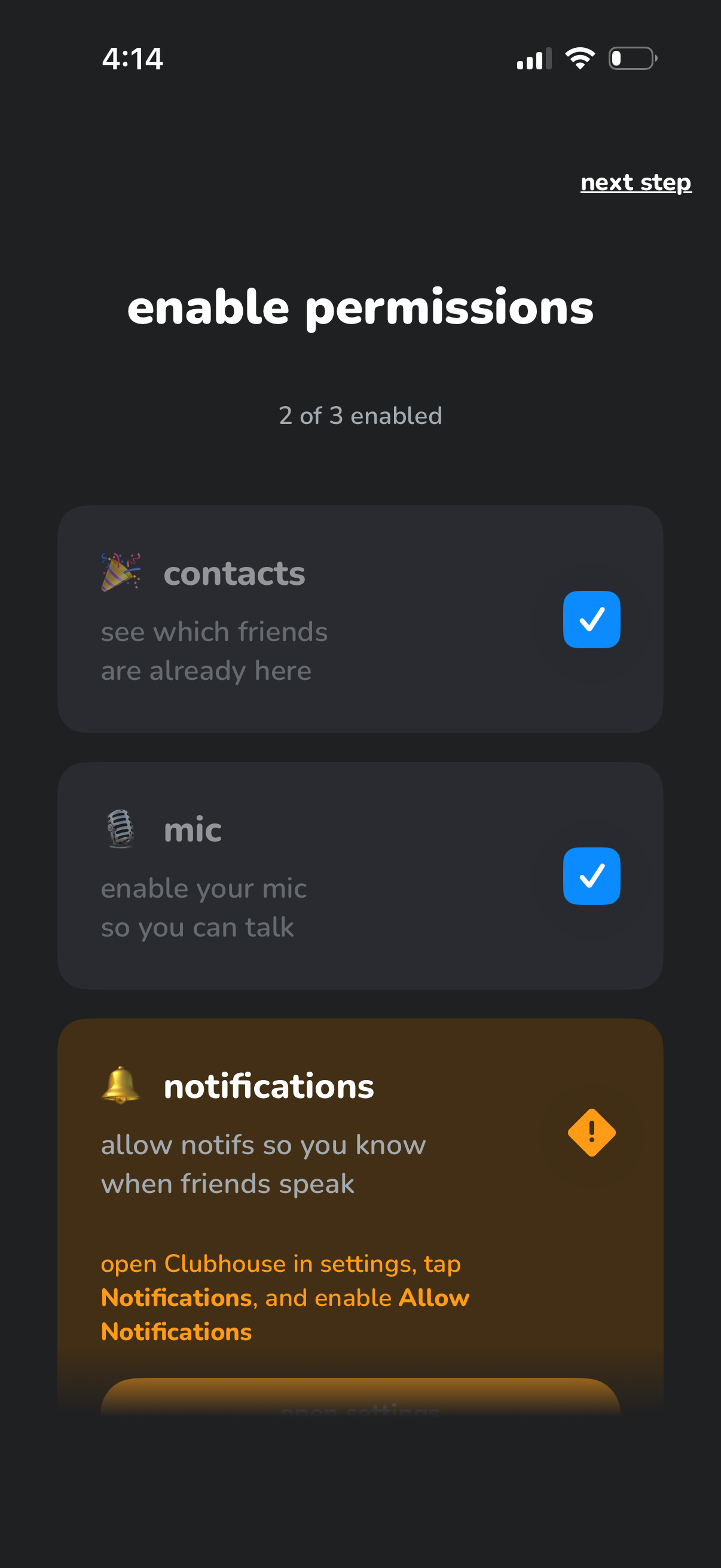
Onboarding permissions screen prompting the user to enable required app access, showing progress (2 of 3 enabled) with cards for Contacts and Microphone already granted and Notifications still disabled. Includes guidance to turn on notifications in system settings and a “next step” action to continue.
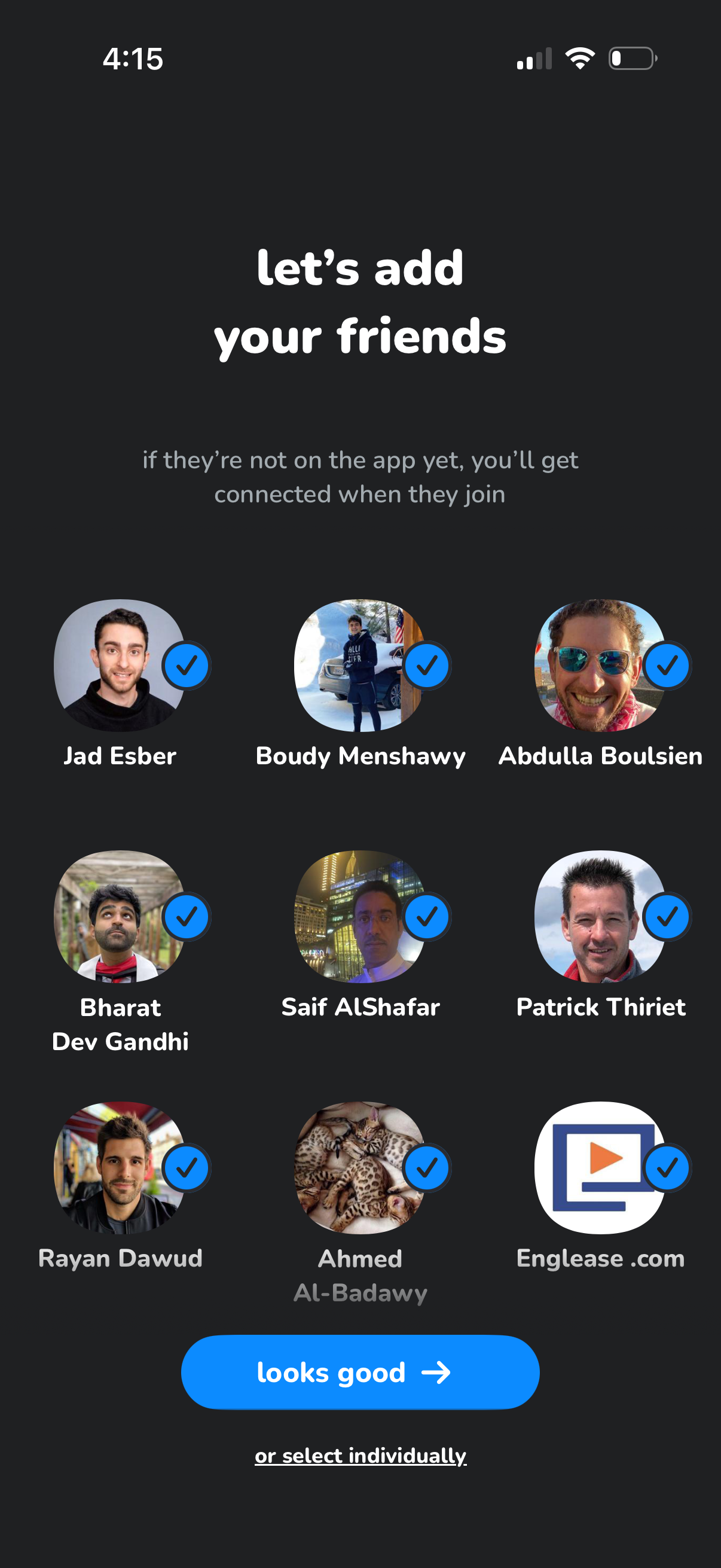
Contacts-based friend suggestion screen during onboarding that prompts users to add friends, showing a grid of suggested profiles with selected checkmarks and an option to select individually. Primary CTA confirms the selection to connect with friends now or automatically when they join.
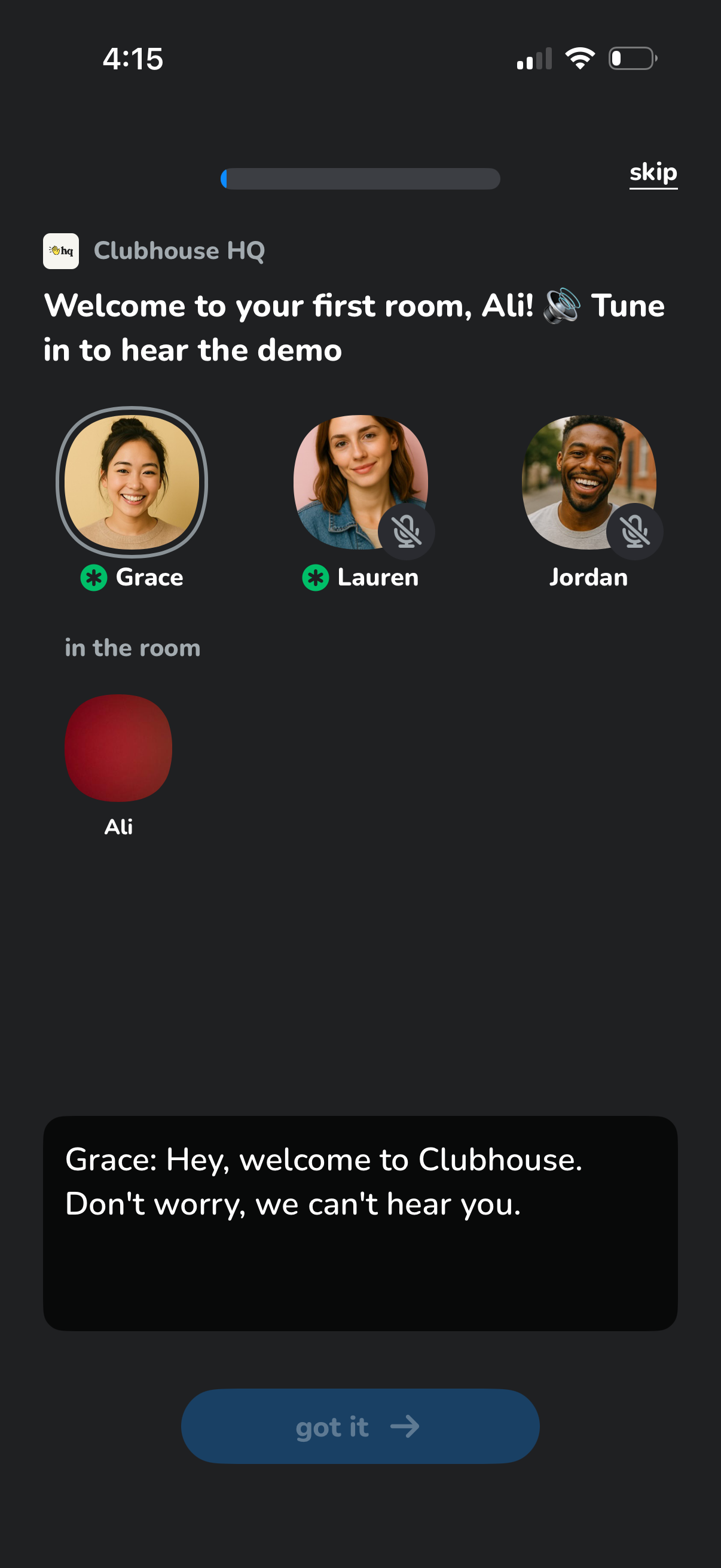
Onboarding tutorial screen for a live audio chat room, welcoming the user to their first room and prompting them to tune in to a demo. Shows participant avatars with muted mic status, a progress indicator and skip option, and a “got it” button to continue.
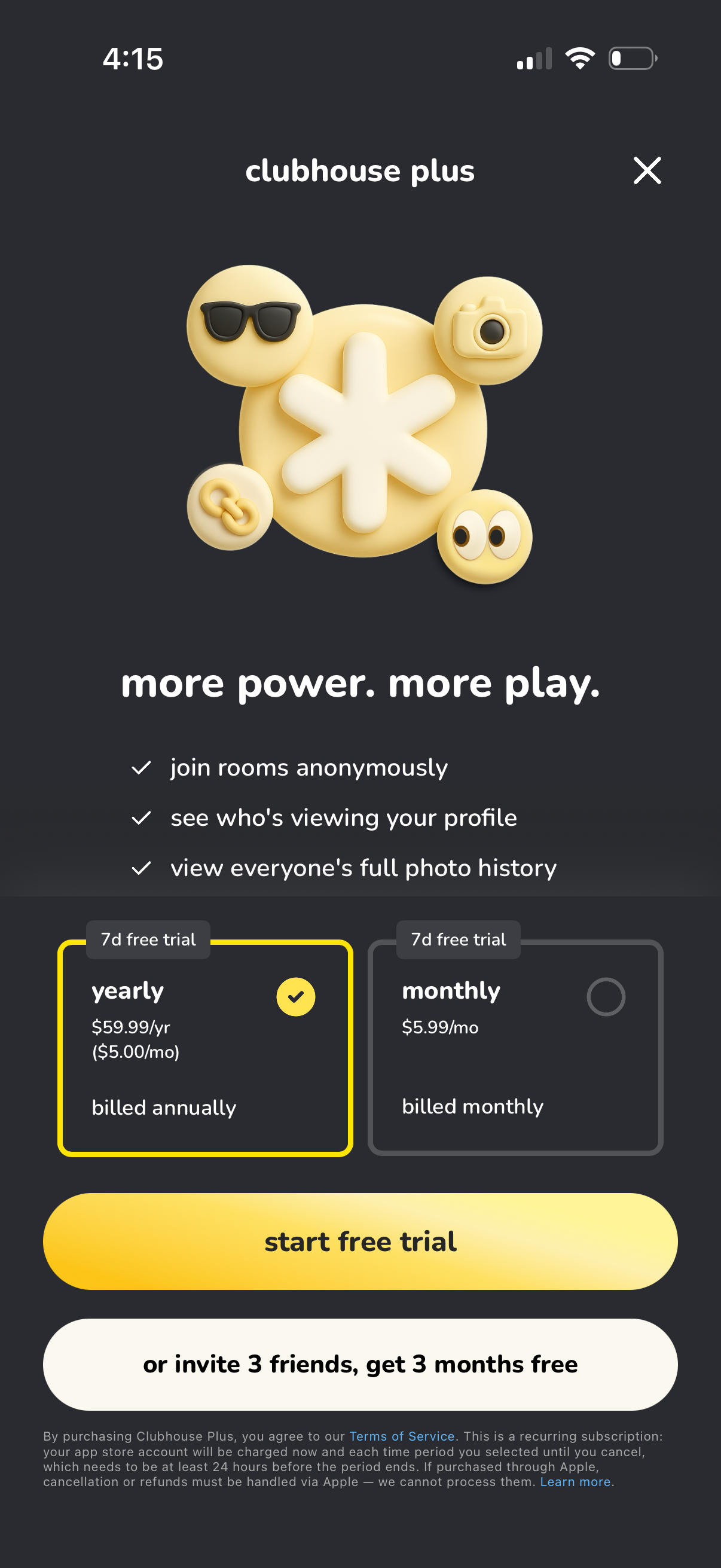
Subscription upgrade paywall for “Clubhouse Plus” highlighting premium benefits (join rooms anonymously, see profile viewers, view full photo history) and offering a 7‑day free trial with plan selection between yearly and monthly billing. Primary CTA is “start free trial,” with an alternate referral offer to invite friends for free months and an option to close the screen.
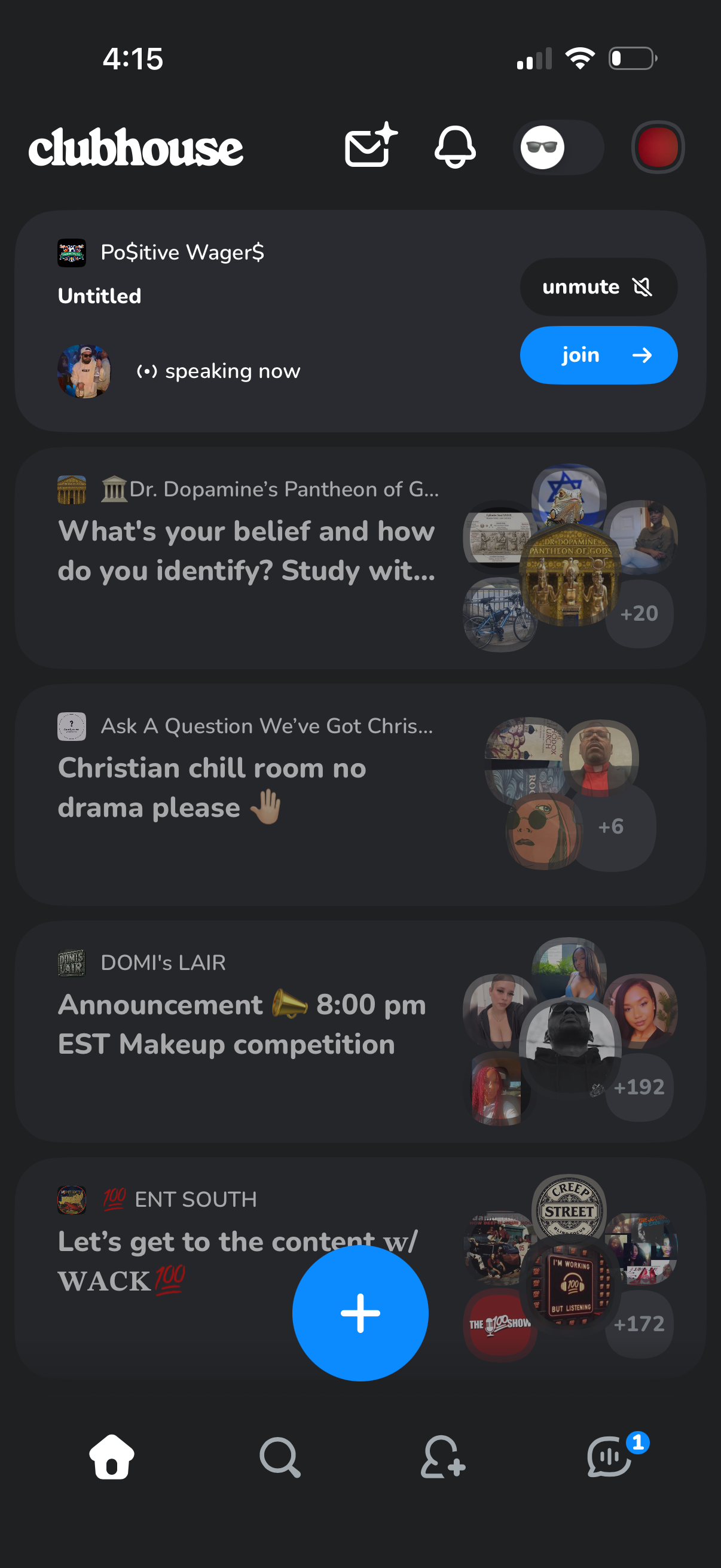
Clubhouse home feed showing a scrollable list of live audio rooms with club names, room titles, and participant avatar stacks with listener counts. Each room card offers quick actions like Join and Unmute, with top navigation for notifications/messages/profile and a large floating plus button to start a new room.