Sign-In

App splash screen showing a minimalist black background with the centered “clay” wordmark logo during app launch/loading.
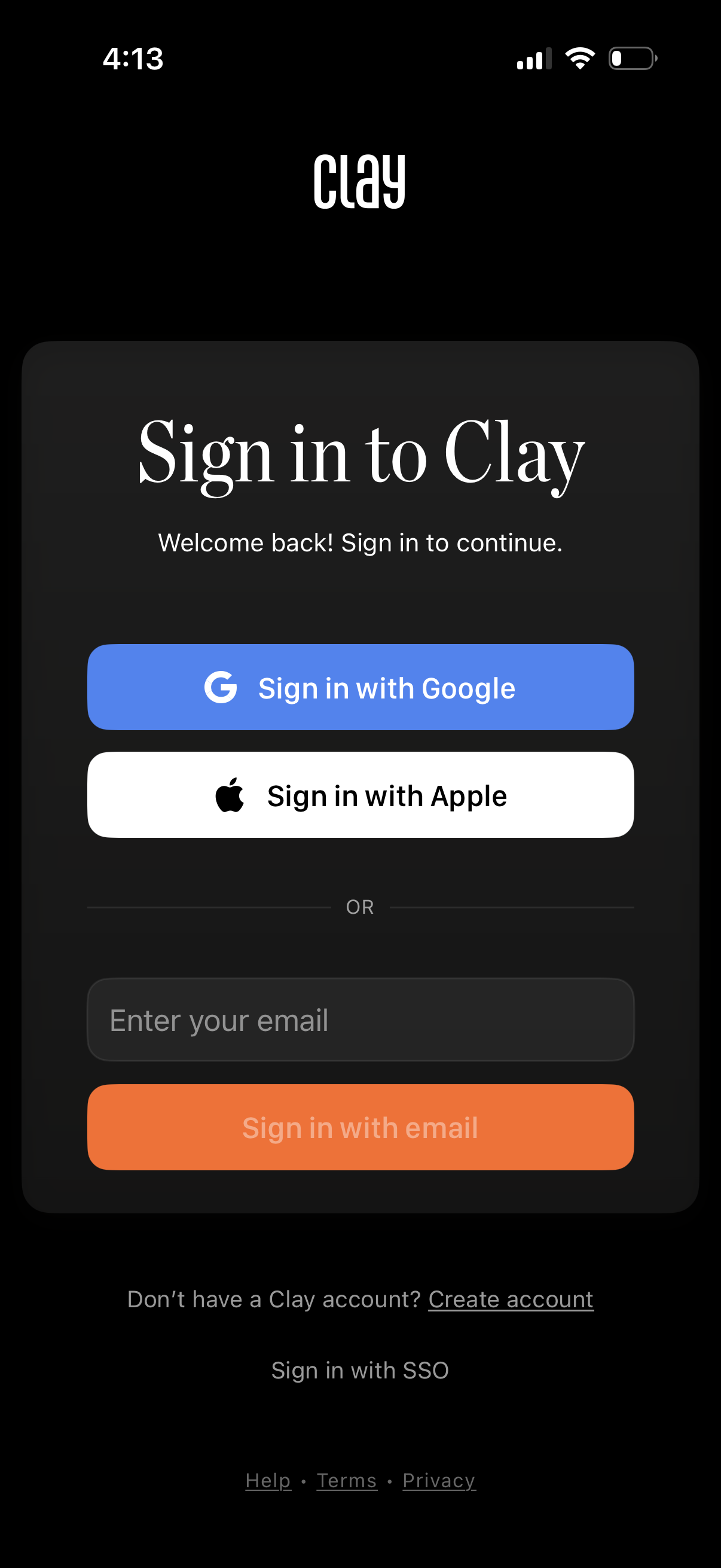
Login screen prompting users to sign in to continue, offering social authentication with Google or Apple plus an email sign-in field and button. Includes links to create an account, sign in with SSO, and access help, terms, and privacy.
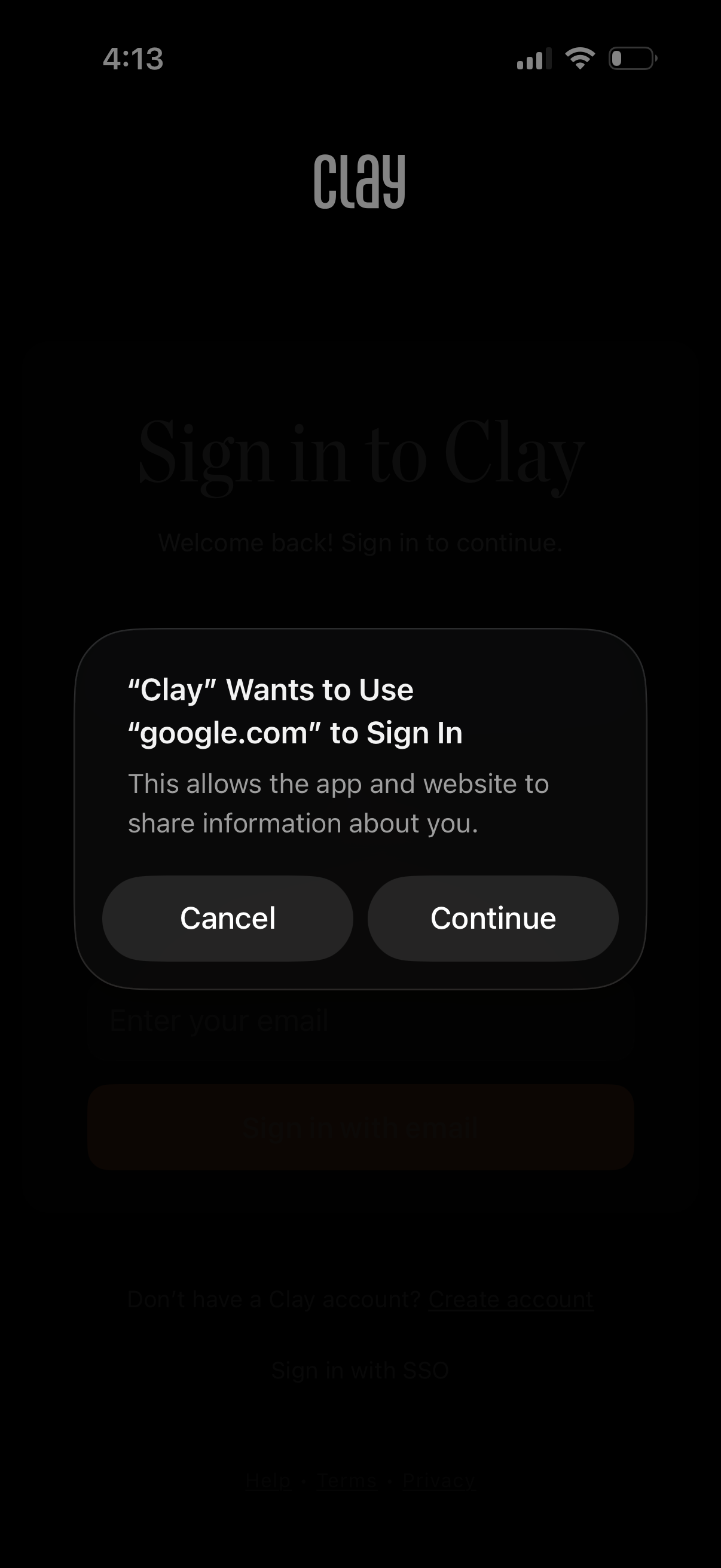
iOS web sign-in authorization prompt overlay asking to allow the app to use a website domain to sign in and share information, with primary actions to Cancel or Continue. This modal appears over the app’s sign-in screen for SSO/login confirmation.
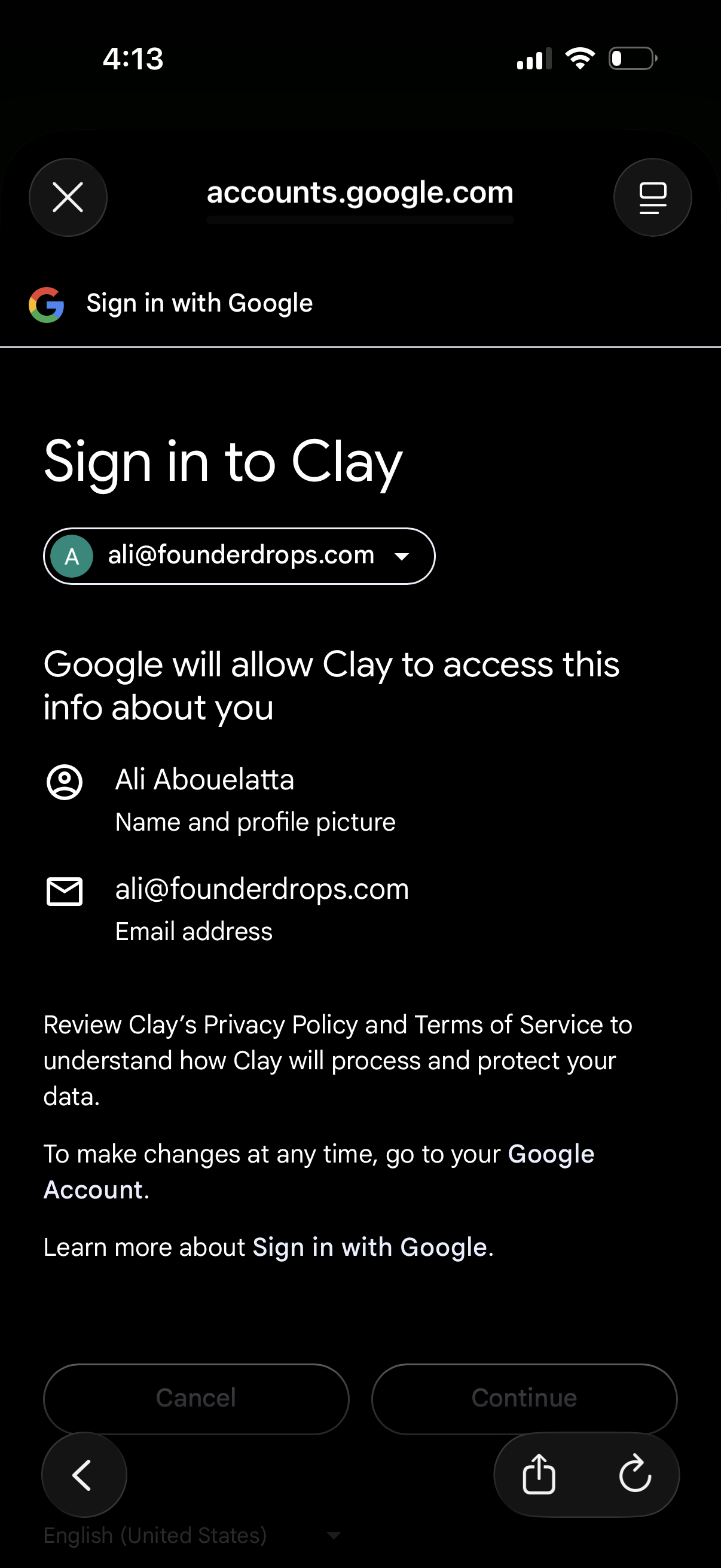
Google OAuth “Sign in with Google” consent screen for logging into an app, showing the selected Google account and the data the app will access (name, profile photo, email). Provides primary actions to cancel or continue and links to the app’s privacy policy and terms.
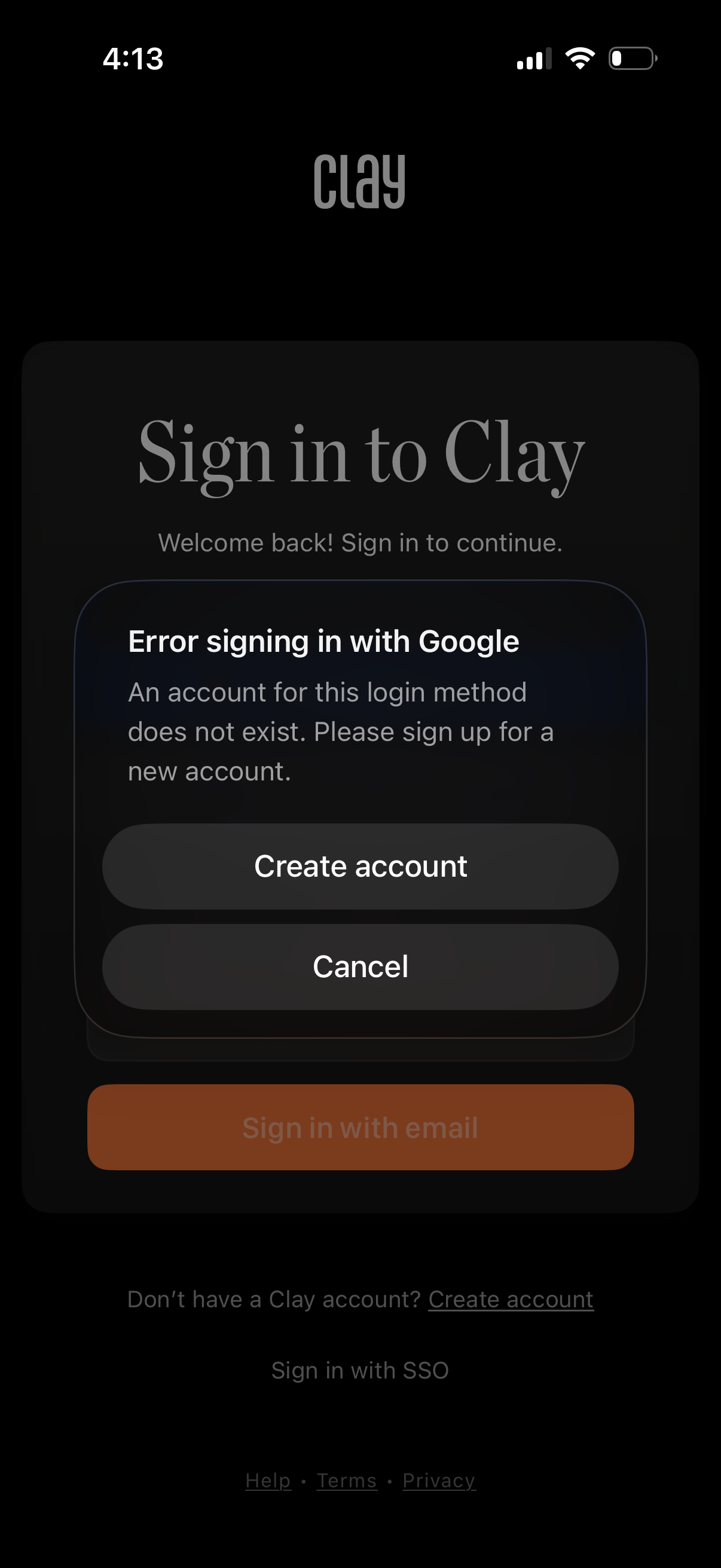
Login screen with a modal error message for Google sign-in indicating no account exists for that login method, prompting the user to create a new account or cancel. Background shows the sign-in page with options like sign in with email, create account link, SSO, and help/terms/privacy links.
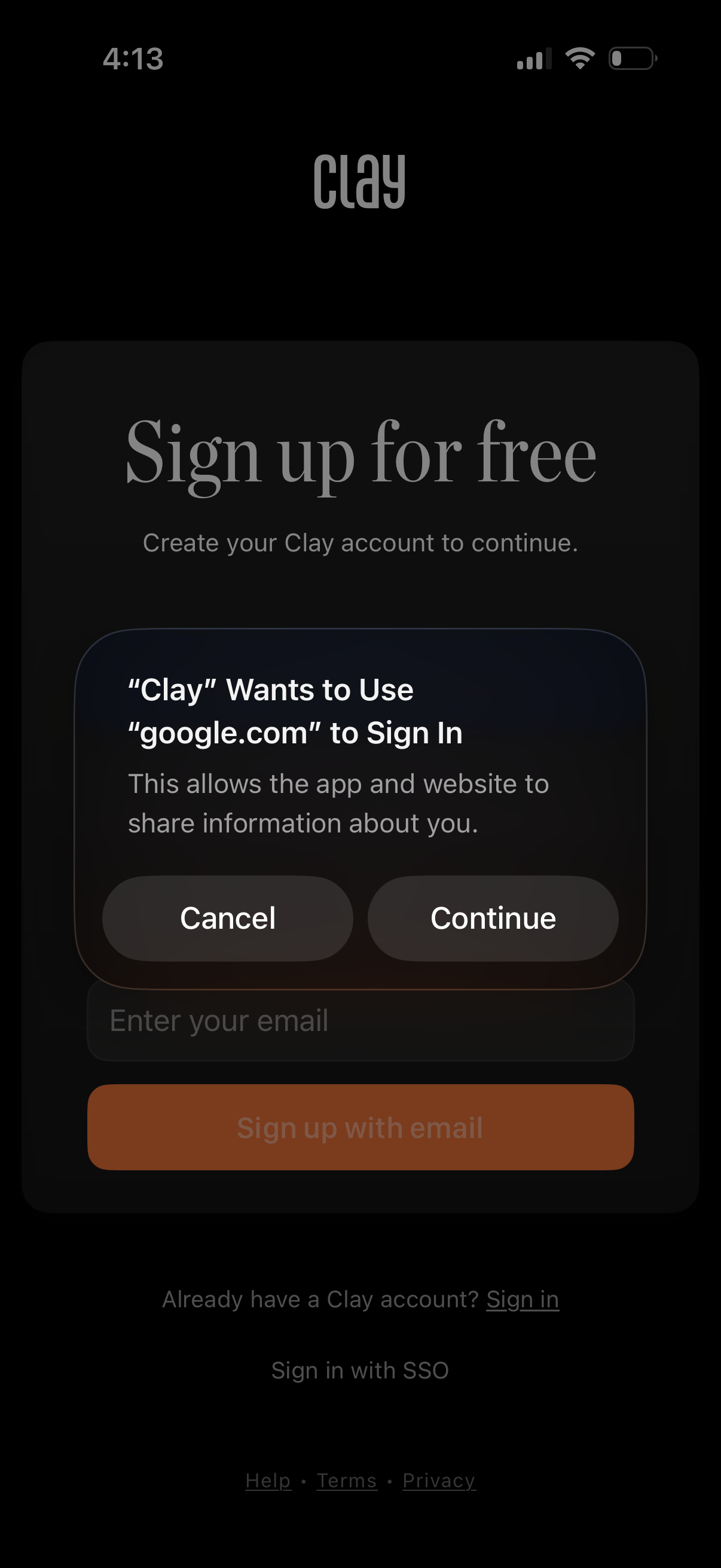
Sign-up screen prompting users to create an account, with an email input field and primary “Sign up with email” button plus links to sign in, SSO, help, terms, and privacy. An iOS system permission modal overlays the page requesting approval to use a Google domain for single sign-on, offering Cancel or Continue.
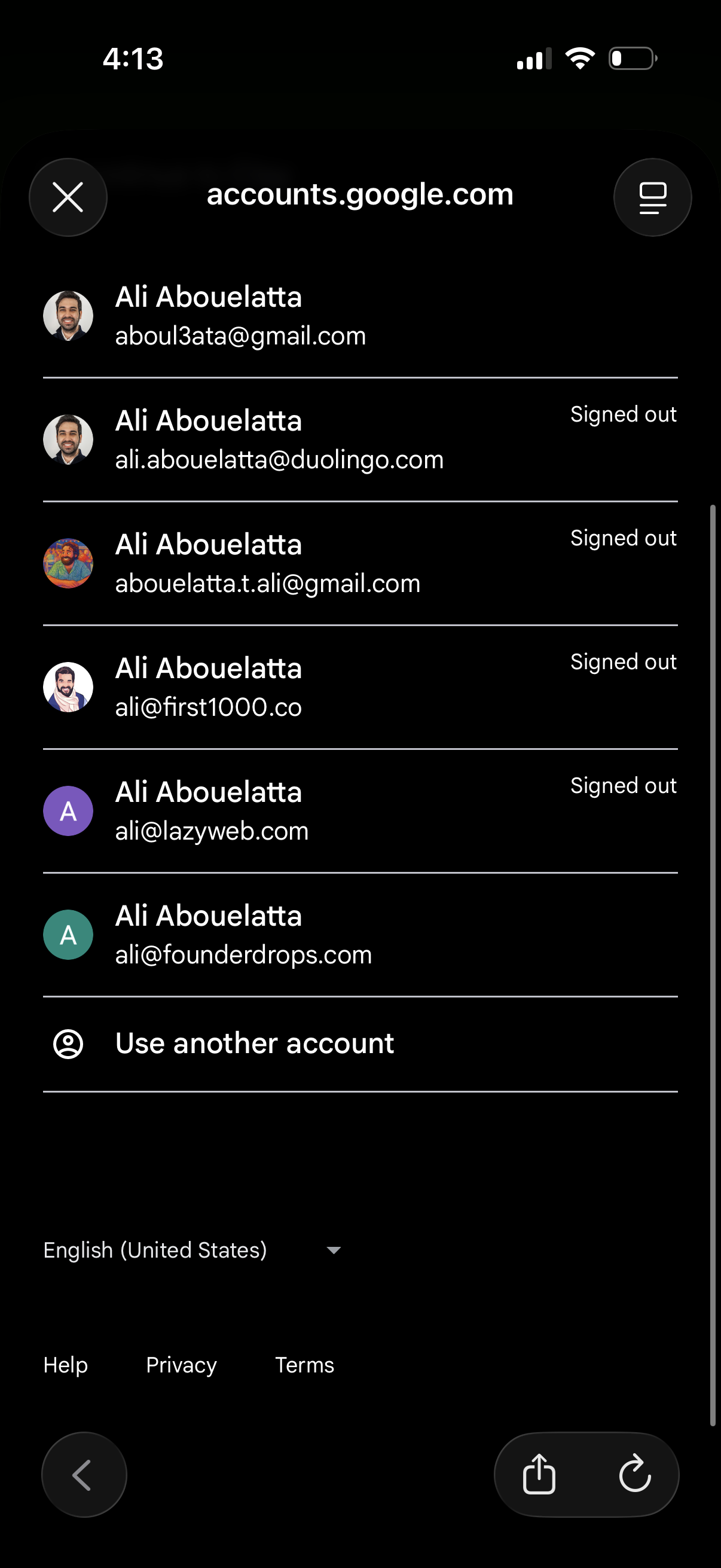
Account chooser screen for signing into Google, showing a scrollable list of saved accounts with avatars, email addresses, and signed-out status. Includes an option to “Use another account,” along with language selection and links to Help, Privacy, and Terms.
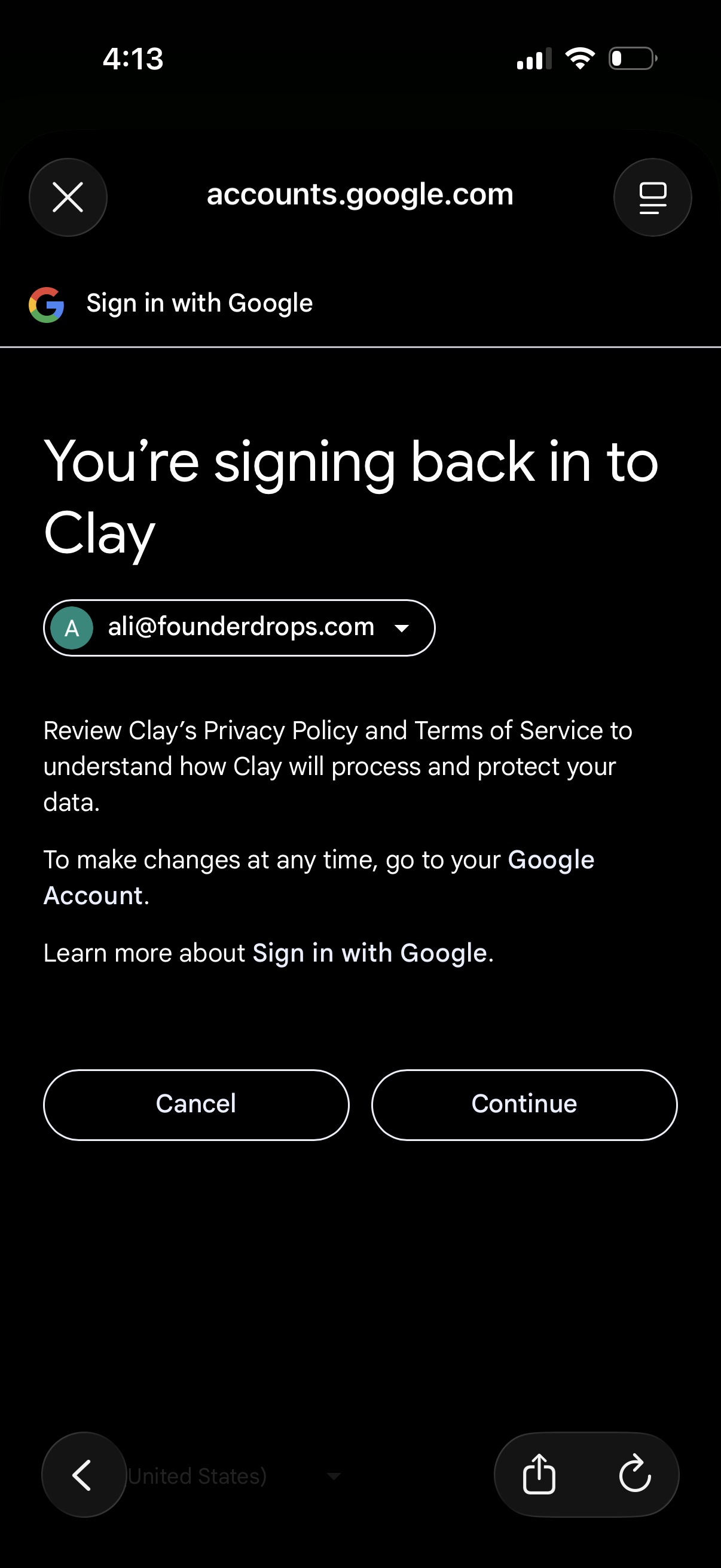
Google OAuth sign-in confirmation screen for returning to an app, showing the selected Google account email with links to privacy policy and terms. Primary actions are Cancel or Continue to proceed with signing in via Google.