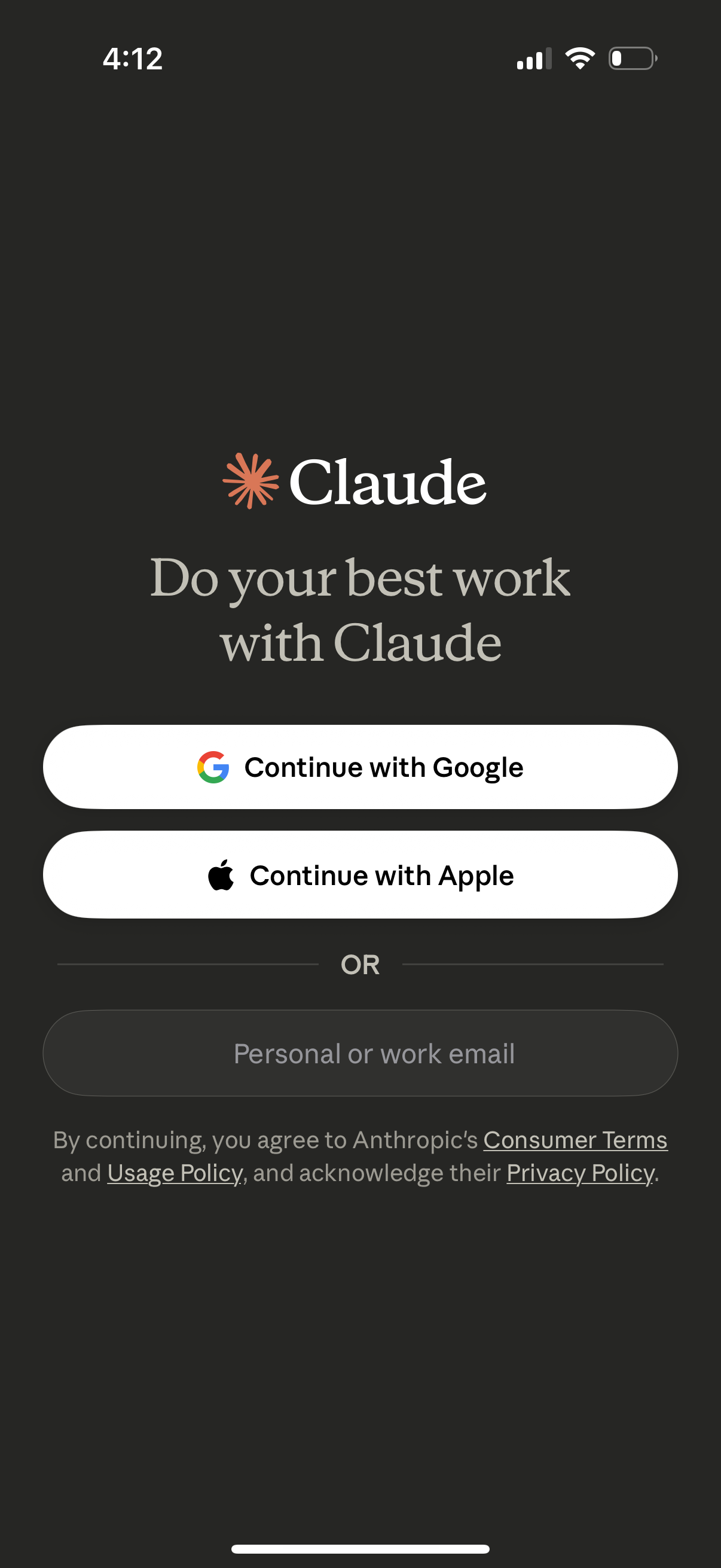
Sign-in and onboarding screen for an AI assistant app offering authentication options to continue with Google, continue with Apple, or use a personal/work email, with links to terms, usage policy, and privacy policy.
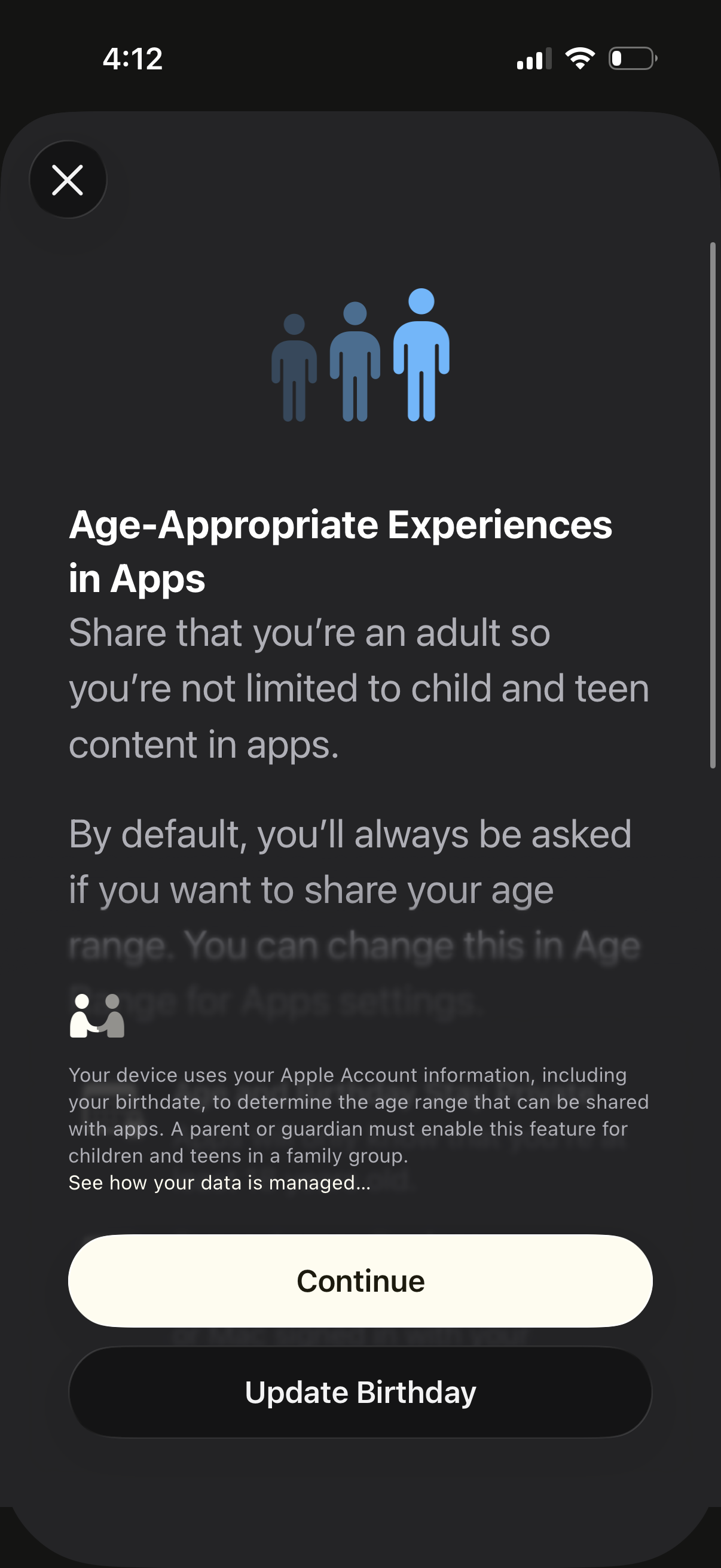
Modal onboarding screen for “Age-Appropriate Experiences in Apps” prompting the user to share their adult age range so apps aren’t limited to child/teen content, explaining how device account birthdate is used for age verification and family restrictions. Primary actions are Continue to enable the setting or Update Birthday, with a close (X) button to dismiss.
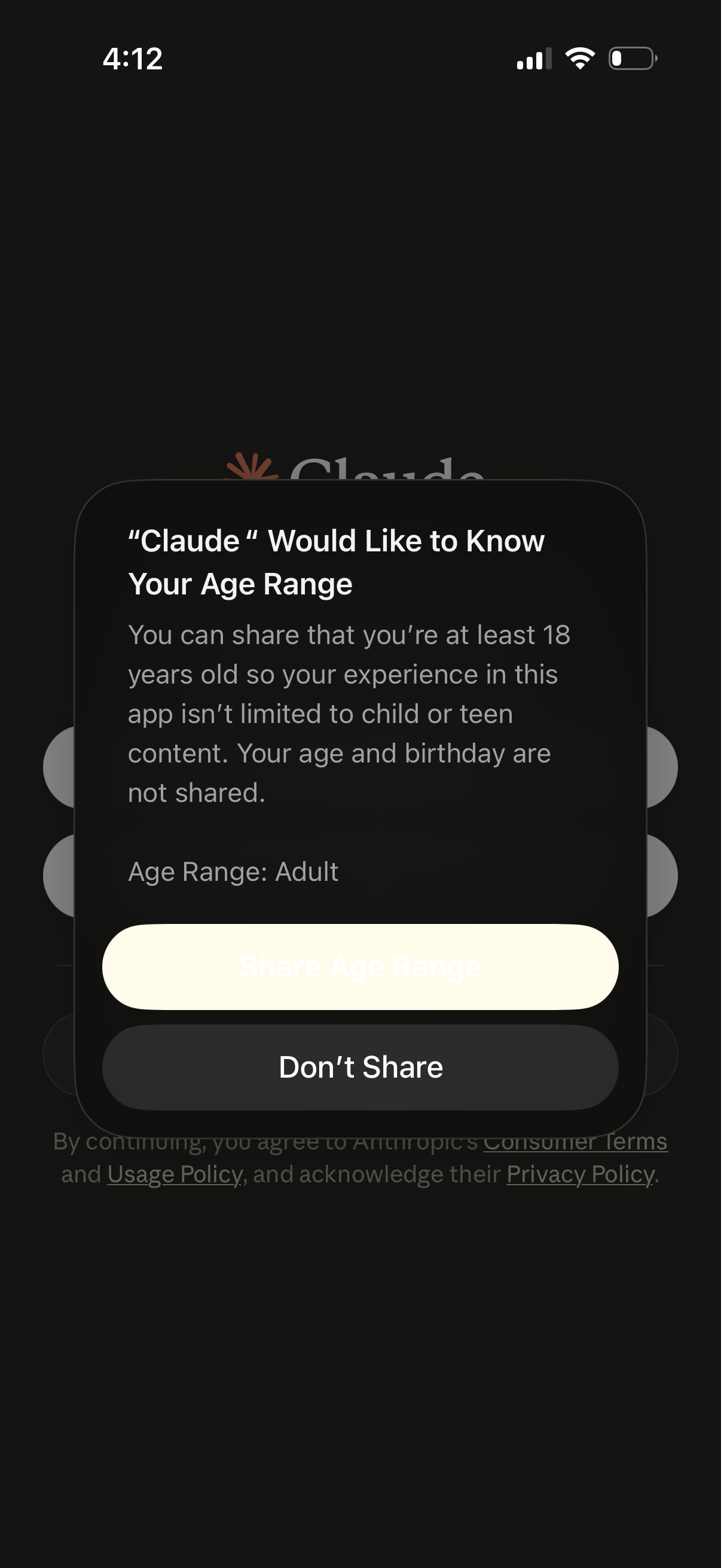
A modal permission prompt asks the user to share their age range (e. g.
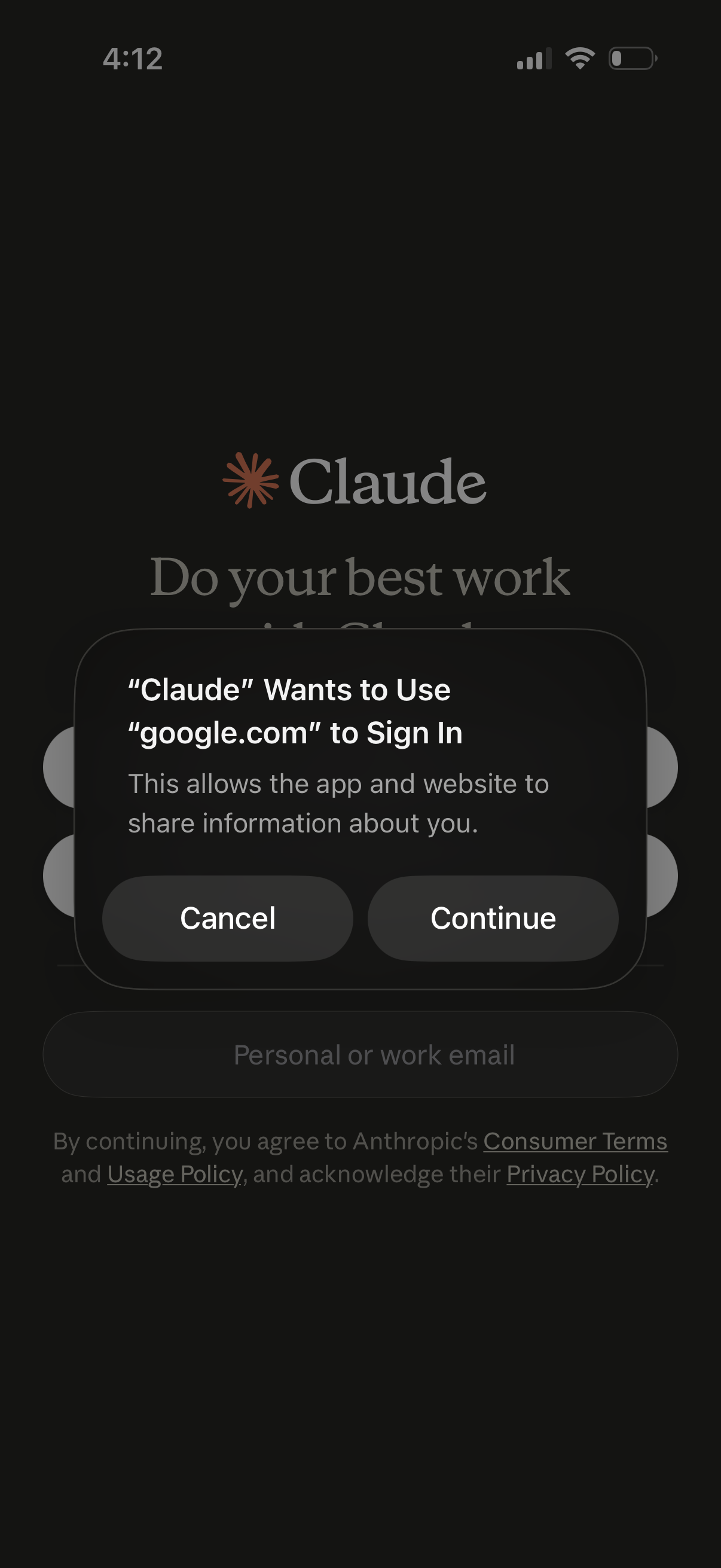
iOS sign-in authorization modal for an app using Google OAuth, asking to allow the app to use google. com to sign in and share information.
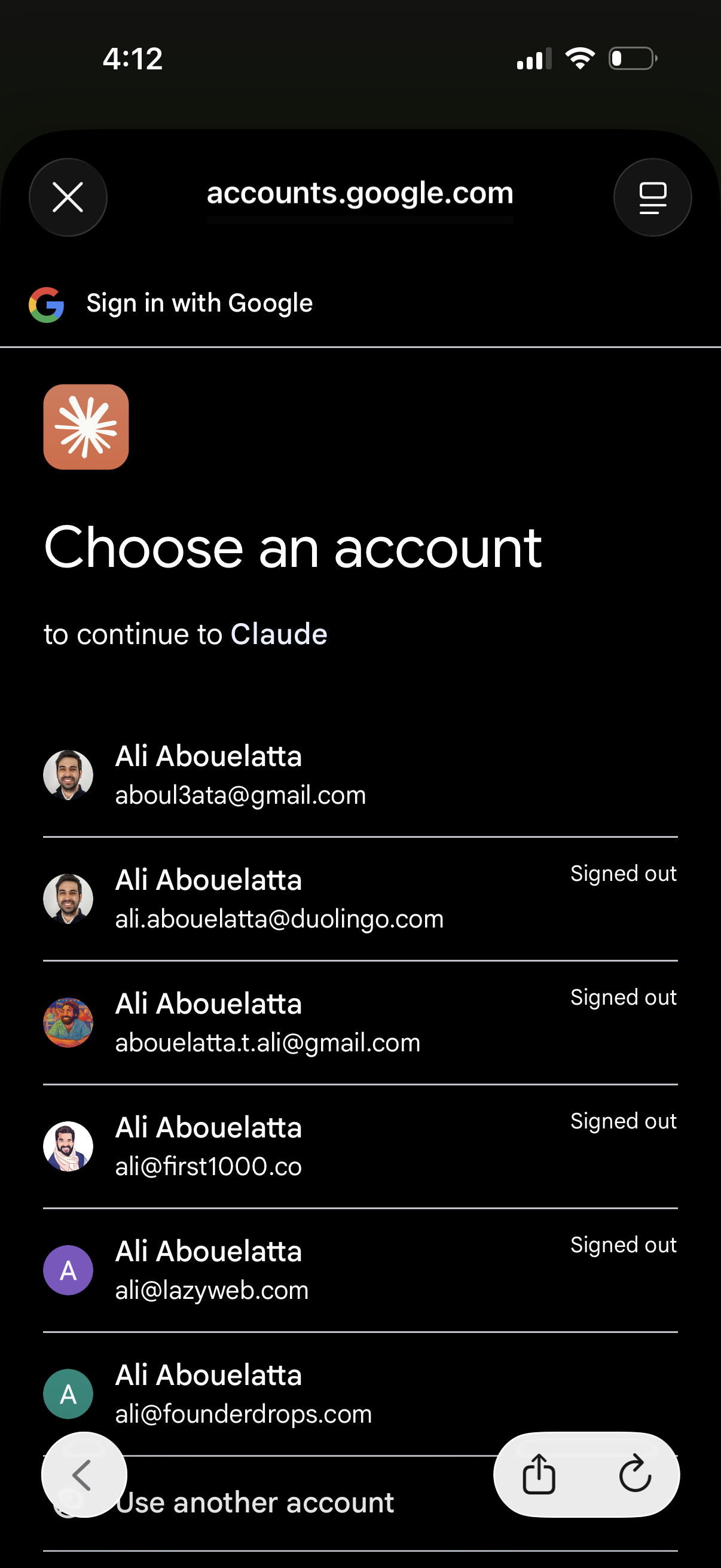
Google OAuth sign-in screen prompting the user to choose an existing Google account to continue to an app, showing a list of saved accounts with avatars, email addresses, and signed-out status. Includes an option to use another account and controls to close or manage the web sign-in window.
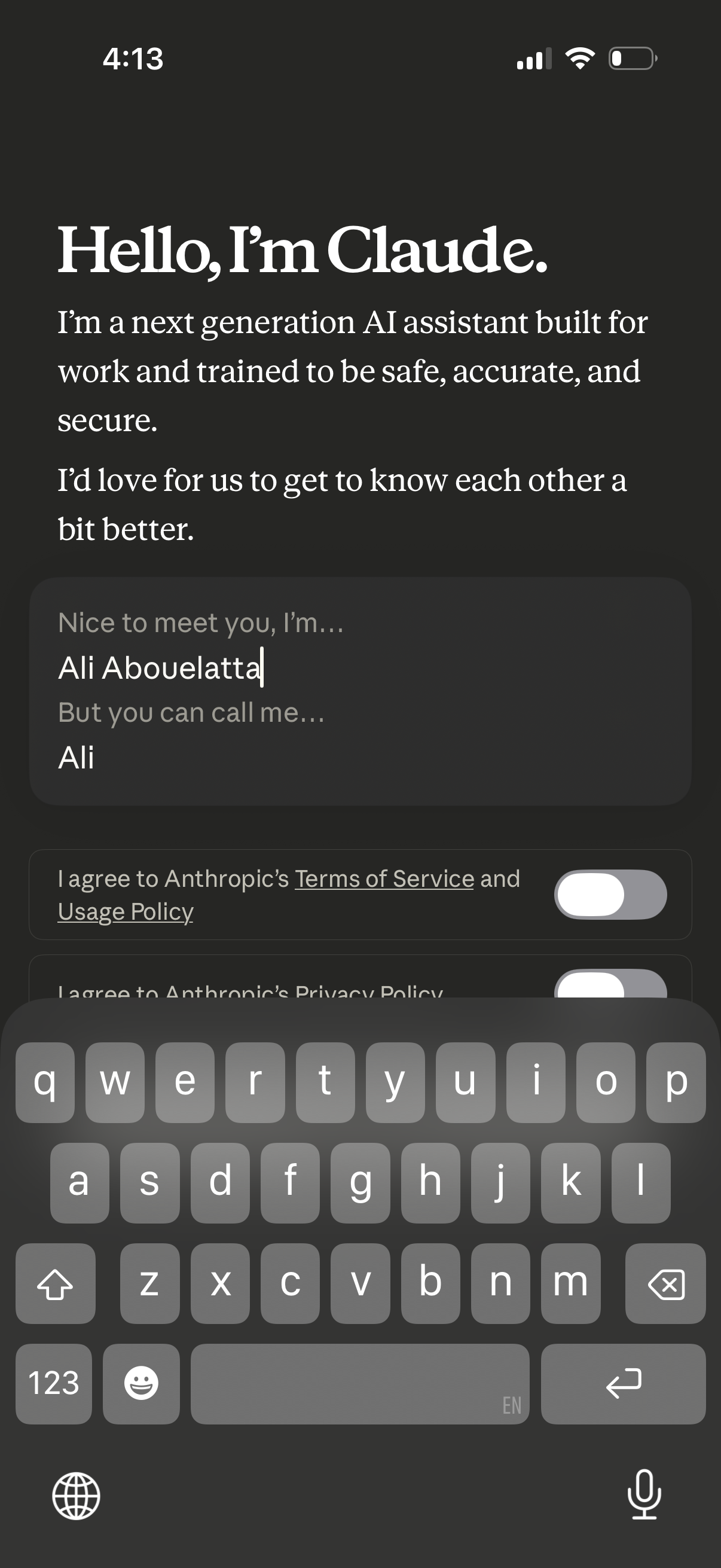
Onboarding welcome screen for an AI assistant introducing the product and asking the user to enter their full name and preferred nickname. Includes consent toggles to agree to the Terms of Service, Usage Policy, and Privacy Policy before proceeding.
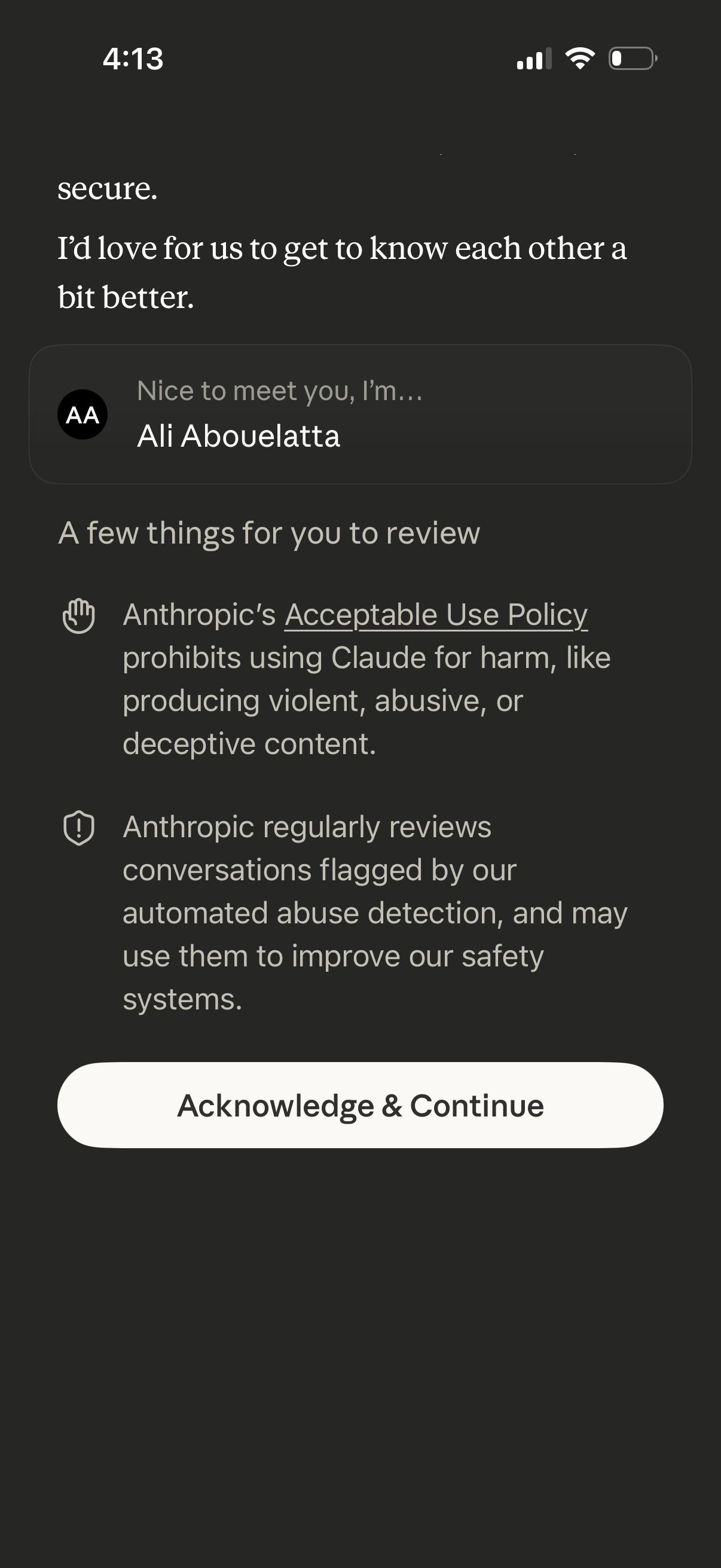
Onboarding consent screen introducing the user with their profile name and asking them to review safety and policy notices, including an acceptable use policy and conversation monitoring for abuse detection. A primary “Acknowledge & Continue” button confirms understanding and proceeds.
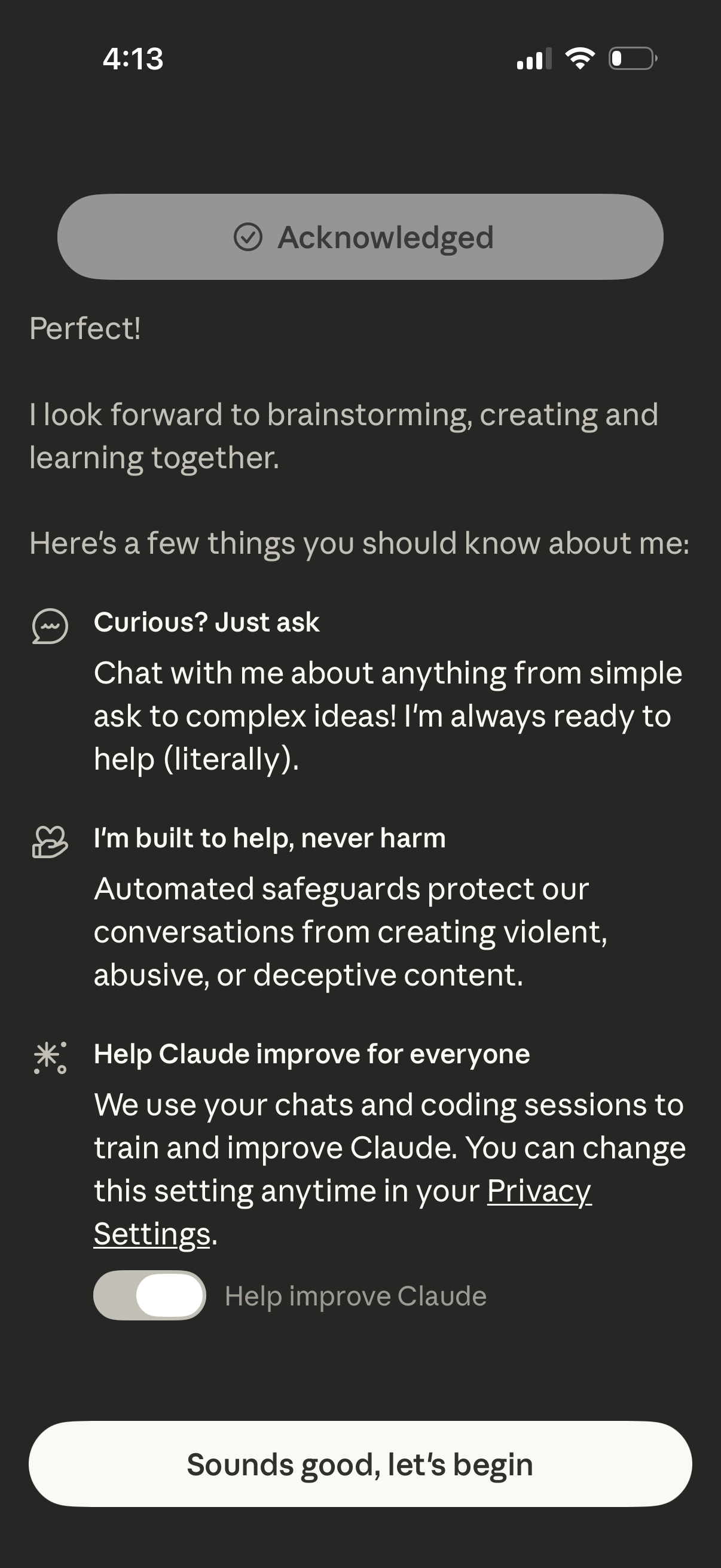
AI assistant onboarding and consent screen that explains how to chat, safety guidelines, and optional data sharing to help improve the model with a privacy settings link and toggle. Primary actions include acknowledging the information and tapping “Sounds good, let’s begin” to start using the assistant.