Sign in
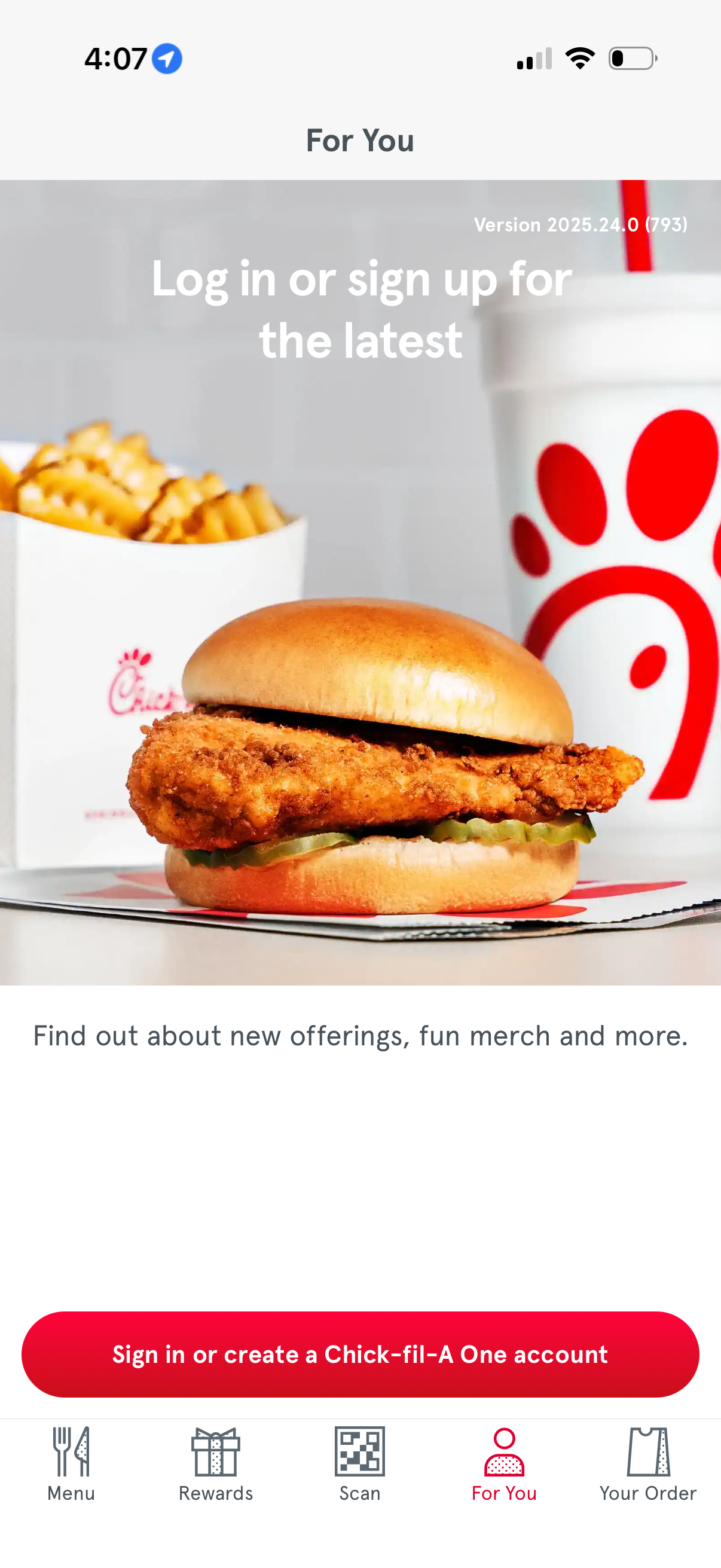
“For You” tab in a fast-food app prompting users to log in or sign up to see personalized updates like new offerings and merchandise. Features a prominent CTA button to sign in/create an account and a bottom navigation bar for Menu, Rewards, Scan, For You, and Your Order.

System permission modal prompting the user to authenticate via an external website (app wants to use a domain to sign in and share information), with primary actions to Cancel or Continue. This is a login/SSO handoff confirmation dialog over the app’s main navigation screen.

Account authentication landing page for a service, welcoming users to sign up or sign in with a “Continue with Google” social login option. A cookie consent modal overlays the screen with links to the privacy policy and actions to open the cookie preference center, reject non-essential cookies, or accept all cookies.
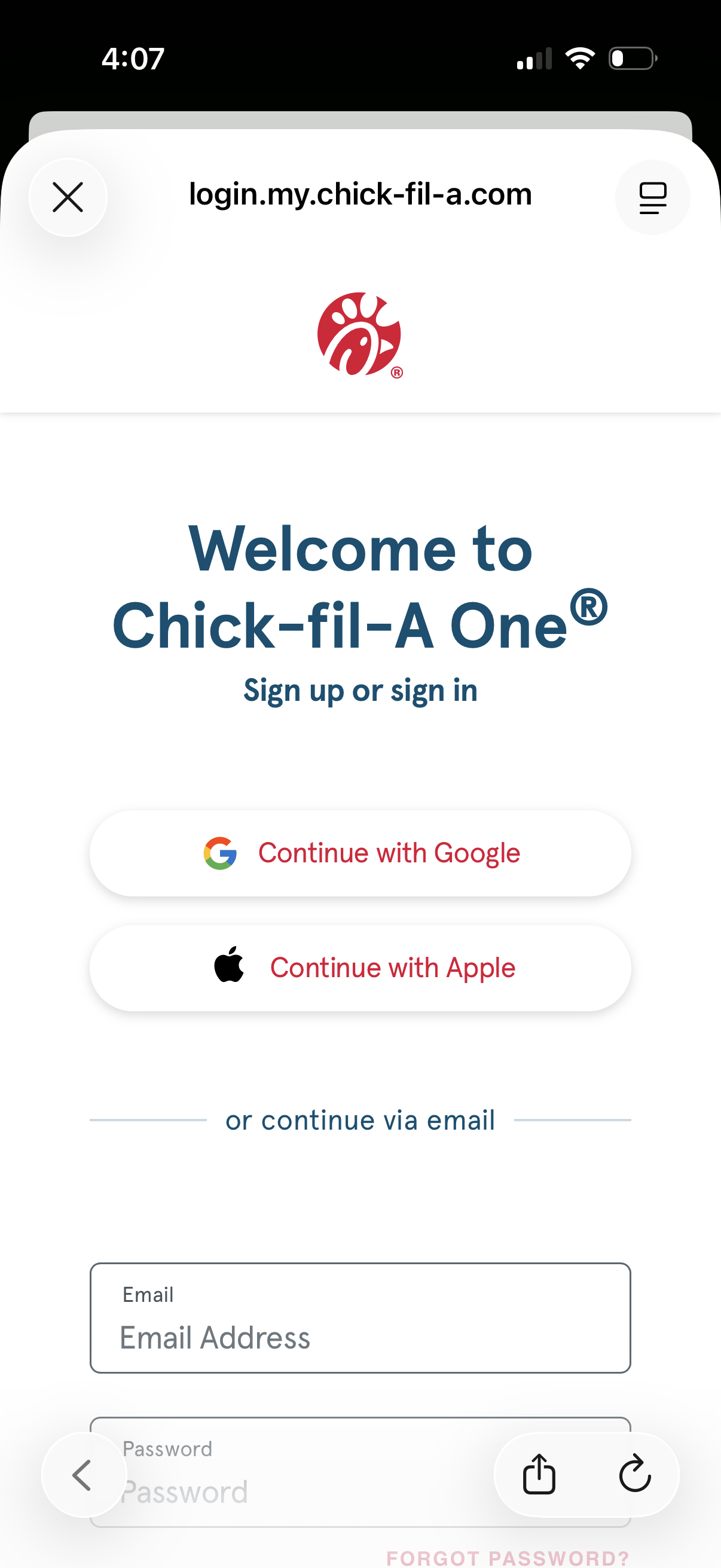
Authentication welcome screen for an account portal offering sign up or sign in, with social login buttons to continue with Google or Apple. Users can also continue via email by entering an email address and password, with a forgot password link for recovery.
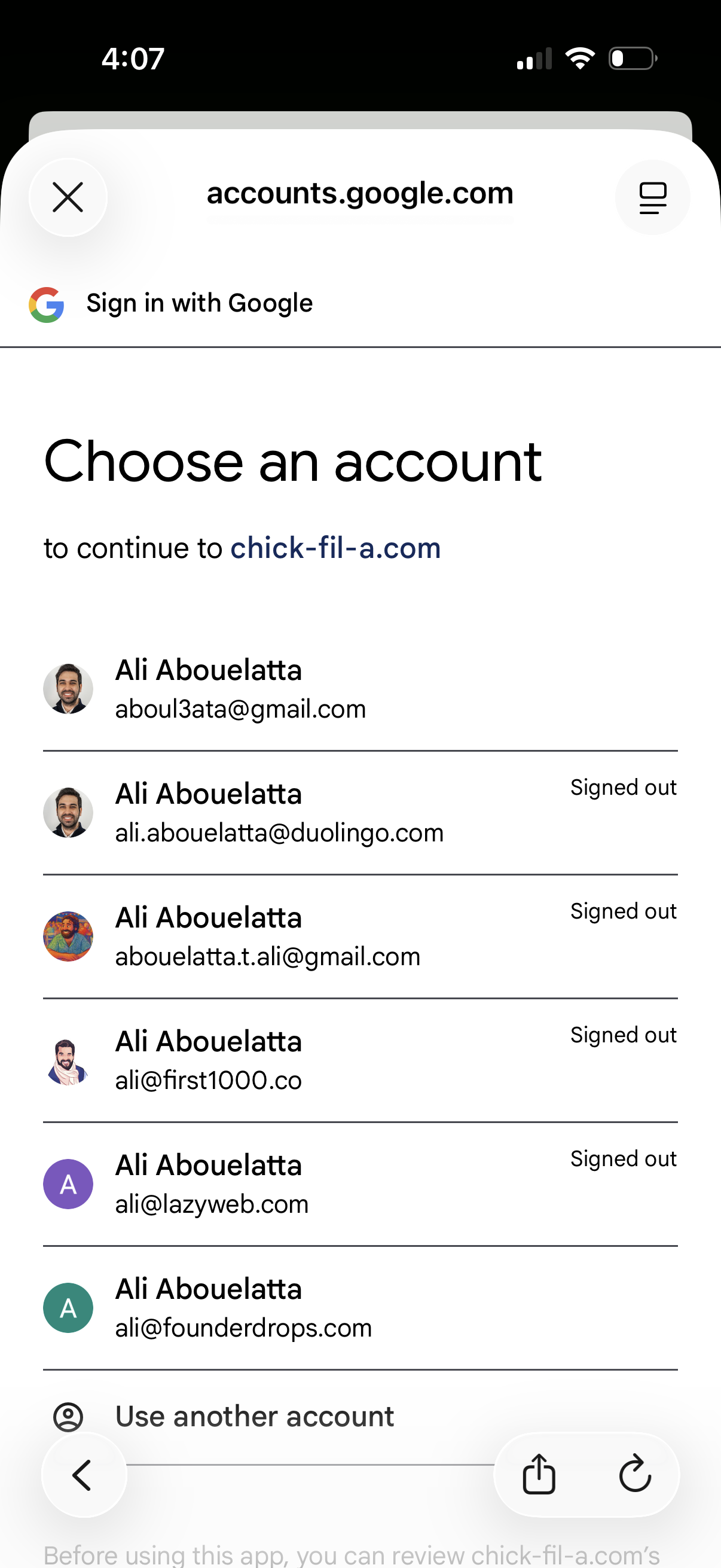
Google OAuth sign-in screen prompting the user to choose an account to continue to a website, showing a list of saved Google accounts with avatars and signed-out status. Includes an option to use another account and a close button to cancel the login flow.
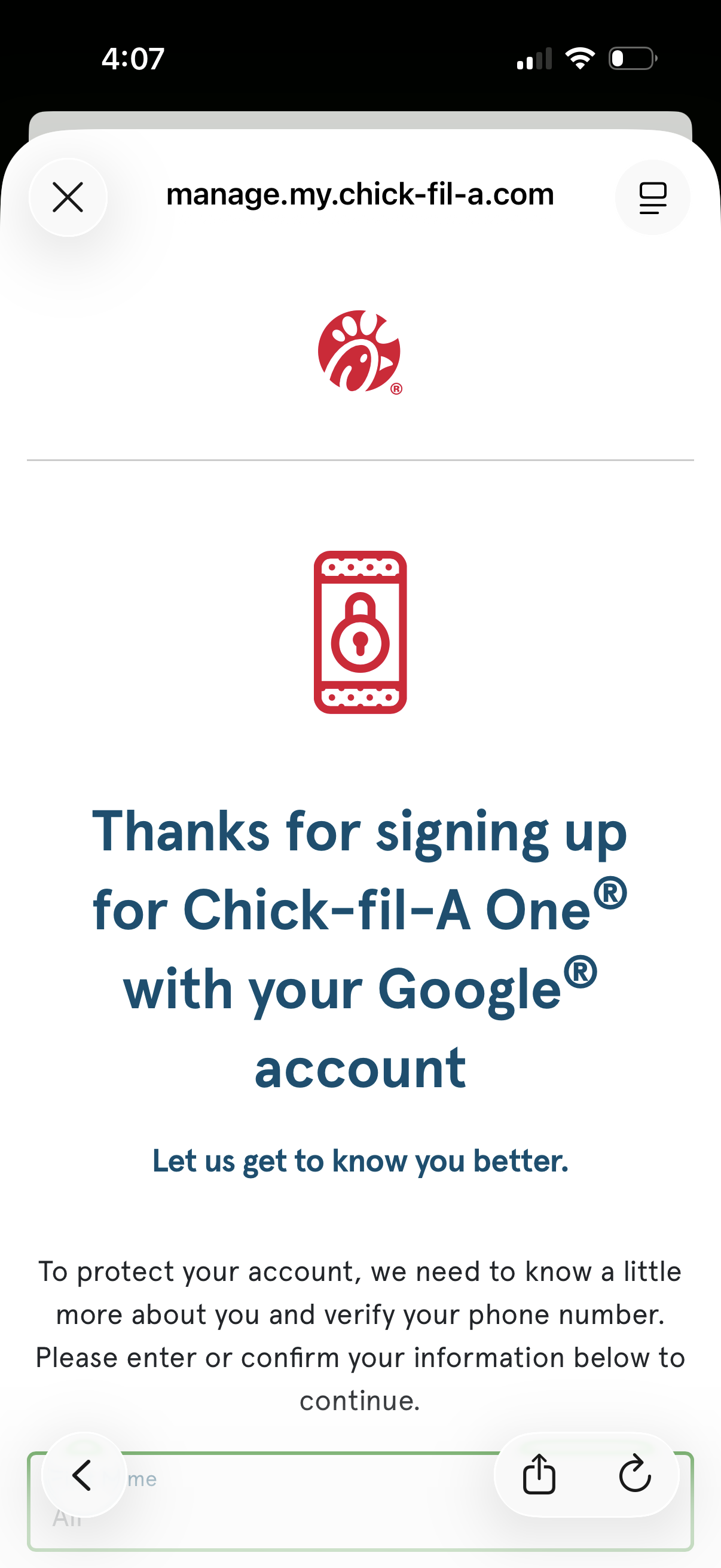
Post–sign up confirmation screen after creating an account with Google, prompting the user to complete profile details and verify their phone number for account security. Includes messaging to enter or confirm information to continue, with close/navigation controls in a mobile web view.
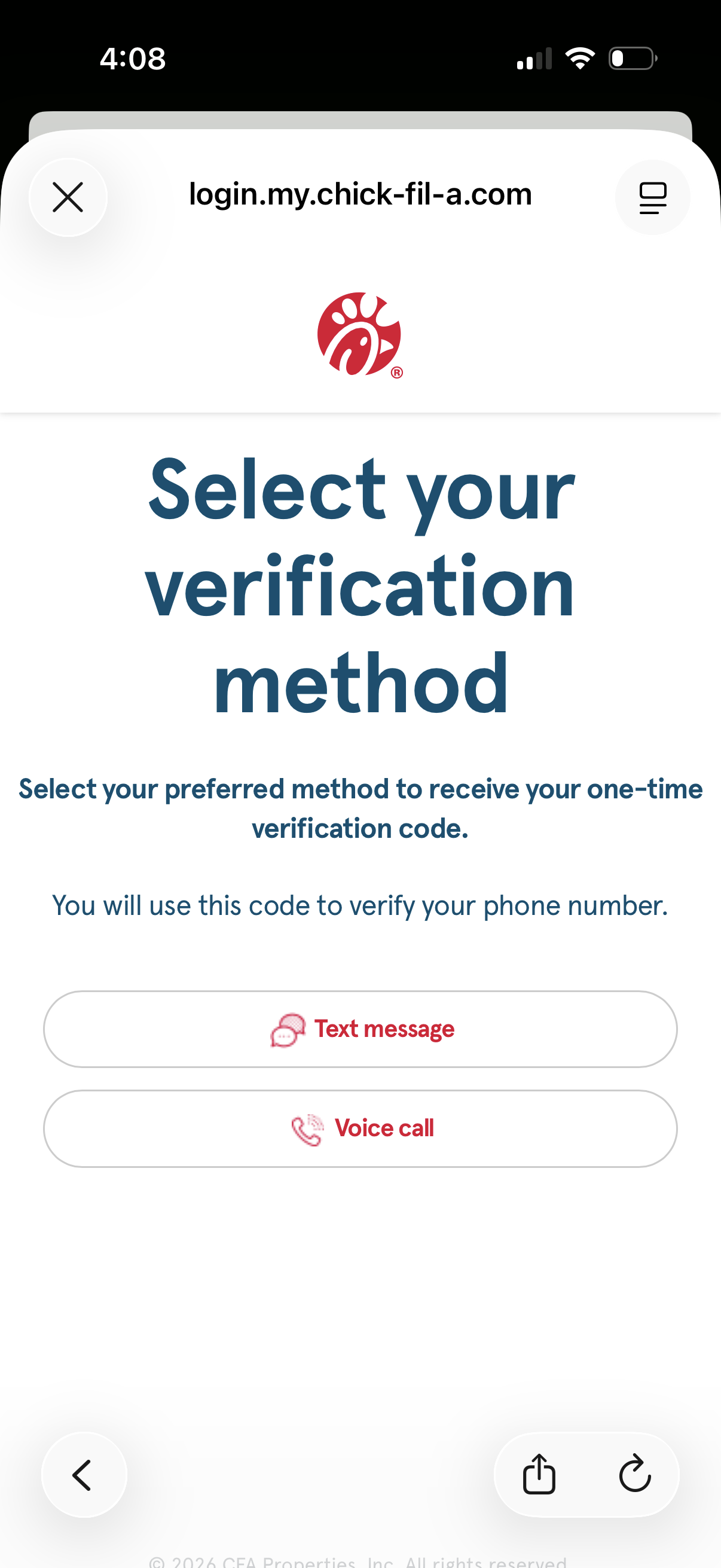
Two-factor authentication screen prompting the user to choose how to receive a one-time verification code to confirm their phone number. Provides primary actions to send the code via text message (SMS) or via voice call.

Phone number verification (SMS OTP) screen prompting the user to enter a texted verification code to confirm their masked phone number. Includes a single verification code input field and a primary “Verify & exit” button to submit and complete verification.